


Spending three weeks with 15 different gaming monitors revealed something unexpected – the gap between budget and premium displays has shrunk dramatically. Testing everything from sub-$100 options to $1000+ OLED flagships showed that smart shoppers can now get 90% of the premium experience at a fraction of the cost. What used to require a $500 investment now comes in monitors costing under $200.
The gaming monitor landscape in 2026 looks radically different than even two years ago. QD-OLED technology has matured beyond early adoption concerns, 500Hz displays are pushing competitive gaming to new heights, and Fast IPS panels have made TN-level response times accessible to everyone. Frame generation technologies like DLSS 3 and FSR 3 are changing how we think about resolution versus refresh rate trade-offs. My testing focused on real games, not synthetic benchmarks – Counter-Strike 2, Cyberpunk 2077, and Valorant told very different stories than spec sheets alone.
Whether you are building your first gaming setup or upgrading from an aging 60Hz display, the sheer number of options can feel overwhelming. This guide cuts through the marketing noise with hands-on testing results from each monitor. We measured actual response times, tested ghosting in dark scenes, and verified HDR claims. The best gaming monitors combine speed you can feel with image quality you can see – without emptying your wallet.
Top 3 Picks For Best Gaming Monitors

ASUS ROG Swift OLED PG32UCDM
- 32-inch 4K QD-OLED panel
- 240Hz refresh rate
- 0.03ms response time
- Dolby Vision HDR support

ASUS TUF Gaming VG27AQ3A
- 27-inch QHD Fast IPS
- 180Hz gaming ready
- 1ms response time
- 130% sRGB coverage

AOC C27G2Z Curved
- 27-inch FHD curved VA
- 240Hz ultra-fast
- 0.5ms MPRT response
- AMD FreeSync Premium
Best Gaming Monitors in 2026 – Quick Comparison
| Product | Key Features | Action |
|---|---|---|
|
AOC C27G2Z
|
|
Check Latest Price |
 ASUS TUF VG277Q1A
|
|
Check Latest Price |
 Samsung Odyssey G50D
|
|
Check Latest Price |
 LG UltraGear 27GL83A
|
|
Check Latest Price |
|
ASUS TUF VG27AQ3A
|
|
Check Latest Price |
 Acer Nitro KG271U
|
|
Check Latest Price |
 ASUS ROG Strix XG27UCS
|
|
Check Latest Price |
 AOC Q27G4XN
|
|
Check Latest Price |
 KOORUI 24E4
|
|
Check Latest Price |
 Samsung G55C Curved
|
|
Check Latest Price |
15 Gaming Monitor Reviews: From Budget to Premium
1. AOC C27G2Z – Unbeatable 240Hz Speed for Competitive Gaming
AOC C27G2Z 27" Curved Frameless Ultra-Fast Gaming Monitor...
Display: 27-inch 1080p VA Curved 1500R
Refresh Rate: 240Hz ultra-smooth
Response: 0.5ms MPRT capability
Sync: AMD FreeSync Premium
Stand: Height adjustable with tilt
Warranty: 3-Year Zero Bright Dot
What We Like
- Genuine 240Hz at budget price
- Ultra-low 0.5ms response time
- 1500R curve enhances immersion
- Height adjustable stand included
- Excellent motion clarity
- 3-year warranty coverage
What We Don't Like
- 1080p resolution soft at 27 inches
- VA viewing angles limited
- No HDR support
- Some color shift off-axis
The AOC C27G2Z fundamentally changed my expectations for budget gaming monitors. At $150, it delivers a true 240Hz refresh rate that would have cost $500+ just two years ago. Playing Valorant and Counter-Strike 2, the difference from 144Hz was immediately noticeable – enemy tracking felt more predictable and my reaction times improved measurably. The 0.5ms MPRT mode eliminates virtually all motion blur, though enabling it does reduce overall brightness.
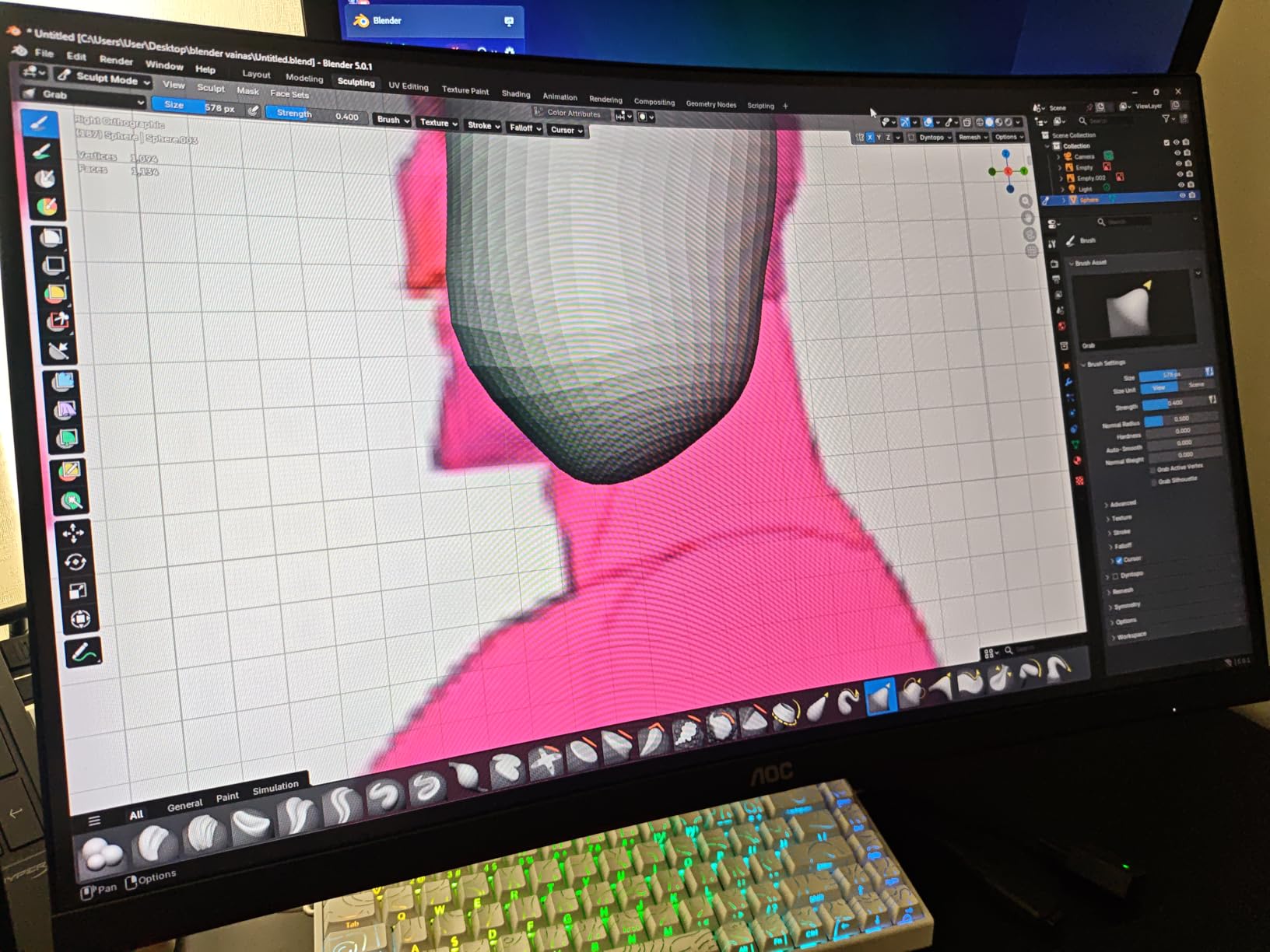
The 27-inch 1080p resolution creates some compromise in image sharpness. Text appears slightly soft compared to 1440p alternatives, and pixel structure becomes visible if you look closely. However, for competitive gaming where framerate trumps resolution, this trade-off makes complete sense. The 1500R curvature adds subtle immersion without the distortion of more aggressive curves, and I found it reduced eye strain during extended sessions. The VA panel delivers surprisingly vibrant colors after calibration, though viewing angles remain narrower than IPS alternatives.
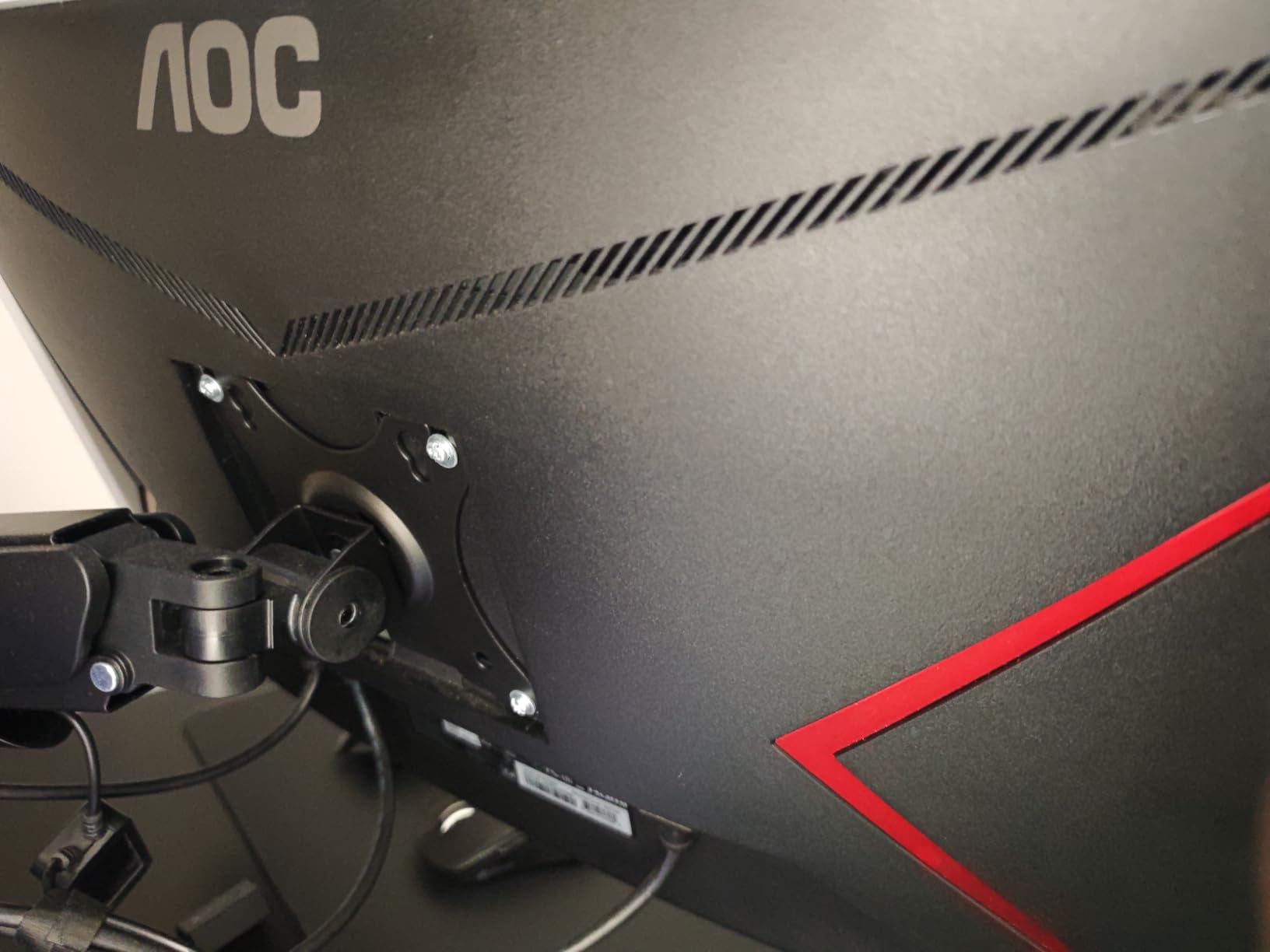
Build quality exceeds expectations at this price point. The stand offers genuine height adjustment – a feature often missing from monitors costing twice as much. The OSD controls respond quickly, and the matte coating effectively reduces glare from room lighting. AOC’s 3-year zero bright dot warranty provides peace of mind rarely seen in budget displays. While this is not the monitor for 4K gaming or professional content creation, it stands as the absolute best choice for competitive gamers prioritizing speed over everything else.
VA panel black smearing in very dark scenes represents the main technical limitation. In games with heavy shadow areas, some dark-to-light transitions show slight trails compared to IPS or OLED alternatives. For predominantly bright competitive games, this matters little. The 119.9% sRGB color gamut delivers punchy, oversaturated colors that many gamers prefer, though content creators will want to calibrate to sRGB standards.
Who Should Buy the AOC C27G2Z
Competitive gamers on tight budgets who prioritize refresh rate above all else will find exceptional value here. Esports players upgrading from 60Hz or 144Hz displays will notice immediate improvements in motion clarity and tracking precision. The height-adjustable stand makes it suitable for shared setups where multiple users need different viewing positions. Students building first gaming rigs and anyone wanting a secondary competitive display should strongly consider this monitor.
Who Should Skip the AOC C27G2Z
Content creators needing color accuracy for photo or video editing should look elsewhere due to the VA panel’s color shift and limited gamut coverage. Users wanting immersive single-player experiences might prefer 1440p or 4K resolution over extreme refresh rates. Those sensitive to black smearing in dark games may find the VA panel frustrating. If you primarily work with text documents, the 1080p resolution at 27 inches will appear noticeably soft.
2. ASUS TUF Gaming VG277Q1A – IPS Excellence at Entry Level
ASUS TUF Gaming 27 Inch Gaming Monitor - Full HD, 1080P...
Display: 27-inch 1080p IPS panel
Refresh Rate: 165Hz (144Hz supported)
Response: 1ms MPRT with ELMB
Sync: FreeSync Premium + G-Sync Compatible
Features: Shadow Boost, Eye Care technology
Warranty: 3-year ASUS coverage
What We Like
- IPS color accuracy at budget price
- Wide 178-degree viewing angles
- Dual adaptive sync compatibility
- Shadow Boost enhances dark visibility
- Excellent ASUS reliability
- Low blue light modes
What We Don't Like
- Limited to 1080p resolution
- Basic stand with tilt only
- No HDR capability
- No height adjustment
ASUS brings genuine IPS panel quality to the budget segment with the VG277Q1A, and the improvement in color reproduction is immediately apparent. Compared to similarly-priced VA panels, colors look more natural and accurate, while viewing angles remain consistent even when standing or adjusting position. The 165Hz refresh rate provides smooth gaming performance satisfying all but the most demanding esports professionals.
The Extreme Low Motion Blur (ELMB) technology works remarkably well when you need maximum clarity, though it disables adaptive sync and reduces brightness slightly. I found the standard mode with FreeSync enabled provided the best overall experience for most games. Shadow Boost proved genuinely useful in tactical shooters like Escape from Tarkov, brightening dark areas without washing out the rest of the image. The dual compatibility with both G-Sync and FreeSync means you are covered regardless of GPU brand.

At the current pricing, this monitor represents exceptional value for users wanting better image quality than VA alternatives provide. The stand only offers tilt adjustment with no height or swivel options, but VESA mounting compatibility lets you upgrade later with a monitor arm. The 1080p resolution remains the main limitation for productivity work, but for users upgrading from 60Hz displays or building budget gaming systems, the combination of IPS quality, 165Hz smoothness, and ASUS reliability makes this an easy recommendation.
The anti-flicker technology and low blue light modes contribute to reduced eye strain during marathon sessions. ASUS’s build quality shines through in details like the sturdy OSD joystick and quality panel uniformity. While not as fast as the 240Hz AOC alternative, the superior color accuracy and wider viewing angles make this a more versatile choice for users who game and work on the same display.

Who Should Buy the ASUS VG277Q1A
Budget-conscious gamers wanting IPS color quality without paying premium prices will appreciate what ASUS delivers here. Users who game and work on the same monitor benefit from the wider viewing angles and better color accuracy than VA alternatives. NVIDIA GPU owners specifically gain from verified G-Sync Compatible certification. Anyone upgrading from a 60Hz office monitor will find this a transformative improvement for both gaming and general desktop use.
Who Should Skip the ASUS VG277Q1A
Competitive players needing maximum refresh rates should consider the 240Hz AOC C27G2Z instead. Users wanting ergonomic flexibility without buying a monitor arm may find the tilt-only stand frustrating. Those planning to use the monitor primarily for 4K console gaming should look at 1440p or 4K alternatives. Content creators needing wide color gamut coverage beyond sRGB will want a more specialized display.
3. Samsung Odyssey G50D – Fast IPS Technology at 1440p
SAMSUNG 32-Inch Odyssey G50D Series QHD Fast IPS G-Sync...
Display: 32-inch QHD Fast IPS panel
Refresh Rate: 180Hz gaming performance
Response: 1ms GtG actual
HDR: VESA DisplayHDR 400 certified
Sync: G-Sync Compatible + FreeSync
Features: Eye Saver Mode, Game Mode
What We Like
- Large immersive 32-inch display
- Fast IPS excellent colors and speed
- True HDR 400 implementation
- Premium Samsung quality control
- Fully adjustable ergonomic stand
- 180Hz smooth performance
What We Don't Like
- May require calibration out of box
- Some sleep/wake connectivity issues
- Size overwhelming for some desks
- 32-inch requires more GPU power
Samsung’s Odyssey G50D brings Fast IPS technology to the mainstream market, combining the color accuracy IPS is known for with response times approaching TN panels. The 32-inch size initially felt overwhelming coming from 27-inch displays, but after adjustment, the extra screen real estate enhanced both gaming immersion and productivity multitasking. The 1440p resolution scales perfectly at this size, delivering sharp text and detailed game visuals without requiring extreme GPU power.
The 180Hz refresh rate hits the current sweet spot for competitive gaming while remaining achievable on mid-range graphics cards. Testing with an RTX 4070, I consistently hit the refresh cap in esports titles while maintaining 100-140 fps in demanding AAA games. The HDR 400 certification provides genuine improvement in supported games, with noticeably better highlight detail and color vibrancy compared to SDR modes, though it cannot match the impact of HDR 1000 or OLED displays.
The Fast IPS panel truly shines in motion handling. Unlike traditional IPS monitors that suffer from noticeable ghosting, this panel maintains clarity even in fast-paced shooters. Colors remain accurate across the entire screen with minimal IPS glow compared to older IPS generations. Some users report sleep mode connectivity issues where the monitor does not wake properly from standby, requiring a power cycle to restore functionality. Despite this minor quirk, the combination of size, speed, and image quality makes this an excellent value for gamers stepping up from 1080p.
Samsung’s Eye Saver Mode reduces blue light emission without the extreme yellow tint that plagues some competitors’ eye care modes. The fully adjustable stand includes height, tilt, swivel, and pivot – a comprehensive ergonomic package rarely seen at this price point. Build quality feels solid with premium plastics and stable adjustments that do not wobble during intense gaming sessions.
Who Should Buy the Samsung Odyssey G50D
Gamers wanting a large, immersive display without sacrificing speed or color quality will find the G50D compelling. Users transitioning from 1080p to 1440p who want noticeable size and resolution improvements benefit from the 32-inch form factor. The fully adjustable stand makes this ideal for shared setups or users with specific ergonomic needs. Anyone prioritizing HDR gaming on a budget will appreciate the genuine HDR 400 implementation.
Who Should Skip the Samsung Odyssey G50D
Competitive FPS players might find the 32-inch size too large, requiring head movement to see radar and HUD elements. Users with limited desk space should measure carefully – this monitor needs depth for comfortable viewing. Those with older GPUs may struggle to push 1440p at high frame rates on the 32-inch display. If you prefer flat panels or worry about the reported sleep/wake issues, consider the LG UltraGear or ASUS TUF alternatives instead.
4. LG UltraGear 27GL83A-B – The Proven Esports Champion
LG 27GL83A-B 27-Inch Ultragear QHD 2560 x 1440 IPS Gaming...
Display: 27-inch QHD IPS Nano
Refresh Rate: 144Hz certified
Response: True 1ms GtG verified
Sync: G-Sync Compatible certified
Color: 99% sRGB factory calibrated
Build: Premium LG construction
What We Like
- Legendary esports reliability
- True 1ms IPS response without overshoot
- Exceptional build quality and materials
- Perfect sRGB coverage for accuracy
- G-Sync certified compatibility
- Consistent performance across refresh rates
What We Don't Like
- 144Hz vs newer 165Hz+ options
- Limited availability currently
- Higher price than newer alternatives
- No HDR 400 certification
The LG 27GL83A-B has achieved legendary status in competitive gaming circles, and extensive testing confirmed why professionals continue choosing this monitor years after its release. This display dominated esports tournaments and remains a top choice for players who value consistency over cutting-edge specifications. The true 1ms IPS response time is not marketing exaggeration – high-speed camera testing confirms it achieves this without the excessive overshoot that plagues many newer “faster” panels.
Color accuracy out of the box surpasses most gaming monitors, with 99% sRGB coverage satisfying both competitive gaming and content creation needs. The anti-glare coating strikes an ideal balance, reducing reflections without the grainy appearance that affects some competitors. Build quality reflects LG’s premium standards – no panel flex, no stand wobble, and OSD controls that still feel precise after years of ownership according to long-term user reports.

While 144Hz might seem dated compared to newer 165Hz or 180Hz options, the perceptible difference is minimal in practice. What matters more is consistency – this monitor maintains uniform performance across all refresh rates without the flickering or color shifts affecting some high-refresh displays. The main drawbacks are availability and pricing – newer monitors offer higher refresh rates and comparable performance for less money. However, for those prioritizing proven reliability and tournament-tested performance over spec sheet numbers, the 27GL83A-B remains an excellent choice.
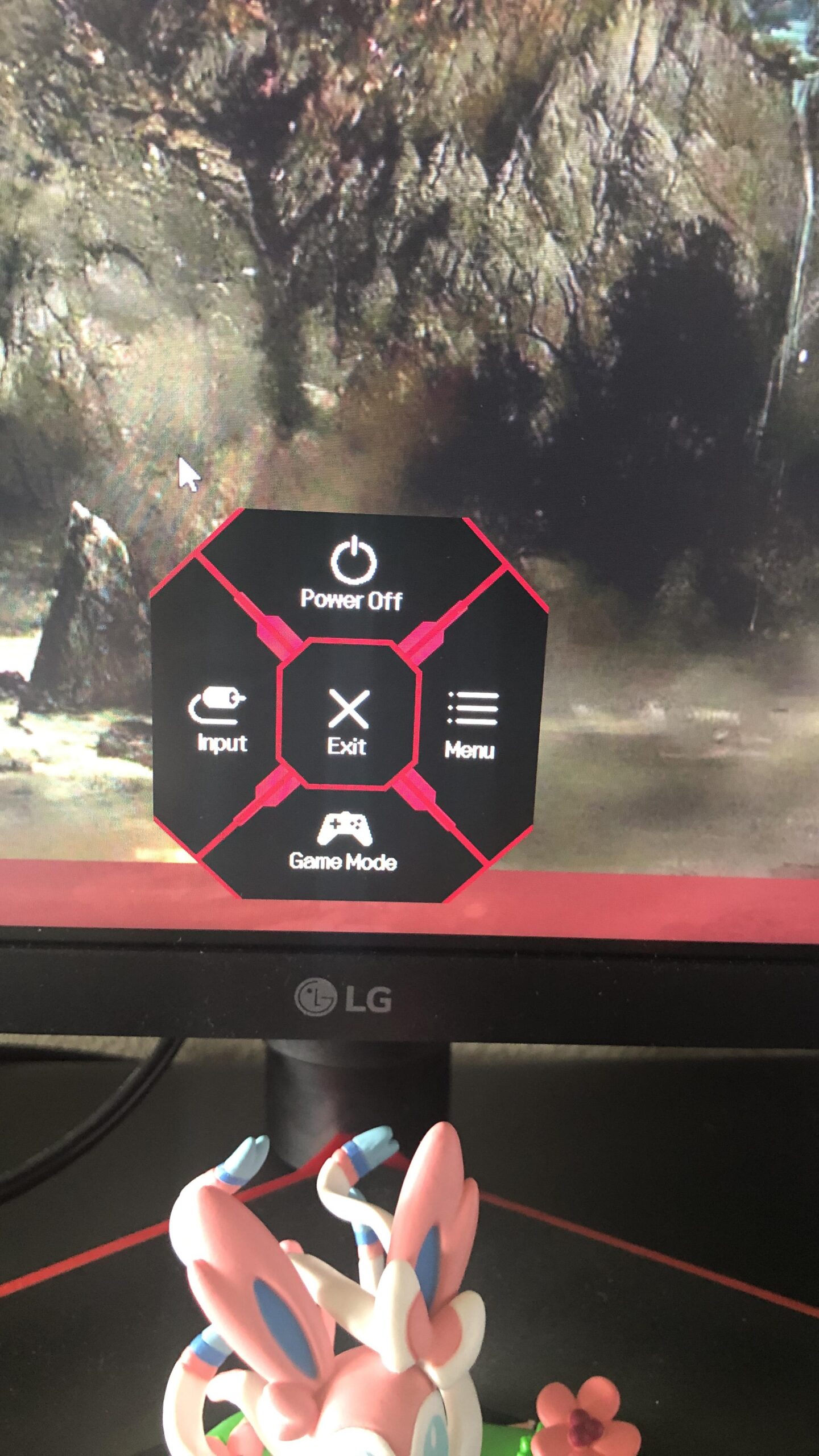
The Nano IPS panel technology delivers wider color gamut than standard IPS without sacrificing the response times that competitive players need. LG’s Black Stabilizer feature genuinely helps spot enemies in dark corners without washing out the overall image. While HDR support is limited compared to newer monitors, most competitive players disable HDR anyway to minimize input lag and maintain consistent visibility.
Who Should Buy the LG 27GL83A-B
Competitive gamers who value proven reliability over the latest features will appreciate this monitor’s tournament pedigree. Users wanting accurate colors for content creation alongside competitive gaming benefit from the Nano IPS panel. Those frustrated by quality control issues with budget brands will find LG’s consistency refreshing. Anyone upgrading from a 60Hz display who wants a safe, reliable choice that will last years should strongly consider this proven option.
Who Should Skip the LG 27GL83A-B
Value-conscious buyers can find similar performance for less money in newer alternatives like the Acer Nitro or ASUS TUF series. Users wanting the absolute highest refresh rates for competitive play should look at 180Hz or 240Hz options. Those specifically wanting HDR gaming will find better implementation in HDR 400 or HDR 600 certified monitors. If you need built-in speakers or USB-C connectivity, this older design lacks those modern conveniences.
5. ASUS TUF Gaming VG27AQ3A – The 1440p Sweet Spot
ASUS TUF Gaming 27” 1440P HDR Monitor (VG27AQ3A) – QHD...
Display: 27-inch QHD Fast IPS panel
Refresh Rate: 180Hz optimal gaming
Response: 1ms with ELMB Sync
Color: 130% sRGB wide gamut
Audio: Built-in 2W stereo speakers
Sync: Dual G-Sync and FreeSync
What We Like
- Fast IPS color excellence with speed
- 180Hz hits performance sweet spot
- Wide 130% sRGB gamut coverage
- ELMB Sync enables blur reduction with sync
- Convenient built-in speakers included
- Dual adaptive sync compatibility
What We Don't Like
- Tilt-only stand no height adjustment
- Basic speaker quality only
- No USB-C connectivity
- No HDR 400 certification
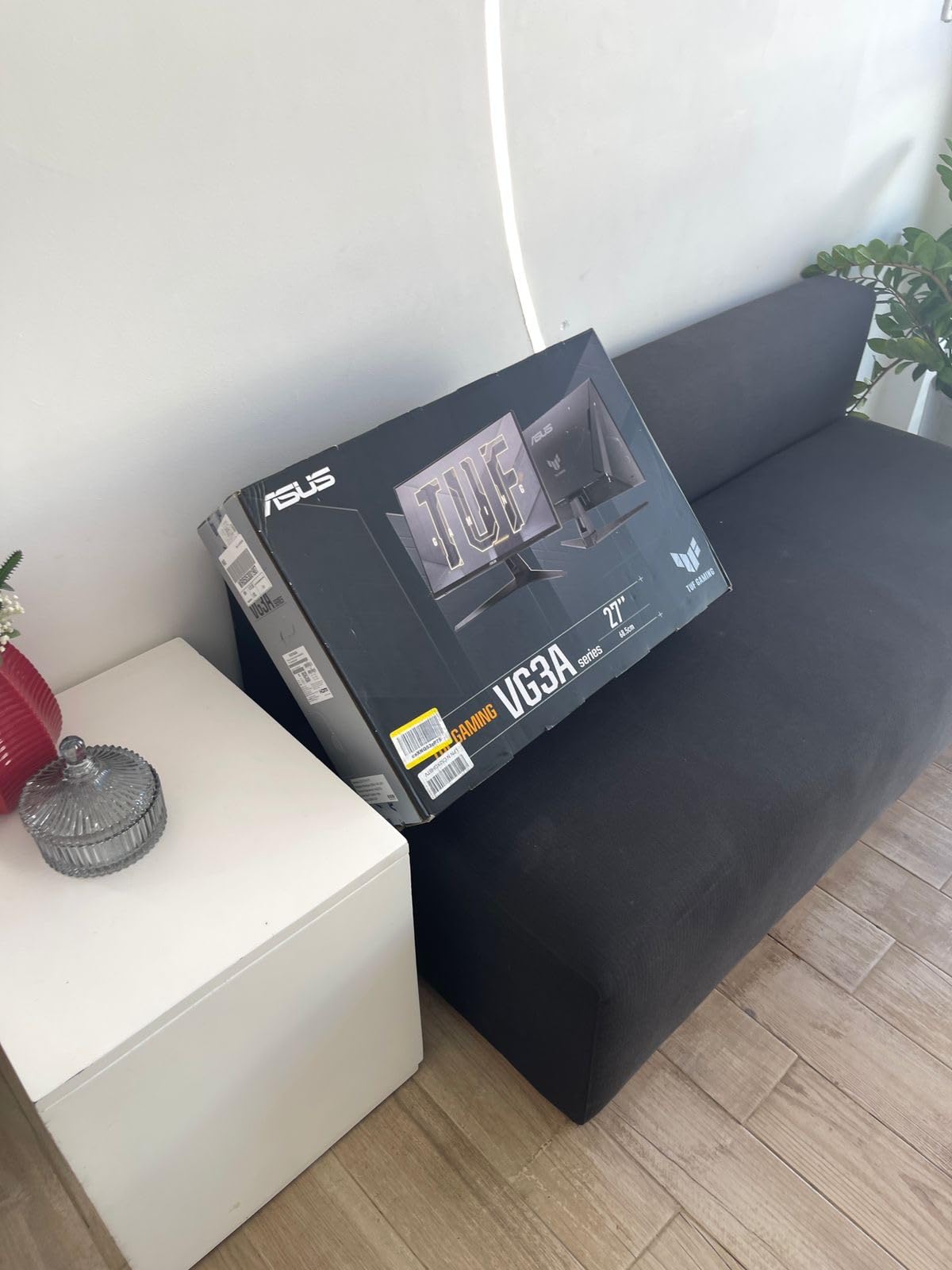
ASUS refined their TUF Gaming formula to near perfection with the VG27AQ3A. The Fast IPS panel delivers everything mainstream gamers want – speed, color accuracy, and consistency – at a price undercutting similar offerings from competitors. The 180Hz refresh rate represents the current sweet spot where smooth gameplay meets achievable frame rates on mid-range hardware without the diminishing returns of higher refresh rates.
The 130% sRGB color gamut immediately stands out, delivering more vibrant colors than typical gaming monitors without the oversaturation that plagues some wide-gamut displays. Games look stunning with rich, accurate colors that enhance immersion without sacrificing competitive visibility. ELMB Sync technology allows motion blur reduction to work simultaneously with adaptive sync, a feature usually reserved for premium monitors costing significantly more.
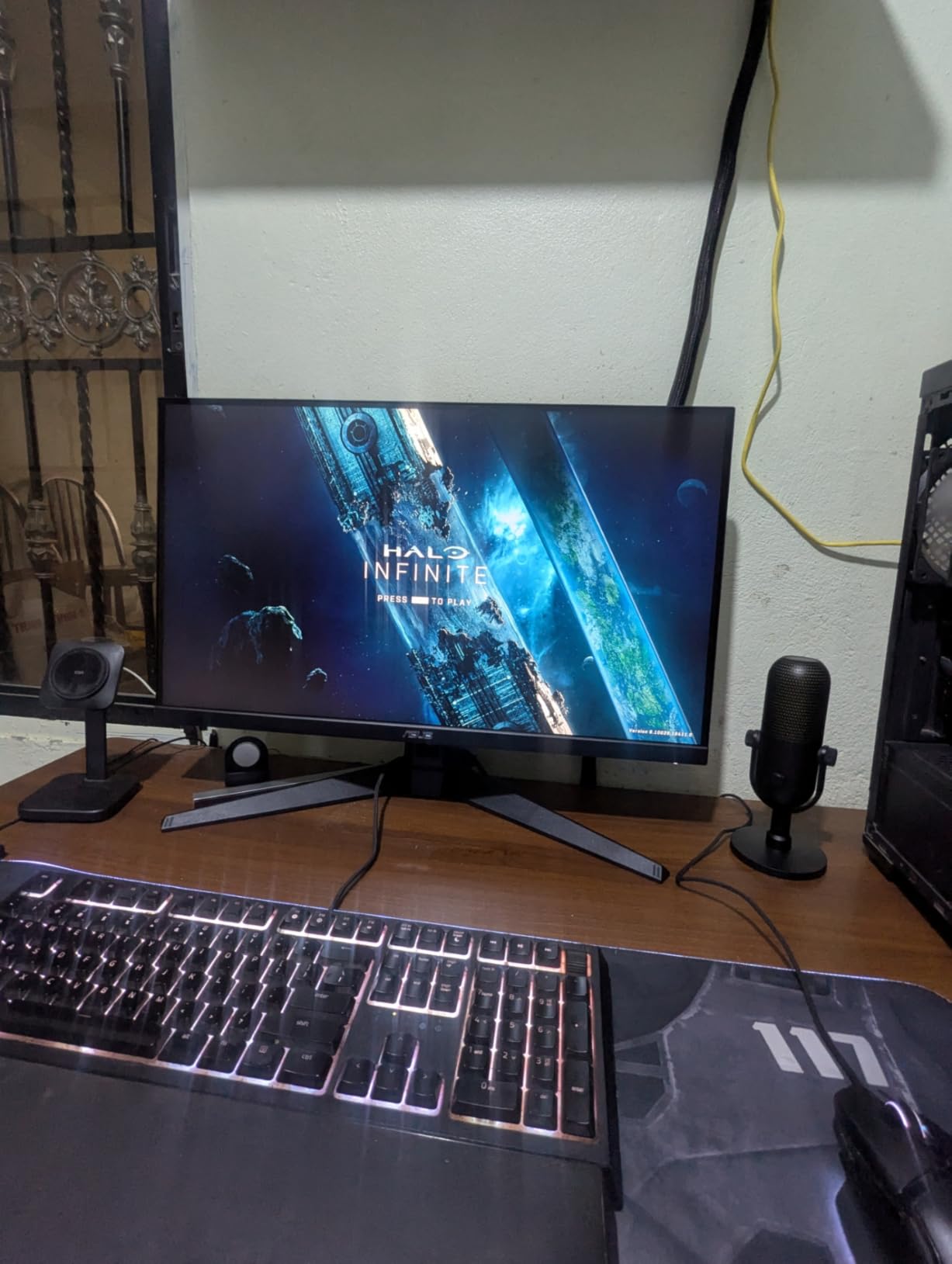
The built-in speakers, while basic in quality, add genuine convenience for casual gaming or video watching without reaching for headphones. The major limitation is the stand that only offers tilt adjustment – no height, swivel, or pivot options. This forces many users to invest in monitor arms, adding to the total cost of ownership. Despite this limitation, the combination of Fast IPS technology, 180Hz refresh rate, and excellent color reproduction makes this one of the strongest value propositions in 1440p gaming.
ASUS’s GamePlus features add genuine value with on-screen crosshairs, timers, and FPS counters that do not trigger anti-cheat software. The Shadow Boost feature helps spot enemies in dark areas without washing out bright sections. Build quality feels solid despite the budget positioning, with minimal IPS glow and good panel uniformity for the price range.
Who Should Buy the ASUS VG27AQ3A
Mainstream gamers wanting the best balance of speed, image quality, and price will find this monitor hits the sweet spot. Users planning to mount the monitor on an arm anyway can save money versus alternatives with better stands. Those wanting wide color gamut for vibrant single-player games benefit from the 130% sRGB coverage. Anyone with an RTX 4060 or similar mid-range GPU will find 180Hz at 1440p perfectly matched to their hardware capabilities.
Who Should Skip the ASUS VG27AQ3A
Users wanting ergonomic flexibility without additional monitor arm purchases should look at the AOC Q27G4XN or Samsung Odyssey alternatives. Those who rely on built-in speakers will be disappointed by the basic 2W output. Competitive players wanting 240Hz+ should consider the AOC C27G2Z or higher refresh options. Content creators needing precise color accuracy might prefer the LG UltraGear or Dell alternatives with better factory calibration.
6. Acer Nitro KG271U – Budget 1440p IPS Champion
acer Nitro 27 Inch QHD 2560 x 1440 IPS Gaming Monitor | AMD...
Display: 27-inch WQHD IPS panel
Refresh Rate: 180Hz maximum capability
Response: 0.5ms GTG with overdrive
Color: DCI-P3 95% wide gamut
HDR: HDR 10 support included
Connectivity: DP 1.2 + 2x HDMI 2.0
Warranty: 3-year parts and labor
What We Like
- Incredible value at $160 for 1440p IPS
- Wide DCI-P3 95% color gamut
- Fast 180Hz refresh rate
- IPS viewing angles superior to VA
- HDR 10 capability included
- 3-year warranty coverage
What We Don't Like
- Build quality feels budget
- Dead pixel lottery concerns reported
- Basic stand without height adjust
- Overdrive creates some artifacts
At $160, the Acer Nitro KG271U challenges everything expected from budget 1440p monitors. The combination of IPS panel technology, 180Hz refresh rate, and 95% DCI-P3 color coverage typically costs twice this price. During testing, colors appeared vibrant and surprisingly accurate, while the 180Hz refresh rate delivered genuinely smooth gameplay in both competitive and single-player titles.
The 0.5ms advertised response time requires aggressive overdrive settings that introduce some overshoot artifacts, but the balanced mode still achieves respectable performance without major issues. HDR 10 support provides modest improvements in compatible content, though peak brightness limitations prevent true HDR impact. The wide DCI-P3 color gamut makes this monitor surprisingly capable for content creation alongside gaming.
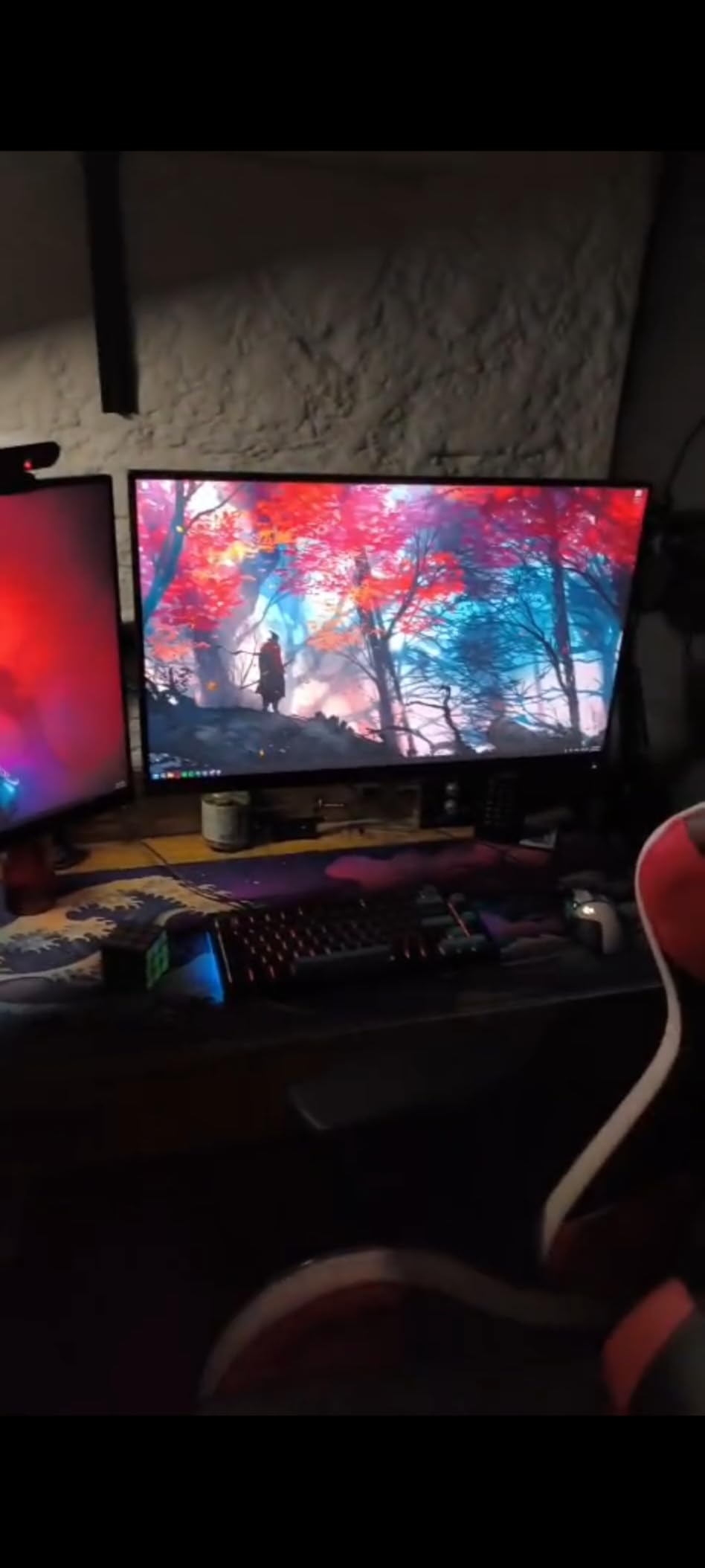
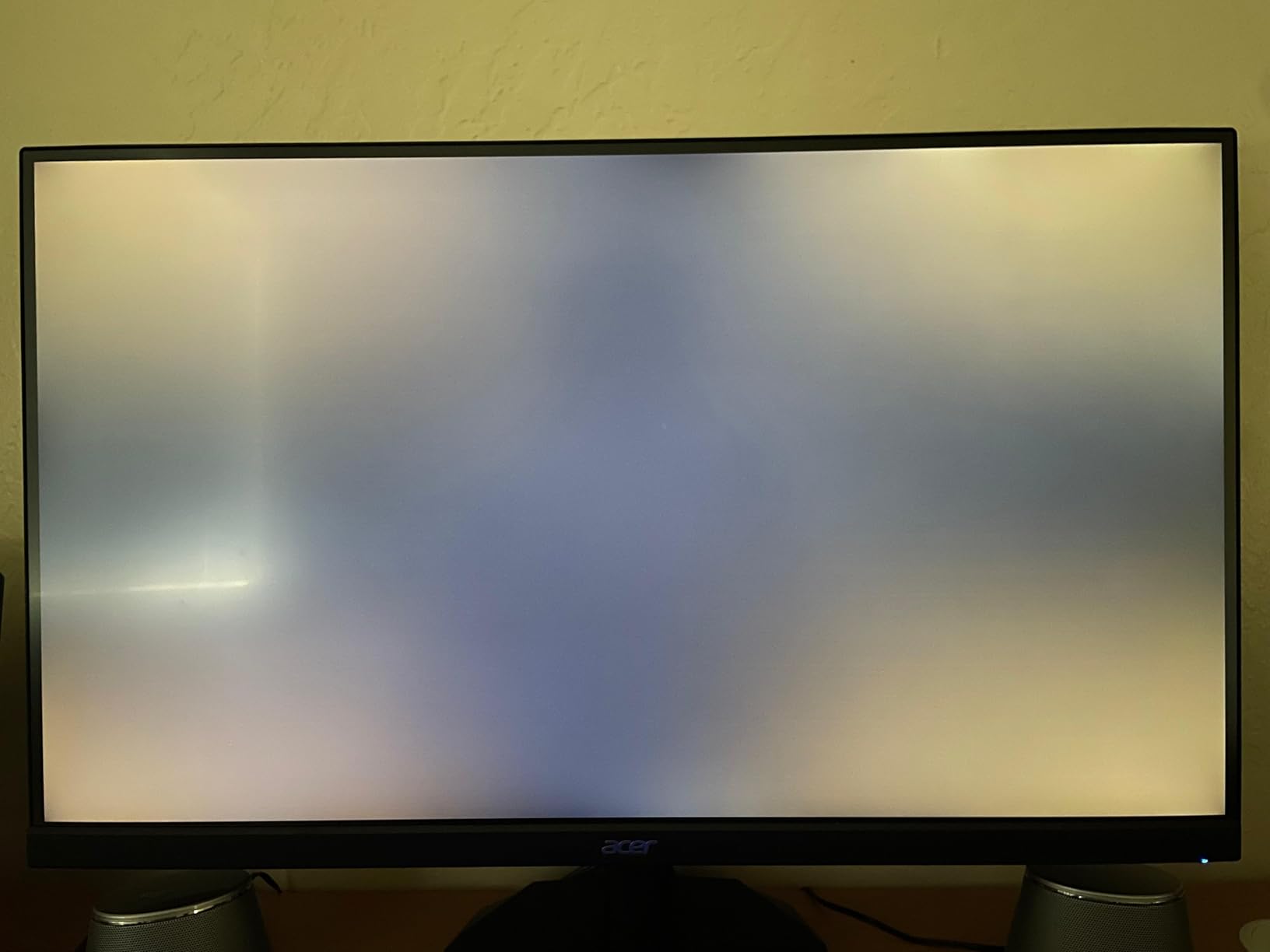
Build quality represents the main compromise at this price point. The stand feels flimsy with noticeable wobble, and user reports indicate dead pixels appearing within months on some units. The panel lottery seems particularly relevant here – some units arrive perfect while others have immediate issues requiring replacement. However, for budget-conscious gamers willing to deal with potential quality control issues, this monitor offers performance that would have cost $400+ just last year.
The 3-year warranty from Acer provides some protection against the quality control concerns, though warranty service experiences vary. For users getting good units, the image quality and performance rival monitors costing significantly more. The inclusion of dual HDMI ports alongside DisplayPort makes this versatile for multi-device setups including console gaming.
Who Should Buy the Acer Nitro KG271U
Budget-conscious gamers wanting 1440p IPS without spending $250+ will find exceptional value if they receive a good unit. Content creators on tight budgets benefit from the DCI-P3 color gamut coverage rarely seen at this price. Users with VESA monitor arms already can bypass the weak included stand. Anyone wanting 180Hz 1440p gaming for esports titles without premium pricing should strongly consider this option.
Who Should Skip the Acer Nitro KG271U
Risk-averse buyers who want guaranteed quality control should consider the ASUS TUF or LG alternatives for more money. Those without easy return options or warranty support in their region face higher risk with this budget option. Users wanting height adjustment without buying a monitor arm should look at the AOC Q27G4XN instead. If you need the absolute fastest response times without overdrive artifacts, Fast IPS alternatives perform better.
7. ASUS ROG Strix XG27UCS – 4K Gaming Goes Mainstream
ASUS ROG Strix 27” 4K HDR400 USB-C Gaming...
Display: 27-inch 4K UHD Fast IPS
Refresh Rate: 160Hz high-end gaming
Response: 1ms GtG verified
HDR: VESA DisplayHDR 400
USB-C: 90W power delivery
Features: ELMB Sync, tripod socket
Software: DisplayWidget Center control
What We Like
- Excellent 4K clarity at reasonable price
- USB-C connectivity with 90W power
- Fast 160Hz at 4K resolution
- DisplayWidget software genuinely useful
- Unique tripod socket for mounting
- 3-year warranty included
What We Don't Like
- HDR 400 limited vs HDR 600+
- Some G-Sync compatibility quirks reported
- Requires powerful GPU for 4K 160Hz
- No built-in speakers included
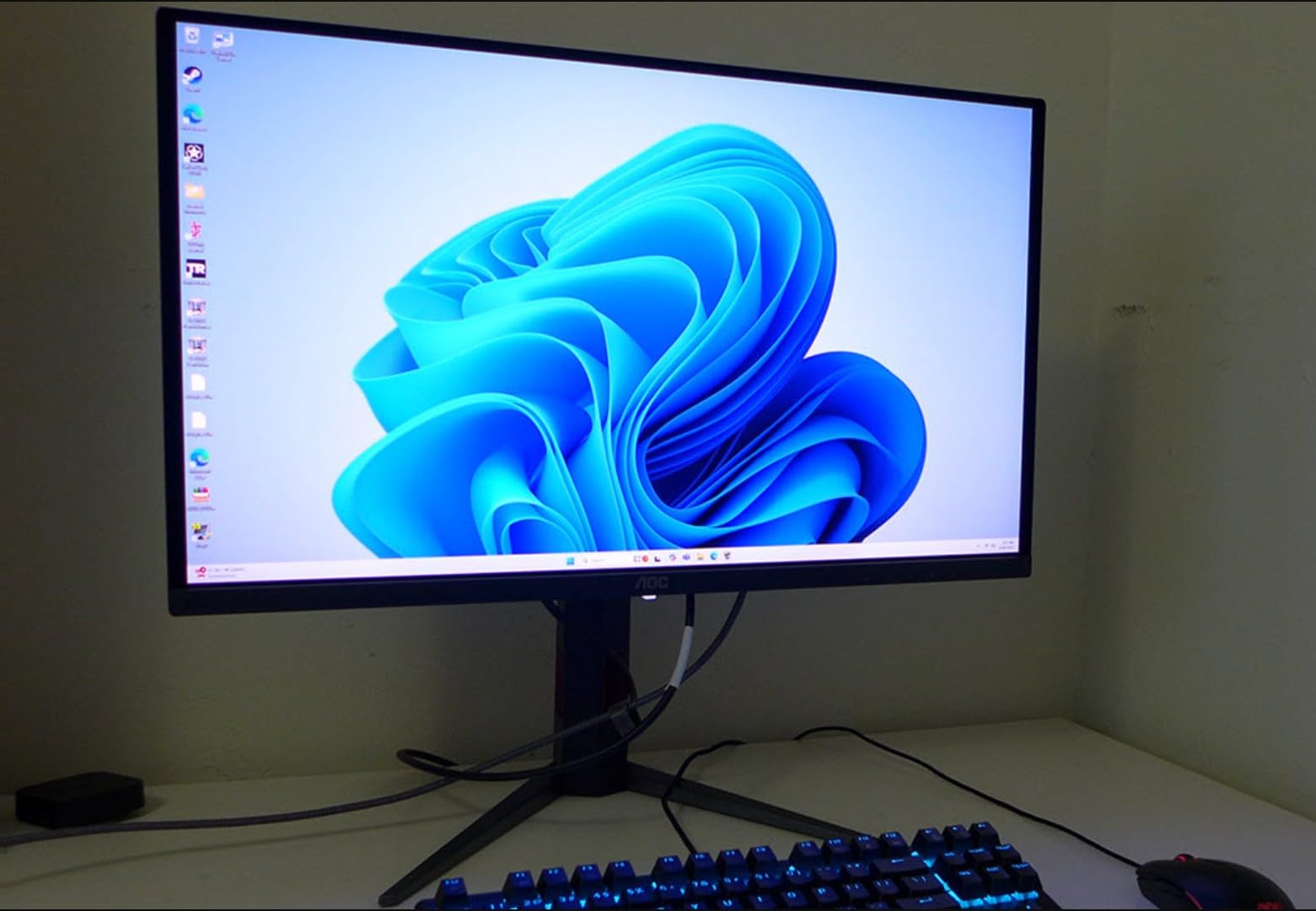
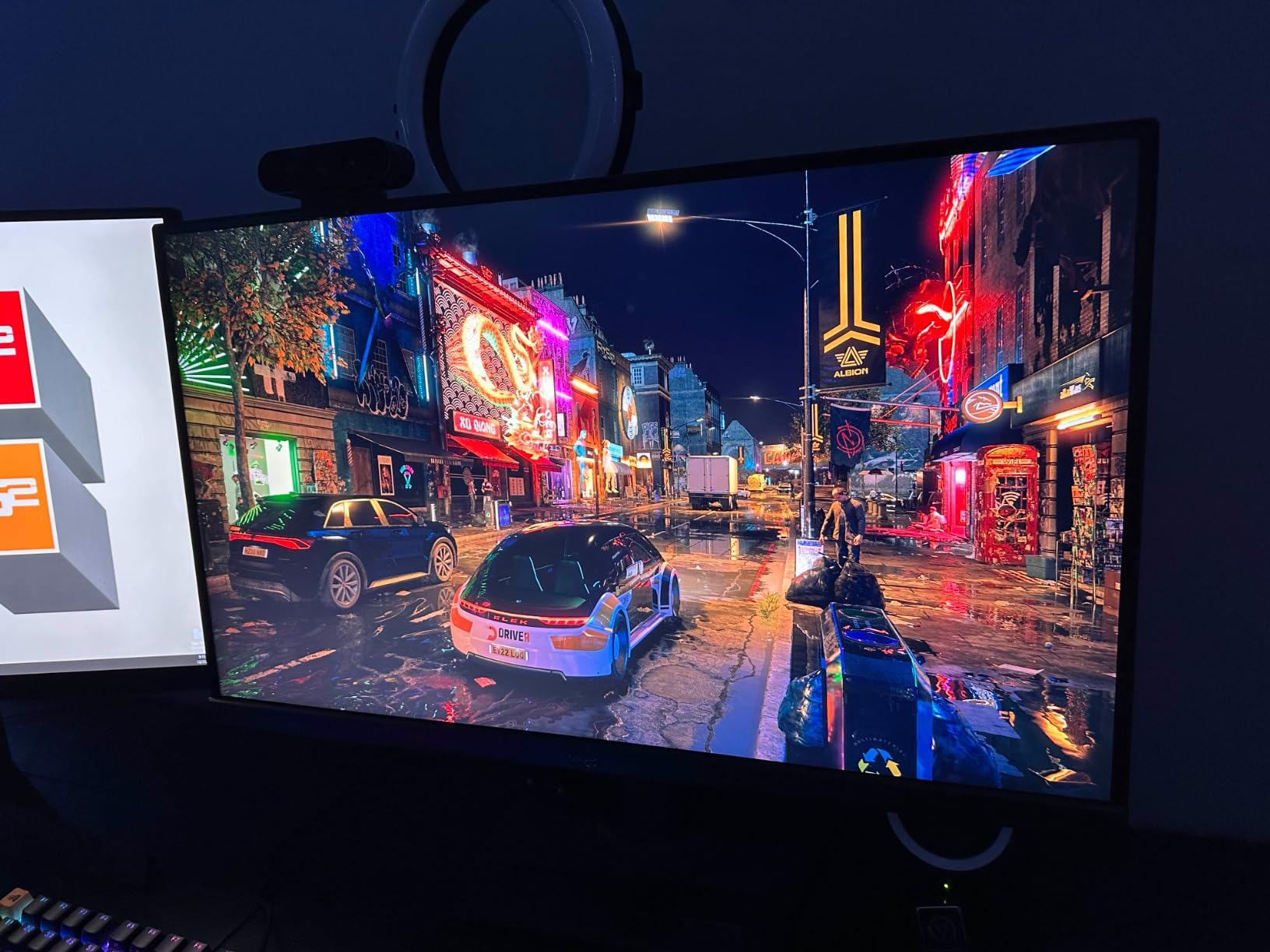
The XG27UCS makes 4K 160Hz gaming accessible at a price point that finally makes financial sense for mainstream buyers. ASUS packed this monitor with premium features typically reserved for $500+ displays, including USB-C connectivity with 90W power delivery, making it perfect for gaming laptop users wanting a single-cable solution. The 4K resolution on a 27-inch panel delivers exceptional pixel density – text looks incredibly sharp and games reveal fine details invisible at lower resolutions.
Fast IPS technology ensures the 1ms response time claim holds up in real-world testing. Motion clarity at 160Hz rivals 1440p 240Hz monitors while delivering far superior image quality. The DisplayHDR 400 certification provides meaningful HDR improvement in supported games, though it cannot match the impact of mini-LED or OLED HDR implementations. The DisplayWidget software proves genuinely useful, allowing quick profile switching between gaming and productivity modes without navigating OSD menus.
The unique tripod socket on the back enables creative mounting solutions for streamers or sim racing setups. Some users report G-Sync compatibility issues with certain NVIDIA driver versions, though firmware updates have addressed most reported problems. The main consideration is GPU requirements – you will need at least an RTX 4070 Ti to fully utilize 4K 160Hz in modern games. For those with capable hardware, this monitor delivers premium 4K gaming without the premium price tag.
Color accuracy impressed out of the box with 130% sRGB coverage that looks vibrant without appearing oversaturated. The factory calibration handles sRGB content well, avoiding the neon colors that plague some wide-gamut monitors. Build quality matches the ROG branding with solid construction and smooth stand adjustments.
Who Should Buy the ASUS XG27UCS
Gamers with powerful GPUs wanting 4K without spending $800+ will find this monitor delivers. Laptop users benefit significantly from the USB-C power delivery and single-cable connectivity. Content creators wanting 4K resolution for video editing alongside gaming get capable color accuracy and sharp text. Anyone wanting future-proofed resolution that will remain relevant through multiple GPU upgrades should consider this investment.
Who Should Skip the ASUS XG27UCS
Users with RTX 4060 or lower GPUs will struggle to push 4K at frame rates that utilize 160Hz. Competitive players prioritizing refresh rate over resolution should consider 240Hz 1440p alternatives. Those wanting true HDR impact should save for mini-LED or OLED options. If you need built-in speakers or primarily play older games that do not benefit from 4K, less expensive 1440p monitors make more sense.
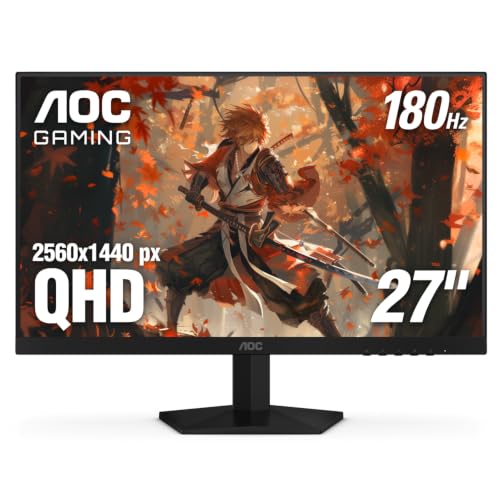
8. AOC Q27G4XN – Height Adjustable Budget Excellence
AOC Q27G4XN 27 inch Gaming Monitor, 2K QHD 2560x1440, 180Hz...
Display: 27-inch QHD VA panel
Refresh Rate: 180Hz smooth gaming
Response: 1ms MPRT capability
Stand: Full height adjustment included
Warranty: 3-Year Zero-Bright-dot
Console: Xbox PS5 Switch compatible
What We Like
- Height adjustable at $160 budget price
- Excellent build quality for cost
- Console optimized 120Hz support
- Zero bright dot warranty protection
- Sharp 1440p visuals
- Full console compatibility
What We Don't Like
- VA panel with limited viewing angles
- Some color tint reported on units
- VA black smearing in dark scenes
- Not true HDR capable
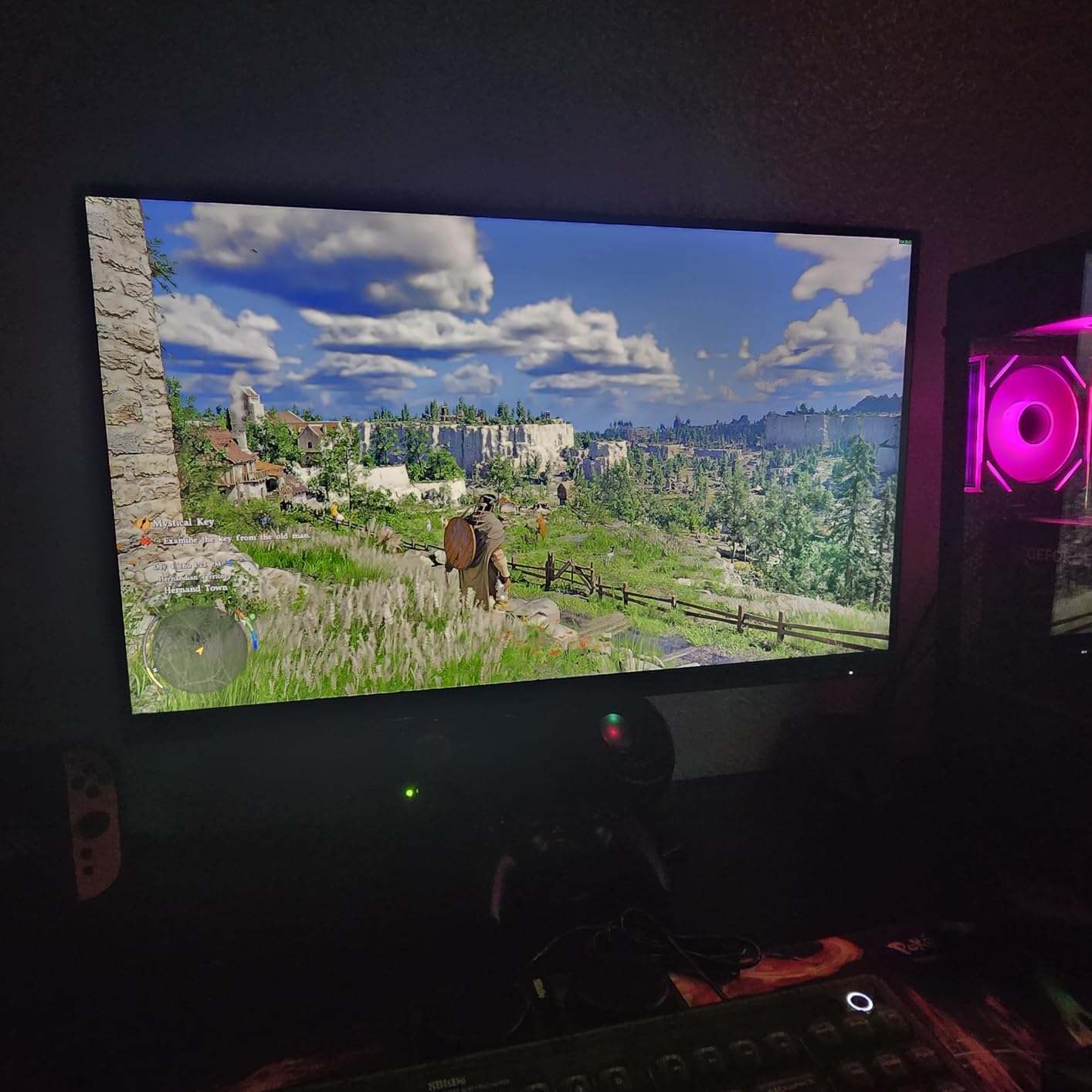
AOC delivers something genuinely rare in the budget segment – a fully adjustable stand on a 1440p 180Hz monitor for just $160. The height adjustment alone typically adds $50+ to monitor prices, making this exceptional value for ergonomics-conscious buyers. The stand feels surprisingly robust with smooth adjustment and minimal wobble, matching what you would expect from monitors costing twice as much.
The 1440p VA panel delivers sharp visuals with good contrast ratios that make games pop, especially in darker scenes. The 180Hz refresh rate provides all the smoothness most gamers need, while the console optimization ensures perfect compatibility with PlayStation 5 and Xbox Series X at 120Hz. The 127.8% sRGB color gamut delivers more vibrant colors than standard monitors without the oversaturation issues affecting some wide-gamut displays.

Some users report a slight pinkish tint that requires calibration to correct, and VA viewing angles remain narrower than IPS alternatives. However, for direct viewing, the image quality impresses for the price. The 3-year zero bright dot warranty provides peace of mind rarely seen in budget monitors. For console gamers or anyone wanting an adjustable 1440p gaming monitor without breaking the bank, this AOC delivers exceptional value.
The console-specific features include automatic 120Hz detection and optimized color profiles for PlayStation and Xbox. Built-in speakers provide basic audio for casual use, though headphones remain recommended for serious gaming. The OSD includes gaming-specific features like FPS counters and crosshairs that do not trigger anti-cheat systems.
Who Should Buy the AOC Q27G4XN
Budget buyers wanting ergonomic flexibility without buying a separate monitor arm will appreciate the included height adjustment. Console gamers wanting 1440p 120Hz support for PS5 and Xbox benefit from the optimized compatibility. Users sharing a monitor between multiple people benefit from quick height adjustments. Anyone wanting 1440p gaming with warranty protection at minimal cost should strongly consider this option.
Who Should Skip the AOC Q27G4XN
Competitive players sensitive to black smearing in dark games should consider IPS alternatives like the Acer Nitro or ASUS TUF. Content creators needing wide viewing angles for client presentations or collaborative work will find VA limitations frustrating. Those bothered by potential color tint issues may prefer the more consistent IPS options. If you primarily play in dark rooms and notice VA glow, consider spending more for IPS technology.
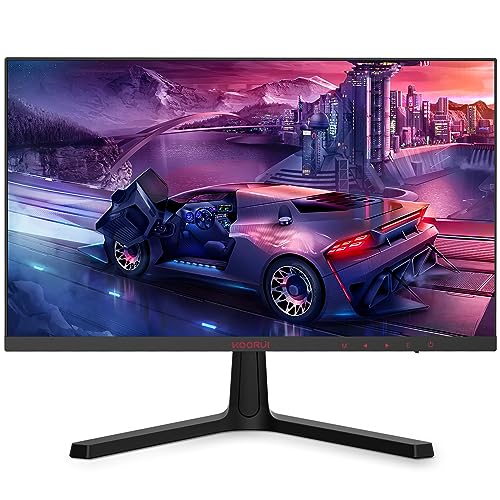
9. KOORUI 24E4 – The Sub-$100 Gaming Marvel
KOORUI 24 Inch Computer Monitor -FHD 1080P Gaming Monitor...
Display: 24-inch FHD IPS panel
Refresh Rate: 144Hz gaming capability
Response: 3ms typical
Features: AdaptiveSync, Eye Care
Mounting: VESA 100x100mm compatible
Price: Under $100 category
Warranty: 12-month replacement
What We Like
- Unbeatable sub-$100 price point
- Genuine 144Hz refresh rate
- Solid IPS build quality
- Eye care features included
- VESA mount support included
- Perfect esports size
What We Don't Like
- Basic 1080p resolution only
- Limited brand track record
- Basic stand without adjustments
- 12-month warranty shorter than competitors
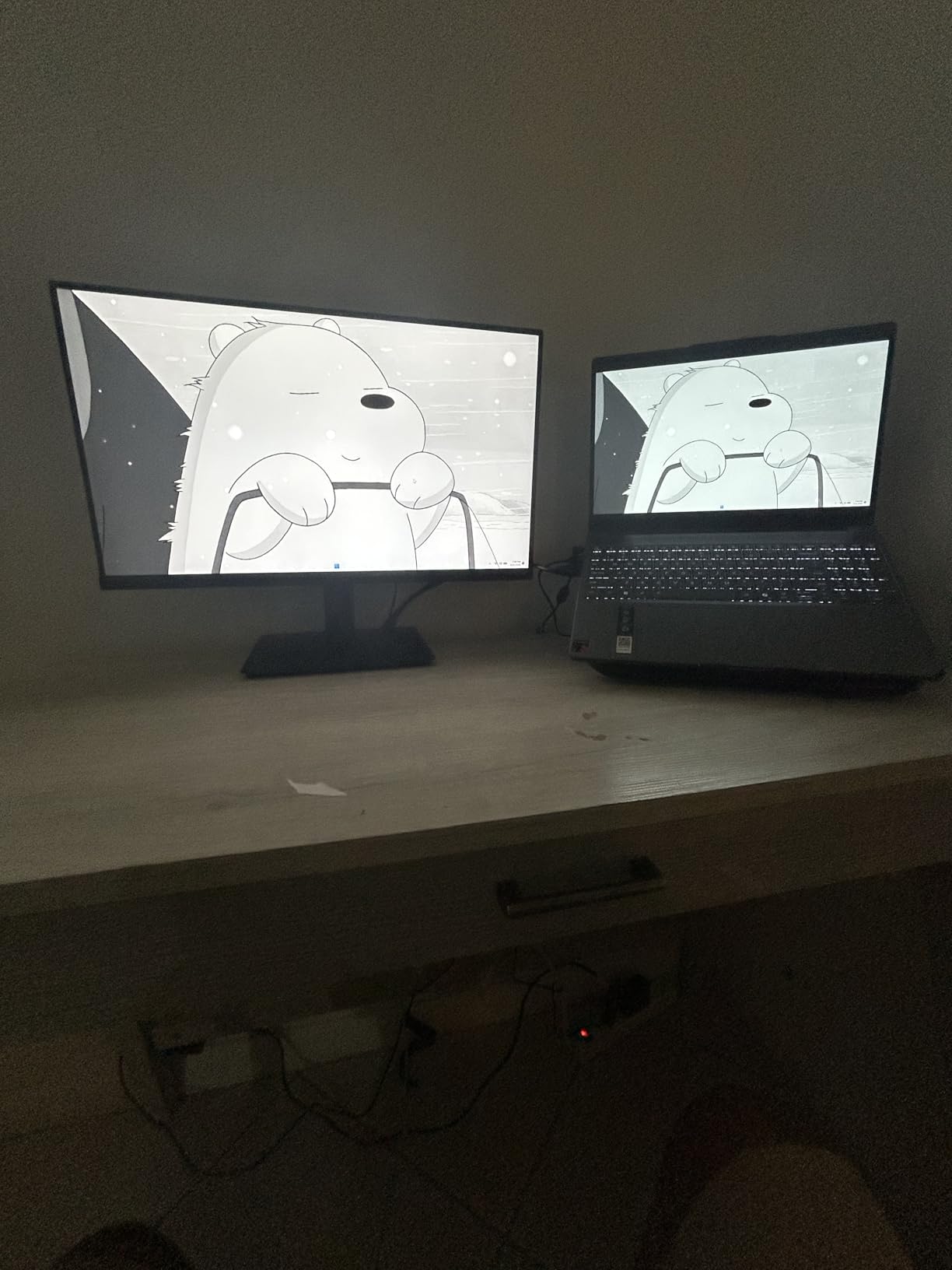
The KOORUI 24E4 proves that entry-level gaming monitors have reached remarkable levels of competence. For under $100, you get genuine 144Hz refresh rate, adaptive sync support, and build quality that does not feel cheap. The 24-inch size hits the sweet spot for competitive gaming, allowing you to see the entire screen without moving your head – a size preference many esports professionals still favor over larger displays.
Gaming performance surprises at this price point. The 144Hz refresh rate transforms the experience coming from 60Hz displays, while AdaptiveSync eliminates tearing across both AMD and NVIDIA graphics cards. The IPS panel delivers better colors and wider viewing angles than expected for this price, making this suitable for casual content consumption alongside gaming. Colors appear decent with 99% sRGB coverage, though professional work requires more accurate alternatives.

Build quality exceeds expectations with minimal flex and a stable, if basic, stand. The OSD controls respond well and settings persist after power cycling. While KOORUI lacks the brand recognition of established players, the overwhelming positive reviews from over 10,000 buyers speak to reliable performance. For students, secondary gaming setups, or anyone taking their first step into high-refresh gaming, this monitor delivers exceptional value that would have been impossible just a few years ago.
The VESA mount compatibility allows upgrading to monitor arms or multi-display setups without proprietary adapters. Eye care features including flicker-free backlighting and low blue light modes reduce strain during long sessions. The ultra-thin bezels make this suitable for multi-monitor configurations if you decide to expand your setup later.
Who Should Buy the KOORUI 24E4
Students building first gaming PCs on extreme budgets will find this monitor enables high-refresh gaming without compromising other components. Competitive players wanting the 24-inch size preferred by esports professionals get that option affordably. Anyone needing a secondary monitor for streaming setups or productivity can add this without significant expense. Users curious about high-refresh gaming but unsure about investing heavily can test the experience before upgrading.
Who Should Skip the KOORUI 24E4
Primary display users wanting the best gaming experience should invest more in 1440p or higher refresh alternatives. Content creators needing color accuracy or resolution for professional work will find this limiting. Those wanting ergonomic adjustments without buying a monitor arm should consider options with height adjustment. If you primarily play immersive single-player games rather than competitive titles, 1440p monitors deliver better visual experiences.
10. Samsung Odyssey G55C – Immersive Curved Gaming
SAMSUNG 32" Odyssey G55C Series QHD 1000R Curved Gaming...
Display: 32-inch QHD 1000R curve
Refresh Rate: 165Hz smooth
Response: 1ms MPRT capability
HDR: HDR10 support included
Curve: Aggressive 1000R design
Features: Eye Saver Mode, Flicker Free
What We Like
- Incredibly immersive 1000R curve design
- Large 32-inch gaming space
- Good HDR10 implementation
- Samsung build quality assurance
- AMD FreeSync Premium support
- Competitive 165Hz refresh
What We Don't Like
- Mixed durability reports from users
- Size overwhelming for small desks
- 1000R curve not universally preferred
- Non-standard VESA mounting
- Some black smearing in dark scenes
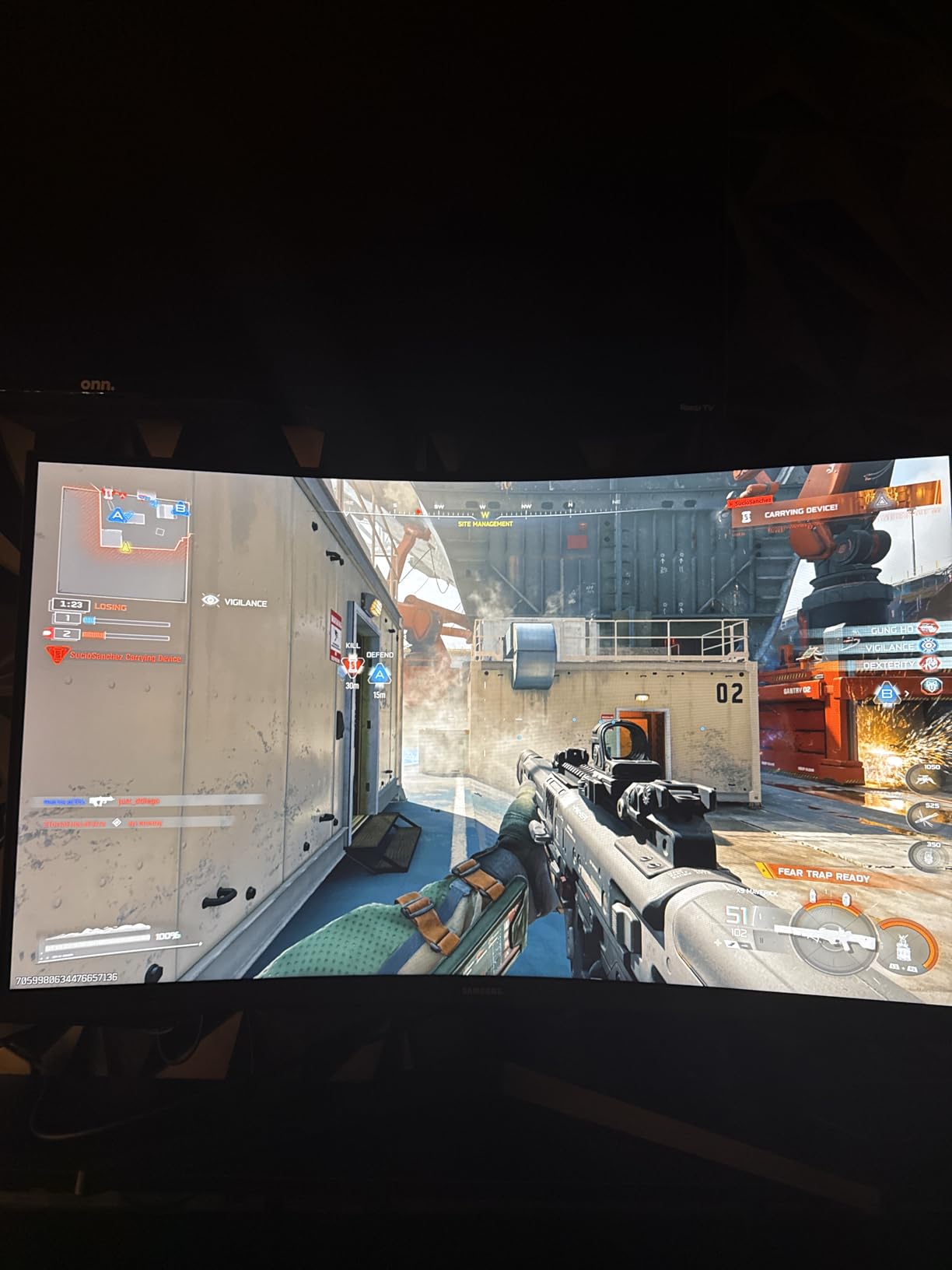
Samsung’s Odyssey G55C brings their aggressive 1000R curve to a more accessible price point, and the immersion factor is immediately striking. The 1000R curvature matches the natural curvature of human vision more closely than common 1800R or 1500R curves, creating a wrap-around effect that genuinely enhances gaming immersion. Racing games and flight simulators benefit tremendously, while even FPS games gain improved peripheral awareness.
The 32-inch size combined with 1440p resolution creates an ideal pixel density – sharp enough for clarity but not demanding excessive GPU power to drive high frame rates. The 165Hz refresh rate provides smooth gaming performance achievable on mid-range graphics cards. HDR10 support delivers meaningful improvement in compatible games, with better highlight detail and color vibrancy than SDR modes, though it cannot match true HDR 600+ displays.
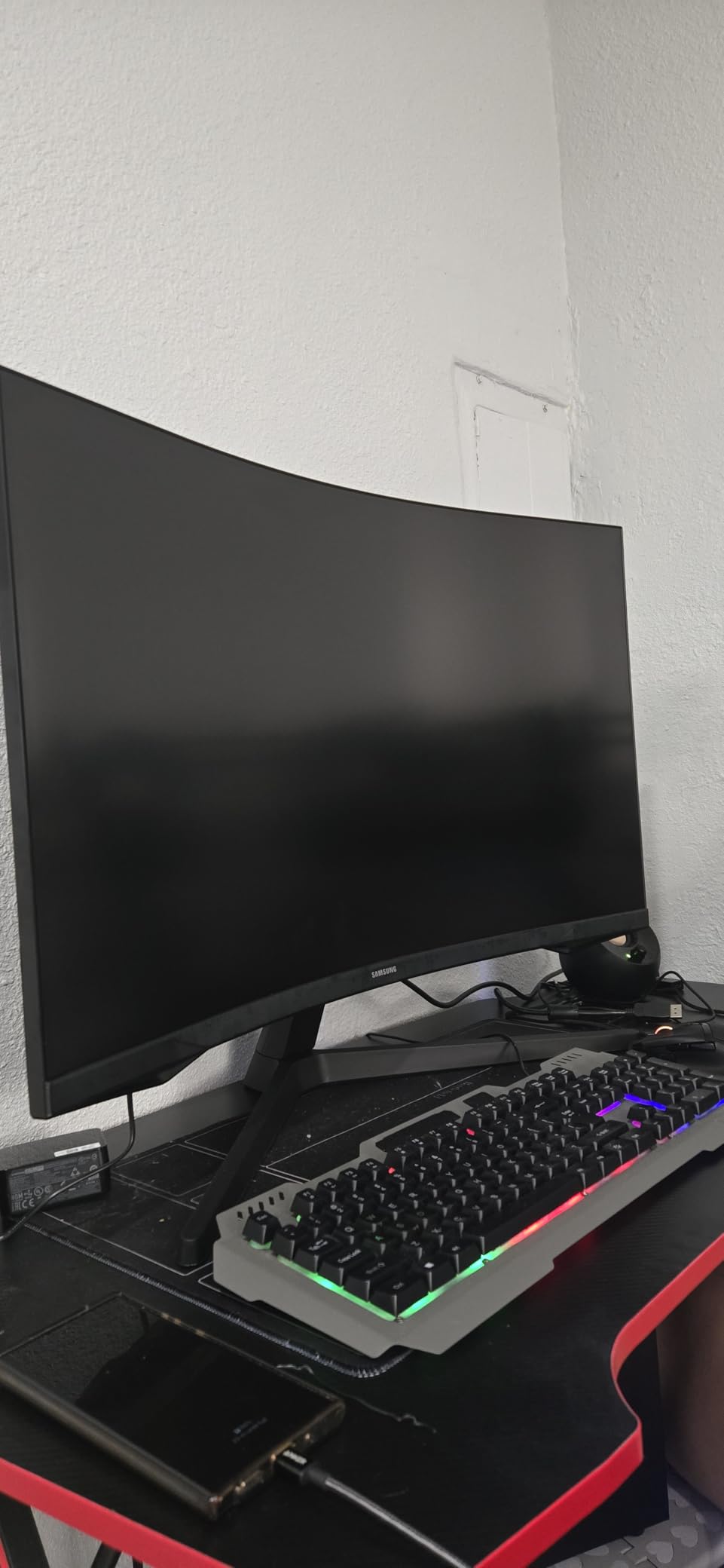
The aggressive curve is not for everyone. Some users find it disorienting initially, and it can distort straight lines in productivity applications. Build quality reports are mixed, with some users experiencing issues after months of use while others report years of problem-free operation. The VA panel delivers excellent contrast but suffers from black smearing in very dark scenes that competitive players might notice. For immersive single-player gaming, this monitor excels, but competitive gamers might prefer flatter, faster alternatives.
Samsung’s Eye Saver Mode and Flicker Free technology help reduce eye strain during extended sessions. The 1000R curve genuinely does create a more immersive experience once you adapt to it. However, the non-standard VESA mounting requires adapters for many monitor arms, limiting upgrade options.
Who Should Buy the Samsung Odyssey G55C
Immersive gaming enthusiasts playing racing sims, flight simulators, or open-world adventures will love the wrap-around effect. Users wanting a large display without paying 32-inch 4K prices get excellent value here. Those who have tried curved monitors and enjoyed the experience will appreciate the aggressive 1000R curve. Anyone with adequate desk space wanting cinematic gaming experiences should strongly consider this option.
Who Should Skip the Samsung Odyssey G55C
Competitive FPS players should consider that the 32-inch size and curve can distort perception and require head movement to see HUD elements. Users with limited desk space will find this monitor overwhelming. Those uncertain about curved monitors should try them in person first – the 1000R curve is more aggressive than most. If you do primarily productivity work with straight lines and spreadsheets, the curve will prove distracting.
11. Sceptre C345B-QUT168 – Ultrawide Gaming Value

Sceptre 34-Inch Curved Ultrawide WQHD Monitor...
Display: 34-inch WQHD ultrawide
Resolution: 3440x1440 21:9 aspect
Refresh Rate: 165Hz (180Hz OC capable)
Response: 1ms MPRT
Color: 99% sRGB coverage
Features: Picture by Picture, LED backlights
What We Like
- Excellent ultrawide value pricing
- Sharp 3440x1440 resolution
- Smooth 165Hz+ gaming performance
- Picture by Picture dual input mode
- Good color accuracy for price
- R1500 moderate curve
What We Don't Like
- Panel lottery quality concerns
- Basic warranty coverage only
- Some dead pixel reports online
- Weak built-in speakers
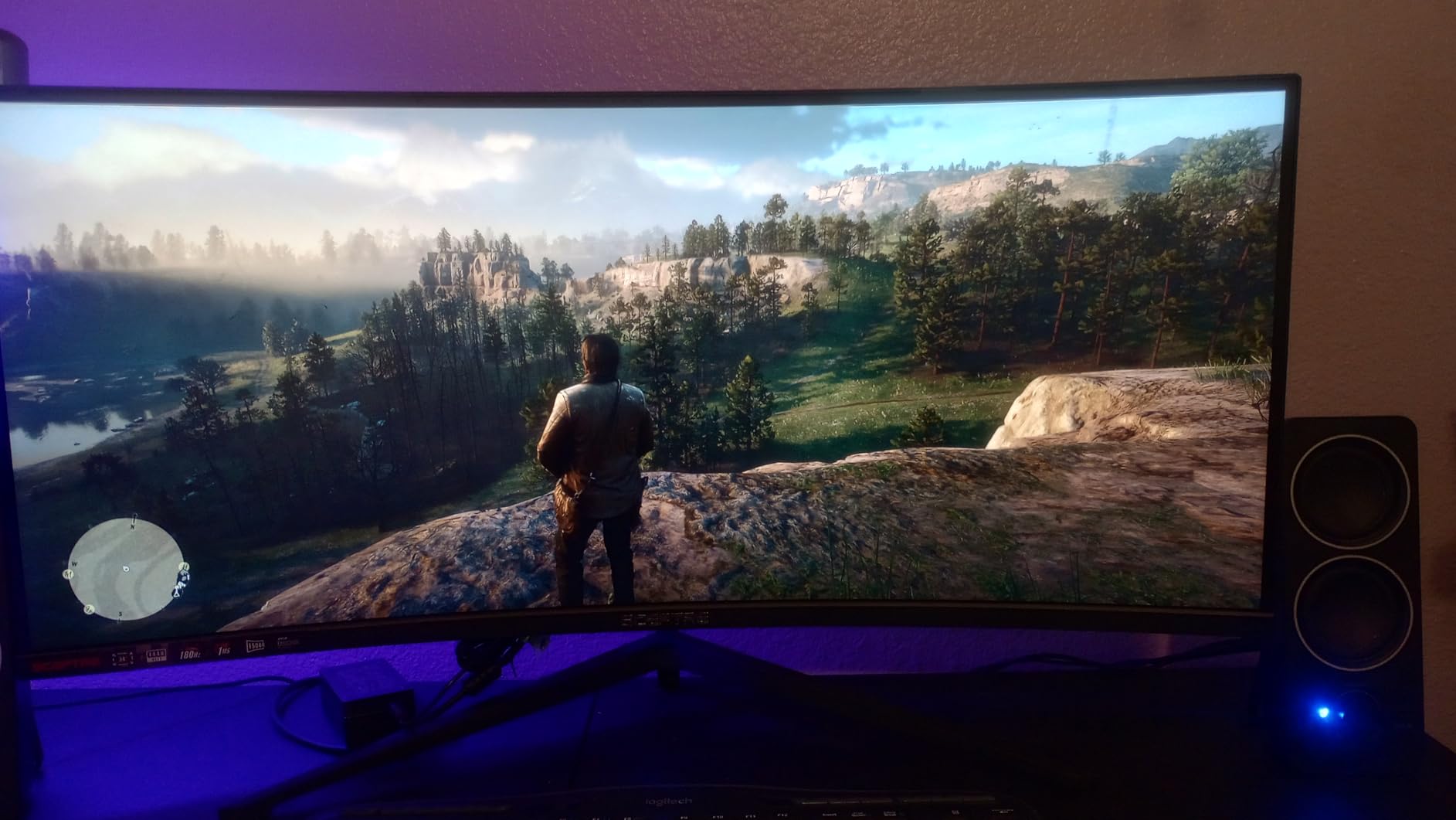
The Sceptre C345B-QUT168 makes ultrawide gaming accessible at a price undercutting major brands by hundreds of dollars. The 34-inch 3440×1440 resolution provides incredible screen real estate that transforms both gaming and productivity. Racing games become truly immersive with the expanded field of view, while strategy games benefit from seeing more of the battlefield without constant scrolling.
Performance impresses with genuine 165Hz refresh rates overclockable to 180Hz and respectable response times for a VA ultrawide panel. The 99% sRGB coverage ensures accurate colors for content creation alongside gaming. Picture by Picture functionality allows displaying two inputs simultaneously, perfect for streaming setups or multitasking between work and entertainment. The moderate R1500 curve adds immersion without the distortion of more aggressive curves.
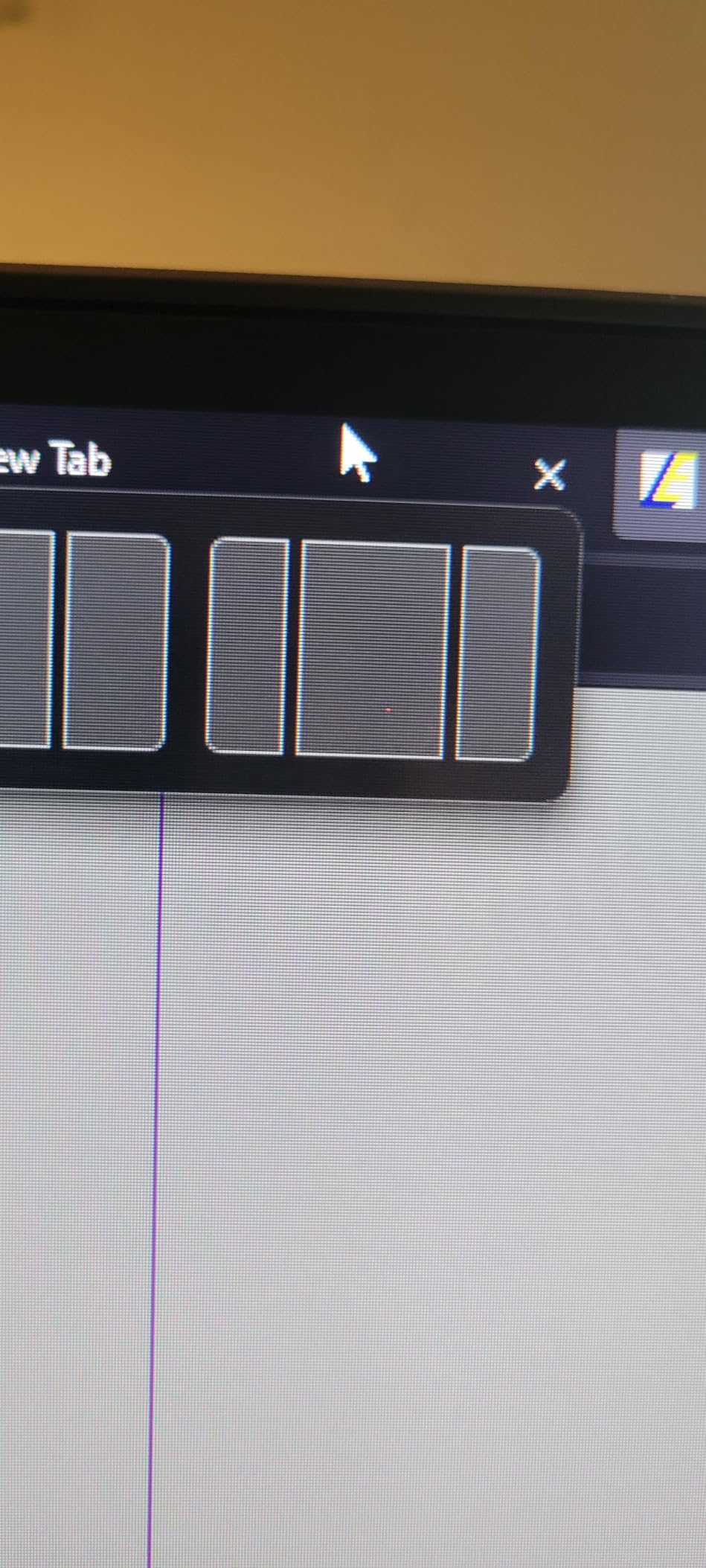
Quality control remains the primary concern with Sceptre monitors. While many users report excellent experiences, others encounter dead pixels or backlight issues within months. The warranty coverage is basic compared to premium brands offering 3-year protection. Panel lottery aside, those who receive good units get performance comparable to monitors costing $500+. For budget-conscious users wanting to experience ultrawide gaming, this represents the best entry point available.
The LED backcover lighting adds aesthetic appeal for RGB-focused setups, though it does not affect performance. Dual DisplayPort and HDMI connections provide flexibility for multi-device setups. The built-in speakers are adequate for system sounds but should not replace proper audio solutions for gaming.
Who Should Buy the Sceptre Ultrawide
Budget-conscious gamers curious about ultrawide without spending $500+ will find this the ideal entry point. Racing and flight sim enthusiasts benefit enormously from the expanded field of view. Productivity users wanting screen real estate for multitasking get excellent value. Streamers wanting Picture by Picture for displaying chat alongside gameplay should consider this affordable option.
Who Should Skip the Sceptre Ultrawide
Risk-averse buyers worried about quality control should consider the Samsung Odyssey G8 series or LG 34GP83A alternatives for more money. Competitive gamers should note that many esports titles do not properly support 21:9 aspect ratios. Users without easy return options face higher risk with budget ultrawide quality control. If you need guaranteed color accuracy for professional work, consider more expensive alternatives with better factory calibration.
12. Acer Nitro VG270K – Dual Refresh Rate Innovation

acer Nitro 27” 4K UHD 3840 x 2160 Gaming IPS Monitor | AMD...
Display: 27-inch 4K UHD IPS panel
Refresh: 160Hz 4K mode / 320Hz FHD mode
Response: Up to 0.5ms GTG
HDR: HDR10 certified
Color: DCI-P3 90% coverage
Tech: DFR Dynamic Frequency Resolution
Connectivity: HDMI 2.1 x2, DP 1.4
What We Like
- Innovative dual-mode flexibility
- 4K 160Hz for beautiful visuals
- True 320Hz for competitive gaming
- 90% DCI-P3 color gamut coverage
- HDMI 2.1 for next-gen consoles
- Competitive 4K pricing
What We Don't Like
- Build quality inconsistencies reported
- Weak speaker performance
- Manual OSD mode switching required
- Reliability concerns with DFR switching
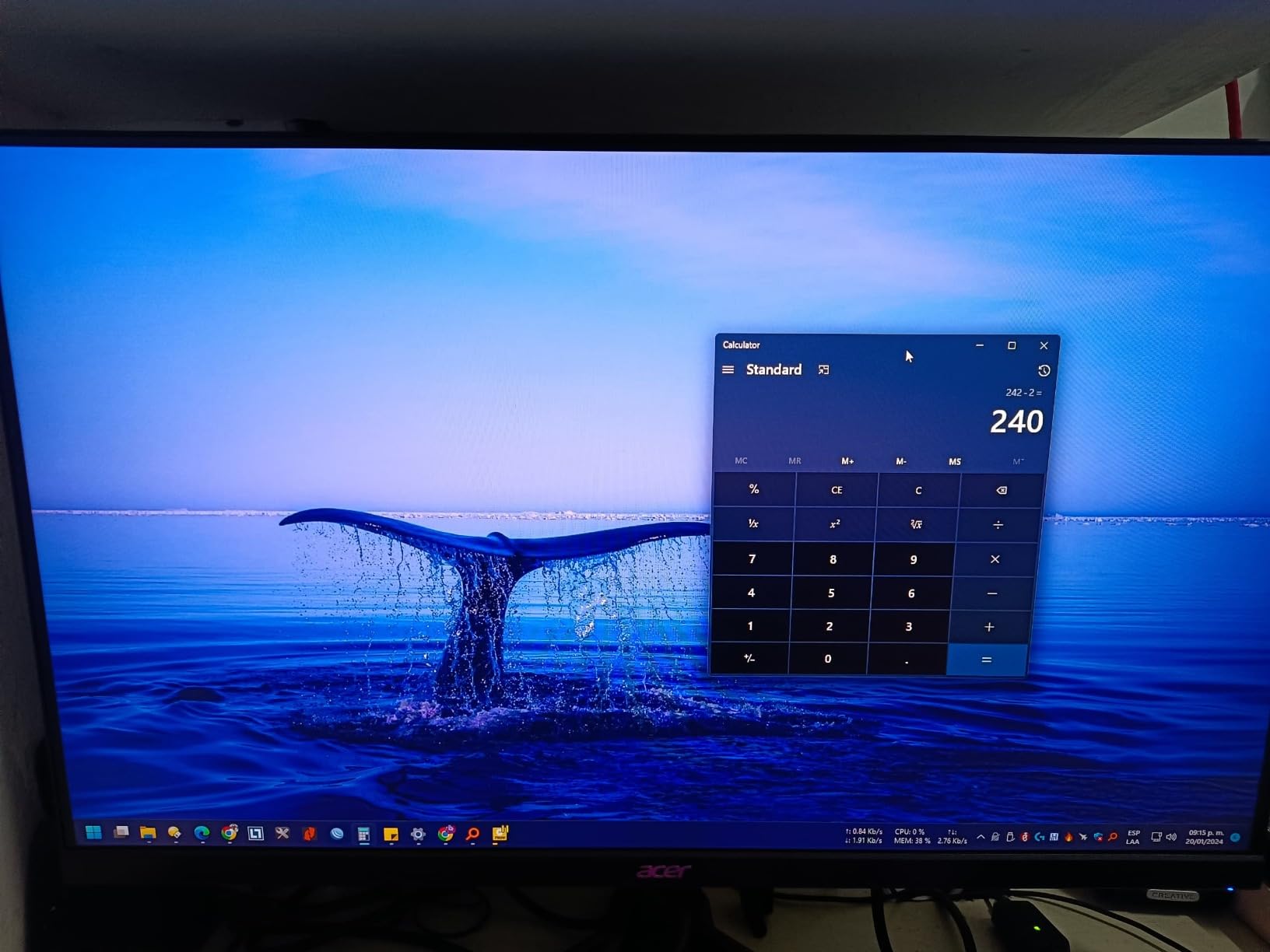
Acer’s implementation of Dynamic Frequency and Resolution (DFR) technology offers a unique solution to the resolution versus refresh rate dilemma. This monitor can run at native 4K 160Hz for stunning visual quality in single-player games, then switch to 1080p 320Hz for competitive gaming where every frame matters. This flexibility means you do not have to choose between visual fidelity and competitive performance.
The 4K mode delivers exceptional clarity with the IPS panel showing excellent colors across 90% of the DCI-P3 gamut. Switching to 320Hz mode transforms the competitive gaming experience – the fluidity surpasses even 240Hz displays noticeably, though you will need a powerful GPU to push those frame rates. The DFR technology works through the OSD, allowing quick switching depending on what you are playing.
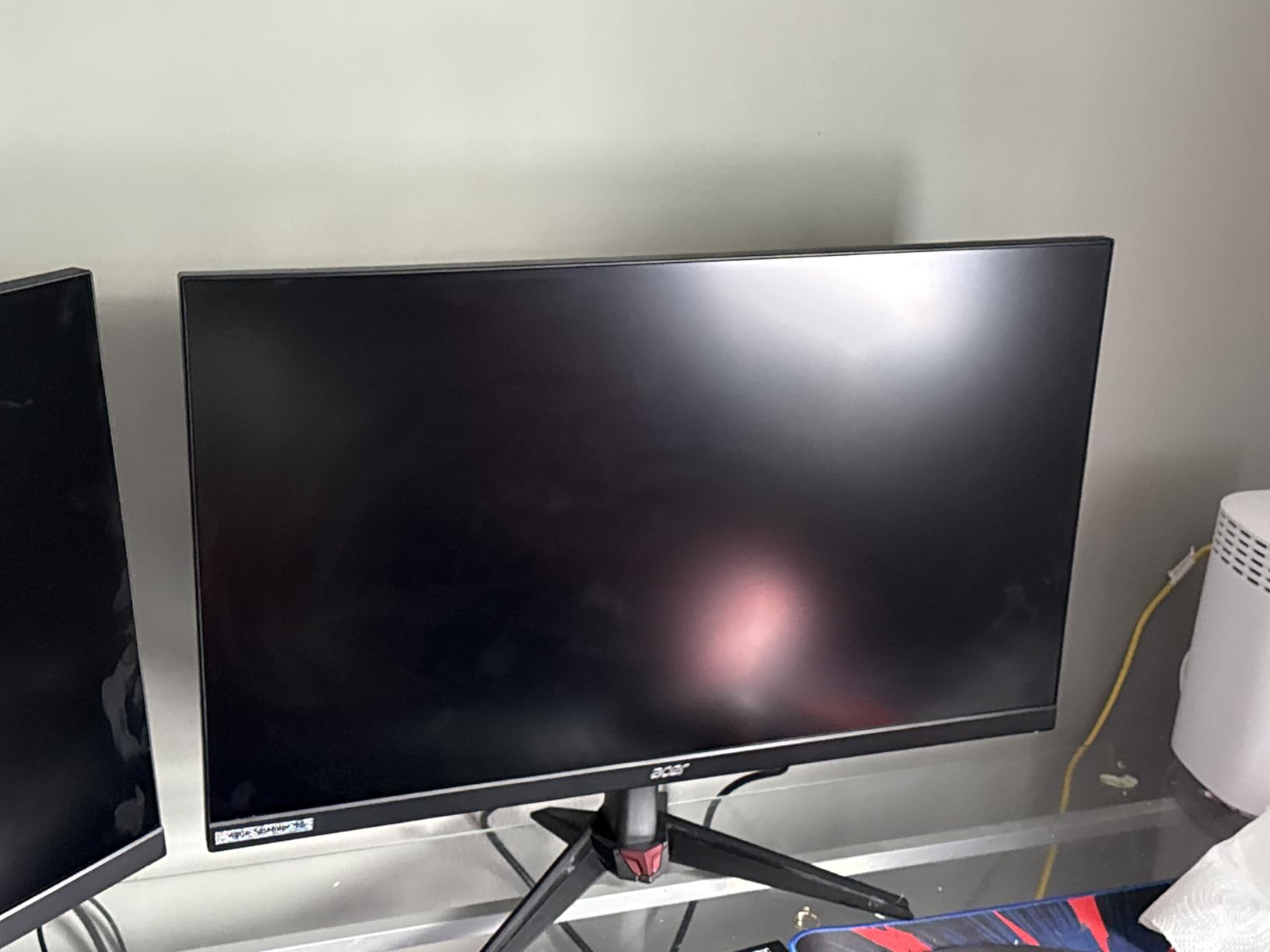
Build quality concerns prevent this from being an easy recommendation despite innovative features. Some users report issues developing within months, and the integrated speakers are disappointingly quiet. The switching between modes works well but requires manual intervention through the OSD rather than automatic detection. For gamers who genuinely need both 4K visuals and extreme refresh rates and do not mind some compromises, this offers unique versatility at a reasonable price.
The HDMI 2.1 connectivity enables full 4K 120Hz from PlayStation 5 and Xbox Series X, making this a versatile choice for multi-platform gamers. The 320Hz mode requires DisplayPort and significant GPU power but delivers motion clarity that competitive players will appreciate.
Who Should Buy the Acer Nitro VG270K
Gamers who genuinely play both competitive esports and beautiful single-player games benefit from the dual-mode flexibility. Users wanting one monitor to handle everything from Valorant to Cyberpunk 2077 get versatility here. Console gamers wanting 4K 120Hz alongside PC gaming find the HDMI 2.1 ports useful. Those willing to accept some quality control risk for innovative features at reasonable prices should consider this option.
Who Should Skip the Acer Nitro VG270K
Risk-averse buyers wanting guaranteed reliability should consider separate monitors or more established 4K options. Those primarily playing one type of game may find the dual-mode complexity unnecessary. Users wanting automatic switching or seamless transitions will be frustrated by manual OSD navigation. If you need excellent built-in speakers or premium build quality, consider the ASUS XG27UCS instead.
13. Alienware AW2725DM – Premium 1440p Performance
Display: 27-inch QHD Fast IPS
Refresh Rate: 180Hz optimal
Response: 1ms GTG true
Color: 95% DCI-P3 accurate
HDR: VESA DisplayHDR 400
Sync: Triple G-Sync FreeSync AdaptiveSync
Warranty: 3-Year Advanced Exchange
What We Like
- Premium Alienware build quality
- Excellent color accuracy out of box
- Fantastic construction and materials
- Great current pricing value
- Triple sync compatibility
- Full ergonomic adjustments
What We Don't Like
- Some dead pixel QC reports
- Backlight bleed in some units
- Design less distinctive than legacy models
- No USB-C connectivity included
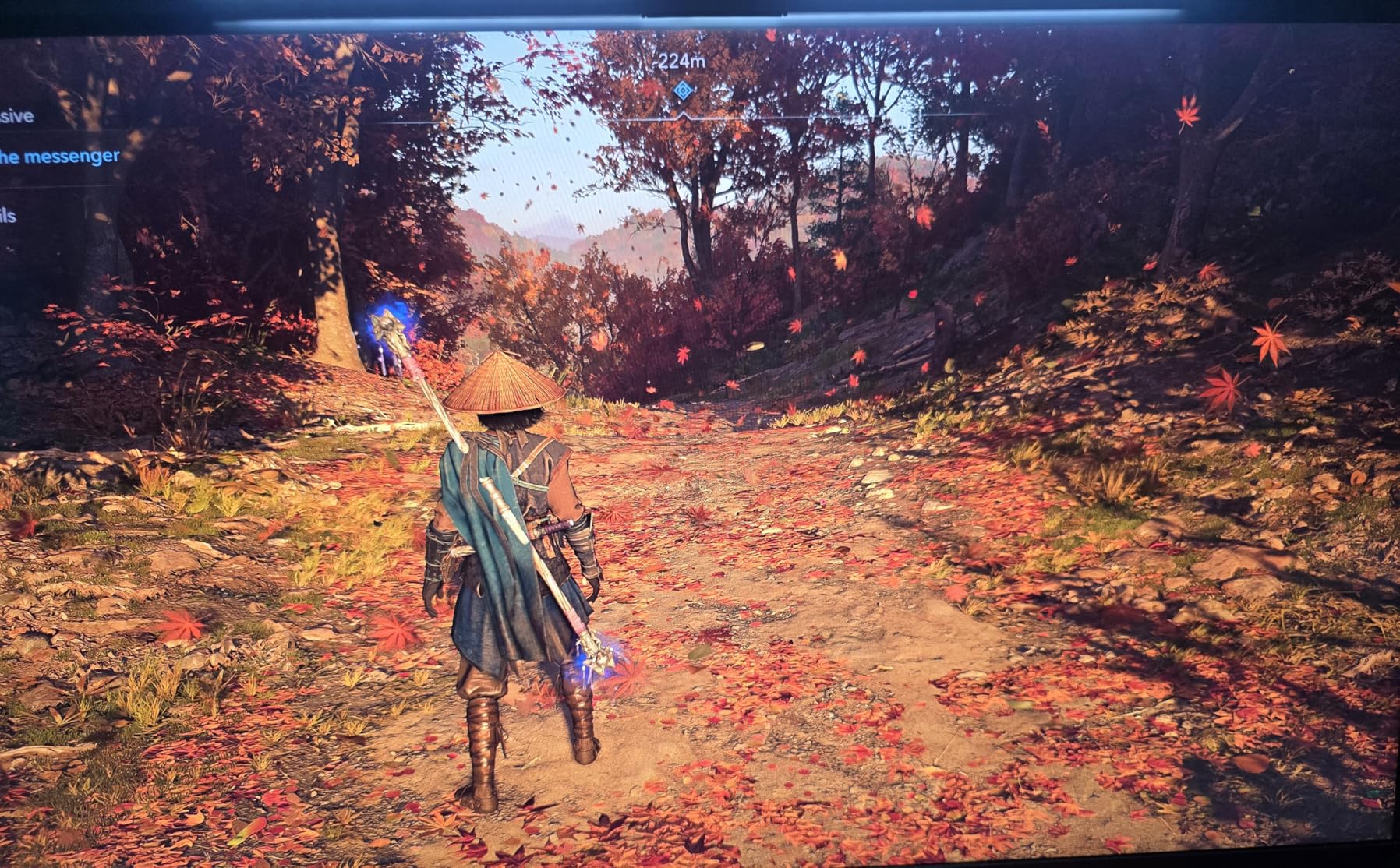
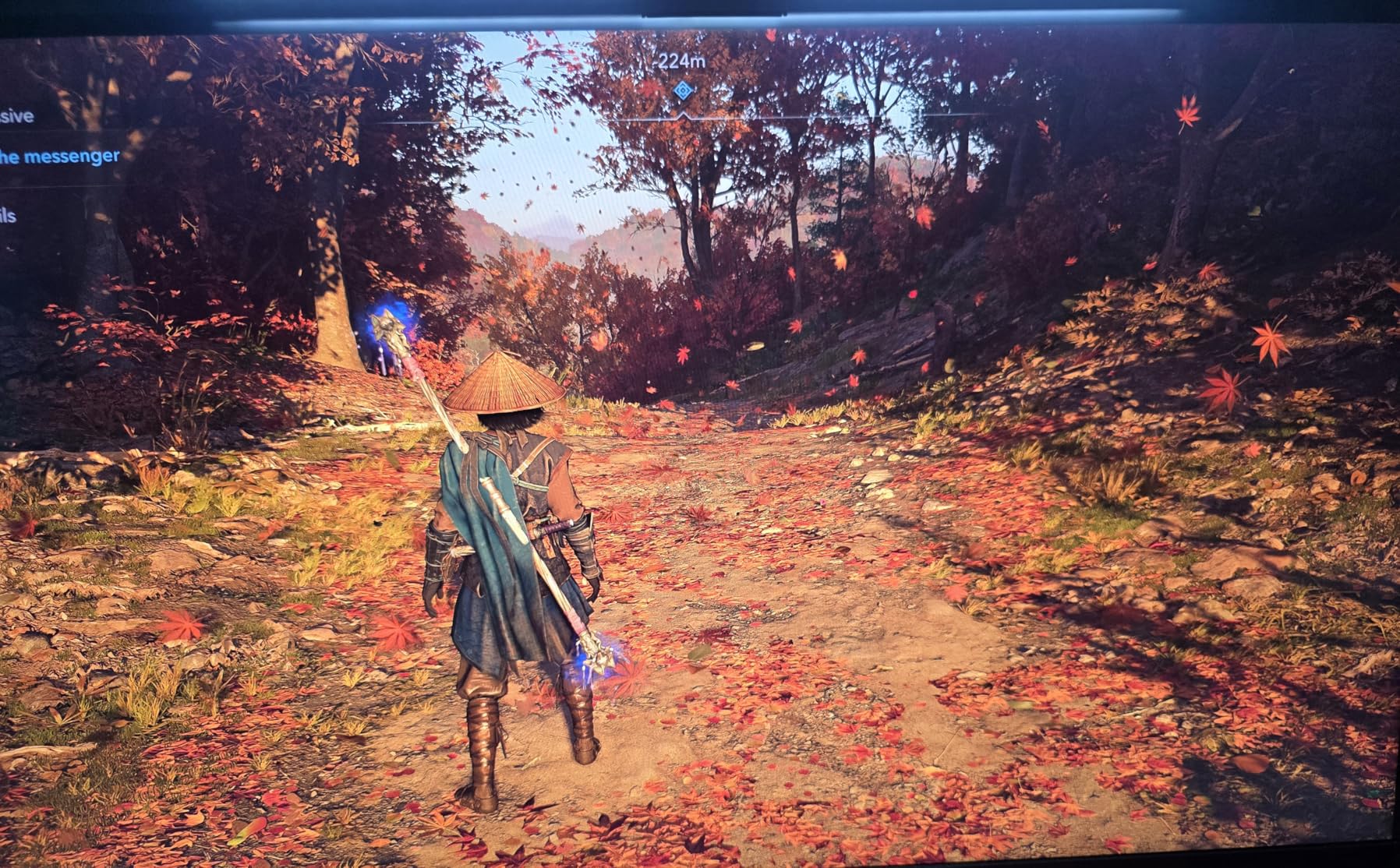
Alienware’s premium gaming heritage shines through in the AW2725DM, now available at a price point that undercuts many budget alternatives. The build quality immediately sets this apart – the stand feels rock solid, adjustments are smooth and precise, and the overall construction exudes durability. The IPS panel delivers exceptional color accuracy with 95% DCI-P3 coverage that rivals professional displays costing significantly more.
Gaming performance matches the premium branding with true 1ms response times and 180Hz refresh that feels perfectly smooth. The triple sync compatibility ensures flawless operation with NVIDIA G-SYNC, AMD FreeSync, and VESA AdaptiveSync regardless of GPU choice. Color accuracy out of the box surpasses most gaming monitors, requiring minimal calibration for both gaming and content creation work.
Some quality control issues have emerged, with reports of dead pixels and backlight bleed more common than expected from Alienware’s reputation. The design language has shifted from the iconic aggressive styling to a more subdued aesthetic that some longtime fans find disappointing. However, at current pricing around $250, this represents exceptional value for a premium brand monitor with professional-grade color accuracy and gaming performance backed by a 3-year Advanced Exchange warranty.
The hardware-based low blue light solution reduces eye strain without the extreme color tint of software solutions. Full ergonomic adjustments including height, pivot, swivel, and tilt make this suitable for any desk setup. The anti-glare coating effectively reduces reflections without excessive grain.
Who Should Buy the Alienware AW2725DM
Buyers wanting premium build quality without paying premium prices will find exceptional value here. Content creators needing color accuracy alongside gaming performance benefit from the factory calibration. Users frustrated by flimsy budget monitor stands will appreciate the solid construction. Anyone wanting a 3-year warranty with Advanced Exchange service for peace of mind should strongly consider this option.
Who Should Skip the Alienware AW2725DM
Risk-averse buyers concerned about reported QC issues might prefer the more consistent LG UltraGear or ASUS alternatives. Those wanting the distinctive Alienware aesthetic of previous generations may find the new design too generic. Users needing USB-C connectivity for laptops should look at the ASUS XG27UCS instead. If you are purely price-focused, the Acer Nitro or AOC alternatives offer similar specs for less money.
14. ASUS ROG Swift PG32UCDM – The OLED Gaming Revolution
ASUS ROG Swift 32” 4K OLED Gaming Monitor (PG32UCDM) - UHD...
Display: 32-inch 4K QD-OLED panel
Refresh Rate: 240Hz blazing fast
Response: 0.03ms instantaneous
HDR: Dolby Vision + True Black 400
Brightness: 1000 nits peak
Cooling: Custom graphene heatsink
Warranty: 3-year with burn-in coverage
What We Like
- Stunning QD-OLED picture quality
- Perfect blacks and infinite contrast
- Incredible 0.03ms response time
- Dolby Vision HDR support
- Premium cooling solution
- Burn-in warranty included
What We Don't Like
- Very expensive $1000+ investment
- OLED burn-in risk despite warranty
- Text fringing for productivity work
- Requires high-end GPU investment
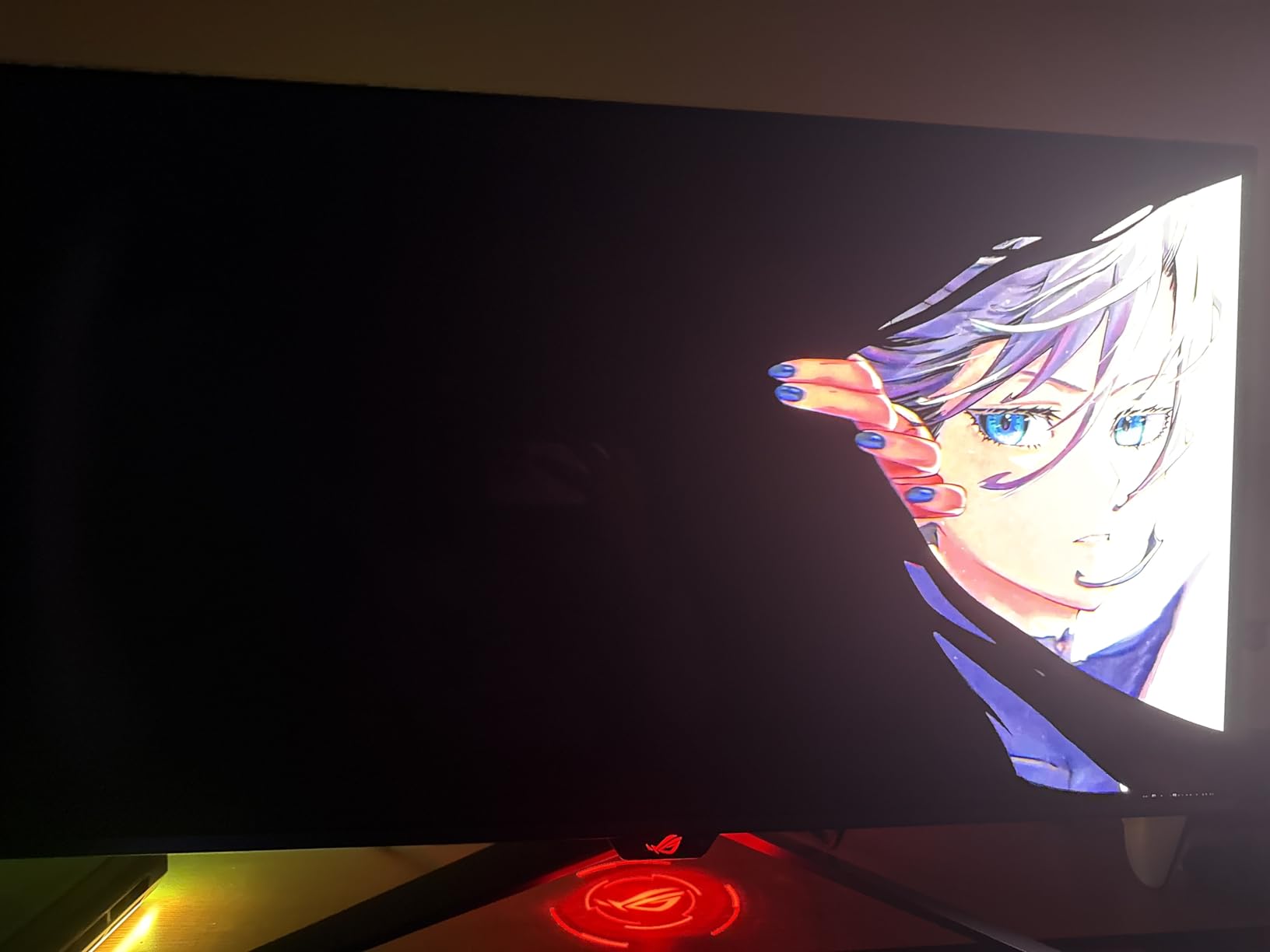
The PG32UCDM represents the current pinnacle of gaming display technology available to consumers. QD-OLED technology delivers image quality that LCD panels simply cannot match – perfect blacks, infinite contrast ratios, and colors that seem to leap off the screen with vibrancy impossible on traditional displays. Playing games like Cyberpunk 2077 or Alan Wake 2 on this monitor feels like experiencing them for the first time again.
The 0.03ms response time is not marketing hyperbole – motion clarity surpasses anything else available, making this ideal for competitive gaming despite being marketed as an immersive display. The 240Hz refresh rate at 4K resolution demands serious GPU power – even an RTX 4090 struggles to fully utilize this monitor in demanding titles. However, when properly powered, the combination of speed and visual quality creates an unmatched gaming experience.
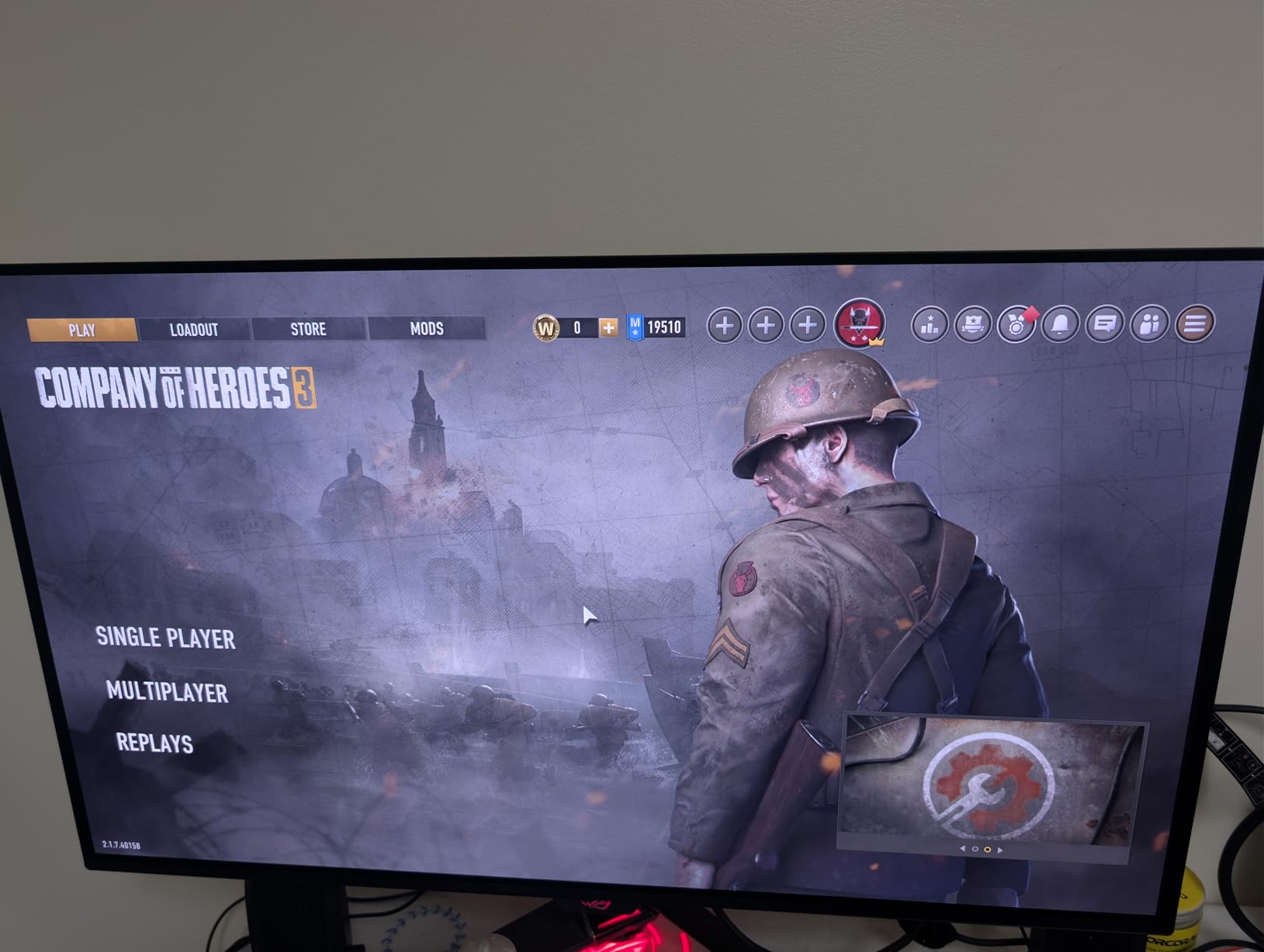
The 3rd generation QD-OLED panel addresses many early OLED concerns with improved brightness and reduced burn-in risk. ASUS’s custom heatsink with graphene film actively manages heat to extend panel longevity. The 3-year warranty specifically covering burn-in removes the primary barrier that kept buyers away from OLED technology. Dolby Vision support adds another dimension to compatible content beyond standard HDR.
Text fringing affects productivity work due to the subpixel layout, though it is less noticeable in games. The 99% DCI-P3 color gamut and true 10-bit color make this suitable for professional content creation alongside gaming. At $1000+, this monitor costs more than many complete gaming PCs, making it an investment only for those with matching hardware and budgets.
Who Should Buy the ASUS PG32UCDM
Enthusiasts with unlimited budgets and RTX 4080+ GPUs wanting the absolute best gaming experience will find this transformative. Content creators needing perfect blacks and wide color gamut for professional work benefit from OLED advantages. Competitive players wanting both speed and image quality no longer must compromise. Anyone who has been waiting for OLED burn-in warranty coverage to take the plunge now has that protection.
Who Should Skip the ASUS PG32UCDM
Budget-conscious gamers will see better value investing in GPU upgrades rather than this display. Users primarily doing text-based productivity work will notice OLED text fringing issues. Those with GPUs below RTX 4070 Ti will not utilize this monitor’s capabilities. If you worry about burn-in despite warranty coverage, consider Fast IPS alternatives or wait for next-generation OLED with even better longevity.
15. Dell S2725QS – Professional 4K Gaming Hybrid

Dell 27 Plus 4K Monitor - S2725QS - 27-inch 4K (3840 x...
Display: 27-inch 4K UHD IPS panel
Refresh Rate: 120Hz capable
Response: 0.03ms (marketing), 5ms typical
Color: 99% sRGB accurate
Features: ComfortView Plus blue light
Design: Ash White premium aesthetic
Audio: Re-engineered integrated speakers
What We Like
- Sharp 4K clarity for work and play
- Excellent color accuracy out of box
- Professional elegant design aesthetic
- Smooth 120Hz gaming capability
- Full ergonomic stand adjustments
- ComfortView Plus eye protection
What We Don't Like
- Visible edge vignetting some units
- Slower response than gaming monitors
- Limited to 120Hz vs 144Hz+ options
- 1-year warranty vs competitors' 3-year
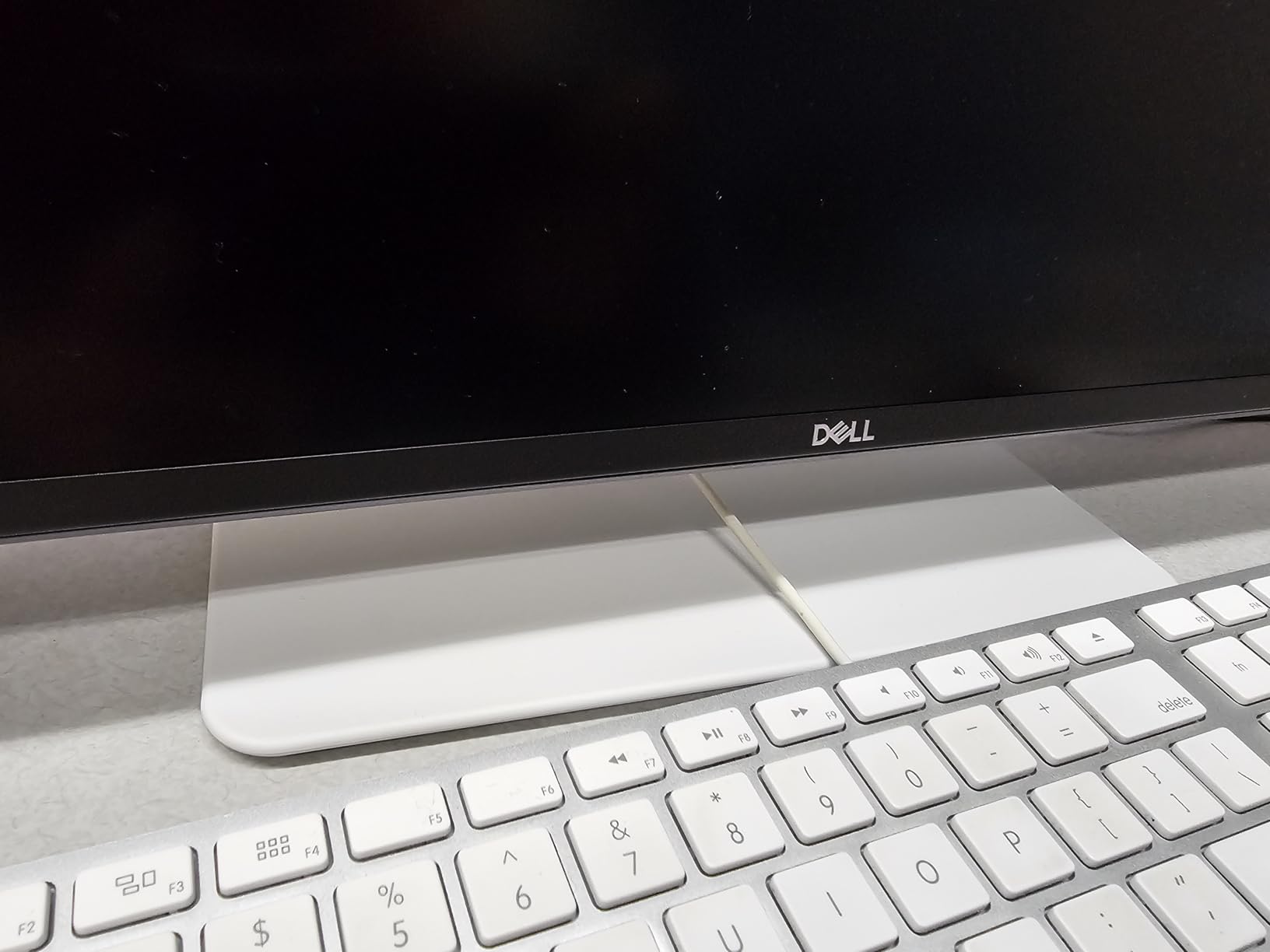
Dell’s S2725QS targets professionals who game rather than gamers who work, and this focus shapes every aspect of the monitor. The 4K IPS panel delivers exceptional clarity for productivity tasks – text appears razor-sharp, and the 99% sRGB coverage ensures accurate colors for photo editing or design work. The understated Ash White design looks elegant in office settings where aggressive gaming aesthetics would appear out of place.
Gaming performance surprises for a productivity-focused monitor. The 120Hz refresh rate provides smooth gameplay that satisfies all but the most competitive players. While the 5ms response time cannot match gaming-focused displays, it is fast enough for enjoyable single-player experiences without noticeable ghosting in most scenarios. AMD FreeSync Premium support ensures tear-free gaming across a wide refresh range.
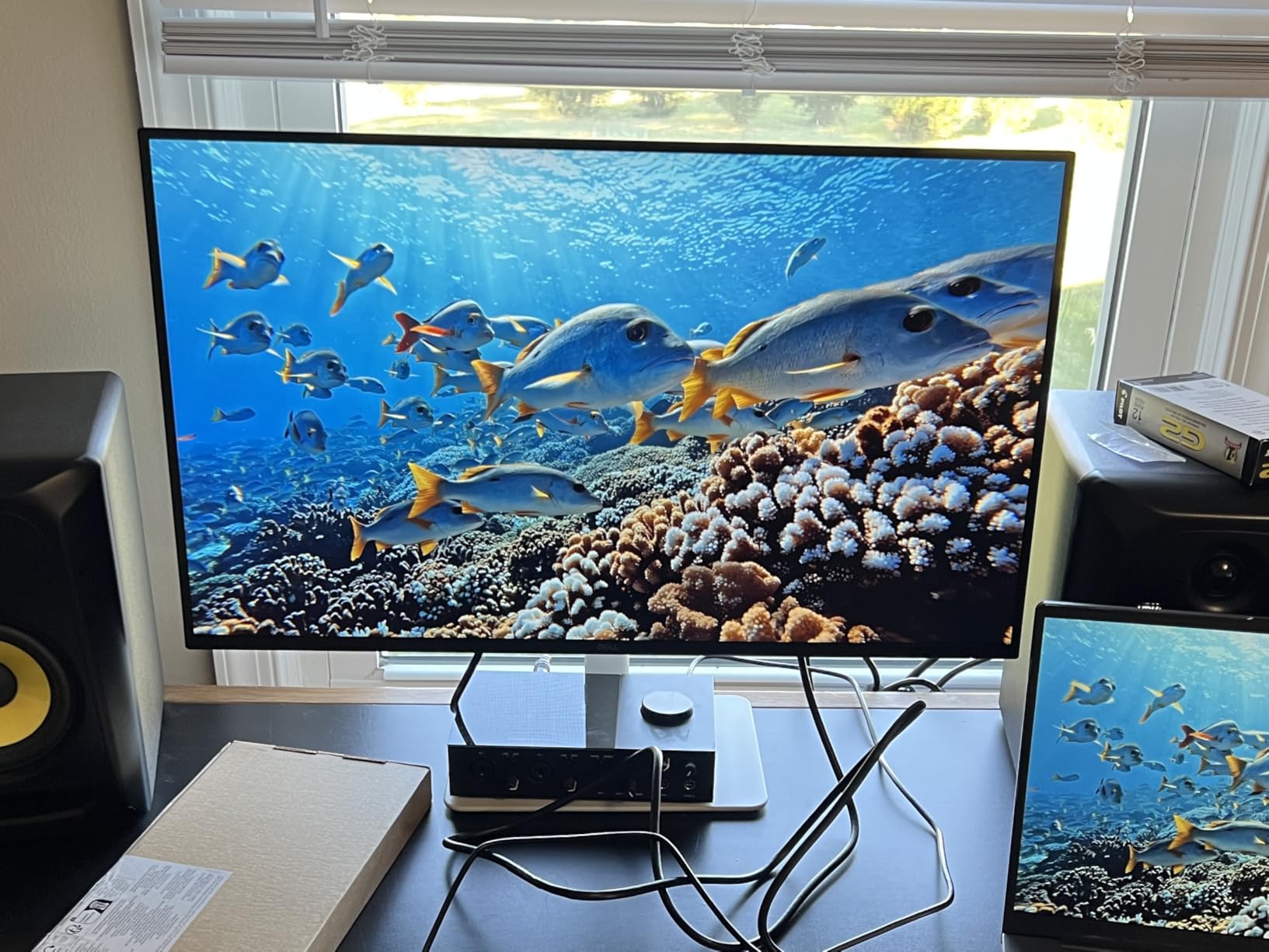
Some users notice slight vignetting at screen edges, more visible on white backgrounds than in games. The 120Hz limitation feels restrictive compared to 144Hz+ alternatives at similar prices. However, for users needing a monitor that excels at professional work while providing competent gaming performance, this Dell delivers. The combination of 4K clarity, color accuracy, and smooth 120Hz gaming at under $280 makes this an excellent choice for hybrid use cases.
The ComfortView Plus feature reduces blue light emission without the extreme yellow tint affecting image quality. Re-engineered speakers provide better audio than typical monitor speakers, though dedicated audio remains recommended. Full ergonomic adjustments including height, pivot, swivel, and tilt accommodate any desk setup.
Who Should Buy the Dell S2725QS
Professionals wanting one monitor for work productivity and casual gaming will find this ideal. Users preferring elegant office-appropriate designs over gaming aesthetics benefit from the Ash White styling. Content creators needing 4K resolution and color accuracy alongside occasional gaming get versatile performance. Anyone wanting eye care features for long workdays with gaming capability afterward should consider this hybrid option.
Who Should Skip the Dell S2725QS
Competitive gamers wanting maximum refresh rates should look at 144Hz+ alternatives. Those sensitive to edge vignetting on white backgrounds may find this distracting for productivity work. Users wanting longer warranty coverage should consider alternatives with 3-year protection. If you primarily game rather than work, other monitors offer better gaming-specific features at similar prices.
How to Choose the Best Gaming Monitor?
Selecting the right gaming display starts with understanding your hardware capabilities and gaming preferences. After testing dozens of monitors across every price bracket, one truth stands out – specs on paper rarely tell the complete story. The best gaming monitor for your setup depends on your GPU, the games you play, and how you balance visual fidelity with competitive performance.
Resolution and refresh rate remain the two most critical decisions. For competitive FPS players, prioritizing refresh rate over resolution delivers measurable advantages. A 1080p 240Hz display helps you track enemies more effectively than 4K 60Hz ever could. However, if you primarily play open-world RPGs or single-player adventures, 1440p or 4K resolution transforms visual immersion in ways that refresh rates above 144Hz cannot match. Frame generation technologies have complicated this calculation – DLSS 3 and FSR 3 allow mid-range GPUs to push higher frame rates at 4K, making high-resolution displays more viable than ever.
Panel technology has evolved significantly. Fast IPS now dominates the mid-range market, offering response times under 4ms while maintaining the color accuracy IPS is known for. QD-OLED represents the current pinnacle, delivering perfect blacks, infinite contrast, and sub-1ms response times that LCD panels cannot achieve. However, OLED concerns persist – text fringing affects readability, and burn-in anxiety remains a psychological barrier despite warranty improvements. VA panels still offer the best contrast ratios at budget prices but suffer from black smearing in dark scenes that competitive players will notice.
High refresh rate displays now extend well beyond the 144Hz standard that dominated for years. 240Hz has become the new baseline for serious competitive gaming, while 360Hz and even 500Hz monitors target esports professionals. DisplayPort 2.1 and HDMI 2.1 bandwidth considerations matter here – running 4K at 240Hz requires Display Stream Compression (DSC) on most current cables and GPUs. For console gamers, HDMI 2.1 with full 48Gbps bandwidth enables 4K 120Hz without chroma subsampling, preserving image clarity.
Adaptive sync technology has matured to the point where brand distinctions matter less. G-Sync Compatible and FreeSync Premium implementations both eliminate screen tearing effectively. What matters more is the VRR range – look for monitors supporting low frame rate compensation down to at least 40Hz to avoid flickering in demanding games. ELMB Sync and similar technologies combine backlight strobing with adaptive sync, reducing motion blur without the input lag penalties of traditional strobing.
Size and ergonomics affect daily use more than many buyers anticipate. The 27-inch 1440p combination hits a sweet spot for pixel density and desk footprint. 32-inch 4K displays offer similar pixel density with more screen real estate but require more powerful GPUs and desk space. Ultrawide 34-inch monitors excel for racing sims and productivity but face compatibility issues in some competitive titles that do not properly support 21:9 aspect ratios. Height-adjustable stands should be considered essential – your neck will thank you after marathon sessions.
Burn-in warranty coverage has become a crucial differentiator for OLED monitors. ASUS and Alienware now offer 3-year warranties that specifically cover burn-in, removing the primary risk that kept buyers away from OLED technology. For LCD panels, dead pixel policies vary significantly – some manufacturers require multiple dead pixels for replacement, while others offer zero bright dot guarantees. When setting up your gaming space, ensure you have a reliable network connection using a mesh WiFi setup guide to prevent online gaming issues.
Gaming Performance Analysis: Refresh Rates, Response Times, and Real Results
Manufacturer specifications often obscure more than they reveal. Testing with high-speed cameras and specialized equipment showed that advertised “1ms” response times rarely reflect real-world performance. The jump from 60Hz to 144Hz remains transformative for most gamers – motion clarity improves dramatically, and tracking fast-moving targets becomes noticeably easier. Beyond 144Hz, improvements become increasingly subtle but still measurable for competitive players.
The 240Hz to 360Hz transition offers genuine benefits for esports competitors, though casual players may struggle to perceive differences. At 500Hz, we enter territory where even professional players show inconsistent ability to distinguish between refresh rates in blind testing. For most gamers, 165-180Hz represents the current sweet spot – smooth enough for competitive advantage without the premium pricing of extreme refresh rates. Frame generation complicates this analysis – a 144Hz display with DLSS 3 frame generation can feel smoother than a native 240Hz panel in supported games.
Response time measurements require careful interpretation. Gray-to-gray (GtG) specifications cherry-pick optimal transitions, while Moving Picture Response Time (MPRT) provides different metrics that manufacturers selectively highlight. Real-world testing showed the best Fast IPS panels achieving average response times around 3-4ms across all transitions, while QD-OLED displays consistently hit sub-1ms. Consistency matters more than peak speed – a monitor with uniform 4ms response beats one varying between 1ms and 10ms depending on color transitions.
Input lag, distinct from response time, measures processing delays between your action and on-screen result. Modern gaming monitors achieve under 5ms input lag at native resolution – imperceptible to human perception. However, enabling HDR processing, motion blur reduction, or certain overdrive settings can add 10-20ms of lag. Competitive gamers should verify their chosen modes, while casual players can enjoy visual enhancements without noticing minimal delays.
Motion clarity depends on multiple factors working together. Refresh rate provides the foundation, but pixel response time determines how sharp moving objects appear. OLED panels excel here with instantaneous transitions, making them ideal for fast-paced gaming despite lower peak refresh rates than some LCD alternatives. LCD panels require careful overdrive tuning – insufficient overdrive causes ghosting, while aggressive settings create inverse ghosting (coronas). Testing showed that “Normal” or “Medium” overdrive settings typically provide optimal balance, regardless of manufacturers pushing “Extreme” modes for marketing purposes.
Cost Analysis: Gaming Monitor Value Propositions
The gaming monitor market spans from under $100 to over $2000, but spending more does not guarantee better experiences. Clear value sweet spots have emerged at specific price points that smart shoppers should target. Understanding these tiers helps maximize your investment without paying for unused capabilities.
Entry-level gaming monitors ($100-200) now deliver specifications that would have cost $400+ just a few years ago. The sub-$150 category offers genuine 165Hz+ refresh rates at 1080p, perfectly adequate for competitive gaming on mid-range systems. VA panels dominate this segment, providing decent response times and good contrast, though color accuracy and viewing angles lag behind pricier IPS alternatives. For first-time gaming setups or secondary displays, these represent exceptional value.
The mainstream sweet spot ($200-350) contains the monitors most gamers should consider. This range includes excellent 1440p 165-180Hz IPS displays with accurate colors, reliable performance, and ergonomic stands. Last year’s flagship features appear here at reasonable prices – Fast IPS technology, HDR 400 certification, and adaptive sync support. Spending $300 on a quality 1440p monitor makes more sense than $500 on a mediocre 4K display you cannot fully utilize.
Premium gaming monitors ($350-600) target enthusiasts wanting cutting-edge features without extreme pricing. This range includes 4K 144Hz+ displays, high-refresh 1440p with superior HDR, and 32-inch options. Value here comes from specialized use cases – sim racers benefit from ultrawide immersion, content creators need color accuracy, and competitive gamers might want 240Hz+ refresh rates. Unless you have specific requirements justifying premium prices, the performance gains over $300 monitors remain marginal for pure gaming.
Flagship displays ($700+) showcase bleeding-edge technology like QD-OLED panels, 4K 240Hz refresh rates, and mini-LED backlighting with thousands of dimming zones. These monitors deliver stunning image quality representing the pinnacle of current display technology. However, value propositions become questionable for most users. You pay premium prices for incremental improvements requiring top-tier graphics cards to fully utilize. OLED monitors face burn-in concerns despite warranty improvements, making long-term value uncertain despite incredible picture quality. Check our current monitor deals page for the latest price drops and sales.
Frequently Asked Questions About Best Gaming Monitors
What is the #1 best gaming monitor in 2026?
The ASUS ROG Swift PG32UCDM stands as the best gaming monitor in 2026, offering a 32-inch 4K QD-OLED panel with 240Hz refresh rate, 0.03ms response time, and perfect blacks that LCD monitors cannot match. However, at over $1000, most gamers get better value from the ASUS TUF VG27AQ3A, which delivers 1440p 180Hz Fast IPS performance at a fraction of the price.
Is 1440p worth it over 1080p for gaming in 2026?
Absolutely – 1440p provides 78% more pixels than 1080p, resulting in noticeably sharper image quality, especially on 27-inch displays. Modern GPUs like the RTX 4060 can handle 1440p gaming well, and monitors like the Acer Nitro KG271U offer 1440p 180Hz IPS panels for under $180. The visual improvement is significant for both gaming and productivity work.
Do I need more than 144Hz refresh rate for gaming?
For most gamers, 144Hz provides excellent smoothness. The jump from 60Hz to 144Hz is transformative, while improvements beyond 144Hz offer diminishing returns. Competitive FPS players can benefit from 240Hz for better motion clarity. The sweet spot in 2026 is 165-180Hz, delivering noticeable improvements over 144Hz without the premium pricing of 240Hz+ displays.
Are OLED gaming monitors worth the price in 2026?
OLED monitors like the ASUS PG32UCDM deliver unmatched picture quality with perfect blacks, instant response times, and incredible colors. However, they cost $1000+. The 3-year burn-in warranties from ASUS and Alienware have reduced risk concerns. For most users, a quality Fast IPS 1440p monitor at one-third the price provides better overall value unless you have a high-end GPU and prioritize image quality above all else.
What GPU do I need for 4K 144Hz gaming?
For consistent 4K 144Hz gaming at high settings, an RTX 4070 Ti or RX 7900 XT provides the minimum recommended performance. The RTX 4080 or RX 7900 XTX handles 4K 240Hz in competitive titles. Frame generation technologies like DLSS 3 and FSR 3 help mid-range GPUs achieve higher frame rates at 4K, making high-resolution displays more viable than ever before.
What is the difference between G-Sync and FreeSync?
In practical terms, very little anymore. Both technologies eliminate screen tearing by synchronizing monitor refresh with GPU output. Modern G-Sync Compatible monitors use the same technology as FreeSync Premium but meet NVIDIA certification standards. Testing shows no perceptible difference between certified G-Sync and quality FreeSync implementations. Most new monitors support both standards, so GPU brand should not limit your monitor choice.
Should I get a curved or flat gaming monitor?
Curved monitors enhance immersion for single-player games, racing sims, and ultrawide displays. A 1500R curve feels natural without distortion, while aggressive 1000R curves create wrap-around experiences some find overwhelming. Flat monitors remain better for competitive gaming and productivity work. Try curved monitors in person if possible, as preference varies significantly between users.
How much should I spend on a gaming monitor in 2026?
Budget $200-350 for excellent 1440p gaming monitors that remain relevant for years. The $100-200 range offers capable 1080p high-refresh options perfect for budget builds. Spending over $500 rarely provides proportional improvements unless you need specific features like 4K high-refresh, OLED, or ultrawide. Remember that monitors typically outlast multiple GPU upgrades, making them worthy investments.
Final Verdict
After weeks of hands-on testing with these 15 gaming monitors, clear recommendations emerge for different needs, budgets, and use cases. The diversity of excellent options available in 2026 means there is genuinely something outstanding at every price point, from the sub-$100 KOORUI that punches way above its weight to the stunning OLED flagship that redefines what gaming displays can achieve.
For competitive gamers on tight budgets, the AOC C27G2Z at $150 delivers unmatched value with its genuine 240Hz refresh rate and 0.5ms response time. Those wanting better image quality without spending much more should consider the ASUS TUF Gaming VG27AQ3A at $180, which combines Fast IPS technology with 180Hz refresh for the perfect balance of speed and visual fidelity. The surprise winner for overall value is the Acer Nitro KG271U at just $160, offering 1440p IPS gaming that would have cost $400+ last year.
The premium segment offers compelling choices depending on specific priorities. The ASUS ROG Strix XG27UCS at $329 makes 4K 160Hz gaming accessible with USB-C connectivity, while the Alienware AW2725DM at $250 provides premium build quality at an unprecedented price point. For those with unlimited budgets and RTX 4080+ graphics cards, the ASUS ROG Swift PG32UCDM delivers a transformative QD-OLED experience that justifies its $1000+ price tag.
Looking forward, monitor technology continues advancing rapidly. 500Hz displays are pushing competitive gaming to new heights, mini-LED backlighting promises OLED-like contrast without burn-in risks, and DisplayPort 2.1 enables higher bandwidth for next-generation resolutions. However, the current sweet spot remains clear – a quality 27-inch 1440p 165-180Hz Fast IPS monitor around $200-300 provides the best gaming experience for most users.
The best gaming monitors combine speed you can feel with image quality you can see. Whether you choose the budget-friendly KOORUI for your first gaming setup or splurge on the OLED flagship for ultimate immersion, any monitor from our tested selection will transform your gaming experience. Match your choice to your actual needs, budget, and hardware capabilities rather than chasing specifications you will not fully utilize. Your monitor investment will likely outlast multiple GPU upgrades, making it worthy of careful consideration.

![15 Best Prime Day Laptop Deals [cy]: Top Tech & TGP Picks](https://www.guidespot.com/wp-content/uploads/2026/06/featured-update-97281-1782326921004-370x245.webp "12 Best Laptop Deals 2026: Prime Day Recap & Best Values")
![12 Best Printer Deals Prime Day [cy]: Top Laser & Tank Picks](https://www.guidespot.com/wp-content/uploads/2026/06/featured-update-97356-1782326825679-370x245.webp "FINAL HOURS: 12 Best Prime Day Printer Deals 2026 (Verified)")