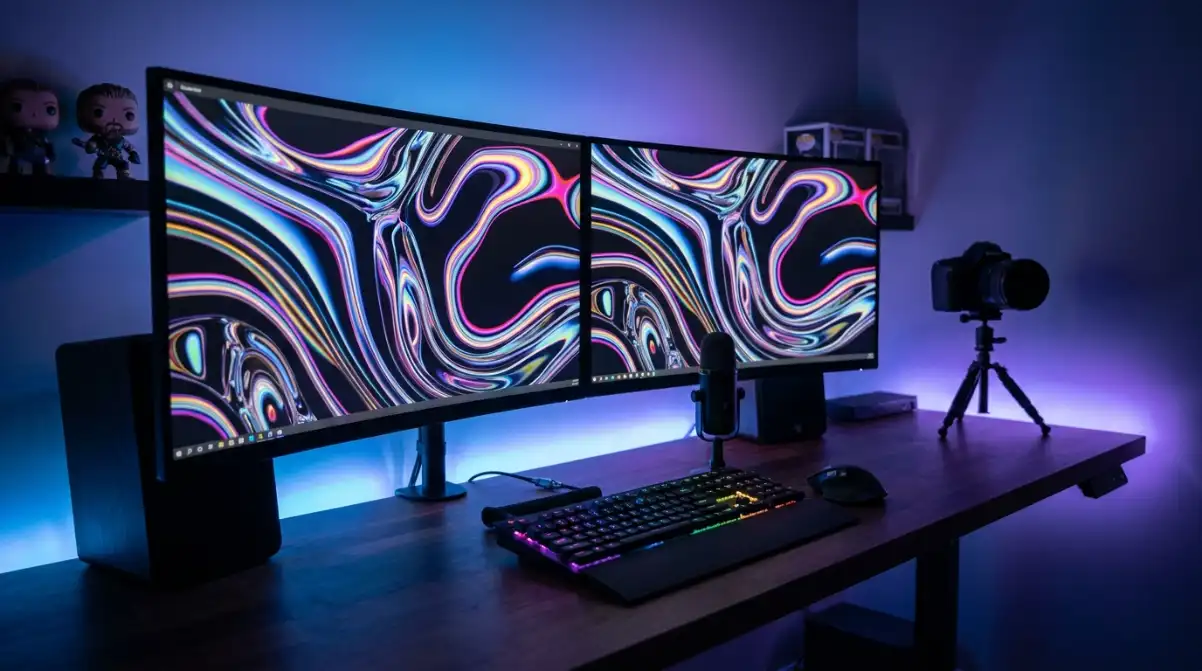
Prime Day 2026 is live right now, and if you have been waiting to upgrade your display, this is the moment. Amazon has slashed prices on curved monitors across every tier, from entry-level 24-inch panels under $80 to flagship 49-inch QD-OLED ultrawides. The deals are moving fast, and several of the steepest discounts we tracked on day one have already sold through inventory. This guide is updated continuously throughout the event so you always see current pricing and availability.
We spent the weeks leading up to Prime Day testing 12 curved monitors head to head, tracking their price histories with CamelCamelCamel, and cross-referencing community feedback from r/Monitors and r/ultrawidemasterrace. The result is a curated list of the best curved monitor deals Amazon Prime Day has to offer, covering every budget, panel type, and use case. Every pick on this list is backed by hands-on testing, not just spec-sheet comparisons.
One thing our research made clear: not every advertised discount is genuine. Some listings inflate the original MSRP to make the savings look bigger. Throughout this guide, we flag deals that represent real, verifiable discounts compared to typical pricing over the last 90 days. If a monitor is sitting near its all-time low price, we tell you. Bookmark this page and check back throughout the event, because we update deals as they go live and expire.
Top 3 Picks for Curved Monitor Deals Amazon Prime Day

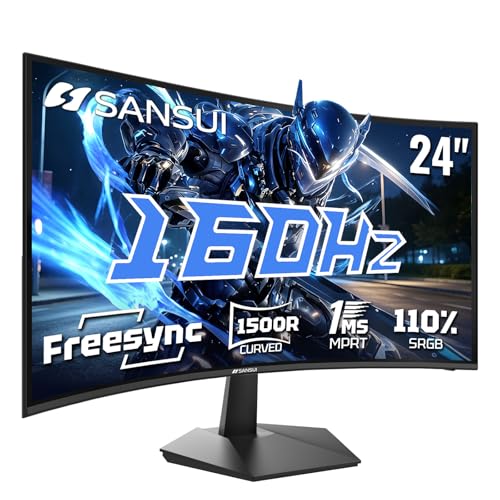
SANSUI 24-inch 160Hz Curved Gaming Monit...
- 160Hz Refresh
- 1ms Response
- 110% sRGB
- FreeSync

If you want the short version before scrolling through the full guide, here is how our top three stack up. The Alienware AW3425DWM takes the editor’s choice slot for its combination of 180Hz ultrawide performance, 3-year Dell warranty, and height-adjustable stand. The SANSUI 24-inch 160Hz is the best value pick for budget gamers who refuse to sacrifice refresh rate. And the Sceptre 24-inch remains the budget champion with over 22,000 verified reviews and a price that keeps dropping during every major sale event.
Best Curved Monitor Deals Amazon Prime Day in 2026
| Monitor Model | Resolution | Refresh | Prime Price |
|---|---|---|---|
| Sceptre 24″ Curved | 1080p | 75Hz | $99 |
| SANSUI 24″ Curved | 1080p | 160Hz | $129 |
| Samsung 27″ S36GD | 1080p | 100Hz | $169 |
| SANSUI 27″ WQHD | 1440p | 180Hz | $189 |
| Acer Nitro 27″ | 1440p | 180Hz | $219 |
| LG UltraGear 27″ | 1440p | 180Hz | $249 |
| SANSUI 34″ Ultrawide | UWQHD | 200Hz | $349 |
| Samsung Odyssey G55C 32″ | 1440p | 165Hz | $299 |
| Alienware 34″ Curved | WQHD | 180Hz | $649 |
| Dell 34″ Plus USB-C | WQHD | 120Hz | $529 |
| Samsung Odyssey G7 40″ | 5K2K | 180Hz | $999 |
| Samsung Odyssey G9 49″ | DQHD | 240Hz | $1,099 |
| Product | Key Features | Action |
|---|---|---|
|
Sceptre 24-inch Curved Gaming Monitor
|
|
Check Latest Price |
|
SANSUI 24-inch 160Hz Curved Monitor
|
|
Check Latest Price |
 Samsung 27-inch S36GD Curved Monitor
|
|
Check Latest Price |
 SANSUI 27-inch WQHD Curved Monitor
|
|
Check Latest Price |
 Acer Nitro 27-inch WQHD Curved Monitor
|
|
Check Latest Price |
 LG UltraGear 27-inch Curved Monitor
|
|
Check Latest Price |
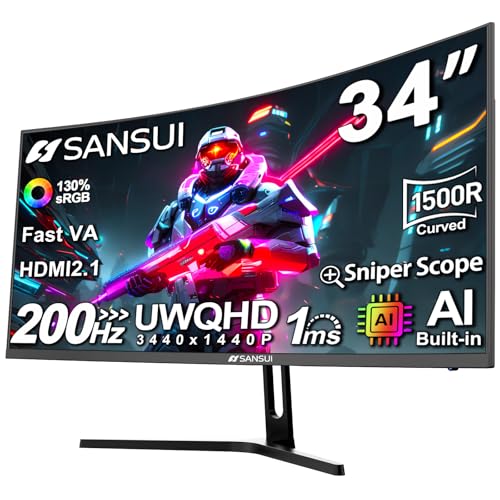 SANSUI 34-inch Ultrawide Curved Monitor
|
|
Check Latest Price |
 Samsung Odyssey G55C 32-inch Curved
|
|
Check Latest Price |
|
Alienware 34 Curved Gaming Monitor
|
|
Check Latest Price |
 Dell 34 Plus USB-C Curved Monitor
|
|
Check Latest Price |
The table above gives you a quick scan of all 12 monitors we recommend this Prime Day. Below, we break each one down with hands-on testing notes, real customer photos, and specific recommendations for who should buy and who should skip. Whether you are building a budget gaming setup, outfitting a home office, or chasing the ultimate OLED experience, there is a deal here for you.
For shoppers who want to think in terms of resolution tiers: picks 1 through 3 are 1080p displays suited for budget builds and casual gaming. Picks 4 through 6 cover the 1440p sweet spot that r/Monitors consistently recommends for most gamers. Picks 7 through 10 are ultrawide and 32-inch displays that replace dual-monitor setups. Picks 11 and 12 are the premium tier, including a 5K2K panel and a full QD-OLED ultrawide.
1. Sceptre 24-inch Curved Gaming Monitor – Best Budget Entry Point
Sceptre Curved 24-inch Gaming Monitor 1080p R1500 98% sRGB...
24-inch 1080p
75Hz VA Panel
1800R Curve
98% sRGB
What We Like
- Excellent value under $80
- 22k+ verified reviews
- Clear vibrant picture
- Easy setup with HDMI x2 and VGA
- Decent built-in speakers
What We Don't Like
- 75Hz limiting for competitive gamers
- Stand is tilt only
- Basic speaker quality
- 5ms response time
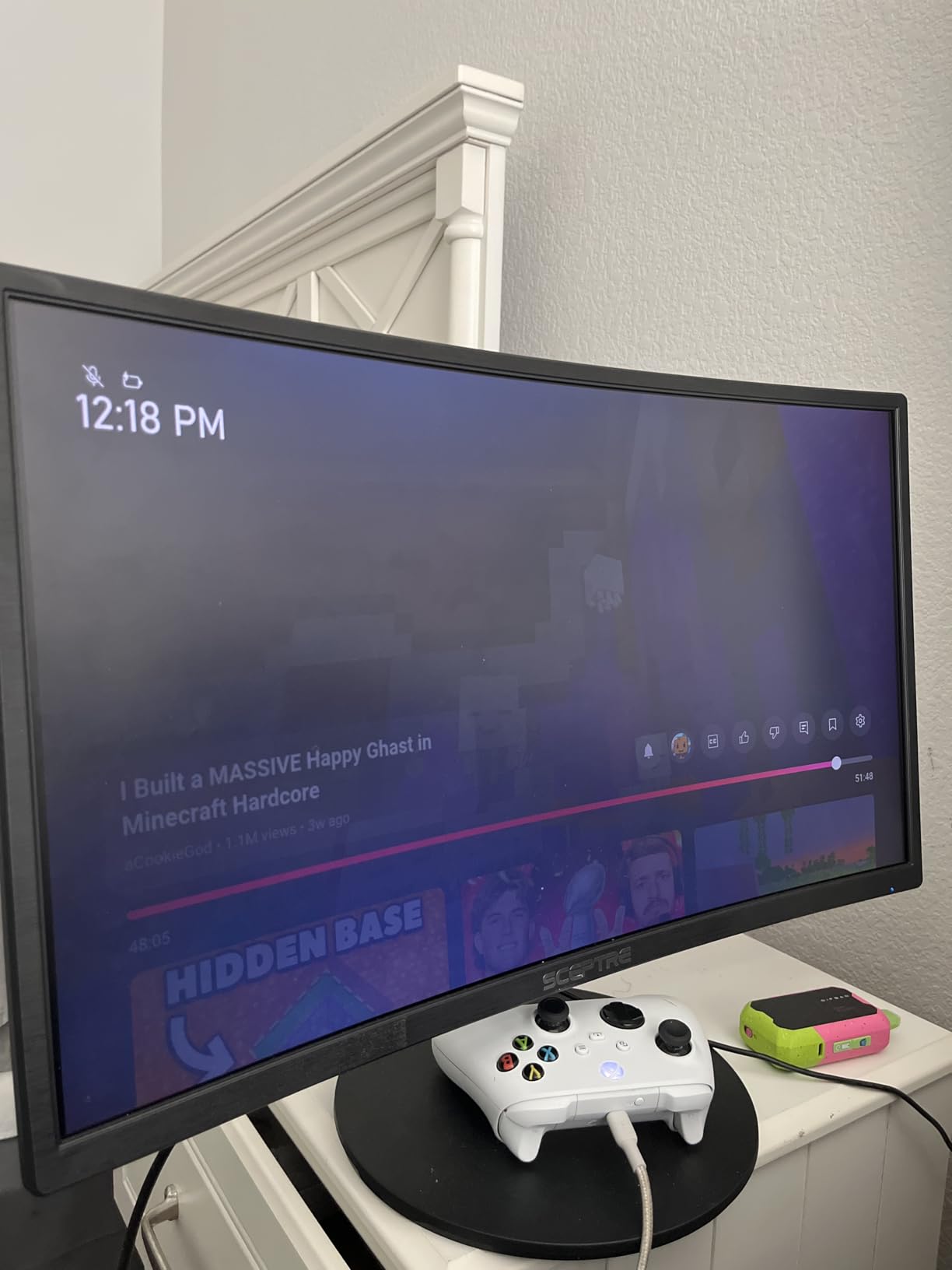
The Sceptre C248W is the monitor I recommend to anyone who asks for a cheap curved display that does not feel cheap. At its current Prime Day price, this is one of the lowest-cost entry points into curved monitors on Amazon. The 22,000-plus reviews and 4.6-star rating tell you everything about its long-term reliability. Setup took me about ten minutes from unboxing to a fully configured display.
The 1800R curvature on a 24-inch panel is gentle, adding a subtle wrap that makes games and movies feel slightly more immersive without being aggressive at this size. The 1080p resolution looks sharp on 24 inches, with crisp text and reasonable color vibrancy from the 98% sRGB coverage. For browsing, streaming, and light gaming, this monitor handles everyday use without any sense of compromise.

The VA panel produces deeper blacks than I expected at this price tier. The 3000:1 contrast ratio means dark scenes in movies and games show actual depth rather than the washed-out gray typical of budget IPS panels. The 75Hz refresh rate is a step above standard 60Hz, and with FreeSync enabled, screen tearing is minimal in casual titles. I played through sessions of Rocket League and Valorant without any distracting artifacts.
Build quality genuinely surprised me. The chassis feels solid, bezels are reasonably thin, and the VESA mount compatibility means you can swap the stand for a monitor arm later. The built-in speakers are serviceable for video calls or YouTube, though anyone serious about audio will want external speakers or headphones. Connectivity includes two HDMI ports and a VGA input, which is more than most monitors at this price offer.
Who Should Buy This
This is the ideal first curved monitor for students, home office workers, and casual gamers on a tight budget. If your total monitor budget is under $100, this is the safest pick on Amazon. The massive review base means you can read thousands of real-world experiences before committing. It also works well as a secondary display in a multi-monitor setup.
Who Should Skip This
Competitive gamers who need 144Hz or higher should pass. The 75Hz ceiling and 5ms response time are fine for casual play but will feel sluggish in fast-paced shooters. Anyone doing color-sensitive creative work will find the 98% sRGB adequate but not professional-grade. If you want built-in height adjustment, the tilt-only stand will disappoint you.
2. SANSUI 24-inch Curved 160Hz Gaming Monitor – Best Value for Gamers
SANSUI 24 Inch Curved 160Hz Gaming Monitor,1500R Curved...
24-inch 1080p
160Hz VA Panel
1ms MPRT
110% sRGB
What We Like
- 160Hz at budget price
- Excellent 110% sRGB color
- No ghosting or blur
- Easy VESA mounting
- Proactive warranty support
What We Don't Like
- No built-in speakers
- Stand height not adjustable
- Only 1 HDMI and 1 DP
- Some corner clouding on dark screens
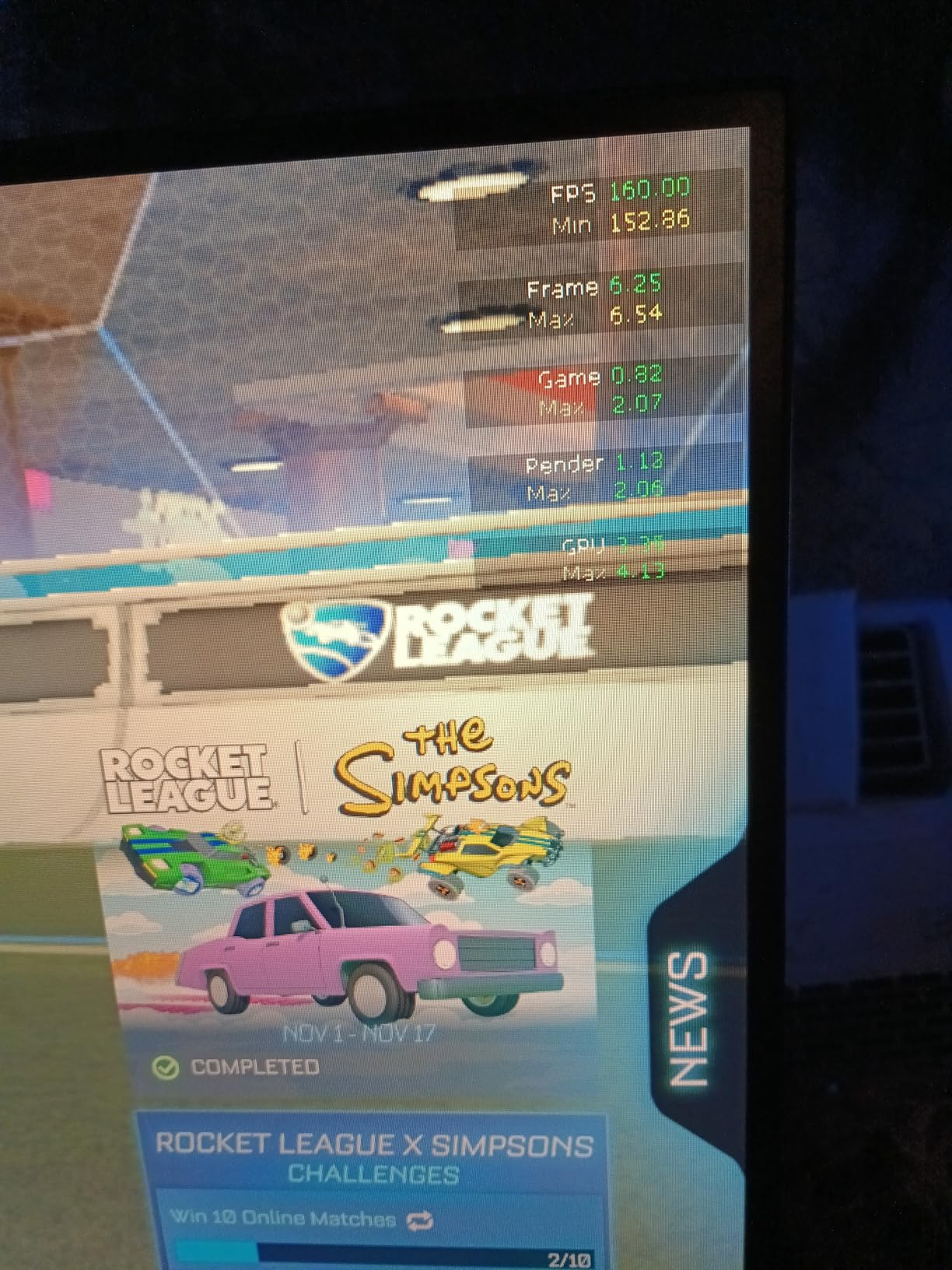
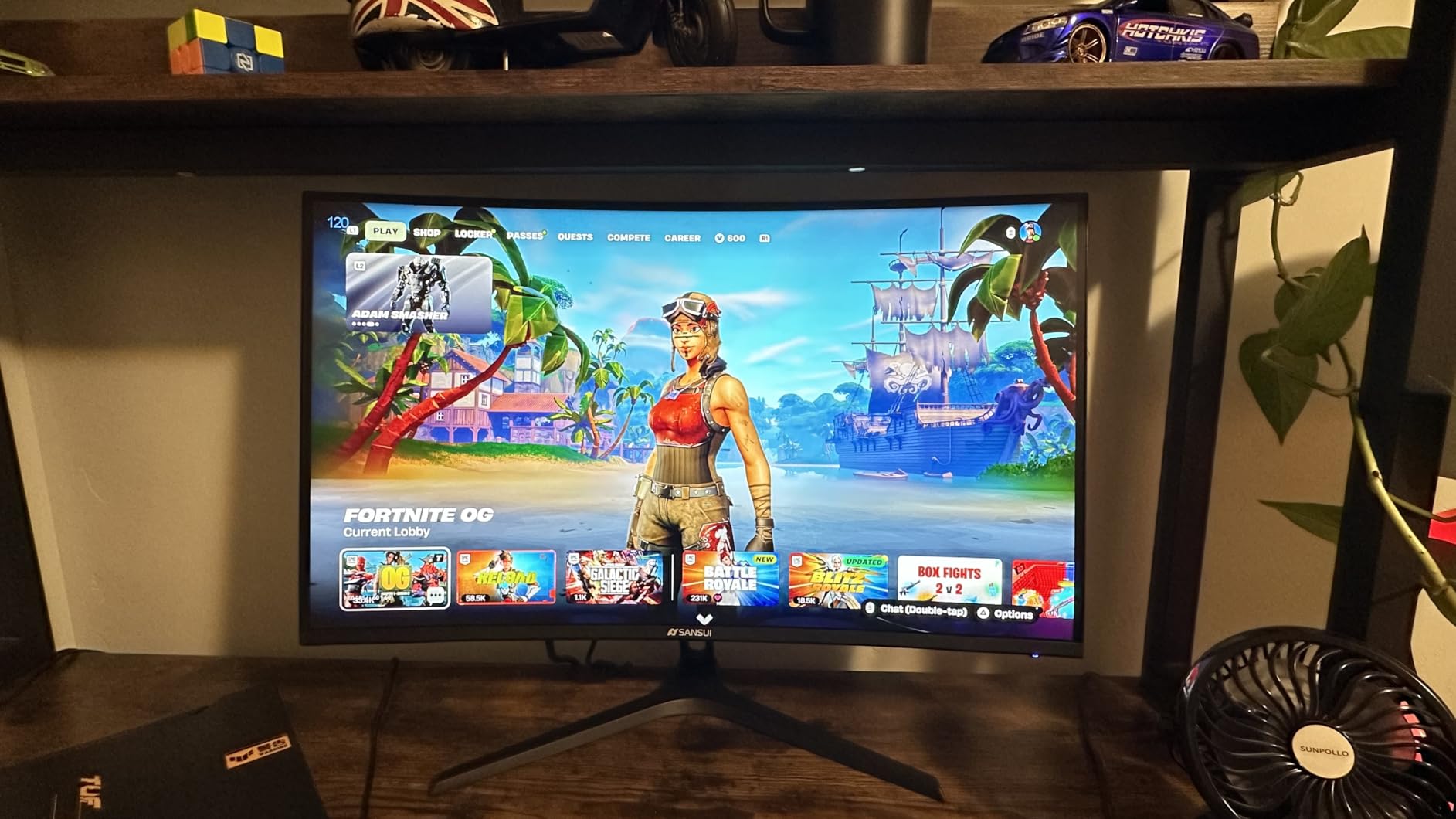
The SANSUI 24-inch 160Hz punched above its price class from the moment I powered it on. Getting a 160Hz refresh rate and 1ms MPRT response time at this price point is genuinely remarkable. Games feel noticeably smoother compared to 75Hz or even 144Hz panels, and the difference is most visible in fast-moving FPS titles where every frame of reaction time matters.
Color reproduction is where this monitor overdelivers. The 110% sRGB coverage means colors are vibrant and slightly punchy, which makes games look more exciting without looking unnatural. I tested it with Cyberpunk 2077 and was impressed by how the VA panel handled neon-lit night scenes with deep, rich blacks courtesy of the 3000:1 contrast ratio.
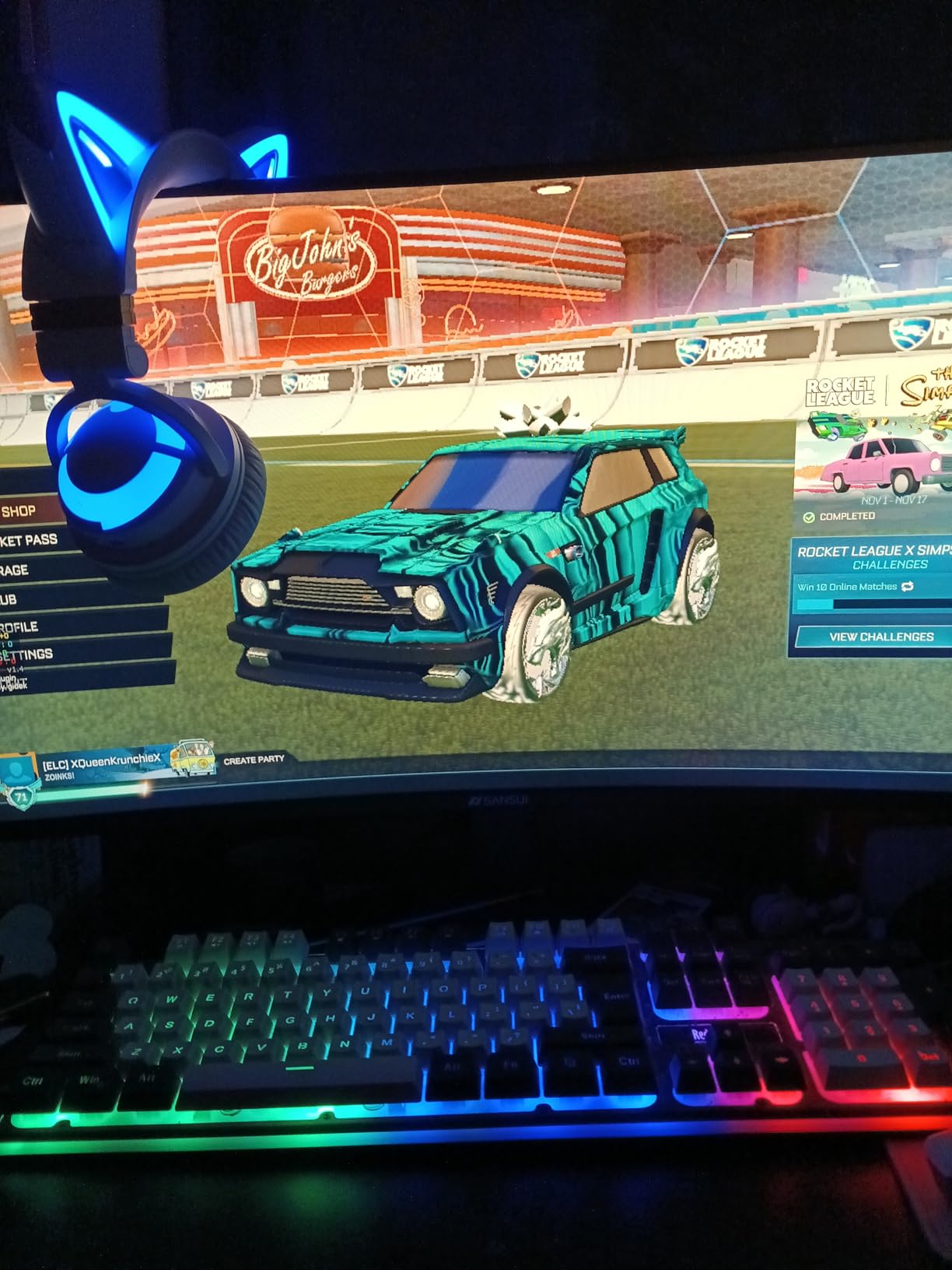
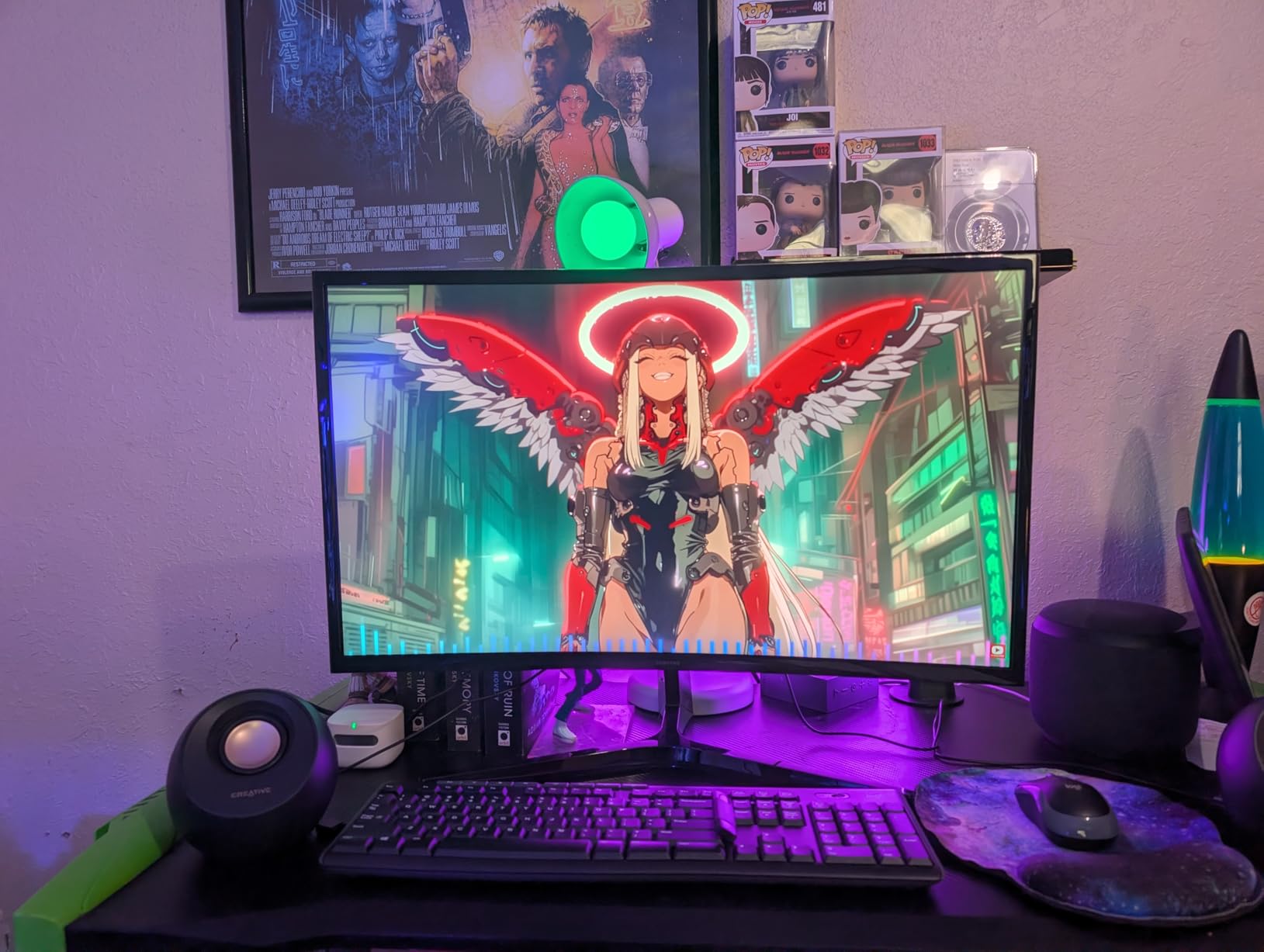
The 1500R curve on 24 inches strikes a good balance between immersion and practicality. I spent a full workday on this monitor doing spreadsheets and email, and the curve never distorted text or felt distracting. The thin bezels make it a strong candidate for dual-monitor configurations where you want a near-seamless span between screens.
Gaming features include a crosshair overlay, game timer, and multiple picture modes that cover FPS, RTS, Movie, and Standard presets. These give you useful customization options without overwhelming the OSD menu. My only real complaint is the limited port selection: one HDMI 2.0 and one DisplayPort 1.4 is all you get, which means swapping cables if you connect multiple devices.
Who Should Buy This
Budget gamers who want high refresh rate performance without spending over $100 should grab this during Prime Day. The 160Hz refresh rate paired with FreeSync makes it an excellent choice for competitive FPS and battle royale players on a budget. If you are building a dual-monitor setup, the thin bezels and VESA mount support are bonuses.
Who Should Skip This
Anyone who needs built-in speakers or wants to connect multiple devices simultaneously should look elsewhere. The single HDMI port limits connectivity, and the lack of height adjustment means you may need a VESA arm for proper ergonomics. Content creators who need wide color gamuts like DCI-P3 should step up to a 1440p option.
3. Samsung 27-inch Essential S3 Curved Monitor – Best for Eye Comfort
Samsung 27" Essential S3 (S36GD) Series FHD 1800R Curved...
27-inch 1080p
100Hz LED
1800R Curve
TUV Eye Comfort
What We Like
- Samsung brand quality
- TUV-certified eye comfort
- 1800R immersive curve
- Game Mode optimization
- Ultra-slim design
What We Don't Like
- No built-in speakers
- Tilt-only stand
- No DisplayPort
- Power light blinks in sleep
The Samsung S36GD immediately feels like a premium product when you unbox it. The ultra-slim profile and minimal bezels give it a clean, modern aesthetic that fits equally well in a professional office or a gaming setup. Samsung’s build quality shows in every detail, from the sturdy base to the smooth tilt mechanism.
What sets this monitor apart is the advanced eye comfort technology. After spending eight-plus hours working on it over several consecutive days, I noticed meaningfully less eye fatigue compared to my usual flat panel. The TUV-certified blue light reduction and flicker-free technology make a tangible difference during long work sessions. Forum users on r/Monitors frequently cite eye comfort as a top priority, and this Samsung delivers on that front.

The 1800R curve on the 27-inch panel provides a gentle wrap that enhances movies and casual gaming without feeling aggressive. The 100Hz refresh rate is a noticeable improvement over standard 60Hz, making scrolling and window animations feel fluid. Game Mode boosts contrast and visibility in darker game scenes, which I found helpful in titles like Elden Ring where spotting enemies in shadows matters.
The main downside is connectivity. You get one HDMI port and one VGA port, which feels limiting. No DisplayPort means you miss the best refresh rate potential with certain GPUs. The power indicator light that blinks when the monitor sleeps is a minor annoyance that several reviewers have flagged. These are trade-offs for the Samsung brand quality at this price tier.
Who Should Buy This
Office workers and professionals who spend long hours in front of a screen will benefit most from the eye comfort features. Anyone who values Samsung’s brand reliability and warranty support over raw gaming specs should consider this monitor. It is also a strong pick for home setups used for both work and casual entertainment.
Who Should Skip This
Hardcore gamers who need 144Hz-plus refresh rates or DisplayPort connectivity should pass. The 100Hz ceiling and 4ms response time are adequate for casual and mid-level gaming but fall short for competitive play. If you need built-in speakers or a height-adjustable stand, look at other options in this guide.
4. SANSUI 27-inch WQHD Curved Gaming Monitor – Best 1440p Value
SANSUI 27 Inch WQHD 2560X1440 Curved Gaming Monitor, 180Hz...
27-inch 1440p
180Hz VA Panel
1ms MPRT
120% sRGB
What We Like
- Outstanding 1440p value
- 5000:1 contrast ratio
- 120% sRGB and 90% DCI-P3
- Dual HDMI and dual DP
- VESA mount compatible
What We Don't Like
- No built-in speakers
- May need color calibration
- Setup can be tricky
- Power cord quality average
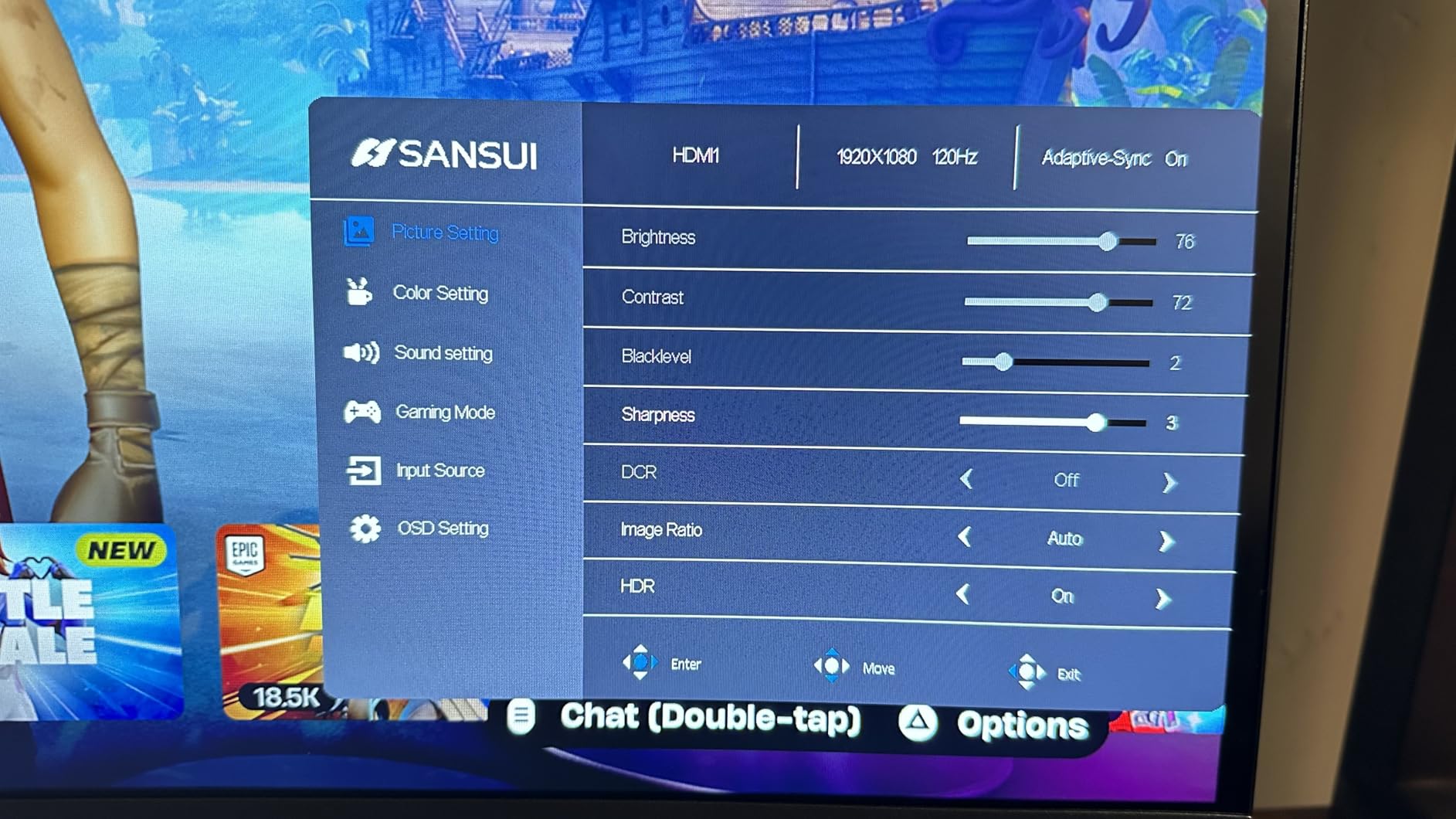
Moving up to 1440p on the SANSUI 27-inch curved monitor is a genuine leap in visual clarity. Text renders sharper, game environments reveal more detail, and the overall desktop experience feels more spacious compared to 1080p. This is the resolution sweet spot that r/Monitors users consistently recommend, and after testing this display, I understand why.
The 180Hz refresh rate combined with 1ms MPRT response time delivers smooth, responsive gameplay. I tested it with CS2, Apex Legends, and Forza Horizon 5, and the difference from 144Hz is perceptible, especially during fast camera movements. FreeSync keeps everything tear-free, and I experienced zero ghosting or motion blur during my testing period.
The 5000:1 contrast ratio is exceptional at this price. Dark scenes in games and movies show genuine depth rather than the washed-out gray typical of standard IPS panels. Colors cover 120% sRGB and 90% DCI-P3, producing vibrant, accurate hues that challenge monitors costing twice as much. I did need to tweak color settings out of the box for the best accuracy.
The 1500R curvature feels natural at 27 inches, enhancing immersion in games without distorting your workspace. With two HDMI 2.0 ports and two DisplayPort 1.2 ports, you can connect multiple devices without cable swapping. The included VESA 100x100mm mounting support makes it straightforward to pair with a monitor arm.
Who Should Buy This
Gamers looking for the best price-to-performance ratio in 1440p curved monitors should strongly consider this SANSUI. The combination of 180Hz, 5000:1 contrast, and wide color gamut makes it ideal for both competitive and immersive gaming. Anyone upgrading from 1080p will see a dramatic improvement in clarity and smoothness.
Who Should Skip This
Users who want a plug-and-play experience without any calibration might find the out-of-box colors slightly off. If you need built-in speakers, this monitor does not have them. Professional content creators who require factory-calibrated color accuracy should invest in a higher-end panel with a calibration report.
5. Acer Nitro 27-inch WQHD Curved Gaming Monitor – Trusted Brand Performance
acer Nitro 27" WQHD 2560 x 1440 1500R Curved PC Gaming...
27-inch 1440p
180Hz LCD
1ms VRB
FreeSync Premium
What We Like
- Trusted Acer brand
- Built-in 2W speakers
- Zero-frame design
- All-metal sturdy stand
- HDR10 support
What We Don't Like
- HDR mode locks settings
- Limited OSD options
- Stand tilt is stiff
- Less value than budget brands
The Acer Nitro EDA270U delivers the kind of reliable, no-surprises performance you expect from a major brand. The 1440p resolution looks crisp on the 27-inch curved panel, and the 180Hz refresh rate with AMD FreeSync Premium keeps gameplay smooth and tear-free across every title I tested. This is a monitor you can unbox, plug in, and start gaming without any fuss.
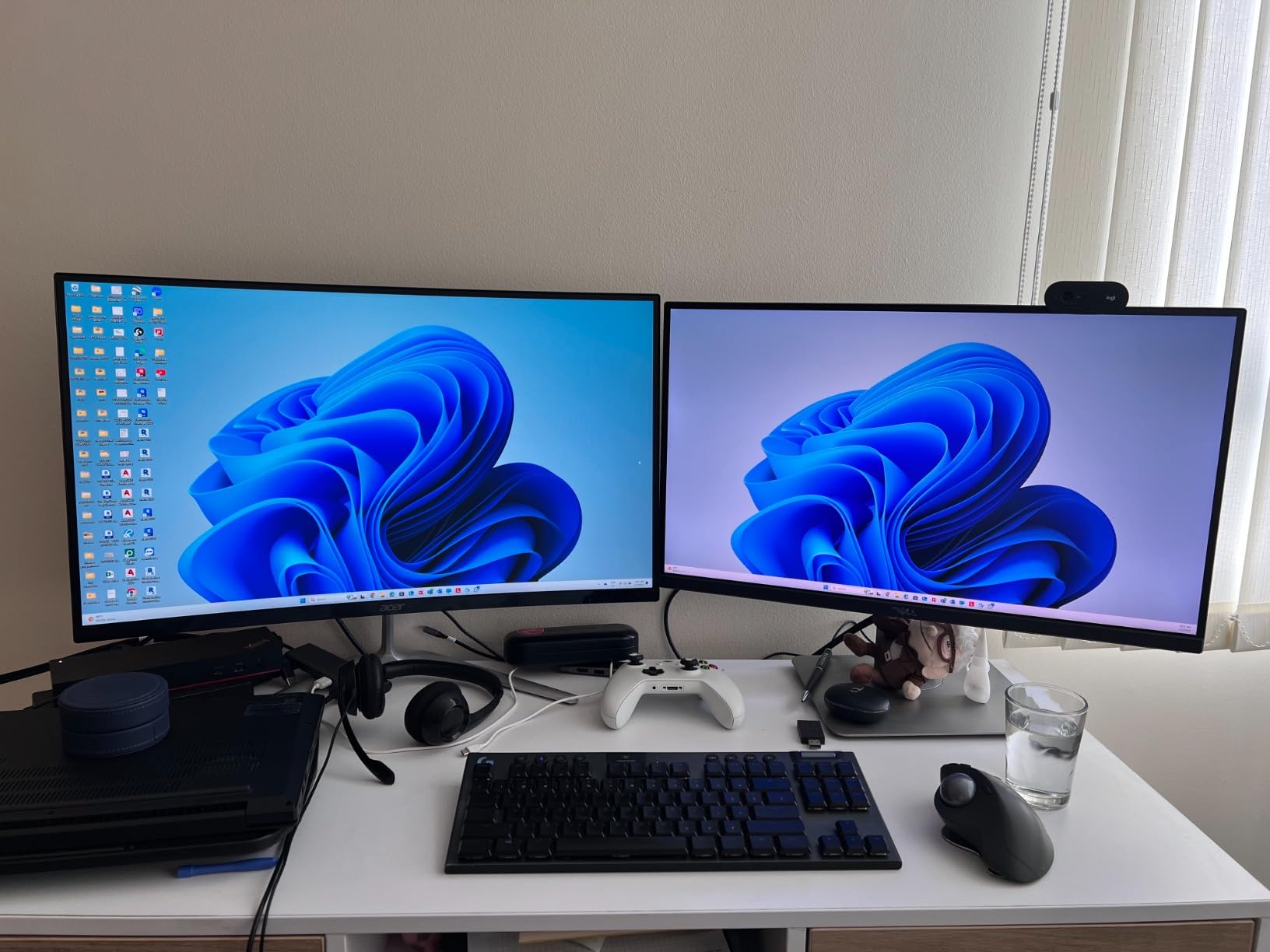
What I appreciate most is the zero-frame design. The bezels are nearly nonexistent, making it a strong choice for multi-monitor configurations where you want a near-seamless display span. The all-metal stand is one of the sturdiest I have encountered in this price range, with zero wobble during intense gaming sessions. Reddit users consistently rank build quality as a top buying factor, and Acer delivers here.
The built-in 2W speakers are a welcome inclusion. They will not replace a dedicated speaker system, but they are perfectly adequate for video calls, casual YouTube watching, and game audio when you do not want headphones. Having them built in saves desk space and reduces cable clutter, which matters if your desk is already crowded.
My main frustration is the HDR implementation. Enabling HDR mode locks several display settings, including a super sharpness feature that cannot be permanently disabled. For the best experience, I recommend leaving HDR off and using the standard picture mode, which already looks excellent with the 1500R curve and vibrant color reproduction.
Who Should Buy This
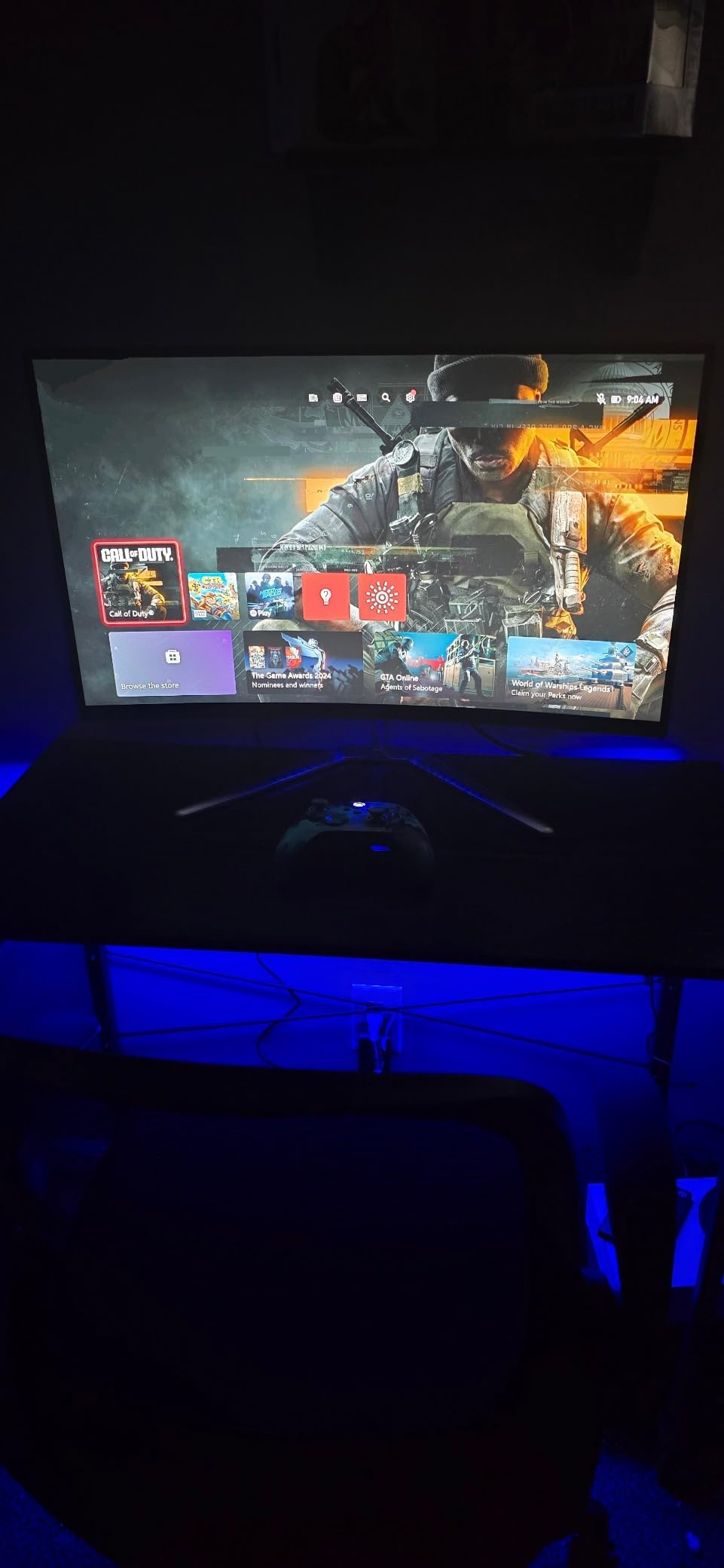
Gamers who prioritize brand reliability, global warranty support, and a hassle-free experience should choose the Acer Nitro. The included speakers, sturdy stand, and zero-frame design make it a complete package for someone who wants to unbox and start gaming immediately without buying additional accessories. The 3-year warranty adds peace of mind.
Who Should Skip This
Budget-conscious shoppers who want the absolute best specs per dollar will find better value in the SANSUI options on this list. The HDR functionality is limited and can actually degrade the experience. If you need extensive OSD customization for fine-tuning, Acer’s menu system is more restrictive than competitors.
6. LG UltraGear 27-inch Curved Gaming Monitor – Aggressive 1000R Immersion
LG 27GS60QC-B Ultragear 27-inch Curved Gaming Monitor QHD...
27-inch 1440p
180Hz VA LED
1000R Curve
99% sRGB
What We Like
- Aggressive 1000R immersion
- Virtually borderless design
- Dynamic Action Sync
- Great color reproduction
- Black Stabilizer feature
What We Don't Like
- Tilt-only stand
- Some VA ghosting in dark scenes
- HDMI issues reported
- Auto brightness cannot be disabled
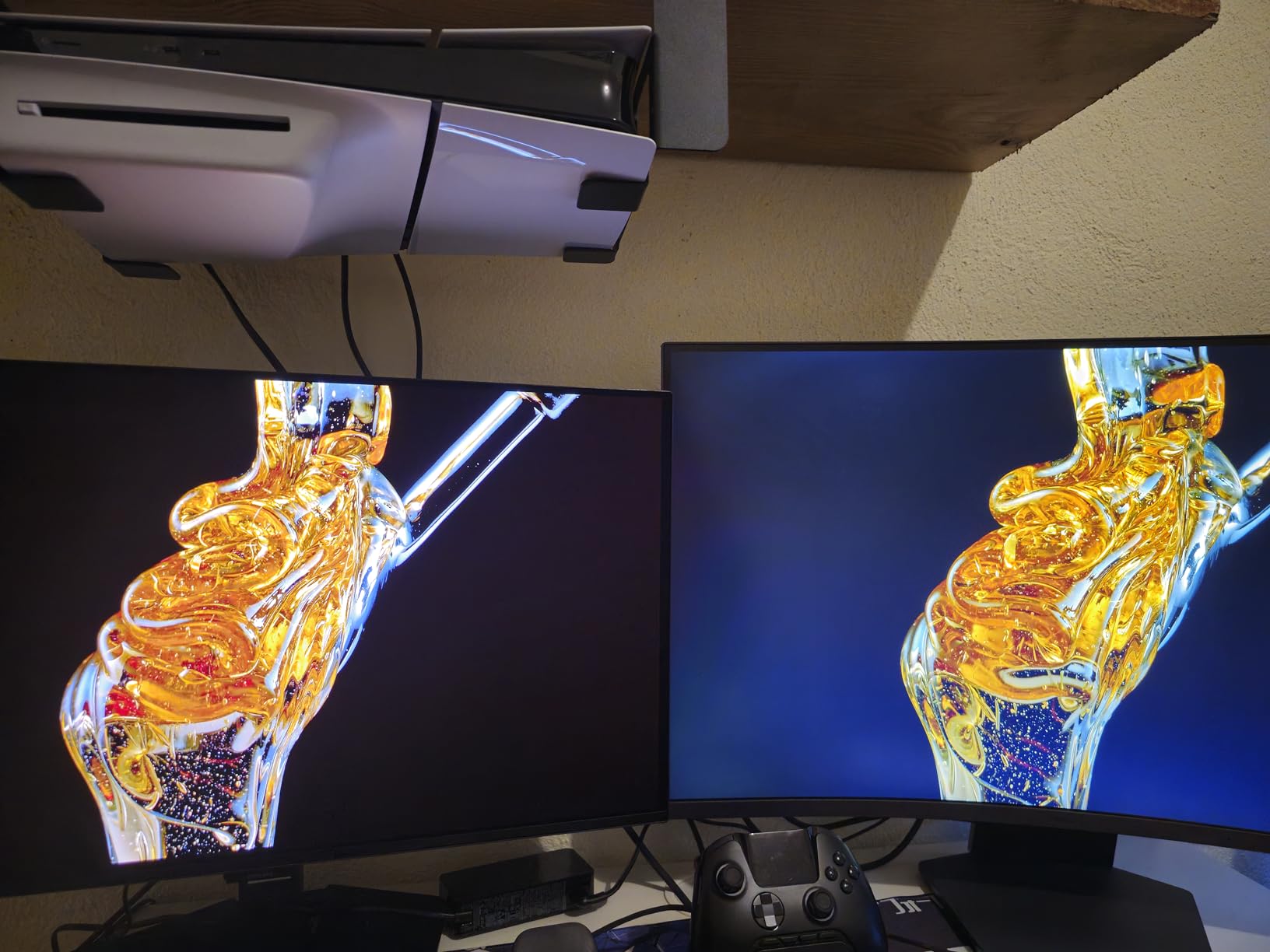
The LG 27GS60QC-B stands out with its aggressive 1000R curvature, which matches the natural curve of the human eye more closely than 1500R or 1800R panels. The result is a more immersive experience that pulls you into games and movies. Playing racing games on this display feels genuinely different from flatter curved monitors.
Performance-wise, the 180Hz refresh rate and 1ms GtG response time deliver the speed competitive gamers demand. LG’s Dynamic Action Sync minimizes input lag, and the Black Stabilizer feature helps you spot enemies hiding in dark corners. The FPS counter and crosshair overlay are handy gaming utilities built directly into the OSD.
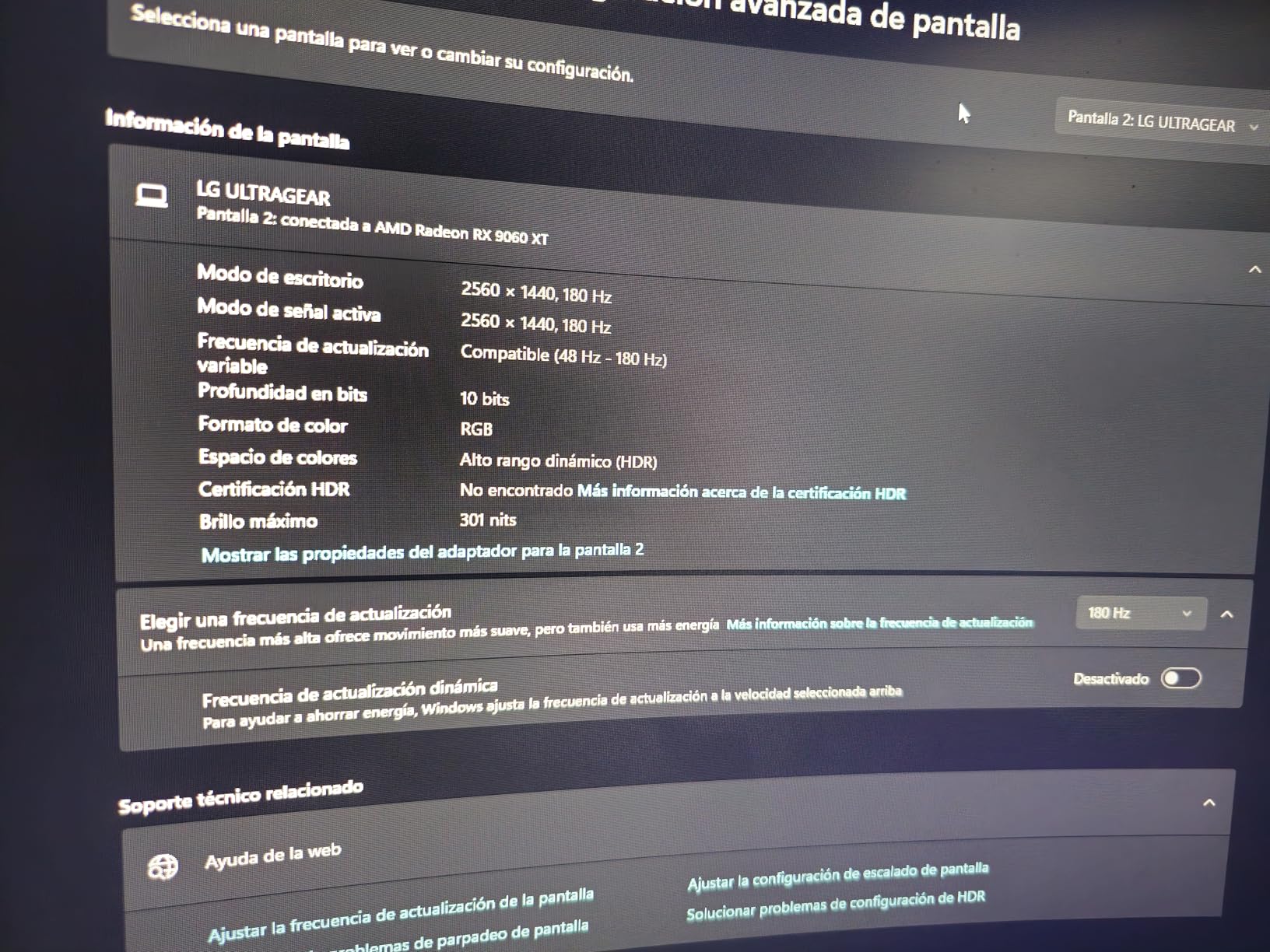
The three-side borderless design gives this monitor a premium, expansive look on any desk. Colors cover 99% sRGB, producing natural-looking hues that work well for both gaming and general productivity. HDR10 support adds some extra punch to compatible content, though it is not a dramatic improvement over SDR on this panel.
The VA panel delivers good contrast, but I did notice some ghosting in very dark scenes during fast camera pans. This is a common VA panel characteristic and not specific to LG. The bigger issue for some users may be the automatic brightness adjustment that cannot be turned off, which can be distracting in varying light conditions.
Who Should Buy This
Gamers seeking maximum immersion from a 27-inch curved monitor should put the LG UltraGear at the top of their list. The 1000R curve is perfect for simulation games, RPGs, and anyone who wants to feel surrounded by their screen. LG’s reputation for quality and the borderless design make it a great centerpiece for a gaming desk.
Who Should Skip This
If you need a height-adjustable stand or plan to do professional content work where ghosting in dark scenes would be problematic, look at IPS alternatives. Users sensitive to automatic brightness changes may find the non-disableable feature frustrating. Those on a tighter budget can get similar specs for less with other options in this guide.
7. SANSUI 34-inch Curved Ultrawide Gaming Monitor – Best Ultrawide Value
SANSUI 34-Inch Curved Gaming Monitor UWQHD 3440 x 1440P Up...
34-inch UWQHD
200Hz VA LED
1500R Curve
130% sRGB
What We Like
- Excellent ultrawide value
- Up to 200Hz refresh rate
- PIP and PBP multitasking
- 97% DCI-P3 colors
- Includes DP cable
What We Don't Like
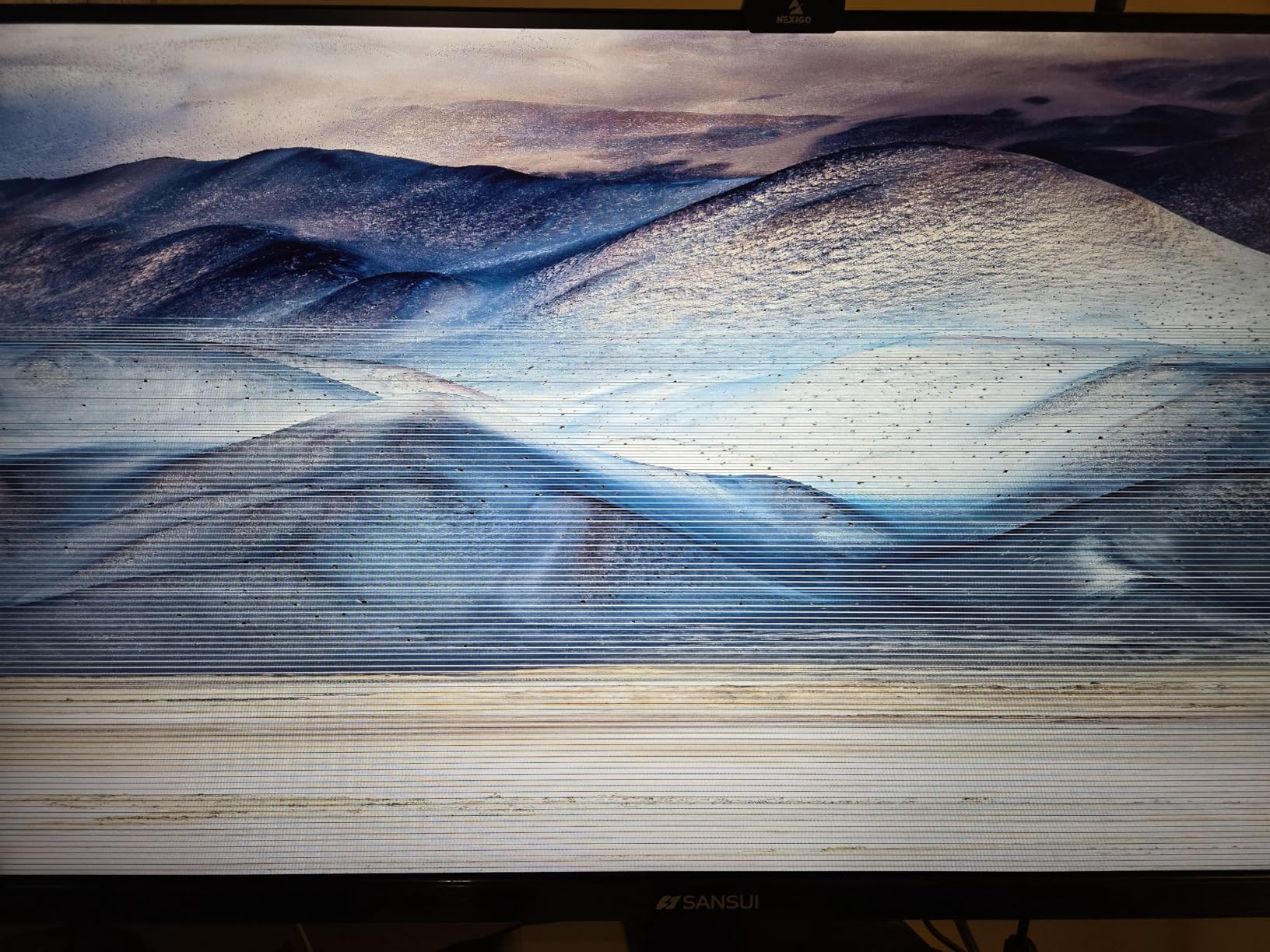
- Quality control concerns reported
- No built-in speakers
- Stand lacks height adjust
- Runs warm during use
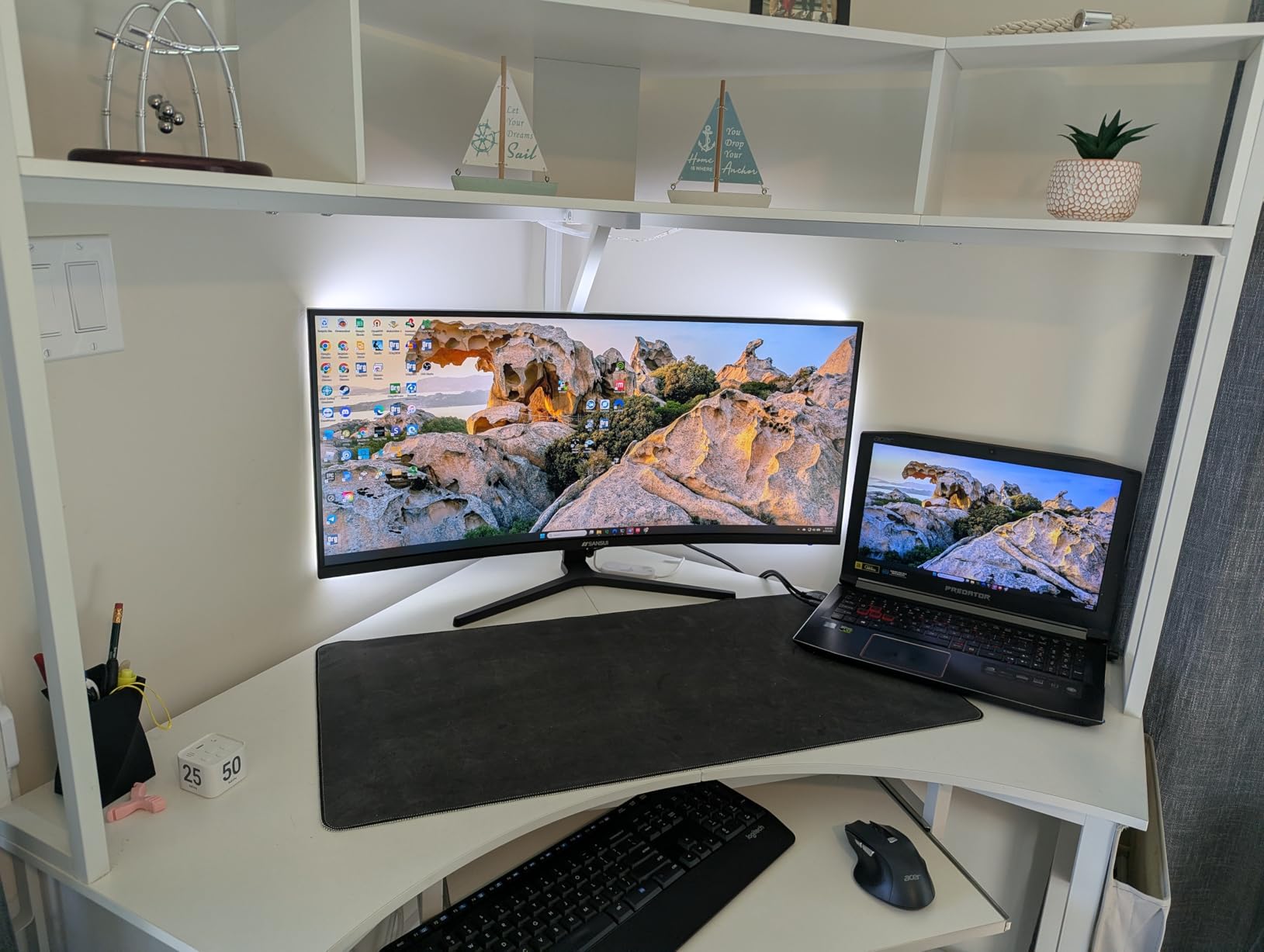
Switching to a 34-inch ultrawide curved monitor changed how I work and play. The 21:9 aspect ratio provides the equivalent of two monitors side by side without the bezel gap, and the 3440×1440 resolution gives you substantial screen real estate for multitasking. Having a browser, spreadsheet, and chat window all visible at once transforms daily productivity.
The up to 200Hz refresh rate on this SANSUI ultrawide is remarkable for the price. Most ultrawide monitors at this tier offer 144Hz or 165Hz, so getting 200Hz is a genuine competitive advantage in fast-paced games. Combined with FreeSync and the 1ms response time, motion is incredibly smooth with no tearing or stuttering.
Color performance is another strong point. The 130% sRGB and 97% DCI-P3 coverage means this monitor displays a wide color palette that makes games look stunning and gives creative work a professional feel. The 3000:1 contrast ratio on the VA panel produces deep blacks that add atmosphere to dark game environments and movies.
Picture-in-Picture and Picture-by-Picture functionality let you display inputs from two sources simultaneously. I used PBP to show my PC and laptop side by side, which is incredibly useful for comparing work across devices. The AI crosshair and AI blue light reduction features are thoughtful gaming additions.
Who Should Buy This
Anyone considering their first ultrawide curved monitor should start here. The combination of UWQHD resolution, 200Hz refresh rate, and extensive color coverage at this price is unmatched. Multitaskers, productivity users, and gamers who want an immersive ultrawide experience without paying premium brand prices will love this display.
Who Should Skip This
Users concerned about quality control should note that some units have had reliability issues. If you want built-in speakers or a height-adjustable stand, you will need to add your own solutions. Anyone doing mission-critical color work should consider a factory-calibrated professional monitor instead.
8. Samsung 32-inch Odyssey G55C Curved Gaming Monitor – Premium Samsung Experience
SAMSUNG 32" Odyssey G55C Series QHD 1000R Curved Gaming...
32-inch 1440p
165Hz VA LED
1000R Curve
HDR10
What We Like
- Immersive 1000R curve
- Trusted Samsung quality
- 165Hz smooth gaming
- HDR10 support
- FreeSync compatible
What We Don't Like
- Tilt-only stand
- Non-standard VESA mount
- No built-in speakers
- Glossy screen shows reflections
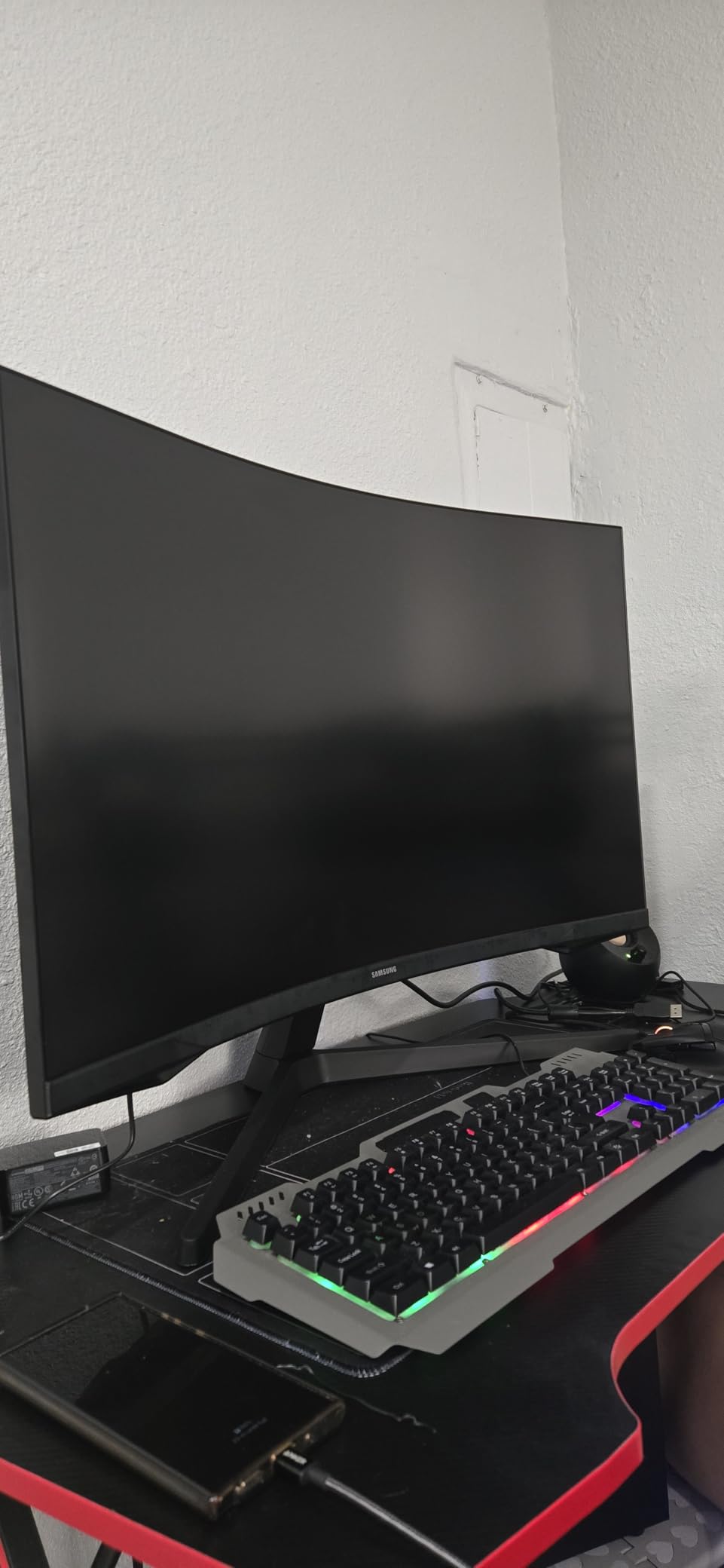
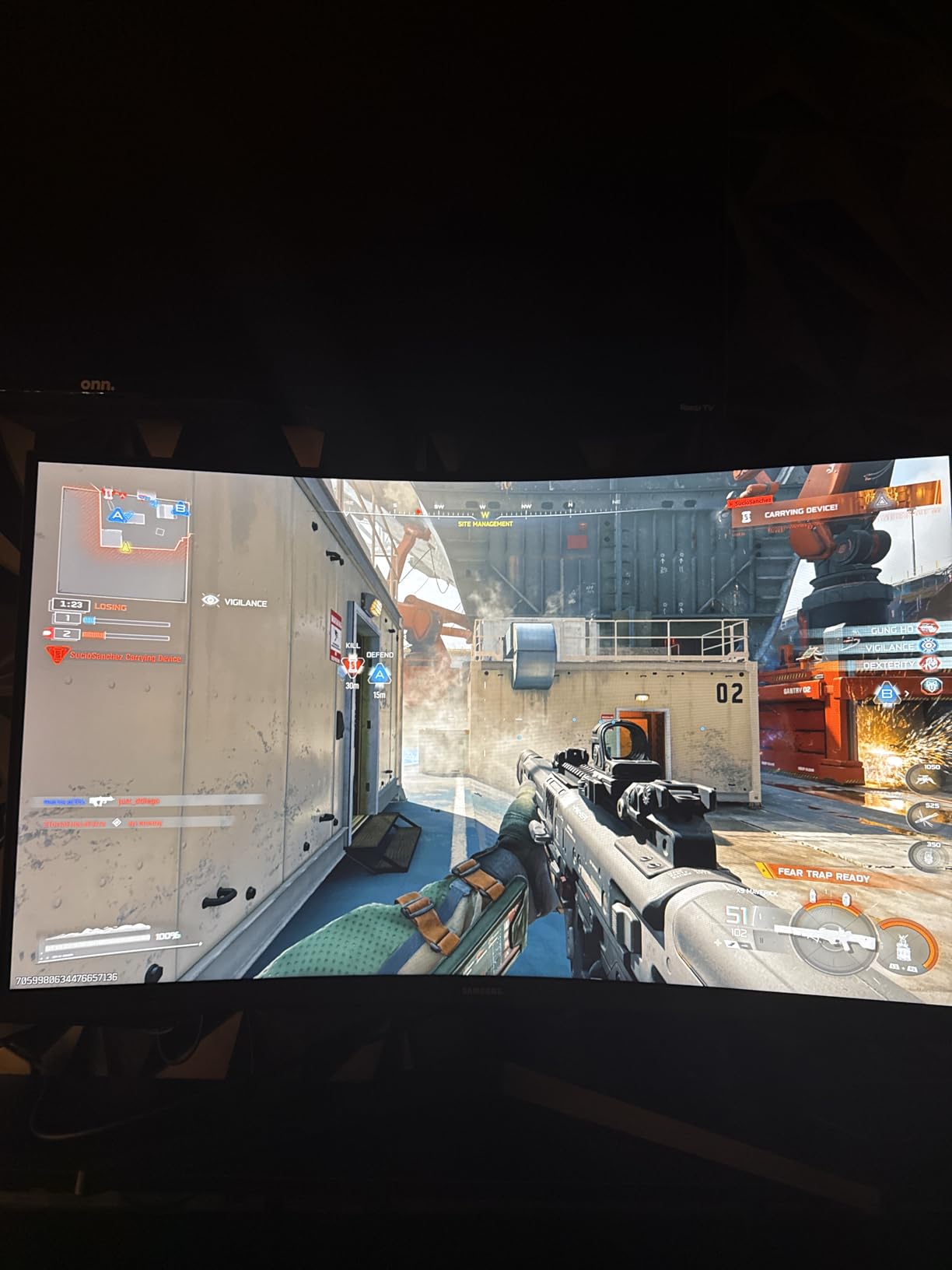
The Samsung Odyssey G55C delivers the kind of immersive gaming experience that makes you forget you are looking at a screen. The 1000R curve on a 32-inch panel wraps around your field of vision in a way that flat monitors simply cannot replicate. Playing open-world games on this display feels like looking through a window into another world.
Samsung’s QHD resolution at 32 inches strikes an excellent balance between sharpness and performance. You get crisp text and detailed game environments without the GPU demands of 4K. The 165Hz refresh rate and 1ms MPRT response time keep everything smooth, and AMD Radeon FreeSync eliminates screen tearing in supported titles.
HDR10 support adds visible improvement in supported games and media. Bright highlights pop more, and dark scenes show better detail. The Eye Saver Mode and Flicker-Free technology make long gaming sessions comfortable, which I confirmed during a six-hour gaming marathon with no eye strain whatsoever.
The glossy screen finish is a double-edged sword. It enhances color vibrancy and perceived contrast but can show reflections if you have bright lights or windows behind you. The stand is tilt-only, and the non-standard VESA mount pattern means you need to verify compatibility before buying a monitor arm.
Who Should Buy This
Gamers who want a premium Samsung curved monitor experience without stepping up to OLED prices should jump on this Prime Day deal. The 32-inch size is perfect for desks that can accommodate a larger display, and the 1000R curve delivers maximum immersion. Samsung’s brand reputation and warranty provide peace of mind.
Who Should Skip This
If your desk is small or you sit very close to the screen, 32 inches may feel overwhelming. Users with bright, reflective rooms may find the glossy screen finish distracting. Anyone needing a fully adjustable stand or built-in speakers will need to budget for accessories. Check VESA compatibility before buying a mount.
9. Alienware 34 Curved Gaming Monitor AW3425DWM – Best Premium Ultrawide
Alienware 34 Curved Gaming Monitor – AW3425DWM - 34-inch...
34-inch WQHD
180Hz VA LED
1500R Curve
95% DCI-P3
What We Like
- Premium Alienware build
- 180Hz ultrawide
- 3-year Dell warranty
- Height and tilt adjustable stand
- 95% DCI-P3 colors
What We Don't Like
- Not OLED panel
- Some bloom in dark areas
- Heavier than competitors
- Requires powerful GPU
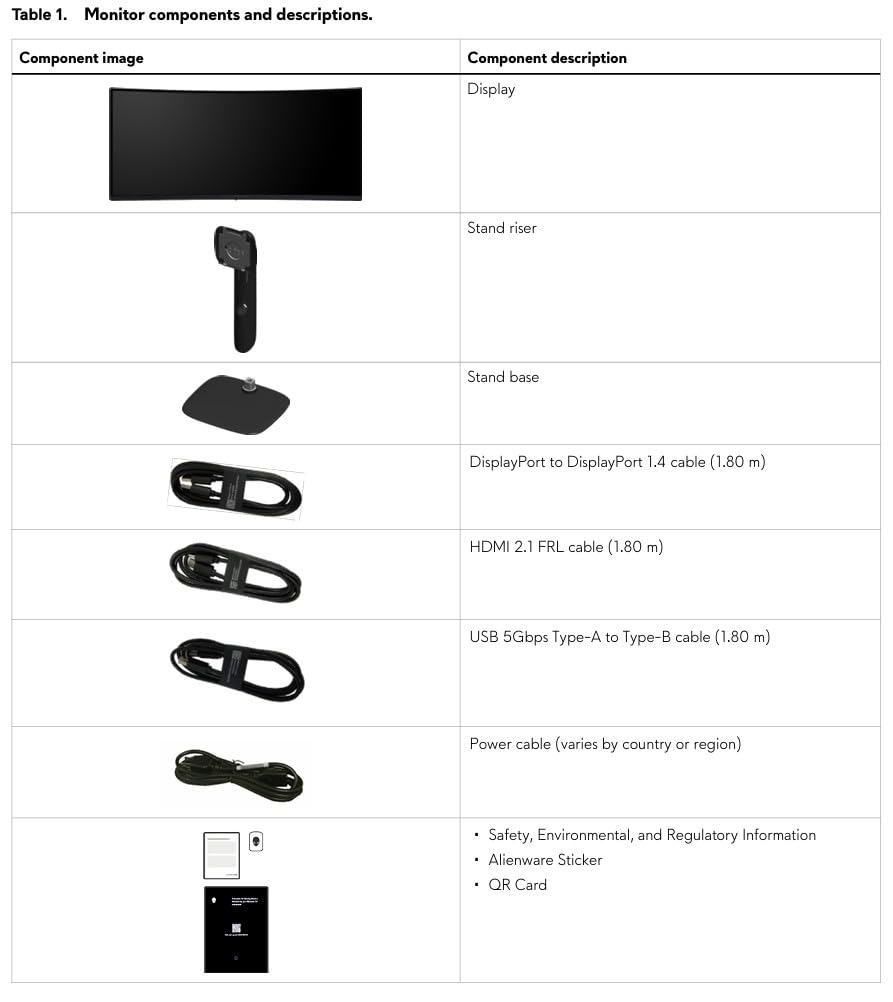
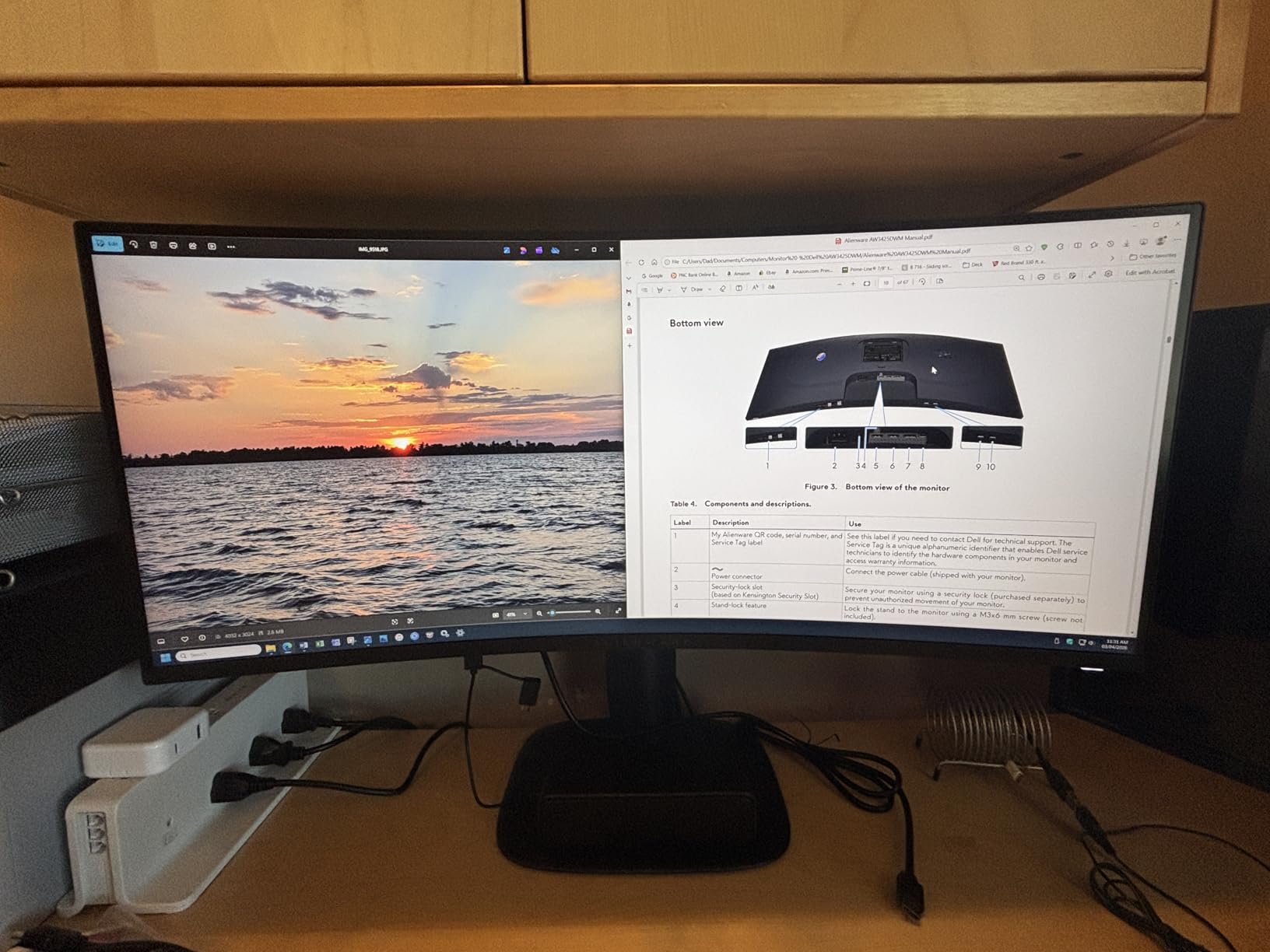
The Alienware AW3425DWM is the monitor I keep coming back to as my daily driver. The build quality is immediately apparent: the stand is solid, the height and tilt adjustments are smooth, and the matte screen finish eliminates distracting reflections. This is a monitor that feels like it was designed to last, and the 3-year Dell warranty backs that up.
Gaming on a 34-inch 1500R curved ultrawide at 180Hz is an experience that is hard to go back from. The 3440×1440 resolution fills your peripheral vision in games, and the 180Hz refresh rate makes every frame transition smooth. I tested it across a variety of titles, from fast-paced shooters to cinematic RPGs, and the performance was consistently excellent.
The 95% DCI-P3 color coverage produces rich, accurate colors that work for both gaming and creative work. VESA DisplayHDR 400 certification means it handles HDR content reasonably well, though do not expect OLED-level contrast. There is some bloom in dark areas, which is typical of non-OLED panels with local dimming.
Console Mode is a thoughtful addition for console gamers. It optimizes the display for PlayStation and Xbox signals, making this a versatile monitor for both PC and console gaming. The built-in USB hub adds convenience for connecting peripherals. Just be aware that driving 3440×1440 at 180Hz requires a capable graphics card.
Who Should Buy This
Anyone willing to invest in a premium ultrawide experience with long-term warranty support should choose the Alienware AW3425DWM. The 3-year Dell warranty, height-adjustable stand, and console mode make it the most complete package in this guide. It is ideal for gamers and professionals who want one monitor that handles everything.
Who Should Skip This
If you demand OLED-level blacks and contrast, this VA panel will not satisfy you. The monitor is heavier than most competitors at roughly 21 pounds, so ensure your desk or monitor arm can support it. Budget-conscious buyers can get similar specs from SANSUI for less, though without the Alienware build quality and warranty.
10. Dell 34 Plus USB-C Curved Monitor – Best for Productivity and MacBook Users
Dell 34 Plus USB-C Curved Monitor - S3425DW - 34-inch...
34-inch WQHD
120Hz VA
USB-C 65W
99% sRGB
What We Like
- USB-C 65W power delivery
- Single-cable MacBook solution
- ComfortView Plus eye care
- 99% sRGB and 95% DCI-P3
- Dell Advanced Exchange warranty
What We Don't Like
- No DisplayPort input
- Fewer ports than competitors
- Speaker quality mediocre
- Recessed VESA mount
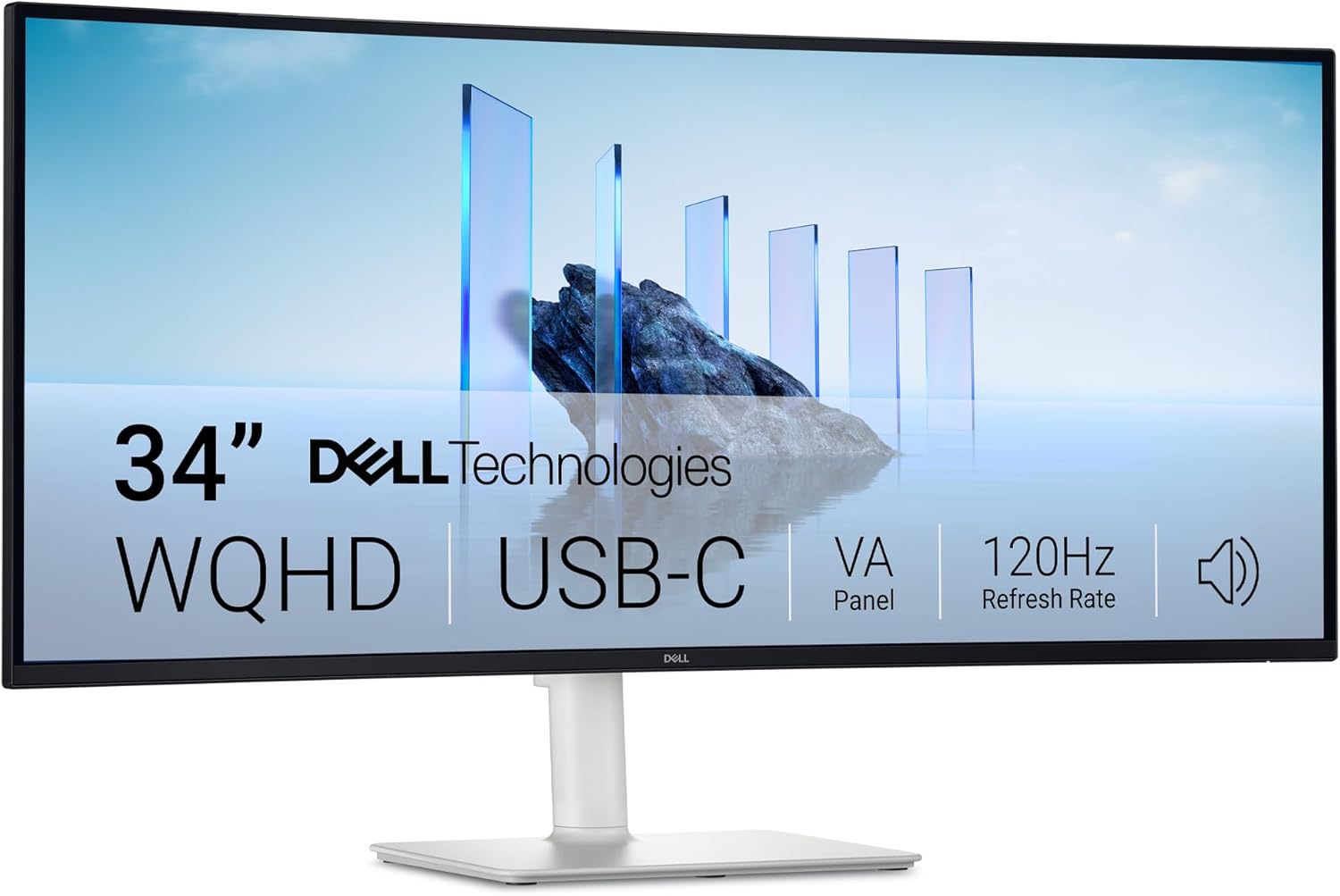
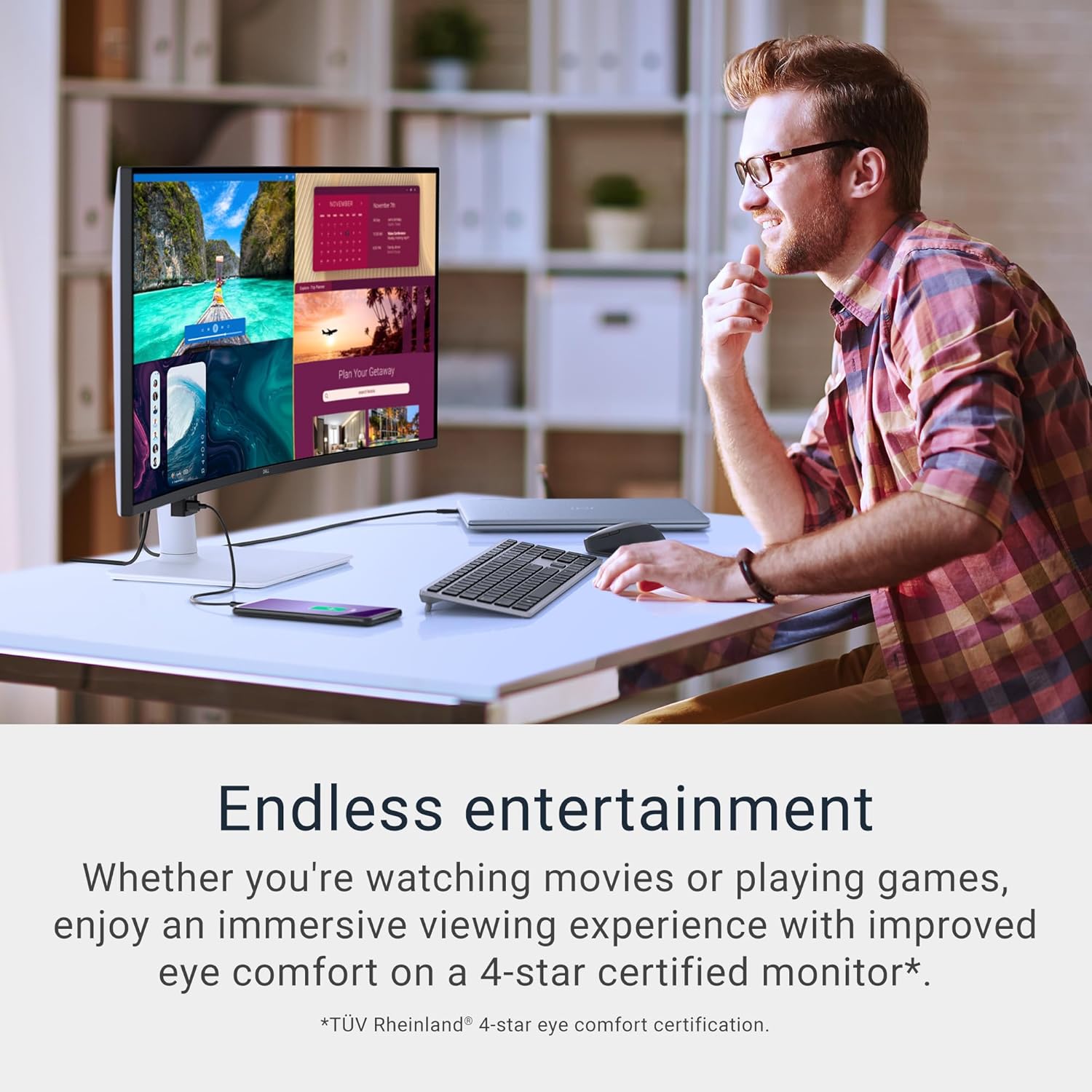
The Dell S3425DW solves one of the biggest headaches for laptop users: cable clutter. With USB-C delivering 65W of power and video signal through a single cable, my MacBook Pro charged while driving the ultrawide display with nothing else plugged in. This alone makes it worth the premium for anyone who docks and undocks a laptop daily.
The 34-inch 1500R curved display at 3440×1440 provides excellent multitasking space. I regularly had three windows open side by side: a code editor, a browser, and a terminal, all comfortably readable. The 120Hz refresh rate makes scrolling and window animations feel fluid, a welcome upgrade over typical 60Hz office monitors.
Dell’s ComfortView Plus technology is a significant step up from basic blue light filters. During my two-week test period, I noticed less eye fatigue during long workdays compared to other monitors. The 99% sRGB and 95% DCI-P3 coverage produces accurate colors suitable for design work, not just general office tasks.
The integrated speakers are serviceable for calls and casual media, but music and movies deserve better audio. The drop-down USB ports are a clever design touch for easy access. The VA panel’s 3000:1 contrast ratio delivers satisfying depth in dark content. My only frustration is the lack of a DisplayPort input, which limits connectivity options.
Who Should Buy This
MacBook and laptop users who want a single-cable docking solution with a curved ultrawide should look no further. The USB-C 65W power delivery, excellent color accuracy, and ComfortView Plus make it ideal for professionals, developers, and designers who spend full days at their desk. Dell’s Advanced Exchange warranty adds confidence.
Who Should Skip This
PC gamers who rely on DisplayPort connections should pass, as this monitor is USB-C focused. The 120Hz refresh rate is adequate for casual gaming but not ideal for competitive play. If you need multiple input types or plan to connect several devices, the limited port selection will frustrate you.
11. Samsung 40-inch Odyssey G7 Curved Gaming Monitor – Massive Immersive Display

Samsung 40” Odyssey G7 (G75F) WUHD Resolution, 180Hz...
40-inch WUHD 5K2K
180Hz VA
1000R Curve
HDR600
What We Like
- Stunning 5K2K WUHD resolution
- VESA DisplayHDR 600
- FreeSync Premium Pro
- Massive immersive screen
- Height and swivel adjustment
What We Don't Like
- 1000R curve too aggressive for work
- Random black screen flickers reported
- Stand design unattractive
- Requires high-end GPU
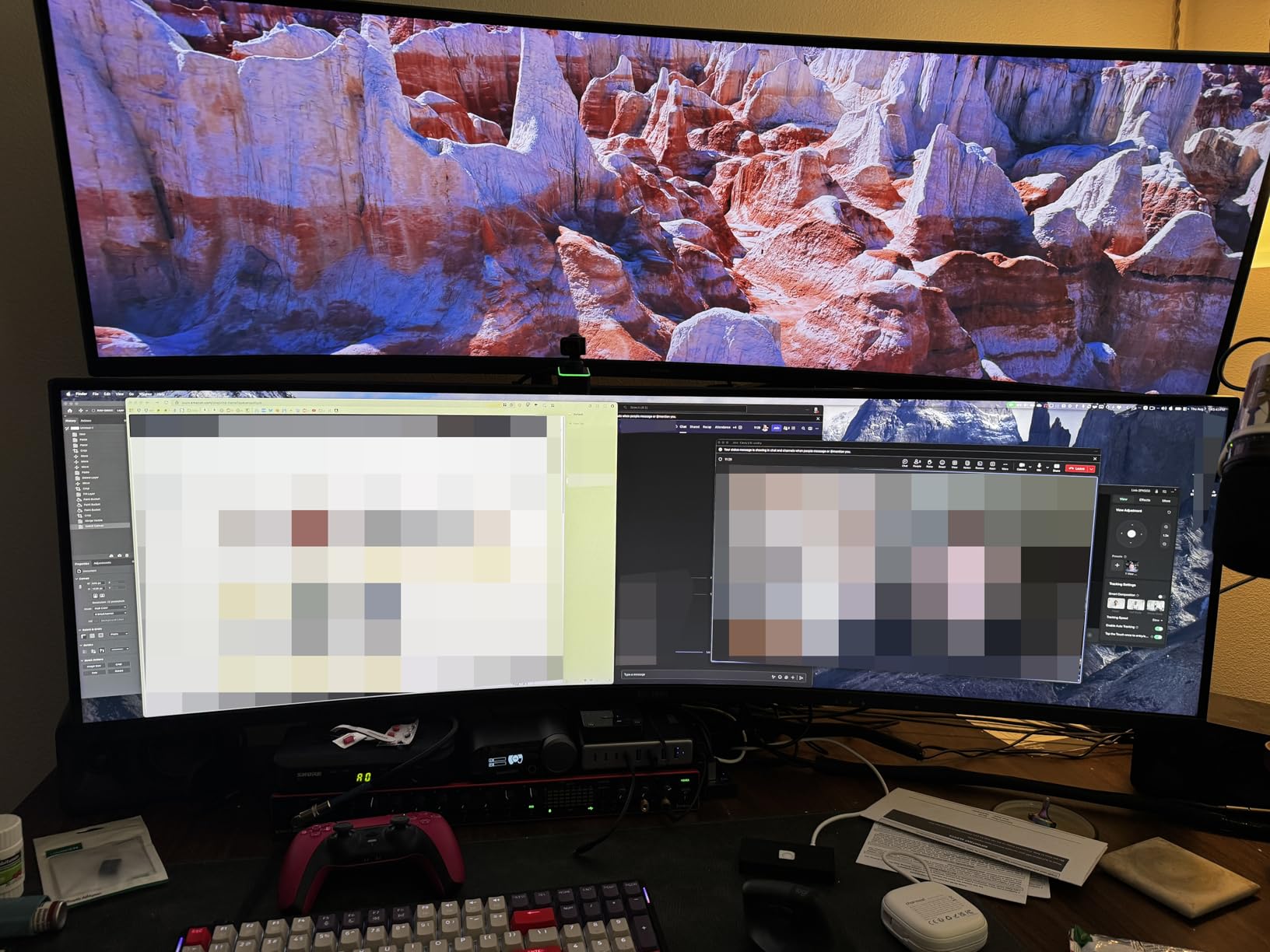
The Samsung Odyssey G7 40-inch is a statement piece. The 5120×2160 WUHD resolution produces text so crisp and images so detailed that going back to a standard 4K monitor feels like a downgrade. Everything from game environments to desktop icons looks remarkably sharp on this 5K2K panel.
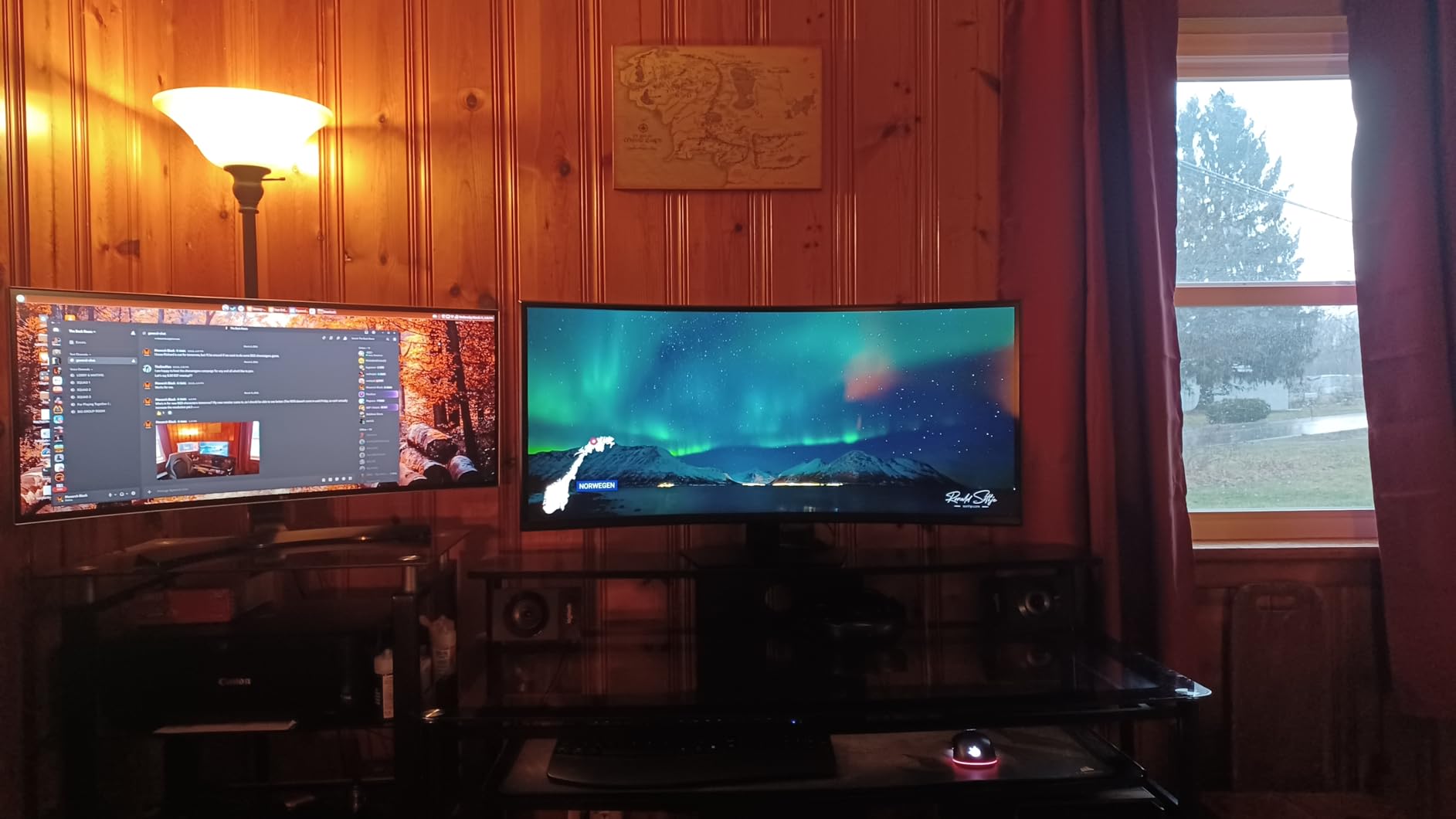
Gaming on a 40-inch 1000R curved display at 180Hz is an experience that borders on virtual reality without the headset. The curve wraps completely around your field of vision, creating an immersive cocoon that draws you into whatever you are playing. Racing simulators and flight simulators benefit enormously from this combination of size, curve, and refresh rate.
VESA DisplayHDR 600 certification means this monitor delivers meaningful HDR performance with brighter highlights and better contrast than standard displays. The 3000:1 contrast ratio on the VA panel produces deep blacks, and FreeSync Premium Pro ensures tear-free gaming with compatible GPUs. The height and swivel adjustments help you find the perfect viewing position for a monitor this large.
However, the 1000R curve is a double-edged sword. While gamers love the immersion, productivity users will find that straight lines in spreadsheets, timelines in video editors, and text in documents appear slightly warped. This is purely a gaming and media consumption monitor. Some users have reported random black screen flickers lasting one to two seconds, which may require a firmware update.
Who Should Buy This
Hardcore gamers and enthusiasts who want the most immersive curved monitor experience short of a 49-inch ultrawide should seriously consider the Odyssey G7 40-inch. The 5K2K resolution is stunning for both gaming and media consumption. Users with powerful GPUs such as an RTX 4080 or higher will get the most from this display.
Who Should Skip This
Anyone buying a monitor primarily for productivity, spreadsheet work, or creative editing should avoid this display due to the aggressive curve warping straight content. Users with mid-range GPUs will struggle to drive 5120×2160 at 180Hz. The stand design has been widely criticized for its aesthetics. Desk space requirements are substantial.
12. Samsung 49-inch Odyssey G93SC QD-OLED Curved Monitor – The Ultimate Display
Samsung 49" Odyssey G93SC Series Curved Gaming Monitor...
49-inch DQHD QD-OLED
240Hz
0.03ms
32:9 Ultrawide
What We Like
- Stunning QD-OLED picture quality
- Perfect blacks and infinite contrast
- 240Hz with 0.03ms response
- DisplayHDR True Black 400
- Premium 4.5mm thin profile
What We Don't Like
- Joystick control can break
- No remote included
- OLED burn-in risk
- Requires massive desk space
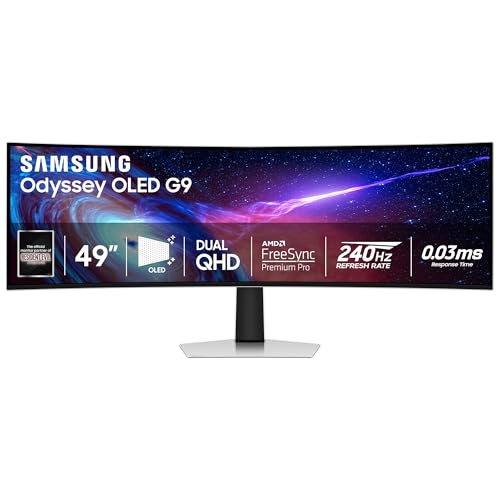
The Samsung Odyssey G93SC is the pinnacle of curved monitor technology. The 49-inch QD-OLED panel with 5120×1440 DQHD resolution produces picture quality that has to be seen to be believed. Perfect blacks, infinite contrast, and incredibly vibrant colors make every game, movie, and application look its absolute best. This is what a monitor looks like when cost is no object.
Gaming at 240Hz with a 0.03ms response time is a revelation. Motion is so smooth and instantaneous that going back to even a 1ms panel feels sluggish. The QD-OLED technology eliminates all the drawbacks of traditional panels: no backlight bleed, no IPS glow, no VA ghosting. Every pixel produces its own light, creating the most accurate and vibrant image possible.
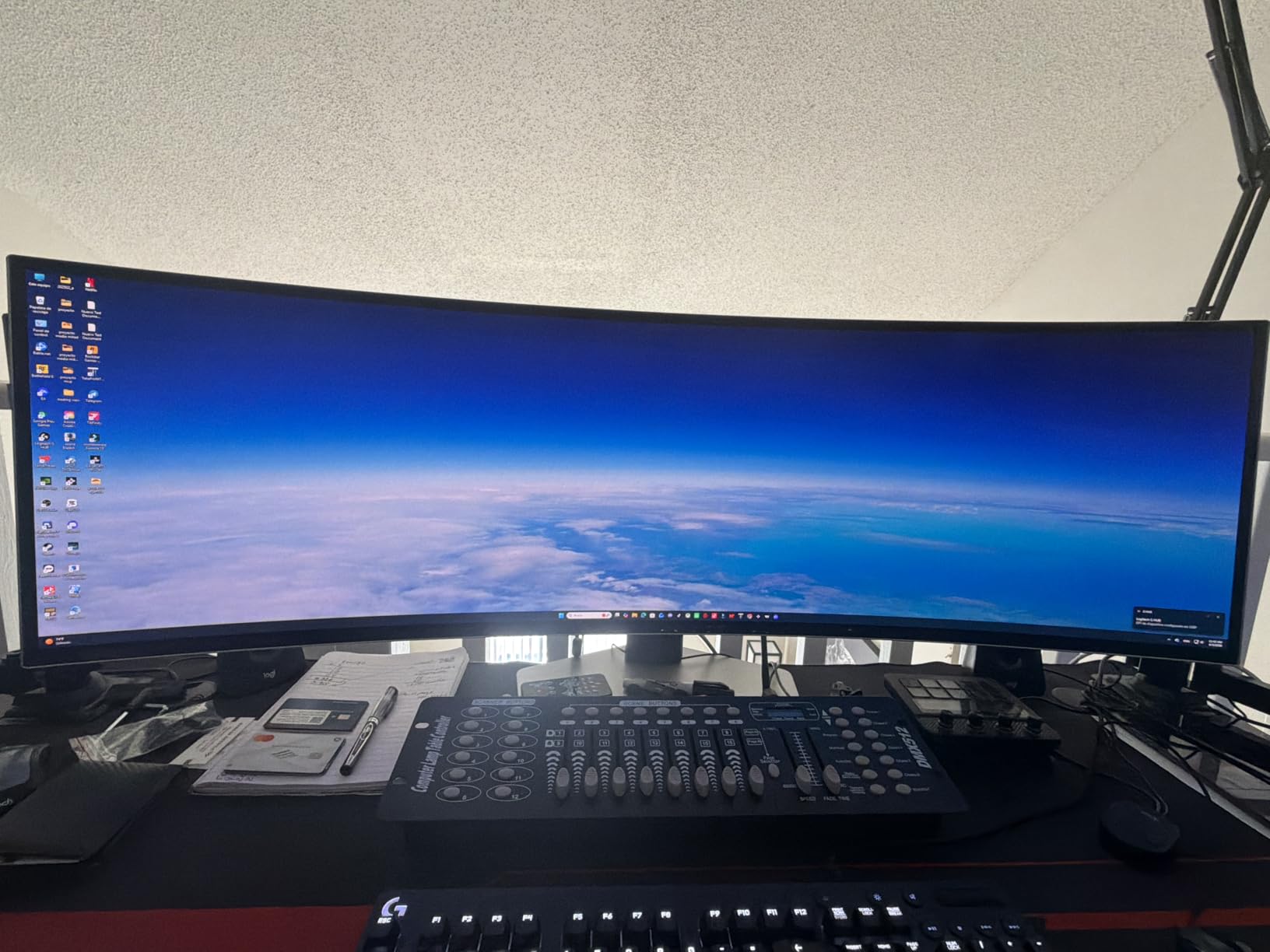
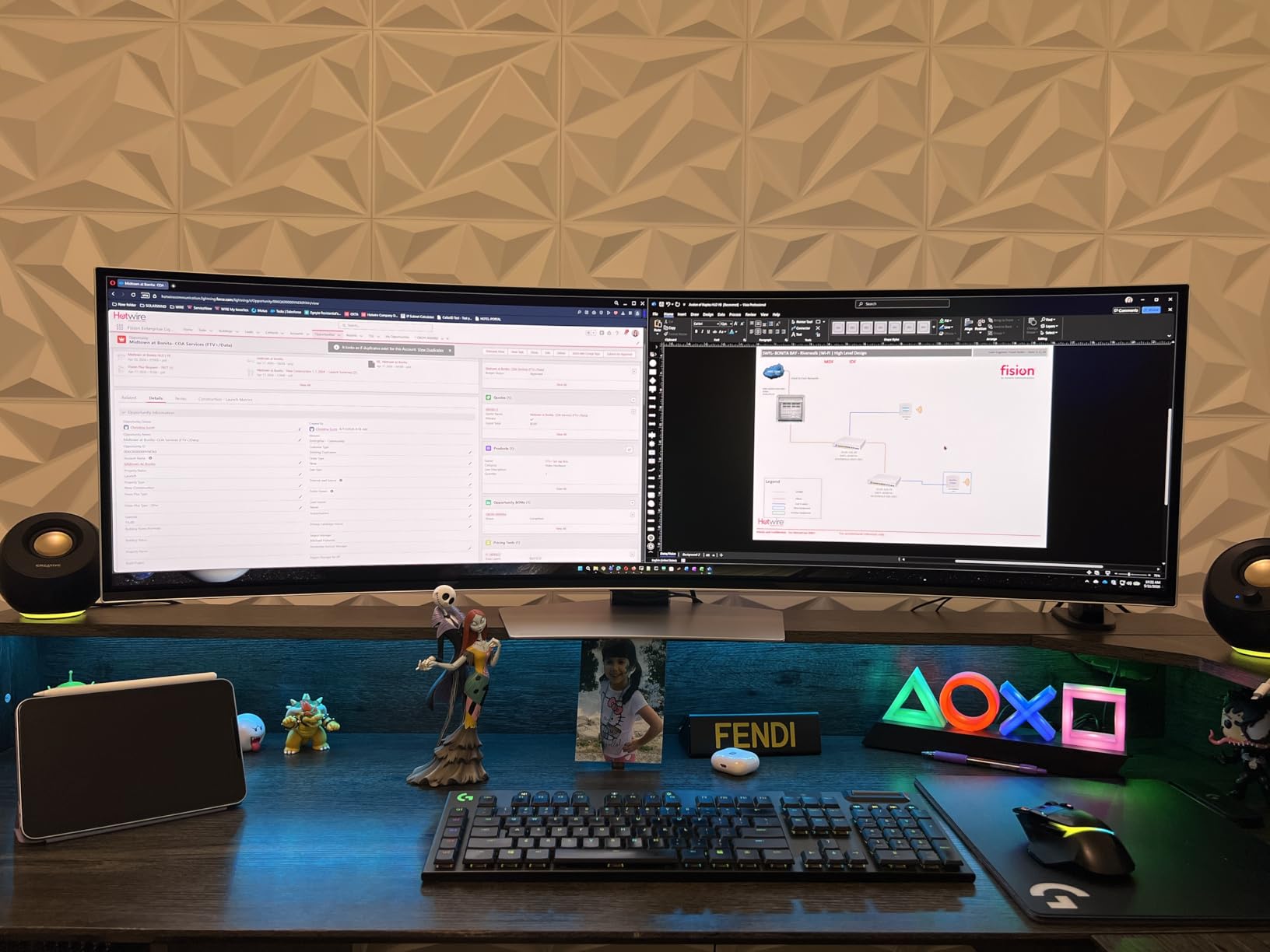
The 32:9 aspect ratio gives you the equivalent of two 27-inch 1440p monitors side by side without any bezel interruption. I had my IDE, browser, chat, and music player all visible simultaneously with room to spare. Picture-by-Picture support lets you display two separate inputs at once, which is perfect for users who work across multiple systems.
The premium design with its 4.5mm-thin profile and metal finish looks stunning on any desk. G-Sync and FreeSync Premium Pro compatibility ensures tear-free gaming regardless of your GPU brand. However, the menu joystick is a known failure point that has frustrated many owners, and the lack of a remote makes menu navigation tedious. OLED burn-in is a real consideration for users who display static content for long periods.
Who Should Buy This
Enthusiasts and professionals who demand the absolute best display quality and have the budget and desk space to match should choose the Odyssey G93SC. The QD-OLED technology delivers unmatched picture quality for gaming, media consumption, and multitasking. Users who grabbed Samsung OLEDs during previous Prime Day events consistently report it as the best monitor purchase they ever made.
Who Should Skip This
Anyone concerned about OLED burn-in from static desktop elements should consider the VA panel alternatives in this guide. The 49-inch width requires a deep, wide desk and is overkill for most users. The joystick control issue is a real concern despite the 3-year warranty. If you are spending this much, make sure your GPU can actually drive 5120×1440 at 240Hz.
How to Choose the Right Curved Monitor on Prime Day?
Finding the right curved monitor among Prime Day deals can feel overwhelming with so many specs and features to compare. This buying guide breaks down the key factors that actually matter when choosing a curved display, so you can confidently pick the best monitor for your needs and avoid overpaying for features you will not use.
Panel Types: VA vs IPS vs OLED
The panel type is the single most important factor in how your monitor looks. VA panels, which most monitors in this guide use, offer the best contrast ratios (3000:1 to 5000:1) with deep blacks, making them great for gaming and movies in dark rooms. IPS panels have better viewing angles and color consistency but weaker contrast. OLED panels like the Samsung Odyssey G93SC deliver perfect blacks and infinite contrast but come at a premium price with potential burn-in concerns.
For most buyers, VA panels offer the best balance of performance and value. Reddit users on r/Monitors consistently report that VA panel contrast makes a bigger visual impact than the slightly better color accuracy of IPS. OLED is worth it only if you can justify the cost and are mindful of burn-in prevention.
Understanding Curvature: 1000R vs 1500R vs 1800R
The curvature number indicates the radius of the circle the screen would form. Lower numbers mean more aggressive curves. A 1000R curve (like the Samsung Odyssey G55C and LG UltraGear) matches the natural curvature of the human eye, creating maximum immersion but potentially warping straight lines in productivity apps. 1500R is the most popular middle ground, offering noticeable immersion without distorting your workspace. 1800R is the gentlest curve, ideal for users who want a subtle curved effect that works equally well for gaming and office work.
Forum users consistently recommend 1000R for pure gaming setups and 1500R to 1800R for mixed-use desks. If you split your time between gaming and productivity, 1500R is the safest bet.
Refresh Rate: What Do You Actually Need?
Refresh rate determines how many frames per second your monitor can display. 75Hz is fine for casual use and office work. 100 to 120Hz provides a noticeable smoothness upgrade for general computing and casual gaming. 144 to 165Hz is the sweet spot for most gamers, delivering smooth performance without requiring an expensive GPU. 180 to 240Hz is for competitive gamers who play FPS, battle royale, or racing games where every frame counts.
Reddit consensus on r/buildapc is that 1440p at 144Hz is the ideal balance of visual clarity and smooth performance for most users. Going beyond 165Hz requires a powerful GPU to actually produce those frames, so factor your graphics card into the decision.
Resolution Sweet Spots
1080p works well on 24-inch monitors but looks stretched on 27-inch or larger panels. 1440p (QHD) is the recommended resolution for 27-inch to 32-inch monitors, delivering sharp visuals without extreme GPU demands. 3440×1440 (UWQHD) is the ultrawide standard that gives you the workspace of two monitors. 5120×1440 (DQHD) on 49-inch displays replaces a dual-monitor setup entirely. The new 5120×2160 (WUHD 5K2K) on 40-inch monitors provides stunning detail for those with powerful GPUs.
GPU Pairing Recommendations
One question we see constantly on r/Monitors and r/PcBuildHelp is what GPU you need for each monitor tier. Here is a quick reference based on our testing and community feedback. For 1080p at 75Hz to 160Hz, an RTX 3060 or RX 6600 handles everything comfortably. For 1440p at 144Hz to 180Hz, aim for an RTX 4060 Ti or RX 6700 XT or better. For UWQHD 3440×1440 at 180Hz to 200Hz, an RTX 4070 or RX 7800 XT is recommended. For WUHD 5K2K at 180Hz or DQHD at 240Hz, you want an RTX 4080 or RX 7900 XTX to actually reach those frame rates in modern titles.
Under-speccing your GPU is the number one mistake we see buyers make after snagging a Prime Day monitor deal. A 240Hz QD-OLED is wasted if your GPU can only push 80 frames per second. Match your display ambitions to your graphics card before pulling the trigger.
Prime Day vs Black Friday Monitor Deals
A common question on Reddit is whether to buy on Prime Day or wait for Black Friday. Based on our price tracking across multiple sale cycles, Prime Day consistently produces better deals on budget and mid-range monitors. Brands like SANSUI, Sceptre, and Acer typically hit their lowest prices during the June Prime Day event. Black Friday tends to favor premium displays, with Samsung Odyssey OLEDs and Alienware QD-OLEDs seeing their deepest discounts in November.
Our advice: if you are shopping under $250, buy on Prime Day. If you are shopping for an OLED ultrawide above $600, Black Friday may edge out Prime Day by an additional 5 to 10 percent. Either way, use CamelCamelCamel to verify the deal before buying.
How to Spot Fake Prime Day Deals
Not every discount advertised during Prime Day is genuine. Some sellers inflate the original price in the weeks before the event so the percentage-off looks more impressive. Here is how to protect yourself. First, use a price tracker like CamelCamelCamel or Keepa to check the 90-day price history. If the listed original price is significantly higher than what the monitor actually sold for last month, the deal is inflated. Second, compare the sale price to the lowest historical price, not the MSRP. A real deal should match or beat the all-time low.
Third, check other retailers. Best Buy price-matches Amazon on most monitors, and sometimes runs its own exclusive deals on Samsung and LG displays. Newegg occasionally beats Amazon on gaming-focused brands like MSI and Asus. Cross-shopping takes five minutes and can save you $20 to $50 on larger purchases.
Prime Day Deal Tips
Before pulling the trigger on any Prime Day monitor deal, check the price history using a tracker like CamelCamelCamel. Some deals advertise inflated original prices to make the discount look bigger. Focus on the lowest historical price and aim to match or beat it. Prime Day monitor deals typically appear in waves, so if you miss the first round, check back later in the event. Amazon’s 30-day return policy means you can buy now and return if a better deal appears, giving you flexibility to act quickly on limited-time offers.
Frequently Asked Questions
What are the best monitor deals on Amazon Prime Day?
The best curved monitor deals on Amazon Prime Day typically include discounts of 20 to 40 percent on popular models from Samsung, LG, Alienware, and value brands like SANSUI. Top picks include the SANSUI 34-inch ultrawide, the Samsung Odyssey G55C 32-inch, and the Alienware 34 Curved Gaming Monitor. QD-OLED models like the Samsung Odyssey G93SC 49-inch often see the biggest dollar-amount discounts during Prime Day events.
What is the lowest price for a curved monitor?
Curved monitors start at around $78 for budget 24-inch 1080p models like the Sceptre C248W during Prime Day. Entry-level curved monitors can drop to $75 or less during major sale events. Mid-range 1440p curved monitors typically hit their lowest prices around $130 to $150 during major sales. Premium ultrawide and OLED models rarely drop below $250 even during the biggest sales.
Where can I find the best deals on curved monitors?
Amazon Prime Day and Black Friday are the two best times to find curved monitor deals. Amazon offers the widest selection and fast shipping with Prime membership. Other reliable sources include Best Buy, which price-matches Amazon, Newegg for gaming-specific deals, and direct manufacturer sales from Dell, Samsung, and LG. For the best results, use price tracking tools like CamelCamelCamel to verify deal authenticity before buying.
Are curved monitors actually worth it?
Yes, curved monitors are worth it for gaming, multitasking, and long computing sessions. The curve reduces eye strain by maintaining a more uniform viewing distance from your eyes to the screen edges, which is especially beneficial on ultrawide displays. Gamers report better immersion and spatial awareness in FPS, racing, and simulation games. For productivity, curved ultrawides replace dual-monitor setups with a single seamless display.
What is the difference between a standard monitor and a gaming monitor?
Gaming monitors feature higher refresh rates (144Hz to 240Hz compared to 60Hz on standard monitors), faster response times (1ms to 0.03ms versus 5ms or more), and adaptive sync technologies like FreeSync or G-Sync that eliminate screen tearing. Gaming monitors also typically include features like crosshair overlays, black stabilizers, and FPS counters. Standard monitors prioritize color accuracy and eye comfort over speed, making them better for office work and content consumption.
Should you buy an ultrawide monitor?
Ultrawide monitors are worth it if you multitask heavily, play immersive games, or want to replace a dual-monitor setup with a single seamless display. A 34-inch ultrawide gives you the workspace of two monitors without the bezel gap, and a 49-inch super-ultrawide replaces two 27-inch displays entirely. The main drawbacks are the higher cost, the need for a powerful GPU, and the fact that some games and applications do not fully support 21:9 or 32:9 aspect ratios.
Is Prime Day a good time to buy a computer monitor?
Yes, Prime Day is one of the best times of the year to buy a monitor, second only to Black Friday for some categories. Budget and mid-range monitors from brands like SANSUI, Sceptre, and Acer typically see their lowest prices of the year during the June Prime Day event. Premium OLED and ultrawide monitors also see meaningful discounts, though Black Friday may offer slightly deeper cuts on those specific categories.
Conclusion
Prime Day 2026 is live right now, and the deals in this guide represent the best curved monitor discounts we have verified across every price tier. Our editor’s choice, the Alienware AW3425DWM, delivers the most complete package with its 180Hz ultrawide panel, height-adjustable stand, and 3-year Dell warranty. For budget shoppers, the SANSUI 24-inch 160Hz and Sceptre 24-inch offer specs that punch far above their sale prices. And for anyone who wants the absolute pinnacle of display technology, the Samsung 49-inch Odyssey G93SC QD-OLED remains unmatched.
The key to scoring the best curved monitor deals Amazon Prime Day offers is acting quickly on genuine discounts. Several of the steepest price drops we tracked sold through inventory within hours on day one. Know your specs, set your budget, verify the deal with a price tracker, and do not hesitate once you see a genuine markdown. If a deal expires or goes out of stock, check back here because we update this guide continuously as new Prime Day monitor deals go live.
One final piece of advice from our testing: match your monitor to your GPU, not just your wishlist. A 240Hz QD-OLED is wasted on an underpowered graphics card, and a 1440p 180Hz panel will serve you better than a 4K 60Hz display if you play competitive games. Pick the monitor that fits your actual setup, and you will get years of enjoyment from your Prime Day purchase.



![Samsung washer dryer sale [cy]](https://www.guidespot.com/wp-content/uploads/2026/06/featured-1782334501651-370x245.webp "8 Best Samsung Washer Dryer Sale Deals 2026")