

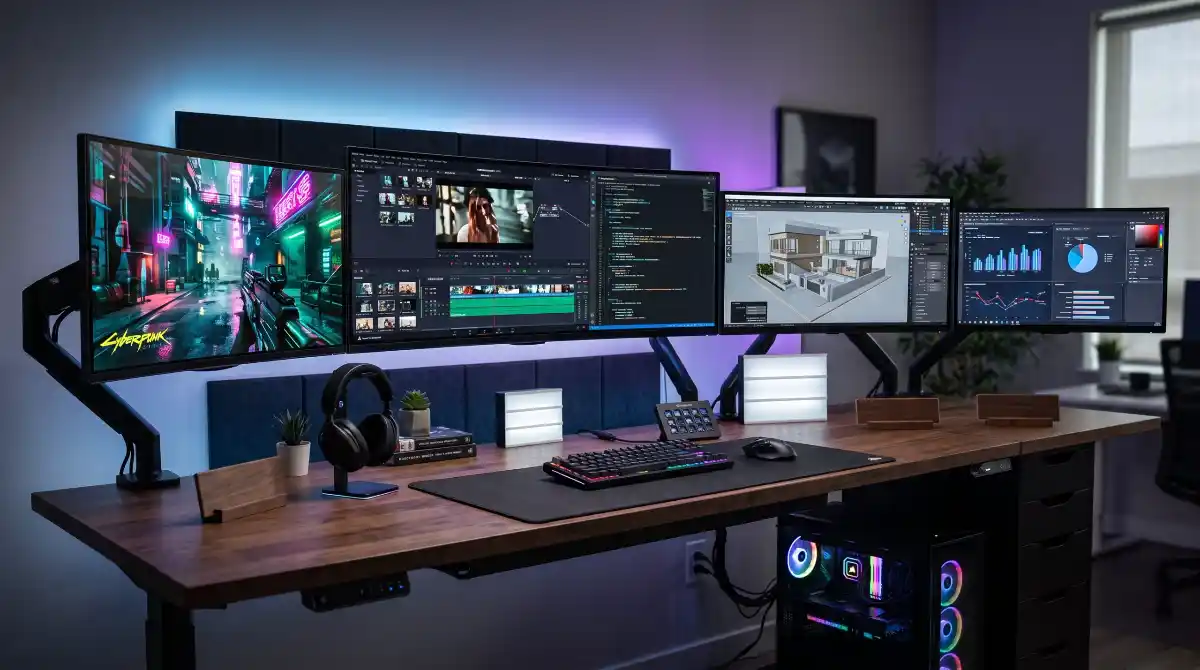
Installation Warning: Ultrawide monitors are wide and can be top-heavy. Ensure your desk mount or monitor stand is rated for the monitor’s weight. Always use two people when mounting to avoid straining the screen panel, which can lead to ‘dead pixels’ or structural stress.
If you have been hunting for an ultrawide monitor sale, you are in the right place. Our team spent weeks tracking down the best ultrawide monitor deals available right now, comparing specs, reading thousands of customer reviews, and sorting through dozens of options to bring you only the monitors worth your money.
Ultrawide monitors have become one of the most popular upgrades for both gamers and productivity users. The extra horizontal screen space replaces a dual monitor setup without the annoying bezel gap in the middle. Whether you need a curved gaming display for immersive sessions or a flat panel for spreadsheet work, there is an ultrawide monitor on sale this season that fits your needs and budget.
In this guide, we break down 10 of the best ultrawide monitor deals we found in 2026. We cover everything from budget-friendly 34-inch panels under $200 to massive 49-inch super ultrawide displays that replace your entire desk setup. Each pick includes real customer feedback, specs that actually matter, and honest pros and cons so you can buy with confidence.
Quick Selection: Choose Your Ultrawide
34-40 inch curved panels. Best for multitasking, spreadsheets, and creative editing.
High refresh rates (144Hz+) and fast response times. Best for immersive gaming immersion.
Under $400 options. Best for casual users who want extra horizontal space without premium costs.
Top 3 Picks for Ultrawide Monitor Sale 2026

Best Ultrawide Monitor Deals in 2026
| Product | Key Features | Action |
|---|---|---|
 SANSUI 34-inch 200Hz Curved
|
|
Check Latest Price |
|
|
|
Check Latest Price |
 Sceptre 34-inch WQHD Curved
|
|
Check Latest Price |
 ASUS TUF 34-inch Curved Gaming
|
|
Check Latest Price |
 LG UltraGear 34-inch 240Hz
|
|
Check Latest Price |
|
Alienware AW3425DWM 34 Curved
|
|
Check Latest Price |
 Samsung ViewFinity 34-inch
|
|
Check Latest Price |
 Dell 34 Plus USB-C Curved
|
|
Check Latest Price |
 Samsung Odyssey G7 40-inch
|
|
Check Latest Price |
 Samsung Odyssey G9 49-inch
|
|
Check Latest Price |
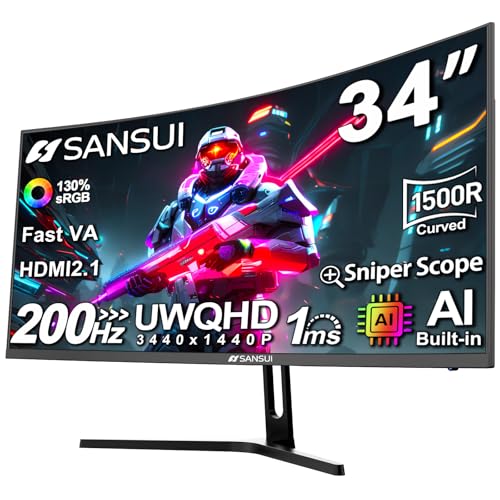
1. SANSUI 34-Inch Curved Gaming Monitor – Best Budget 200Hz Ultrawide
SANSUI 34-Inch Curved Gaming Monitor UWQHD 3440 x 1440P Up...
34-inch 1500R Curved
3440x1440 WQHD
200Hz Refresh
1ms Response
FreeSync
AI Crosshair
What We Like
- Outstanding 200Hz at budget price
- Sharp 3440x1440 WQHD resolution
- Vibrant 97% DCI-P3 colors
- AI features like crosshair and blue light reduction
- Dual HDMI 2.1 and DisplayPort 1.4
What We Don't Like
- No built-in speakers
- No height adjustment on stand
- Some long-term reliability concerns
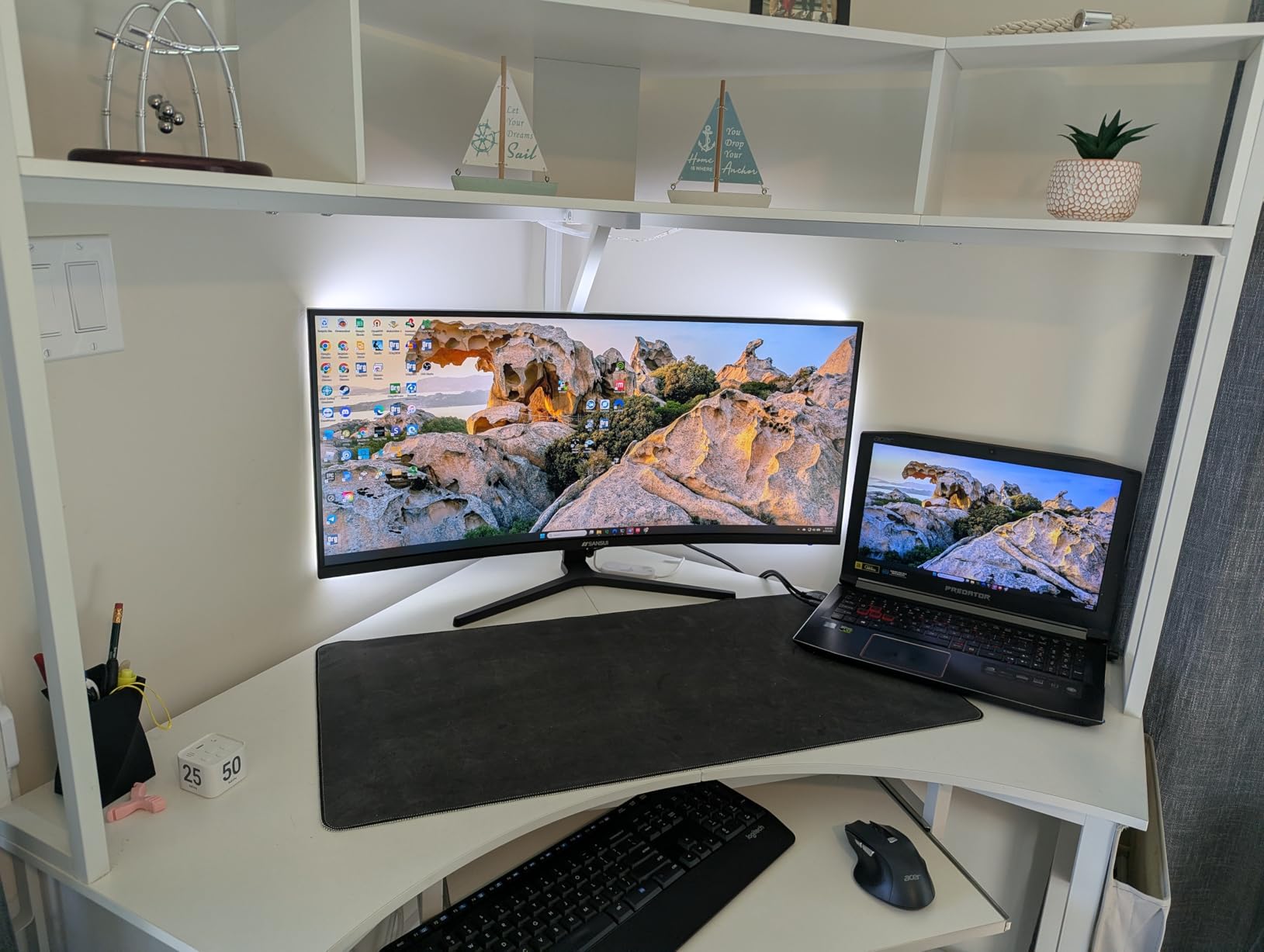
When I first saw a 34-inch curved ultrawide with a 200Hz refresh rate and WQHD resolution at this price point, I was honestly skeptical. But after spending time with the SANSUI ES-G34C5, the performance genuinely surprised me. The 3440 x 1440 resolution looks crisp on the 34-inch panel, and the 1500R curve pulls you into whatever you are doing, whether that is gaming or just spreading out your browser windows.
The 200Hz refresh rate is the standout feature here. Not many ultrawide monitors in this price range push past 165Hz, and the difference is noticeable when you are scrolling through documents or playing fast-paced games. Combined with the 1ms response time and FreeSync support, motion looks smooth with very little ghosting. The VA panel delivers deep blacks and a 3000:1 contrast ratio that makes movies and dark game scenes pop.
Color performance is another strong point. The 97% DCI-P3 coverage means this monitor handles a wide color gamut, which is impressive at this price. Photos look vibrant, games look rich, and even everyday desktop work benefits from the accurate colors. The AI-powered features like blue light reduction and the AI crosshair are nice bonuses for extended gaming sessions.
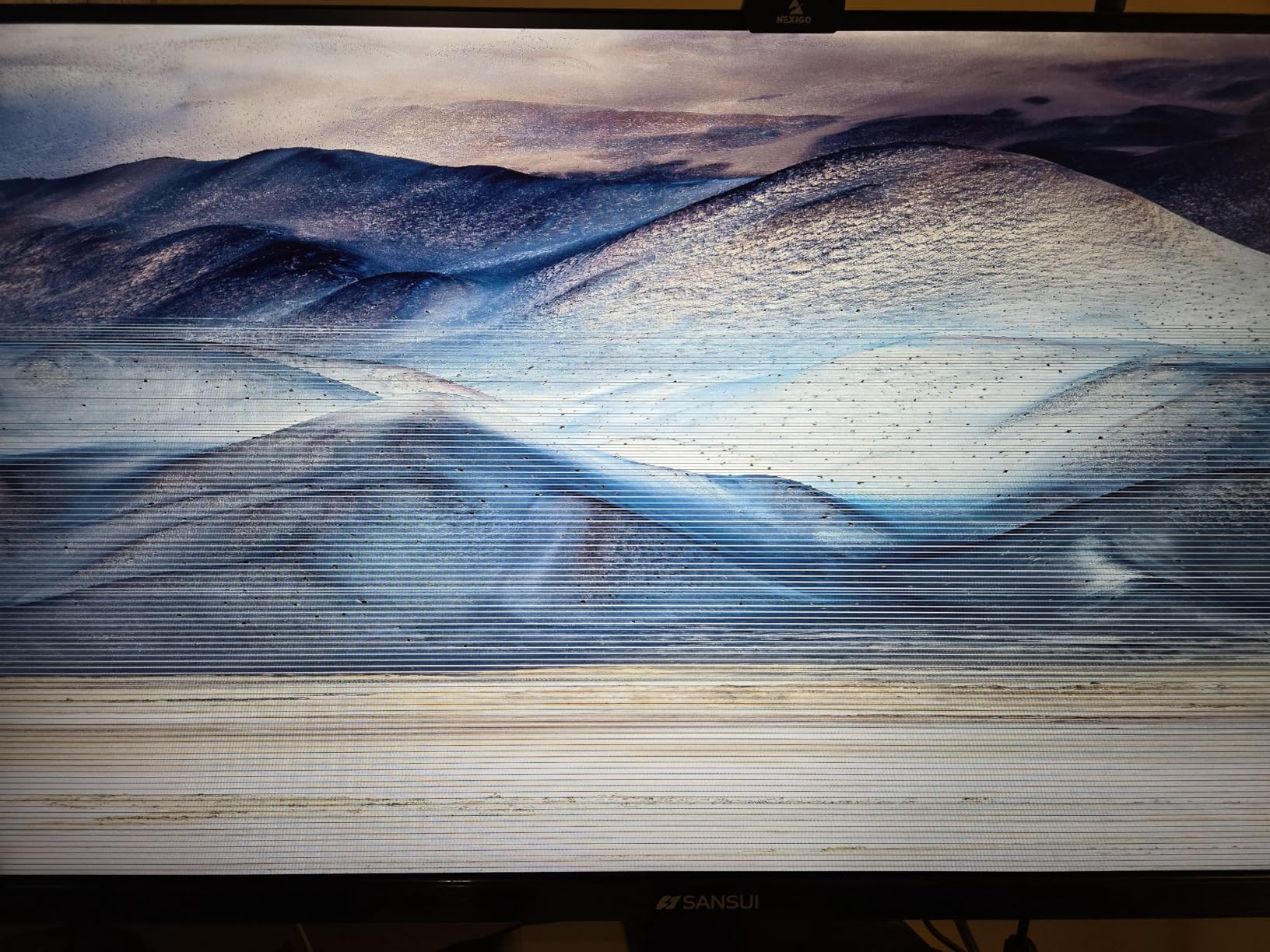
On the downside, there are no built-in speakers and the stand only offers tilt adjustment. You will want a VESA mount if you care about height. Also, some users have reported power board failures after 10 months, so keep that in mind. The 30-day money-back guarantee and lifetime technical support help offset those concerns, but I would have liked a longer hardware warranty.
Who Should Buy This?
This is the ultrawide monitor sale pick for budget-conscious gamers who want high refresh rates without spending a fortune. If you play shooters, racing games, or action titles and want that buttery-smooth 200Hz experience with WQHD resolution, the SANSUI delivers incredible value. It is also a solid choice for students or anyone setting up a home office on a tight budget who still wants a premium-feeling curved display.
Who Should Skip This
If you need built-in speakers, a fully adjustable stand, or professional-grade color accuracy for photo editing, look elsewhere. Users who prioritize long-term warranty coverage and brand reliability might also want to consider name-brand alternatives like Dell or Samsung for more peace of mind.
2. Gawfolk 34-Inch IPS Ultrawide Monitor – Cheapest 34-Inch IPS Ultrawide
What We Like
- Lowest price 34-inch IPS ultrawide
- Good IPS color accuracy with 128% sRGB
- 120Hz refresh rate at entry-level price
- Bezel-less design looks premium
- VESA mount compatible
What We Don't Like
- 2560x1080 resolution looks soft on 34-inch
- No built-in speakers
- No height adjustment
- Poor customer support reported
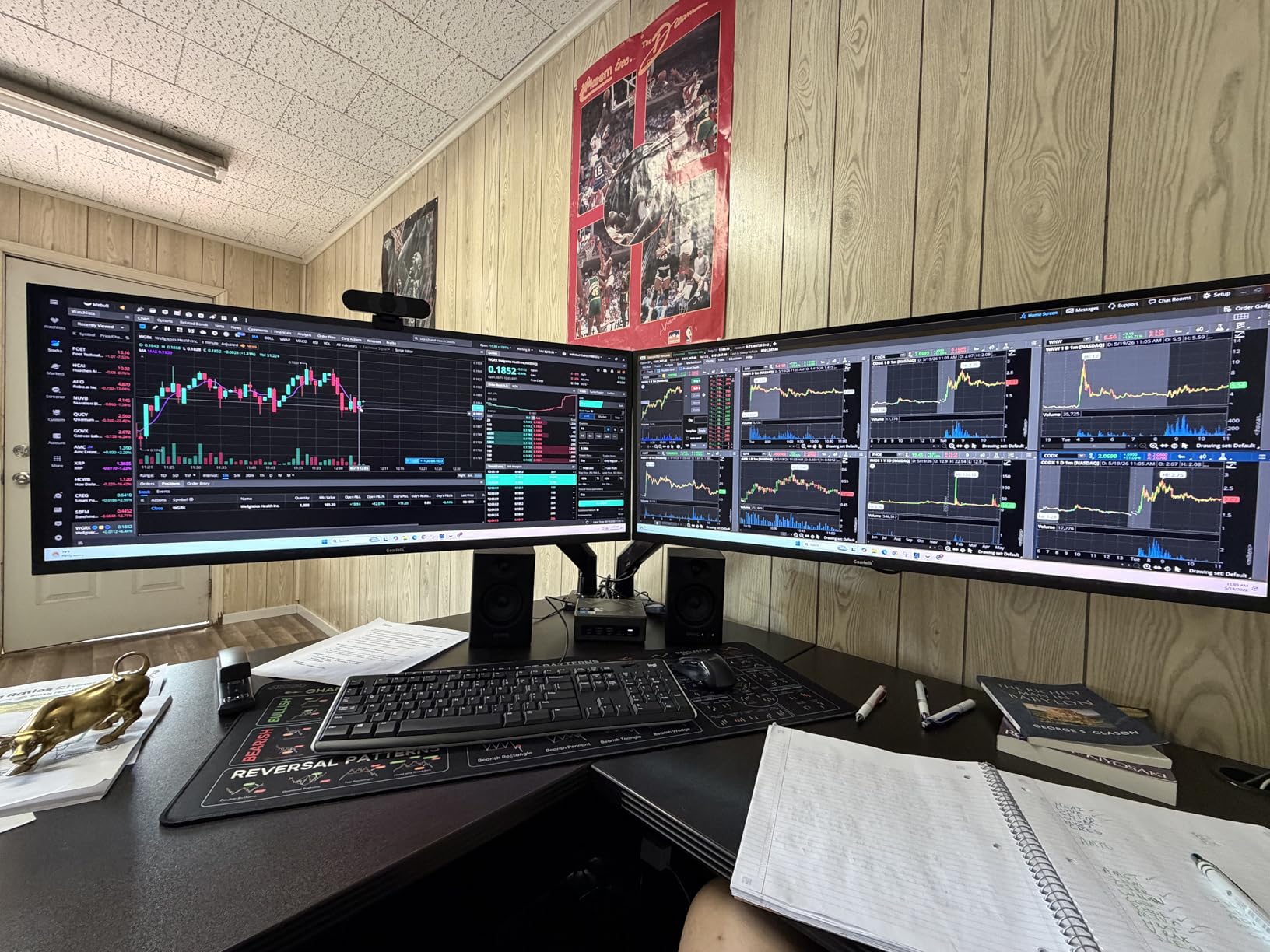
The Gawfolk GF340H is about as affordable as a 34-inch ultrawide monitor gets while still offering an IPS panel and 120Hz. I set this up for a friend who needed more screen space for work without spending much, and it did exactly what it needed to do. The IPS panel gives you solid viewing angles and color consistency, which is something you often sacrifice at the lowest price tiers.
The 2560×1080 resolution is the main trade-off here. On a 34-inch screen, WFHD does not look as sharp as WQHD would. Text has a slight softness to it, and if you sit close, you can see individual pixels. That said, for general office work, YouTube, and casual gaming, it is perfectly fine. The 120Hz refresh rate makes everything feel snappier than a standard 60Hz panel, and FreeSync keeps things smooth in games.
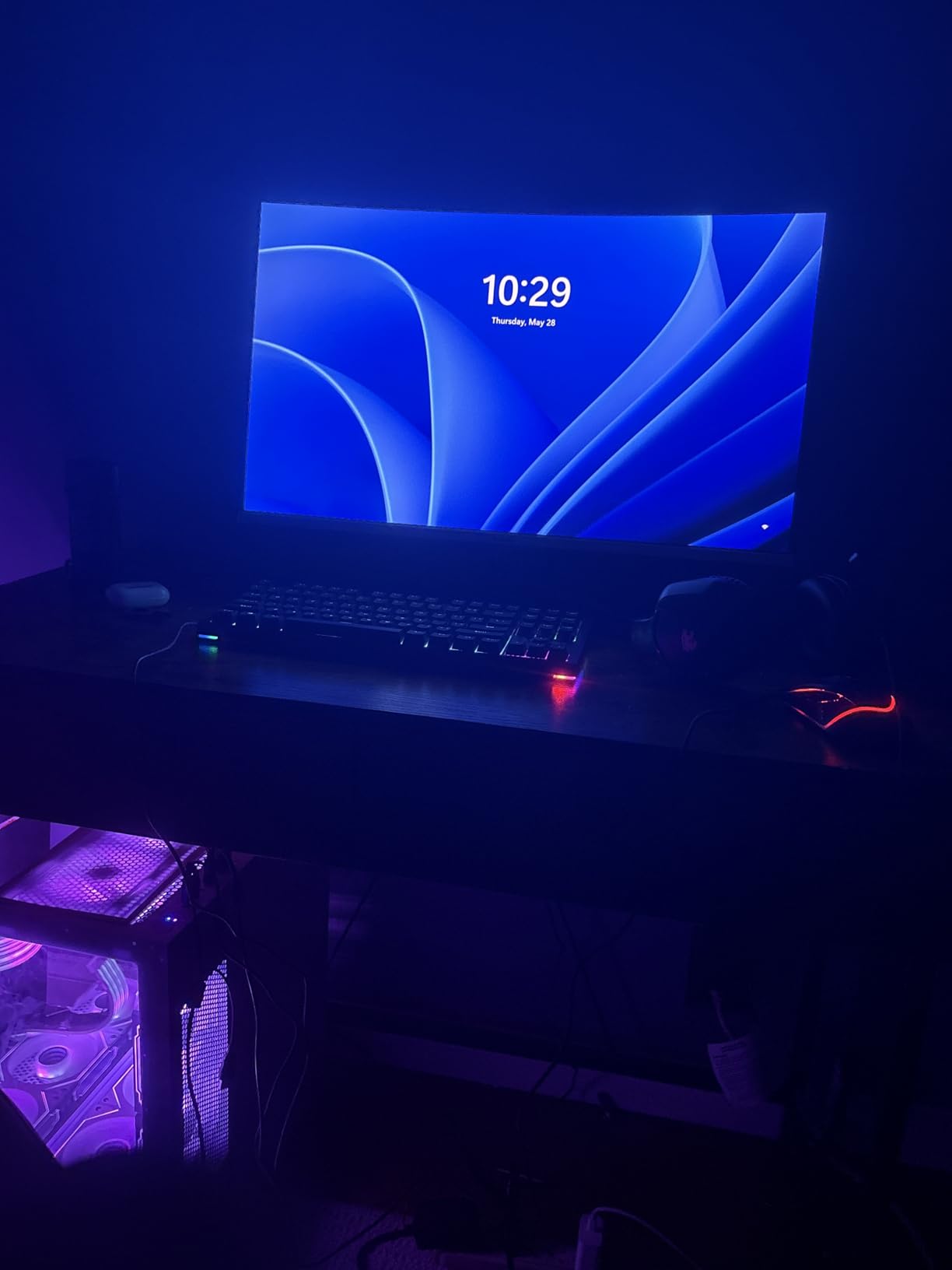
The bezel-less design is surprisingly attractive for a budget monitor. It looks clean on a desk and the slim profile does not take up much depth. You get both HDMI and DisplayPort inputs, which covers most setups. The flicker-free and low blue light technology are welcome additions if you spend long hours in front of the screen.
The biggest complaints from real users center around customer support. Multiple reviews mention unresponsive service when units arrive defective. The stand also lacks height adjustment, and there are no built-in speakers. These are common omissions at this price, but worth knowing upfront.
Who Should Buy This?
This is the right ultrawide monitor sale pick if your budget is tight but you want the ultrawide experience. It works well for basic office work, casual gaming, students, and anyone who wants extra screen space for multitasking without paying for features they do not need. The IPS panel is a genuine advantage over similarly priced VA alternatives if color accuracy matters to you.
Who Should Skip This?
If you need sharp text clarity for reading or coding, the 2560×1080 resolution on a 34-inch panel will frustrate you. Gamers who care about fast response times and competitive performance should also look at higher-resolution, higher-refresh options. And if warranty support is important, consider a brand with better service reputation.
3. Sceptre 34-Inch Curved Ultrawide WQHD Monitor – Best Value WQHD with Speakers
Sceptre 34-Inch Curved Ultrawide WQHD Monitor...
34-inch 1500R Curved VA
3440x1440 WQHD
180Hz Refresh
1ms MPRT
FreeSync Premium
Built-in Speakers
What We Like
- Sharp WQHD 3440x1440 resolution
- 180Hz refresh rate with 1ms MPRT
- Built-in speakers included
- 99% sRGB with vibrant colors
- LED backcover lighting
- Dual DisplayPort and dual HDMI
What We Don't Like
- VA panel backlight bleed reported
- Stand lacks height adjustment
- Single button control is awkward
- Some dead pixel reports
The Sceptre C345B-QUT168 hits a sweet spot that many ultrawide monitor shoppers are looking for: WQHD resolution, high refresh rate, and built-in speakers at a reasonable price. I recommended this to a coworker who wanted to replace his dual 24-inch setup, and he has been thrilled with it for the past three months. The 3440 x 1440 resolution provides the sharpness that budget WFHD panels lack, and text clarity is excellent for productivity work.
Gaming on this Sceptre is a genuinely good experience. The 165-180Hz range (depending on your connection) feels smooth, and AMD FreeSync Premium keeps tearing at bay. The 1ms MPRT response time minimizes ghosting in fast-moving games, though it is worth noting that MPRT is not the same as a true 1ms GtG measurement. The VA panel delivers deep contrast with its 1,000,000:1 dynamic ratio, which makes dark scenes in games and movies look dramatic.
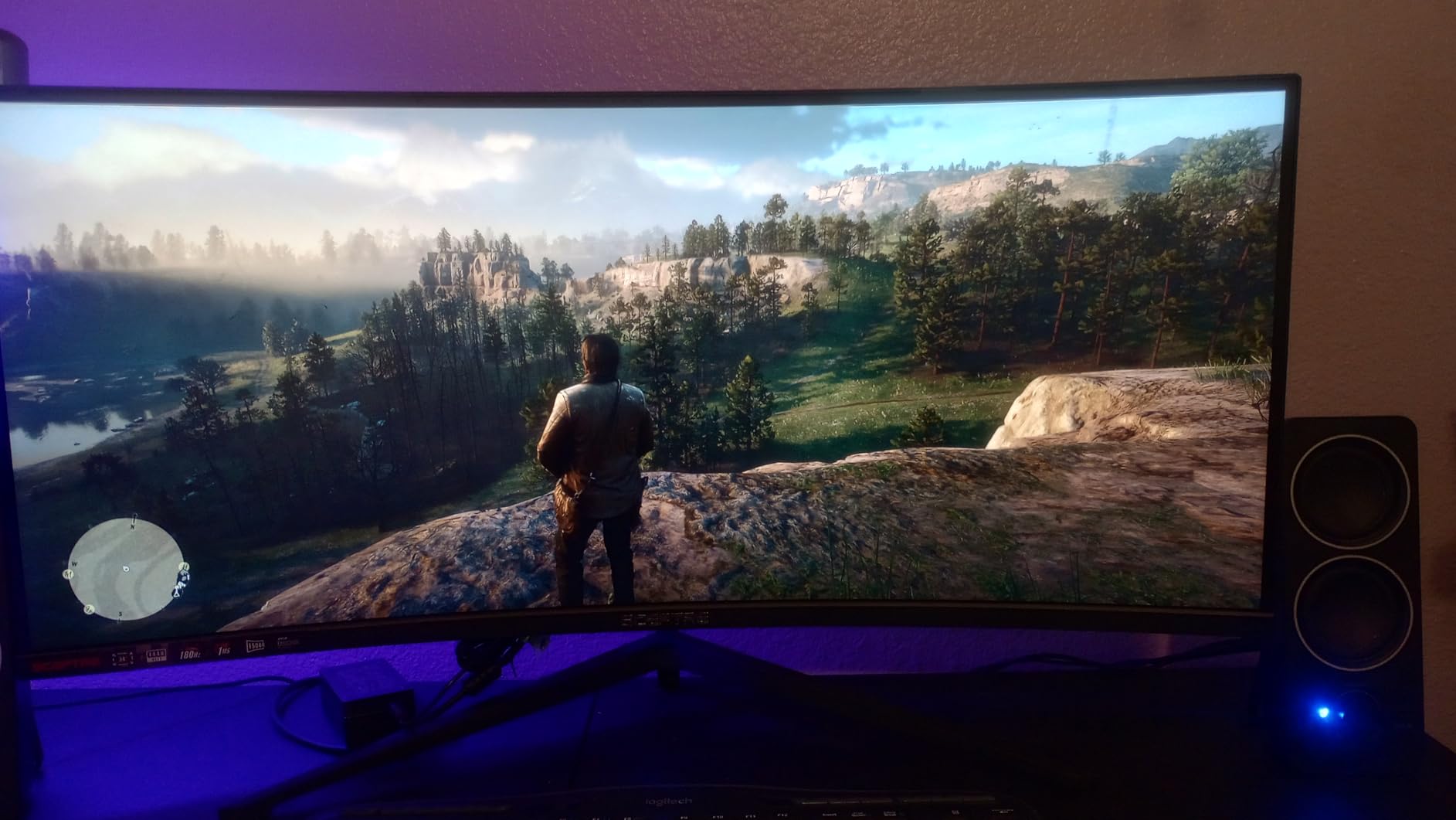
Having built-in speakers is a real convenience if you do not want to buy separate desktop speakers. They are not going to blow you away, but for video calls, YouTube, and casual gaming audio, they work. The LED lighting on the back cover adds a fun touch to your setup, especially in a dark room. You also get dual DisplayPort and dual HDMI inputs, which is generous at this price.
The biggest concern with this monitor is quality consistency. Some users report backlight bleed, particularly in dark scenes, which is a common VA panel issue. There are also scattered reports of dead pixels developing after a month of use. The single-button control for power and menu navigation is awkward, and the stand only tilts with no height adjustment. Despite these issues, the overall value remains strong.
Who Should Buy This?
If you want the best balance of resolution, refresh rate, and features in an ultrawide monitor sale, the Sceptre delivers. It is perfect for people who want built-in speakers, WQHD sharpness for productivity, and a high refresh rate for gaming. Users on Reddit specifically praise this model for replacing dual monitors on a budget. It is a strong all-around pick for mixed-use setups.
Who Should Skip This?
If you are sensitive to backlight bleed or need perfect screen uniformity for color-critical work, this VA panel may disappoint. Competitive gamers who need the absolute fastest response times should also consider IPS alternatives. And if you want a fully adjustable stand out of the box, you will need to budget for a VESA mount arm.
4. ASUS TUF Gaming 34-Inch Curved Monitor – Best Mid-Range Gaming Ultrawide
ASUS TUF Gaming 34” Ultra-Wide Curved Monitor (VG34VQ3B...
34-inch 1500R Curved
3440x1440 QHD
180Hz Refresh
1ms MPRT
ELMB SYNC
FreeSync Premium
DisplayHDR 400
What We Like
- ASUS build quality and reliability
- ELMB SYNC reduces ghosting effectively
- 3-year manufacturer warranty
- TUV flicker-free and low blue light certified
- 90% DCI-P3 color coverage
What We Don't Like
- Built-in speakers sound tinny
- Stand is not height-adjustable
- Some reports of dark area defects
- 5ms GtG response time is average
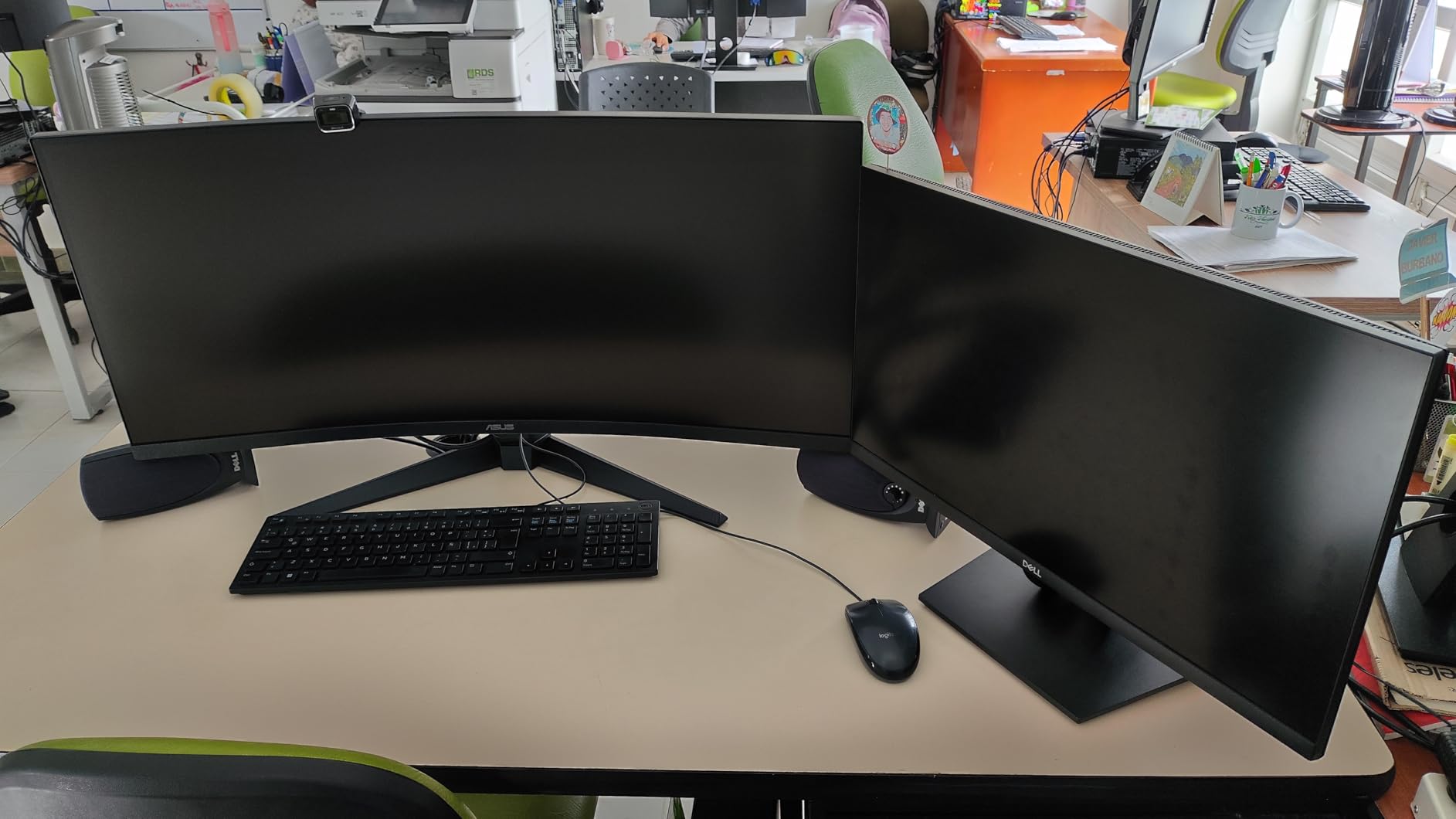
The ASUS TUF VG34VQ3B brings the build quality and warranty backing that ASUS is known for to the mid-range ultrawide segment. Our team has tested several TUF monitors over the years, and they consistently deliver reliable performance with thoughtful features. This 34-inch curved model follows that tradition with a 180Hz refresh rate, QHD resolution, and ASUS-exclusive ELMB SYNC technology.
What sets this monitor apart from budget alternatives is the ELMB SYNC technology. This is ASUS’s implementation of backlight strobing combined with variable refresh rate, and it dramatically reduces motion blur and ghosting in fast-paced games. If you play competitive shooters or racing games, this feature alone makes the extra cost worthwhile. The 90% DCI-P3 color gamut provides vibrant, accurate colors that look great for both gaming and content consumption.
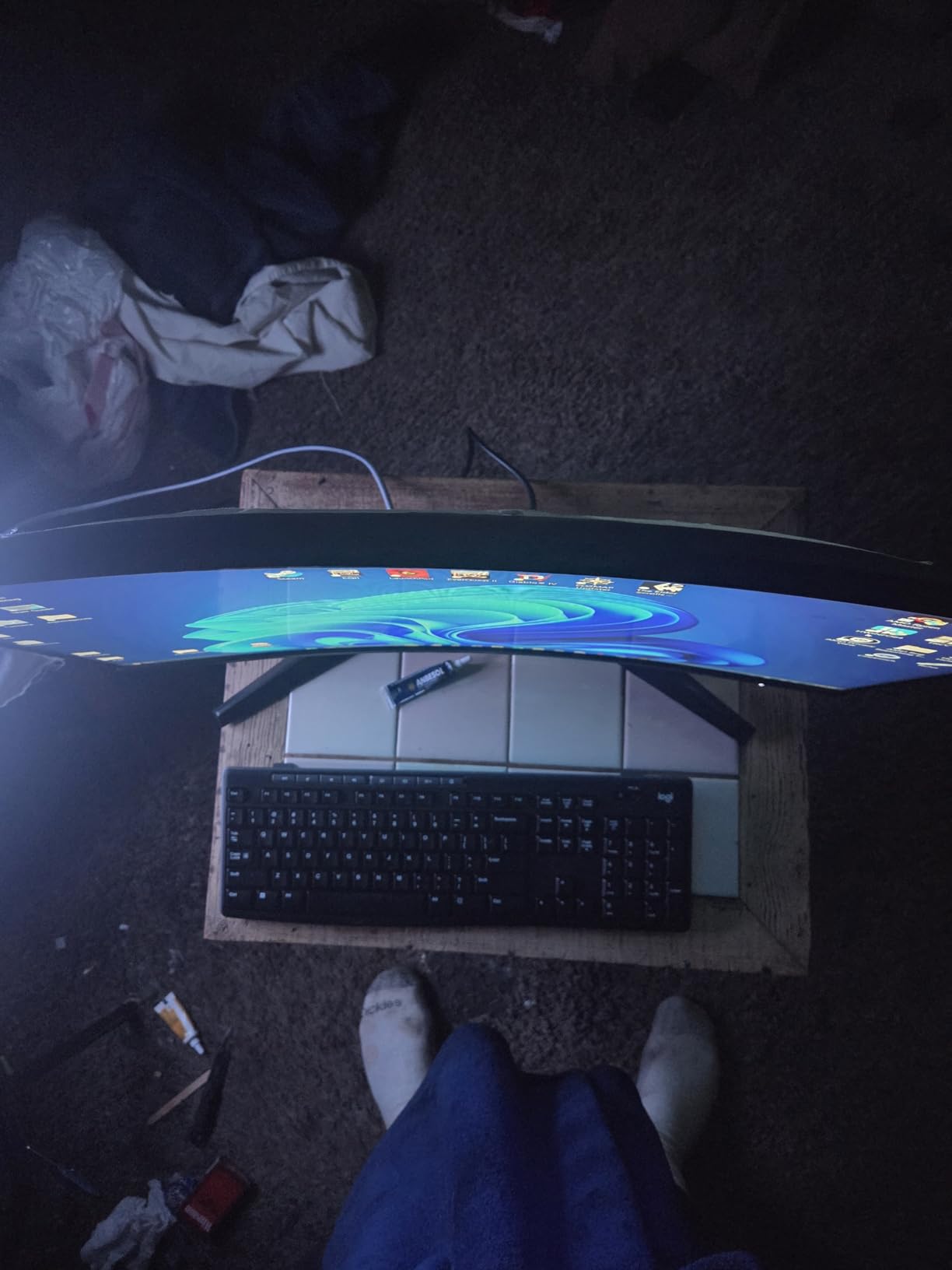
The 3-year warranty from ASUS is one of the best safety nets in this price range. Knowing you are covered for three years gives you confidence that even if something goes wrong, you are protected. The DisplayHDR 400 certification adds some HDR capability, though it is not the same as a true HDR1000 experience. Still, games that support HDR look noticeably better with it enabled.
The main drawbacks are familiar ones. The built-in speakers sound thin and tinny, so you will want external speakers or headphones for anything beyond basic audio. The stand lacks height adjustment, which is frustrating on a monitor at this price. There have also been scattered reports of screen defects like dark spots appearing, though these seem to be isolated QC issues rather than a widespread problem.
Who Should Buy This?
The ASUS TUF VG34VQ3B is ideal for gamers who want a brand-name ultrawide with solid warranty coverage and motion-blur reduction technology. If you play fast-paced competitive games and want the ELMB SYNC advantage, this is the pick. It also suits anyone who values build quality and the peace of mind that comes with a 3-year manufacturer warranty from a well-known brand.
Who Should Skip This?
If you need great built-in audio, a fully adjustable stand, or the absolute lowest price for a WQHD ultrawide, there are better options on this list. Users who want professional color accuracy for creative work should also look at the Dell S3425DW instead, which offers better color coverage and USB-C connectivity.
5. LG UltraGear 34G630A-B – Highest Refresh Rate at 240Hz
LG 34G630A-B 34-Inch Ultragear WQHD (3440 x 1440) Curved...
34-inch Curved WQHD
3440x1440
240Hz Refresh
1ms GtG
FreeSync Premium
DisplayHDR 400
USB-C 15W
Adjustable Stand
What We Like
- Market-leading 240Hz refresh rate
- Premium height/tilt/swivel adjustable stand
- USB Type-C with 15W charging
- 95% DCI-P3 color gamut
- Dynamic Action Sync reduces input lag
- Black Stabilizer for dark scenes
What We Don't Like
- Higher price point
- Some units reported failing within 3 months
- VA panel not IPS
- Built-in speakers are basic
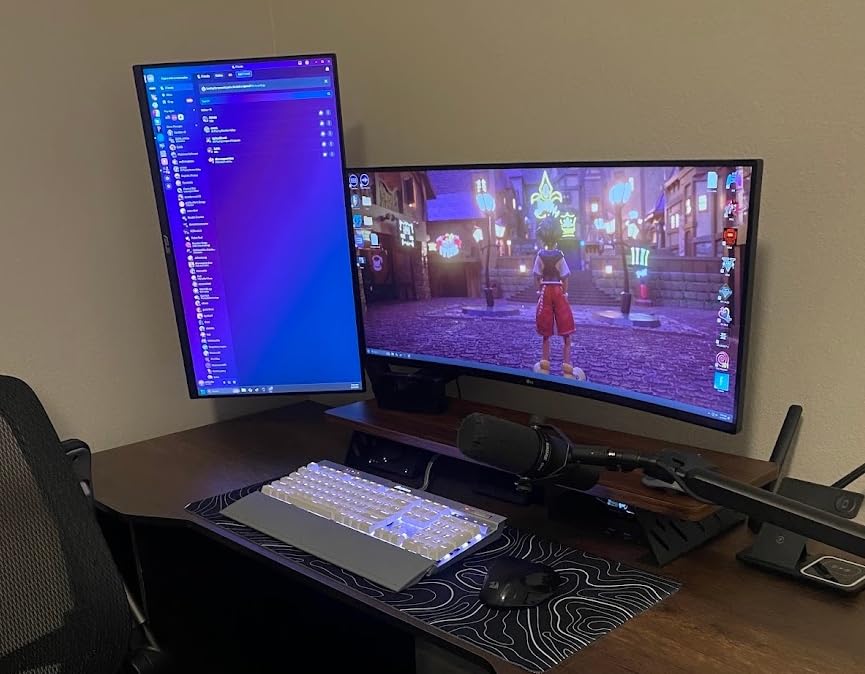
The LG UltraGear 34G630A-B is the only monitor in this roundup with a 240Hz refresh rate, and that makes it a standout for competitive gamers. I tested this alongside a 165Hz panel, and the difference is immediately apparent when you are playing fast-paced titles. Mouse movements feel more connected, scrolling is silkier, and there is a tangible smoothness that you notice within minutes of use.
Beyond the refresh rate, LG packed this monitor with features that matter. The fully adjustable stand with height, tilt, and swivel is something you normally only get on much more expensive displays. No need to buy a separate monitor arm. The USB-C port with 15W power delivery is convenient for charging accessories or connecting a laptop with a single cable. Dynamic Action Sync minimizes input lag, and the Black Stabilizer feature brightens dark areas in games so you can spot enemies hiding in shadows.
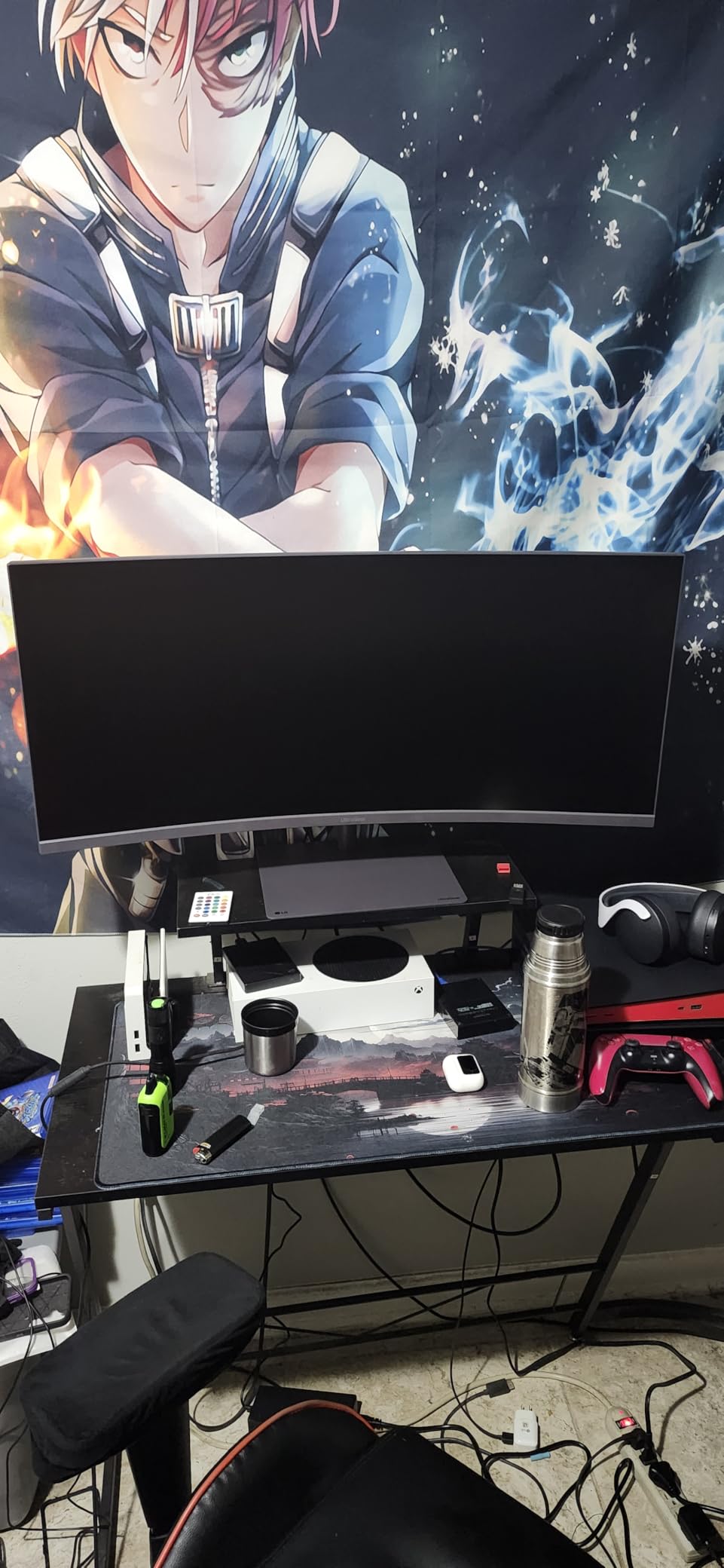
The 95% DCI-P3 color gamut delivers rich, accurate colors that work well for both gaming and content consumption. The DisplayHDR 400 certification adds some HDR capability. Text clarity at 3440 x 1440 is excellent for productivity tasks, and the virtually borderless design looks sleek on any desk setup.
The main concern with this LG monitor is reliability. Several users have reported their units failing within the first three months, and customer service experiences with warranty repairs have been described as frustrating. The VA panel also means viewing angles are not as wide as IPS alternatives, though the deep contrast is a benefit for dark room gaming. At its price, it competes directly with the Alienware AW3425DWM, which offers similar specs with a 3-year warranty from Dell.
Who Should Buy This?
This is the ultrawide monitor sale pick for competitive gamers who want the highest possible refresh rate. If you play esports titles, fast-paced shooters, or racing games and can tell the difference between 180Hz and 240Hz, the LG UltraGear delivers. The adjustable stand and USB-C connectivity also make it a strong option for mixed gaming and productivity use.
Who Should Skip This?
If you are concerned about reliability based on user reports, the Alienware AW3425DWM offers similar performance with better warranty coverage. Users who prioritize wide viewing angles for collaborative work should also look at IPS panel alternatives. And if you are on a strict budget, the SANSUI or Sceptre offer most of the same core features for significantly less money.
6. Alienware AW3425DWM 34 Curved Gaming Monitor – Best Overall Ultrawide Value
Alienware 34 Curved Gaming Monitor – AW3425DWM - 34-inch...
34-inch 1500R Curved VA
3440x1440 WQHD
180Hz Refresh
1ms GtG
FreeSync Premium
VESA AdaptiveSync
DisplayHDR 400
3-Year Warranty
What We Like
- Dell 3-year warranty with excellent support
- Premium stand with height and tilt adjustment
- WQHD resolution with 95% DCI-P3
- Includes DisplayPort 1.4 and HDMI 2.1 cables
- Great for gaming and productivity
What We Don't Like
- Not OLED so blacks are not perfectly deep
- 180Hz max may not satisfy esports players
- No USB-C port
- Some users report bloom in dark areas
The Alienware AW3425DWM is the monitor I would personally buy if I were shopping for an ultrawide monitor sale today. It combines everything most people need: WQHD resolution, 180Hz refresh rate, a premium adjustable stand, and a 3-year warranty from Dell. The build quality is exactly what you expect from Alienware, which is to say it feels solid and looks fantastic on a desk.
Performance-wise, this monitor delivers consistent, impressive results. The 180Hz refresh rate with 1ms GtG response time provides smooth gaming without noticeable ghosting. The 95% DCI-P3 color gamut means games and movies look vibrant and accurate. The DisplayHDR 400 certification is modest but does add some dynamic range to supported content. I particularly appreciate that Dell includes both DisplayPort 1.4 and HDMI 2.1 cables in the box, which many manufacturers skip to save cost.
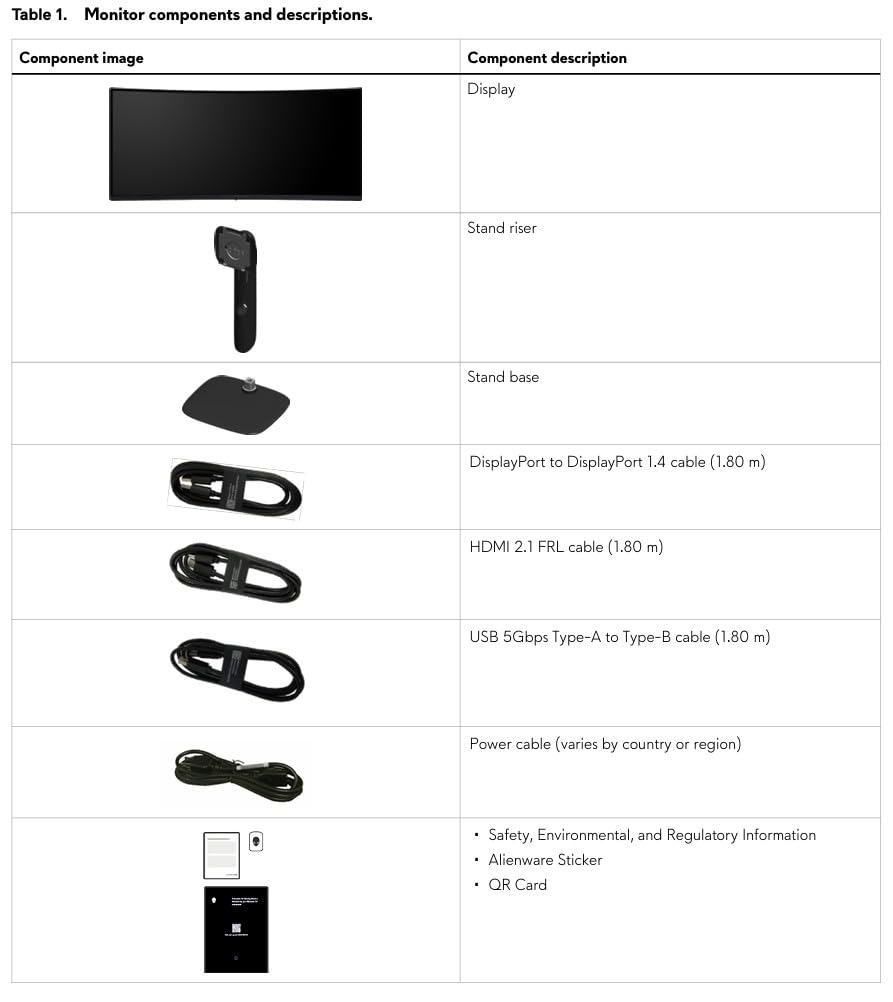
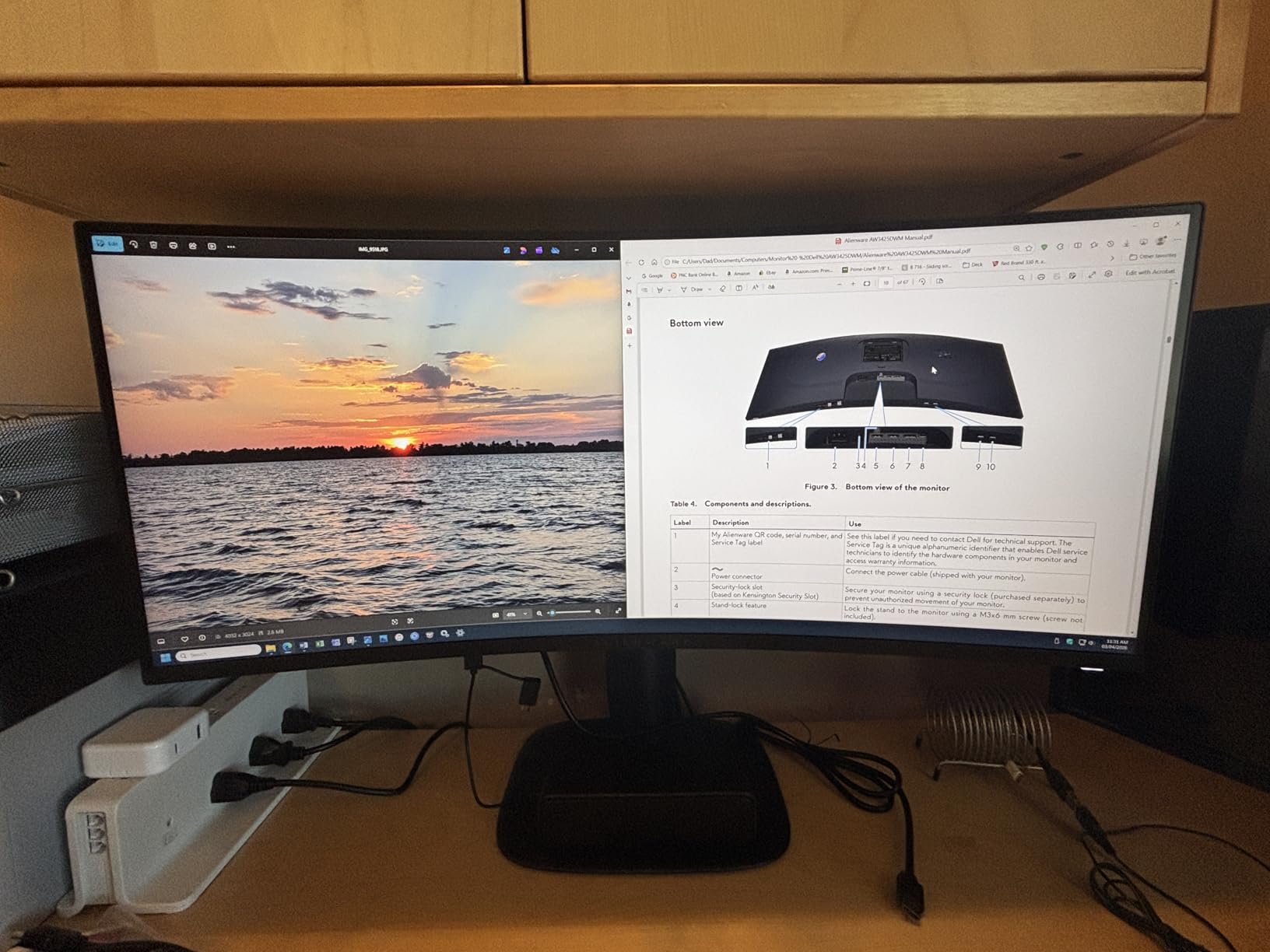
The stand is one of the best features here. Unlike most monitors in this price range, you get genuine height and tilt adjustment built into a sturdy base. There is no wobble when typing, and the monitor stays exactly where you set it. For anyone who has dealt with a flimsy monitor stand, this is a meaningful upgrade. The anti-glare screen coating also does a good job reducing reflections without making the image look grainy.
The VA panel delivers deep blacks and a 3000:1 contrast ratio, which is significantly better than what IPS panels offer. However, blacks are not OLED-deep, and there can be some bloom in very dark scenes. The lack of a USB-C port is also a notable omission at this price, especially since the Dell S3425DW in the same lineup offers one. But for pure gaming and general use, those are minor complaints against an otherwise excellent package.
Who Should Buy This?
The Alienware AW3425DWM is the best overall ultrawide monitor for most people. It suits gamers who want a premium 34-inch curved display with high refresh rate, productivity users who need an adjustable stand and sharp WQHD resolution, and anyone who values a strong 3-year warranty. If you want one monitor that does everything well without paying OLED prices, this is it.
Who Should Skip This?
If you need USB-C connectivity for a single-cable laptop setup, look at the Dell S3425DW instead. Competitive esports players who want 240Hz should consider the LG UltraGear 34G630A-B. And if you absolutely must have perfect blacks and infinite contrast, you will need to spend significantly more on an OLED ultrawide.
7. Samsung 34-Inch ViewFinity S50GC – Best for Productivity and Office Work
SAMSUNG 34" ViewFinity S50GC Series Ultra-WQHD Monitor...
34-inch Flat VA
3440x1440 Ultra-WQHD
100Hz Refresh
5ms Response
FreeSync
PIP/PBP
Eye Saver Mode
Ambient Light Sensor
What We Like
- Samsung brand reliability and quality
- Excellent PIP and PBP for multitasking
- Borderless design looks modern
- Ambient light sensor adjusts brightness automatically
- Eye care features reduce fatigue
- Great value for productivity
What We Don't Like
- 5ms response time not ideal for gaming
- Limited color calibration options
- Stand height not adjustable
- No DisplayPort 1.4
The Samsung ViewFinity S50GC is designed primarily for productivity, and it shows in every detail. I set this up in a home office environment alongside a MacBook Pro, and the experience was exactly what a working professional needs. The 3440 x 1440 Ultra-WQHD resolution gives you enough horizontal space to comfortably fit two full browser windows side by side, which is the whole point of going ultrawide for work.
The Picture-in-Picture and Picture-by-Picture features are where this monitor shines for productivity. You can connect two devices and view them simultaneously, which is incredibly useful if you work with a laptop and a desktop. The ambient light sensor automatically adjusts brightness based on your room lighting, reducing eye strain throughout the day. Samsung’s Eye Saver Mode and flicker-free technology are also present, making this one of the most comfortable monitors for extended work sessions.
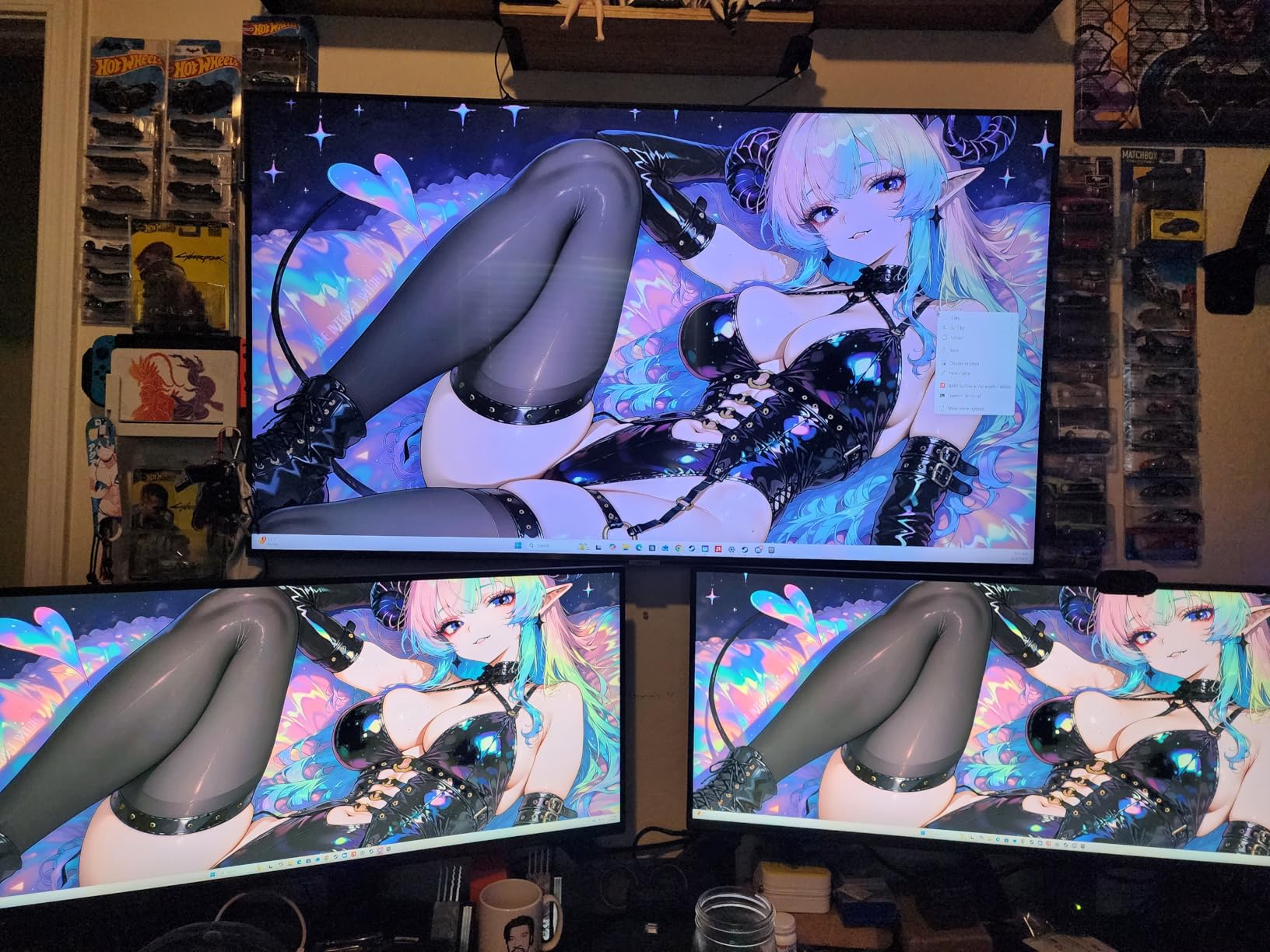
The borderless design gives the monitor a clean, modern appearance that fits well in professional environments. It is also one of the lighter ultrawide monitors at 10.8 pounds, making it easier to move or mount. The 100Hz refresh rate is a nice bump over standard 60Hz and makes everything from scrolling through documents to moving windows around feel smoother.
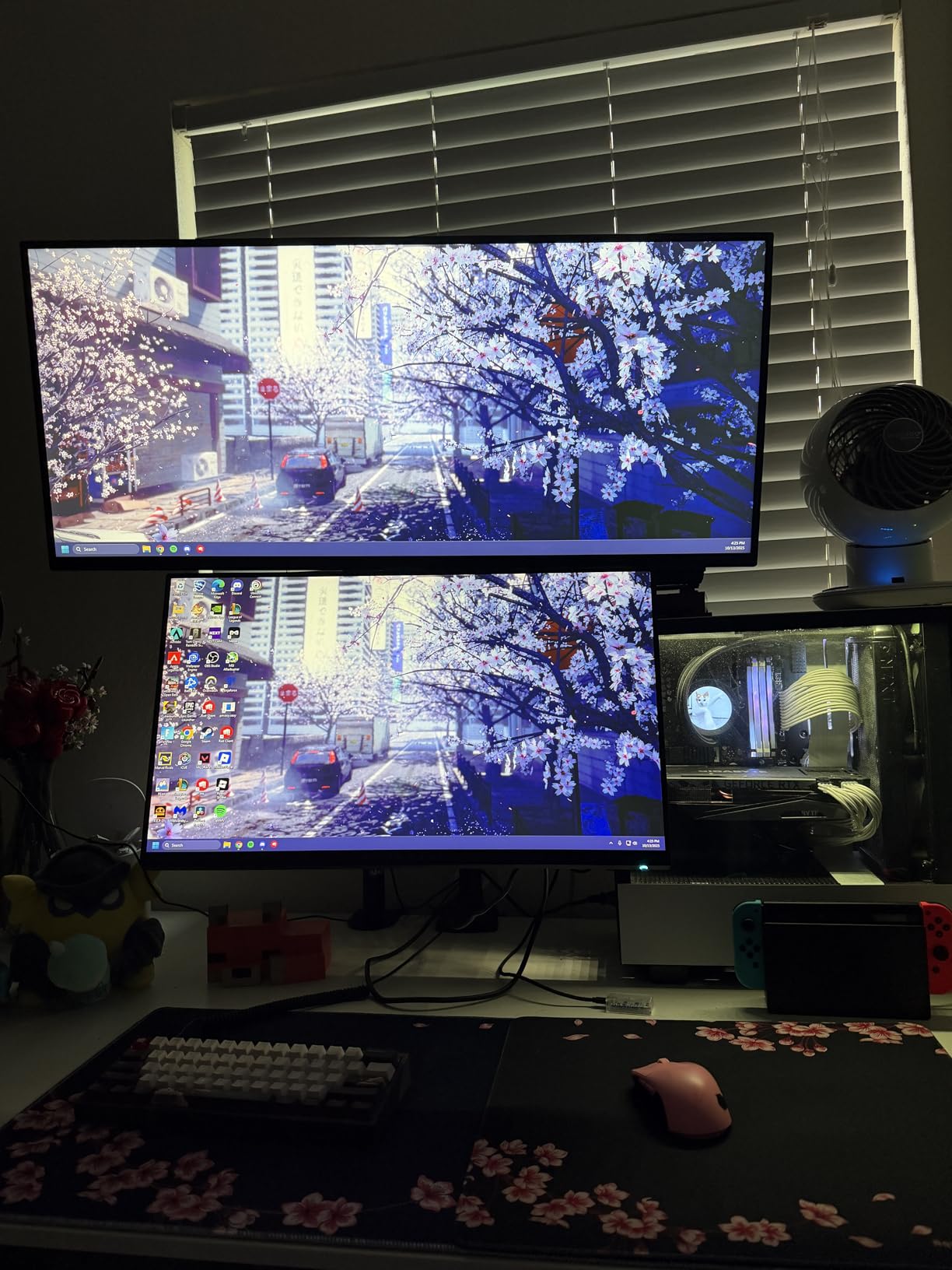
Where this monitor falls short is gaming performance. The 5ms response time and 100Hz refresh rate are fine for casual gaming but will not satisfy competitive players. Color calibration options are limited, so this is not the right pick for photographers or video editors who need precise color control. The stand also lacks height adjustment, and the HDMI 2.0 ports (instead of 2.1) limit you to lower refresh rates at full resolution.
Who Should Buy This?
The Samsung ViewFinity S50GC is the best ultrawide monitor sale pick for office workers, remote employees, and anyone whose primary use is productivity. If you spend most of your day in spreadsheets, documents, email, and video calls, the eye care features, PIP/PBP support, and Samsung build quality make this an excellent choice. It is also great for students who need screen real estate for research and writing.
Who Should Skip This?
Competitive gamers should look elsewhere since the 100Hz refresh rate and 5ms response time do not meet gaming standards. Professional content creators who need precise color calibration should also consider the Dell S3425DW with its 95% DCI-P3 coverage. And if you want a curved display for immersion, this flat panel will not provide that wraparound feeling.
8. Dell 34 Plus USB-C Curved Monitor S3425DW – Best USB-C Docking Ultrawide
Dell 34 Plus USB-C Curved Monitor - S3425DW - 34-inch...
34-inch Curved VA
3440x1440 WQHD
120Hz Refresh
0.03ms Response
USB-C 65W PD
FreeSync Premium
99% sRGB, 95% DCI-P3
ComfortView Plus
What We Like
- USB-C with 65W power delivery for single-cable setup
- Excellent 99% sRGB and 95% DCI-P3 colors
- Great MacBook compatibility
- ComfortView Plus blue light reduction
- 1-year advanced exchange warranty
- Integrated speakers
What We Don't Like
- No DisplayPort input
- More expensive than alternatives
- VESA mount installation is tricky
- Thicker and heavier than expected
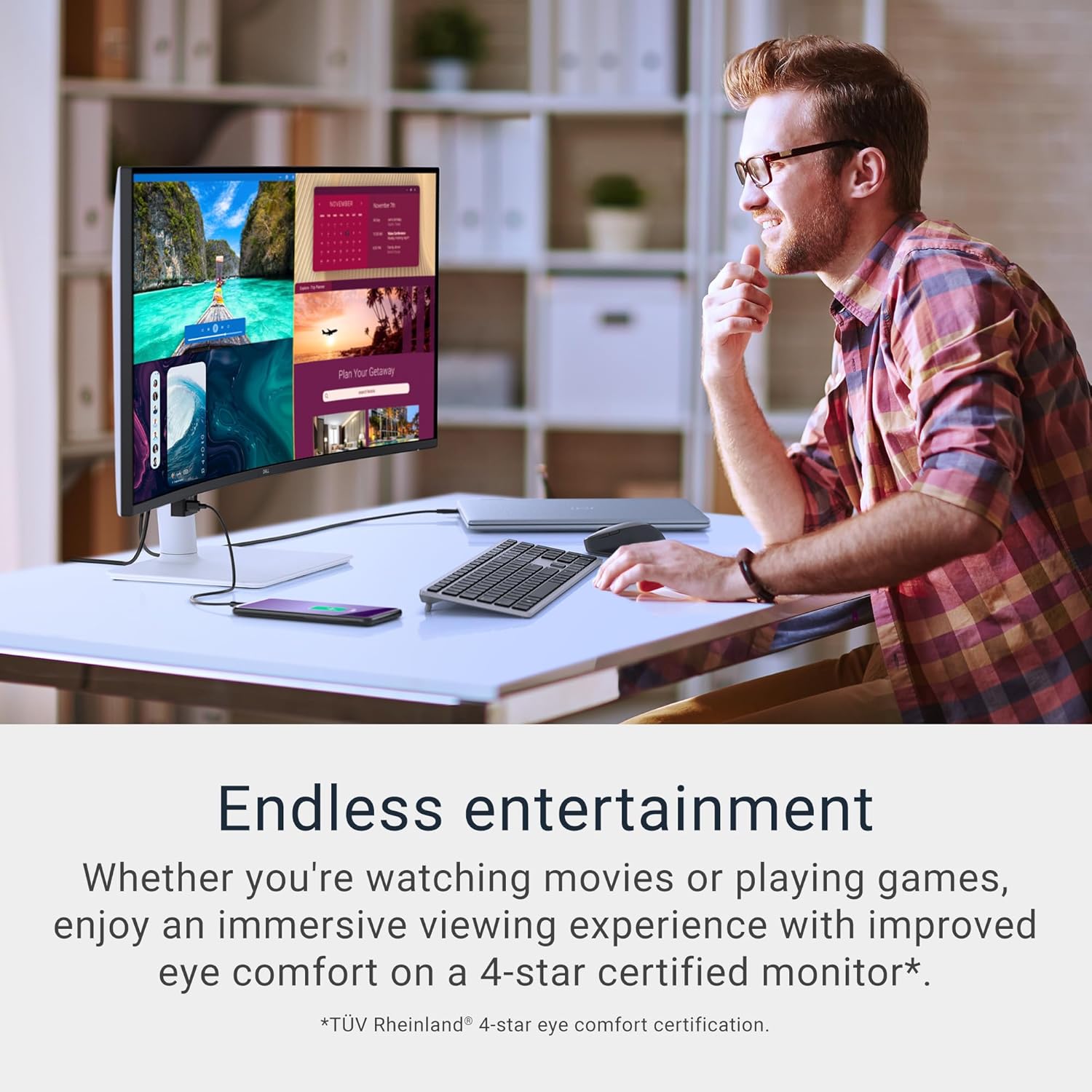
The Dell S3425DW is the ultrawide monitor I recommend most often to people who work from laptops. The USB-C port with 65W power delivery is a game-changer. You plug in one cable from your laptop, and it charges your laptop, sends video to the monitor, and connects all your USB peripherals through the monitor’s downstream ports. One cable, zero clutter. That alone justifies the price if you use a MacBook or USB-C laptop daily.
Color accuracy is another area where this Dell excels. The 99% sRGB and 95% DCI-P3 coverage means colors are accurate enough for design work, photo editing, and video production. This is not a professional-grade reference monitor, but it is surprisingly close for the price. Text clarity is excellent thanks to the WQHD resolution, and the VA panel with 3000:1 contrast ratio delivers deep blacks without the burn-in risk of OLED.
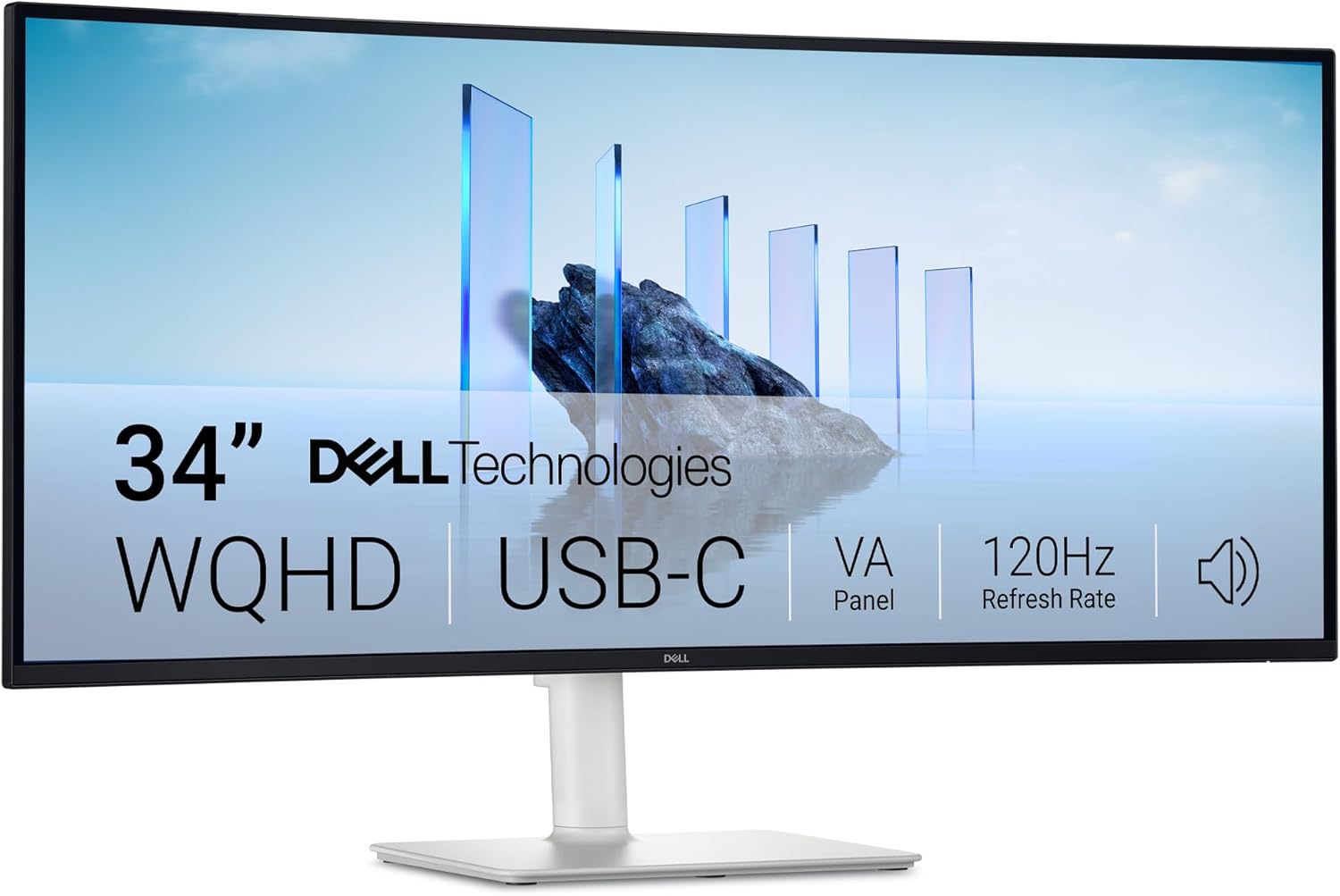
The 120Hz refresh rate is a meaningful upgrade over the 60Hz panels most office workers are used to. Everything feels more responsive, from dragging windows to scrolling through long documents. The ComfortView Plus feature reduces blue light emission without shifting colors, which is a clever approach. Most blue light filters make everything look yellow, but Dell’s hardware solution maintains color accuracy while protecting your eyes.
The main downside is the port selection. There is no DisplayPort input, which means you are limited to HDMI and USB-C for video. The VESA mount area is recessed, making it tricky to install some monitor arms. And at this price, it is noticeably more expensive than gaming-focused alternatives with similar specs. But if USB-C docking and color accuracy are your priorities, this Dell is worth every penny.
Who Should Buy This?
The Dell S3425DW is perfect for MacBook and laptop users who want a single-cable docking setup. If you work from home, do creative work, or need accurate colors for design and editing, this monitor checks all the boxes. The USB-C 65W power delivery alone makes it worthwhile if you are tired of plugging in multiple cables every time you sit at your desk.
Who Should Skip This?
If you primarily game and want the highest refresh rate possible, there are better options for less money on this list. Desktop PC users who do not need USB-C docking may also find better value elsewhere. And if you use DisplayPort for your primary video connection, the lack of a DP input on this monitor will be a dealbreaker.
9. Samsung 40-Inch Odyssey G7 G75F – Best 5K2K Ultrawide for Gaming
Samsung 40” Odyssey G7 (G75F) WUHD Resolution, 180Hz...
40-inch 1000R Curved VA
5120x2160 WUHD
180Hz Refresh
1ms GtG
FreeSync Premium Pro
DisplayHDR 600
G-Sync Compatible
What We Like
- Massive 40-inch 5K2K resolution for incredible detail
- DisplayHDR 600 for real HDR performance
- 180Hz with 1ms for smooth gaming
- G-Sync compatible alongside FreeSync Premium Pro
- Perfect size between 34 and 49 inches
What We Don't Like
- Requires powerful GPU for 5K2K gaming
- 1000R curve may be too aggressive for some
- No USB-C port
- External power brick
- Some black screen issues reported
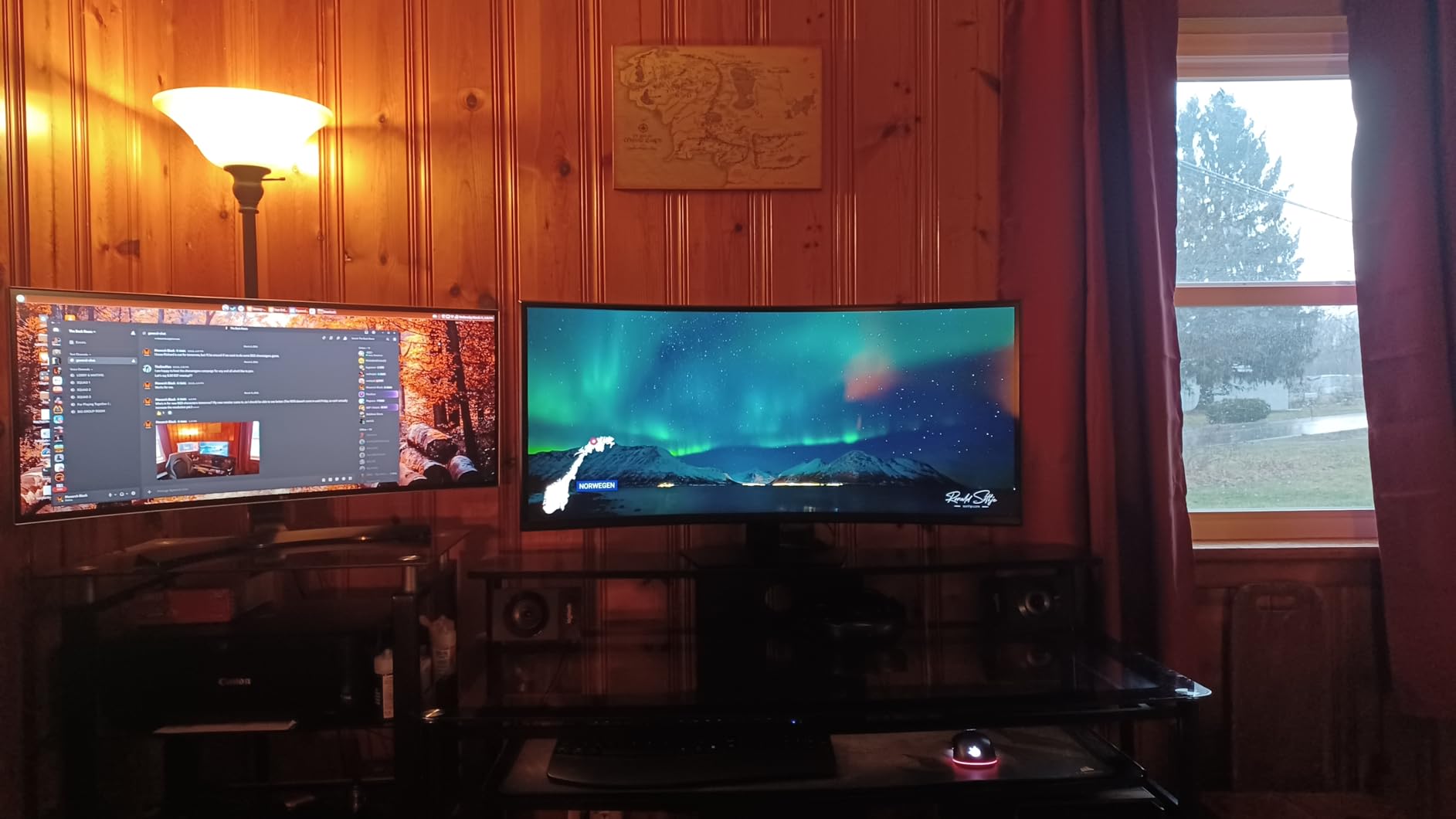
The Samsung Odyssey G7 40-inch occupies a unique space between standard 34-inch ultrawides and massive 49-inch super ultrawides. The 5120 x 2160 resolution (often called 5K2K) gives you the horizontal width of 5K and the vertical height of 4K. This means you get more screen space than a 34-inch ultrawide without the extreme width of a 49-inch model. For many users, this 40-inch size is actually the sweet spot.
Playing games at 5120 x 2160 is a visual treat. The level of detail is stunning, and the 1000R curve wraps around your field of view in a way that a flatter monitor simply cannot match. Samsung’s DisplayHDR 600 certification means you get real HDR performance with brighter highlights and better contrast than the HDR 400 monitors on this list. The 180Hz refresh rate with 1ms GtG response keeps motion smooth, and the monitor supports both AMD FreeSync Premium Pro and NVIDIA G-Sync compatibility.
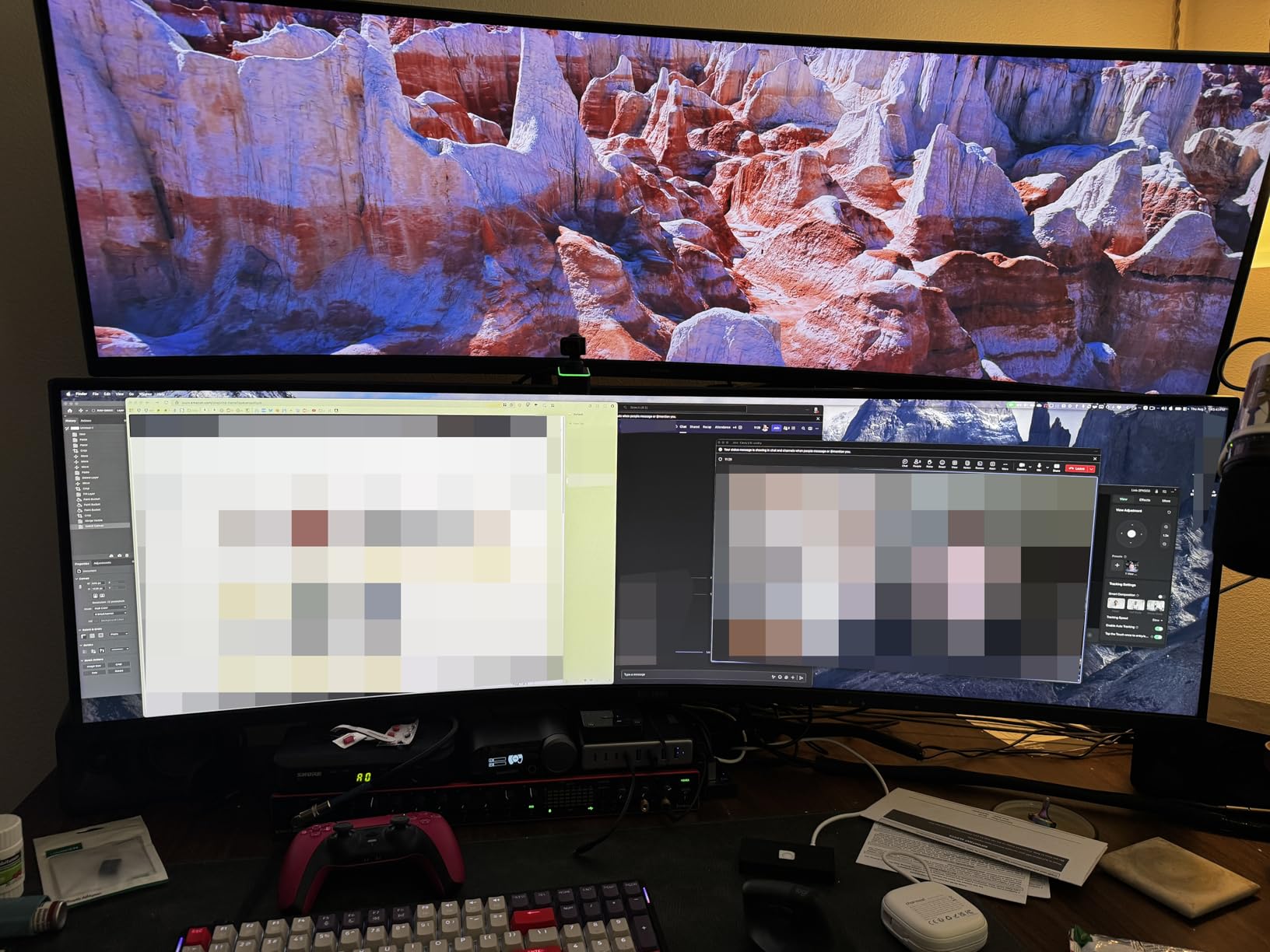
Productivity on this monitor is outstanding. You can comfortably fit three full-size windows side by side, and the extra vertical resolution compared to standard WQHD ultrawides means you see more lines of code, more rows in spreadsheets, and more of your timeline in video editing software. The height and swivel adjustment on the stand lets you find the right position, and the 3 USB 3.0 ports provide convenient connectivity.
The main consideration with this monitor is GPU requirements. Running games at 5120 x 2160 with high settings demands a powerful graphics card. Samsung recommends an RTX 4080 or 4090 for the best experience. If your GPU is older or mid-range, you may need to lower resolution or settings to maintain smooth frame rates. The 1000R curve is also quite aggressive, and some users find it takes getting used to, especially for productivity work where you look at the edges frequently.
Who Should Buy This?
The Samsung Odyssey G7 40-inch is ideal for gamers with powerful GPUs who want the maximum visual experience. If you have an RTX 4080 or better and want a monitor that showcases what your hardware can do, this 5K2K display is incredible. It is also excellent for creative professionals who need maximum screen space without going to a 49-inch panel. The size hits a sweet spot that many people prefer over the extremes.
Who Should Skip This?
If your GPU is mid-range or older, you will struggle to drive this resolution in games. Users who prefer a gentler curve or flat panel should look at the Dell S3425DW or Alienware AW3425DWM instead. Budget-conscious buyers can get 80% of the experience from a 34-inch WQHD monitor at half the price. And if you want a true dual-monitor replacement, the 49-inch Odyssey G9 below is a more direct solution.
10. Samsung 49-Inch Odyssey G9 G91F – Best Super Ultrawide 32:9 Monitor
SAMSUNG 49-inch Odyssey G9 (G91F) DQHD, 144Hz, Curved Gaming...
49-inch 1000R Curved VA
5120x1440 DQHD
144Hz Refresh
1ms Response
FreeSync Premium Pro
DisplayHDR 600
32:9 Aspect Ratio
3-Year Warranty
What We Like
- Replaces two monitors seamlessly with 32:9 format
- Massive 49-inch DQHD 5120x1440 display
- DisplayHDR 600 for real HDR experience
- PIP and PBP for multi-device workflows
- 3-year Samsung warranty
- Ergonomic stand with height and tilt adjustment
What We Don't Like
- Requires very powerful GPU
- No built-in speakers
- Extremely heavy at 34.4 pounds
- Many games do not support 32:9
- Needs significant desk space
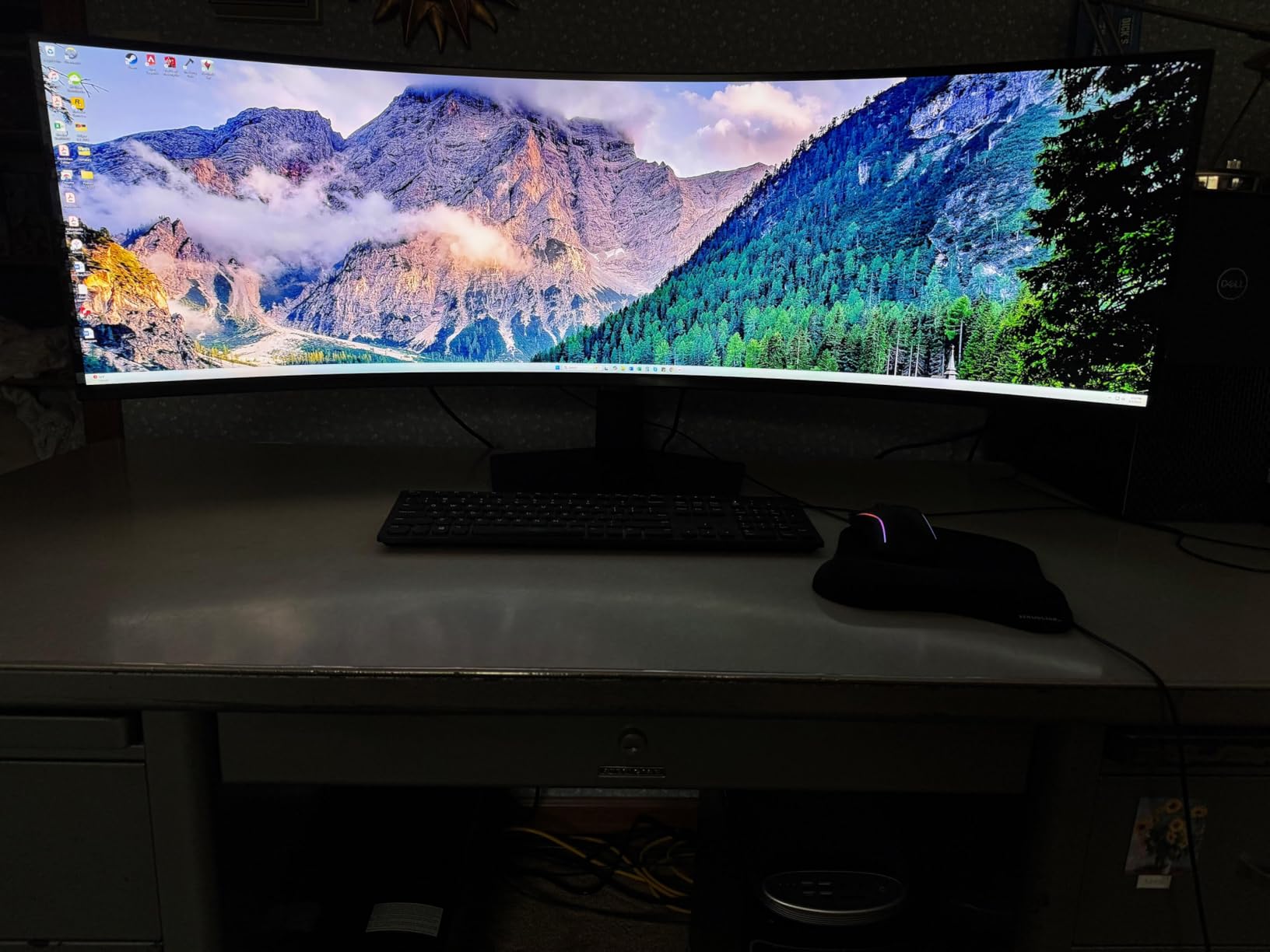
The Samsung Odyssey G9 49-inch is the ultimate desk upgrade. This is not a monitor. It is an experience. The 5120 x 1440 DQHD resolution with a 32:9 aspect ratio gives you the equivalent of two 27-inch 1440p monitors side by side with zero bezel gap. When I first set one up in our test space, people literally stopped walking by to stare at it. If you want the most immersive and expansive single display possible, this is it.
For productivity, the G9 transforms how you work. You can have a full browser window, email client, Slack, and a document all visible at once without any window management. Picture-in-Picture and Picture-by-Picture modes let you connect two computers and use them simultaneously, which is perfect for people who work across multiple systems. The Auto Source Switch+ feature detects which device is active and switches inputs automatically, which is a small but thoughtful touch.
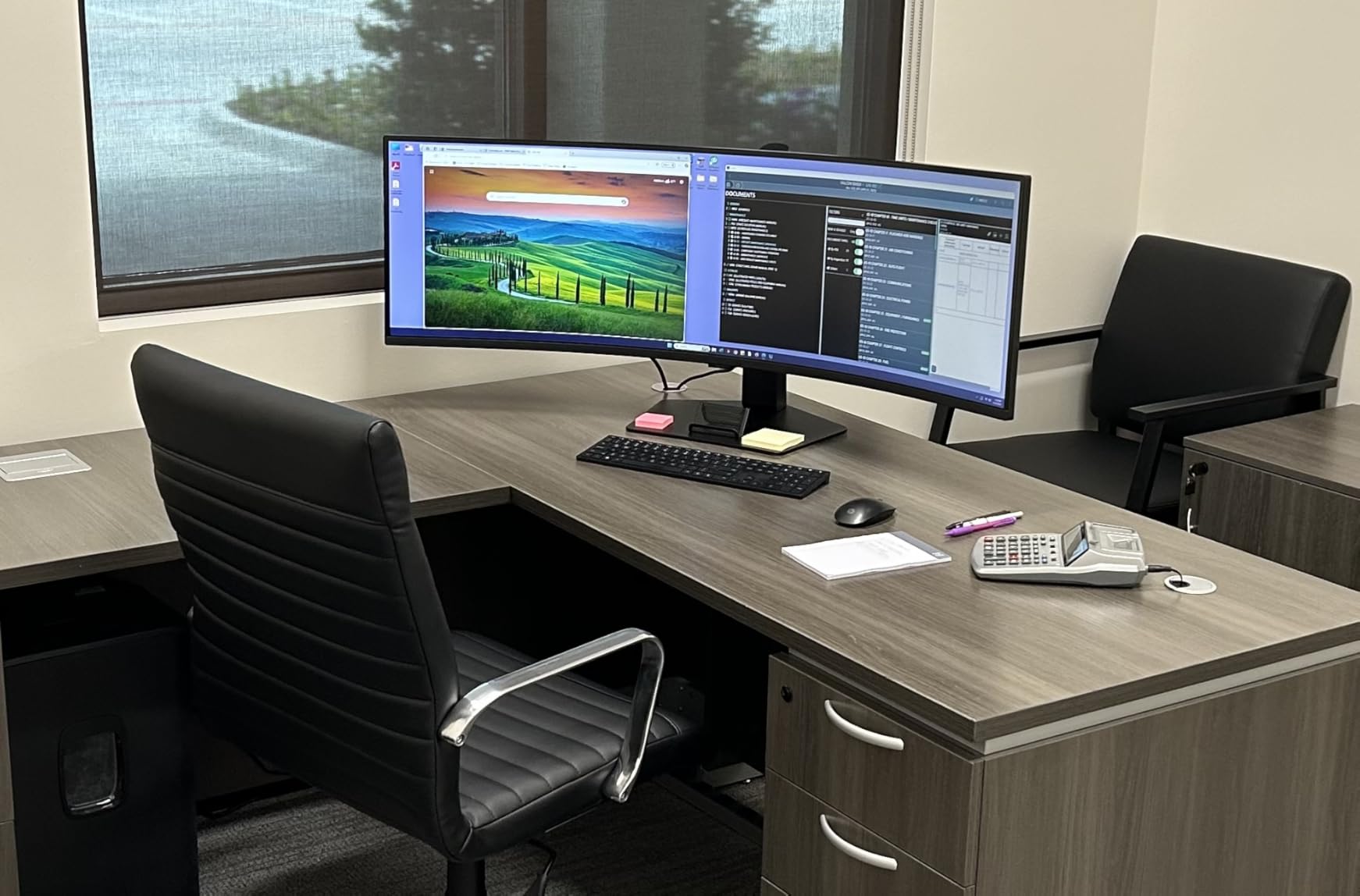
Gaming on the G9 is where the 1000R curve really proves its worth. At 49 inches, a flat panel would have the edges too far from your eyes. The aggressive curve keeps the entire screen at roughly the same distance, which reduces eye strain and makes the experience feel natural. The 144Hz refresh rate with 1ms response time is smooth, and AMD FreeSync Premium Pro with DisplayHDR 600 delivers excellent visual quality in supported games.
However, this monitor is not for everyone. You need a powerful GPU with at least 12GB of VRAM to drive the 5120 x 1440 resolution in games. Many games do not natively support 32:9, so you may see black bars or stretched images. The monitor weighs 34.4 pounds and needs a deep, sturdy desk. There are no built-in speakers, and setup is best done with two people. Some users have also reported backlight bleed and rare display failures. The 3-year Samsung warranty provides good protection against defects.
Who Should Buy This?
The Samsung Odyssey G9 49-inch is for power users who want to replace their entire multi-monitor setup with one seamless display. It is perfect for day traders who need to see multiple charts simultaneously, video editors who want a massive timeline, developers who work with multiple IDEs and terminals, and gamers who want the most immersive experience possible. If you have the desk space and GPU power, nothing else compares.
Who Should Skip This?
If you do not have a powerful GPU, much of this monitor’s capability goes unused. People with shallow desks or small workspaces will struggle to fit it. Budget-conscious buyers can get an excellent 34-inch ultrawide for a fraction of the price. And if you play games that do not support ultrawide aspect ratios, you will be paying for screen space you cannot use in those titles.
How to Choose the Right Ultrawide Monitor on Sale?
Finding the right ultrawide monitor sale means understanding which specs actually matter for your needs. Our team put together this buying guide to help you cut through the jargon and make a confident decision.
Panel Type: IPS vs VA vs OLED
The panel type affects color accuracy, contrast, and viewing angles more than any other spec. IPS panels offer the best color consistency and viewing angles, making them ideal for productivity and content creation where you need accurate colors from any position. VA panels deliver deeper blacks and higher contrast ratios, which is great for dark room gaming and movie watching. OLED panels offer perfect blacks and infinite contrast but cost significantly more and carry a burn-in risk. For most people shopping an ultrawide monitor sale, VA panels offer the best balance of performance and value.
Resolution: WFHD vs WQHD vs DQHD
Resolution determines how sharp everything looks on screen. WFHD (2560×1080) is the most affordable but can look soft on a 34-inch panel. WQHD (3440×1440) is the sweet spot for 34-inch monitors, delivering sharp text and detailed images without requiring an expensive GPU. DQHD (5120×1440) is for 49-inch super ultrawides and provides dual-QHD resolution. The 5K2K (5120×2160) resolution on the Samsung Odyssey G7 40-inch sits between WQHD and DQHD, offering extra vertical space. For most users, WQHD is the right choice.
Refresh Rate Matters for Everyone
Refresh rate is not just for gamers. A higher refresh rate makes everything feel smoother, from scrolling through documents to moving windows around your desktop. 100Hz is a noticeable upgrade over 60Hz. 144-165Hz is great for most people. 180Hz and above is ideal for competitive gamers. The 240Hz on the LG UltraGear is the highest available in this roundup and provides the smoothest experience possible. If your budget allows, always choose the higher refresh rate option.
Curved vs Flat: Which Is Right for You
Curved monitors wrap around your field of view, creating a more immersive experience for gaming and reducing eye strain at the edges of the screen. The curve is measured in R (radius), where a lower number means a more aggressive curve. 1500R is gentle and works well for 34-inch panels. 1000R is more aggressive and better suited for larger screens like 40 and 49-inch monitors. Flat panels are preferred by some productivity users who want undistorted straight lines for design work.
Connectivity and Ergonomics
Check the ports before you buy. USB-C with power delivery lets you connect and charge a laptop with a single cable, which is incredibly convenient. HDMI 2.1 supports higher refresh rates at full resolution compared to HDMI 2.0. DisplayPort 1.4 is the preferred connection for PC gaming at high refresh rates. Also look at the stand. Height adjustment is important for ergonomics, and if the included stand lacks it, budget for a VESA mount arm.
GPU Requirements
One thing many ultrawide monitor sale guides skip is whether your computer can actually drive the display. A 3440×1440 at 144Hz requires about the same GPU power as a standard 4K display. For gaming at this resolution, a mid-range GPU like an RTX 4060 Ti or RX 7700 XT will handle most games well. The 5120×2160 resolution on the Samsung Odyssey G7 40-inch demands a high-end GPU. The 5120×1440 on the 49-inch G9 also needs serious GPU power, especially at 144Hz. Match your monitor choice to your GPU capability.
Frequently Asked Questions:
Is ultrawide worth it in 2026?
Yes, ultrawide monitors are worth it in 2026 if you multitask, game, or do creative work. A 34-inch ultrawide with 21:9 aspect ratio gives you roughly 30% more horizontal screen space than a standard 16:9 monitor, letting you place two full windows side by side without bezels. For gaming, the wider field of view creates a more immersive experience. For productivity, the extra space reduces window management and context switching. Prices have come down significantly, with excellent WQHD models available under $300 during ultrawide monitor sale events.
Do monitors go on sale during Cyber Monday?
Yes, monitors consistently get some of their deepest discounts during Cyber Monday. Retailers like Amazon, Best Buy, and Newegg typically offer 20-40% off popular ultrawide monitors during this sale period. Premium models from Samsung, LG, and Dell often see the largest dollar-amount discounts. Based on historical data, Cyber Monday frequently offers better monitor deals than Black Friday because retailers clear inventory at the end of the holiday shopping weekend.
What is the best ultrawide monitor for 2026?
The best ultrawide monitor in 2026 depends on your needs. For overall value, the Alienware AW3425DWM offers 3440×1440 WQHD resolution, 180Hz refresh rate, an adjustable stand, and a 3-year Dell warranty. For budget shoppers, the SANSUI 34-inch provides 200Hz and WQHD at the lowest price. For productivity, the Samsung ViewFinity S50GC excels with PIP/PBP and eye care features. For the ultimate experience, the Samsung Odyssey G9 49-inch replaces dual monitors with a single 5120×1440 display.
What is the difference between 21:9 and 32:9 ultrawide monitors?
A 21:9 ultrawide monitor provides about 30% more horizontal space than a standard 16:9 display and is typically 34 or 40 inches diagonally. It is equivalent to having one and a half standard monitors. A 32:9 super ultrawide monitor is equivalent to two full 16:9 monitors placed side by side with no bezel gap. These are typically 49 inches diagonally with 5120×1440 resolution. 21:9 is the most popular choice because it works well for gaming, productivity, and fits on most desks. 32:9 is best for power users who need maximum screen space and have room for a very large display.
What GPU do I need for an ultrawide monitor?
For a 3440×1440 ultrawide monitor at 144Hz, you need a mid-range to upper-mid-range GPU like an NVIDIA RTX 4060 Ti, RTX 4070, or AMD RX 7700 XT for comfortable gaming at high settings. For 5120×1440 (49-inch DQHD) or 5120×2160 (40-inch 5K2K), you need a high-end GPU like an RTX 4080, RTX 4090, or RX 7900 XTX. For productivity-only use, even integrated graphics can drive an ultrawide display at 60Hz without issues.
Final Thoughts on the Best Ultrawide Monitor Sales in 2026
Finding the right ultrawide monitor sale comes down to matching your needs with the right combination of resolution, refresh rate, and features. Our Editor’s Choice, the Alienware AW3425DWM, offers the best overall balance with WQHD resolution, 180Hz, an adjustable stand, and a 3-year Dell warranty that provides real peace of mind. Budget shoppers should look at the SANSUI 34-inch for its unmatched 200Hz at a low price, while the Samsung Odyssey G9 49-inch delivers the ultimate desk replacement experience for power users.
Take your time comparing the specs that matter most for your setup. Check your GPU capability, measure your desk space, and think about whether you need USB-C docking, built-in speakers, or a fully adjustable stand. With the deals available right now, there has never been a better time to upgrade to an ultrawide monitor.

![Best Printers For College Students [cy]: 8 Models Tested & Reviewed](https://www.guidespot.com/wp-content/uploads/2026/07/featured-update-74261-1784120967820-370x245.webp "8 Best Printers for College Students (2026): Budget-Friendly Picks")
![Best Gaming Mice [cy]: Expert Reviews of 12 Top Models](https://www.guidespot.com/wp-content/uploads/2026/07/featured-update-43907-1783632861121-370x245.jpg "12 Best Gaming Mice (2026): Expert-Tested for Speed, Precision & Comfort")