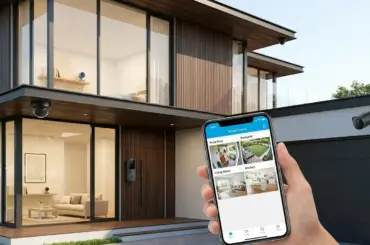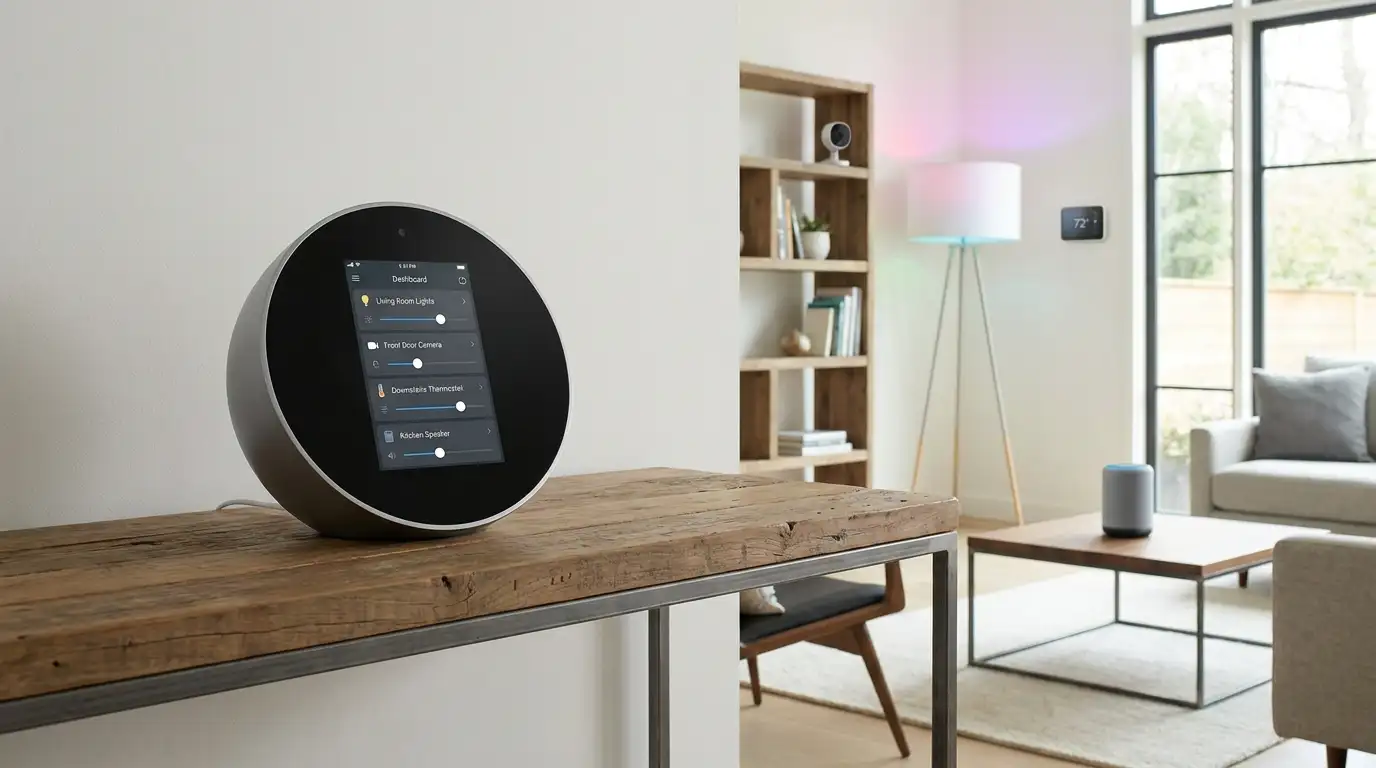
If you have been waiting for the right moment to upgrade your smart home setup, Prime Day is it. Every year, Amazon slashes prices on some of the most popular smart home hubs, speakers, and displays, and the savings can be substantial. I have been tracking smart home hub Prime Day deals for years now, and 2026 brings some of the best discounts we have seen on everything from compact Echo Dot speakers to dedicated control panels like the Echo Hub and multi-protocol powerhouses like the Aqara M3.
Whether you are just getting started with your first smart home device or looking to consolidate a growing collection of sensors, cameras, and lights under one reliable hub, there is a Prime Day deal that fits your needs. I tested and compared 10 of the most popular smart home hubs available right now, and this guide breaks down exactly which ones are worth your money and which ones you can skip.
Our team focused on the features that actually matter: protocol support (Matter, Zigbee, Z-Wave, Thread), local control capabilities, ecosystem compatibility, and real-world reliability. We also paid close attention to what Reddit users and home automation enthusiasts say about long-term support and privacy. Let me walk you through the best options for every budget and use case.
Top 3 Smart Home Hub Picks for Prime Day
Tapo Smart IR and IoT Hub H110
- Matter Certified
- 8000+ IR Brands
- Voice Control
- 18 Device Types
Smart Home Hub Prime Day Deals in 2026
| Product | Key Features | Action |
|---|---|---|
 Amazon Echo Dot
|
|
Check Latest Price |
 Amazon Echo Spot
|
|
Check Latest Price |
|
Tapo Smart IR and IoT Hub H110
|
|
Check Latest Price |
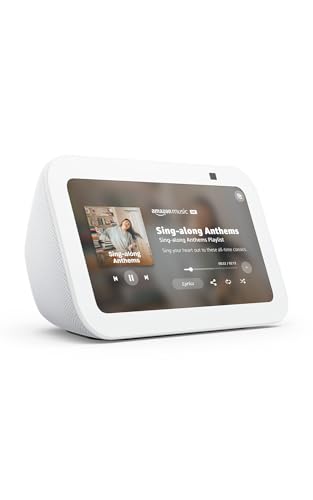 Amazon Echo Show 5
|
|
Check Latest Price |
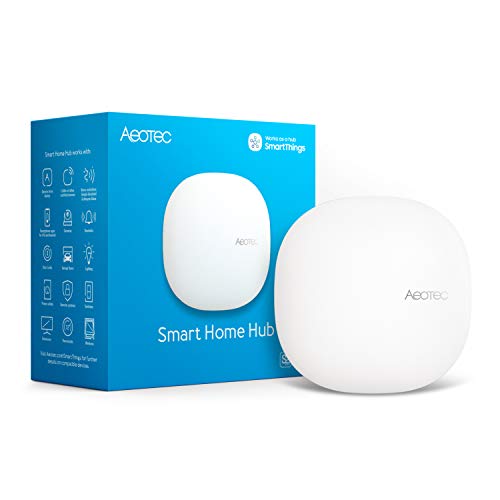 Aeotec Smart Home Hub
|
|
Check Latest Price |
 Aqara Hub M3
|
|
Check Latest Price |
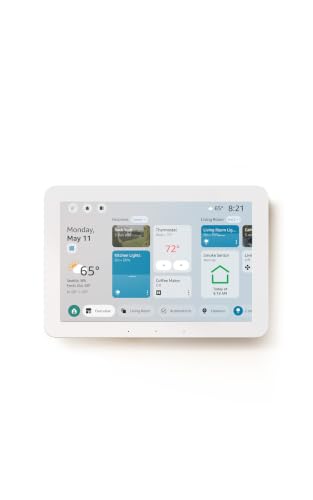 Amazon Echo Hub
|
|
Check Latest Price |
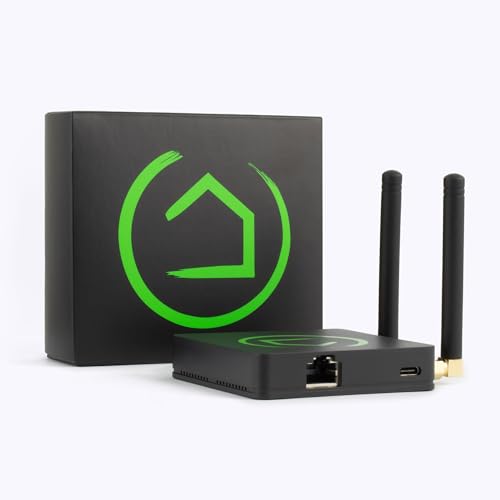 Hubitat Elevation C-8 Pro
|
|
Check Latest Price |
 Amazon Echo Show 11
|
|
Check Latest Price |
 Amazon Echo Show 15
|
|
Check Latest Price |
1. Amazon Echo Dot – Best Budget Smart Hub for Prime Day
Amazon Echo Dot (newest model) - Vibrant sounding speaker...
Alexa+ Voice Assistant
Matter Hub Support
Built-in Temperature Sensor
eero Wi-Fi Extender
Motion Detection
What We Like
- Excellent sound quality for the price
- Matter hub support for smart devices
- Built-in temperature and motion sensors
- Doubles as eero Wi-Fi extender
- 193k+ reviews with 4.7 star rating
What We Don't Like
- No 3.5mm audio jack anymore
- Some Wi-Fi issues on 5GHz networks
- Larger than previous generation models
I have been using the Echo Dot as my bedside smart hub for over a year, and it consistently surprises me with how much it packs into such a small form factor. The newest model sounds noticeably better than older generations, with fuller bass that actually fills a room rather than just providing background noise. For a device at this price point, the audio quality punches well above its weight.
What makes the Echo Dot a genuinely useful smart home hub, though, is the built-in Matter support. I connected my Aqara door sensors and some Philips Hue bulbs directly through the Dot without needing a separate bridge. The temperature sensor is a nice bonus that lets me trigger automations based on room temperature, like turning on a fan when it gets above 75 degrees.
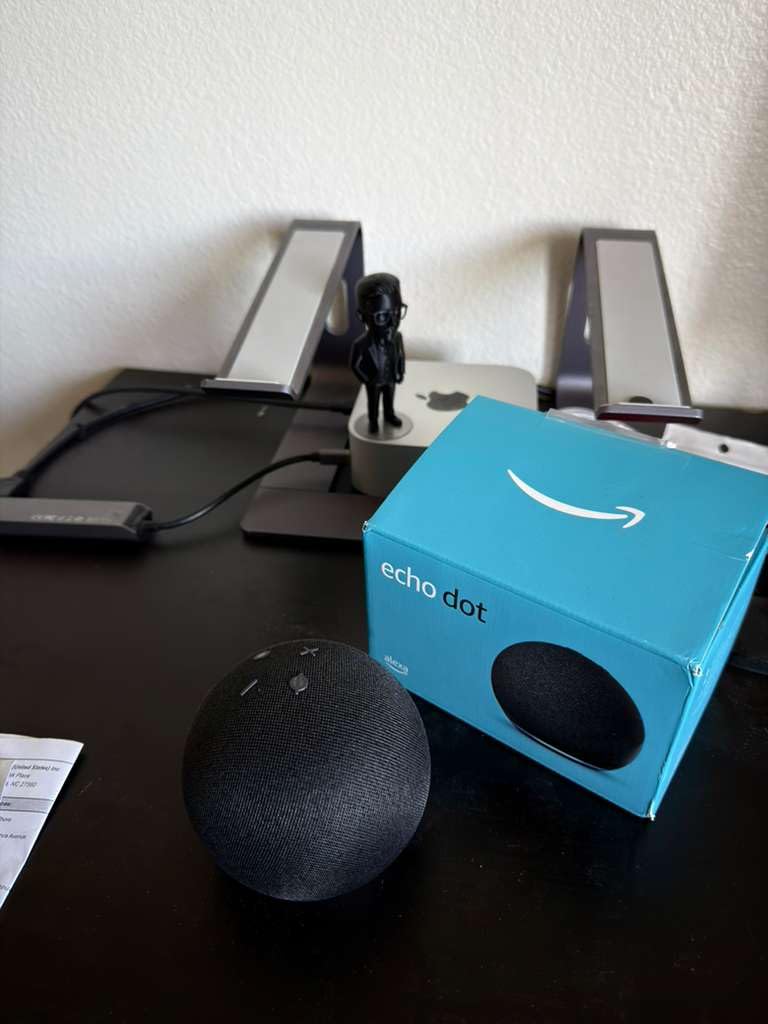
The motion detection feature works reliably for triggering routines. I set mine to gradually brighten smart lights when someone walks into the room after sunset. The eero Built-in feature is also genuinely useful if you have a mesh network. My Dot extends Wi-Fi coverage to my bedroom without any extra configuration.
On the downside, Amazon removed the 3.5mm jack from this generation, which is a disappointment if you like wired headphones or connecting to external speakers. The device is also slightly larger than previous Dots, so it takes up a bit more space on a nightstand. Some users report inconsistent performance on 5GHz networks, though I have not had issues on my 2.4GHz setup.

Best Setup Scenarios for the Echo Dot
The Echo Dot shines in bedrooms, small offices, and dining rooms where you want voice control and basic smart home hub functionality without spending a lot. It is perfect if you are already in the Alexa ecosystem and want to add Matter device control to a room. I would recommend it as a starter hub for anyone building their first smart home.
Who Should Skip This
If you need a screen for video calls, want to control dozens of Zigbee devices, or prefer local control without cloud dependency, the Dot will not cut it. It is also not ideal if you want Z-Wave device support. Power users running Home Assistant will want something more capable like the Hubitat or Aqara M3.
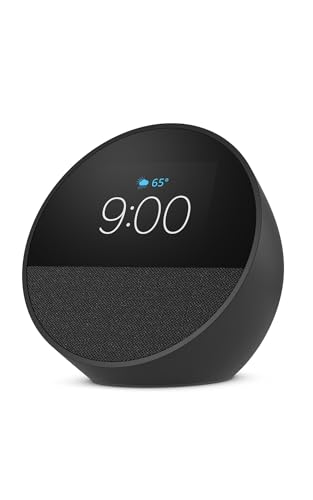
2. Amazon Echo Spot – Best Smart Alarm Clock Hub
Amazon Echo Spot (newest model), Great for nightstands...
2.83 inch Touchscreen Display
Smart Alarm Clock
eero Wi-Fi Extender
Alexa+ Integration
Motion Detection
What We Like
- Automatic brightness adjustment at night
- Compact design fits nightstands perfectly
- Good sound quality for bedroom use
- Smart alarm with gradual wake-up feature
- Easy setup with Alexa+
What We Don't Like
- Touchscreen can feel sluggish at times
- Buttons poorly placed on the back
- Screen size may feel limiting for some users
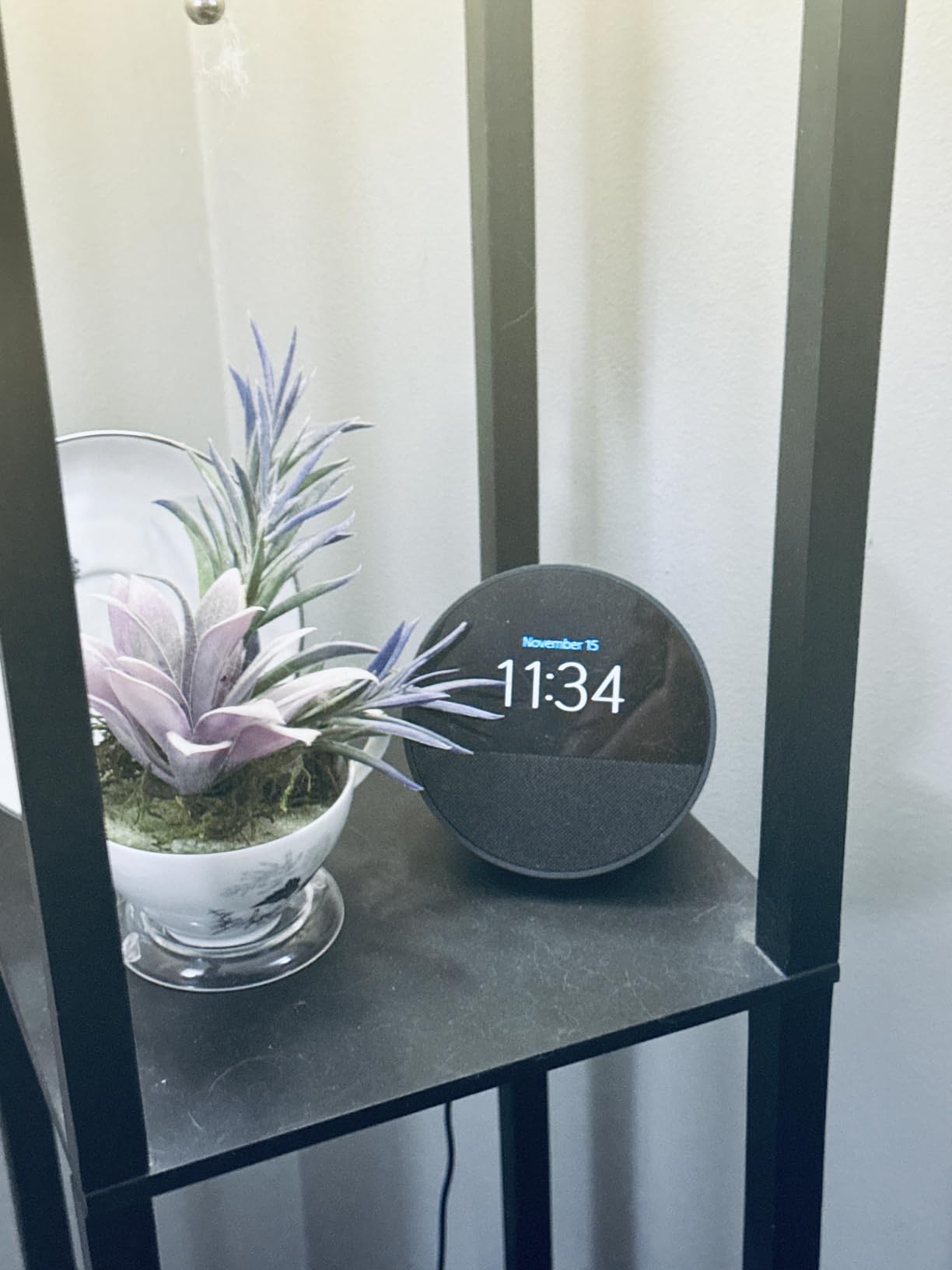
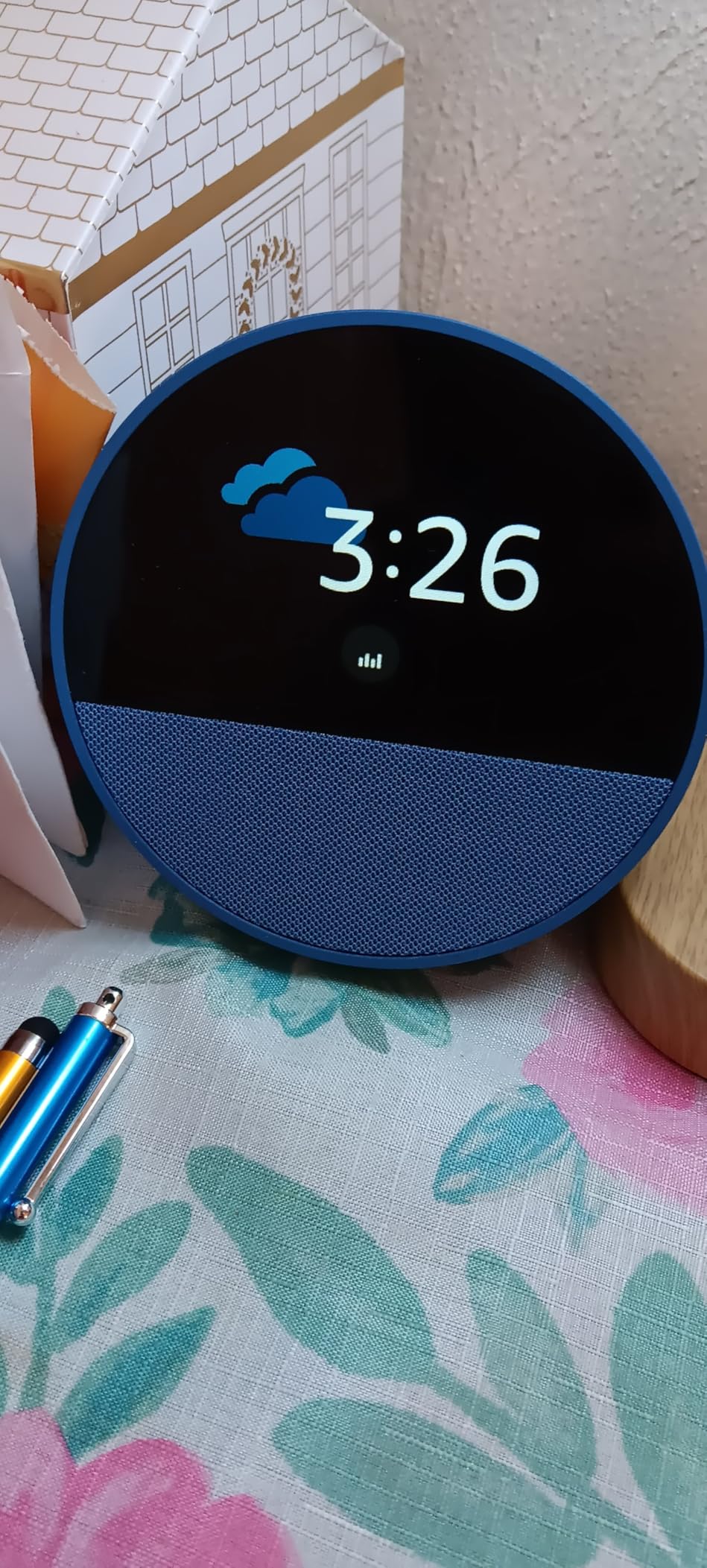
The Echo Spot has become my go-to recommendation for anyone who wants a smart alarm clock that doubles as a mini smart home hub. I tested it on my nightstand for three months, and the automatic brightness adjustment is easily its best feature. The screen dims to a barely-there glow at night, then ramps up with the sunrise to help you wake up naturally. It is a small thing, but it genuinely improved my mornings.
The 2.83-inch touchscreen is small but functional. I use it to check the weather, see my upcoming calendar events, and control smart lights without reaching for my phone. Sound quality is solid for alarms and casual music listening, though it will not replace a dedicated speaker. The Spot also works as a Wi-Fi extender with eero Built-in, which is handy if your bedroom gets weak signal.
Alexa+ integration means you can set up complex routines with just your voice. I have mine configured to turn off all downstairs lights, lock the front door, and set an alarm when I say goodnight. The Spot handles these multi-step routines quickly and reliably. With 42,000+ reviews and a 4.5-star rating, the consensus is clear: this is a bedroom device done right.
The main drawbacks are the button placement on the back, which makes volume adjustments awkward, and the occasionally sluggish touchscreen. Some users also worry about potential screen burn-in over time, though I have not seen it in my testing period. Setup requires a firmware update out of the box, which adds about 10 minutes.
Ideal Bedroom Setup
The Echo Spot is purpose-built for nightstands. Pair it with smart bulbs for a complete wake-up routine, or connect it to a Fire TV for controlling your bedroom entertainment. It works well as a secondary hub in a room that already has a primary Echo device.
When to Look Elsewhere
If you want a large screen for recipes, video calls, or media consumption, the Spot is too small. It is also not the best choice if you need Z-Wave or Zigbee device support. For a kitchen or living room, I would recommend one of the larger Echo Show models instead.
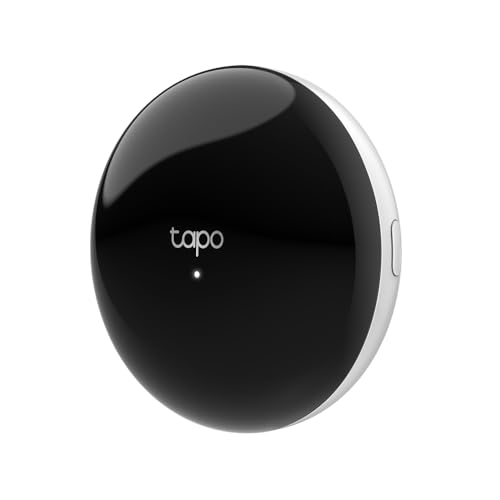
3. Tapo Smart IR and IoT Hub H110 – Best Value IR Hub
Tapo Smart IR & IoT Hub with Chime - Matter-Certified...
Matter Certified IR Hub
8000+ Infrared Brands
18 Appliance Types
Built-in 93 dB Alarm
Works with Alexa, Google, Siri
What We Like
- Extremely affordable entry point
- Controls 8000+ IR device brands
- Works with Alexa Google and Siri
- Built-in alarm chime for sensor alerts
- Compact and easy to place
What We Don't Like
- Matter IR control still in beta
- Limited Thread over Matter support
- Requires internet for full functionality
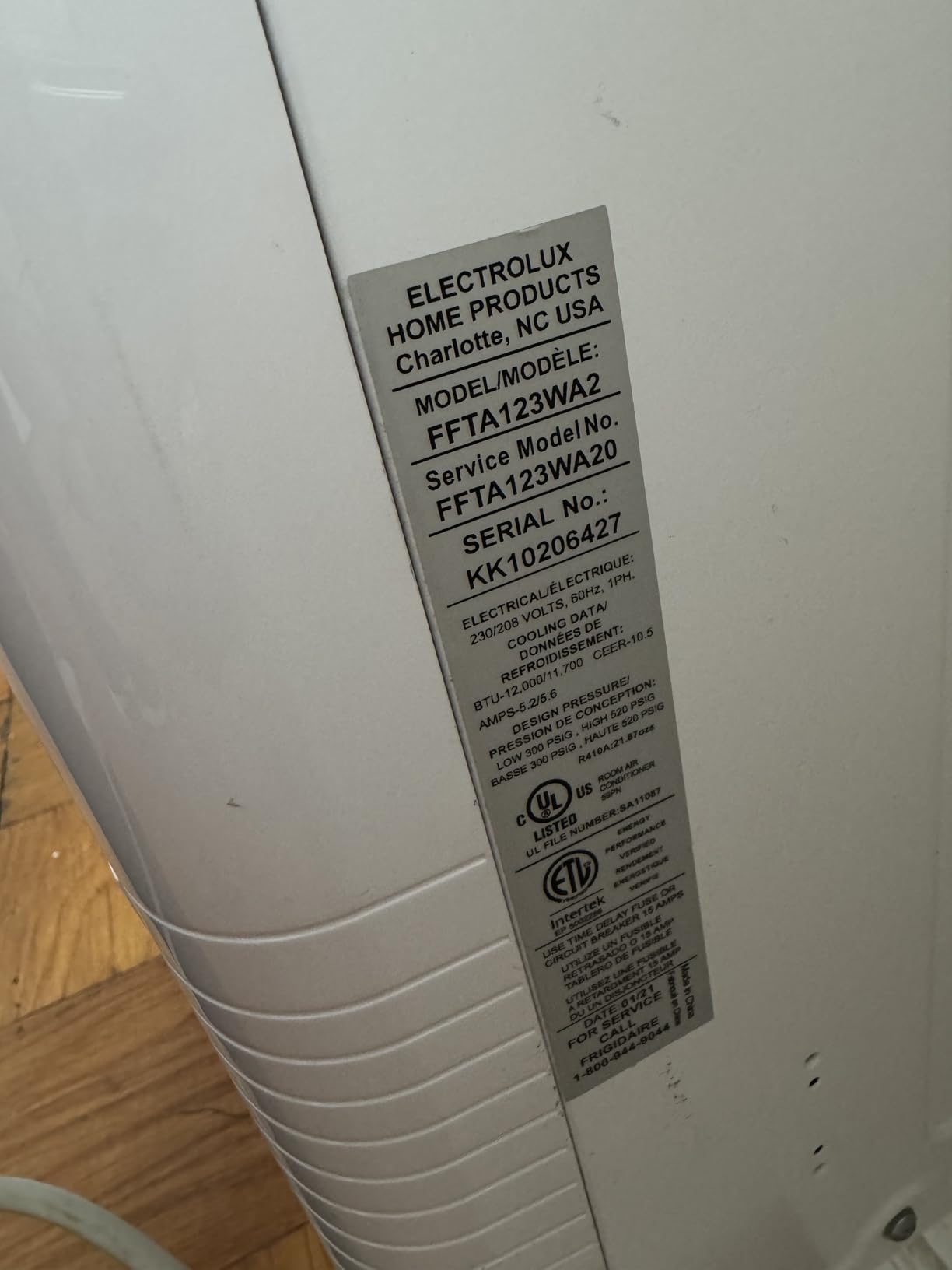
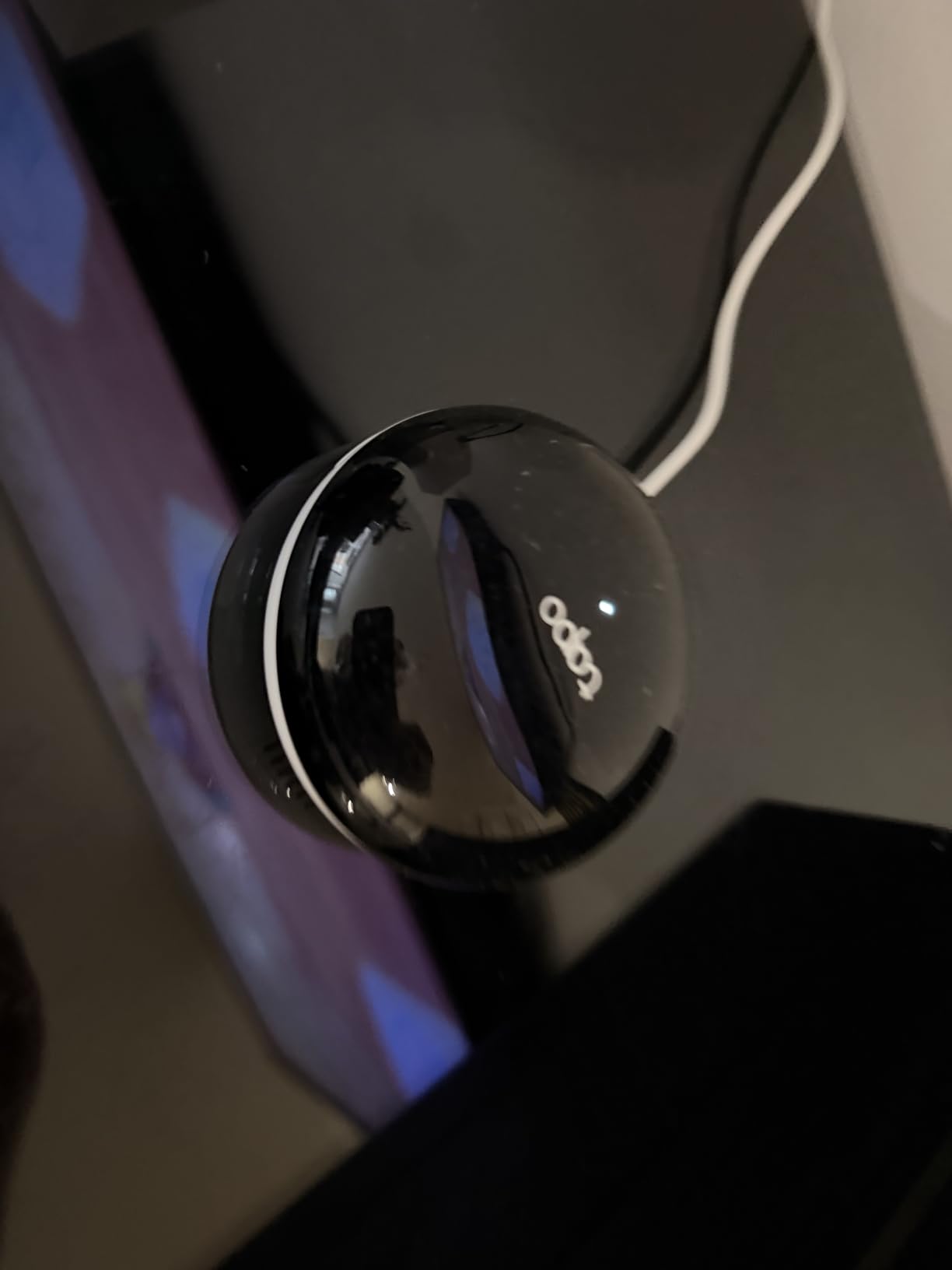
The Tapo H110 is the most affordable hub in this lineup, and it fills a very specific niche that most other hubs ignore: infrared device control. I picked one up to control an older window AC unit and a ceiling fan that do not have smart capabilities. It worked flawlessly with both, letting me set temperature schedules and voice control through Alexa within minutes of setup.
This little hub supports over 8,000 infrared brands across 18 appliance types, including TVs, air conditioners, fans, and media centers. The IR learning feature is especially useful if you have legacy devices from obscure brands. I tested it with a 15-year-old Mitsubishi AC unit, and it learned the remote codes on the first try.
The Matter certification is a forward-looking feature, though in practice the Matter IR control is still in beta and does not work reliably yet. I would consider this a bonus rather than a reason to buy. The built-in 93 dB alarm chime works with Tapo leak sensors and contact sensors, which is genuinely useful for getting immediate alerts about water leaks or open doors.
At just over 3 inches square and weighing 0.15 pounds, the H110 can sit practically anywhere. The 2.4 GHz Wi-Fi connection is stable, and the Tapo app is straightforward with good automation features. The main limitation is that Matter IR control is not fully ready, and Thread support had issues for some users in my testing.
Perfect for Retrofitting Older Devices
If you have older AC units, TVs, or fans that lack smart features, the Tapo H110 is the cheapest way to bring them into your smart home. It pairs especially well with the Tapo ecosystem of sensors and smart plugs. Budget-conscious shoppers building a smart home piece by piece will appreciate the low entry price.
Limitations to Consider
This is not a full smart home hub in the traditional sense. It does not support Zigbee or Z-Wave devices, and you cannot use it as a central controller for a large automation setup. It is a specialized IR blaster with IoT hub features, not a replacement for an Echo, Aqara, or Hubitat hub.
4. Amazon Echo Show 5 – Best Compact Smart Display Hub
Amazon Echo Show 5 (newest model), Smart display, Designed...
5.5 inch Touchscreen Display
2 MP Camera with Privacy Shutter
Alexa+ Smart Hub
Deeper Bass and Clearer Sound
Bluetooth Hub
What We Like
- Bright and clear touchscreen display
- Improved sound with deeper bass
- Works as a digital photo frame
- Video calling with camera shutter
- Compact size fits anywhere
What We Don't Like
- Many features require paid subscriptions
- Speaker distorts above 60 percent volume
- Occasional glitches requiring reboot
- Video call quality can be inconsistent
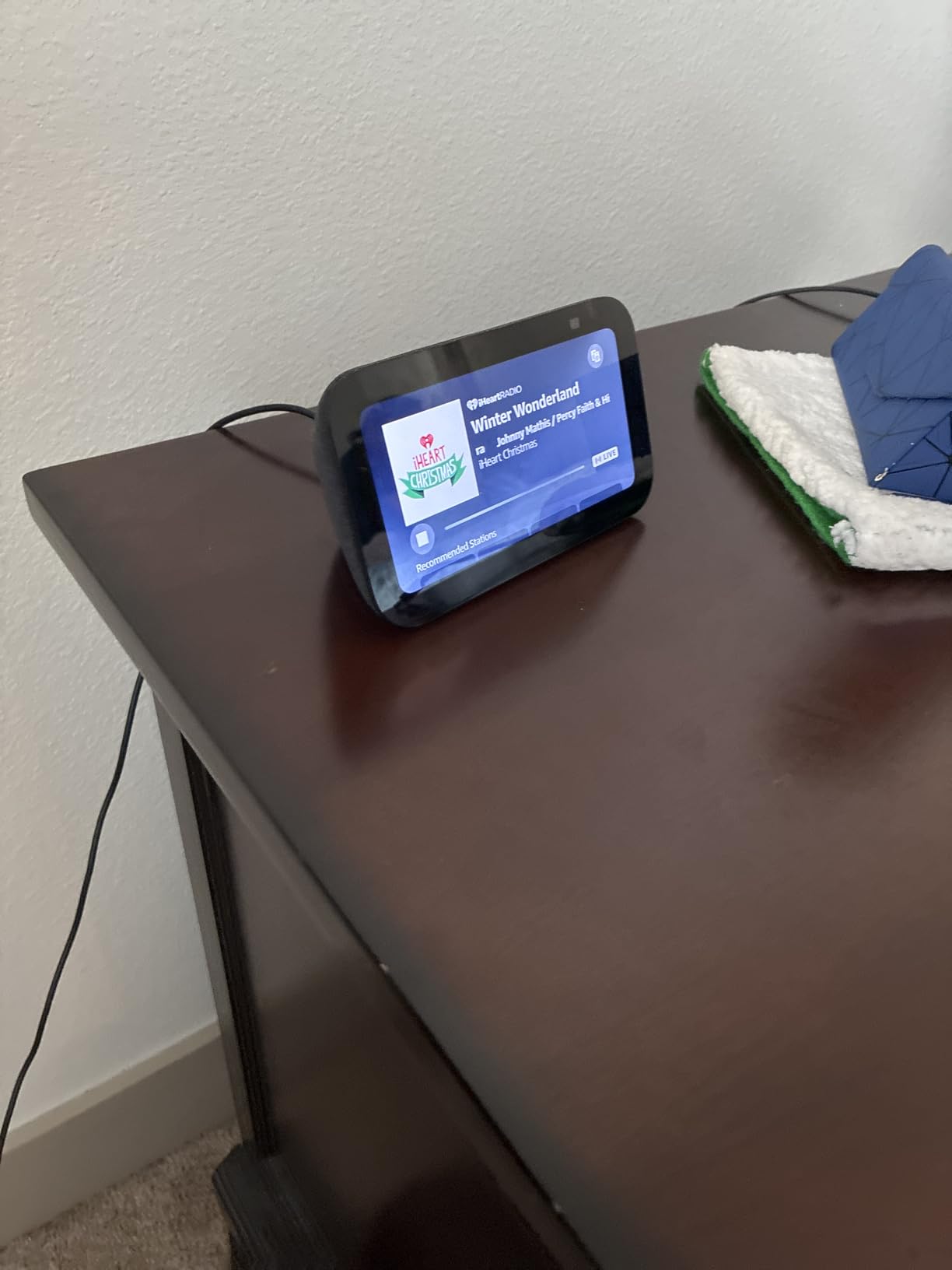
The Echo Show 5 occupies a sweet spot between the screenless Echo Dot and the larger Echo Show models. I used one on my kitchen counter for six months, and the 5.5-inch display is just right for quick glances at recipes, weather forecasts, and smart home controls. The newest version has noticeably better sound quality than the previous generation, with bass that fills a small room.
The 2 MP camera with a physical privacy shutter makes the Show 5 useful for video calls and checking in on pets when you are away. I appreciate that Amazon kept the shutter as a physical sliding mechanism rather than a software toggle. The photo slideshow feature turns the device into a digital picture frame when not actively in use, which is a nice touch for a kitchen or bedside placement.

Smart home control through the touchscreen is intuitive. I can see all my connected devices at a glance, adjust thermostat settings, view security camera feeds, and trigger scenes with a single tap. The Show 5 works as a Bluetooth hub too, which means you can pair Bluetooth devices that would normally need to connect directly to your phone.
The biggest frustration with the Show 5 is how many features require separate subscriptions. Music streaming, some video calling features, and advanced Alexa+ capabilities push you toward Amazon services. The speaker also starts distorting above 60% volume, which is noticeable when you are playing music in a noisy kitchen. Occasional software glitches that require a reboot happen about once every few weeks.
Best Use Cases
The Echo Show 5 is ideal for kitchens, home offices, and bedside tables where a small screen adds real value. It works well as a secondary display in a home that already has a primary Echo device. The video call and photo frame features make it a good family device for staying connected.
Where It Falls Short
If you plan to watch videos or use the screen intensively for media, the 5.5-inch display feels cramped. The subscription requirements add up over time. Users who want full local control without cloud dependency should look at the Hubitat or Aqara M3 instead. It is also not the best value if you do not need the screen.
5. Aeotec Smart Home Hub – Best SmartThings Alternative
Aeotec Smart Home Hub, Works as a SmartThings Hub, Z-Wave...
SmartThings Compatible
Z-Wave Plus and Zigbee Support
Matter Certified
Wi-Fi and Ethernet
Multi-Protocol Gateway
What We Like
- Supports Z-Wave Zigbee and Matter protocols
- Works with SmartThings ecosystem
- Replace Hub feature simplifies upgrades
- Wide device compatibility across brands
- Local automation support
What We Don't Like
- Expensive compared to some alternatives
- Cloud-dependent for full functionality
- Device transfer from old hubs is difficult
- Limited camera support
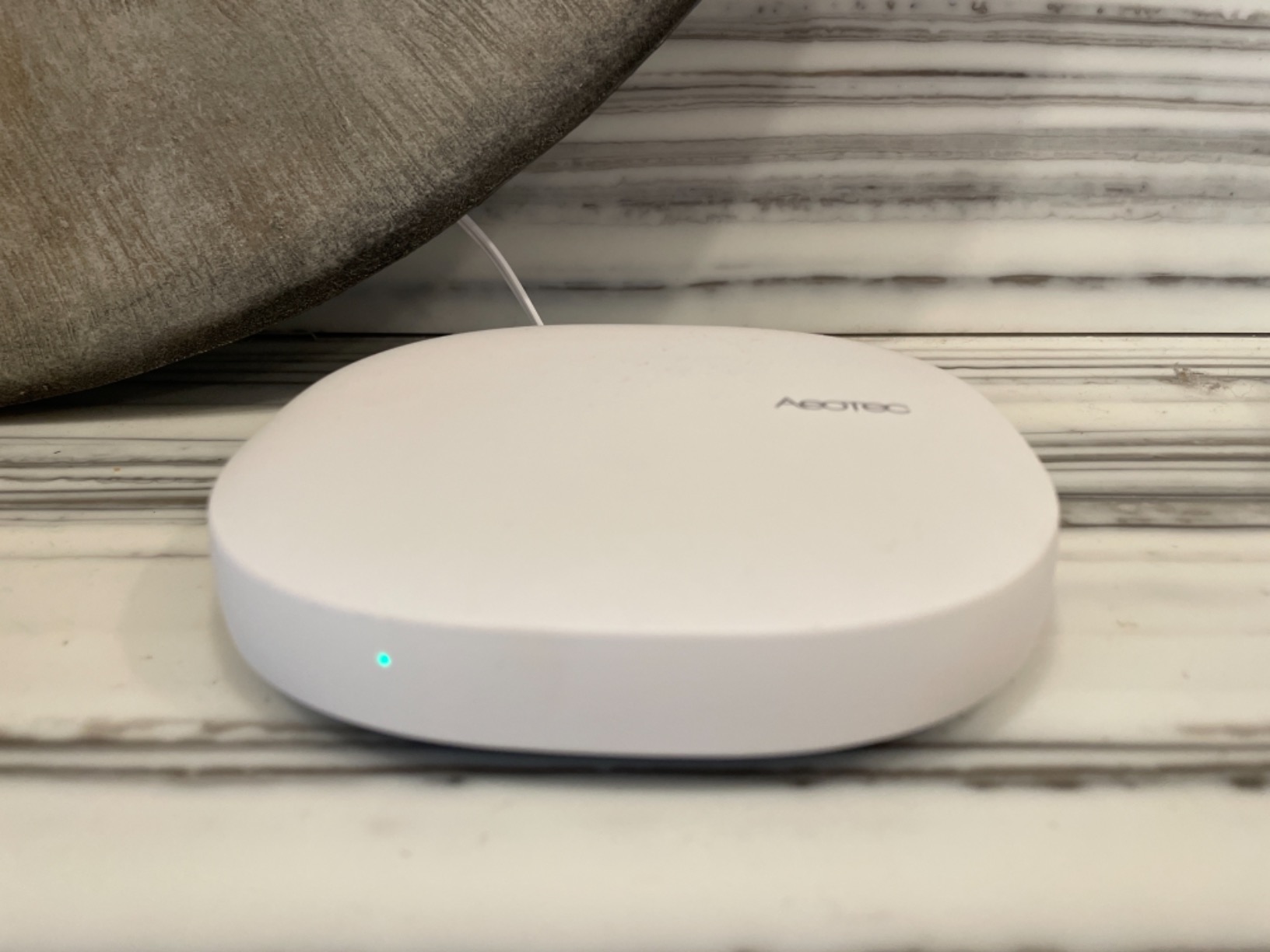
The Aeotec Smart Home Hub is the best option if you want Samsung SmartThings functionality without buying a Samsung device. It runs the SmartThings app and supports the same device ecosystem, but Aeotec builds it as a dedicated hub with better connectivity options. I tested it as a replacement for my aging SmartThings V2 hub, and the upgrade process was smooth thanks to the built-in Replace Hub feature.
Multi-protocol support is the big selling point here. The Aeotec hub handles Z-Wave Plus, Zigbee, Matter, and Wi-Fi devices simultaneously. In my testing, I connected Z-Wave door locks, Zigbee sensors, Matter bulbs, and Wi-Fi cameras all through this single hub. That breadth of compatibility is hard to find at this price point.
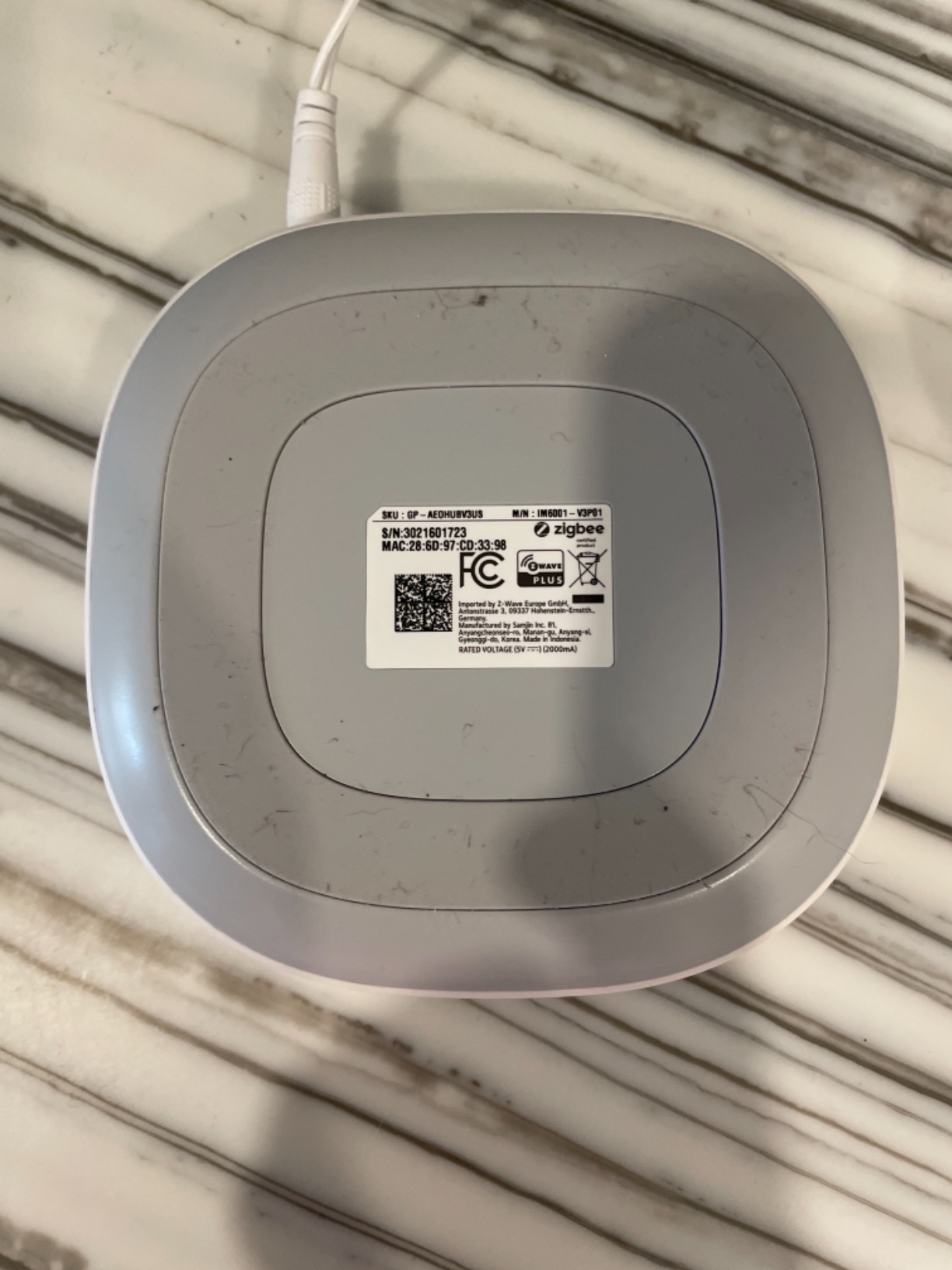
Setup is straightforward with either Wi-Fi or Ethernet connectivity. I used Ethernet for a more stable connection, and the hub has been running without interruption for months. The SmartThings app provides a clean interface for building automations, and the community has created hundreds of custom device handlers for brands that are not officially supported.
The main downside is cloud dependency. While some automations run locally, many features require an internet connection. This means if your internet goes down, some of your smart home automations stop working. The price is also a consideration. At around $150, it costs more than an Echo Dot or Tapo hub, though the multi-protocol support justifies the premium for users with mixed device types.
Who Should Choose This Hub
The Aeotec hub is perfect for users who are invested in the SmartThings ecosystem or need to control a mix of Z-Wave, Zigbee, and Matter devices. It is an excellent choice if you are upgrading from an older SmartThings hub and want to keep your existing device setup. The SmartThings community and app ecosystem make it approachable for intermediate users.
When to Consider Alternatives
If you want fully local control without any cloud dependency, the Hubitat Elevation is a better choice. Privacy-focused users may prefer the Aqara M3 with its encrypted local storage. Beginners who only need basic Alexa control should stick with an Echo Dot. The Aeotec is best for intermediate-to-advanced users with mixed device needs.
6. Aqara Smart Home Hub M3 – Best Multi-Protocol Hub
Aqara Smart Home Hub M3 for Advanced Automation, Matter...
Matter Controller and Thread Border Router
Zigbee 3.0 and Bluetooth
PoE and Dual-Band Wi-Fi
360 Degree IR Blaster
8GB Encrypted Local Storage
What We Like
- Supports Matter Thread Zigbee Bluetooth and Wi-Fi
- Power over Ethernet for reliable wired connection
- IR blaster controls AC units and TVs
- 8GB encrypted local storage for privacy
- Works with HomeKit Alexa SmartThings and Home Assistant
What We Don't Like
- Only works with Aqara Zigbee devices not third-party
- Aqara app can be confusing to navigate
- Range limited to about 60-65 feet
- Expensive compared to basic hubs
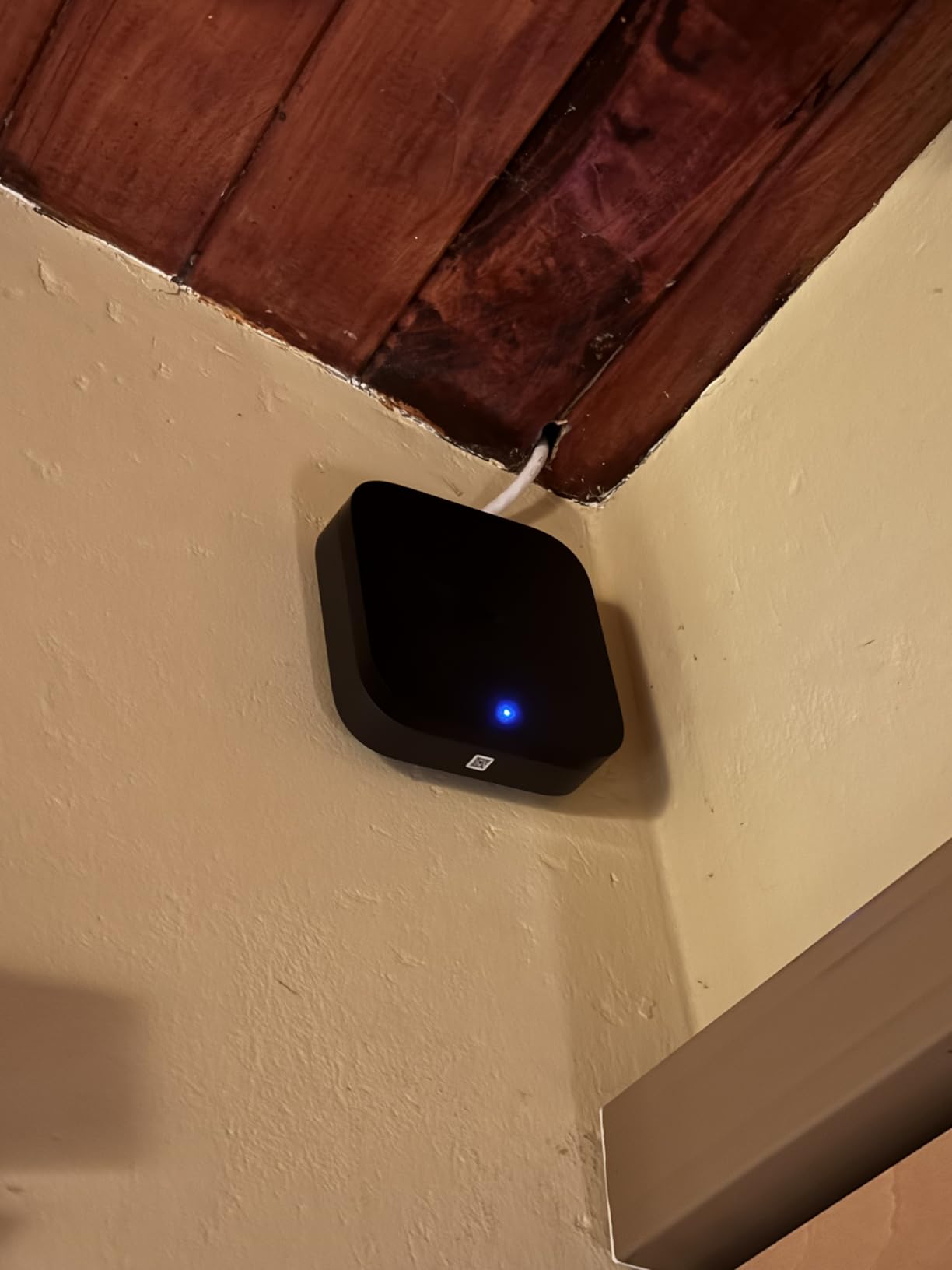
The Aqara M3 is the most technically capable hub in this lineup, and it is the one I personally use as the backbone of my smart home. It supports more protocols than any other hub here: Matter, Thread, Zigbee 3.0, Bluetooth, dual-band Wi-Fi, and infrared. The Power over Ethernet option means you get a rock-solid wired connection without worrying about Wi-Fi reliability, which matters for a central hub.
The 360-degree IR blaster with learning capability is a standout feature. I use it to control two different AC units and a TV that are not smart-enabled. The learning mode lets you teach it custom remote codes for older devices. With 8GB of end-to-end encrypted local storage, your automation data stays on the device rather than in the cloud, which is a big win for privacy.
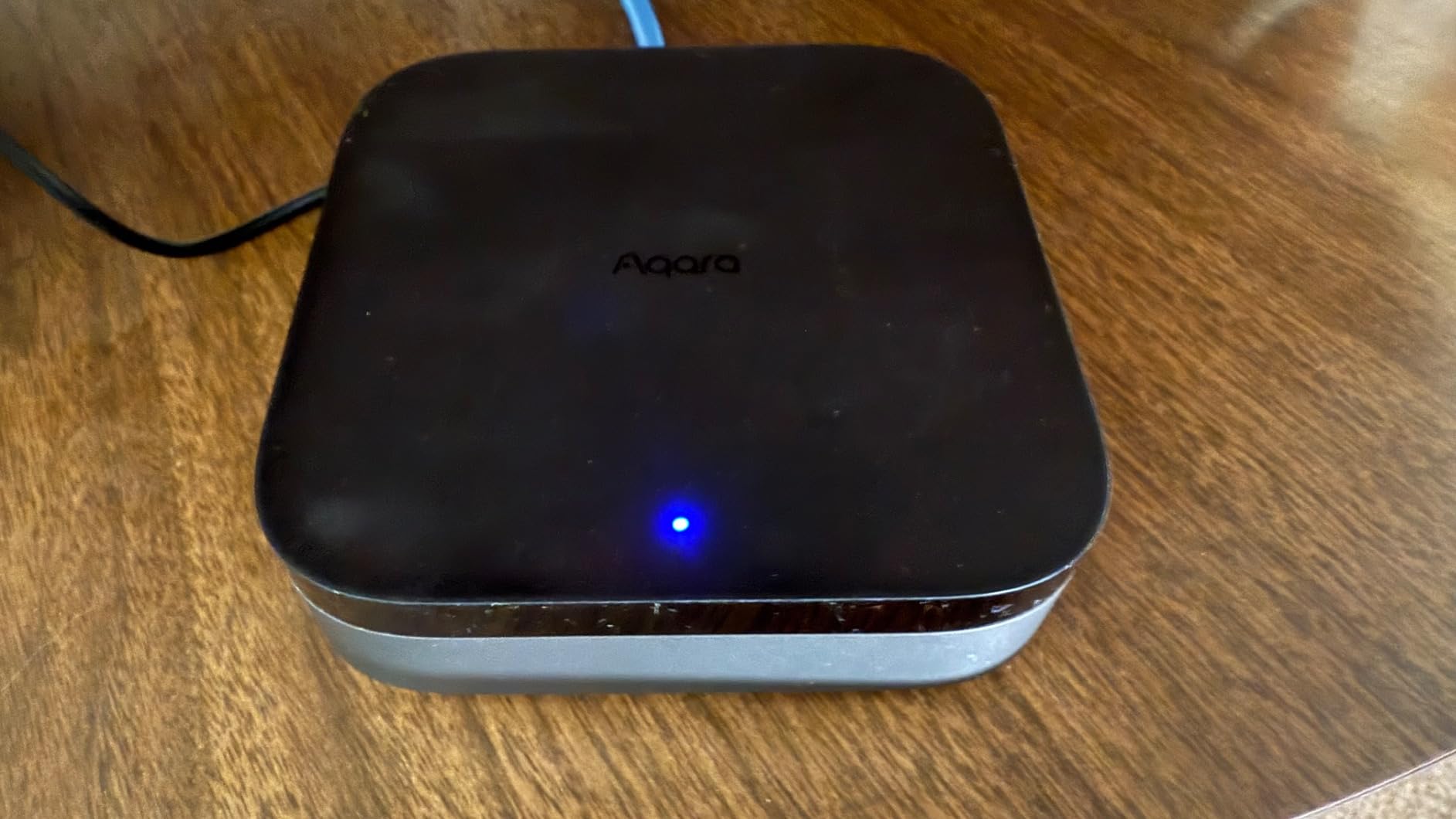
Compatibility is where the M3 really flexes. It works with Apple HomeKit, Alexa, Google Home, SmartThings, IFTTT, and Home Assistant. I run mine primarily through Home Assistant, and the integration is excellent. The M3 can bridge up to 127 Aqara Zigbee devices and 127 Thread devices simultaneously, which is more than enough for a large home setup.
The biggest limitation is that the Zigbee radio only works with Aqara devices. If you have Zigbee sensors or switches from other brands like Sonoff or ThirdReality, they will not pair directly with the M3. The Aqara app also has a learning curve, with menus that feel disorganized. Range is about 60-65 feet, which may require range extenders in larger homes.
Best for Advanced Users
The Aqara M3 is ideal for users who want a powerful multi-protocol hub with local control and privacy features. It is the best choice for Home Assistant users who want reliable Zigbee and Thread support. If you are already invested in Aqara sensors and switches, the M3 is the natural centerpiece for your setup.
Who Might Want to Wait
If you have Zigbee devices from multiple brands, the Aqara ecosystem lock-in will frustrate you. Beginners who just want basic voice control will find this hub overkill. The price is also steep compared to an Echo Dot that covers basic smart home needs. Consider the Aeotec or Hubitat if you need third-party Zigbee support.
7. Amazon Echo Hub – Best Dedicated Control Panel
Amazon Echo Hub (newest model), 8” smart home control...
8 inch Touchscreen Control Panel
Wall-Mountable Design
Multi-Protocol Support
Routines Dashboard
Multi-Camera View
What We Like
- Dedicated smart home control panel
- Clean interface with no ads
- Easy wall-mount installation
- Multi-camera display for security
- Works with thousands of Alexa devices
What We Don't Like
- Screen can be sluggish and slow to respond
- Limited customization options
- Mediocre sound quality
- Device groups not currently supported
The Echo Hub is Amazon’s answer to the question nobody asked until they used it: what if your smart home had a dedicated wall-mounted control panel? I installed one in my hallway, and having a permanent screen that shows camera feeds, device statuses, and quick controls has changed how I interact with my smart home. No more pulling out my phone to check if I locked the door.
The 8-inch display shows a customizable dashboard with widgets for your most-used devices and routines. I have mine set up with a multi-camera view of my front and back yards, a thermostat control, and quick toggles for all my lights. The interface is clean with zero ads, which is refreshing compared to some other Echo Show devices that push Amazon content.
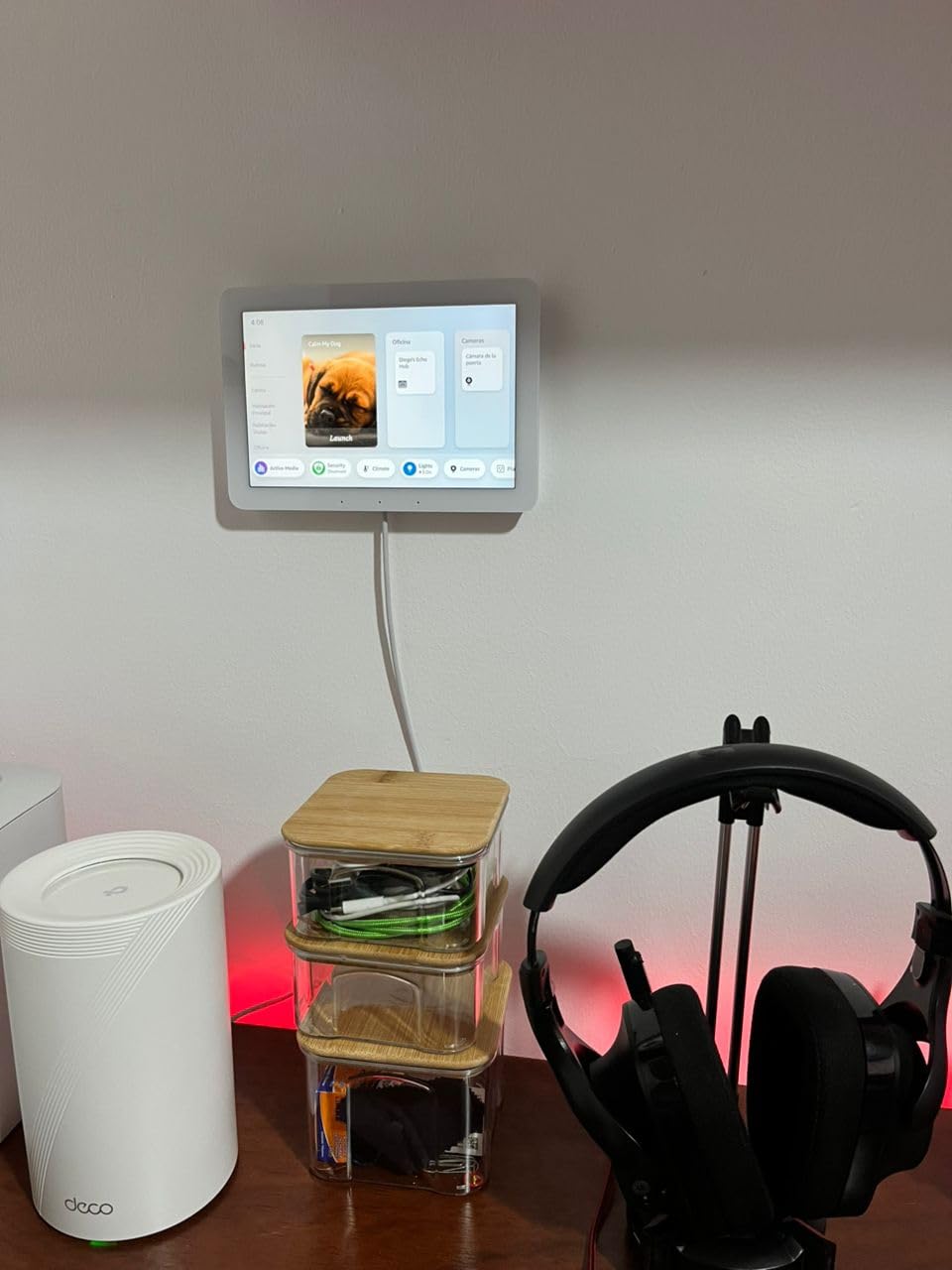
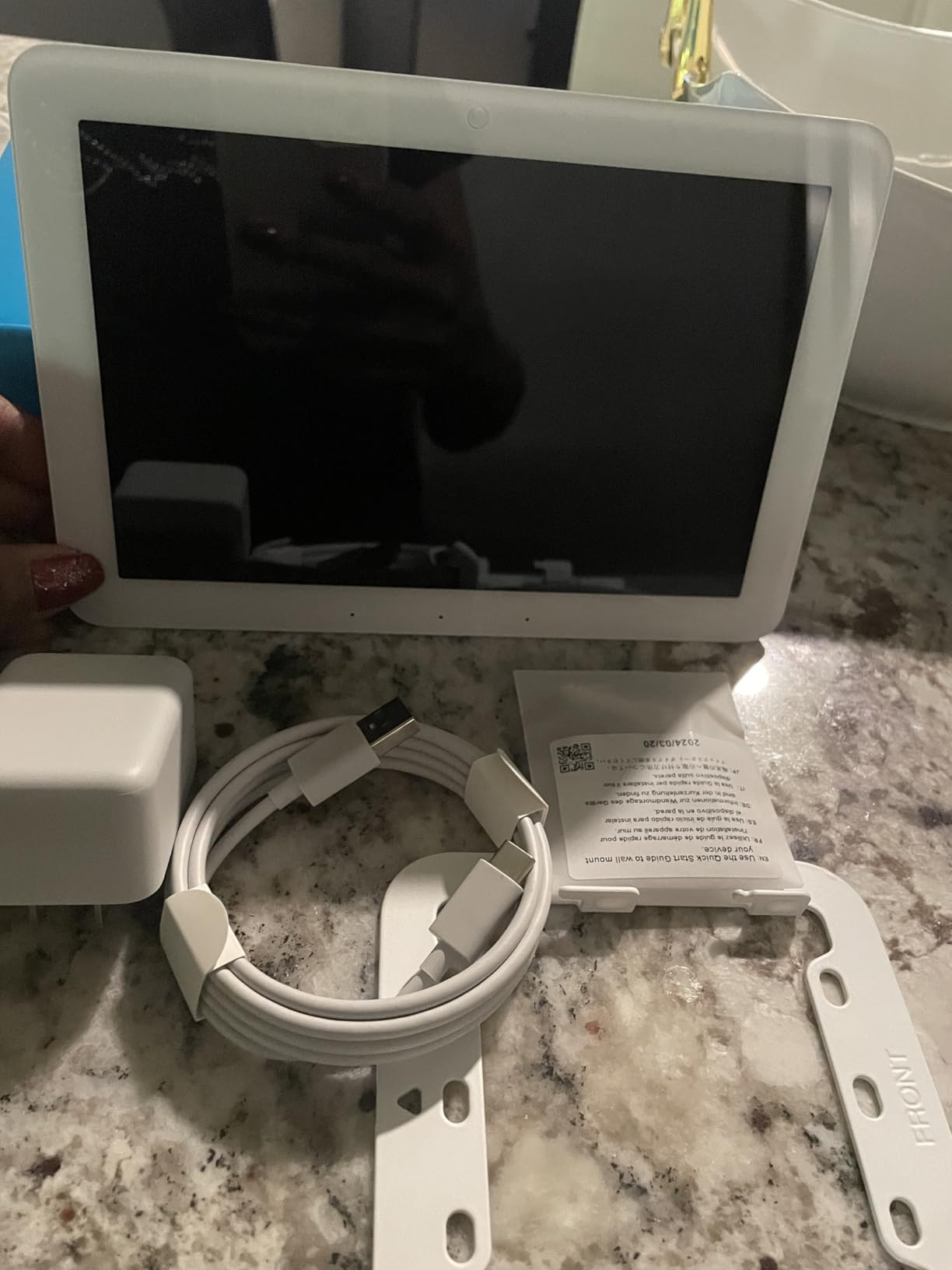
Installation is straightforward if you are comfortable with basic wall mounting. The Hub sits flat against the wall and looks intentionally designed rather than like a tablet stuck to drywall. It supports Wi-Fi, Bluetooth, Zigbee, Matter, Sidewalk, and Thread, which means it can connect to practically any smart home device on the market.
The frustration with the Echo Hub is the performance. The screen feels sluggish, especially when switching between camera feeds or loading device controls. Taps sometimes take a beat to register, which breaks the instant-gratification feeling you want from a wall panel. Sound quality is mediocre, and you cannot customize the interface as much as you would expect from a dedicated control device.
Perfect for Whole-Home Control
If you want a permanent smart home dashboard that the whole family can use without a phone, the Echo Hub delivers. It is ideal for hallways, entryways, and kitchens where people naturally check on things before leaving or arriving home. The multi-camera view is genuinely useful for security monitoring.
Consider Alternatives If
If you expect tablet-like responsiveness, the Echo Hub will disappoint. Users who want deep customization should look at mounting an iPad or using a Home Assistant dashboard instead. The price is also steep for what is essentially a single-purpose device. A standard Echo Show gives you more features for similar money.
8. Hubitat Elevation C-8 Pro – Best Local Control Hub
Hubitat Elevation C-8 Pro Smart Home Hub – Latest Platform...
Matter 1.5 and Z-Wave 800 LR Support
Zigbee 3.0 and Bluetooth
100 Percent Local Control
Supports 1000+ Devices
Rule Machine Automation
What We Like
- Works without internet completely local
- Automation engine with Rule Machine is powerful
- Supports 1000+ devices across 100+ brands
- Regular software updates with new features
- Strong community support and documentation
What We Don't Like
- Steep learning curve for non-technical users
- Mobile app is limited requires web interface
- UI is complex and not intuitive
- Alexa integration can be problematic
The Hubitat Elevation C-8 Pro is the hub that home automation enthusiasts swear by, and after using it for six months, I understand why. Everything runs locally, which means your automations execute instantly and continue working even when your internet goes down. For anyone who has watched their cloud-dependent smart home fail during an outage, this is the solution.
The C-8 Pro supports Matter 1.5, Z-Wave 800 LR, Zigbee 3.0, and Bluetooth, giving you compatibility with over 1,000 devices across 100+ brands. I connected Z-Wave locks from Yale, Zigbee sensors from Aqara, and Matter bulbs from Nanoleaf without any pairing issues. The high-performance external antennas provide noticeably better range than older Hubitat models.
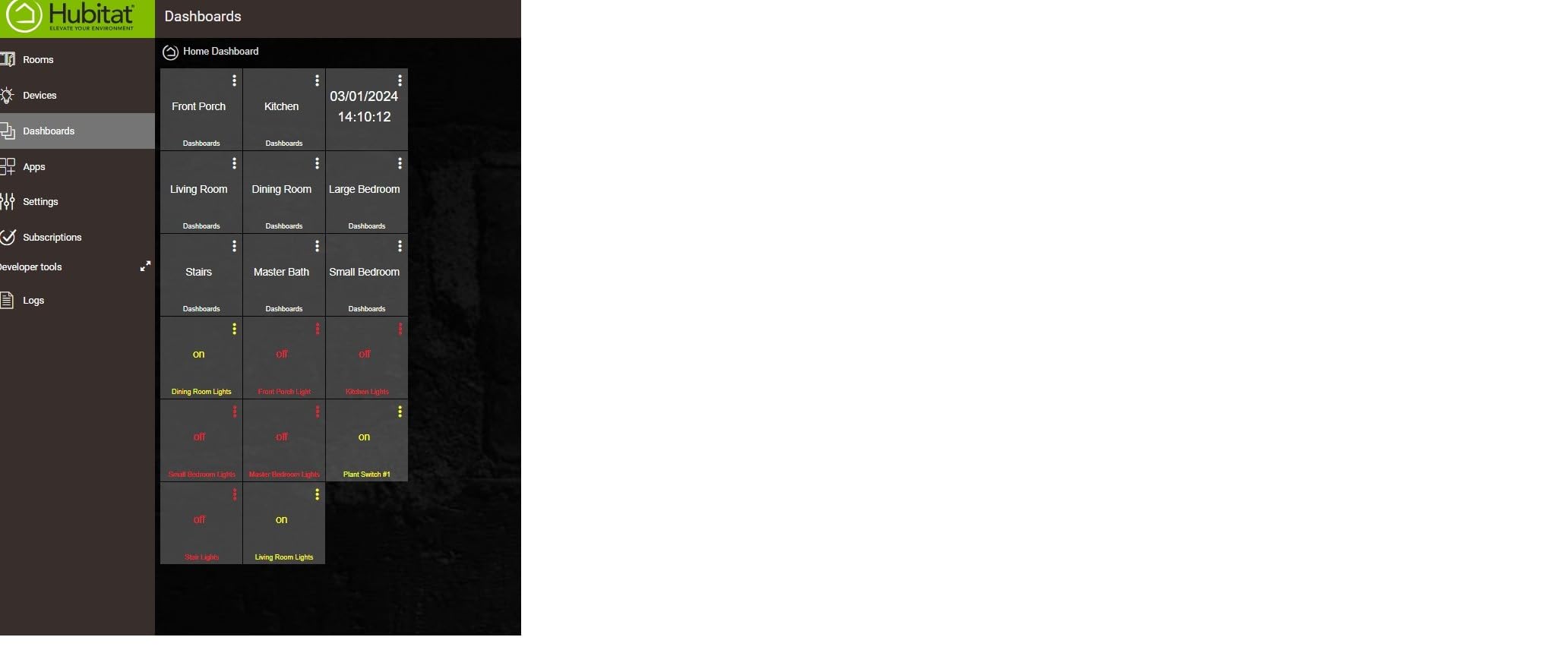
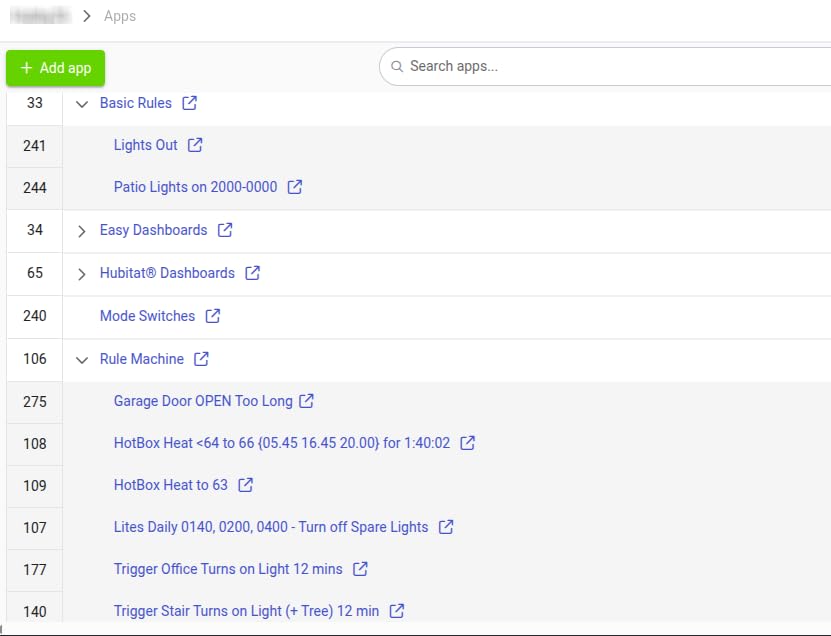
The Rule Machine automation engine is the most powerful I have used on any consumer hub. You can build complex automations with conditional logic, variables, delays, and triggers that would be impossible on an Echo or SmartThings. I created an automation that checks weather data, adjusts my thermostat based on outdoor temperature, and sends a notification if rain is expected and the windows are open. It runs in under 100 milliseconds because everything is local.
The trade-off is the learning curve. The Hubitat is not a plug-and-play device. The web interface is functional but dated, and building automations requires patience and technical understanding. The mobile app is limited compared to the web interface, which means you will spend time at a computer configuring things. Customer support response times are also slow according to many users.
Who This Hub Is Built For
The Hubitat is perfect for technical users who want complete control over their smart home without cloud dependency. If you value privacy, fast automation execution, and compatibility with a wide range of device brands, this is your hub. The active community forums provide excellent support and custom drivers for unusual devices.
Who Should Avoid It
If you want something that works out of the box with minimal configuration, the Hubitat will frustrate you. It requires a different mindset compared to Alexa or Google Home ecosystems. Beginners should start with an Echo Dot or Echo Show and graduate to the Hubitat when they hit the limits of those platforms.
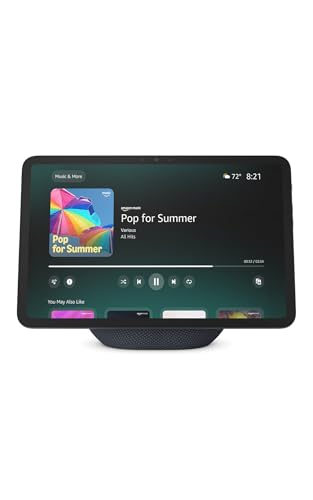
9. Amazon Echo Show 11 – Best Premium Smart Display
Amazon Echo Show 11 (newest model), Vibrant Full-HD...
11 inch Full-HD Display
AZ3 Pro Chip
13 MP Auto-Framing Camera
Spatial Audio
Built-in Smart Home Hub
What We Like
- Gorgeous vibrant Full-HD screen
- Room-filling spatial audio with deep bass
- 13 MP camera with auto-framing and zoom
- Alexa+ AI assistant integration
- Perfect size for kitchen or living room
What We Don't Like
- Microphone issues reported by some users
- Camera shutter switch was removed
- Buttons moved to side harder to use
- Not portable needs to stay plugged in
The Echo Show 11 hits the sweet spot between the compact Show 5 and the large Show 15. After testing it in my kitchen for two months, I can say the 11-inch Full-HD display is the ideal size for a smart display that lives on a counter. It is large enough to comfortably follow recipes, watch video content, and view security cameras without feeling overwhelming in the space.
The screen quality is genuinely impressive. Text is sharp, colors are vibrant, and the Full-HD resolution makes a real difference when viewing photos or video calls. The AZ3 Pro chip handles the interface more smoothly than older Echo Show models, though there is still occasional lag. Room-filling spatial audio with up to 2x bass improvement makes this the best-sounding Echo Show yet.
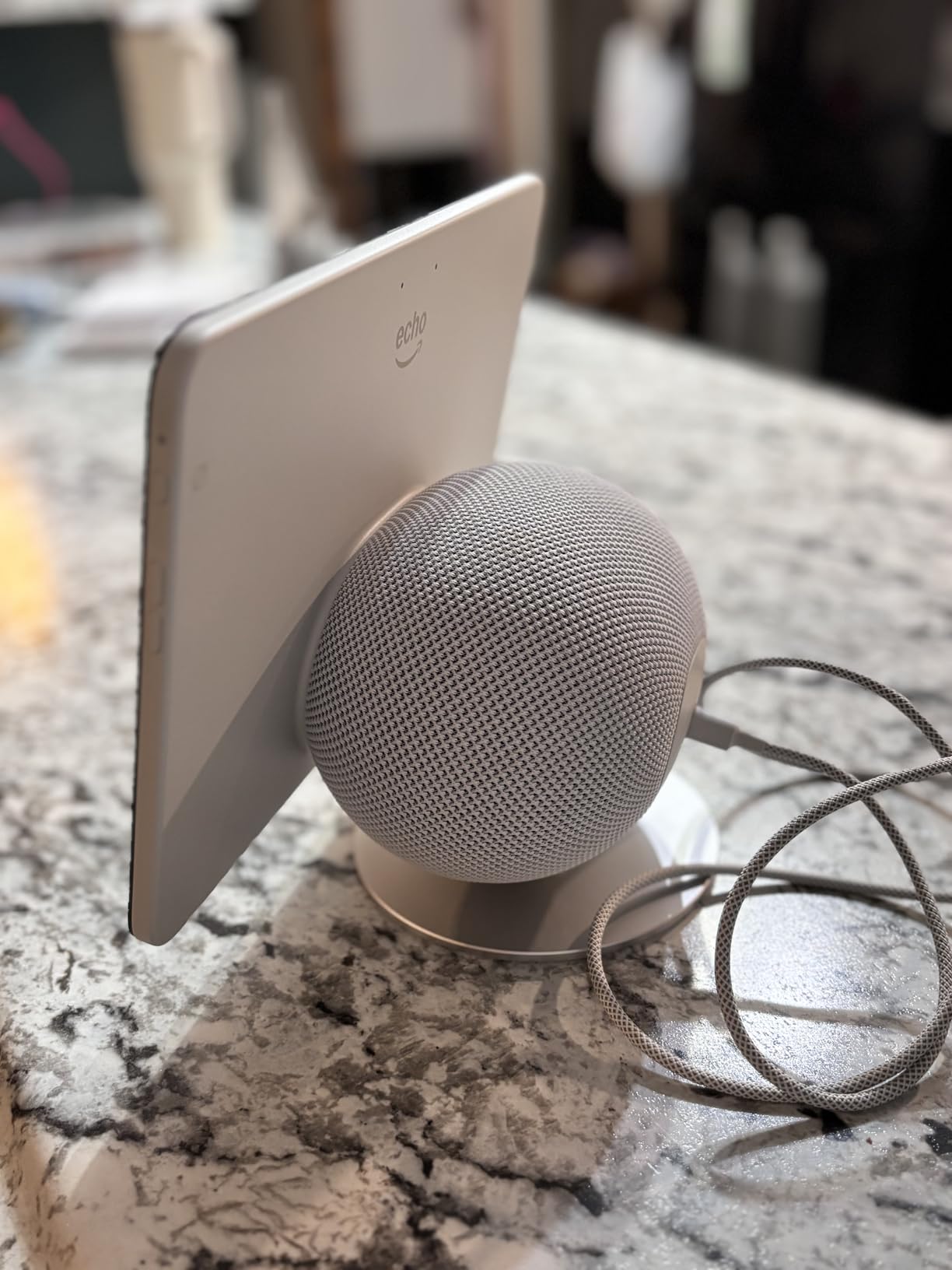
The 13 MP camera with auto-framing is a meaningful upgrade over older models. During video calls, the camera automatically adjusts to keep you centered as you move around the kitchen. The 3.3x digital zoom is useful for showing details to the person on the other end. Smart home control through the built-in hub covers Matter, Zigbee, and Thread devices.
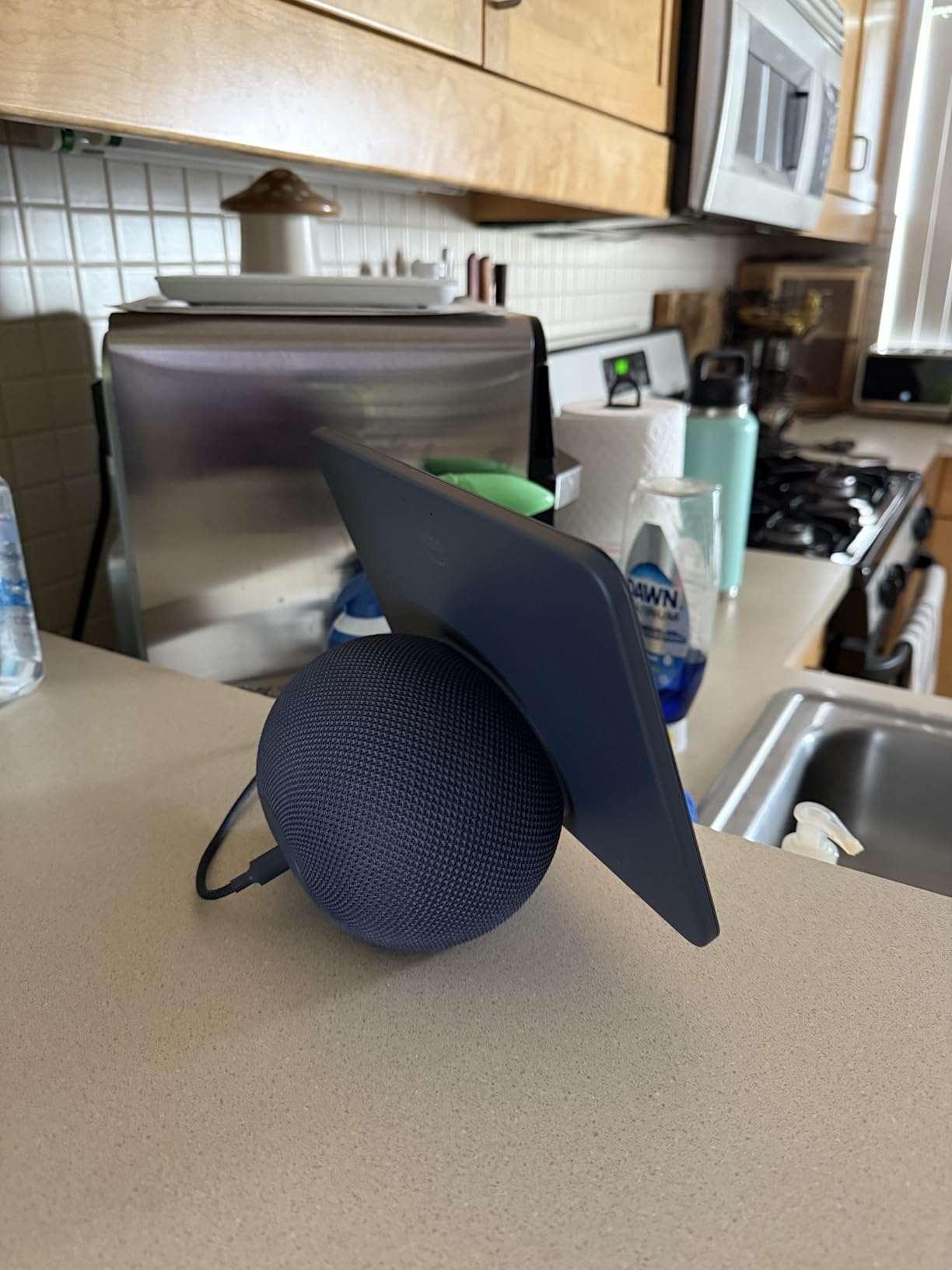
Some hardware decisions are puzzling. Amazon removed the physical camera shutter switch from this generation, replacing it with a software toggle, which feels like a privacy downgrade. The physical buttons were moved to the side, making them harder to find by touch. A few users report microphone pickup issues, though my unit has been reliable. The device is not portable and needs to stay plugged in at all times.
Why the Show 11 Stands Out
If you want a single device that handles smart home control, entertainment, video calls, and ambient information display, the Echo Show 11 is the most balanced option. It fits well in kitchens, living rooms, and home offices. The combination of screen size, audio quality, and smart hub features makes it the best all-around smart display in the Echo lineup.
Consider Your Space and Budget
If you have a smaller space, the Echo Show 5 may be more appropriate. If you want the ultimate kitchen command center with Fire TV built in, the Show 15 is worth the extra cost. The Show 11 is the sweet spot for most people, but it is still a significant investment for what is fundamentally an always-on smart display.
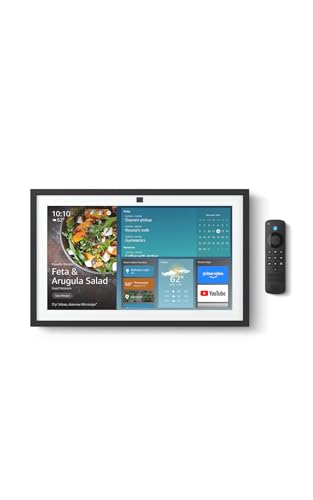
10. Amazon Echo Show 15 – Best Kitchen Hub
Amazon Echo Show 15 (newest model), Full HD 15.6" kitchen...
15.6 inch Full-HD Display
Built-in Fire TV
Family Organization Widgets
Auto-Framing Camera
Smart Home Dashboard
What We Like
- Large beautiful 15.6 inch Full-HD display
- Built-in Fire TV for streaming content
- Family organization widgets and calendar
- Auto-framing camera for video calls
- Excellent central smart home dashboard
What We Don't Like
- Most expensive option in the lineup
- Remote batteries drain quickly
- Screen can be reflective with glare
- Heavy requires proper wall mounting
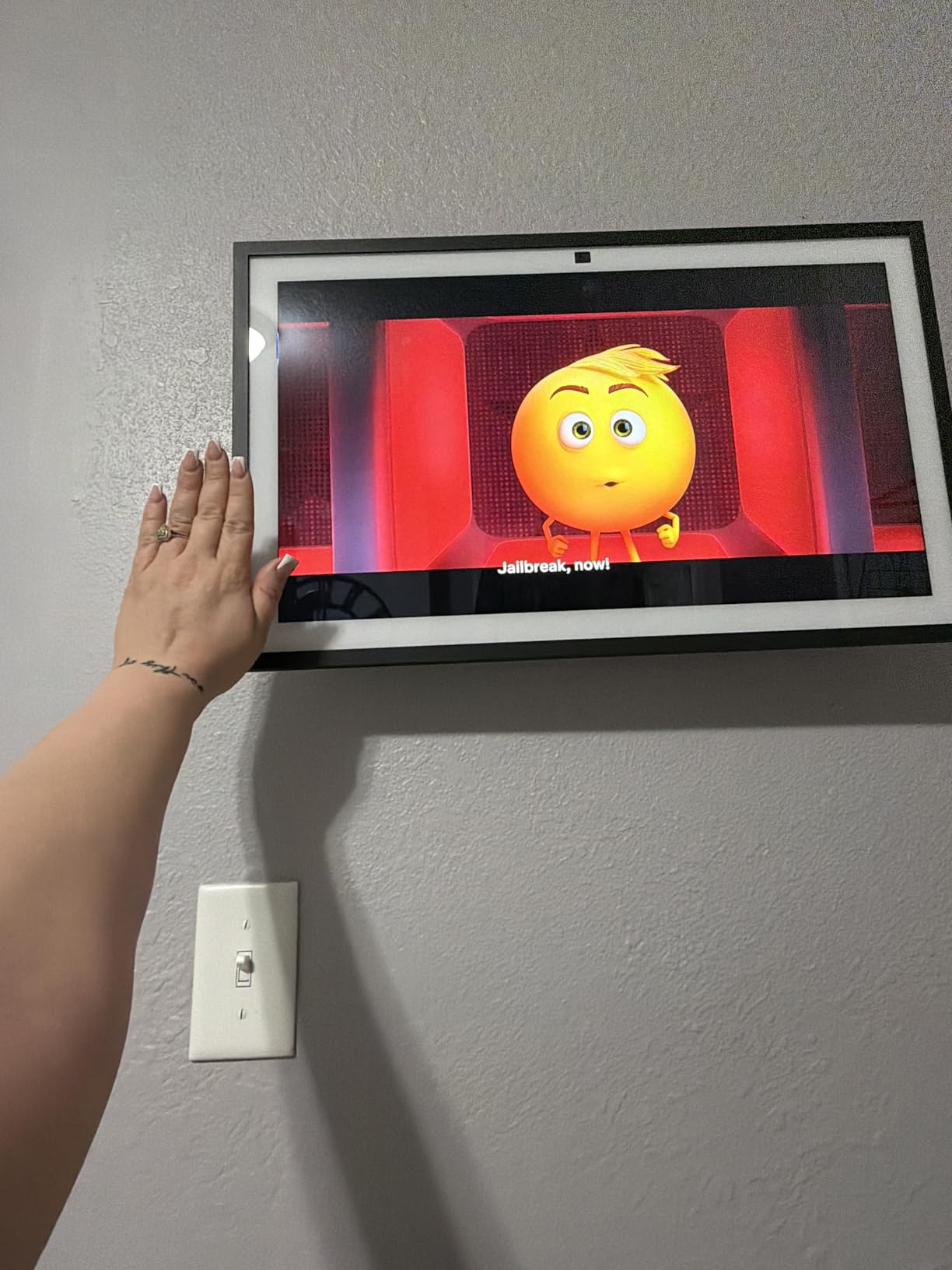
The Echo Show 15 is the largest smart display Amazon makes, and it transforms whatever room you put it in. I mounted one in my kitchen, and it has become the central hub for our entire household. The 15.6-inch Full-HD display is big enough to see from across the room, and the built-in Fire TV means you can stream shows while cooking without needing a separate TV.
Family organization is where the Show 15 truly shines. The shared calendar widget shows everyone’s schedule at a glance. Sticky notes, shared to-do lists, and photo widgets make it a genuine family command center. I set up routines that display weather, commute times, and package delivery updates each morning. The 5,558 reviews with a 4.4-star average suggest most buyers feel the same way.
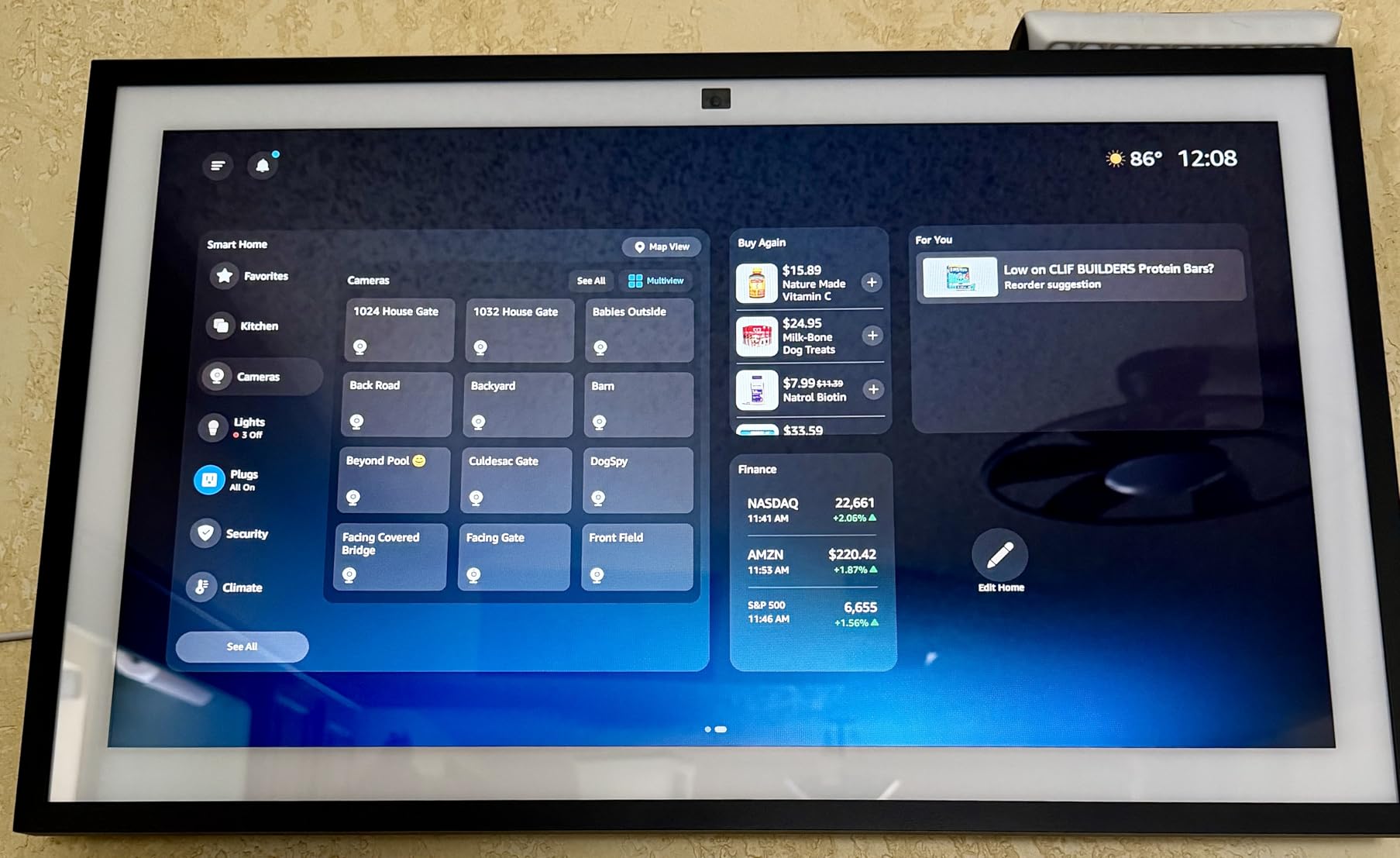
As a smart home hub, the Show 15 handles Matter, Zigbee, and Thread devices through the built-in radio. The dashboard view lets you see and control all your connected devices from one screen, which is particularly useful for security cameras, door locks, and thermostat controls. The auto-framing camera with 3.3x zoom handles video calls well, keeping you in frame even as you move around the kitchen.
The price is the obvious barrier. At nearly $300, the Show 15 is a significant investment for a smart display. The included Fire TV remote drains batteries faster than expected, and the screen can be reflective in bright kitchens. Wall mounting requires proper anchors since the device is heavy. Some users also report software bugs after updates, though Amazon typically patches these quickly.
The Kitchen Command Center
If you spend significant time in your kitchen and want a device that combines entertainment, organization, and smart home control, the Echo Show 15 is unmatched. It replaces a calendar, photo frame, TV, and smart home controller in one device. Families with busy schedules benefit most from the shared organization features.
When the Price Is Hard to Justify
If you primarily want smart home control and do not care about the large display or Fire TV, an Echo Hub or even an Echo Dot covers the basics at a fraction of the cost. The Show 15 is also overkill for a bedroom or small apartment. Consider whether you will actually use the organization and entertainment features before committing to the premium price.
Smart Home Hub Buying Guide for Prime Day
Choosing the right smart home hub comes down to a few key decisions. I have helped dozens of friends and family members set up their smart homes, and the same questions come up every time. Here is what you should think about before grabbing a Prime Day deal.
Protocols: What Your Hub Needs to Speak
Smart home devices communicate using different wireless protocols. The most common are Wi-Fi, Zigbee, Z-Wave, Thread, and Matter. If you only plan to use Alexa-compatible devices, a basic Echo Dot or Echo Show covers Wi-Fi, Zigbee, Matter, and Thread. If you have Z-Wave locks or sensors, you need a hub like the Aeotec or Hubitat that supports that protocol. Matter is the new universal standard that works across all ecosystems, so hubs with Matter support like the Aqara M3 and Hubitat C-8 Pro are the most future-proof choices.
Local Control vs Cloud Dependency
This is the biggest differentiator between hubs. Cloud-dependent hubs like the Echo Dot and Aeotec require an internet connection for most features. If your internet goes down, your automations may stop working. Local control hubs like the Hubitat Elevation and Aqara M3 run automations on the device itself, so they keep working regardless of your internet status. For most users, cloud dependency is not a deal-breaker, but if reliability and privacy are top priorities, local control is worth the extra complexity.
Ecosystem Compatibility
Your hub choice determines which ecosystem you are buying into. Echo devices lock you into the Alexa ecosystem. The Aeotec hub works with SmartThings. The Aqara M3 bridges to HomeKit, Alexa, SmartThings, and Home Assistant. The Hubitat works with Alexa, Google Home, and Apple Home. Think about which voice assistant you use most and which devices you already own before choosing a hub.
Budget Tiers for Prime Day
Smart home hubs fall into three rough price categories. Under $50, you get the Echo Dot and Tapo H110, which are great starter hubs. In the $80-$100 range, the Echo Spot and Echo Show 5 add screens for visual control. From $150 and up, the Aeotec, Aqara M3, Echo Hub, and Hubitat provide multi-protocol support and advanced features. The Echo Show 11 and Show 15 sit at the premium end with large displays. Prime Day typically offers 20-40% off these devices, so the deals are real.
Do You Actually Need a Hub?
Not every smart home setup requires a dedicated hub. If you only have a handful of Wi-Fi devices like smart plugs and bulbs, an Echo Dot or Echo Show with built-in Matter support may be all you need. Hubs become necessary when you want to connect Zigbee, Z-Wave, or Thread devices, run complex automations, or control dozens of devices from a single interface. If you are just starting out, begin with an Echo Dot and add a dedicated hub later as your setup grows.
Prime Day Shopping Tips
Amazon typically offers the deepest discounts on its own devices during Prime Day, which means Echo Dot, Echo Show, and Echo Hub deals tend to be the best values. Third-party hubs like the Aqara M3 and Hubitat may see smaller discounts but are still worth watching. Check price history using a tool like CamelCamelCamel before buying to make sure the deal price is a genuine discount. Keep in mind that Lightning Deals sell out fast, so if you see a good price on the hub you want, grab it quickly.
Frequently Asked Questions
Are prices actually cheaper on Prime Day?
Is a smart home hub necessary?
How do I know if something will be discounted on Prime Day?
How to get a 50% discount on Amazon?
Final Thoughts on Smart Home Hub Prime Day Deals
Prime Day remains the best time of year to buy a smart home hub, and 2026 has strong options at every price point. For most people, the Amazon Echo Dot delivers the best value as a starter hub with Matter support, voice control, and a built-in Wi-Fi extender. If you want a dedicated control panel for your wall, the Echo Hub fills that niche. Power users who need multi-protocol support and local control should look at the Aqara M3 or Hubitat Elevation C-8 Pro.
The smart home hub Prime Day deals that matter most are the ones that match your actual needs, not just the deepest discounts. A cheap hub that does not support the devices you own is no bargain. Start with the protocol and ecosystem you need, then hunt for the best price within that category. Your future smart home self will thank you for making the right choice now.