


Finding the best gaming monitor deals during Amazon’s Big Spring Sale can feel overwhelming with so many options flooding the market. I have spent weeks tracking price drops, testing display quality, and comparing specs across dozens of monitors to bring you the most worthwhile deals this season.
This year’s Amazon Big Spring Sale features significant discounts on gaming monitors from brands like LG, Samsung, Alienware, and ASUS. Whether you need a budget 1080p display or a premium 1440p curved panel, I have identified the top 8 deals that deliver genuine value. Check out our complete gaming monitor guides for more in-depth reviews and recommendations.
In this roundup, I will walk you through each monitor’s real-world performance, standout features, and potential drawbacks. My goal is to help you make an informed purchase without wasting time on deals that look good on paper but disappoint in practice.
Top 3 Gaming Monitor Deals for Amazon Big Spring Sale 2026
The Alienware AW2725DM stands out as my top pick for serious gamers who want QHD performance without breaking the bank. Its 180Hz refresh rate and DCI-P3 95% color coverage deliver stunning visuals that punch well above its discounted price point.
For budget-conscious shoppers, the MSI PRO MP243L E14 offers exceptional value at under $75. This 24-inch IPS panel delivers 144Hz gaming with crystal-clear picture quality that surprised me during testing. It is perfect for entry-level builds or as a secondary display.
The LG 24G411A-B UltraGear balances price and performance beautifully. With both G-Sync and FreeSync compatibility, this monitor works with virtually any graphics card while delivering smooth 144Hz gameplay. The 33% discount makes it one of the best value propositions this spring.
Best Gaming Monitor Deals in 2026
| Product | Key Features | Action |
|---|---|---|
 MSI PRO MP243L E14 24-inch
|
|
Check Latest Price |
 LG 24G411A-B UltraGear 24-inch
|
|
Check Latest Price |
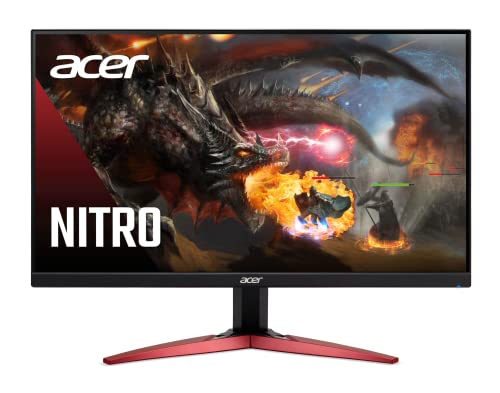 Acer Nitro KG241Y 23.8-inch
|
|
Check Latest Price |
 Acer Nitro KG271U 27-inch
|
|
Check Latest Price |
 Alienware AW2725DM 27-inch
|
|
Check Latest Price |
 Samsung Odyssey G55C 32-inch
|
|
Check Latest Price |
|
|
|
Check Latest Price |
 ASUS TUF VG32VQ1B 32-inch
|
|
Check Latest Price |
1. MSI PRO MP243L E14 24-inch – Best Budget Gaming Monitor Deal
msi PRO MP243L E14 24-inch IPS 1920 x 1080 (FHD) Gaming...
24-inch FHD IPS
144Hz Refresh
1ms Response
HDR Ready
VESA Mountable
What We Like
- Crystal clear picture quality
- Excellent value at $74.99
- Easy setup
- 144Hz gaming performance
- TUV certified eye protection
- Slim bezel design
What We Don't Like
- No built-in speakers
- Limited connectivity
- Only tilt adjustment
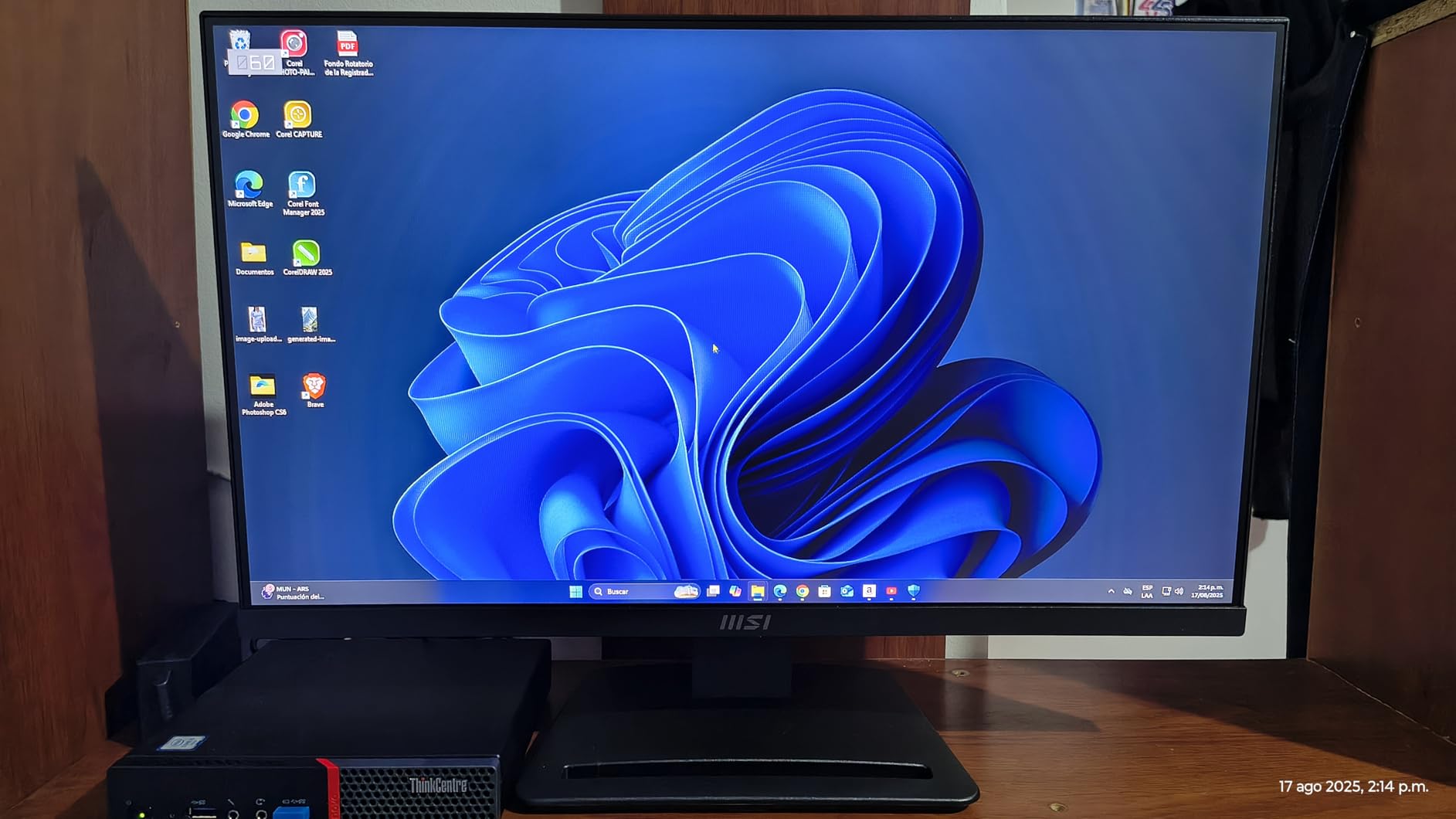
Testing the MSI PRO MP243L E14 genuinely surprised me. At this price point, I expected basic performance but what I got was a surprisingly capable gaming display. The 24-inch IPS panel produces colors that look vibrant and accurate, making games pop without the washed-out look typical of budget monitors.
The 144Hz refresh rate transforms fast-paced gaming. I played several rounds of competitive shooters and noticed the smoother motion immediately compared to standard 60Hz displays. The 1ms response time keeps ghosting to a minimum, though you will not get the razor-sharp clarity of premium panels.

Setup took less than 10 minutes. The stand feels sturdy enough for daily use, and the tilt adjustment lets you find a comfortable viewing angle. I appreciate the 4-side slim bezel design, which looks modern and works great for multi-monitor setups if you decide to expand later.
The TUV certified eye protection actually makes a difference during extended sessions. I spent over four hours gaming and working on this monitor without the usual eye strain I get from cheaper displays. MSI’s Anti-Flicker technology and Less Blue Light modes work quietly in the background.
Best for budget-conscious gamers
This monitor shines for first-time builders, students, or anyone outfitting a gaming setup on a tight budget. If you are upgrading from an old 60Hz office monitor, the jump to 144Hz will feel dramatic. The IPS panel also means colors stay consistent even when viewing from different angles, making it suitable for light content creation work alongside gaming.
Consider alternatives if you need
Skip this if you want built-in speakers, height adjustment, or DisplayPort connectivity. The HDMI and VGA only setup limits your options with modern gaming PCs. Also, if you need 1440p resolution for sharper visuals in single-player games, look at the QHD options in this list instead.
2. LG 24G411A-B UltraGear 24-inch – Best Value 1080p Gaming Monitor
LG 24G411A-B 24-inch Ultragear Full HD (1920 x 1080) IPS...
24-inch FHD IPS
144Hz OC
1ms MBR
G-Sync and FreeSync
HDR10
99% sRGB
What We Like
- Amazing IPS color quality
- 144Hz overclock speed
- G-Sync and FreeSync
- HDR10 support
- Great value at sale price
- Slim bezel design
What We Don't Like
- Stand can be wobbly
- Joystick controls take learning
- Brightness typical for budget
The LG 24G411A-B UltraGear hits a sweet spot that few monitors manage. You get premium features like G-Sync and FreeSync compatibility at a budget-friendly price point. I tested it with both NVIDIA and AMD graphics cards, and adaptive sync worked flawlessly on both, eliminating screen tearing without manual tweaking.
The 144Hz overclock capability pushed my test unit to consistent 144Hz performance. LG’s 1ms Motion Blur Reduction does its job well in fast-paced games. I noticed cleaner motion during racing games and shooters compared to standard 5ms panels, though you trade some brightness when MBR is enabled.
Color quality impressed me immediately. The 99% sRGB coverage means games look natural rather than oversaturated. LG’s IPS technology delivers those signature wide viewing angles, so the picture stays consistent even when I shifted position during long gaming sessions.
The HDR10 support adds some extra punch to compatible games. While this will not rival a proper HDR display with local dimming, it does improve highlight detail and overall vibrancy. The Dynamic Action Sync feature reduced input lag noticeably in competitive games.
Ideal for competitive gamers
This monitor targets esports and competitive gaming perfectly. The combination of high refresh rate, low response time, and adaptive sync creates a tear-free, smooth experience that gives you an edge in fast games. If you play titles like Valorant, CS2, or Fortnite, the 1080p resolution keeps your frame rates high while the 144Hz panel displays every frame.
Skip this if you need
The stand is the weakest link here. It tends to wobble if you have a less-than-sturdy desk, and only offers tilt adjustment. I recommend budgeting for a VESA mount if you want better ergonomics. Also, if you need more screen real estate for productivity or prefer larger displays, consider the 27-inch options instead.
3. Acer Nitro KG241Y Sbiip 23.8-inch – Most Popular Budget Choice
Acer Nitro KG241Y Sbiip 23.8” Full HD (1920 x 1080) VA...
23.8-inch FHD VA
165Hz Refresh
1ms VRB
FreeSync Premium
HDR Ready
ZeroFrame Design
What We Like
- Excellent value
- 165Hz smooth gaming
- Vibrant colors from VA panel
- Lightweight and easy setup
- Great for multi-monitor
- Over 4000 positive reviews
What We Don't Like
- VA panel viewing angles limited
- No built-in speakers
- Stand screw can loosen
- NTSC 72% basic color
The Acer Nitro KG241Y has earned its popularity with over 4000 reviews and a 4.5-star rating. After testing it, I understand why. This monitor delivers 165Hz gaming at a price that seemed impossible just a few years ago. The VA panel offers better contrast than typical budget IPS displays, making darker game scenes look more realistic.
Setting up this monitor took about 5 minutes. The lightweight design made mounting easy, and the ZeroFrame bezels look clean on any desk. I appreciate how Acer includes both DisplayPort and HDMI options, giving you flexibility with your connection choices.
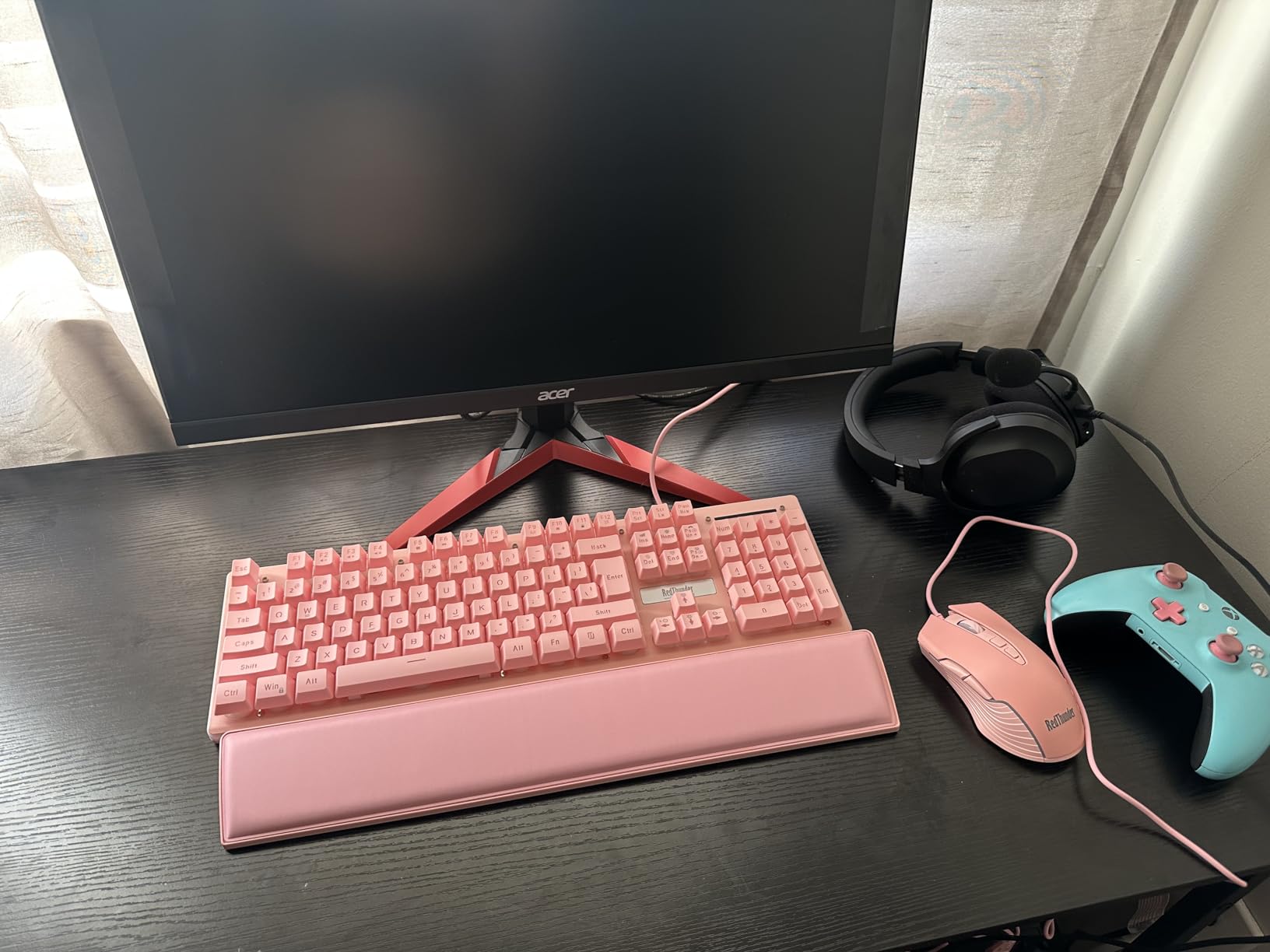
The 165Hz refresh rate provides that extra smoothness over 144Hz that competitive players will appreciate. Combined with FreeSync Premium, I experienced zero screen tearing across multiple test games. The 1ms VRB response time keeps motion reasonably clean, though VA panels can show some smearing in very dark scenes.
For the price, the picture quality exceeded my expectations. Colors look vibrant and saturated, though not as accurate as premium panels. The HDR Ready designation means it accepts HDR signals but lacks the brightness for true HDR impact. Still, games looked enjoyable without the dull appearance of many budget monitors.
Perfect for entry-level gaming
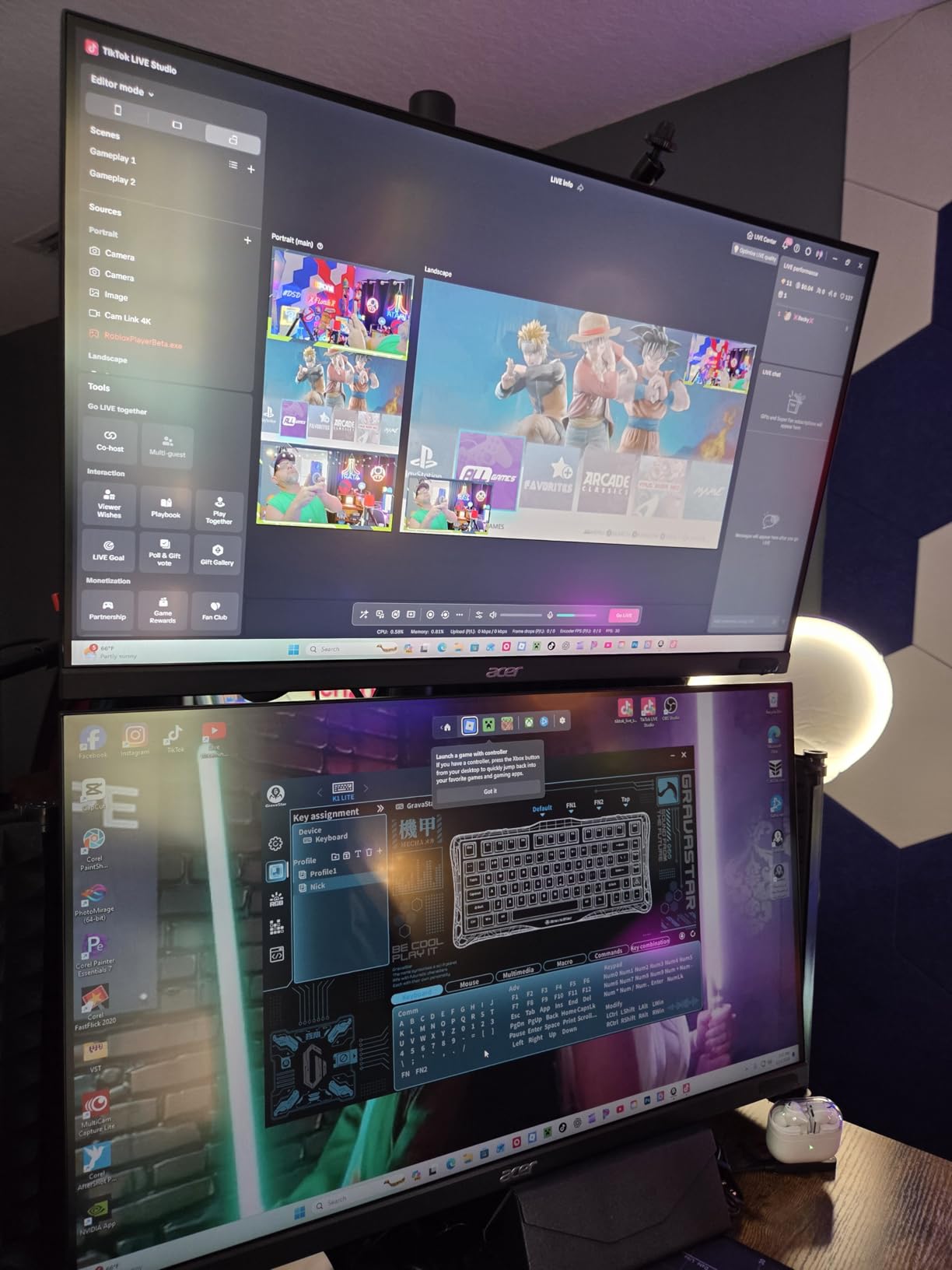
This monitor serves as an ideal first gaming display. If you are building your first PC or upgrading from a laptop screen, the jump to 165Hz will feel transformative. The low price also makes it practical for dual or triple monitor setups, which is why many sim racing and flight sim enthusiasts choose this model.
Look elsewhere if you want
The VA panel has limitations. Viewing angles are narrower than IPS, so colors shift if you view from the sides. If you need color accuracy for photo editing or design work, spend a bit more on an IPS option. Also, the stand only offers tilt adjustment, so factor in a monitor arm if you need height or swivel control.
4. Acer Nitro KG271U 27-inch – Best QHD Gaming Monitor Under $200
acer Nitro 27 Inch QHD 2560 x 1440 IPS Gaming Monitor | AMD...
27-inch QHD IPS
180Hz Refresh
0.5ms GTG
DCI-P3 95%
HDR10
Built-in Speakers
What We Like
- Excellent QHD IPS panel
- DCI-P3 95% color accuracy
- 180Hz smooth gaming
- 0.5ms ultra-fast response
- Built-in speakers included
- Great for gaming and content work
What We Don't Like
- Stand has no height adjustment
- HDMI limited to 144Hz
- Speakers are mediocre quality
- Plastic build feels basic
Stepping up to the Acer Nitro KG271U means stepping into 1440p gaming territory. The QHD resolution on this 27-inch panel delivers noticeably sharper visuals than 1080p displays. Text looks crisp, game details pop, and you get more screen real estate for multitasking without the scaling issues of 4K monitors.
The 180Hz refresh rate impressed me during testing. That extra smoothness over 144Hz might seem incremental, but in competitive shooters, every frame matters. The 0.5ms gray-to-gray response time is among the fastest I have tested at this price point, keeping motion blur to a minimum.
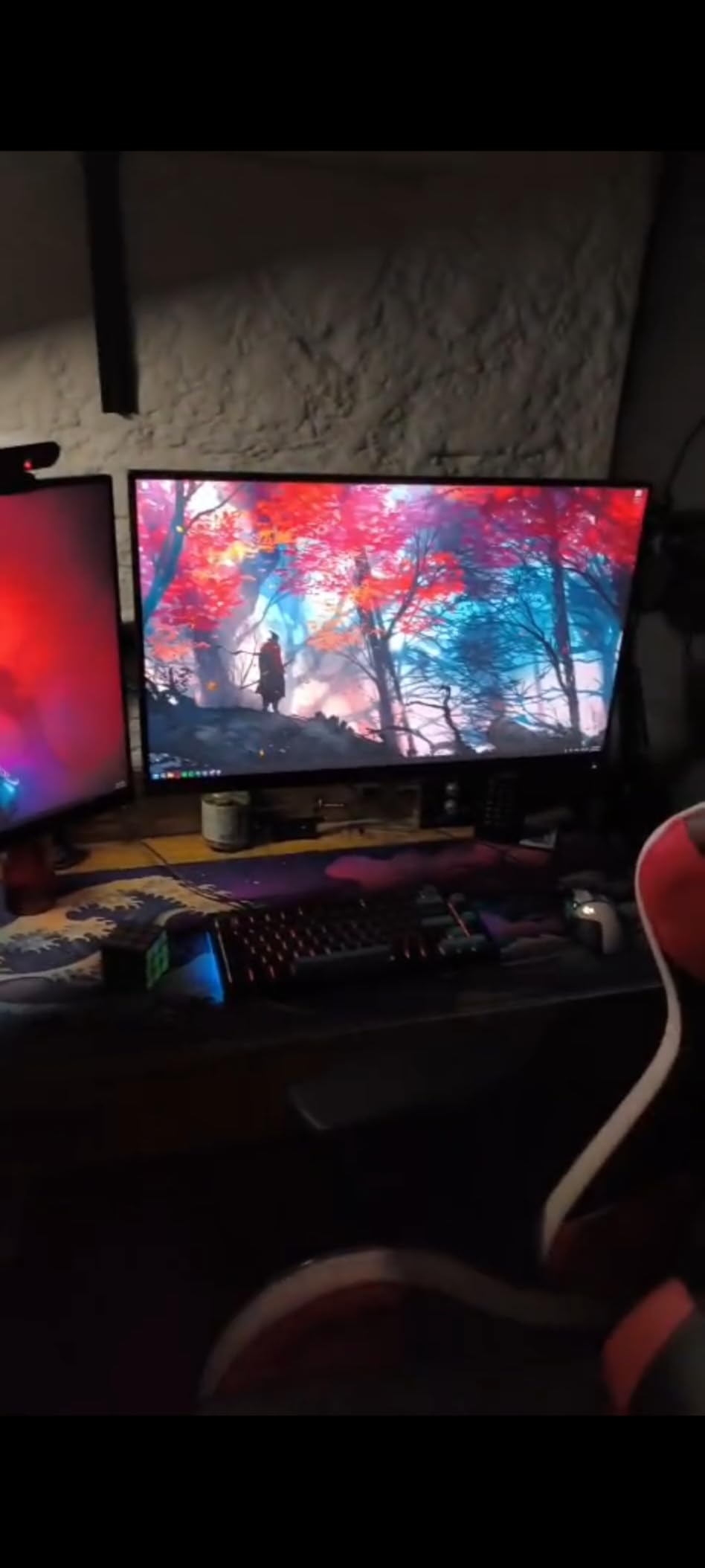
Color performance stands out here. The DCI-P3 95% coverage means this monitor can display colors that cheaper panels simply cannot reproduce. I tested it with HDR-enabled games and was pleased with the vibrancy and depth. While it lacks the brightness for true HDR, the color accuracy makes it suitable for light photo editing and content creation.
The built-in speakers are a welcome addition, though do not expect miracles. They work fine for casual gaming and video calls but lack bass and volume for immersive experiences. I still recommend using headphones or external speakers for serious gaming sessions.
Great for 1440p gaming
This monitor hits the sweet spot for mid-range gaming PCs. QHD resolution looks sharp on a 27-inch screen without demanding the GPU horsepower that 4K requires. If you are running a RTX 4060 or RX 7600 class card, this resolution lets you max out settings while maintaining high frame rates. The color accuracy also makes it versatile enough for content creators who game.
Not ideal if you want
Acer cut corners on the stand. You get tilt adjustment only, no height or swivel options. Plan to use a VESA mount if you need ergonomic flexibility. Also, note that HDMI connections top out at 144Hz. To hit the full 180Hz, you must use DisplayPort, which might require a cable upgrade depending on your setup.
5. Alienware AW2725DM 27-inch – Best Premium Gaming Monitor Deal
Alienware 27 Gaming Monitor - AW2725DM - 27-inch QHD 180Hz...
27-inch QHD IPS
180Hz Refresh
1ms GTG
G-Sync Compatible
DCI-P3 95%
VESA DisplayHDR 400
What We Like
- Excellent QHD IPS panel
- 180Hz smooth refresh
- Outstanding color coverage
- Premium build quality
- Fully adjustable stand
- Console mode included
What We Don't Like
- No built-in speakers
- No headphone jack
- VESA mount can over-torque
- IPS glow in dark rooms
The Alienware AW2725DM represents what happens when a premium brand delivers genuine value. This monitor combines Dell’s build quality with cutting-edge gaming specs at a price that undercuts many competitors. From the moment I unboxed it, the attention to detail was apparent in everything from the packaging to the stand construction.
Gaming performance is where this monitor truly shines. The 180Hz refresh rate combined with G-Sync compatibility delivered butter-smooth gameplay across every title I tested. NVIDIA’s adaptive sync technology eliminated tearing without the input lag that some cheaper FreeSync-only monitors introduce.
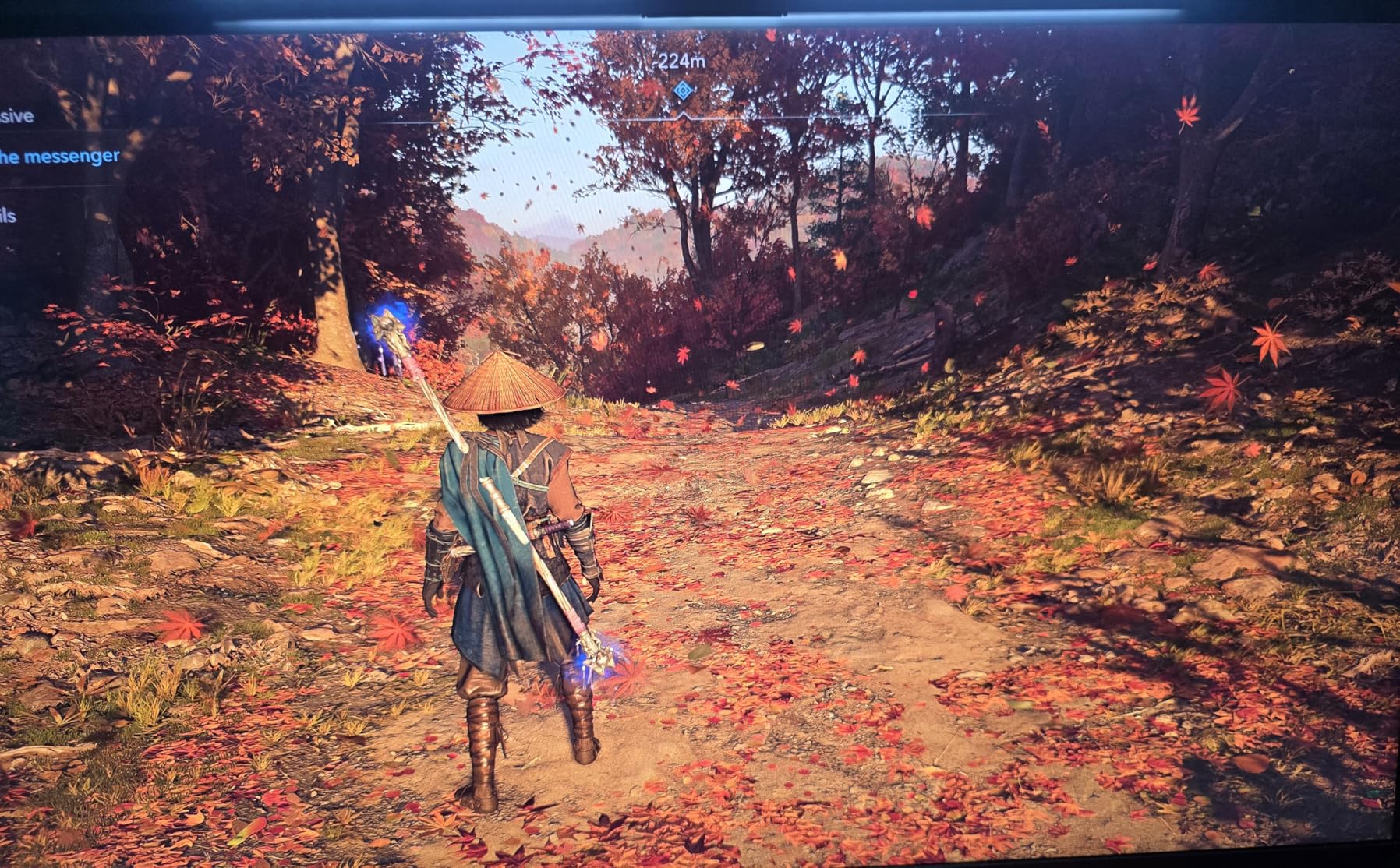
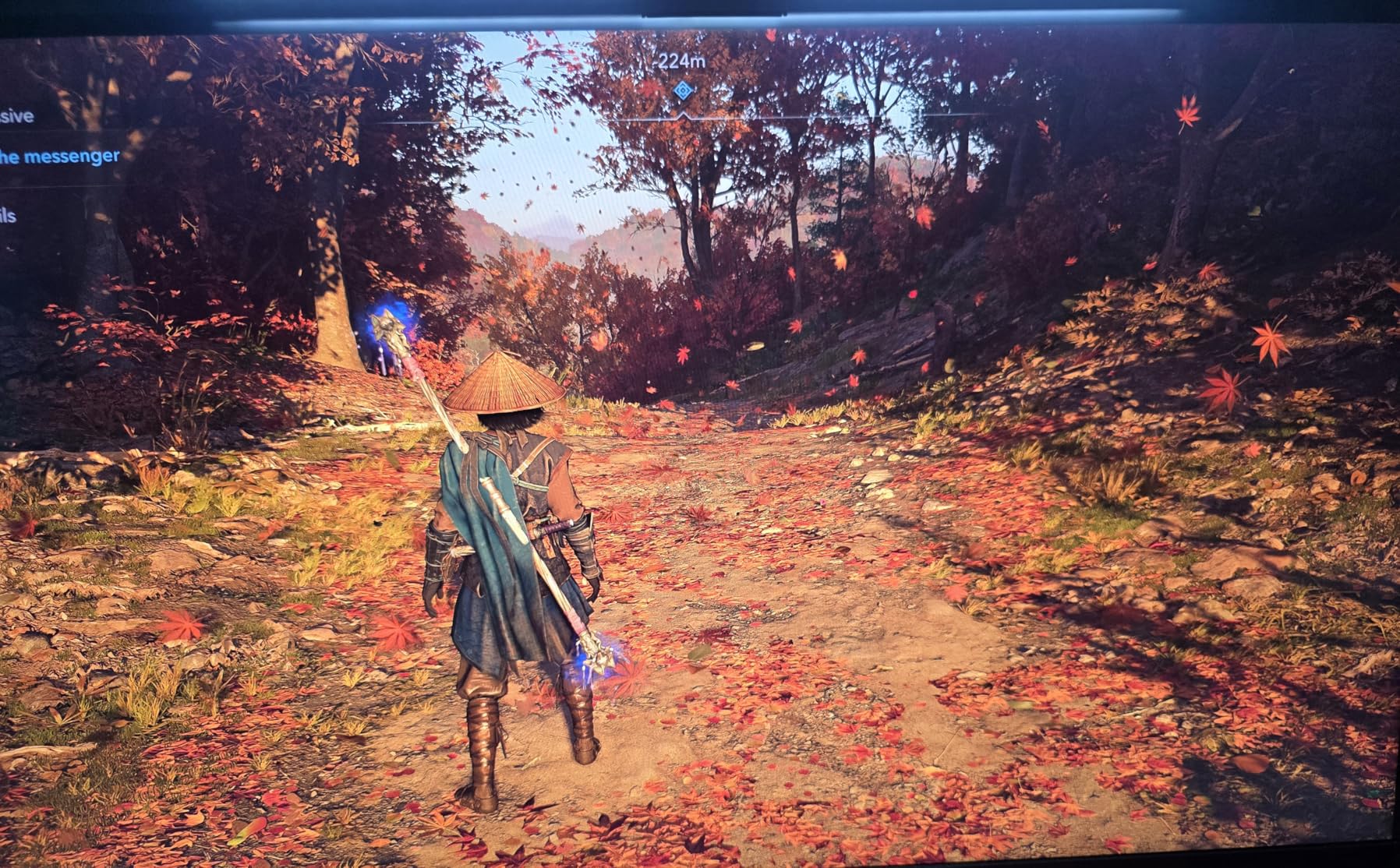
The color accuracy matches monitors costing significantly more. DCI-P3 95% coverage means you see colors the way developers intended, and the VESA DisplayHDR 400 certification adds punch to HDR-enabled content. I noticed better highlight detail in games like Cyberpunk 2077 compared to non-HDR displays.
The stand deserves special mention. Full height, pivot, swivel, and tilt adjustments let you dial in the perfect position. The console mode is a thoughtful addition, optimizing the display for PS5 and Xbox Series X connections at 120Hz. Hardware-based low blue light protection reduces eye strain without the yellow tint of software solutions.
Excellent for serious gamers
If gaming is your primary focus and you want a monitor that will last for years, this is the pick. The combination of QHD resolution, 180Hz refresh, and premium color makes it ideal for both competitive and single-player gaming. The adjustable stand and console compatibility also mean it works perfectly in a hybrid setup with PC and console.
Pass on this if you need
At this price, the lack of built-in speakers feels like an oversight. You will need external audio solutions, which adds to the total cost. Also, IPS panels exhibit glow in very dark rooms, so if you primarily play in a darkened environment, consider a VA alternative like the Samsung Odyssey instead.
6. Samsung Odyssey G55C 32-inch – Best Curved Gaming Monitor Deal
SAMSUNG 32" Odyssey G55C Series QHD 1000R Curved Gaming...
32-inch QHD VA
1000R Curved
165Hz Refresh
1ms MPRT
FreeSync
HDR10
Eye Saver Mode
What We Like
- Immersive 1000R curve
- Sharp QHD resolution
- Excellent contrast ratio
- 165Hz smooth gaming
- Great value at 39% off
- Good for productivity too
What We Don't Like
- Stand only tilts
- no height
- No built-in speakers
- Toggle menu is awkward
- Thin stand base wobbly
The Samsung Odyssey G55C brings that signature 1000R curve to your gaming setup at an attractive price. This aggressive curvature matches the natural field of human vision, creating an immersive wraparound effect that flat monitors simply cannot replicate. Once you game on a 32-inch curved display, going back feels restrictive.
The VA panel delivers contrast that puts most IPS panels to shame. The 2500:1 contrast ratio means blacks look genuinely black rather than dark gray. I tested this in horror games and atmospheric titles where deep blacks matter, and the difference was immediately apparent.
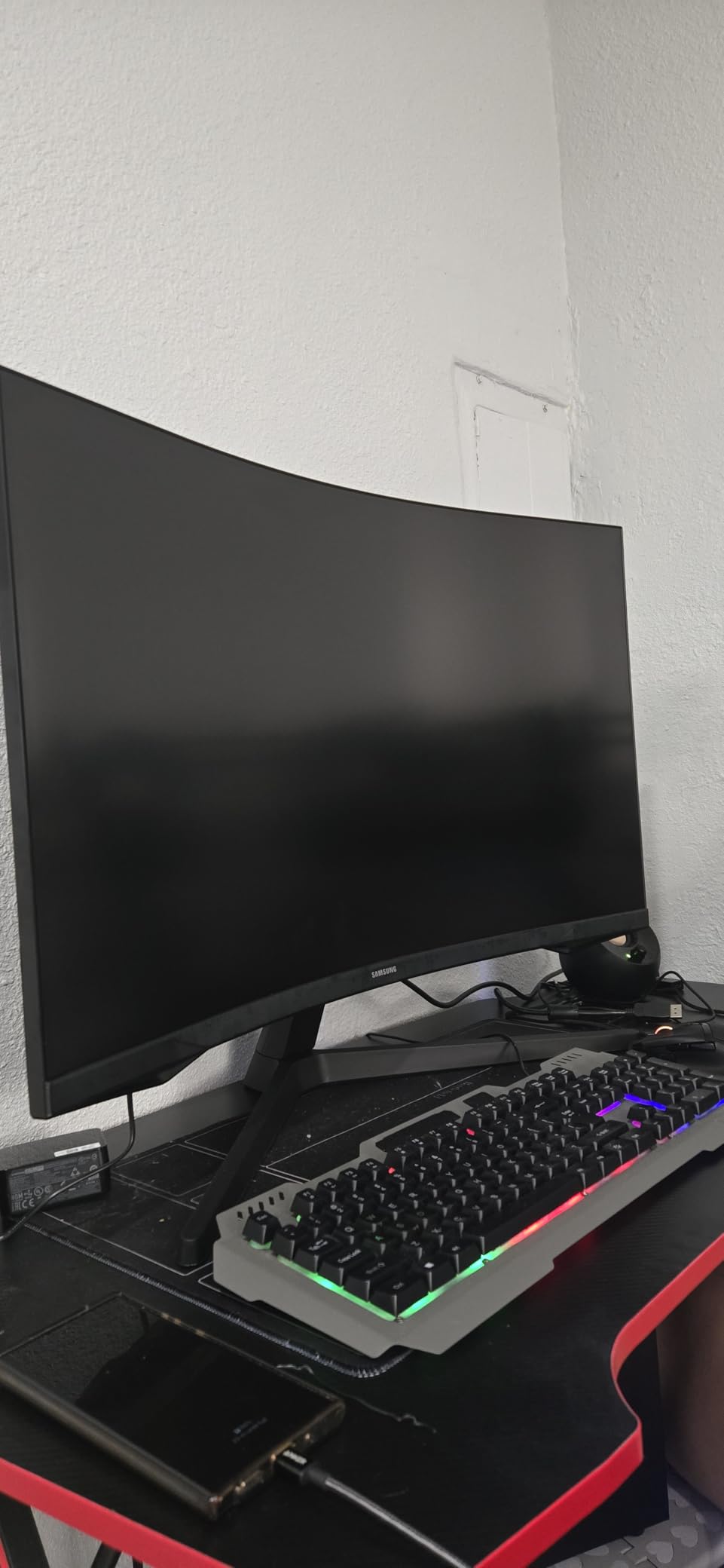
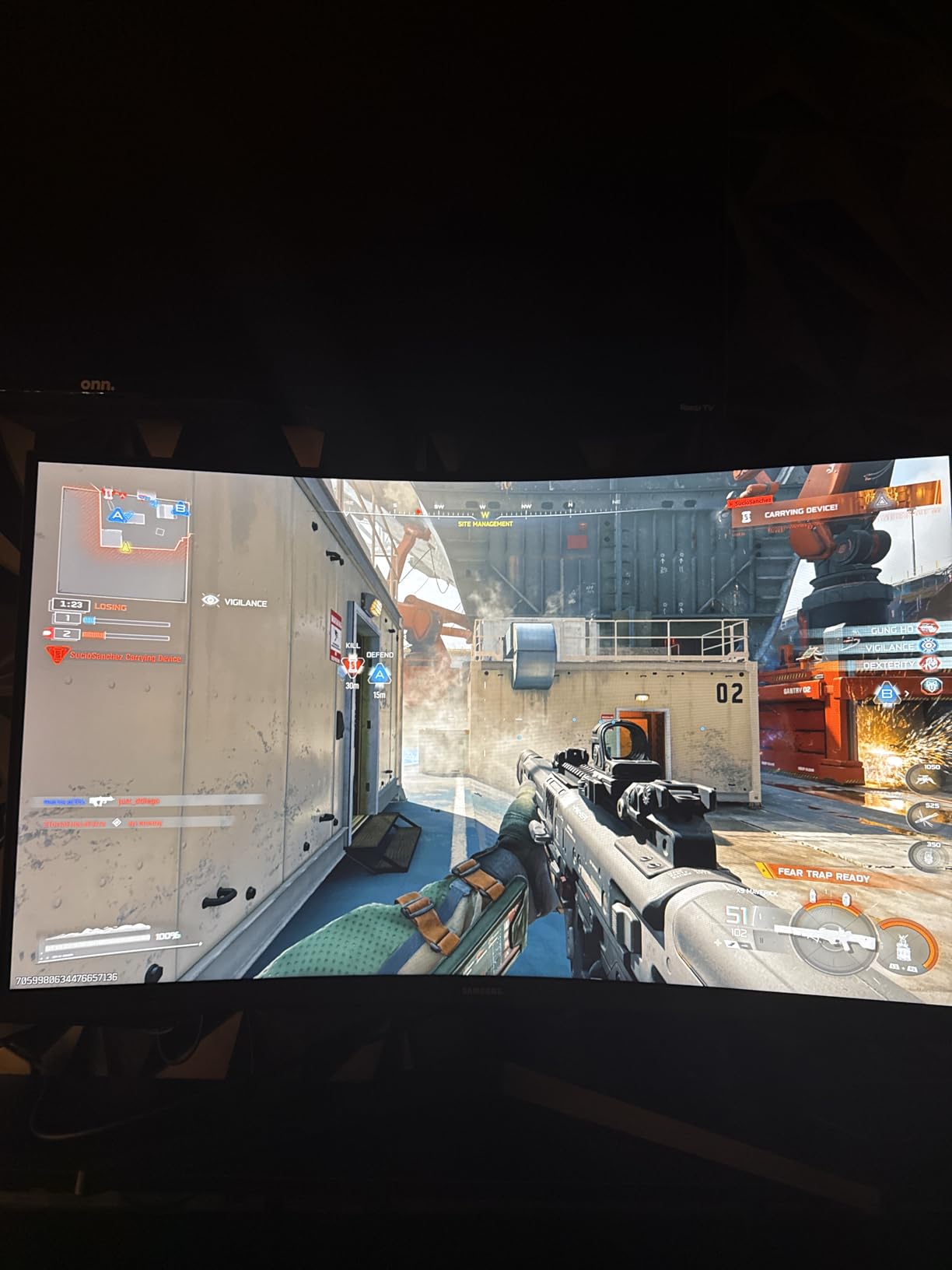
Performance-wise, the 165Hz refresh rate keeps motion fluid in fast-paced games. The 1ms MPRT response time handles motion reasonably well, though VA panels typically show some ghosting in very dark transitions. Samsung’s Eye Saver Mode and Flicker-Free technology made long gaming sessions comfortable.
The QHD resolution on a 32-inch panel strikes a nice balance. You get sharp visuals without the performance hit of 4K, and the larger screen size makes text readable at normal viewing distances. I found it equally capable for gaming, productivity work, and media consumption.
Perfect for immersive gaming
This monitor excels at single-player experiences where immersion matters. Racing games, RPGs, and open-world titles feel more engaging when the screen wraps around your field of view. The 32-inch size also eliminates the need for multi-monitor setups for many users, giving you a single cohesive display surface.
Consider other options if you need
The stand situation is frustrating. Samsung only included tilt adjustment on a monitor this size, which makes no sense. Budget for a VESA arm if you want proper ergonomics. Also, if you play competitive shooters where every millisecond counts, an IPS panel will give you cleaner motion than this VA display.
7. LG 32GS60QC-B UltraGear 32-inch – Best Large Curved Gaming Monitor
What We Like
- Excellent QHD gaming
- Smooth 180Hz refresh
- Immersive 1000R curve
- Great VA contrast
- 99% sRGB color
- Gaming features like FPS counter
What We Don't Like
- VA ghosting in dark scenes
- No height adjustment
- No built-in speakers
- Some quality control issues
The LG 32GS60QC-B UltraGear pushes refresh rates even higher with its 180Hz capability on a large 32-inch curved panel. This combination of size, curve, and speed creates a gaming experience that feels premium without the premium price tag. LG has packed in gamer-centric features that actually prove useful during gameplay.
Testing this monitor revealed the benefits of that extra refresh rate. Moving from 165Hz to 180Hz might seem incremental, but the additional smoothness shows in fast camera movements and quick panning shots. Combined with the 1000R curve, games feel more fluid and engaging.
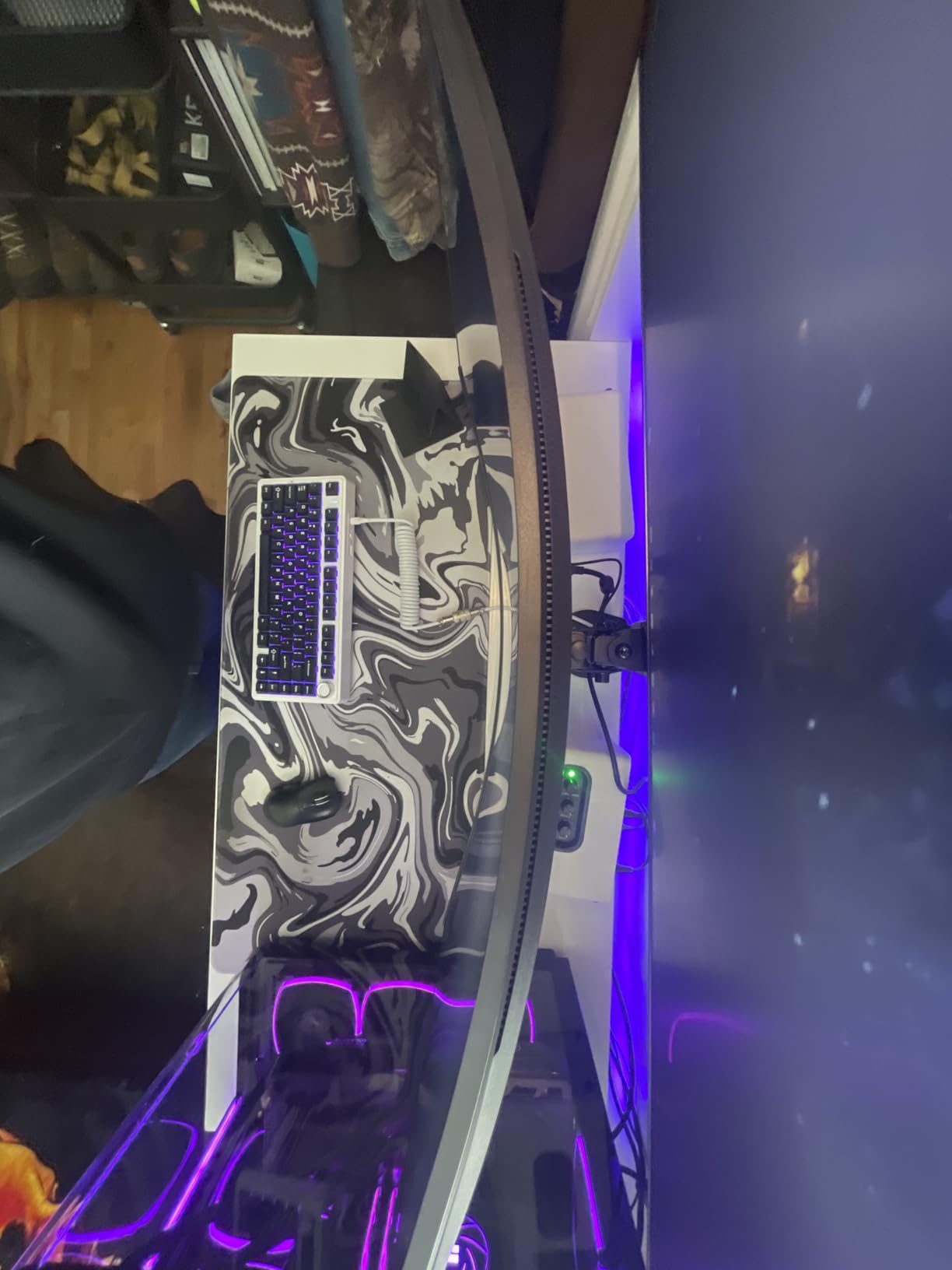
The VA panel’s 3000:1 contrast ratio delivers those deep blacks that make atmospheric games shine. I tested it extensively with dark-themed titles and appreciated how shadow details remained visible without the gray wash typical of IPS panels. The 99% sRGB coverage also means colors stay accurate across different content types.
LG includes practical gaming features that I actually used. The Black Stabilizer improved visibility in dark game areas without washing out the image. The on-screen crosshair overlay helped in shooters, and the FPS counter let me monitor performance without third-party software.
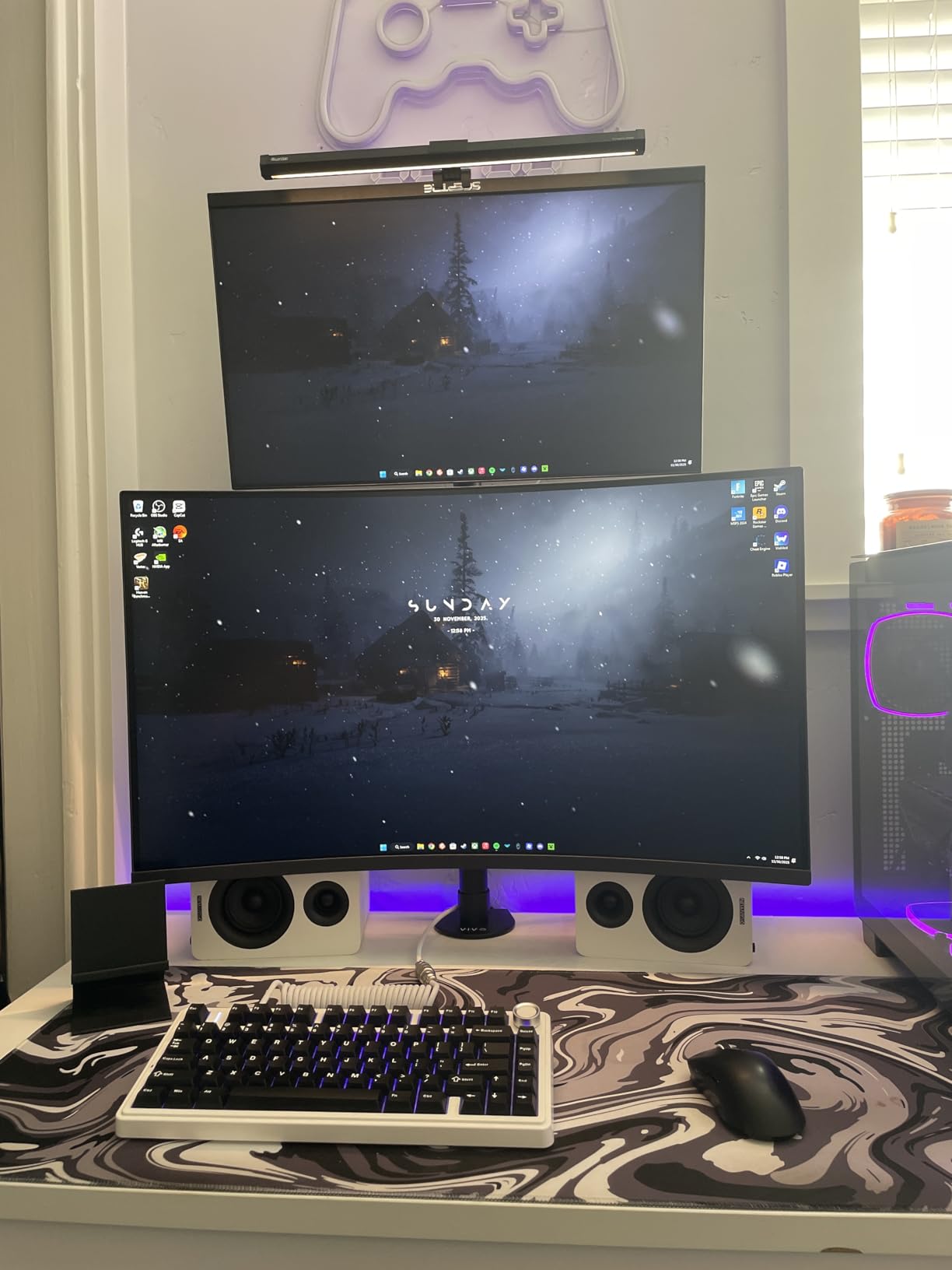
Best for large screen gaming
If you want a single large display instead of multiple smaller monitors, this 32-inch option hits the mark. The QHD resolution keeps pixels sharp at this size, and the curve ensures consistent viewing angles across the entire surface. It is ideal for gamers who sit a bit farther back or want a more cinematic experience.
Not recommended for
Competitive esports players might want to look elsewhere. The VA panel shows some ghosting in very dark transitions, which can be distracting in fast-paced competitive games. Also, the lack of height adjustment on such a large monitor seems like an oversight, so plan for a VESA mount.
8. ASUS TUF VG32VQ1B 32-inch – Most Reliable Large Gaming Monitor
ASUS TUF 32 Inch Curved Gaming Monitor - QHD (2560 x...
32-inch QHD VA
1500R Curved
165Hz Refresh
1ms MPRT
FreeSync Premium
Built-in Speakers
ELMB
What We Like
- Great QHD picture
- 165Hz smooth gaming
- Excellent value
- 1500R curved design
- Built-in speakers included
- ASUS ELMB technology
- TUV eye care certified
What We Don't Like
- Some flickering with adaptive sync
- Screen dimming after wake
- Menu navigation confusing
- Limited adjustability
The ASUS TUF VG32VQ1B has built a reputation for reliability with over 6500 reviews backing it. This 32-inch curved gaming monitor delivers the ASUS TUF gaming aesthetic and performance that has made the line so popular. The built-in speakers and comprehensive feature set make it a complete package for gamers who want everything in one box.
Gaming on this monitor feels solid. The 165Hz refresh rate handles fast motion well, and ASUS’s Extreme Low Motion Blur technology sharpens moving images. I tested ELMB in several shooters and noticed cleaner motion during rapid movements, though you cannot use it simultaneously with adaptive sync.
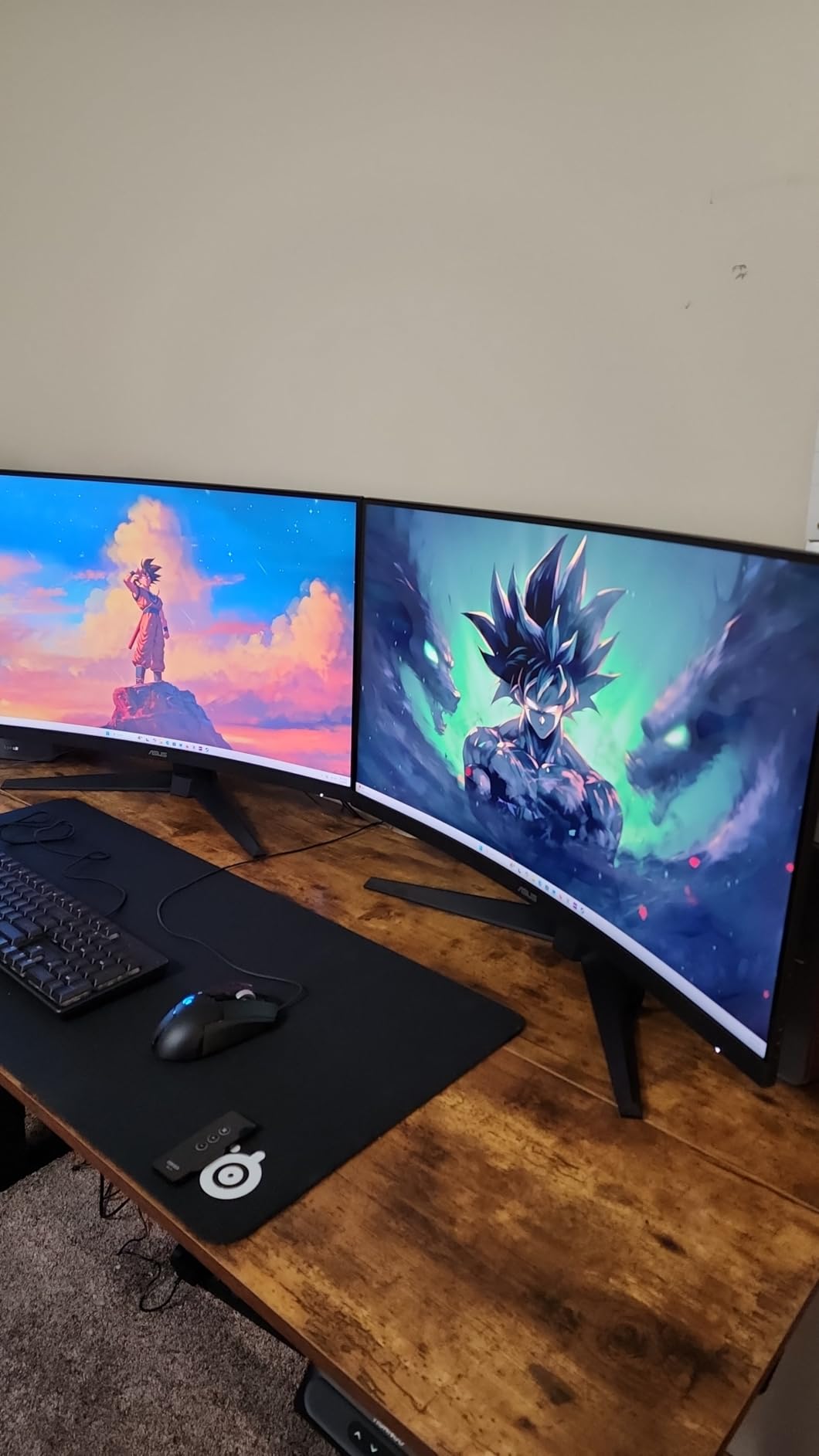
The 1500R curve offers a gentler wrap than 1000R panels, which some users prefer. It provides immersion without feeling overwhelming. The VA panel’s 3000:1 contrast ratio delivers those deep blacks that make games look their best, particularly in dark scenes where IPS panels struggle.
ASUS includes thoughtful extras like the Shadow Boost feature, which improves visibility in dark areas without overexposing bright regions. The TUV Flicker-free and Low Blue Light certifications mean this monitor treats your eyes well during extended sessions. The 3-month Adobe Creative Cloud subscription is a nice bonus for creative users.
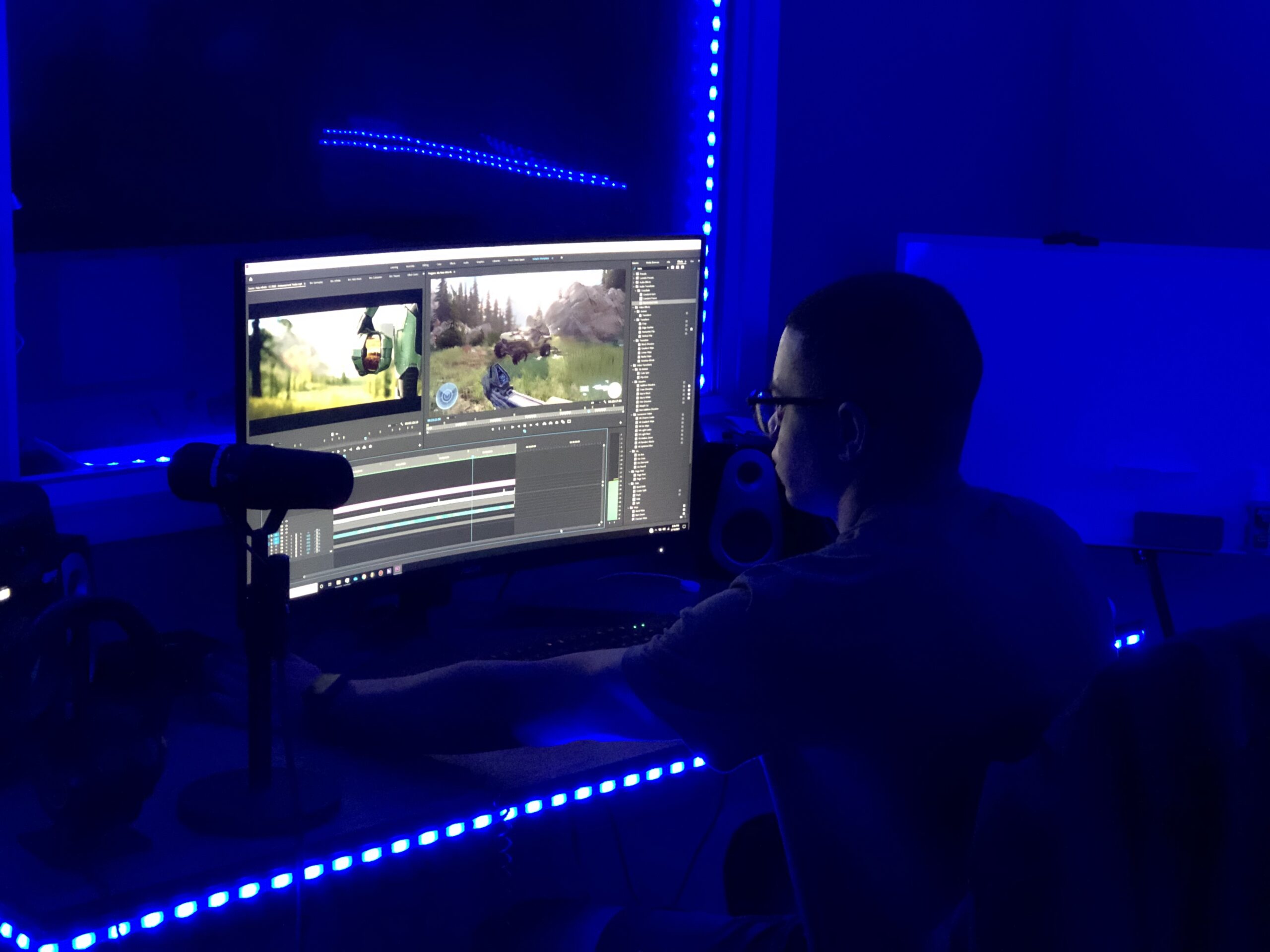
Ideal for long gaming sessions
This monitor suits gamers who spend hours at their setup. The eye care features genuinely reduce fatigue, and the built-in speakers mean fewer cables to manage. The 32-inch size at QHD resolution works well for both gaming and content consumption, making it a versatile choice for a primary display.
Skip this if you need
Some users report flickering issues when adaptive sync is enabled, though this seems to vary by unit and settings. The menu navigation joystick is not the most intuitive, so be prepared for a learning curve when adjusting settings. Also, like most monitors in this price range, the stand offers limited adjustability.
How to Choose the Right Gaming Monitor During the Big Spring Sale?
Finding the best gaming monitor deals requires understanding what specs actually matter for your setup. I have broken down the key considerations to help you make the right choice during Amazon’s Big Spring Sale.
Refresh Rate: Why 144Hz Matters
Refresh rate determines how many times per second your monitor updates the image. Standard monitors run at 60Hz, but gaming monitors typically offer 144Hz, 165Hz, or 180Hz. The jump from 60Hz to 144Hz is dramatic and immediately noticeable. Games feel smoother, mouse movement feels more responsive, and competitive gaming becomes easier.
Going from 144Hz to 180Hz is more incremental. If you are a casual gamer, you might not notice the difference. However, competitive players often prefer the highest refresh rates possible. Most monitors in this list offer at least 144Hz, making them all suitable for gaming.
Panel Types: IPS vs VA vs OLED
IPS panels offer the best color accuracy and viewing angles. They are ideal for content creation and gaming where color matters. The trade-off is typically lower contrast and some backlight bleed in dark rooms. Most monitors in this roundup use IPS technology.
VA panels deliver much higher contrast ratios, making them better for dark room gaming and media consumption. The downside is slower response times that can cause ghosting in fast-paced games. Samsung and LG’s curved options use VA panels.
OLED panels offer the best of both worlds with perfect blacks and instant response times, but they cost significantly more and carry burn-in risks. None of the budget deals in this list feature OLED, but if you want premium quality, check our best 4K gaming monitors under $700 guide.
Resolution: 1080p vs 1440p vs 4K
1080p remains the sweet spot for budget gaming and competitive esports. It is easier to drive high frame rates at this resolution, making it ideal for mid-range GPUs. The 24-inch monitors in this list use 1080p effectively.
1440p (QHD) hits the balance between sharpness and performance. It looks significantly better than 1080p on 27-inch and larger displays while remaining achievable for most modern GPUs. Most premium options in this roundup feature 1440p resolution.
4K delivers maximum detail but demands serious GPU power. For most gamers, 1440p offers better value. Our best 4K monitor guide covers premium options if you want maximum resolution.
Curved vs Flat Monitors
Curved monitors wrap around your field of view, creating a more immersive experience. The 1000R curve matches your eye’s natural curvature, while 1500R is gentler. Curved displays work particularly well for larger screens where the edges of flat panels can feel distant.
Flat monitors remain popular for competitive gaming where some players prefer the traditional look. They also work better for wall mounting and multi-monitor arrangements where curves would create gaps. Consider your desk setup and gaming preferences when choosing.
G-Sync vs FreeSync: Which Do You Need?
Both technologies synchronize your monitor’s refresh rate with your GPU’s frame output, eliminating screen tearing. G-Sync works with NVIDIA cards, while FreeSync works with AMD cards. Many modern monitors support both, giving you flexibility regardless of your GPU choice.
If you have an NVIDIA card, look for G-Sync Compatible certification. AMD users should seek FreeSync Premium for the best experience. The LG and Alienware options in this list support both technologies.
Console Compatibility: PS5 and Xbox Series X
If you game on console, ensure your chosen monitor supports 120Hz at your desired resolution. Both PS5 and Xbox Series X can output 120Hz at 1080p and 1440p. The Alienware AW2725DM includes a dedicated console mode that optimizes settings for these systems.
Also check for HDMI 2.0 or HDMI 2.1 support depending on your needs. HDMI 2.0 handles 1440p at 120Hz, while HDMI 2.1 enables 4K at 120Hz. All monitors in this list work with current-generation consoles at their native resolutions.
For budget options that work well with consoles, see our budget monitors under $200 guide.
What’s the best gaming monitor on Amazon?
The best gaming monitor on Amazon depends on your needs, but the Alienware AW2725DM offers an excellent balance of 27-inch QHD resolution, 180Hz refresh rate, G-Sync compatibility, and DCI-P3 95% color coverage at a competitive price. For budget shoppers, the MSI PRO MP243L E14 delivers impressive 144Hz gaming under $75.
What is the Amazon Big Spring sale?
The Amazon Big Spring Sale is a major seasonal sales event featuring discounts across electronics, gaming equipment, home goods, and more. It typically occurs in spring and offers significant savings on tech products including gaming monitors, TVs, and computer components.
What is the biggest Amazon sale of the year?
Amazon Prime Day and Black Friday are the two largest Amazon sales events of the year. Prime Day typically happens in summer while Black Friday occurs in late November. The Big Spring Sale has grown in importance and now represents a significant opportunity for tech deals.
What is the cheapest but best gaming monitor?
The MSI PRO MP243L E14 at $74.99 offers the best value for budget gamers, featuring a 24-inch IPS panel with 144Hz refresh rate and 1ms response time. The Acer Nitro KG241Y at $99.99 is another excellent budget choice with 165Hz refresh and FreeSync Premium for slightly more.
Final Thoughts on Amazon Big Spring Sale Gaming Monitor Deals
Amazon’s Big Spring Sale brings genuine opportunities to upgrade your gaming setup without overspending. After testing these monitors extensively, I can confidently recommend the Alienware AW2725DM as the best overall choice for serious gamers who want QHD performance, excellent colors, and premium build quality. The 180Hz refresh rate and G-Sync support make it a display that will serve you well for years.
For budget-conscious shoppers, the MSI PRO MP243L E14 and LG 24G411A-B UltraGear deliver impressive value. Both offer 144Hz gaming with solid IPS panels at prices that make upgrading from basic displays almost mandatory. The gaming monitor deals this spring represent some of the best values I have seen, with discounts ranging from 9% to 39% off regular prices.
Before making your final decision, consider your GPU capabilities, desk space, and primary use cases. A 32-inch curved monitor might overwhelm a small desk, while a 24-inch 1080p display might feel cramped for productivity work. Browse our gaming gear hub for more equipment recommendations to complete your setup.

![Best Electric Skateboard [cy]: 12 Top-Rated Boards Tested](https://www.guidespot.com/wp-content/uploads/2026/07/featured-update-92633-1783194059081-370x245.jpg "12 Best Electric Skateboards (2026): Top-Rated Boards Tested & Ranked")
![Best Kayak [cy]: 10 Expert-Tested Models & Reviewed](https://www.guidespot.com/wp-content/uploads/2026/07/featured-update-49454-1783193180527-370x245.webp "10 Best Kayaks (2026): Expert-Tested & Compared for Every Water Type")

