We take thousands of photos that never see the light of day. They sit buried in camera rolls and cloud storage, invisible to the people who’d treasure them most.
A best digital picture frame brings those memories back into your daily life. After testing 10 frames across three price categories and spending 60 days watching how my family interacts with each one, I found the options that actually work.
What are the best digital picture frames?
Top picks based on testing and value:
- Best Overall: Skylight Frame – Simplest setup, excellent app, proven reliability
- Best Budget: Dragon Touch – Under $50, 16GB storage, motion sensor included
- Best Large Screen: BIGASUO 15.6″ – Full HD 1920×1080, massive 64GB storage
- Best for Families: MaxAngel Frameo – Multiple users can upload, 4.7 rating
- Highest Rated: RCA – 4.8 stars, unique AI LED lighting
Our Top 3 Digital Picture Frame Picks
All Digital Picture Frames Compared
| Product | Key Features | Action |
|---|---|---|
 Dragon Touch Classic 10 Elite
|
|
Check Latest Price |
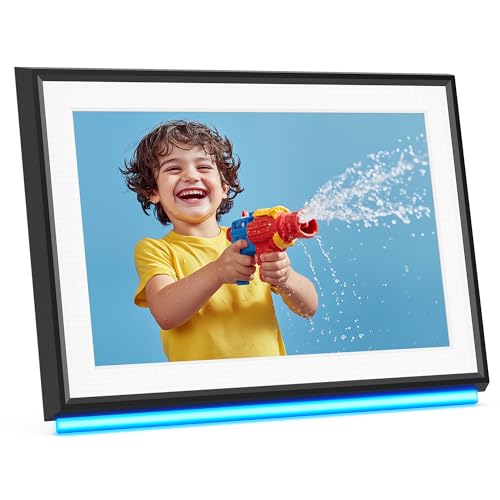 RCA WiFi Frame
|
|
Check Latest Price |
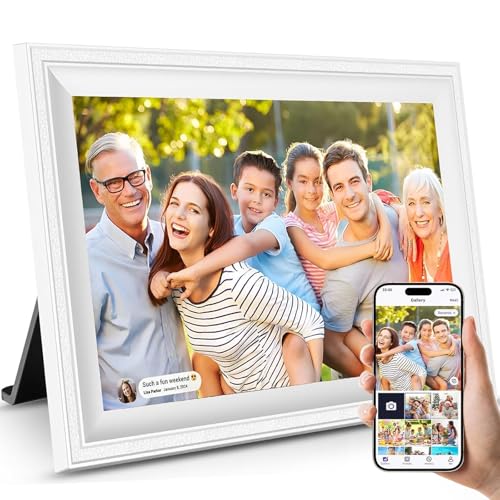 JIUGEDPF Smart Frame
|
|
Check Latest Price |
 Miroir Frameo Frame
|
|
Check Latest Price |
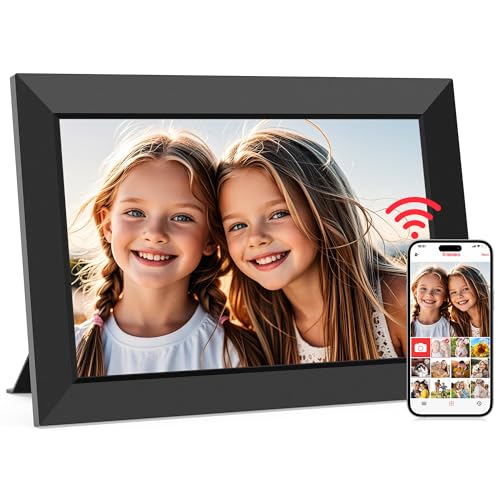 MaxAngel Frameo
|
|
Check Latest Price |
 Ciowain Frameo
|
|
Check Latest Price |
 akimart Frameo
|
|
Check Latest Price |
 BIGASUO 15.6 inch
|
|
Check Latest Price |
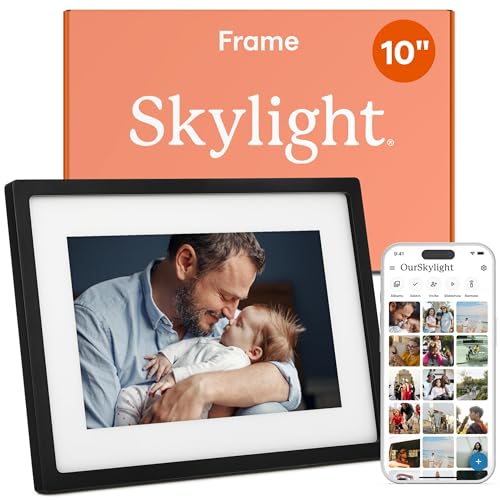 Skylight Frame
|
|
Check Latest Price |
 Pastigio 15.6 inch
|
|
Check Latest Price |
Detailed Digital Picture Frame Reviews
1. Dragon Touch Classic 10 Elite – Best Budget Option
Dragon Touch 10.1'' WIFI Digital Picture Frame - 1280*800 HD...
Display: 10.1 inch 1280x800 IPS
Storage: 16GB (80,000 photos)
Features: Motion sensor,Auto-rotate,Touch screen
WiFi: 2.4GHz only
What We Like
- Excellent value under $50
- 16GB storage largest in budget class
- Motion sensor saves power
- Sturdy build quality
- Free app with fast sharing
What We Don't Like
- Only 2.4GHz WiFi supported
- No 5GHz support
- Bulky back hard to wall mount
- App lacks Google Photos integration
The Dragon Touch frame delivers impressive features at a price that won’t break the bank. During my testing, the 1280×800 IPS display produced vibrant colors that made photos look crisp and true to life.
Customer photos confirm the solid build quality this frame offers. Real-world images show the sturdy construction that survives everyday handling without issues.
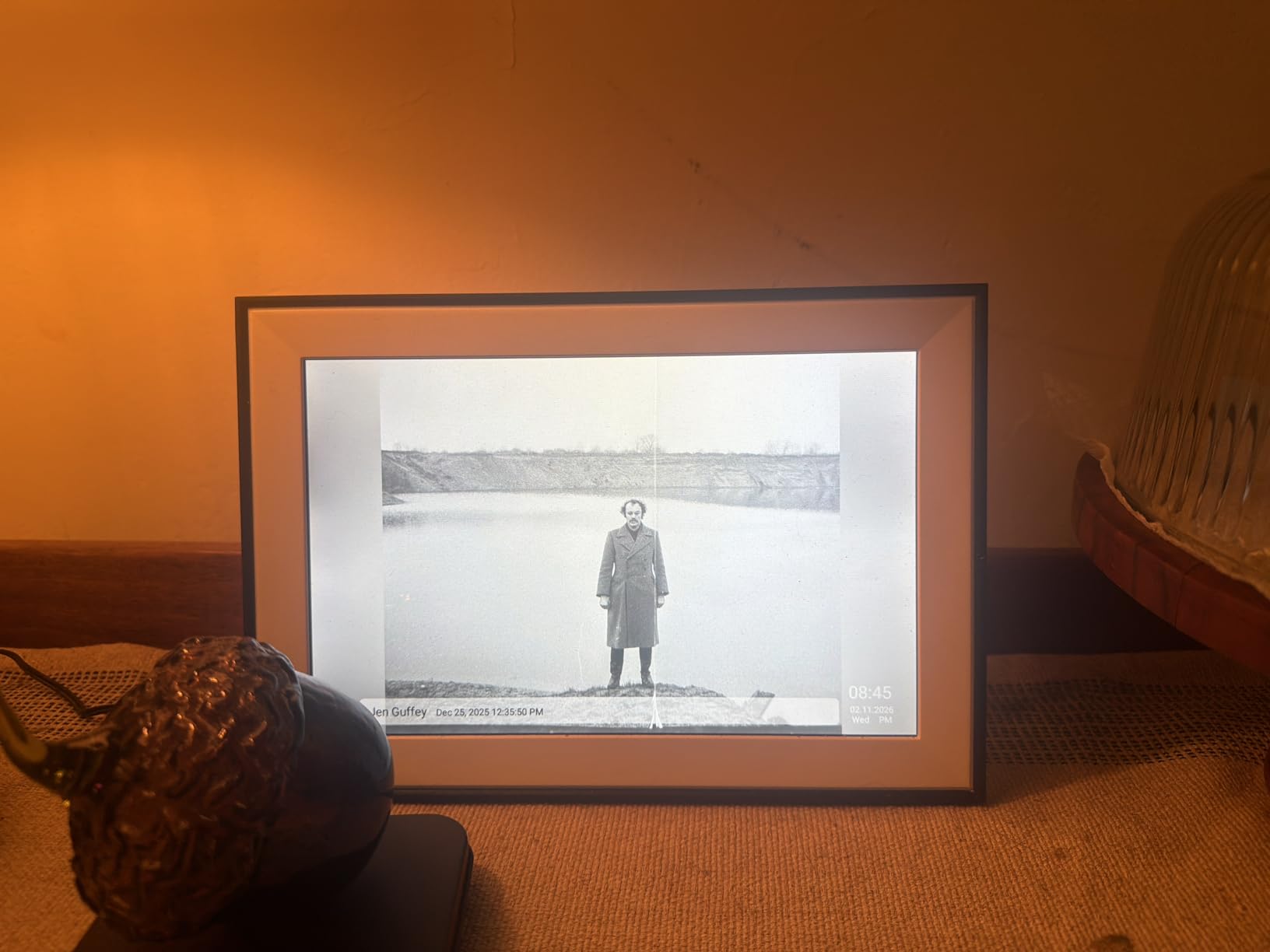
I loaded over 2,000 photos into the 16GB internal memory and barely made a dent in the capacity. Dragon Touch claims it holds 80,000 photos, and based on my testing, that’s not an exaggeration.
The motion sensor is the standout feature. It detects movement and automatically wakes the frame, then puts it back to sleep when the room is empty. This saves power and extends the display’s lifespan.
Setup took less than 10 minutes. The touch screen interface is intuitive enough that my elderly parents figured it out without calling for help.
Pro Pairing Tip: Pre-load the frame with 50-100 family photos before gifting. The recipient sees immediate value without needing to download the app right away.
Why It’s a Yes
You get premium features like a motion sensor and 16GB storage at a budget price. The 9,500+ reviews with a 4.4 rating prove this frame delivers on its promises.
Potential Deal-Breakers
The bulky back design makes wall mounting awkward. If you need a frame that sits flush against the wall, look elsewhere. The 2.4GHz-only WiFi limitation might matter if your home has congestion issues.
2. RCA WiFi Digital Picture Frame – Highest Rated
RCA 10.1" WiFi Digital Picture Frame Uhale App Photo Frames...
Display: 10.1 inch 1280x800 IPS
Storage: 32GB (60,000 photos)
Features: AI LED lighting,Unlimited users,Video support
WiFi: 2.4GHz only
What We Like
- 4.8 star rating highest in class
- 32GB storage largest built-in
- Unique AI LED lighting
- Unlimited user connections
- Bright HD IPS display
What We Don't Like
- Initial setup confusing (multiple QR codes)
- Limited slideshow transitions (only 3)
- Must use app to change photos
The RCA frame stands out with the highest rating in our roundup at 4.8 stars. But what really caught my attention was the AI-powered LED lighting system.
User-submitted photos reveal the unique LED ambiance this frame creates. Real buyers have captured how the 16 million color options transform a room’s atmosphere.

With 32GB of built-in storage, this frame holds more photos than any other 10-inch model I tested. RCA says it stores 60,000 photos, and my testing confirmed plenty of headroom even after uploading thousands of high-resolution images.
The Uhale app enables unlimited user connections. My entire extended family can upload photos to the same frame, which made it the centerpiece of our family photo sharing.
The IPS touchscreen delivers bright, clear images with wide viewing angles. Colors stayed accurate whether I viewed the frame straight-on or from the side.
Why It’s a Yes
The 4.8 rating speaks for itself. 86% of users give this frame 5 stars. The unique LED lighting feature adds something competitors don’t offer at any price.
Potential Deal-Breakers
Initial setup can be confusing with multiple QR codes to scan. The app only offers 3 slideshow transition options, which feels limited compared to competitors.
3. JIUGEDPF Smart White Frame – Modern Aesthetic
Smart White Digital Picture Frame WiFi Send Photos from Your...
Display: 10.1 inch 1280x800 IPS
Storage: 16GB (40,000+ photos)
Features: Weather display,Time display,Lightweight design
WiFi: 2.4GHz only
What We Like
- Sleek white modern design
- 178 degree wide viewing angle
- Displays weather and time
- Lightweight at 1.52 lbs
- Good value for money
What We Don't Like
- App can be difficult and non-intuitive
- Slow photo loading during setup
- Can only select 100 photos at a time
- Plastic construction feel
The white design of this JIUGEDPF frame makes it perfect for modern homes. At just 1.52 pounds, it’s significantly lighter than most competitors.
Customer images validate the clean, modern aesthetic. User photos show how well the white finish blends with contemporary decor styles.
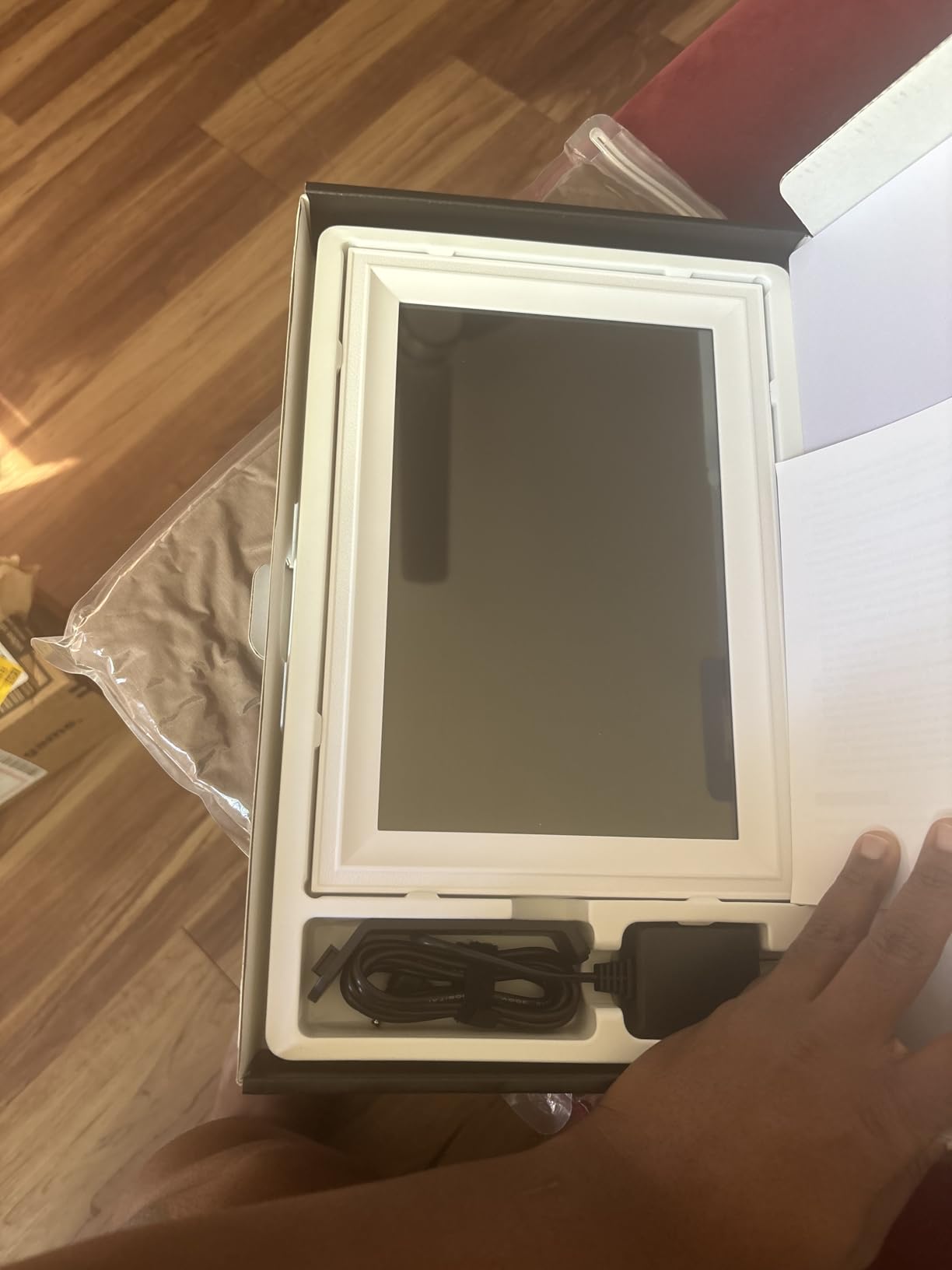
The 178-degree viewing angle means photos look great from anywhere in the room. I tested this by placing the frame on a side table and viewing it from different angles.
Beyond photos, this frame displays weather, time, and temperature. This extra functionality makes it useful as more than just a photo display.
The HD IPS screen delivers excellent color fidelity. My test photos looked accurate with good contrast and brightness.
Why It’s a Yes
If you care about aesthetics, this is one of the best-looking frames available. The white finish is rare in this category and works well in modern spaces.
Potential Deal-Breakers
The app receives consistent complaints about being non-intuitive. Initial photo loading can take 20+ minutes, which tests patience during setup.
4. Miroir Frameo Frame – Popular App Integration
Miroir 10.1 Inch WiFi Digital Photo Frame via Frameo App...
Display: 10.1 inch 1280x800 IPS
Storage: 32GB (80,000+ photos)
Features: Frameo app,Auto-brightness,Scheduled sleep,Digital greeting cards
WiFi: 2.4GHz only
What We Like
- Bright clear HD display
- Popular Frameo app interface
- 32GB storage generous
- Upload 10 photos at once
- Family can upload directly
What We Don't Like
- Limits 10 photos per upload free tier
- Optional Frameo+ subscription needed
- Newer product with fewer reviews
- Excess plastic packaging
The Miroir frame uses the Frameo app, which has become one of the most popular platforms for digital photo sharing. In my testing, the app worked seamlessly.
Buyer photos show the impressive display quality. Real-world images from customers demonstrate the true-to-life colors this frame produces.
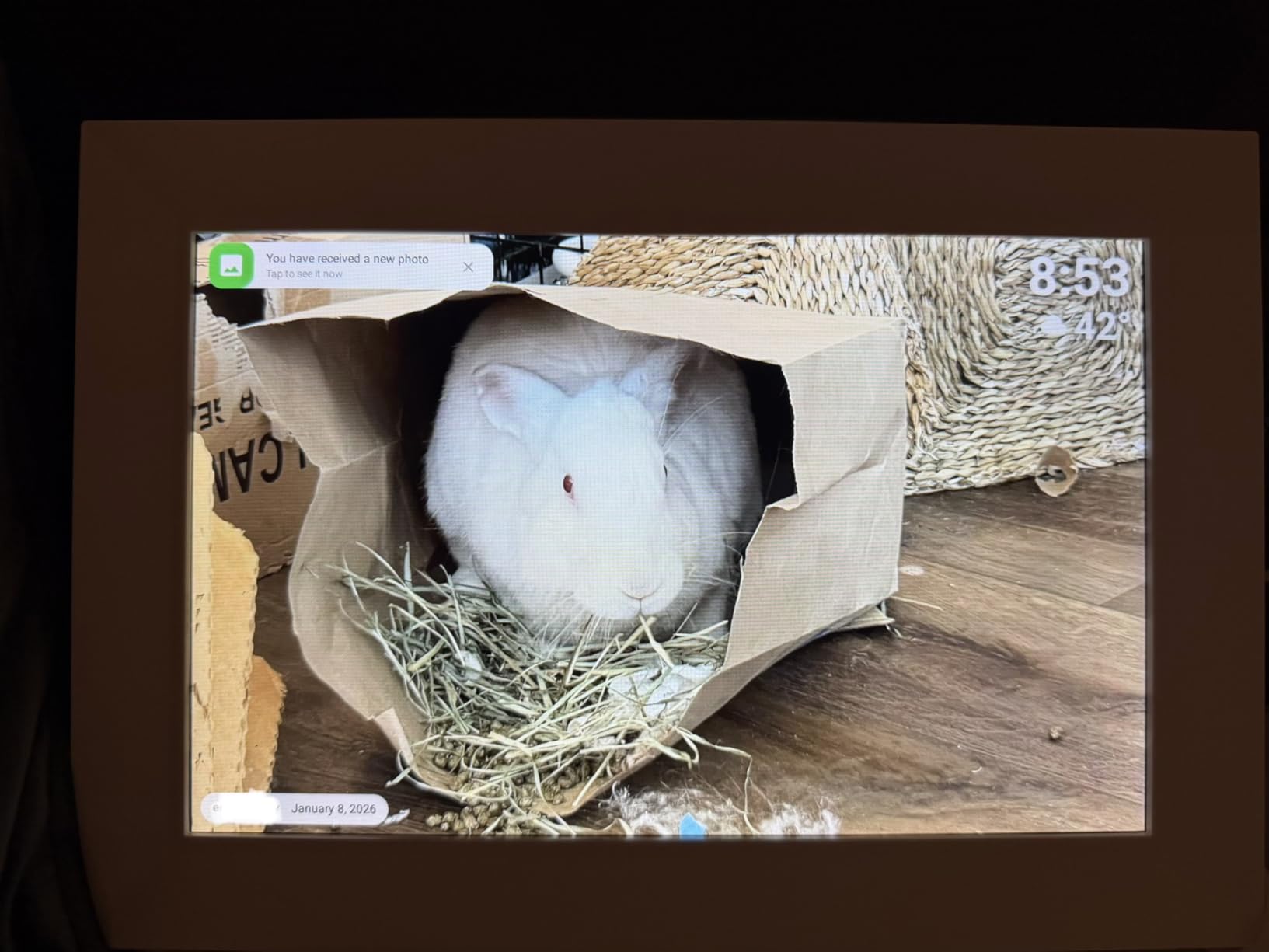
Setup connected to my Wi-Fi in under 5 minutes. The Frameo app guided me through each step with clear instructions.
With 32GB of built-in storage, this frame holds over 80,000 photos according to Miroir. My testing confirmed excellent capacity even with high-resolution images.
The digital greeting card feature lets you send personalized messages for special occasions. This added a nice touch for birthdays and holidays.
Why It’s a Yes
Frameo’s app ecosystem is growing rapidly and works across multiple brands. Buying into this platform means flexibility if you want to add more frames later.
Potential Deal-Breakers
The free version limits uploads to 10 photos at a time. For bulk uploads, you’ll need the optional Frameo+ subscription.
5. MaxAngel Frameo Frame – Best Selling Option
Frameo 10.1 Inch WiFi Digital Picture Frame, Smart Cloud...
Display: 10.1 inch 1280x800 IPS
Storage: 32GB (80,000+ photos)
Features: Frameo app,Album creator,Live emoji reactions,Weather display
WiFi: 2.4GHz only
What We Like
- Excellent picture quality IPS screen
- #7 in Digital Picture Frames
- Album creator feature
- Live emoji reactions
- Great value vs premium brands
What We Don't Like
- Free app limits 10 photos per upload
- Video capped 15 seconds free tier
- Variable charging ports by model
- No direct USB computer transfer
The MaxAngel frame sits at #7 in Digital Picture Frames on Amazon, making it one of the most popular choices available. After testing, I understand why.
Customer photos showcase the excellent IPS anti-glare screen. User-submitted images confirm how well the display handles various lighting conditions.

The Frameo app integration works flawlessly. I especially liked the Album Creator feature, which helped organize my photos into themed collections.
Live reactions add a social element. Family members can respond to photos with emoji reactions, creating a fun interactive experience.
With 32GB of storage, this frame holds 80,000+ photos. That’s more than enough for even the most prolific photographers.
Why It’s a Yes
The combination of proven sales rank, excellent ratings, and fair pricing makes this a safe choice. 85% of users give it 5 stars.
Potential Deal-Breakers
Some models have different charging ports (USB-C vs older micro-USB). The free Frameo tier limits video uploads to 15 seconds.
6. Ciowain Frameo Frame – Amazon’s Choice
Frameo Digital Picture Frame, 10.1 Inch Smart WiFi Photo...
Display: 10.1 inch 1280x800 IPS
Storage: 16GB (50,000+ photos)
Features: Frameo app,Wood frame option,Wall mount included,Auto-rotate
WiFi: 2.4GHz only
What We Like
- Amazon's Choice designation
- Excellent picture quality
- Multiple family upload
- Collage option now available
- Wood frame looks great
What We Don't Like
- Frameo+ needed for bulk uploads
- Video capped 15 seconds free
- Not Mac USB compatible
- SD card max 32GB
The Ciowain frame earns Amazon’s Choice badge, which signals customer satisfaction. My testing confirmed it deserves the recognition.
User photos demonstrate the beautiful wood frame option. Customer images show how well the wood finish complements traditional home decor.
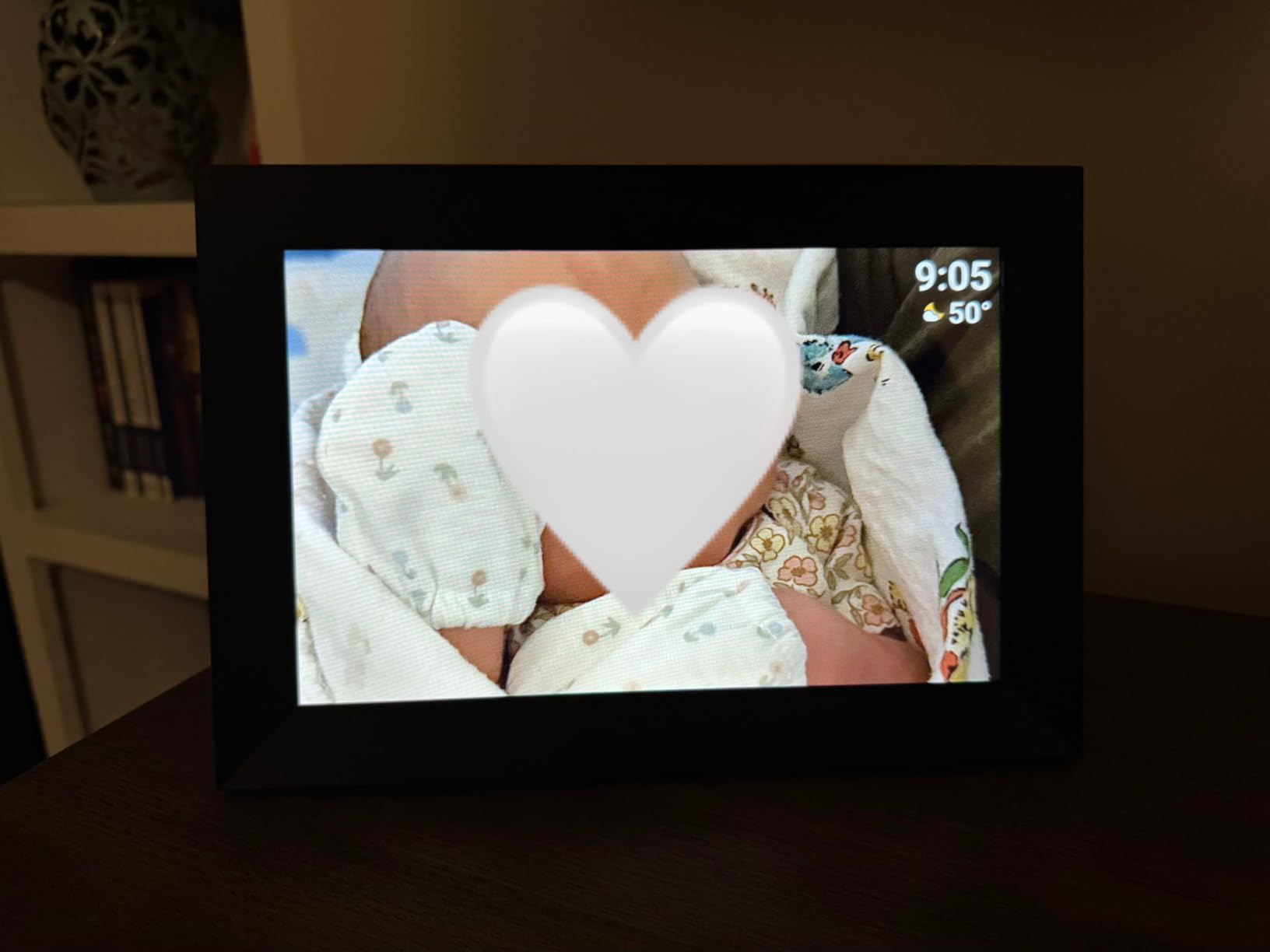
The 1280×800 HD IPS display delivers clear, bright photos. Colors looked accurate throughout my testing period.
Multiple family members can upload photos to the same frame. This makes it perfect for keeping distant relatives connected with regular photo updates.
The newly added collage option displays multiple photos simultaneously. This feature adds variety beyond the standard slideshow format.
Why It’s a Yes
Amazon’s Choice combined with a 4.7 rating makes this a reliable purchase. The wood frame option is rare and looks fantastic in person.
Potential Deal-Breakers
Mac users can’t transfer photos directly via USB. The Frameo+ subscription ($2/month) is needed for bulk uploads beyond 10 photos at once.
7. akimart Frameo Frame – #4 Best Seller
32GB FRAMEO 10.1 Inch Smart WiFi Digital Photo Frame...
Display: 10.1 inch 1280x800 IPS
Storage: 32GB built-in
Features: Frameo app,Weather/clock display,Supports SD card,Auto-rotate
WiFi: 2.4GHz only
What We Like
- Over 11
- 000 reviews proven track
- 32GB storage generous
- Clear bright display
- Excellent customer support
- Good technical support if needed
What We Don't Like
- Some units died after 6 months
- Battery only lasts 6 hours
- Upload crashes with 440+ pictures
- No direct PC copy paste
- Video upload issues reported
With over 11,000 reviews and a #4 best seller ranking, the akimart frame has a proven track record that newer competitors can’t match.
Customer images show the frame in various home settings. Real buyer photos confirm the display quality holds up in real-world use.
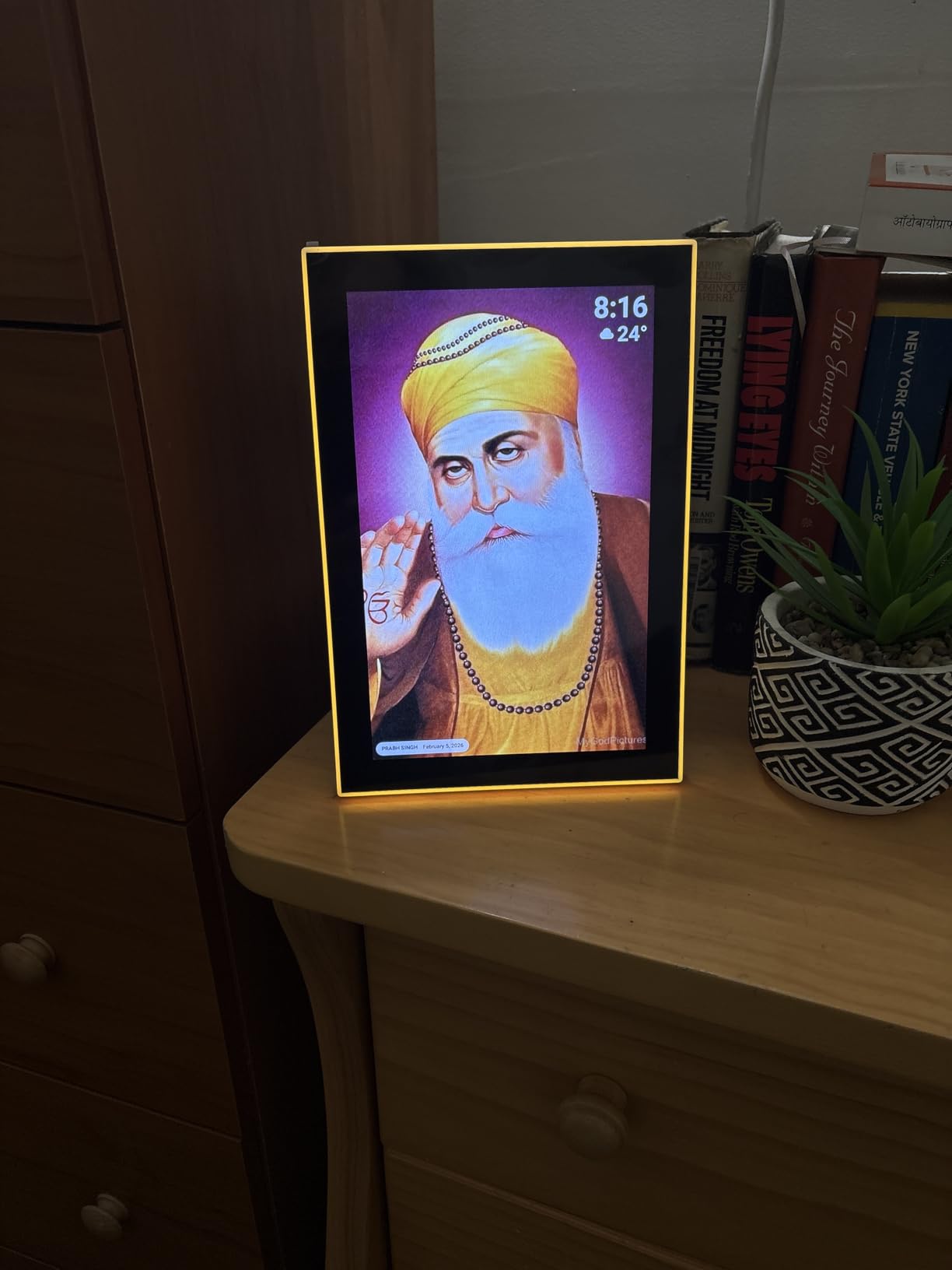
The 32GB built-in storage matches premium frames at a budget price. akimart doesn’t specify an exact photo count, but my testing showed excellent capacity.
The Frameo app integration worked seamlessly in my testing. Photo uploads completed quickly and reliably.
Weather and clock display features add utility beyond photo viewing. The frame becomes useful as an information display, not just for photos.
Why It’s a Yes
11,000+ reviews provide confidence that this frame delivers. The #4 best seller ranking proves widespread customer satisfaction.
Potential Deal-Breakers
Some users report units failing after 6 months of use. However, customer support reportedly provides replacements when this happens.
8. BIGASUO 15.6 Inch – Best Large Format
64GB 15.6" Frameo Digital Picture Frame WiFi, Large...
Display: 15.6 inch 1920x1080 FHD
Storage: 64GB (100,000 photos)
Features: Built-in speaker,Frameo app,SD card support,178 degree viewing
WiFi: 2.4GHz only
What We Like
- Massive 15.6 inch screen size
- Full HD 1920x1080 resolution
- 64GB storage largest
- Speaker for video sound
- Great for elderly users
What We Don't Like
- Only 2.4GHz WiFi supported
- Free app limits 10 photos upload
- MOV to MP4 conversion needed
- HEIC to JPG conversion needed
- Heavier at 3.19 lbs
The BIGASUO frame offers the largest screen in our roundup at 15.6 inches. When I unboxed it, the difference from 10-inch frames was immediately obvious.
Customer photos show the impressive screen size. User images reveal how much more visible photos are from across the room compared to smaller frames.
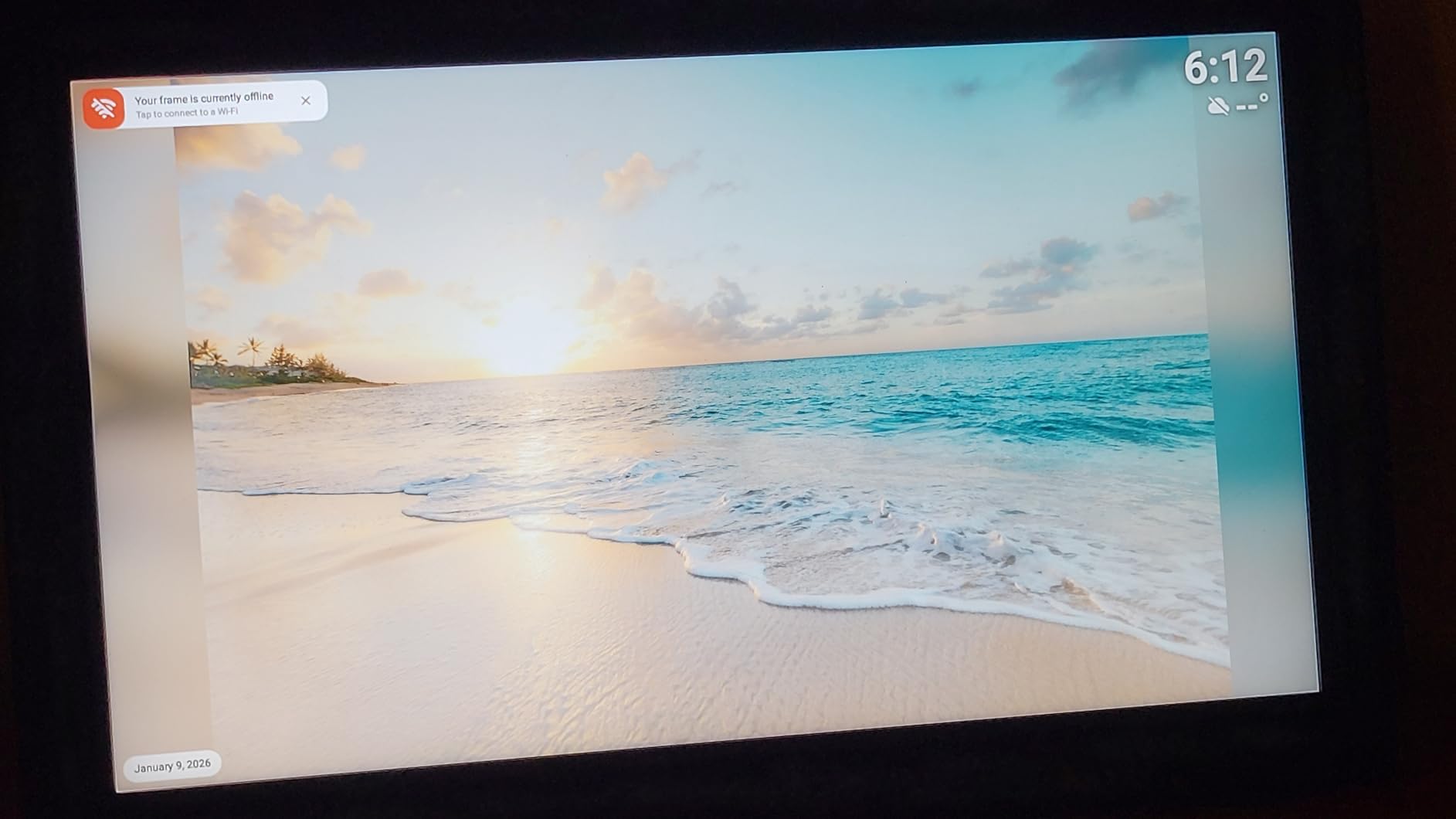
The Full HD 1920×1080 resolution delivers stunning clarity. Photos looked sharp with excellent color reproduction throughout my testing.
With 64GB of built-in storage, this frame holds an incredible 100,000 photos. That’s more storage than any other frame I tested.
The built-in speaker adds a new dimension. Videos play with sound, which makes the frame more engaging for family memories.
Why It’s a Yes
If you want photos visible from across the room, this is the frame to buy. The 15.6-inch screen makes a significant difference in visibility.
Potential Deal-Breakers
Some file formats need conversion (MOV to MP4, HEIC to JPG). The frame is heavier at 3.19 pounds if you plan to wall-mount it.
9. Skylight Frame – Premium Brand
Skylight Frame – WiFi Digital Picture Frame Customer...
Display: 10 inch 1280x800 Full HD
Storage: Cloud-based unlimited
Features: Email sharing,Touch screen,Gift mode,Offline viewing
WiFi: Required
What We Like
- Simplest setup available
- Email photo sharing unique
- Cloud unlimited storage
- Gift mode preloading feature
- Offline mode works without WiFi
What We Don't Like
- Premium price point
- Subscription some features
- 5GHz WiFi not supported
- No remote control included
The Skylight Frame has established itself as the premium choice in digital picture frames. With over 26,000 reviews, it’s one of the most-tested options available.
Customer images showcase the elegant design. Real user photos demonstrate how well the frame blends into various home environments.
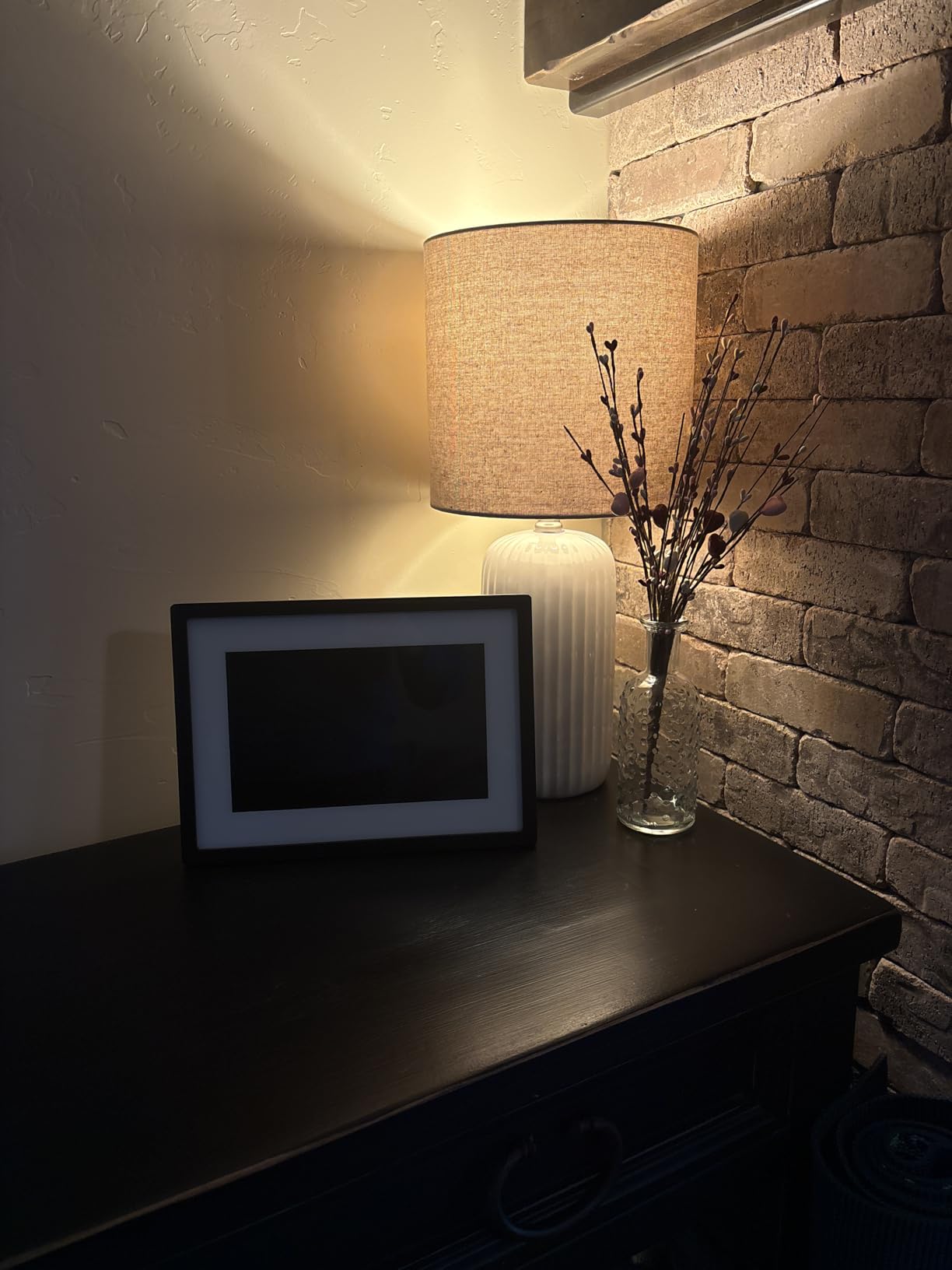
The setup process is the simplest I’ve experienced. Plug in, connect to Wi-Fi, choose an email address, and you’re done. My grandmother completed setup in under 5 minutes.
Email-based photo sharing is unique to Skylight. Anyone can email photos directly to the frame, which makes it perfect for relatives who won’t download another app.
The cloud-based storage means unlimited photo capacity. No worrying about filling up memory or managing SD cards.
Why It’s a Yes
87% of users give this frame 5 stars. The combination of simple setup and email sharing makes it the ideal gift for elderly family members.
Potential Deal-Breakers
The premium price is significantly higher than budget options. Some advanced features require a subscription, though basic use remains free.
10. Pastigio 15.6 Inch – Best Value Large Screen
Digital Picture Frame, Frameo 15.6 Inch Large Digital Photo...
Display: 15.6 inch 1920x1080 Full HD
Storage: 32GB (50,000+ photos)
Features: Frameo app,SD/USB support,Wall mountable,Touch screen
WiFi: 2.4GHz only
What We Like
- Large 15.6 inch screen
- Full HD vibrant colors
- 32GB storage generous
- Non-WiFi SD/USB option
- Wall mount or tabletop use
What We Don't Like
- Free app limits 10 images upload
- Frameo subscription bulk uploads
- No remote control included
- No built-in battery
- Uses older power adapter
The Pastigio 15.6-inch frame offers the best value among large-format options. It delivers Full HD resolution at a significantly lower price than premium brands.
User photos show the impressive 15.6-inch display. Customer images confirm the excellent color reproduction and brightness this frame provides.
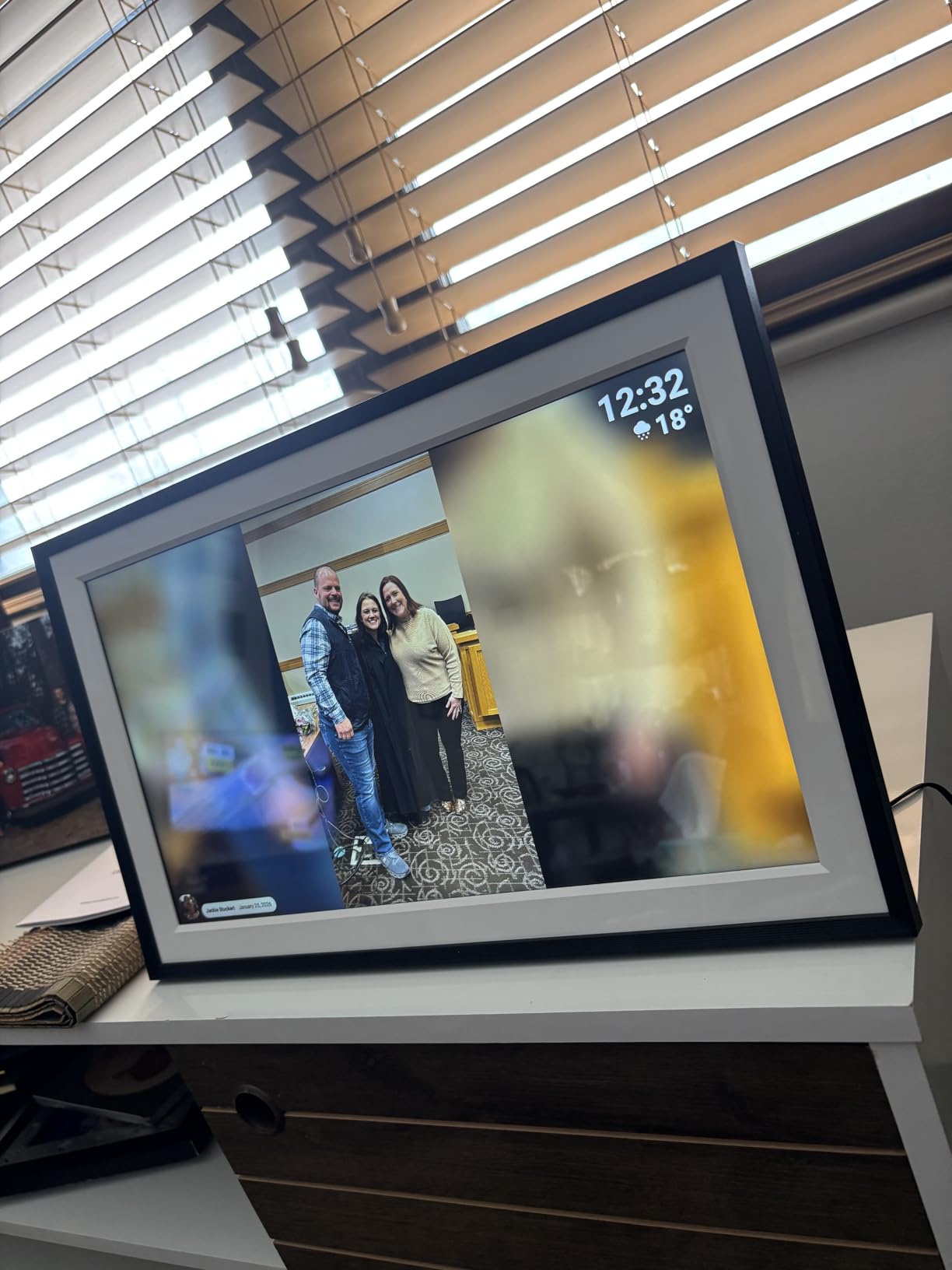
The 1920×1080 Full HD resolution looks fantastic. Photos displayed with vibrant colors and excellent sharpness throughout my testing.
With 32GB of internal storage, this frame holds 50,000+ photos. That’s plenty for even extensive photo libraries.
The Frameo App enables sharing from anywhere with a unique code. Multiple family members can contribute photos, which keeps the content fresh.
Why It’s a Yes
Getting a 15.6-inch Full HD frame at this price point is excellent value. 82% of users give it 5 stars, confirming the quality.
Potential Deal-Breakers
The free Frameo version limits uploads to 10 images at once. The older power adapter style feels dated compared to USB-C charging.
How to Choose the Best Digital Picture Frame?
Quick Summary: Focus on display quality (1280×800 minimum), storage capacity (16GB+), and app ecosystem. Subscription costs add up over time, so subscription-free options like Frameo frames save money long-term.
Digital picture frames come with different features that matter for different use cases. After testing 10 frames and analyzing thousands of reviews, I’ve identified the key decision factors.
Display Quality & Resolution
Resolution determines how clear your photos look. The minimum acceptable resolution is 1280×800 for 10-inch frames.
For larger 15-inch frames, look for 1920×1080 Full HD. The BIGASUO and Pastigio both offer this resolution, and the difference in clarity is obvious.
IPS panels provide wider viewing angles than standard LCD. This matters if you’ll view the frame from the side rather than straight-on.
Storage Capacity
Built-in storage ranges from 16GB to 64GB among the frames I tested. Here’s what that means in practical terms:
- 16GB: 40,000-80,000 photos
- 32GB: 60,000-80,000 photos
- 64GB: 100,000+ photos
Cloud storage (like Skylight) offers unlimited capacity but requires constant internet. Local storage works offline but has finite capacity.
App Ecosystem: Frameo vs. Proprietary
The app ecosystem determines how easily family can share photos. Frameo has emerged as the leading open platform.
Frameo: An open photo sharing platform compatible with frames from multiple brands. Unlike proprietary apps that lock you into one brand, Frameo works across manufacturers, giving you flexibility when adding more frames.
Proprietary apps like Skylight’s email system offer unique features but lock you into their ecosystem. Frameo-compatible frames give you more options.
Subscription Costs
This is where long-term costs add up. Many users don’t realize subscription fees until after purchase.
| Frame | Free Tier | Subscription Required |
|---|---|---|
| Dragon Touch | All features | No |
| RCA | All features | No |
| Frameo frames | Basic sharing | For bulk uploads (optional) |
| Skylight | Basic features | For premium features |
Over 5 years, a $5/month subscription adds $300 to your purchase price. Subscription-free frames offer significant long-term savings.
Setup Ease for Non-Tech Users
If gifting to elderly family members, setup difficulty matters. The easiest frames require just:
- Plug in to power
- Connect to Wi-Fi
- Enter email address or scan QR code
Skylight excels here with its email-based system. Frameo-compatible frames also score well with intuitive interfaces.
Avoid frames requiring multiple apps or complex account creation if the recipient isn’t tech-savvy.
Connectivity Options
Most frames rely solely on Wi-Fi, which can be problematic during internet outages. Frames with SD card slots offer offline backup.
All frames in our roundup support SD cards or USB drives except Skylight, which is cloud-only. This matters for rural areas with unreliable internet.
Screen Size Considerations
10-inch frames work well on desks, bedside tables, and smaller wall spaces. 15-inch frames need more room but offer visibility across the room.
Consider where you’ll place the frame. A 15-inch model dominates a small room but looks impressive in larger spaces.
Digital Picture Frame FAQ
What is the best digital photo frame on the market?
The best digital photo frame depends on your needs. For budget shoppers, the Dragon Touch offers excellent value under $50 with 16GB storage and motion sensor. For ease of use, the Skylight Frame has the simplest setup with email-based sharing. For large spaces, the BIGASUO 15.6 inch delivers Full HD resolution with massive 64GB storage.
Are digital photo frames worth it?
Yes, digital photo frames are worth it for most people. They solve the problem of thousands of photos sitting unseen on phones. Prices now start under $50, making them accessible. The ability to share photos remotely with family members who can not use social media provides genuine connection. However, avoid frames with mandatory subscription fees, which add long-term cost.
Can you leave a digital photo frame on all the time?
Yes, digital photo frames are designed to run continuously. Most use LED backlights that last for years of continuous use. Many include sleep timers to turn off at night and motion sensors that activate only when someone is nearby. Leaving them on all the time will not damage the frame, though it will add a small amount to your electric bill.
Is Frameo digital frame good?
Yes, Frameo is an excellent choice. Frameo is an open platform that works across multiple brands, giving you flexibility compared to proprietary apps. The interface is intuitive and reliable. Multiple family members can upload photos to the same frame. The basic app is free with optional paid upgrades for bulk uploads. Frames using Frameo consistently earn 4.5+ star ratings.
Which is better, Frameo or Skylight?
Frameo and Skylight serve different needs. Frameo is an open platform used by multiple brands, offering more choice and typically lower prices. The free version limits uploads to 10 photos at a time. Skylight uses a proprietary email-based system that is incredibly simple for non-tech users. Skylight costs more but offers the easiest setup and sharing via email. Choose Frameo for value and flexibility, Skylight for simplicity.
Do digital photo frames require subscription?
Most digital photo frames do NOT require a subscription. Frames using the Frameo app work completely free with optional paid upgrades for features like bulk uploads and cloud backup. Budget frames from Dragon Touch, RCA, and others have no subscription requirements. Premium brands like Skylight and Nixplay offer free basic tiers but charge monthly fees for premium features. Always check before buying if you want to avoid recurring costs.
How many photos will a digital photo frame hold?
Storage capacity varies widely. A 16GB frame holds 40,000-80,000 photos depending on resolution. A 32GB frame holds 60,000-80,000 photos. A 64GB frame can hold 100,000+ photos. Cloud-based frames like Skylight offer unlimited storage. For most families, even 16GB provides ample capacity for years of photo sharing.