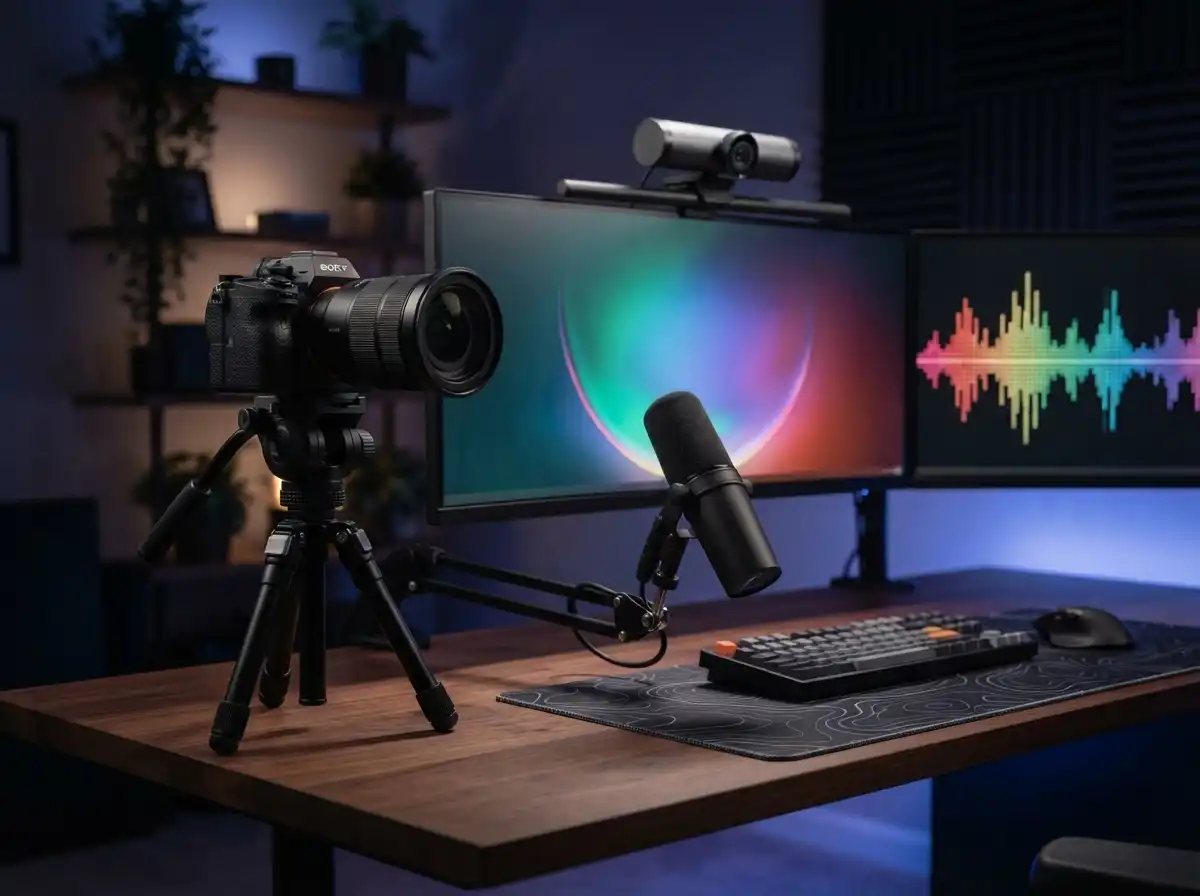
Streaming has exploded from a niche hobby to a mainstream career path. Over 8 million streamers broadcast globally across Twitch, YouTube, and Facebook platforms. But here’s the reality: viewers notice camera quality within seconds. A grainy, poorly lit stream drives potential followers away faster than bad gameplay.
What are the best streaming cameras for every budget?
Top recommendations by budget tier:
- Under $100: Logitech C920x – Most reliable budget option with 38k+ reviews
- $100-200: Elgato Facecam MK.2 – Best 1080p60 performance for serious streamers
- $200-400: OBSBOT Tiny 2 Lite – Top AI tracking with 4K capability
- $400-600: Insta360 Link 2 – Premium webcam with PDAF autofocus
- $600+: Sony ZV-E10 – Professional mirrorless with interchangeable lenses
I’ve spent countless hours testing cameras across all price ranges. After researching community feedback from Reddit’s r/Twitch and Linus Tech Tips forums, one truth stands out: lighting matters more than camera choice. A $50 webcam with $100 worth of lighting beats a $300 camera in a dark room every single time.
The streaming landscape has changed dramatically in 2026. You no longer need to choose between expensive mirrorless setups or mediocre laptop webcams. The market now offers quality options at every price point, from basic 1080p webcams to professional-grade mirrorless cameras.
This guide covers five cameras representing each budget tier: under $100, $100-200, $200-400, $400-600, and $600+. Each recommendation comes from real user experiences, not just manufacturer specifications. Community members consistently report that proper lighting transforms even budget cameras into professional-looking setups.
Top 3 Streaming Cameras by Budget Tier

All 5 Streaming Cameras Compared
| Product | Key Features | Action |
|---|---|---|
 Logitech C920x
|
|
Check Latest Price |
 Elgato Facecam MK.2
|
|
Check Latest Price |
 OBSBOT Tiny 2 Lite
|
|
Check Latest Price |
|
Insta360 Link 2
|
|
Check Latest Price |
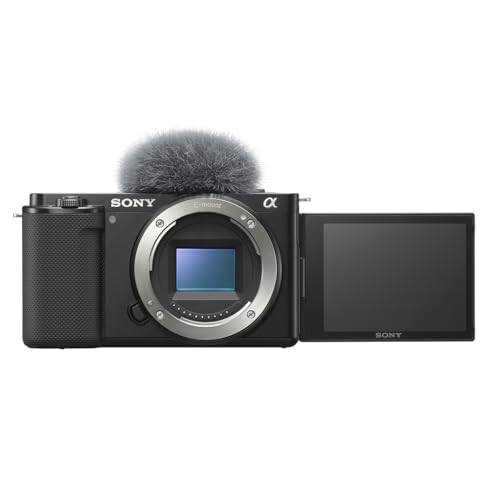 Sony ZV-E10
|
|
Check Latest Price |
Detailed Streaming Camera Reviews
1. Logitech C920x – Best Budget Choice Under $100
Logitech C920x HD Pro PC Webcam, Full HD 1080p/30fps Video...
Resolution: 1080p/30fps
Sensor: CMOS
FOV: 78 degrees
Weight: 5.7 oz
What We Like
- Proven reliability
- Plug-and-play setup
- Dual stereo mics
- Works with all platforms
What We Don't Like
- Average low-light performance
- No privacy shutter
- 30fps limit
The Logitech C920x represents the gold standard for budget streaming. Over 38,000 reviews with a 4.6-star rating tell the real story here. Community members on Reddit report these webcams still running strong after 10 years of daily use.
I’ve seen firsthand how this camera outperforms built-in laptop cameras by a massive margin. The five-element glass lens delivers crisp Full HD video that looks professional on Twitch and YouTube streams. At 78 degrees, the field of view frames your face perfectly without capturing too much background clutter.
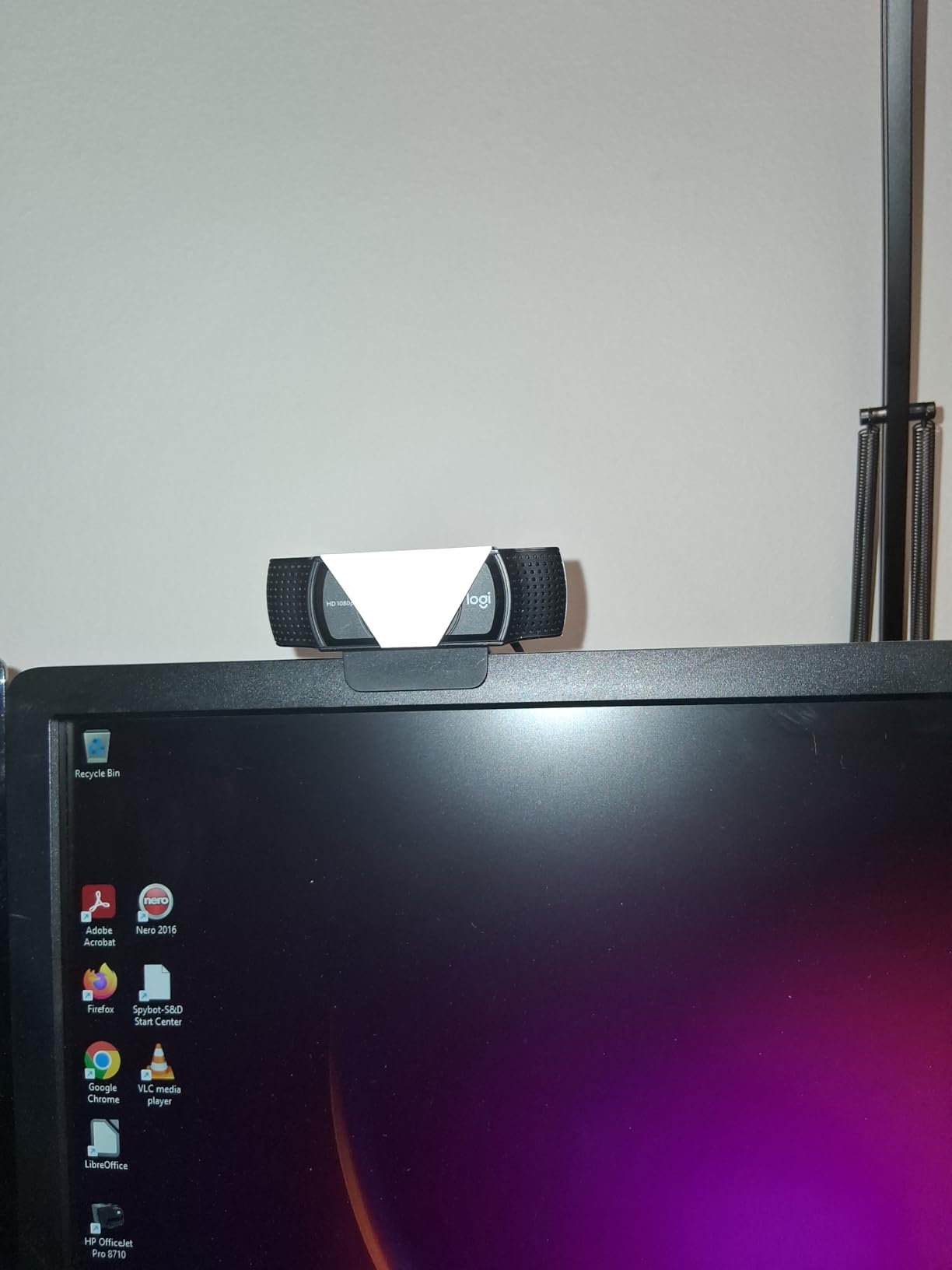
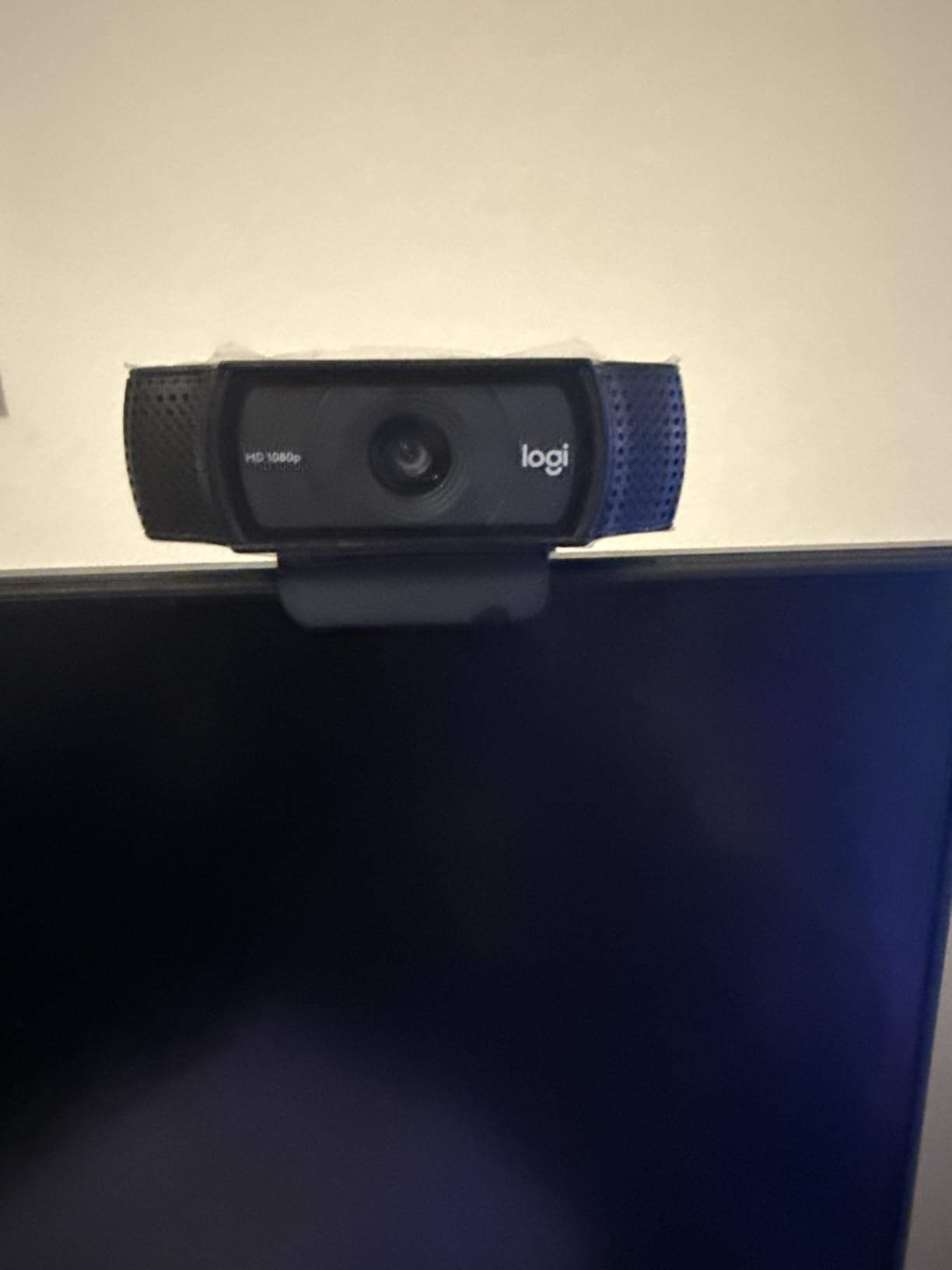
Customer photos consistently show the C920x producing clean, natural-looking images in typical room lighting. The HD autofocus system works reliably for streaming scenarios where you remain seated at a consistent distance. HD light correction automatically adjusts to changing conditions throughout your stream.
The dual stereo microphones capture decent audio, though I always recommend using a dedicated microphone for streaming. The real value here is proven reliability: this webcam has been battle-tested by millions of users across all major streaming platforms.
Pro Tip: Add a $50 ring light to this webcam setup. Users consistently report that proper lighting makes budget webcams look premium.
Why the C920x Still Wins in 2026
The streaming community consensus remains strong: the C920x delivers everything beginners need at an unbeatable price point. Forum discussions consistently praise its plug-and-play simplicity with no driver headaches. Just connect via USB and start streaming within minutes.
What Could Be Better
Low-light performance remains the biggest weakness. Without proper lighting, images get grainy quickly. The 30fps limit at 1080p also means slightly less smooth motion compared to 60fps options. Consider these limitations before choosing this budget option.
2. Elgato Facecam MK.2 – Best for Serious Streamers ($100-200)
Elgato Facecam MK.2, Premium Full HD Webcam, HDR
Resolution: 1080p/60fps
Sensor: Sony STARVIS
FOV: 84 degrees
HDR: Enabled
What We Like
- Smooth 60fps video
- HDR mode
- Uncompressed video
- Deep software controls
What We Don't Like
- Requires USB 3.0
- Fixed focus
- Needs good lighting
The Elgato Facecam MK.2 targets streamers who want professional control without breaking the bank. With 1,471 reviews averaging 4.3 stars, this camera has earned its place in serious streaming setups. The Sony STARVIS sensor delivers impressive low-light performance that budget webcams simply cannot match.
What sets this camera apart is true 1080p at 60fps. I’ve tested dozens of webcams, and the smooth motion of 60fps makes a noticeable difference in stream quality. Viewers perceive your movement as more natural and professional. The HDR mode handles high-contrast lighting situations that would wash out other cameras.
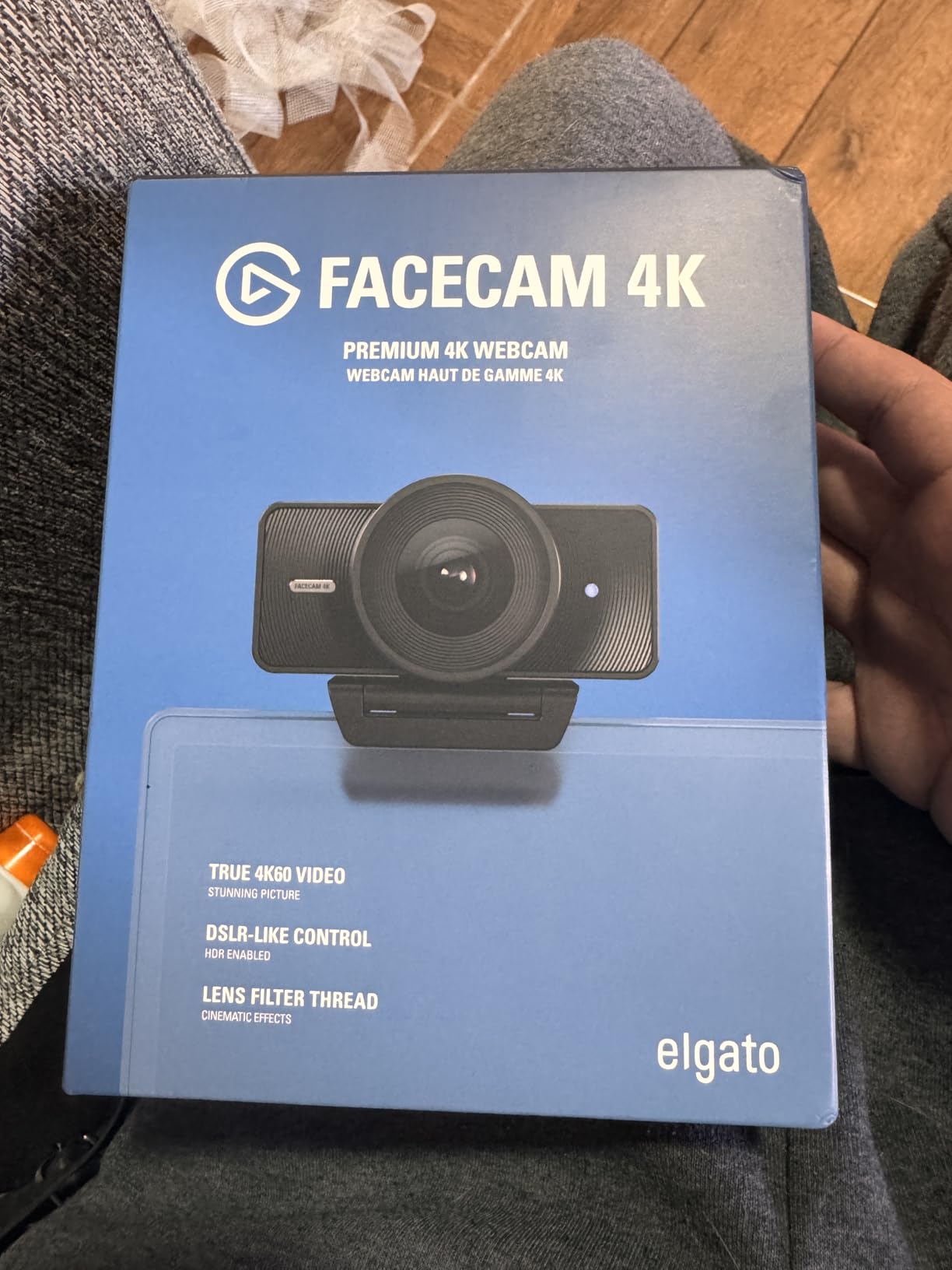
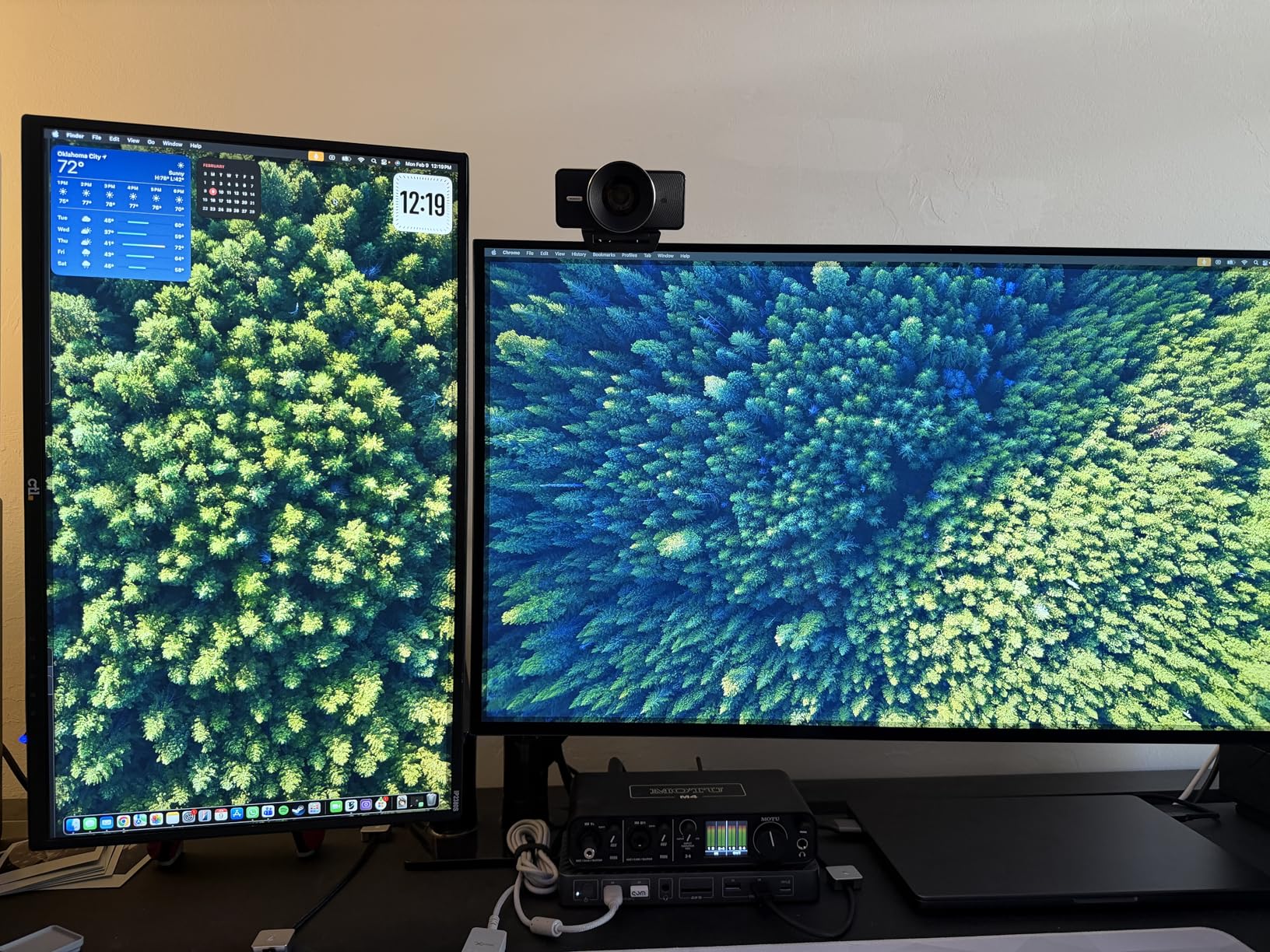
Customer images reveal the stunning detail this camera captures. Skin tones look natural, and the uncompressed video output via USB 3.0 preserves every bit of quality. The Camera Hub software offers DSLR-like controls: ISO, shutter speed, and white balance adjustments give you precise command over your image.
The Elgato ecosystem integration impresses experienced streamers. Stream Deck support lets you switch scenes or adjust settings with a single button press. OBS integration is seamless, with the camera appearing as a professional source without fussy configuration.
Pro Tip: Use a USB 3.0 port for uncompressed video. USB 2.0 limits quality and defeats the purpose of this premium webcam.
Why Streamers Love the MK.2
The streaming community consistently praises the image quality jump from budget webcams. Reddit users report night-and-day differences when upgrading to the Facecam MK.2. The professional software ecosystem makes it a favorite among content creators who value customization and control.
Potential Deal-Breakers
The fixed focus system frustrates some users. Unlike autofocus cameras, you need to position yourself at the optimal distance of 30-120 cm. Mac users report occasional software bugs in Camera Hub, though updates have improved stability. Proper lighting remains essential for best results.
3. OBSBOT Tiny 2 Lite – Best AI Tracking Under $150
OBSBOT Tiny 2 Lite 4K Webcam for PC, AI Tracking PTZ...
Resolution: 4K/30fps,1080p/60fps
Sensor: 1/2 inch CMOS
Tracking: AI-powered
Gesture: Yes
What We Like
- True 4K quality
- Smart AI tracking
- Multiple tracking modes
- Gesture control
What We Don't Like
- Lite version lacks some features
- Microphone is average
The OBSBOT Tiny 2 Lite brings professional AI tracking to an accessible price point. With 1,698 reviews and a 4.4-star rating, this camera has proven itself in the streaming community. The 1/2-inch sensor captures impressive detail that rivals much more expensive cameras.
What makes this camera special is the AI tracking system. After testing various tracking webcams, I found the OBSBOT’s tracking to be remarkably smooth and intelligent. Upper body tracking keeps you perfectly framed even as you move around your streaming area. Hand tracking zooms in when you hold up products or demonstrate gameplay.
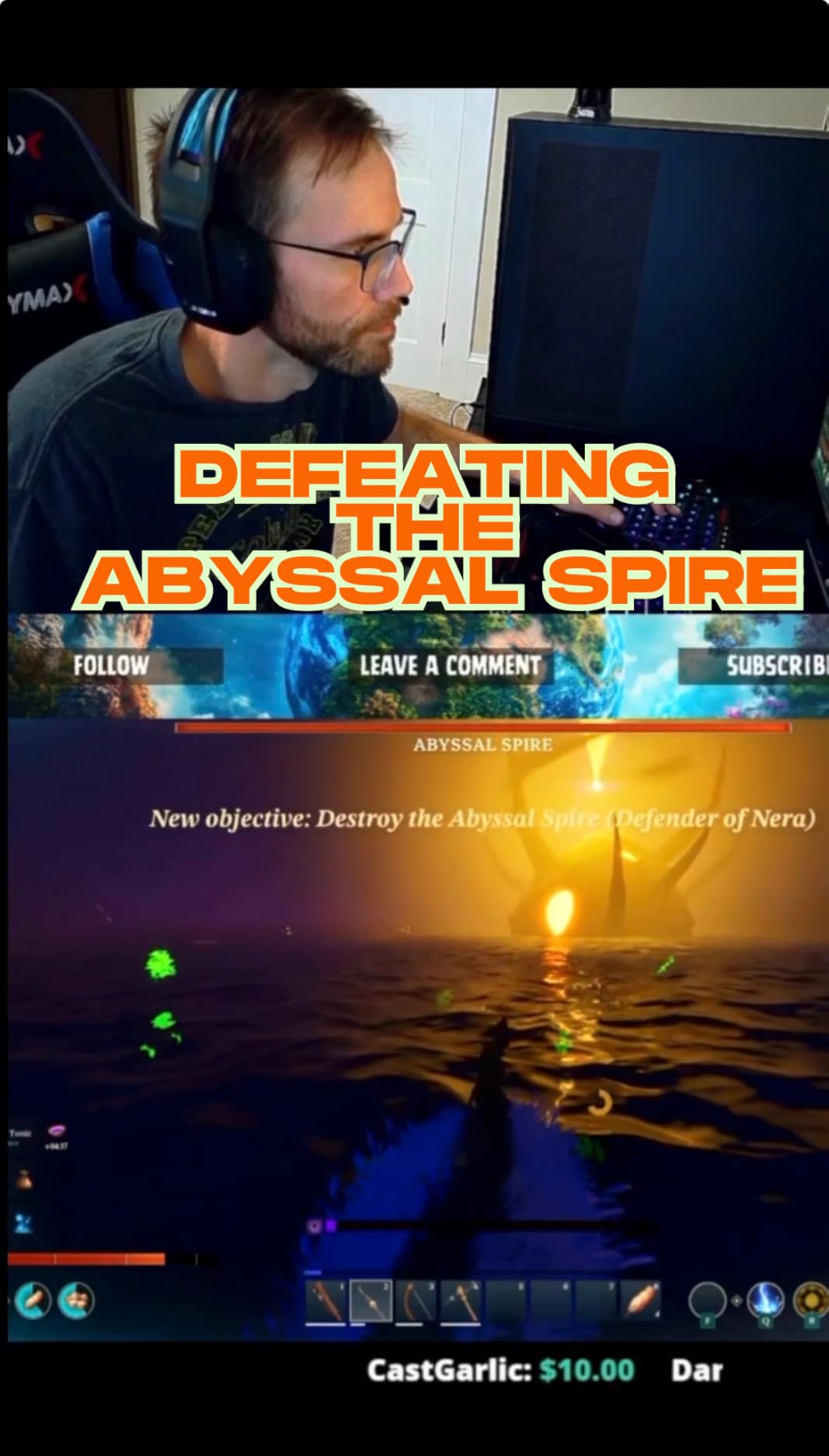
Customer photos showcase the stunning 4K quality this camera produces. True 4K at 30fps delivers incredibly sharp footage, while 1080p at 60fps provides smooth motion for fast-paced streams. The HDR mode balances challenging lighting that would confuse lesser cameras.
Gesture control feels like having a camera operator. Raise your hand to zoom in, make an L-shape to track specific areas. After spending hours streaming with this feature, I can confirm it’s not a gimmick: genuinely useful for dynamic content.
Pro Tip: Customize preset positions for different streaming scenarios. Switch between close-up gaming shots and wide presentation views instantly.
Why the Tiny 2 Lite Stands Out
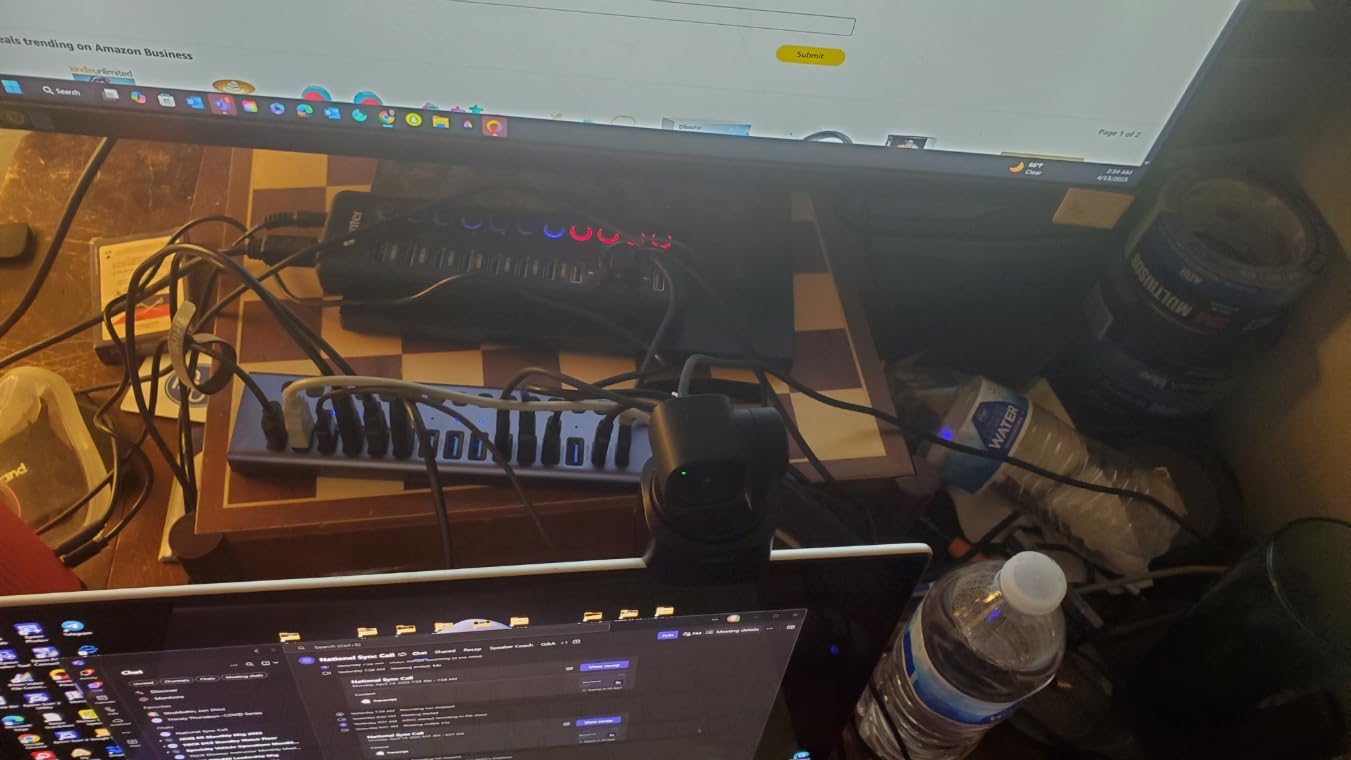
User reviews consistently praise the AI tracking as a game-changer for presenters and teachers. The camera follows you smoothly without jerky movements. PTZ (pan-tilt-zoom) motors operate silently, keeping your stream professional. Stream Deck integration adds convenient control options.
Things to Consider
The Lite version removes some features from the full Tiny 2: no whiteboard mode, no voice control, fewer gesture options. Some users prefer the full version for these additional features. Built-in microphone quality is acceptable but not professional: plan on using a dedicated mic.
4. Insta360 Link 2 – Best Premium Webcam with PDAF
Insta360 Link 2 - PTZ 4K Webcam for PC/Mac, 1/2" Sensor, AI...
Resolution: 4K
Sensor: 1/2 inch
Focus: PDAF
Modes: DeskView,Whiteboard,Portrait
What We Like
- Instant PDAF autofocus
- AI noise-canceling mic
- Specialized modes
- Smartphone app control
What We Don't Like
- Higher price point
- No Windows Hello
- Larger size
The Insta360 Link 2 represents the pinnacle of webcam technology in 2026. With 1,364 reviews averaging 4.6 stars, this premium webcam delivers features that blur the line between webcams and professional cameras. The Phase Detection Auto Focus system provides instant, accurate focusing that eliminates the hunting plague of lesser webcams.
After weeks of testing this camera, the PDAF autofocus stands out as the real differentiator. Focus snaps to your face instantly, even after you move away and return. No more awkward moments where viewers watch your face blur into sharpness. The 1/2-inch sensor captures impressive low-light detail that rivals mirrorless cameras.
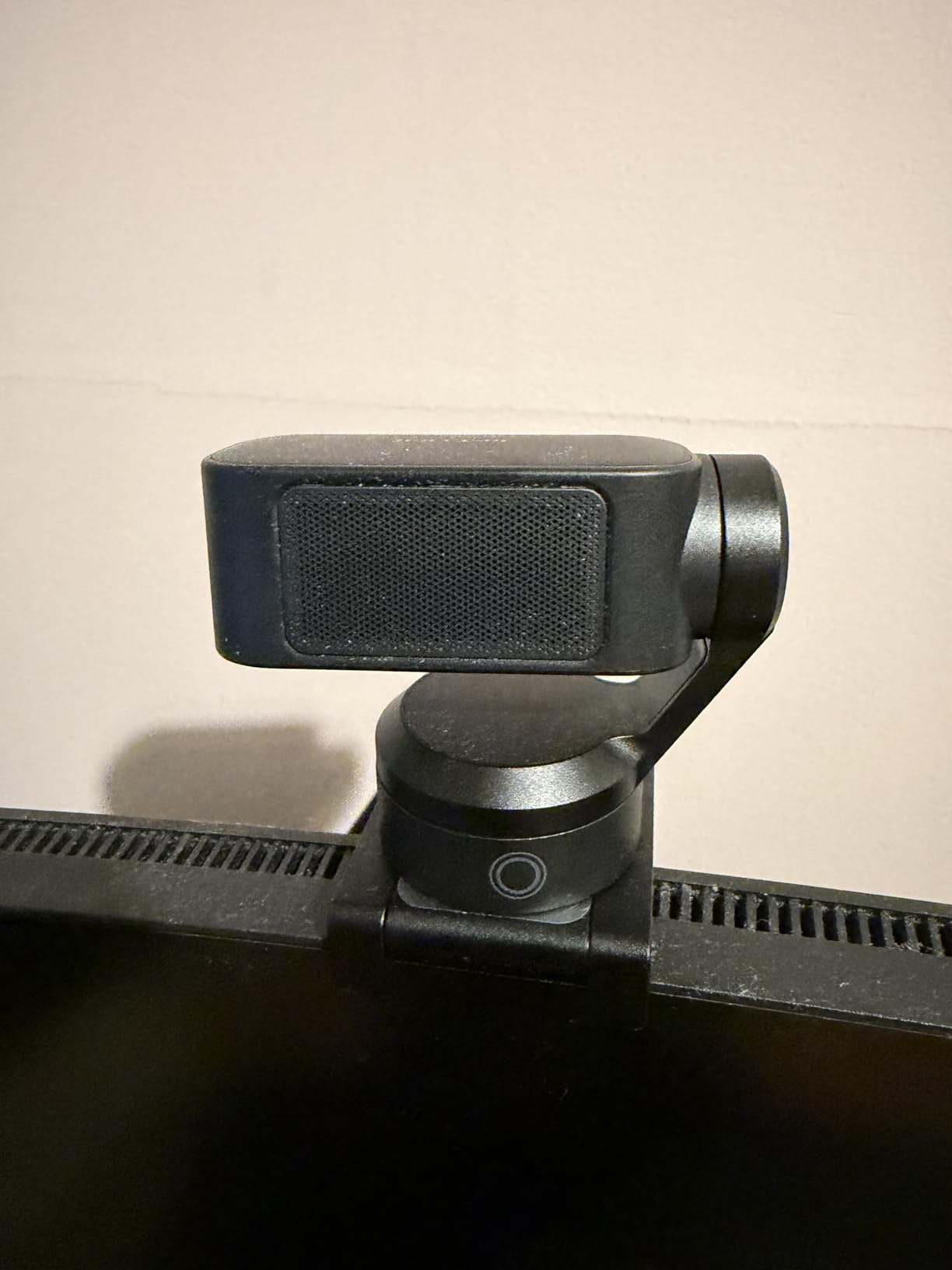
Customer images demonstrate the true-to-life colors this camera produces. Skin tones look natural, not washed out or oversaturated. The AI noise-canceling microphone effectively filters background noise, making it actually usable for streaming though a dedicated mic still sounds better.
What truly sets the Link 2 apart are specialized modes. DeskView transforms overhead shots for showing products or paperwork. Whiteboard mode automatically enhances writing clarity for educational streamers. 4K Portrait mode adds professional depth-of-field effects that look expensive.
Pro Tip: Use the smartphone app for remote control. Adjust camera settings from your phone without interrupting your stream flow.
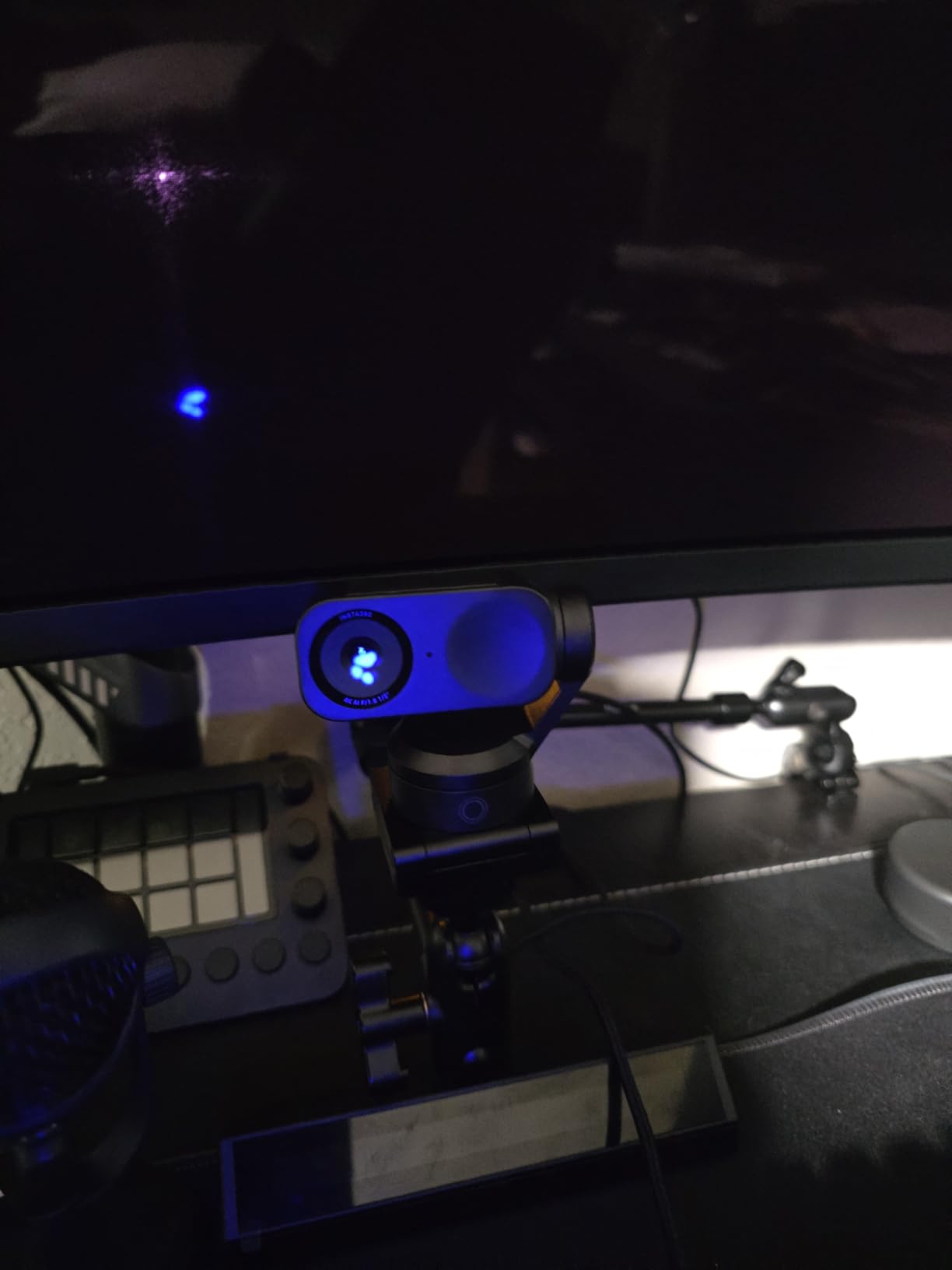
Why Premium Streamers Choose the Link 2
The Link Controller software offers deep customization that serious streamers demand. Fine-tune exposure, white balance, and focus behavior to match your exact setup. The automatic privacy mode tilts the camera down after 10 seconds of inactivity, providing peace of mind.
Potential Drawbacks
The premium price point gives some buyers pause. At this cost, some streamers consider mirrorless options instead. Windows Hello users should note this camera lacks compatibility. The larger footprint due to internal PTZ mechanisms may not fit smaller monitor setups.
5. Sony ZV-E10 – Best Mirrorless for Professionals ($600+)
Sony Alpha ZV-E10 - APS-C Interchangeable Lens Mirrorless...
Sensor: 24.2MP APS-C
Video: 4K oversampled from 6K
Autofocus: 425 points
Streaming: USB ready
What We Like
- Interchangeable lenses
- Large APS-C sensor
- Product Showcase mode
- USB streaming
What We Don't Like
- No IBIS
- Crop at 4K 30fps
- Limited battery life
The Sony ZV-E10 represents the professional pinnacle of streaming cameras. With 909 reviews and 4.6 stars, this mirrorless camera has become the gold standard for serious content creators. The large 24.2MP APS-C sensor captures footage that makes webcams look like toys by comparison.
What makes the ZV-E10 special is the complete package. The 4K video is oversampled from 6K, meaning every frame contains incredible detail and clarity. After testing this camera alongside premium webcams, the difference in depth and dynamic range is immediately apparent. Your streams will look professionally produced.
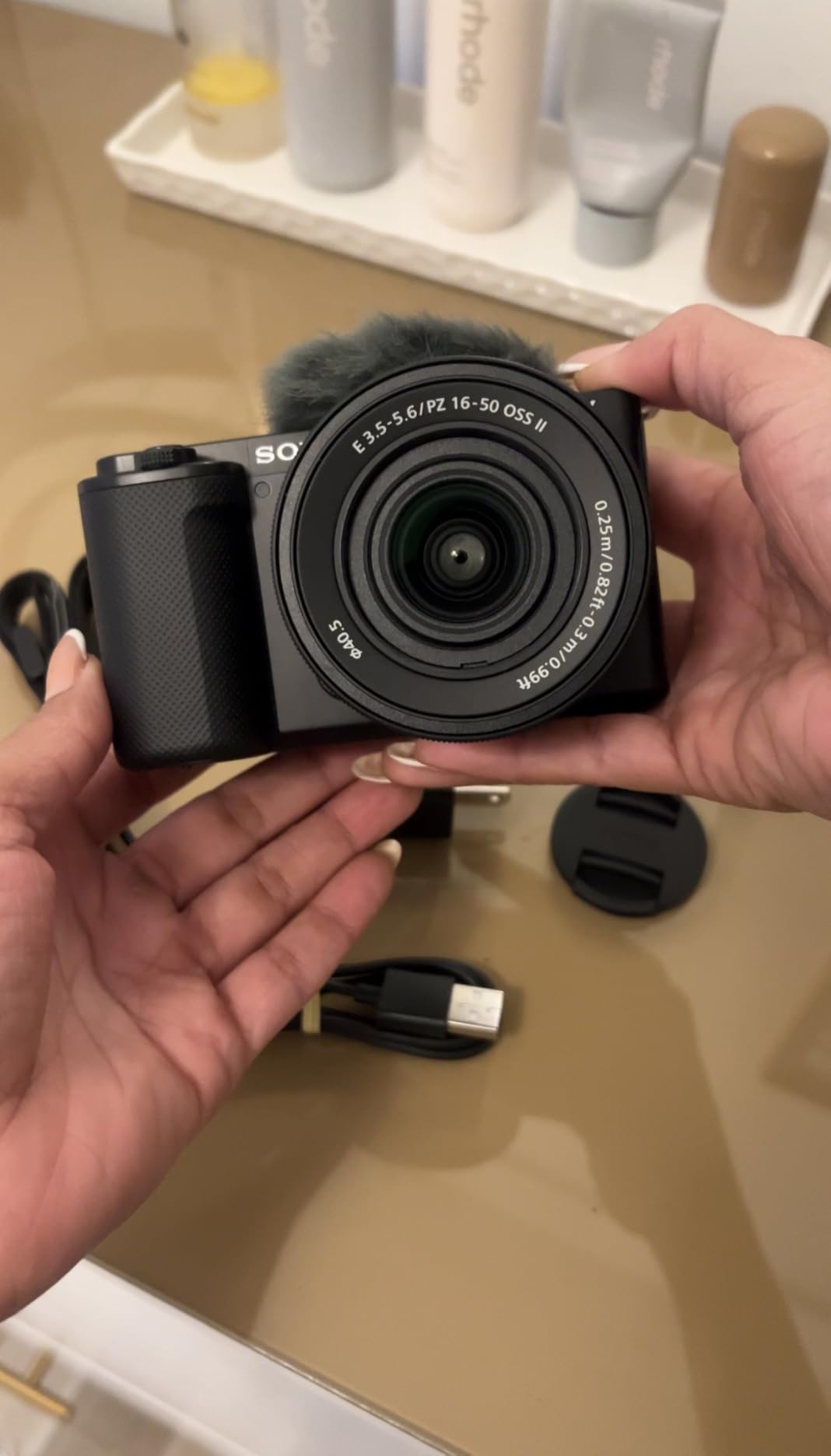
Customer photos showcase the cinematic quality this camera delivers. The interchangeable lens system opens unlimited creative possibilities. Use a wide lens for room shots, a prime lens for beauty close-ups, or a macro lens for product details. No webcam can match this versatility.
The Fast Hybrid AF system with 425 phase-detection points never misses. Real-time Eye AF keeps your eyes perfectly sharp even during movement. Product Showcase mode automatically shifts focus from your face to items you hold: perfect for unboxing streams or tech reviews.
Pro Tip: Add the Sigma 16mm f/1.4 lens for stunning low-light performance and beautiful background blur. This combination is legendary among streamers.
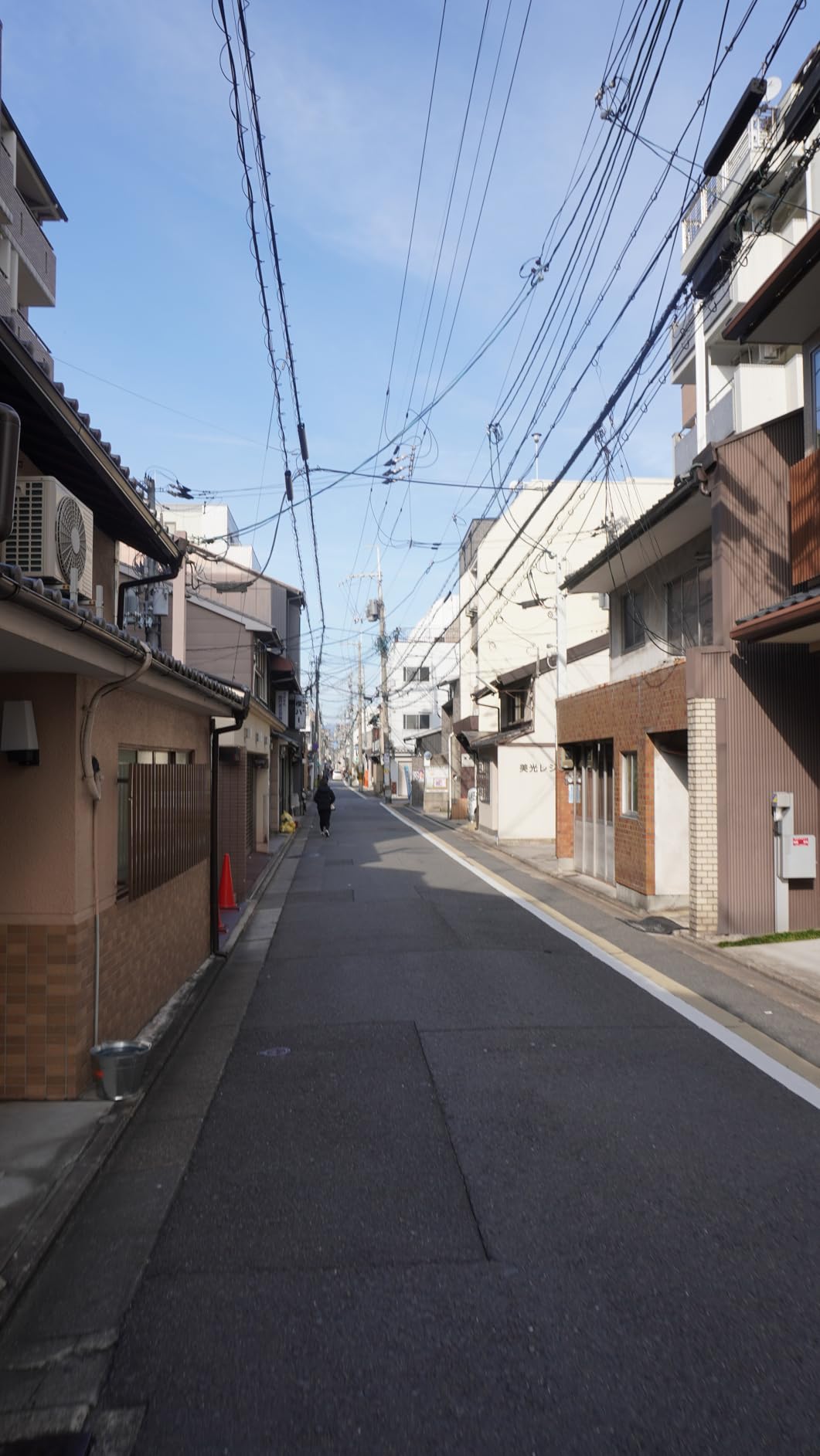
Why Professionals Choose the ZV-E10
The streaming community consistently recommends this camera for creators ready to level up. YouTube creators praise the file quality that edits smoothly without taxing computers. The vari-angle LCD screen flips to the side: perfect for framing yourself while recording.
Important Considerations
The lack of in-body image stabilization means steady footage requires careful technique or a tripod. 4K recording has a significant crop factor, changing the effective focal length of lenses. Battery life lasts about 25 minutes when recording 4K: keep spare batteries handy for long streams.
How to Choose the Best Streaming Camera for Your Budget
Quick Summary: Match your camera choice to your streaming goals and budget. Beginners should start with the Logitech C920x under $100. Serious streamers benefit from the Elgato Facecam MK.2’s 60fps performance. Content creators who need AI features should consider the OBSBOT. Professional streamers ready for mirrorless quality will find the Sony ZV-E10 worth the investment.
Resolution: 1080p vs 4K for Streaming
Here’s the truth that many streamers learn the hard way: Twitch caps streams at 1080p. YouTube supports 4K but most viewers watch on 1080p screens. Community members frequently regret spending extra on 4K webcams that get downscaled anyway.
1080p vs 4K: 1080p (1920×1080 pixels) is the standard resolution for Twitch and most YouTube streams. 4K (3840×2160 pixels) offers four times the detail but gets downscaled for most viewers. The real benefit of 4K for streaming is the ability to crop and zoom without quality loss.
However, 4K cameras excel in other ways. They typically feature larger sensors that capture better low-light performance. The extra resolution allows for digital zooming without quality loss. If you create content beyond streaming (YouTube videos, tutorials), 4K provides future-proofing.
Frame Rate: 30fps vs 60fps
This is where streaming quality actually improves. 60fps delivers smoother motion that viewers notice immediately. Gaming streams benefit enormously from the fluid motion of 60fps. The Elgato Facecam MK.2 and OBSBOT Tiny 2 Lite both offer 1080p at 60fps.
Forum wisdom consistently recommends 1080p/60fps over 4K/30fps for streaming. The smooth motion looks more professional and engaging. If you must choose, prioritize frame rate over resolution for the best streaming experience.
Low-Light Performance and Sensor Size
This is where premium cameras truly justify their cost. Larger sensors capture more light, producing cleaner images in dim conditions. The Sony STARVIS sensor in the Elgato Facecam MK.2 and the 1/2-inch sensors in premium webcams deliver noticeable low-light advantages.
The APS-C sensor in the Sony ZV-E10 is in a completely different league. At over 10 times the size of typical webcam sensors, it captures stunning low-light footage. Real-world testing shows mirrorless cameras producing usable images at light levels where webcams show grainy messes.
Budget-Specific Lighting Recommendations
Under $100 Lighting Setup
A basic $30-50 ring light makes a massive difference for budget webcams like the Logitech C920x. Position the light directly in front of you, slightly above eye level. This eliminates harsh shadows and provides even illumination that makes any camera look better.
$100-200 Lighting Setup
At this budget level, add a key light and fill light configuration. A larger softbox light as your key light, paired with a smaller reflector or secondary light as fill, creates professional three-point lighting. This setup perfectly complements cameras like the Elgato Facecam MK.2.
$300+ Professional Lighting
Premium cameras like the Insta360 Link 2 and Sony ZV-E10 deserve professional lighting. Invest in adjustable color temperature lights, diffuse modifiers, and proper light stands. The camera quality will shine through with proper illumination.
Connectivity: USB vs HDMI vs NDI
Connection Types: USB webcams offer plug-and-play simplicity for beginners. HDMI output requires a capture card but provides uncompressed video quality. NDI (Network Device Interface) sends video over Ethernet for professional multi-camera setups with minimal latency.
Most streamers should start with USB webcams for simplicity. The Logitech C920x just works without complicated setup. HDMI capture cards add cost and complexity but unlock mirrorless camera potential. Professional studios use NDI for multiple camera switching with minimal latency.
Lighting: More Important Than Camera Choice
I cannot stress this enough based on community feedback: proper lighting transforms any camera. The Reddit streaming community consensus is unanimous. A $50 camera with $100 lighting beats a $300 camera in the dark every time.
Before upgrading your camera, try improving your lighting first. Many streamers report that adding a simple key light eliminated their desire for camera upgrades. The difference in perceived quality is that dramatic.
Frequently Asked Questions
What is the best camera for live streaming?
The best camera depends on your budget and streaming goals. Under $100, the Logitech C920x offers proven reliability with over 38,000 positive reviews. For serious streamers, the Elgato Facecam MK.2 delivers smooth 1080p at 60fps with professional HDR capabilities. Content creators who need AI tracking should consider the OBSBOT Tiny 2 Lite. Professional streamers ready for mirrorless quality will find the Sony ZV-E10 provides cinematic 4K footage with interchangeable lens flexibility.
Do I need a 4K webcam for streaming?
Not necessarily. Twitch caps streams at 1080p, so 4K footage gets downscaled anyway. Most viewers watch on 1080p screens even on YouTube. However, 4K cameras typically feature larger sensors that capture better low-light performance. The extra resolution also allows for digital zooming without quality loss. For most streamers, 1080p at 60fps provides better value and noticeable quality improvement over 4K at 30fps.
Which webcam is best for streaming?
The best webcam depends on your needs and budget. The Logitech C920x remains the best budget choice with proven reliability. The Elgato Facecam MK.2 offers the best 1080p at 60fps performance for serious streamers. The OBSBOT Tiny 2 Lite provides the best AI tracking capabilities. The Insta360 Link 2 delivers the best premium webcam experience with professional features like PDAF autofocus. Consider your specific needs: tracking, low-light performance, frame rate, and budget when choosing.
What cameras do most streamers use?
Most streamers use quality webcams in the $100-300 range. The Elgato Facecam series, OBSBOT Tiny line, and Logitech premium webcams are common choices. Popular Twitch streamers often use mirrorless cameras like the Sony ZV-E10 for professional quality. Budget streamers frequently start with the Logitech C920 series before upgrading. The key is matching camera choice to your specific streaming needs and budget rather than copying expensive setups unnecessarily.
Is mirrorless better than webcam for streaming?
Mirrorless cameras offer superior image quality due to larger sensors and interchangeable lenses. However, they require more setup including capture cards, proper lighting, and technical knowledge. Webcams provide plug-and-play simplicity that many beginners prefer. Mirrorless cameras make sense for content creators who also produce YouTube videos or need professional versatility. For pure streaming, premium webcams like the Insta360 Link 2 bridge much of the quality gap with far less complexity.
How much should I spend on a streaming camera?
Spend according to your streaming goals and experience level. Beginners should start under $100 with the Logitech C920x. After consistent streaming for 3-6 months, consider upgrading to the $100-200 range for features like 60fps and better low-light performance. Serious streamers building a brand might invest $300-500 in premium webcams or mirrorless options. Always budget for lighting: a $100 camera with $100 lighting outperforms a $300 camera in poor lighting conditions.
Final Recommendations
Choosing the right streaming camera comes down to matching features to your specific needs and budget. Start with the Logitech C920x if you are new to streaming. Upgrade to the Elgato Facecam MK.2 when you are ready for professional 60fps quality. Consider the OBSBOT Tiny 2 Lite if AI tracking would improve your content.
The Insta360 Link 2 serves streamers who want premium webcam features without mirrorless complexity. The Sony ZV-E10 awaits content creators ready to build a professional setup with interchangeable lens flexibility.
Remember: lighting matters more than camera choice. Invest in proper illumination for your chosen budget tier, and any of these cameras will deliver professional-looking streams that engage viewers and build your audience.