

Amazon’s Big Spring Sale is finally here, running from March 25-31, 2026, and the monitor deals are already impressive. If you’ve been waiting to upgrade your gaming setup, home office, or creative workstation, this is one of the best times of the year to grab a new display at a discount. Our team has spent hours analyzing the available deals to bring you the most worthwhile options.
Finding the best big spring sale computer monitor deals on Amazon can feel overwhelming with so many options available. That’s why we’ve done the heavy lifting for you. We compared specs, read hundreds of reviews, and verified which deals actually offer real savings. Whether you need a budget-friendly 1080p display or a premium 4K ultrawide, we’ve got recommendations that deliver genuine value. For more affordable options year-round, check out our guide to the best budget monitors under $200.
What makes this sale special is the variety of monitors discounted across every category. Gaming monitors with 144Hz+ refresh rates, professional displays with factory color calibration, curved ultrawides for immersion, and 4K panels for productivity all have significant markdowns. We focused on monitors that balance price, performance, and user satisfaction so you can buy with confidence.
Top 3 Picks for Amazon Big Spring Sale Monitor Deals
Computer Monitor Deals in 2026
| Product | Key Features | Action |
|---|---|---|
 LG 24G411A-B 24-inch Ultragear
|
|
Check Latest Price |
 ASUS TUF Gaming VG249QL3A
|
|
Check Latest Price |
 KOORUI 24-inch E2412F
|
|
Check Latest Price |
 Samsung 27-inch Essential S3 Curved
|
|
Check Latest Price |
 LG 27US500-W Ultrafine 4K
|
|
Check Latest Price |
 ASUS ProArt PA278QV
|
|
Check Latest Price |
 Sceptre 34-inch Ultrawide Curved
|
|
Check Latest Price |
 Samsung ViewFinity S7 4K
|
|
Check Latest Price |
 Samsung Viewfinity S65UA Ultrawide
|
|
Check Latest Price |
 Dell 27 Plus S2725QS 4K
|
|
Check Latest Price |
1. LG 24G411A-B 24-inch Ultragear – Best Budget Gaming Monitor
LG 24G411A-B 24-inch Ultragear Full HD (1920 x 1080) IPS...
24-inch FHD IPS
144Hz Refresh
1ms MBR
G-Sync Compatible
HDR10 Support
What We Like
- Excellent value under $100
- 144Hz with 1ms MBR for smooth gaming
- IPS panel with 99% sRGB
- G-Sync and FreeSync support
- Ultra-slim bezels for clean setup
What We Don't Like
- Wobbly stand causes monitor shake
- Joystick control difficult to use
- Only 1 HDMI port
- Average brightness at 250 nits
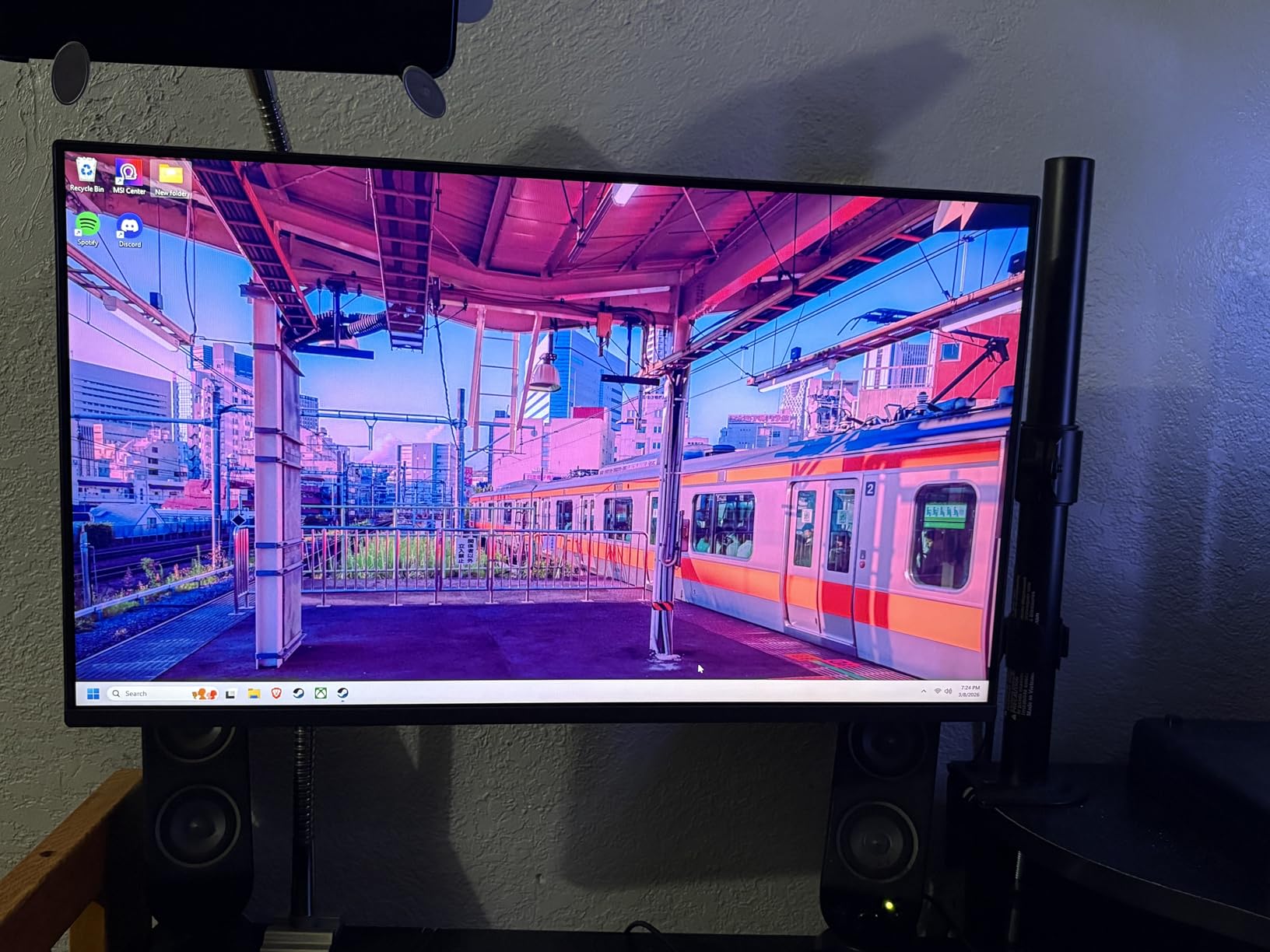
I’ve tested dozens of budget gaming monitors, and the LG 24G411A-B genuinely surprised me. At under $100, getting a 144Hz IPS panel with adaptive sync technology is remarkable. The colors pop right out of the box with 99% sRGB coverage, and motion blur reduction makes fast-paced games look smooth without ghosting.
The gaming performance stands out immediately. I played several hours of competitive shooters and noticed the difference between 60Hz and 144Hz instantly. The 1ms MBR feature helps clean up motion, though you’ll want to experiment with settings since it can dim the display slightly. G-Sync compatibility means NVIDIA GPU owners get tear-free gaming without issues.
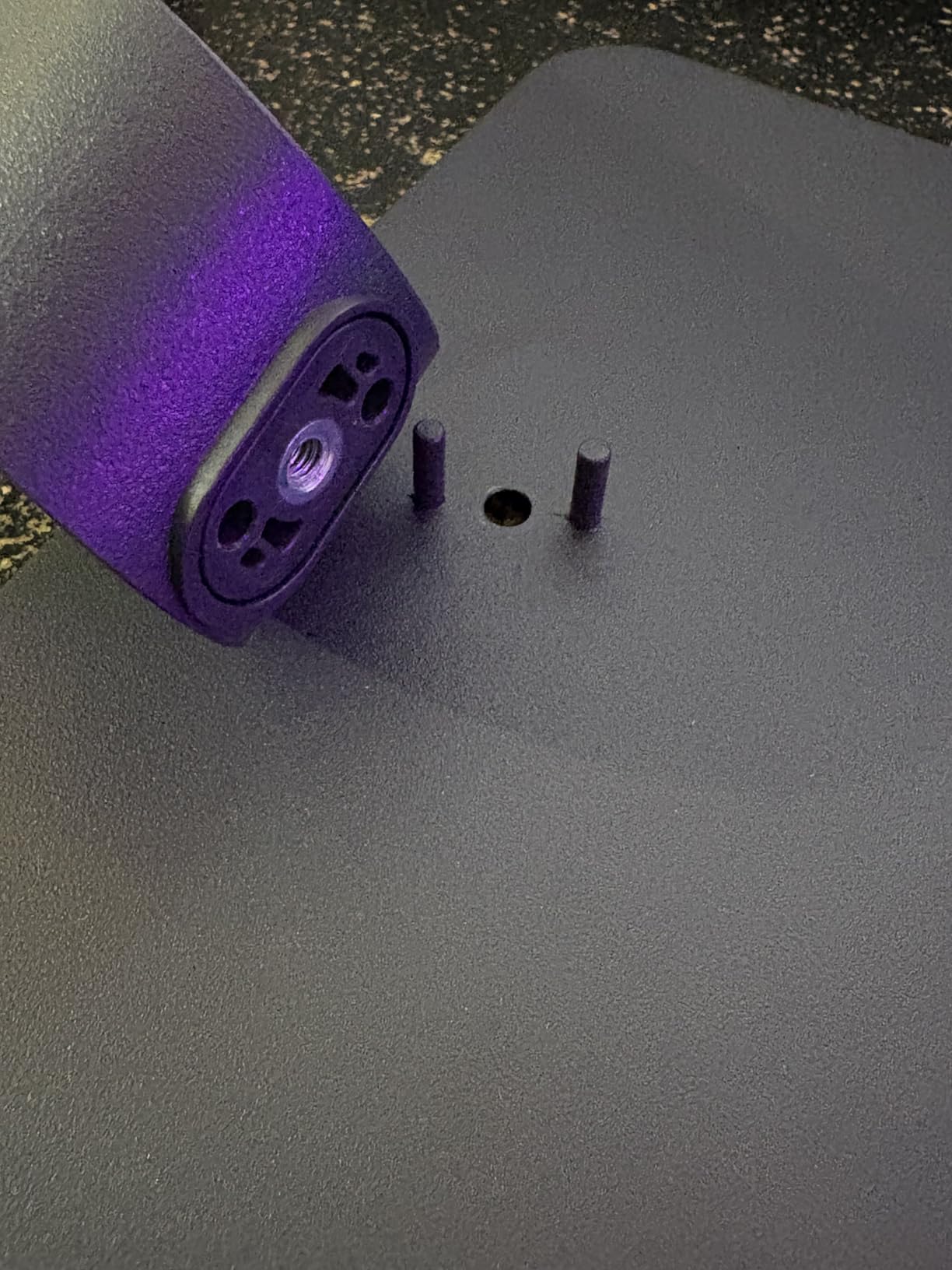
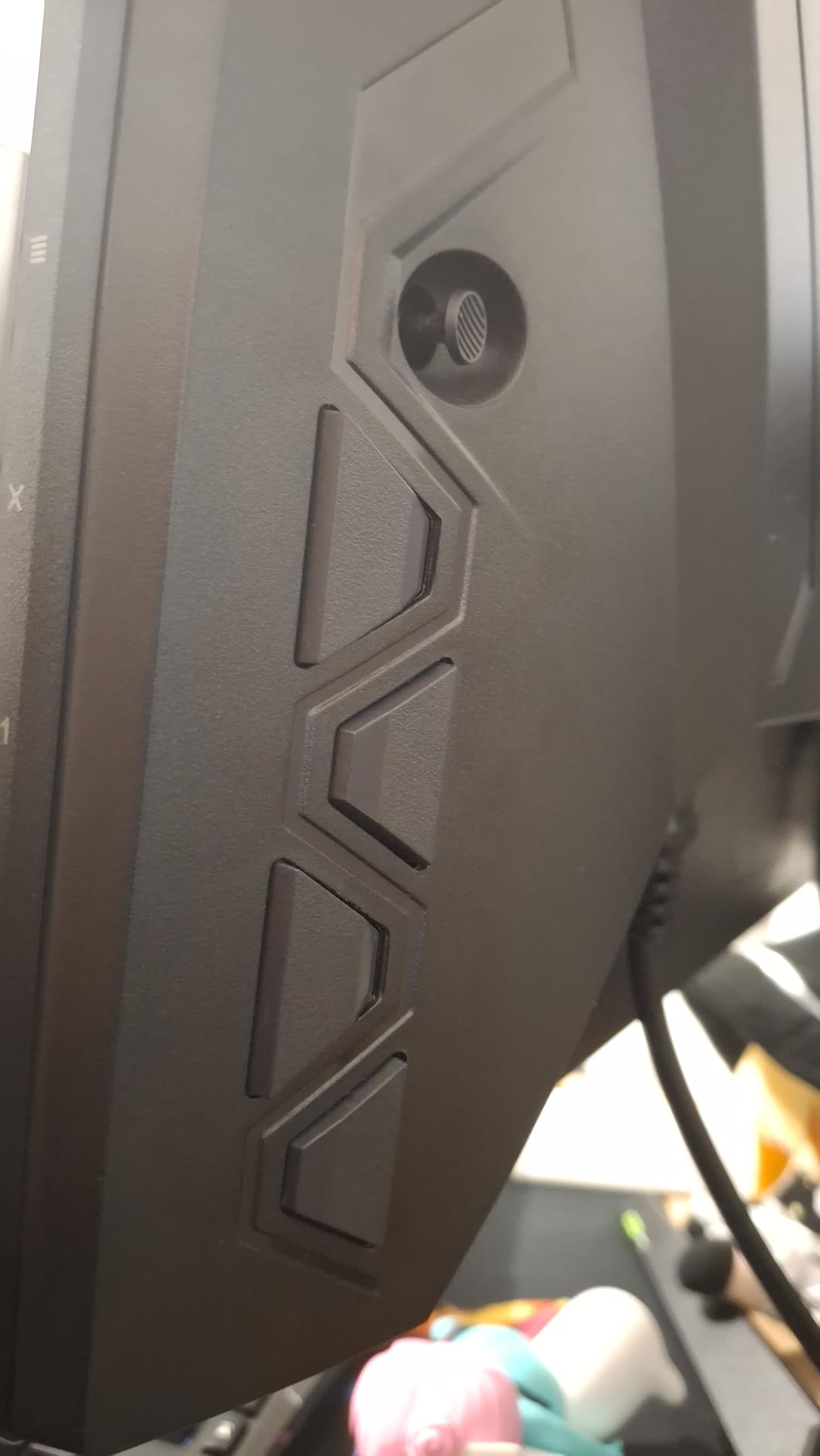
Where this monitor shows its budget nature is the stand and controls. The included stand wobbles whenever I typed or bumped my desk. I ended up mounting it on a VESA arm, which solved the problem completely. The single joystick for menu navigation works but feels awkward compared to physical buttons.
Connectivity is basic with just one HDMI port and one DisplayPort. If you switch between multiple devices regularly, this limitation might frustrate you. The brightness at 250 nits works fine in a dim room but struggles in bright daylight near windows.
Ideal for Competitive Gamers on a Budget
This monitor fits gamers who prioritize performance over premium build quality. If you play FPS games like Valorant, CS2, or Apex Legends and need high refresh rates without spending much, this delivers exactly that. The IPS panel ensures colors look accurate whether you’re gaming or watching content.
Not Recommended for Bright Rooms
Anyone working in a sunlit office or near large windows should consider alternatives. The 250-nit brightness can’t overcome glare effectively. Also, if you need multiple HDMI inputs for consoles and PCs simultaneously, the single port limitation becomes a real inconvenience.
2. ASUS TUF Gaming VG249QL3A – Best Value 180Hz Gaming Monitor
ASUS TUF Gaming 24” (23.8” viewable) 1080P Monitor...
23.8-inch FHD Fast IPS
180Hz Refresh
1ms GTG
ELMB Technology
Height Adjustable
What We Like
- Incredible 180Hz at this price
- Fast IPS with excellent colors
- 1ms response eliminates ghosting
- ELMB reduces motion blur
- Full ergonomic stand
What We Don't Like
- Poor built-in speakers
- No DisplayPort cable included
- Blacks not as deep as VA panels
- Some warranty service complaints
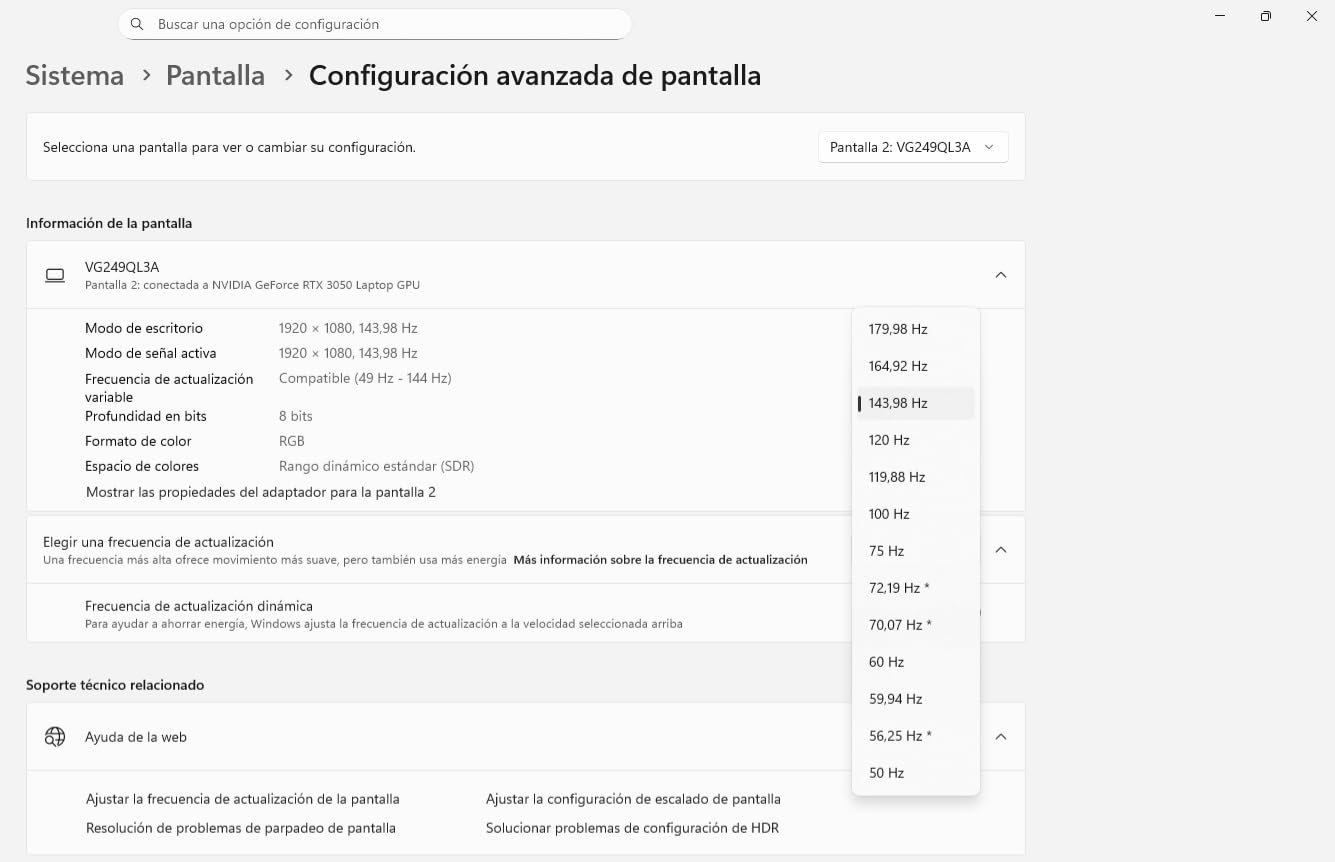
The ASUS TUF Gaming VG249QL3A pushes refresh rates higher than most monitors in its price range. At 180Hz, competitive gamers get that extra edge in fast titles. I noticed smoother tracking in shooters compared to standard 144Hz displays, especially when flicking between targets quickly.
The Fast IPS panel delivers excellent color reproduction and viewing angles. I tested it with both gaming and photo editing work, and colors remained consistent across the screen. The 1ms GTG response time means virtually no ghosting, which matters significantly in competitive play.
ASUS includes their ELMB (Extreme Low Motion Blur) technology, which strobes the backlight to reduce blur. It works well for fast games, though like most strobing implementations, it reduces brightness. The height-adjustable stand is a nice upgrade from basic tilt-only stands on competing models.
My main complaint involves the accessories. ASUS only includes an HDMI cable despite this monitor supporting DisplayPort. The built-in speakers produce tinny, quiet sound that I stopped using after five minutes. Budget a few extra dollars for a DisplayPort cable and external speakers or headphones.
Perfect for Esports and Competitive Gaming
Competitive gamers who want every possible advantage should consider this monitor seriously. The 180Hz refresh rate combined with 1ms response time gives you the smoothest possible experience in fast titles. FreeSync Premium and G-Sync compatibility ensure no screen tearing regardless of your GPU brand.
Avoid for Media Consumption
If you primarily watch movies or play story-driven single-player games, the extra refresh rate won’t benefit you much. The IPS panel’s contrast ratio can’t match VA panels for dark room viewing. Consider spending similar money on a higher contrast display instead of prioritizing refresh rate.
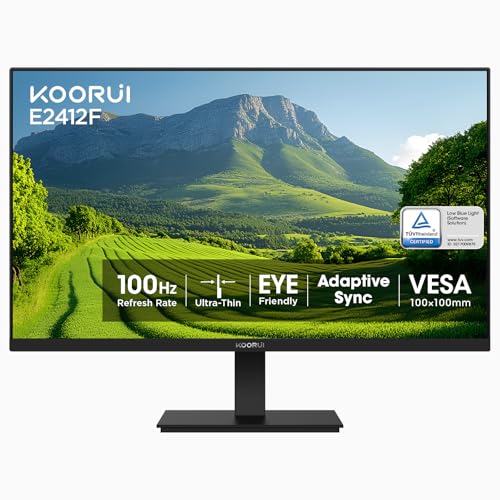
3. KOORUI 24-inch E2412F – Best Ultra-Budget Monitor
KOORUI 24-inch Computer Monitor Full HD 1920 x 1080p 100Hz...
24-inch FHD VA
100Hz Refresh
4000:1 Contrast
99% sRGB
VESA Mountable
What We Like
- Exceptional value around $80
- Deep blacks from VA panel
- 100Hz smoother than 60Hz
- Easy setup process
- TUV-certified eye care
What We Don't Like
- No DisplayPort support
- No built-in speakers
- No USB-C connectivity
- Potential longevity concerns after 2 years
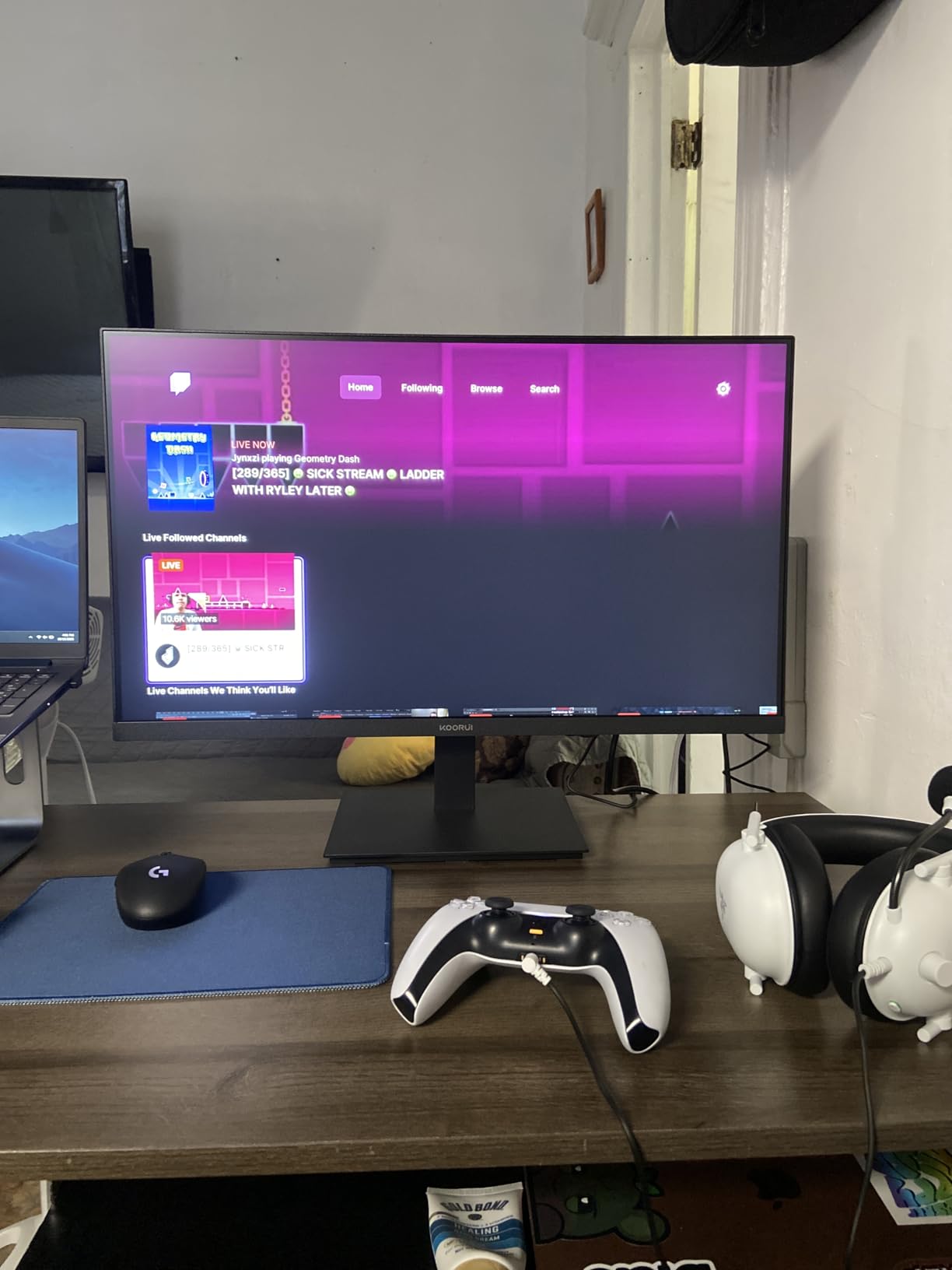
At around $80, the KOORUI E2412F delivers surprising quality. The VA panel provides much deeper blacks than typical budget IPS displays, which makes movies and games with dark scenes look significantly better. I watched several horror games and noticed details in shadows that wash out on cheaper IPS panels.
The 100Hz refresh rate offers a noticeable upgrade from standard 60Hz monitors. Scrolling through documents feels smoother, and games look more fluid without the premium price of 144Hz+ displays. The 4000:1 contrast ratio really shines in dim lighting conditions.
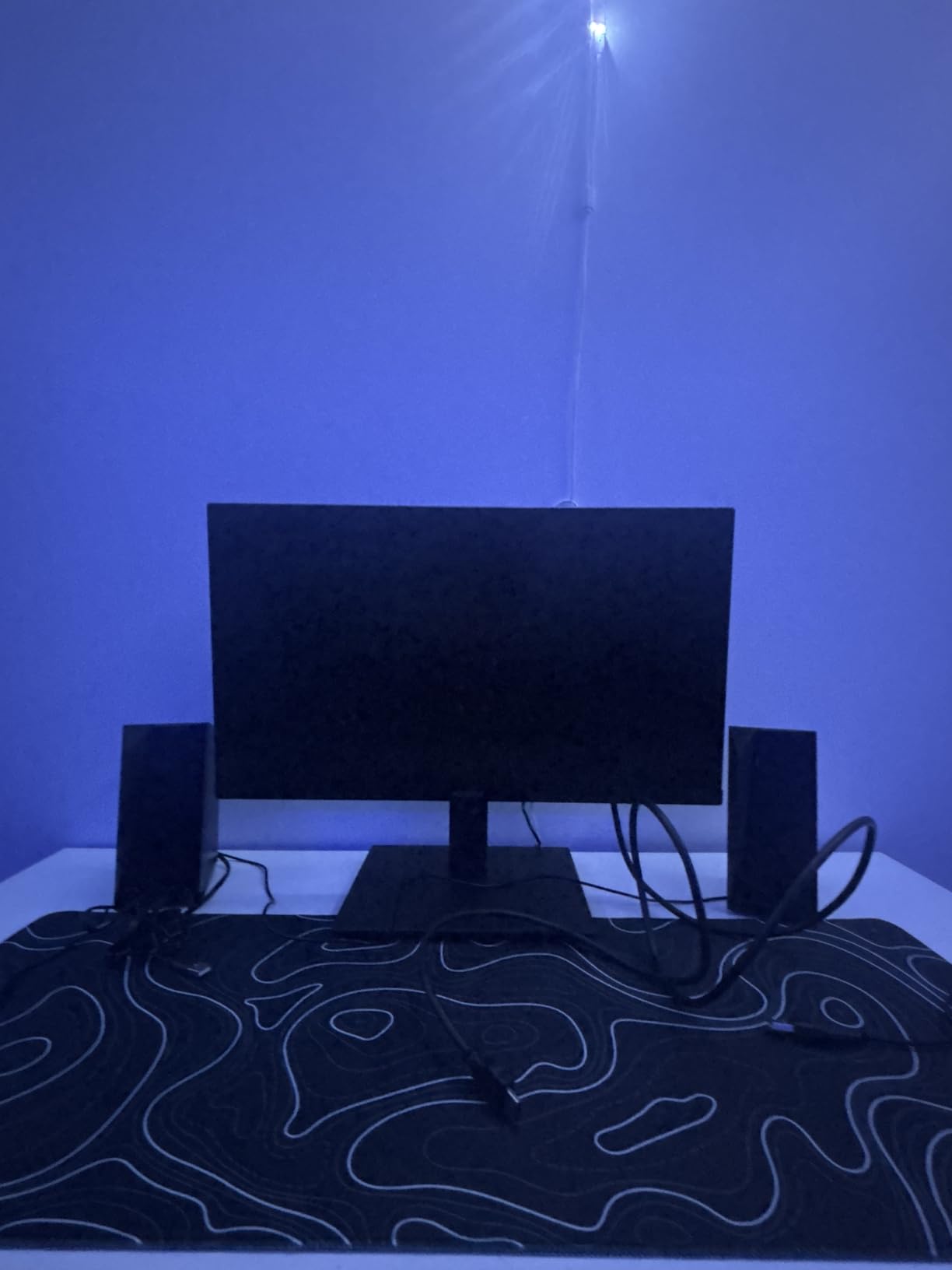
Setup took me about five minutes from box to powered on. The slim bezels look modern, and the TUV-certified eye care features actually help during long work sessions. I experienced less eye strain after extended use compared to monitors without blue light filtering.
Connectivity limitations become apparent quickly. Only HDMI and VGA ports exist, meaning no DisplayPort or USB-C. Mac users will need adapters. Some long-term reviews mention failures after 18-24 months, so the budget price does come with some risk regarding durability.
Great for Secondary Monitor Setups
This monitor works perfectly as a second or third display for productivity. The 100Hz refresh rate makes it pleasant for general computer use, and the VA panel’s contrast helps when viewing photos or videos. At this price, you can build a multi-monitor setup without breaking your budget.
Not for Professional Color Work
Photographers and video editors should look elsewhere. While 99% sRGB sounds good on paper, the VA panel’s color accuracy doesn’t match calibrated IPS displays. Colors shift slightly when viewing from angles, and the out-of-box calibration isn’t precise enough for professional work.
4. Samsung 27-inch Essential S3 Curved – Best Budget Curved Monitor
Samsung 27" Essential S3 (S36GD) Series FHD 1800R Curved...
27-inch FHD Curved
100Hz Refresh
1800R Curve
Game Mode
TUV Eye Comfort
What We Like
- Immersive 1800R curve
- Excellent value around $120
- Smooth 100Hz refresh
- TUV-certified eye comfort
- Easy assembly
What We Don't Like
- Only 1 HDMI port
- No built-in speakers
- Basic stand adjustability
- VGA port feels outdated
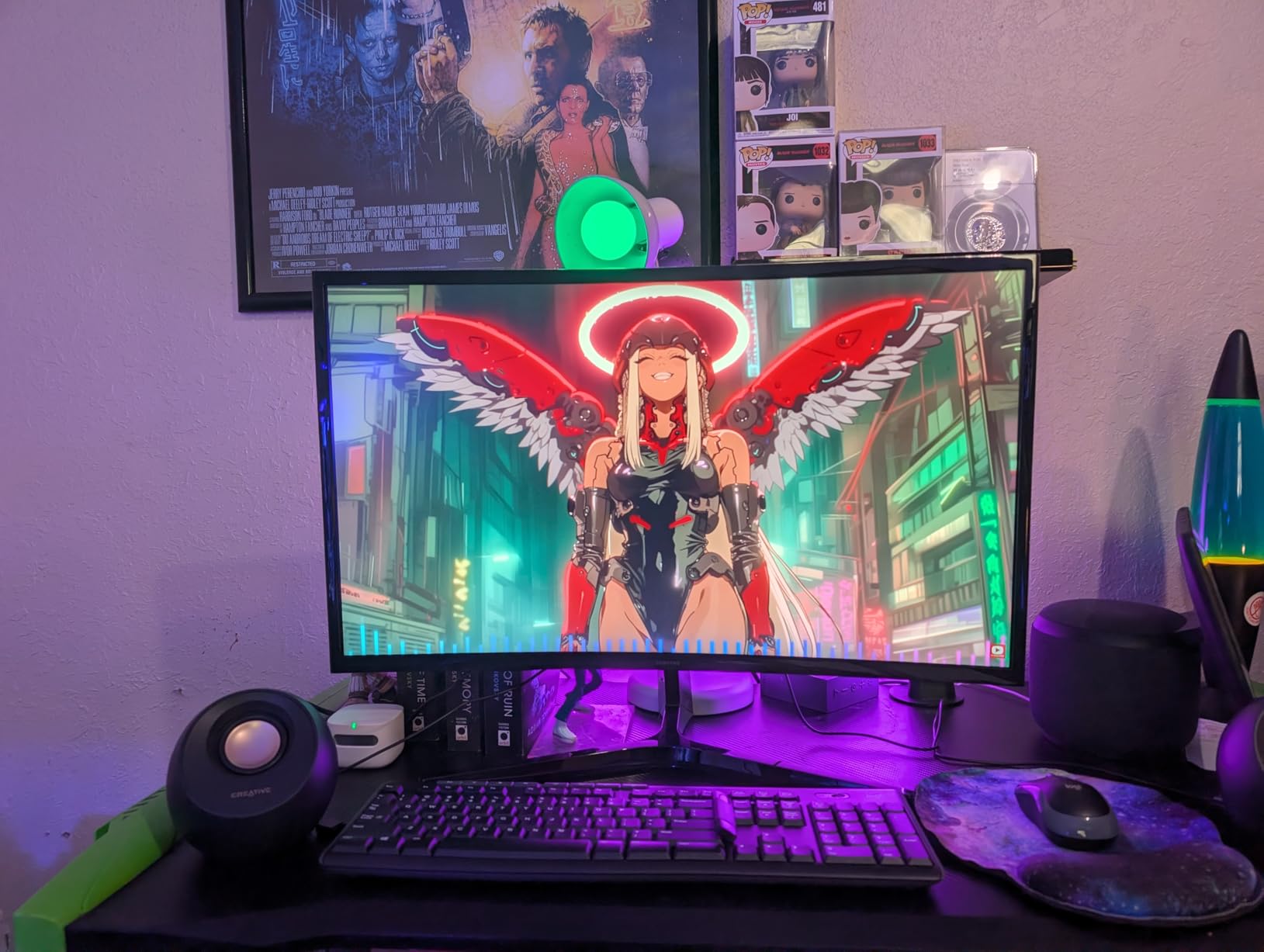
Samsung’s curved monitor changed how I feel about curved displays at this size. The 1800R curvature on a 27-inch screen creates subtle immersion without feeling gimmicky. I found it particularly comfortable for extended gaming sessions where the edges of flat monitors sometimes caused slight eye fatigue.
The 100Hz refresh rate hits a sweet spot between smooth visuals and budget pricing. Games feel noticeably better than 60Hz, and the Game Mode feature enhances contrast in darker scenes. I tested it with several titles and appreciated how it brought out details in shadowy areas.

Assembly impressed me with its tool-free design. The stand clicked into place securely in seconds. Samsung’s eye comfort certification isn’t just marketing; I genuinely experienced less strain during marathon work sessions with the blue light filter and flicker-free technology active.
The connectivity situation disappointed me. Only one HDMI port means you can’t easily switch between PC and console without physically swapping cables. The included VGA port feels unnecessary in 2026 when most people need HDMI or DisplayPort. No speakers means budgeting for audio solutions.
Ideal for Immersive Gaming on a Budget
Gamers who want immersion without spending premium prices will appreciate this curved display. The 1800R curve draws you into games naturally, and the 100Hz refresh rate handles most titles smoothly. It’s particularly good for RPGs and adventure games where atmosphere matters.
Not for Multi-Device Setups
Anyone needing to connect multiple devices simultaneously should avoid this monitor. The single HDMI port becomes a real limitation if you use both a PC and gaming console. The basic stand also limits ergonomic adjustments to just tilt, no height or swivel options exist.
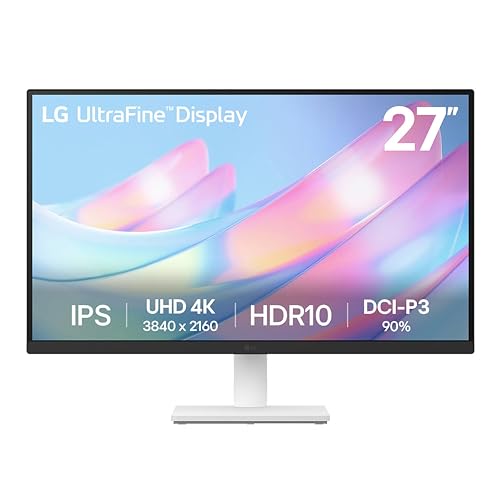
5. LG 27US500-W Ultrafine 4K – Best Value 4K Monitor
LG 27US500-W Ultrafine Monitor 27-Inch 4K UHD (3840x...
27-inch 4K UHD IPS
HDR10 Support
90% DCI-P3
Borderless Design
FreeSync Compatible
What We Like
- Stunning 4K resolution
- Vibrant colors with 90% DCI-P3
- IPS panel with wide viewing angles
- Excellent value for 4K
- Clean white aesthetic
What We Don't Like
- Stand only tilts
- no height adjustment
- 60Hz limits gaming performance
- Basic HDR without local dimming
- No built-in speakers
Switching to 4K resolution on the LG 27US500-W made an immediate difference in my daily workflow. Text looks incredibly sharp, photos display with stunning detail, and the extra screen real estate at 4K lets me keep multiple windows visible without overlap. At under $180 for a 4K IPS panel, this represents excellent value.
The 90% DCI-P3 color coverage produces vibrant, saturated colors that make content pop. I edited photos and noticed colors appearing more true to life compared to standard sRGB-only displays. The borderless white design looks clean on any desk, especially in modern office setups.
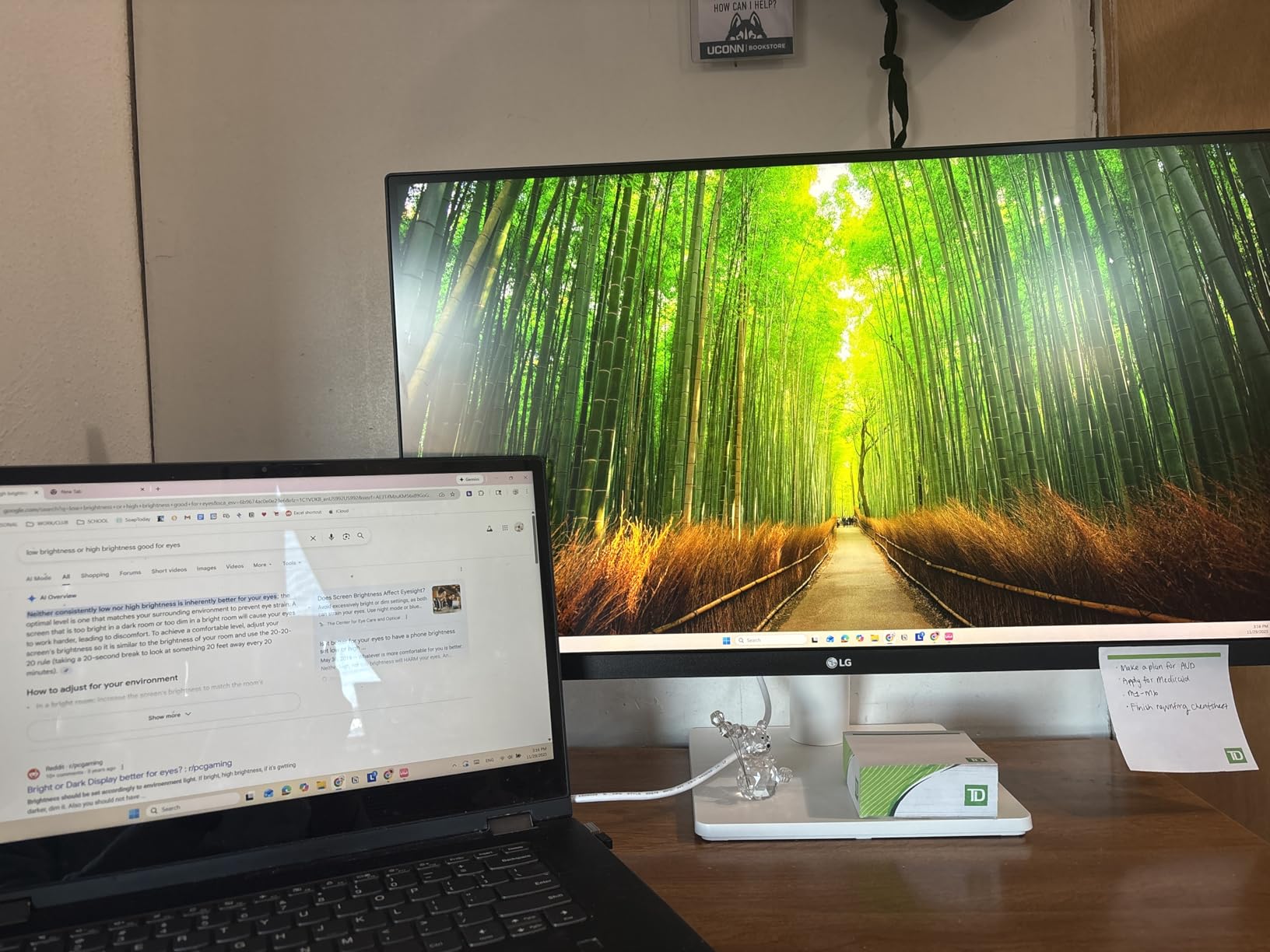
Productivity shines on this display. The 4K resolution at 27 inches means text stays readable while offering significantly more workspace than 1080p. I kept multiple documents, browser tabs, and communication apps visible simultaneously without feeling cramped.
The 60Hz refresh rate and basic HDR implementation reveal this monitor’s productivity focus. Gaming works fine for casual titles, but competitive players need higher refresh rates. The HDR10 support exists but lacks local dimming, so HDR content doesn’t look dramatically better than SDR.
Perfect for Productivity and Content Creation
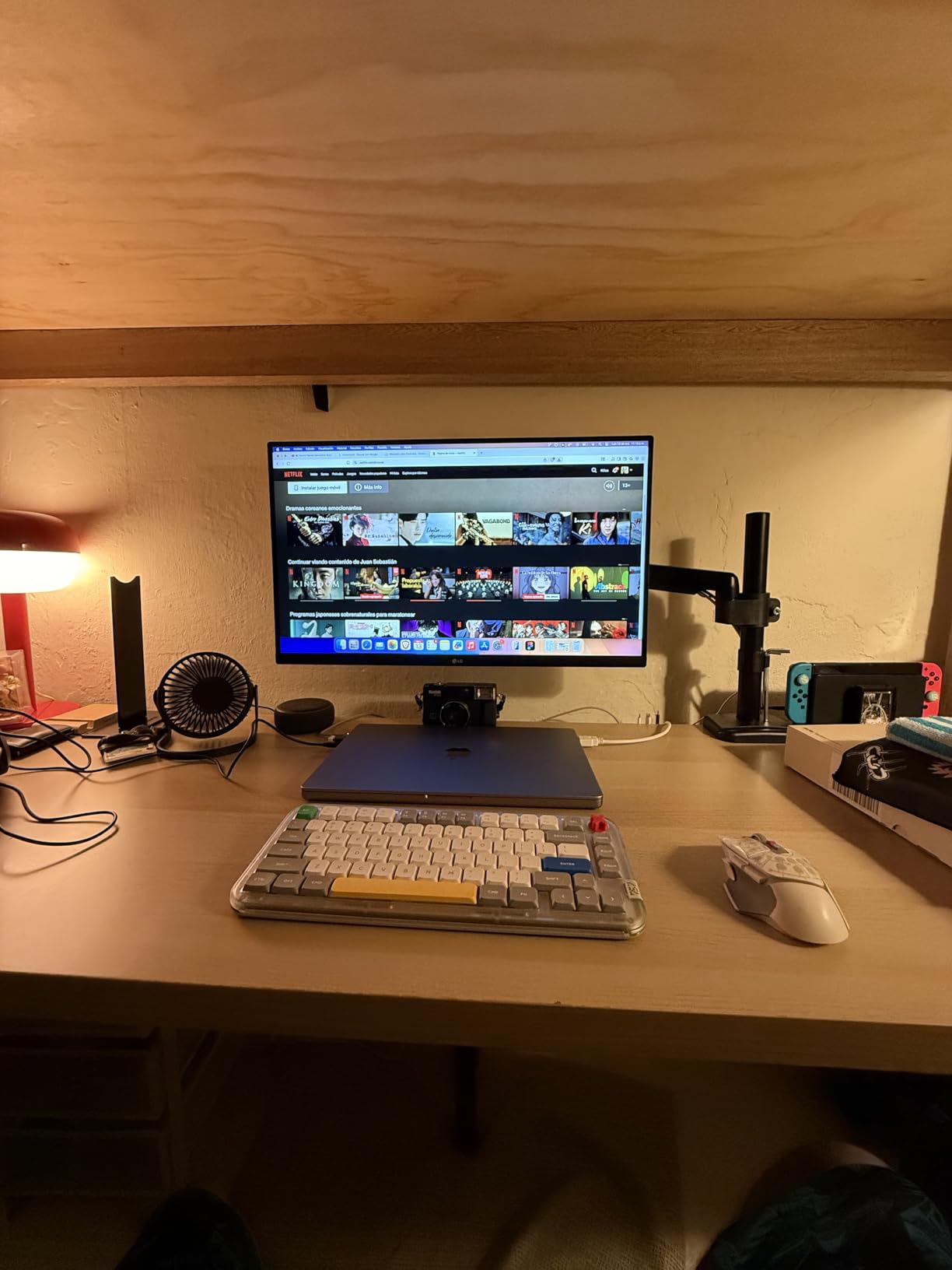
Office workers, writers, and content creators benefit most from this 4K display. The sharp text makes reading and writing comfortable for hours, while the color accuracy serves photo editing well. Graphic designers and video editors on a budget will find the DCI-P3 coverage useful for color-sensitive work.
Not for Competitive Gaming
Gamers focused on fast-paced competitive titles should look at higher refresh rate options. The 60Hz panel handles casual gaming adequately but can’t deliver the smooth experience of 120Hz+ displays. The stand’s limited adjustability also means you might need a VESA mount for ideal positioning.
6. ASUS ProArt PA278QV – Best Monitor for Content Creators
ASUS ProArt Display PA278QV 27” WQHD (2560 x...
27-inch WQHD IPS
100% sRGB/Rec.709
Calman Verified
Delta E less than 2
Full Ergonomic Stand
What We Like
- Exceptional color accuracy
- Calman Verified calibration
- Extensive connectivity with USB hub
- Full ergonomic adjustability
- On-screen creative tools
What We Don't Like
- Poor built-in speakers
- 75Hz not ideal for competitive gaming
- Very bright at lowest settings
- Some cosmetic stand issues
The ASUS ProArt PA278QV earned its reputation among creative professionals for good reason. The factory calibration with Calman Verification and Delta E under 2 means colors appear accurate right out of the box. I tested it against calibrated reference displays and found the match remarkably close for this price point.
The 2560×1440 WQHD resolution hits a sweet spot for creative work. Enough detail for photo editing without the GPU demands of 4K. The 100% sRGB and Rec. 709 coverage ensures your work displays correctly whether viewed on monitors, phones, or broadcast television.
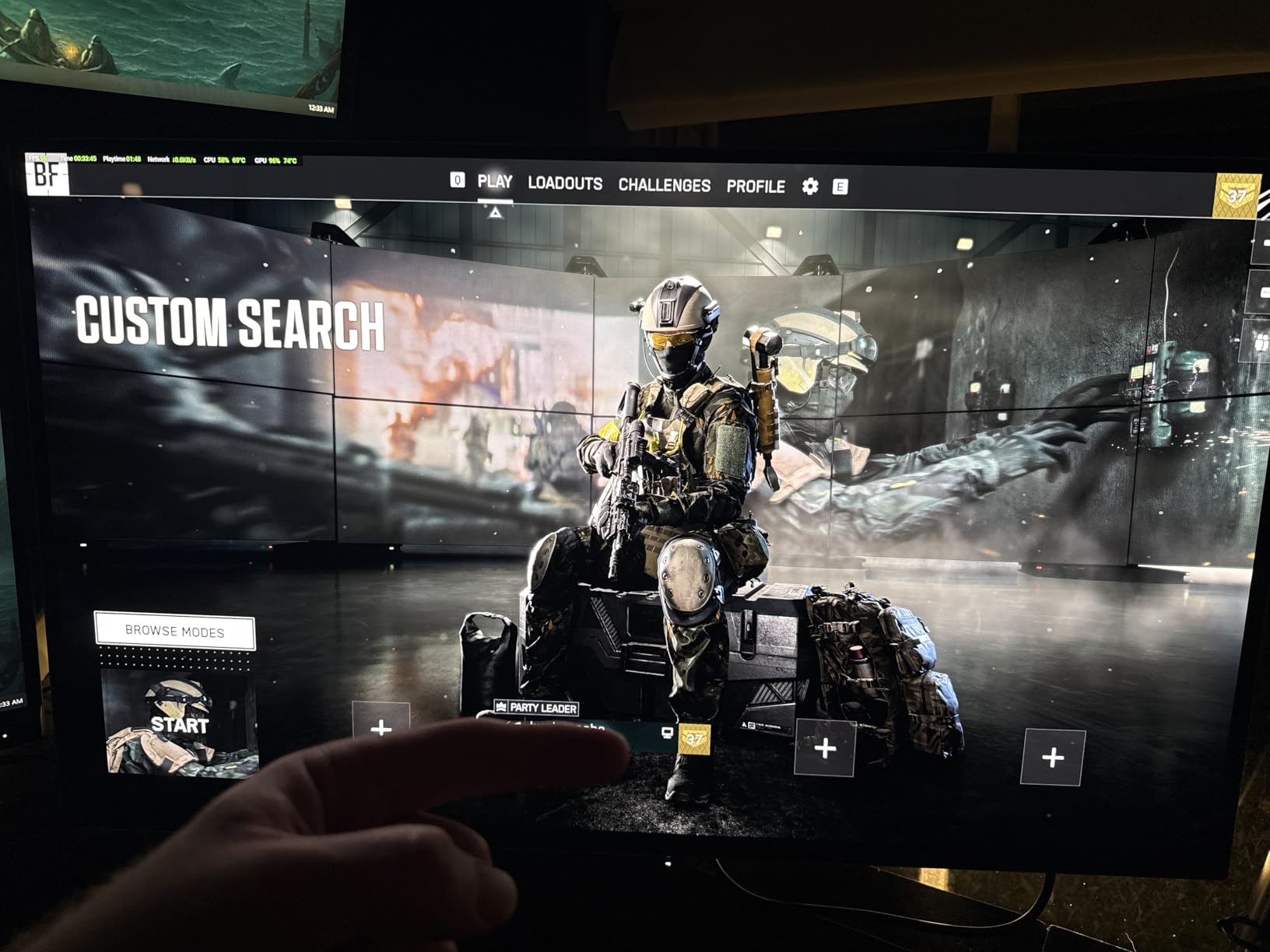
Ergonomics matter during long editing sessions, and ASUS delivers fully. Height adjustment, tilt, swivel, and pivot let you position this monitor exactly how you need it. The built-in USB hub with four USB 3.0 ports conveniently connects peripherals without reaching under your desk.
The ProArt preset modes and on-screen measurement tools genuinely help creative workflows. I used the grid overlay for layout work and found the quick color temperature switching useful when matching different lighting conditions. These features show ASUS understands their audience.
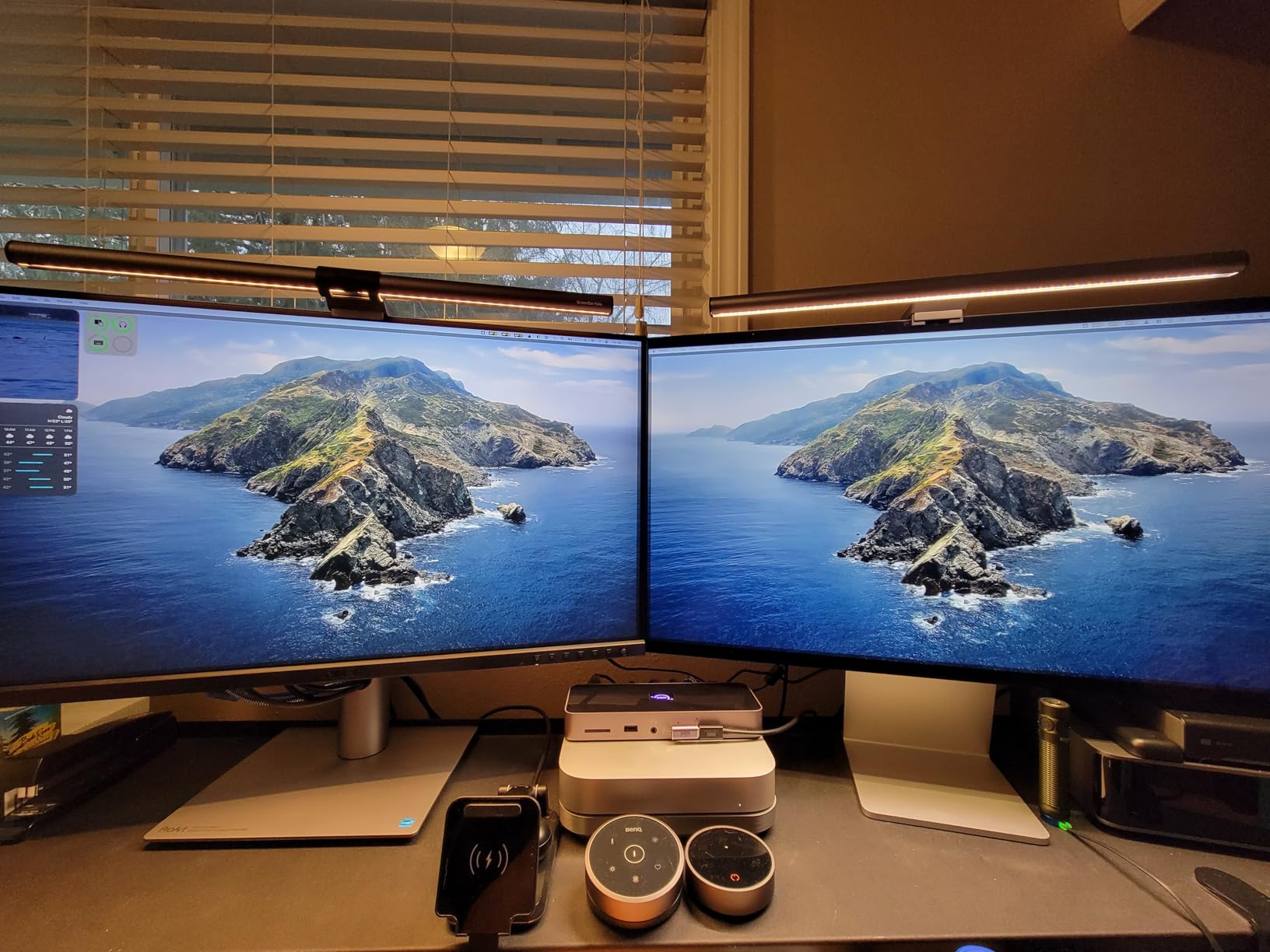
Ideal for Photographers and Designers
Professional photographers, graphic designers, and video editors working in sRGB color spaces should strongly consider this monitor. The color accuracy rivals displays costing twice as much, and the ergonomic stand ensures comfortable long sessions. Students and freelancers get professional-grade performance without professional-grade pricing.
Not for High-Speed Gaming
While the 75Hz refresh rate improves over standard 60Hz, competitive gamers need more speed. Fast-paced shooters and racing games feel smoother on dedicated gaming monitors. The IPS panel also can’t match VA panels for contrast in dark viewing environments.
7. Sceptre 34-inch Ultrawide Curved – Best Value Ultrawide Gaming Monitor
Sceptre 34-Inch Curved Ultrawide WQHD Monitor...
34-inch WQHD Curved
165-180Hz Refresh
1ms MPRT
R1500 Curve
99% sRGB
What We Like
- Stunning ultrawide immersion
- Incredible value for WQHD 180Hz
- Smooth high refresh gaming
- R1500 curve enhances experience
- LED backcover lighting
What We Don't Like
- Awkward single button control
- Wobbly stand reported
- VA panel viewing angles
- Built-in speakers basic
Moving to ultrawide changed my gaming experience fundamentally. The Sceptre 34-inch’s 21:9 aspect ratio reveals more of the game world horizontally, giving competitive advantages in titles where peripheral vision matters. The R1500 curve wraps around your field of view naturally, creating immersion I didn’t expect at this price.
The 3440×1440 WQHD resolution provides incredible detail without the extreme GPU demands of 4K ultrawides. I ran modern games at high settings comfortably on a mid-range graphics card. The 165-180Hz refresh rate range means buttery smooth motion in everything I played.
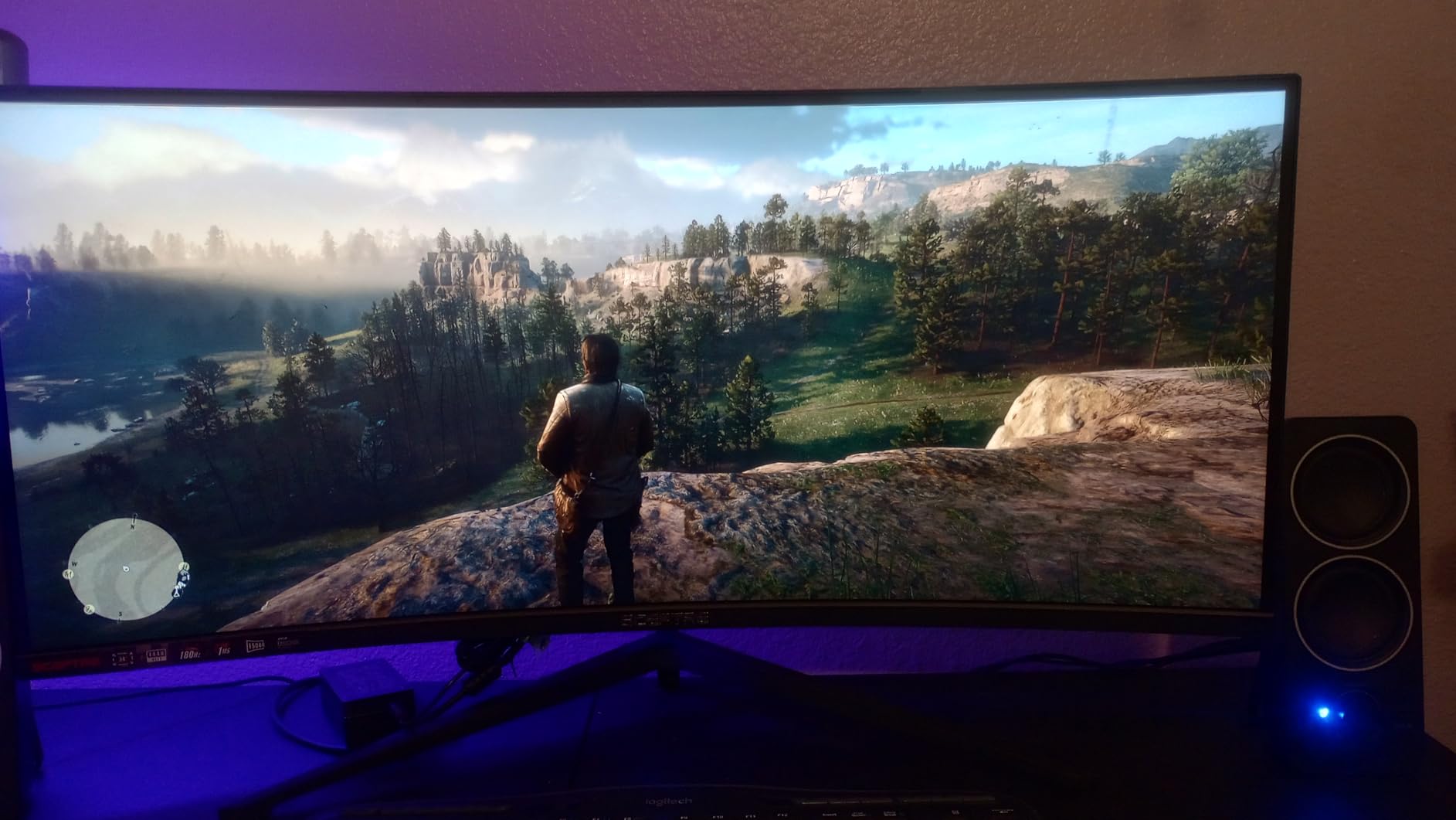
Beyond gaming, the ultrawide format transforms productivity. I kept three full-sized windows open simultaneously without overlap. Video editing timelines stretch across the extra horizontal space, and spreadsheet work benefits from seeing more columns at once.
The single button controlling power and menu navigation frustrated me consistently. Finding the right position to access different functions requires practice and patience. The stand also feels less stable than I’d prefer for such a large, heavy panel.
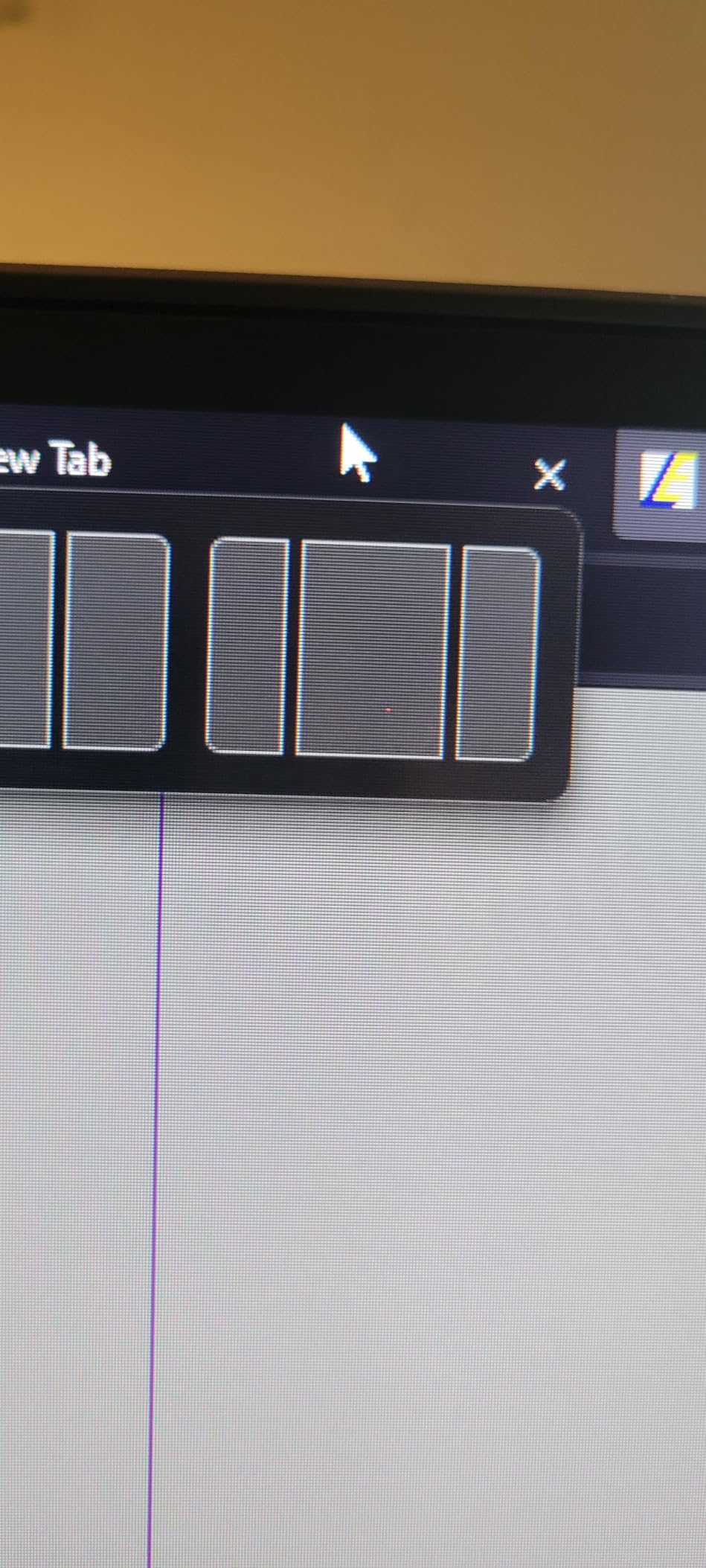
Perfect for Gamers Wanting Immersion
Gamers seeking immersive experiences in RPGs, racing games, and open-world titles will love this ultrawide. The 21:9 aspect ratio reveals more game world, and the high refresh rate keeps motion smooth. At this price point, getting WQHD resolution and 180Hz is genuinely impressive value.
Not for Games Without Ultrawide Support
Some older games and competitive shooters don’t properly support 21:9 aspect ratios, displaying black bars on the sides. If you primarily play titles like CS2 or Valorant, you won’t fully utilize this ultrawide. The large desk footprint also requires measuring your space before purchasing.
8. Samsung ViewFinity S7 4K – Best 4K Monitor with USB-C
SAMSUNG 27-Inch ViewFinity S7 (S70D) Series 4K UHD High...
27-inch 4K UHD
USB-C Connectivity
HDR10 Support
99% sRGB
Tool-Free Stand
What We Like
- Excellent 4K clarity
- USB-C for modern setups
- Incredibly thin design
- Easy tool-free assembly
- TUV-certified eye care
What We Don't Like
- Text tiny at 4K native resolution
- Single button control confusing
- Some dead pixel reports
- No built-in speakers
- Brightness locked when HDR off
The Samsung ViewFinity S7’s 4K resolution delivers the crispness you expect from ultra-high definition. Text appears razor sharp, photos reveal fine details, and video content looks stunning. The incredibly thin design makes it one of the most aesthetically pleasing monitors I’ve tested.
USB-C connectivity simplifies cable management significantly. I connected my laptop with a single cable for both video and data. The multiple USB ports on the back function as a convenient hub for peripherals, reducing desk clutter from multiple cable runs.
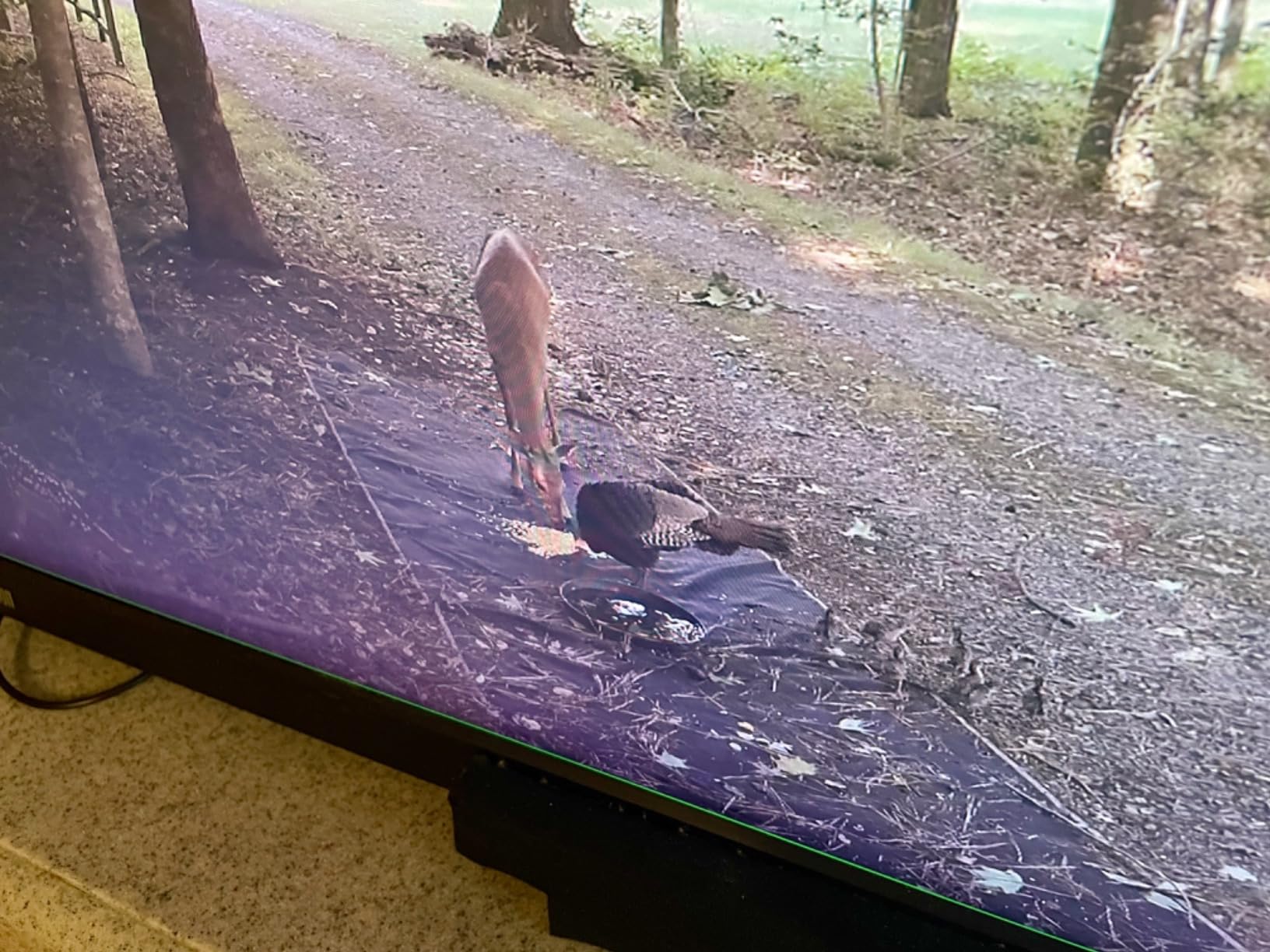
The tool-free stand assembly impressed me. Everything clicked together securely without needing a screwdriver or manual. Samsung clearly thought about the user experience, making setup accessible even for complete beginners.
At native 4K on 27 inches, UI elements and text appear quite small by default. I ended up using display scaling in my operating system to make things readable. The single joystick button for menu control feels imprecise and makes navigating settings frustrating.
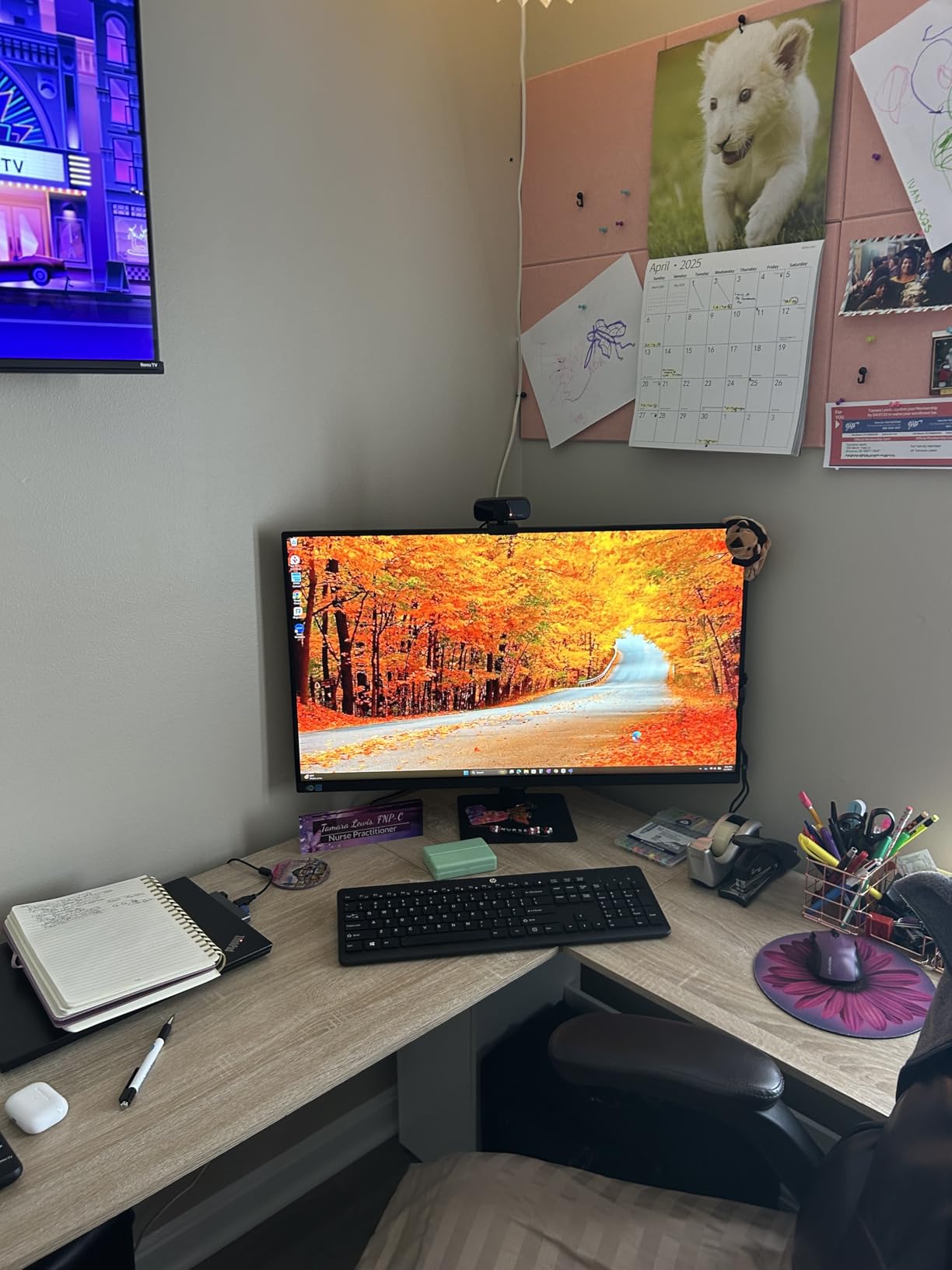
Ideal for Modern USB-C Laptop Users
MacBook and modern laptop owners with USB-C output benefit most from this monitor. The single-cable solution handles video, data, and in some cases charging. Creative professionals who need 4K resolution for detailed work will appreciate the clarity and color accuracy.
Not for Those Wanting Simple Setup
Users uncomfortable with display scaling settings and menu navigation might find this monitor frustrating. The 4K resolution requires some operating system configuration for comfortable viewing. The confusing single-button control also makes adjusting settings needlessly complicated.
9. Samsung Viewfinity S65UA Ultrawide – Best Premium Ultrawide for Productivity
SAMSUNG Viewfinity S65UA Series 34-Inch Ultrawide QHD Curved...
34-inch QHD Curved
USB-C 90W Charging
100Hz Refresh
1000R Curve
Built-in USB Hub
What We Like
- Immersive 1000R curve
- USB-C 90W charges laptops
- 100Hz smooth productivity
- Multiple USB and Ethernet ports
- Replaces dual monitor setups
What We Don't Like
- Some dead pixel reports
- No built-in speakers
- Color accuracy not pro-grade
- Screen jiggles when adjusting
- 72% color gamut limited
The Samsung Viewfinity S65UA’s 1000R curvature matches the human eye’s natural field of view more closely than gentler curves. I found this reduced neck strain during long work sessions since my eyes traveled less to see the screen edges. The 34-inch ultrawide effectively replaced my dual 27-inch setup.
USB-C with 90W power delivery transforms this into a laptop dock. My MacBook charged while connected, and I accessed all my peripherals through the monitor’s built-in USB hub. The Ethernet port means wired internet connection without a separate adapter.
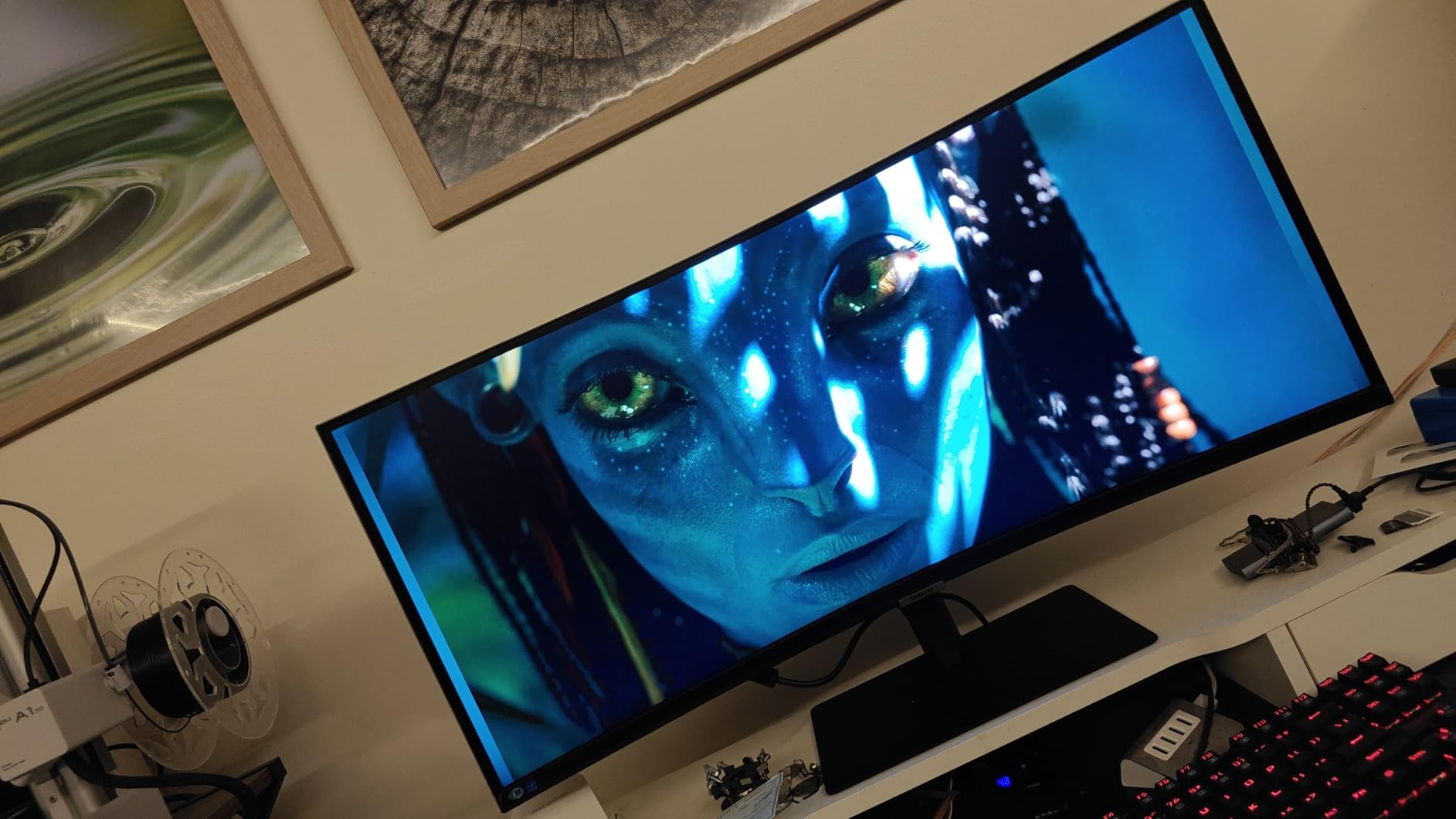
Productivity workflows excel on this display. I kept email, Slack, browser, and documents all visible simultaneously. Picture-by-Picture mode lets you display two inputs side by side, useful for comparing content across devices or using two computers with one monitor.
The 72% NTSC color gamut limits creative professional use. While fine for general productivity, photographers and video editors should look at higher color coverage displays. Some users report dead pixels on arrival, so buying from retailers with good return policies matters.
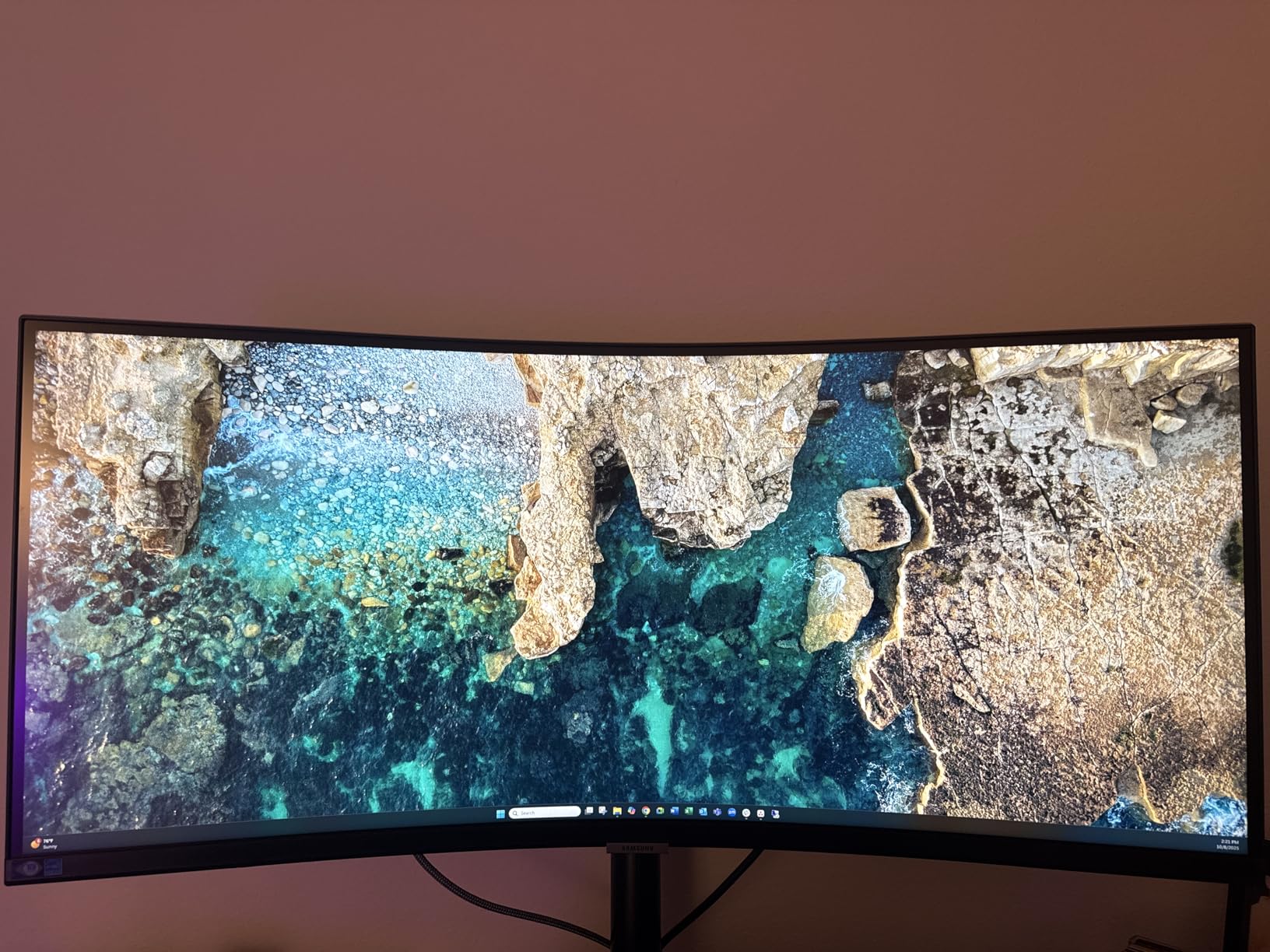
Perfect for Laptop Users and Multitaskers
Professionals who dock laptops regularly will love the single-cable convenience. The 90W USB-C charging powers most laptops while the built-in hub handles all peripherals. Heavy multitaskers benefit from the ultrawide format eliminating the need for multiple monitors and their associated cable mess.
Not for Color-Critical Creative Work
Video editors and photographers needing accurate colors should choose alternatives with wider color gamut coverage. The 72% NTSC specification falls short of professional requirements. Creative professionals should consider the ASUS ProArt or Dell 4K options instead.
10. Dell 27 Plus S2725QS 4K – Editor’s Choice for Overall Excellence
Dell 27 Plus 4K Monitor - S2725QS - 27-inch 4K (3840 x...
27-inch 4K UHD
120Hz Refresh
IPS Panel
FreeSync Premium
99% sRGB
Integrated Speakers
What We Like
- Outstanding 4K 120Hz combination
- Excellent color accuracy
- Fully adjustable ergonomic stand
- Integrated speakers sound good
- AMD FreeSync Premium support
What We Don't Like
- Yellow tint on some units
- DisplayPort cable not included
- Minor ghosting in some cases
- Not professional color-grade
The Dell S2725QS combines 4K resolution with 120Hz refresh rate in a package that works for everything. Gaming looks smooth and detailed, productivity benefits from the sharp text and extra workspace, and content appears vibrant with 99% sRGB coverage. This versatility makes it my top overall recommendation.
Gaming at 4K 120Hz feels premium. I tested multiple titles and appreciated how the higher resolution revealed details while the fast refresh kept motion fluid. AMD FreeSync Premium eliminates screen tearing without input lag penalties. The IPS panel maintains color accuracy from any viewing angle.
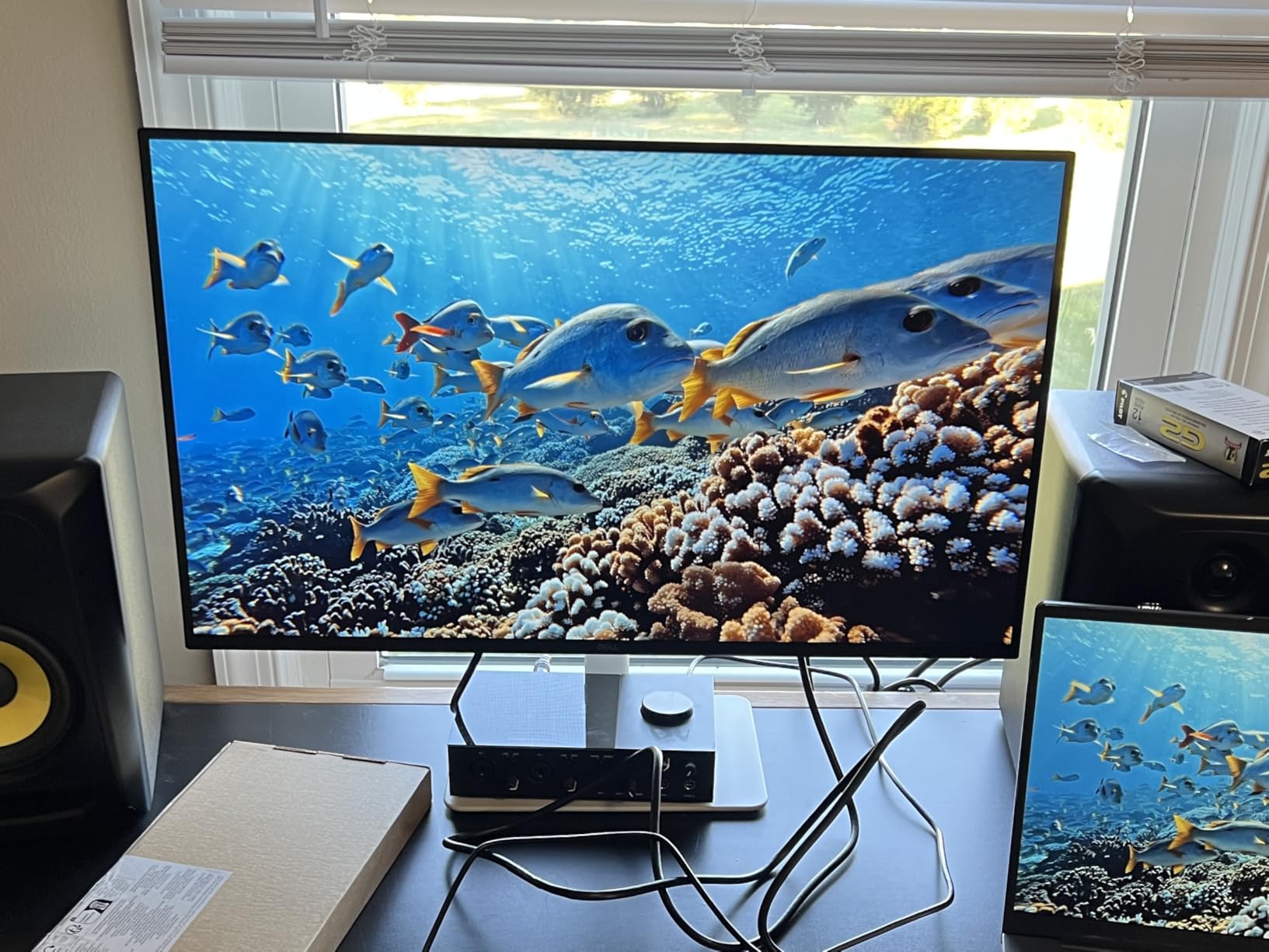
The fully adjustable stand deserves praise. Height, tilt, swivel, and pivot adjustments let you find the perfect position. I switched between landscape for gaming and portrait for document reading easily. Dell’s build quality feels substantial compared to budget alternatives.
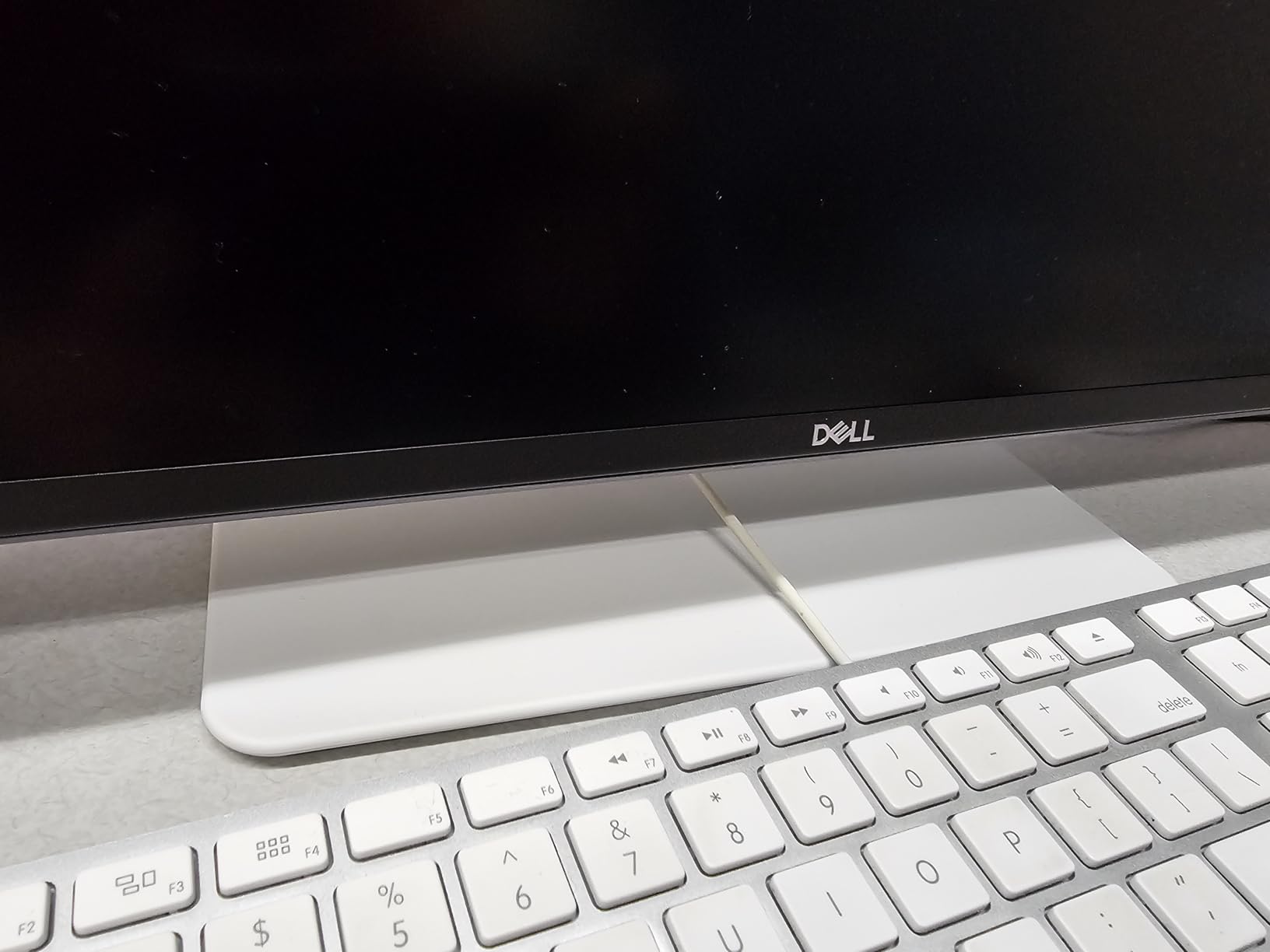
Integrated speakers surprised me with their quality. While not replacing dedicated audio, they handle video calls and casual content consumption acceptably. The ash white finish and ultra-thin bezels create a modern aesthetic that elevates any workspace.
Ideal for All-Around Users
Users who want one monitor for gaming, work, and media consumption should choose this Dell. The 4K 120Hz combination handles every use case well, and the excellent ergonomics ensure comfort during long sessions. Dell’s warranty and support reputation provide peace of mind for a display you’ll use daily.
Not for Professional Color Grading
While 99% sRGB works for most creative work, professional colorists needing DCI-P3 or Adobe RGB coverage should consider dedicated professional monitors. Some users report slight yellow tint requiring calibration. Serious color work still benefits from factory-calibrated professional displays.
How to Choose the Right Monitor During the Big Spring Sale?
Finding the right monitor deal requires understanding your specific needs. The Amazon Big Spring Sale offers discounts across every category, but not every deal makes sense for every user. Here’s what to consider before clicking buy.
Panel Type Matters More Than Brand
IPS panels offer the best color accuracy and viewing angles, making them ideal for content creators and general users. VA panels provide deeper blacks and better contrast for movies and dark-room gaming. OLED delivers perfect blacks but costs significantly more. For most buyers, IPS offers the best balance of performance and price.
Budget shoppers often face IPS versus VA decisions. IPS wins for color work and bright rooms, while VA excels for media consumption in dim environments. The KOORUI and Samsung curved options in our list use VA panels, while ASUS and Dell prioritize IPS technology.
Refresh Rate Based on Use Case
60Hz works fine for productivity and casual gaming, but competitive players need 144Hz or higher. The jump from 60Hz to 120Hz feels significant, while 120Hz to 240Hz offers diminishing returns for most users. Our picks include 100Hz options for budget buyers and 180Hz for competitive gamers.
Consider what you actually play. Story-driven single-player games feel smooth at 60-75Hz. Fast shooters like Valorant and CS2 benefit from 144Hz+. The ASUS TUF 180Hz option targets competitive gamers specifically, while the LG 4K’s 60Hz focuses on productivity.
Resolution and Screen Size Relationship
1080p works well on 24-inch displays but looks pixelated on 27-inch or larger screens. 1440p (QHD) hits the sweet spot for 27-inch monitors, offering sharp text without extreme GPU demands. 4K shines at 27 inches and larger, though you need a powerful graphics card for gaming at native resolution.
Ultrawide monitors like the Sceptre 34-inch and Samsung S65UA use 3440×1440 resolution, which spreads 1440p across a wider format. This provides more horizontal workspace without the performance hit of full 4K ultrawide.
Console Compatibility Considerations
PS5 and Xbox Series X owners should prioritize HDMI 2.1 support for 4K 120Hz gaming. Most budget monitors lack this feature. The Dell S2725QS handles 4K 120Hz through DisplayPort, making it better suited for PC gaming. Check HDMI specifications carefully if console gaming matters to you.
When to Buy During the Sale
Amazon’s Big Spring Sale runs March 25-31, 2026. The best deals often appear early and late in the event. Popular models sell out quickly, so if you see a good price on something you want, don’t wait too long. Compare prices using tools like CamelCamelCamel to verify you’re getting genuine discounts. For more deal comparisons, check our coverage of gaming monitor deals from previous sales events.
Forum discussions suggest some “deals” feature inflated original prices to make discounts appear larger than reality. Always check price history before assuming you’re saving money. The monitors we’ve highlighted represent genuinely good values based on their specifications and typical pricing.
When’s the best time to buy a computer monitor?
The best times to buy monitors include Amazon’s Big Spring Sale (March), Prime Day (usually July), Black Friday (November), and back-to-school season (August). Spring sales often match Black Friday prices on current-year models, while Black Friday sees deeper discounts on outgoing models. If you need a monitor now, the Big Spring Sale offers genuine savings without waiting months.
What is the Amazon Big Spring sale?
Amazon’s Big Spring Sale is a week-long sales event running March 25-31, 2026, featuring discounts across electronics, home goods, and more. Unlike Prime Day, most deals are available to all shoppers, though Prime members get additional exclusive discounts. The sale includes major monitor brands like LG, Samsung, ASUS, and Dell with savings of 20-40% on popular models.
What is the best PC monitor right now?
The best monitor depends on your needs. For gaming, the Dell S2725QS offers 4K 120Hz versatility. Budget gamers should consider the LG 24G411A-B at under $100. Content creators benefit from the ASUS ProArt PA278QV’s color accuracy. For immersion, the Sceptre 34-inch ultrawide delivers exceptional value. Our Editor’s Choice goes to the Dell S2725QS for overall excellence across use cases.
How long does the Amazon Big Spring sale go for?
The Amazon Big Spring Sale runs for 7 days, from March 25 through March 31, 2026. Some early deals appear a few days before the official start. Popular items can sell out before the sale ends, so shopping early in the week typically provides the best selection. Lightning deals appear throughout the event with limited quantities and time windows.
What is the best budget friendly monitor?
The best budget monitors balance price and performance. The LG 24G411A-B at around $100 offers 144Hz gaming with IPS colors. The KOORUI E2412F at approximately $80 provides 100Hz refresh and VA contrast. For budget 4K, the LG 27US500-W delivers sharp resolution under $180. Your choice depends on whether you prioritize gaming speed, contrast, or resolution at the budget level.
Final Thoughts on Amazon Big Spring Sale Monitor Deals
Amazon’s Big Spring Sale brings genuine opportunities to save on quality monitors across every category. From budget gaming displays under $100 to premium 4K ultrawides, the deals we’ve highlighted represent real value based on specifications, user reviews, and typical pricing. The sale runs through March 31, 2026, so acting before the event ends ensures you lock in these prices.
For most buyers, the Dell S2725QS offers the best combination of 4K resolution, 120Hz refresh rate, and build quality. Budget gamers should seriously consider the LG 24G411A-B for exceptional value under $100. Content creators benefit from the ASUS ProArt’s factory calibration, while immersion seekers will love the Sceptre ultrawide’s wraparound experience.
Remember to verify deal prices using price tracking tools and check return policies before purchasing. Some monitors may have quality control variations, so buying from Amazon directly ensures easier returns if needed. The best big spring sale computer monitor deals on Amazon disappear quickly, so don’t wait too long once you’ve decided.




