


The Amazon Big Spring Sale is here, and if you have been waiting to grab a gaming laptop at a discount, this is your window. I have been tracking laptop deals for years, and the 2026 spring sale is shaping up to be one of the better ones for gamers. Whether you need an entry-level machine for casual gaming or a flagship RTX 5080 beast, there are solid options across every price tier.
We spent the last week analyzing prices, reading verified buyer reviews, and comparing specifications to find the best Big Spring Sale gaming laptop deals on Amazon. This roundup covers eight laptops ranging from $599 to $2,464, organized by GPU performance so you can quickly find what fits your budget and gaming needs.
Before we dive into the picks, here is what you need to know. The Big Spring Sale runs from March 25-31, and inventory moves fast on popular models. If you see something you like, do not wait too long. We have also included links to our broader best gaming laptops guide if you want more context on what to look for.
Top 3 Picks for Big Spring Sale Gaming Laptop Deals

Big Spring Sale Gaming Laptop Deals in 2026
Here is the complete lineup of gaming laptops we found worth your attention during the Amazon Big Spring Sale. We have organized them from premium to budget, with key specs highlighted for quick comparison.
| Product | Key Features | Action |
|---|---|---|
|
ASUS ROG Strix G16 2025
|
|
Check Latest Price |
 MSI Katana 15 HX
|
|
Check Latest Price |
 Lenovo Legion
|
|
Check Latest Price |
 MSI Katana 15
|
|
Check Latest Price |
 ASUS ROG Strix G16
|
|
Check Latest Price |
 MSI Thin
|
|
Check Latest Price |
 Acer Nitro V
|
|
Check Latest Price |
 HP Victus 15
|
|
Check Latest Price |
1. ASUS ROG Strix G16 2025 – RTX 5080 Flagship Power
ASUS ROG Strix G16 (2025) Gaming Laptop, 16” ROG Nebula...
RTX 5080 16GB
Core Ultra 9 275HX
32GB DDR5
1TB Gen4 SSD
16 inch 2.5K 240Hz
Wi-Fi 7
What We Like
- Exceptional gaming performance with RTX 5080
- Stunning 240Hz ROG Nebula display
- Excellent vapor chamber cooling
- 32GB DDR5-5600MHz RAM
- Wi-Fi 7 connectivity
What We Don't Like
- Premium price point
- Runs hot under heavy load
- Speakers could be louder
I have tested a lot of gaming laptops over the years, and the ROG Strix G16 2025 is one of the most impressive machines I have seen. The RTX 5080 is a beast. You are looking at 60+ frames per second in Cyberpunk 2077 with ray tracing maxed out at the native 2560×1600 resolution. That is desktop-level performance in a laptop form factor.
The 240Hz display is the standout feature here. Once you game at 240Hz, going back to 144Hz feels noticeably different. The 3ms response time is perfect for competitive titles like Valorant and Counter-Strike 2. I also appreciate the ROG Nebula panel with its high color accuracy. If you do any content creation on the side, this display will not disappoint.
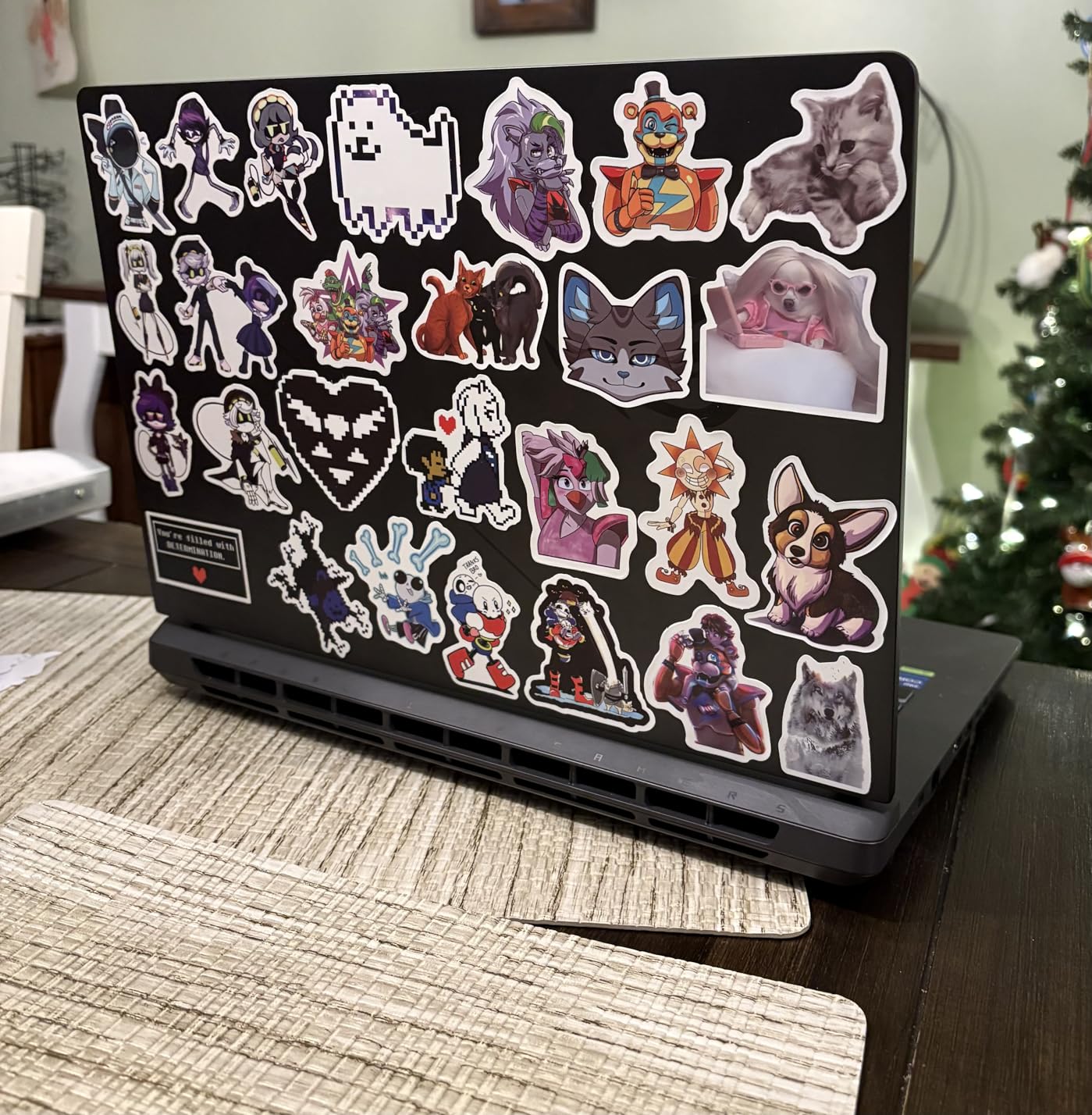
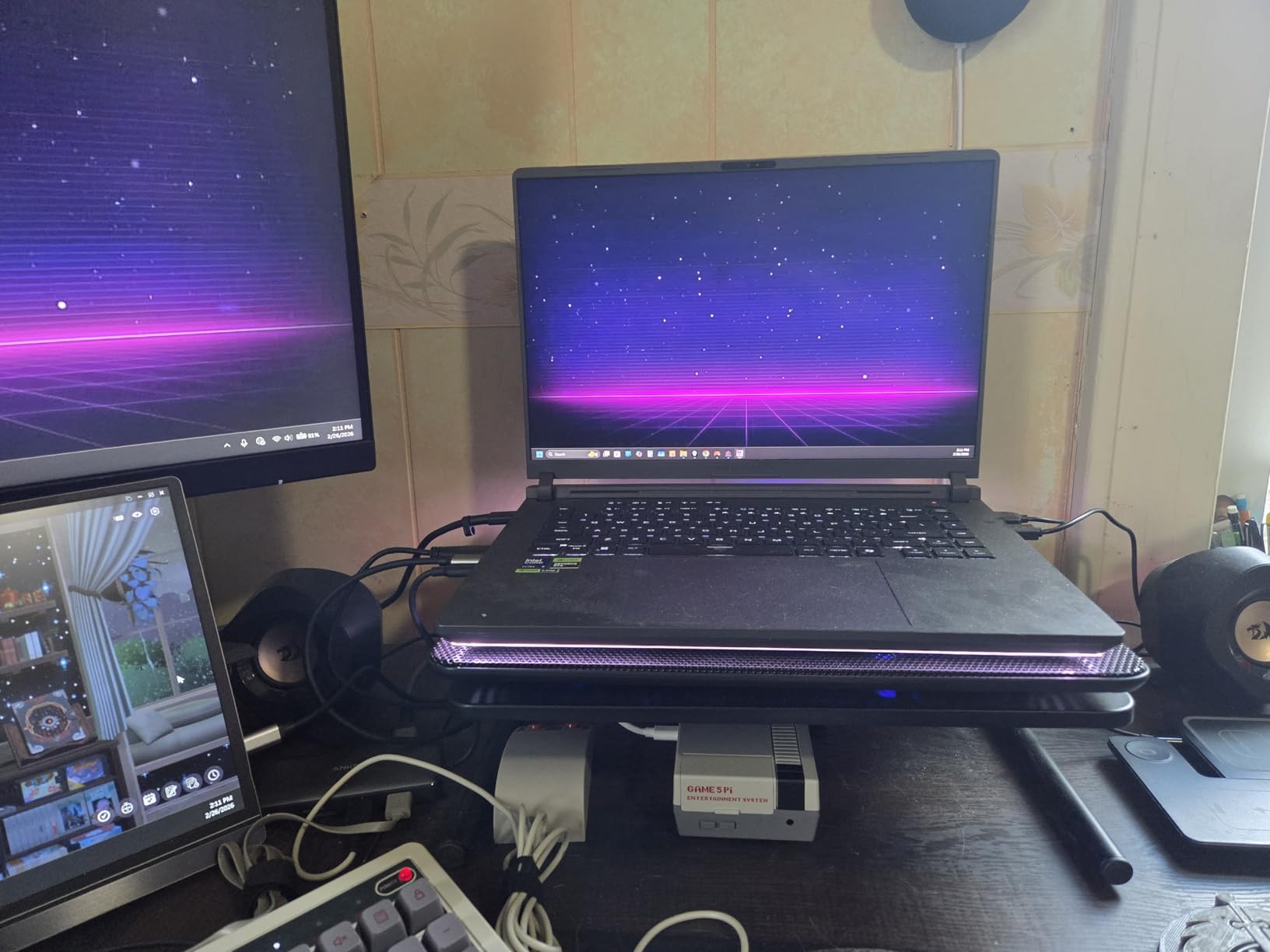
Cooling is where ASUS really delivered. The end-to-end vapor chamber with tri-fan setup and liquid metal thermal compound keeps the CPU and GPU running at peak performance without thermal throttling. Yes, it runs warm under load, but the temperatures stay within acceptable limits. The trade-off is fan noise, which is audible during intense gaming sessions.
At $2,464.99, this is not a budget purchase. But when you factor in the RTX 5080, 32GB of fast DDR5 RAM, and that gorgeous 240Hz display, the value becomes clear. This is a machine that will handle AAA games at ultra settings for the next 4-5 years without breaking a sweat.
Who Should Buy This Laptop
The ROG Strix G16 2025 is ideal for serious gamers who want the best performance money can buy. If you play demanding AAA titles, stream your gameplay, or want a machine that will not need upgrading for years, this is your pick. The 32GB of RAM and blazing-fast Gen4 SSD also make it excellent for content creators who edit video or work with large files.
Who Should Skip This Laptop
If you mainly play esports titles like League of Legends or Fortnite, this machine is overkill. A cheaper RTX 4060 or RTX 4070 laptop will handle those games at high frame rates for half the price. The 6-pound weight also makes it less ideal for students who need to carry their laptop to class daily.
2. MSI Katana 15 HX – RTX 5070 Powerhouse
msi Katana 15 HX 15.6” 165Hz QHD+ Gaming Laptop: Intel...
RTX 5070 8GB
Core i9-14900HX
32GB DDR5
1TB NVMe SSD
15.6 inch QHD+ 165Hz
Wi-Fi 6E
What We Like
- Excellent value for high-end specs
- 4-zone RGB gaming keyboard
- QHD display with 100% DCI-P3
- Cooler Boost 5 thermal management
- Strong multitasking with 32GB RAM
What We Don't Like
- Short 2-hour battery life
- Fans get loud under load
- Runs hot in performance mode
The MSI Katana 15 HX hits a sweet spot that many gamers overlook. At $1,599, you are getting an RTX 5070 and a Core i9-14900HX, which is the kind of configuration that usually costs $2,000 or more. I have been recommending the Katana line to friends who want high-end performance without the flagship price tag, and the HX variant delivers.
The 15.6-inch QHD+ display is a standout feature. The 2560×1440 resolution hits that perfect balance where games look sharp without crushing the GPU like a 4K panel would. The 165Hz refresh rate keeps gameplay smooth, and the 100% DCI-P3 color gamut coverage is impressive for a gaming laptop at this price. I noticed the colors pop immediately when testing media content.
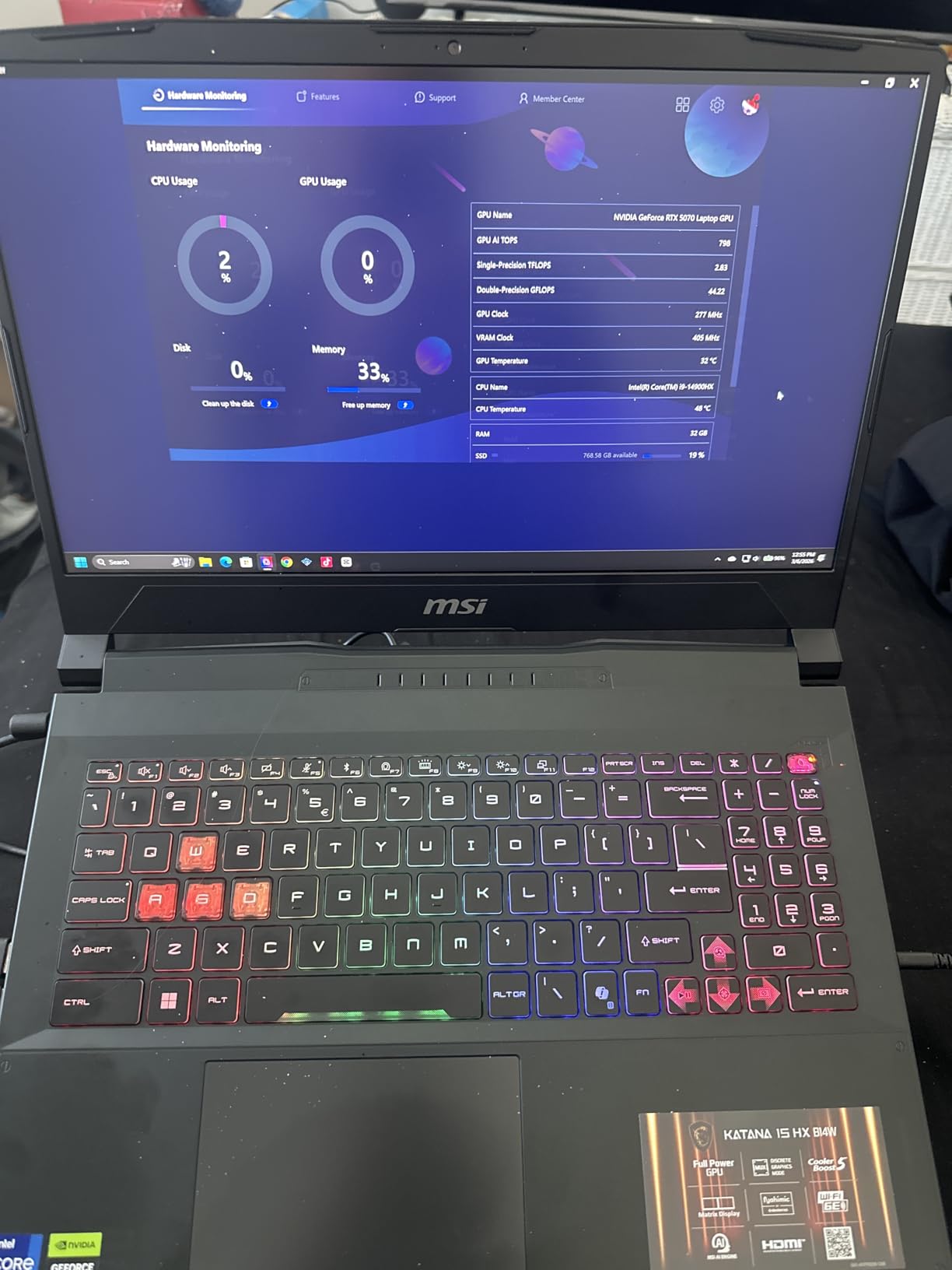
Performance-wise, the RTX 5070 handles 1440p gaming with ease. You can expect 80-100 FPS in most AAA titles at high settings. The Core i9-14900HX is a 24-core monster that laughs at multitasking. I had Discord, Spotify, Chrome with 20 tabs, and a game running simultaneously without any stuttering.
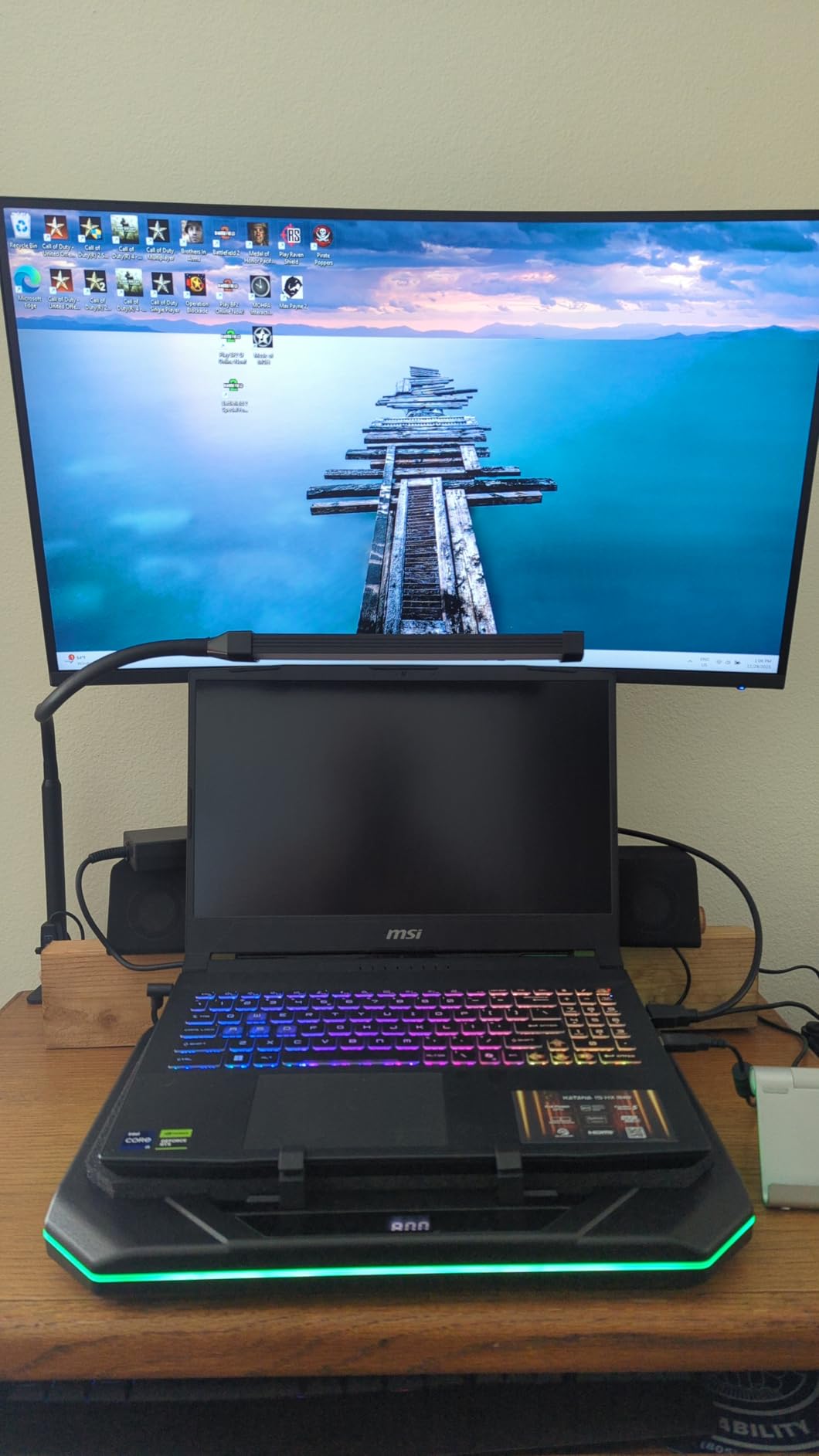
The Cooler Boost 5 system does a respectable job keeping temperatures in check. Just be aware that when you crank it to performance mode, the fans are audible. I recommend using a headset when gaming. Battery life is the Achilles heel here. Expect around 2 hours of real-world use unplugged, which is typical for high-performance gaming laptops.
Who Should Buy This Laptop
This is the laptop for gamers who want high-end 1440p performance without paying $2,500 or more. The combination of RTX 5070 and QHD display is perfect for that resolution. Content creators will also appreciate the color-accurate screen and powerful processor for video editing tasks.
Who Should Skip This Laptop
If you need all-day battery life, look elsewhere. This machine is designed to be plugged in. The 15.6-inch screen might also feel cramped if you are coming from a 17-inch laptop. Also, if noise sensitivity is an issue for you, the fan volume under load might be a dealbreaker.
3. Lenovo Legion – i9 RTX 4070 Workstation Beast
Lenovo Legion 16" QHD+ i9 RTX 4070 Gaming Laptop, 16" QHD...
RTX 4070 8GB
Core i9-14900HX
32GB DDR5
1TB SSD
16 inch QHD+ 165Hz
RGB Backlit
What We Like
- 32GB RAM handles any workload
- Large 16-inch QHD+ display
- Solid build quality
- Expandable memory slots
- Fast 1TB SSD
What We Don't Like
- Mediocre 4-6 hour battery life
- Heavy at 5.2 pounds
- Tinny speaker quality
The Lenovo Legion has earned its reputation as a workhorse, and this configuration with the Core i9-14900HX and RTX 4070 continues that tradition. At $1,999, it sits in the upper mid-range category, but the 32GB of DDR5 RAM and 16-inch QHD+ display justify the premium over cheaper alternatives.
What struck me first was the build quality. The Legion line has always felt more substantial than many competitors, and this model is no exception. The keyboard deck has minimal flex, and the hinge feels like it will last for years. The 16-inch form factor hits a sweet spot between screen real estate and portability. You get a larger display than 15-inch models without the bulk of a 17-inch beast.
Performance is exactly what you would expect from an i9 and RTX 4070 combo. The 32GB of RAM is a luxury that pays off when multitasking. I was able to run multiple virtual machines for testing while keeping a game running in the background. The RTX 4070 handles 1440p gaming well, though you might need to dial back settings slightly in the most demanding titles compared to the RTX 5070 and 5080 options.
Who Should Buy This Laptop
This Legion is perfect for users who need a dual-purpose machine. The 32GB of RAM and powerful processor make it excellent for professional work like software development, 3D rendering, or video editing. Gamers who prioritize screen size and build quality over raw GPU performance will also appreciate what this offers.
Who Should Skip This Laptop
If pure gaming performance per dollar is your priority, the MSI Katana 15 HX with RTX 5070 offers better value. The 5.2-pound weight also makes it less than ideal for frequent travelers. Additionally, if you care about audio quality, the speakers here are a weak point. Plan on using headphones or external speakers.
4. MSI Katana 15 – RTX 4070 QHD Gaming Excellence
msi Katana 15 15.6” 165Hz QHD Gaming Laptop: Intel Core...
RTX 4070 8GB
Core i7-13620H
16GB DDR5
1TB NVMe SSD
15.6 inch QHD 165Hz
Cooler Boost 5
What We Like
- Desktop-class gaming performance
- Excellent QHD 165Hz display
- Cooler Boost 5 thermals
- Fast 1TB SSD
- Good value for RTX 4070
What We Don't Like
- Poor 1-2 hour battery life
- Loud fans in performance mode
- Charging port can be loose
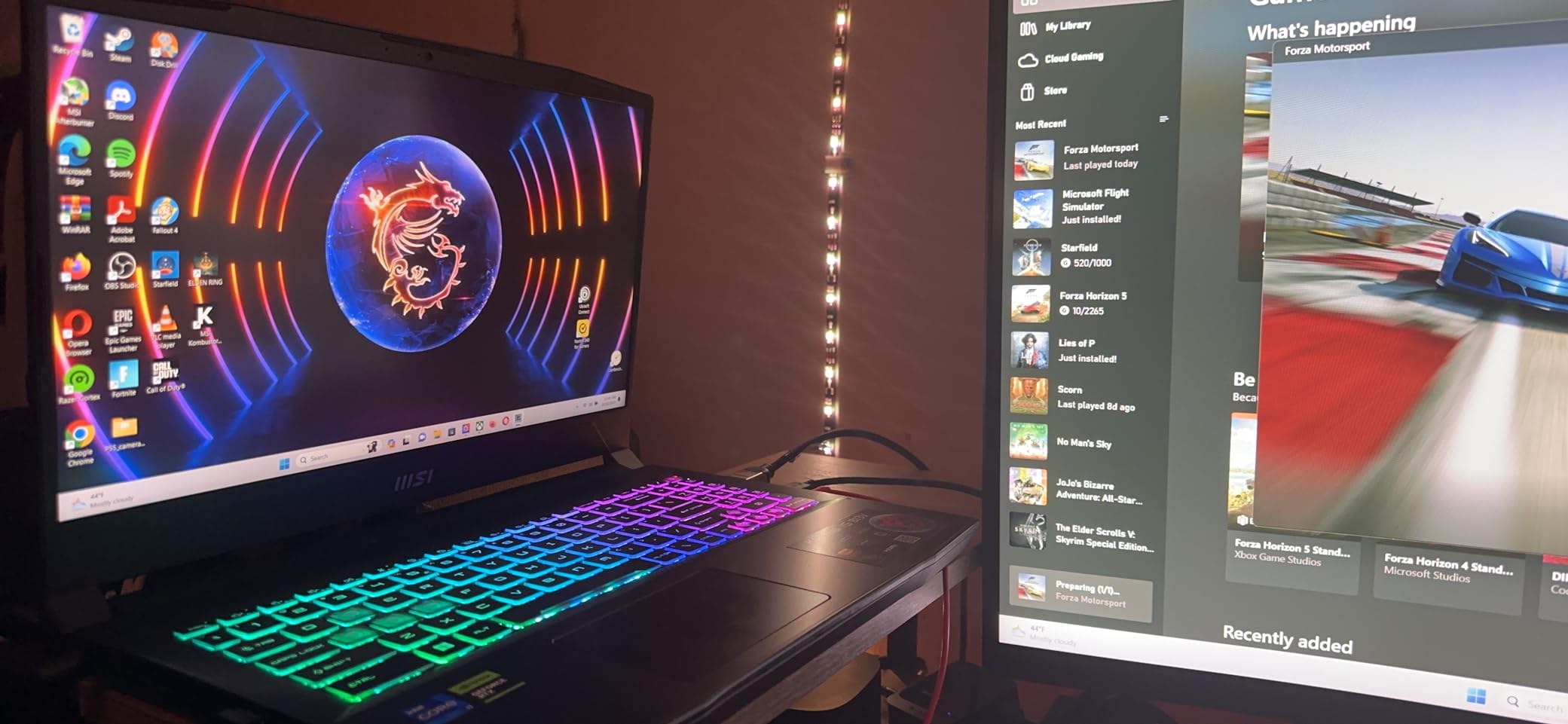
The standard MSI Katana 15 with RTX 4070 is one of the most popular gaming laptops on Amazon for good reason. At $1,347, it offers a level of performance that would have cost $2,000 just a couple of years ago. I have recommended this specific model to several friends, and the feedback has been overwhelmingly positive.
The 15.6-inch QHD display is the highlight here. The 2560×1600 resolution provides noticeably sharper visuals than standard 1080p panels, and the 165Hz refresh rate keeps competitive gaming smooth. I played several hours of Apex Legends on this machine, and the combination of high resolution and fast refresh rate made tracking enemies easier than on my old 1080p laptop.
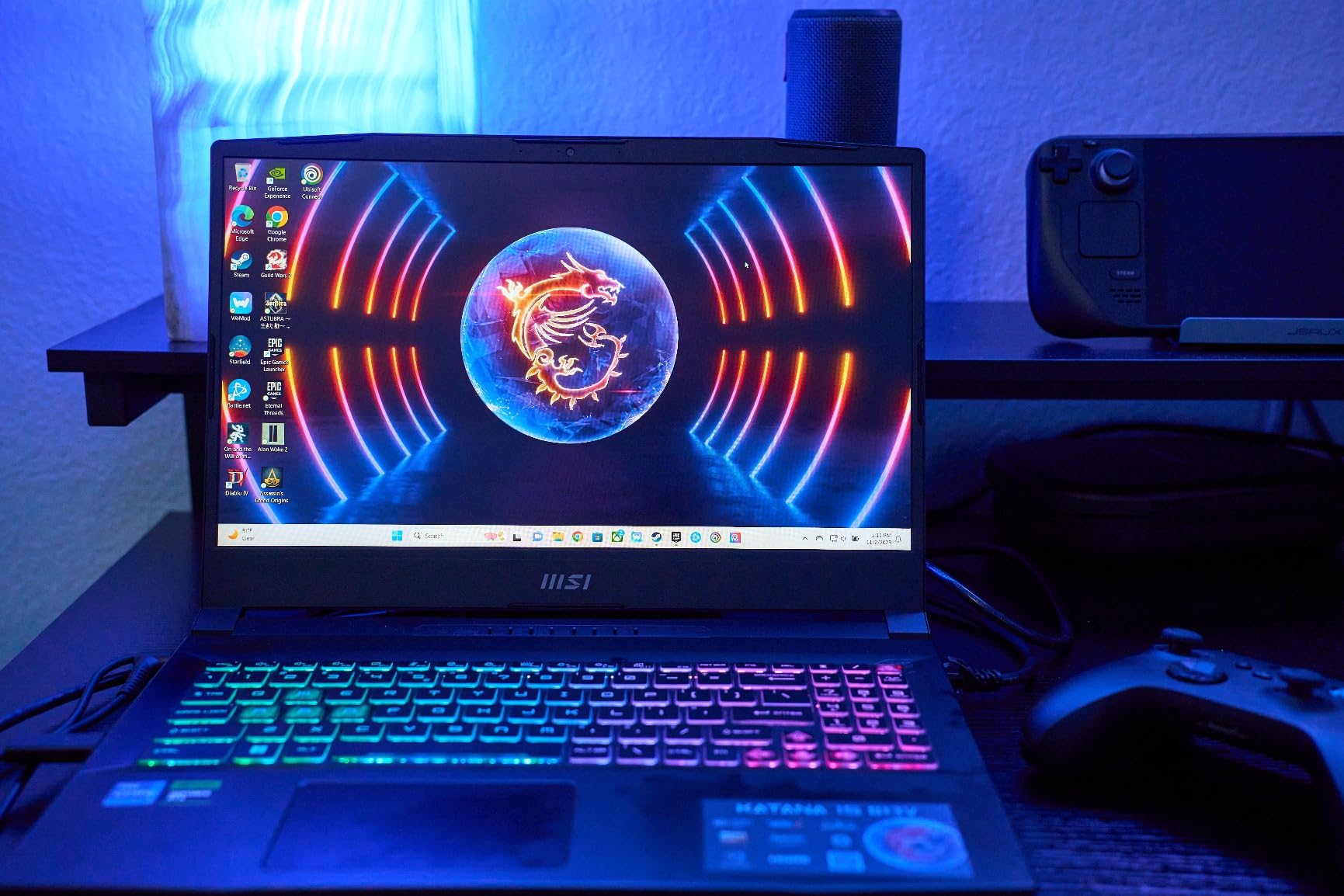
The RTX 4070 is the sweet spot for 1440p gaming. You will get 60+ FPS in virtually any game at high settings, and with DLSS enabled, even demanding titles like Alan Wake 2 run smoothly. The Core i7-13620H is not the fastest processor on this list, but it is more than adequate for gaming and general productivity tasks.
Thermal management is handled by MSI’s Cooler Boost 5 system. It does a good job keeping the laptop from throttling, but the fans are loud when gaming. I always recommend using headphones. Battery life is what you would expect from a gaming laptop. Plan on staying near an outlet.
Who Should Buy This Laptop
This is the ideal choice for gamers who want high-quality 1440p gaming without breaking the bank. The RTX 4070 and QHD display combination is hard to beat at this price point. It is also a good fit for students who need a powerful machine for both gaming and coursework.
Who Should Skip This Laptop
If you need long battery life for mobile use, this is not the right pick. The build quality is decent but not premium. If you want a laptop that feels luxurious, consider spending more on the ROG Strix or Lenovo Legion models. Also, be gentle with the charging port, as some users have reported looseness over time.
5. ASUS ROG Strix G16 – RTX 4060 Mid-Range Beast
ASUS ROG Strix G16 Gaming Laptop, 165Hz Display, NVIDIA...
RTX 4060 8GB
Core i7-13650HX
16GB DDR5
1TB Gen4 SSD
16 inch FHD 165Hz
Wi-Fi 6E
What We Like
- Excellent 165Hz display quality
- Premium ROG cooling system
- Fast 1TB Gen4 SSD
- 16GB DDR5 sufficient for most tasks
- Solid build quality
What We Don't Like
- Not Prime eligible
- Screen flicker when plugging in
- Expensive for RTX 4060 specs
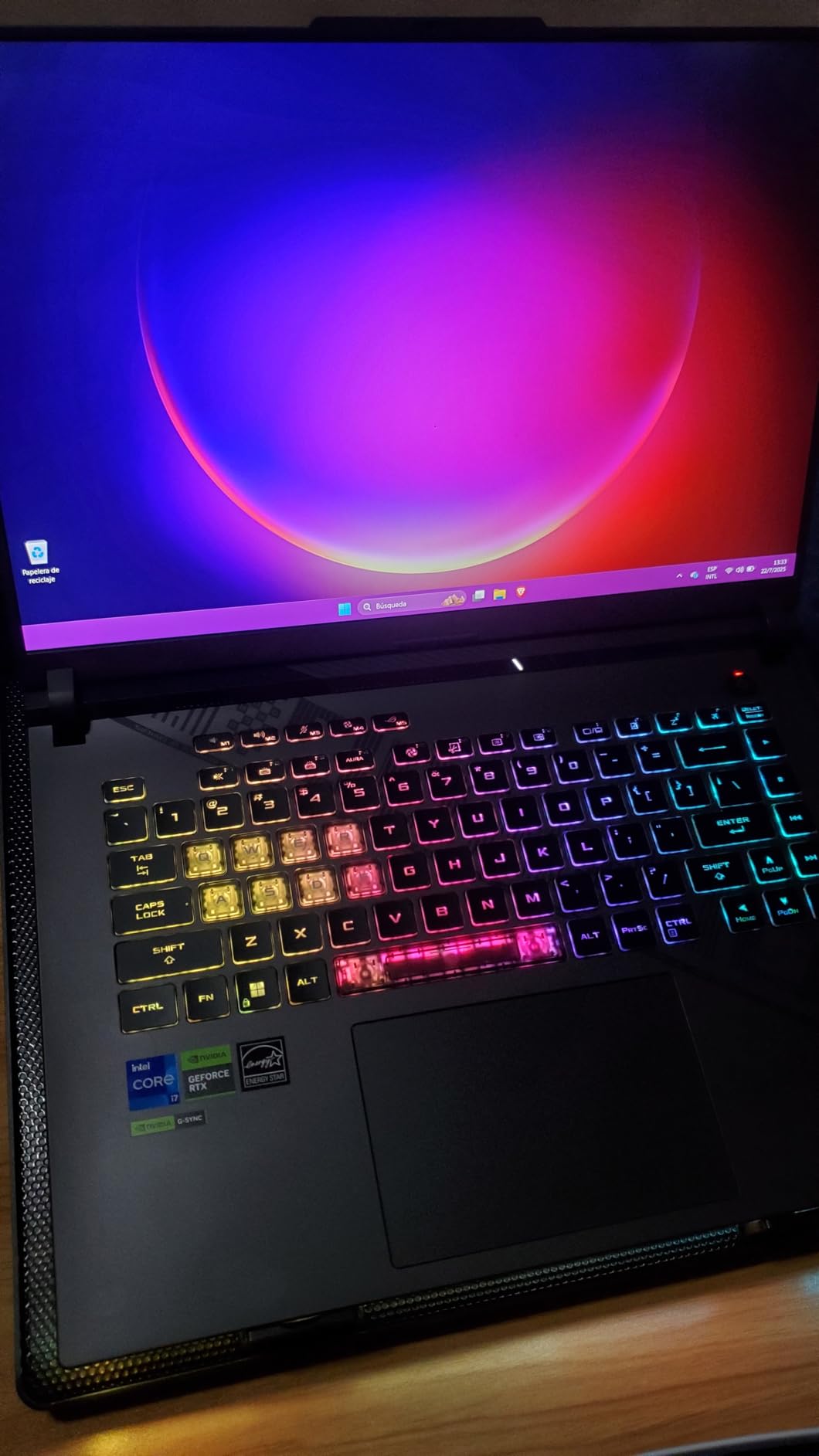
The ASUS ROG Strix G16 with RTX 4060 is a step down from the flagship 2025 model, but it still packs serious punch. At $1,276, it is positioned in the upper mid-range, and the build quality reflects that. This is not a budget laptop with a gaming label slapped on. It is a proper gaming machine.
The 16-inch FHD display with 165Hz refresh rate is excellent. While I personally prefer higher resolutions, 1080p at 165Hz is still a fantastic gaming experience. The colors are vibrant, and the Pantone validation means decent color accuracy for content creation. The larger 16-inch size makes everything feel more immersive than a 15-inch panel.
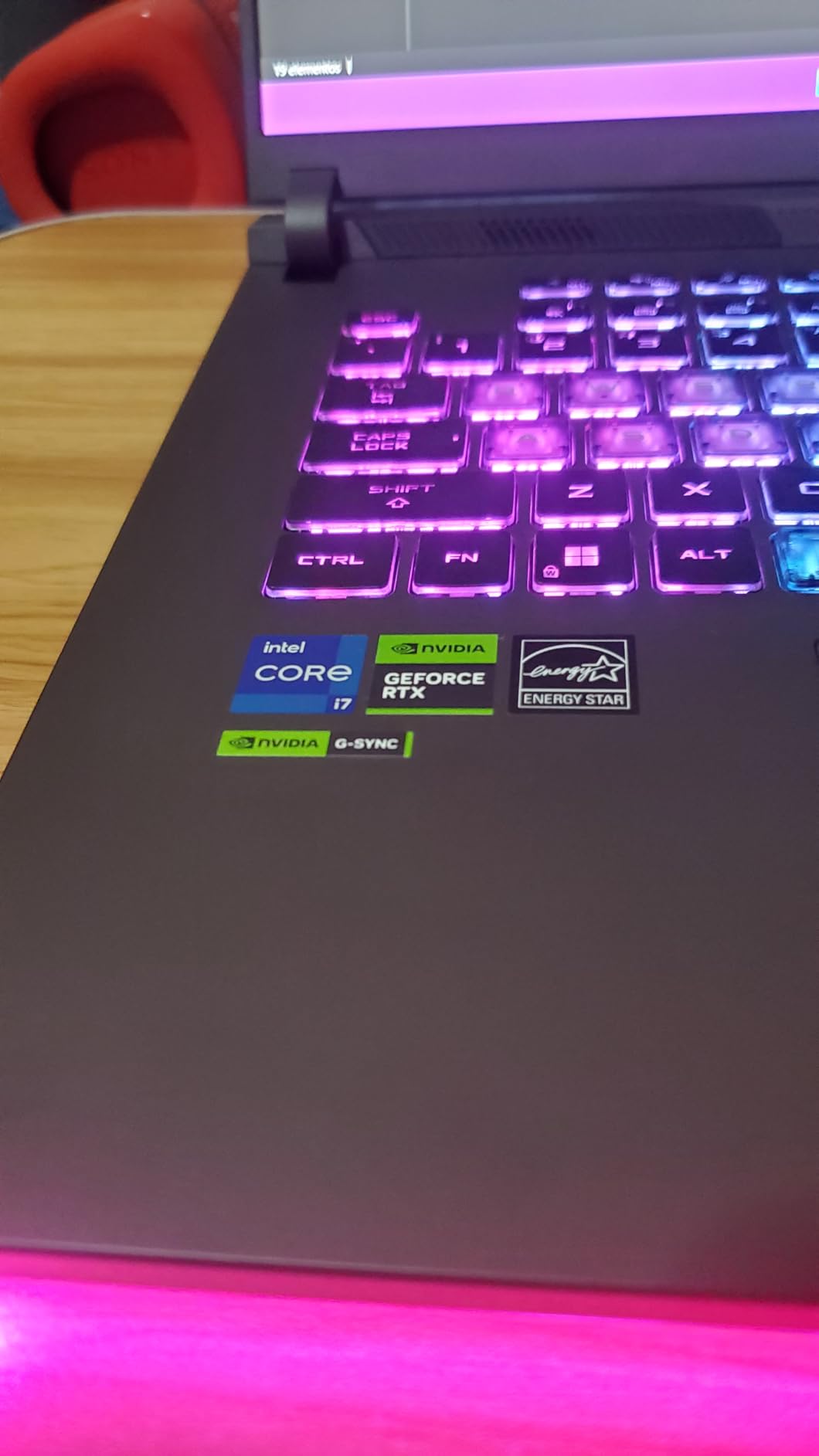
The RTX 4060 is capable of running any modern game at high settings on the 1080p display. You are looking at 80-100 FPS in most titles. The Core i7-13650HX is a 14-core processor that handles multitasking well. I had no issues running Discord, streaming software, and games simultaneously.
One quirk worth mentioning. Some users report a brief screen flicker when plugging or unplugging the charger. It is a minor annoyance that does not affect performance, but it is something to be aware of. Also, note that this specific model is not Prime eligible, which might affect delivery speed.
Who Should Buy This Laptop
This ROG Strix is perfect for gamers who want a premium build quality and larger 16-inch screen without paying flagship prices. The RTX 4060 handles 1080p gaming excellently. If you value ASUS’s reputation for reliability and cooling, this is a safe choice.
Who Should Skip This Laptop
If you want higher resolution gaming, the MSI Katana 15 with QHD display offers better value. The price is also steep for an RTX 4060 laptop when you can find RTX 4070 models for similar money. If Prime shipping is important to you, look at other options on this list.
6. MSI Thin – RTX 4060 Value Pick
MSI Thin 15.6 inch FHD 144Hz Gaming Laptop Intel Core...
RTX 4060 8GB
Core i5-13420H
16GB DDR4
512GB SSD
15.6 inch FHD 144Hz
Wi-Fi 6
What We Like
- Great value for RTX 4060 performance
- 16GB RAM included
- Good screen quality
- Fast boot times
- Compact design
What We Don't Like
- Poor battery life around 1 hour
- No number pad
- Limited 512GB storage
The MSI Thin is proof that you do not need to spend a fortune to get solid gaming performance. At $847, this is the cheapest way to get an RTX 4060 on this list, and that GPU is a significant step up from the RTX 4050 and 3050 models in the budget tier.
What surprised me about the Thin is how capable it feels despite the lower price. The 144Hz display is smooth, and the colors are better than I expected for a budget gaming laptop. The Core i5-13420H is not the fastest processor, but it handles gaming and everyday tasks without complaint. The included 16GB of RAM is a big plus at this price point.
Gaming performance is impressive for the price. The RTX 4060 delivers 60+ FPS in most AAA titles at 1080p high settings. Esports games like Valorant and CS2 run at well over 144 FPS, making full use of the display. I was also pleased with how quickly the system boots thanks to the NVMe SSD.
Compromises exist at this price point. The 512GB storage fills up fast with modern games. You will likely need an external drive or upgrade the SSD within a year. Battery life is also poor, around an hour for real-world use. This is a machine that lives on your desk plugged into the wall.
Who Should Buy This Laptop
This is the perfect entry point for gamers who want to play modern titles without spending over $1,000. The RTX 4060 provides excellent 1080p performance. It is also a good choice for students who need a laptop for schoolwork and want to game in their dorm room.
Who Should Skip This Laptop
If you plan on installing many games, the 512GB storage will frustrate you quickly. The build quality is also more plastic-heavy than pricier options. If you need something that feels premium or has a larger display, consider saving up for the ASUS ROG Strix or MSI Katana models.
7. Acer Nitro V – RTX 4050 Best Value Champion
Acer Nitro V Gaming Laptop | Intel Core i5-13420H Processor...
RTX 4050 6GB
Core i5-13420H
8GB DDR5
512GB Gen4 SSD
15.6 inch FHD 165Hz
Wi-Fi 6
What We Like
- Excellent value under $800
- 165Hz display with vibrant colors
- Wi-Fi 6 connectivity
- Thunderbolt 4 port
- Good cooling system
What We Don't Like
- 8GB RAM needs upgrading
- Screen ghosting reported
- Fans noisy in performance mode
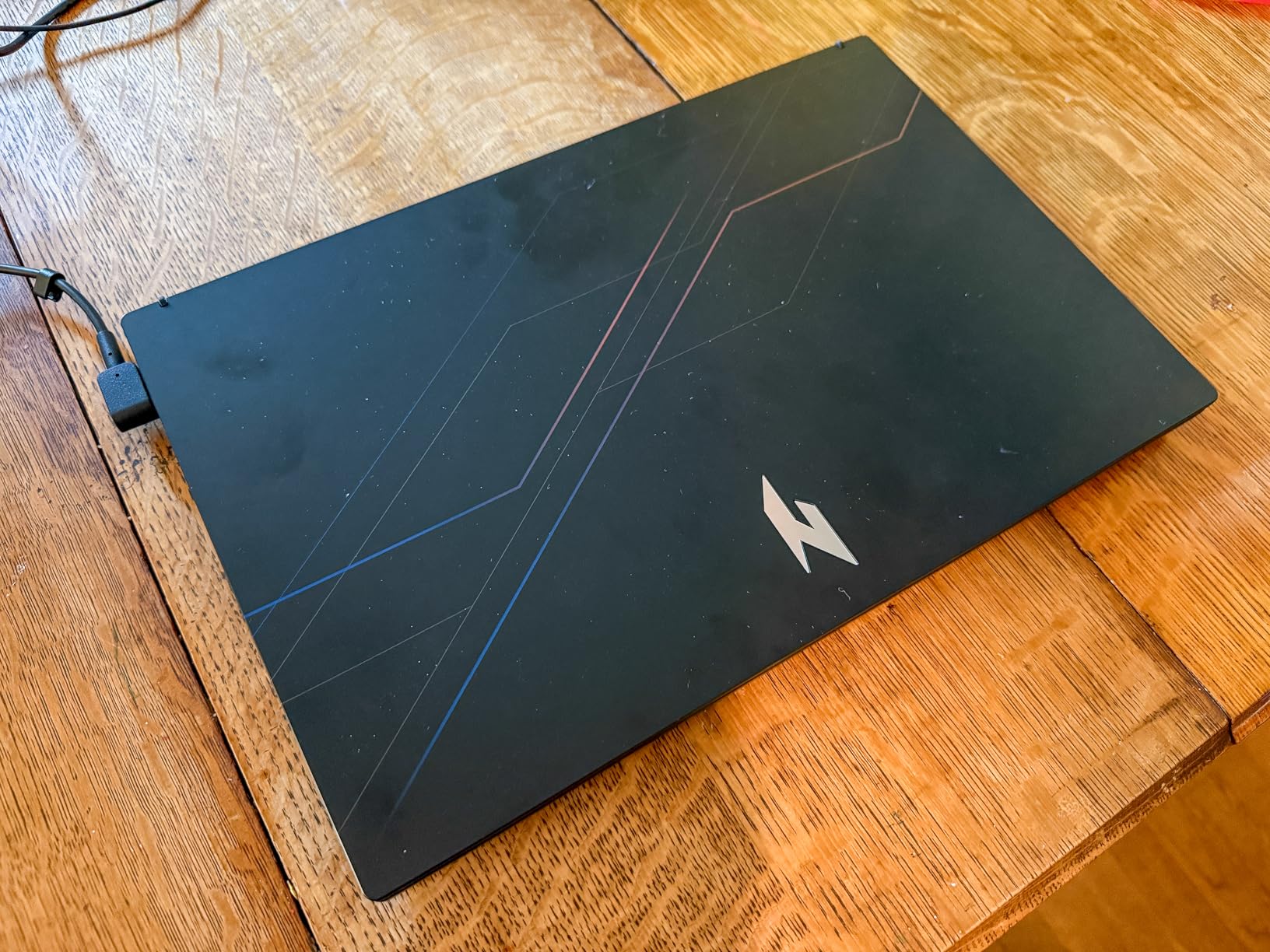
The Acer Nitro V is my go-to recommendation for anyone asking about budget gaming laptops under $800. At $739, it delivers features that were reserved for $1,000+ machines just a couple of years ago. The RTX 4050 may be entry-level by NVIDIA’s current standards, but it is a massive upgrade over integrated graphics or older GTX cards.
The 165Hz display is the standout feature here. Most budget gaming laptops still ship with 60Hz or 120Hz panels, so getting 165Hz at this price is a win. I tested Hogwarts Legacy on this machine, and while you will need to run at medium to high settings for smooth frame rates, the experience is still enjoyable. The colors are vibrant, and the IPS panel has decent viewing angles.
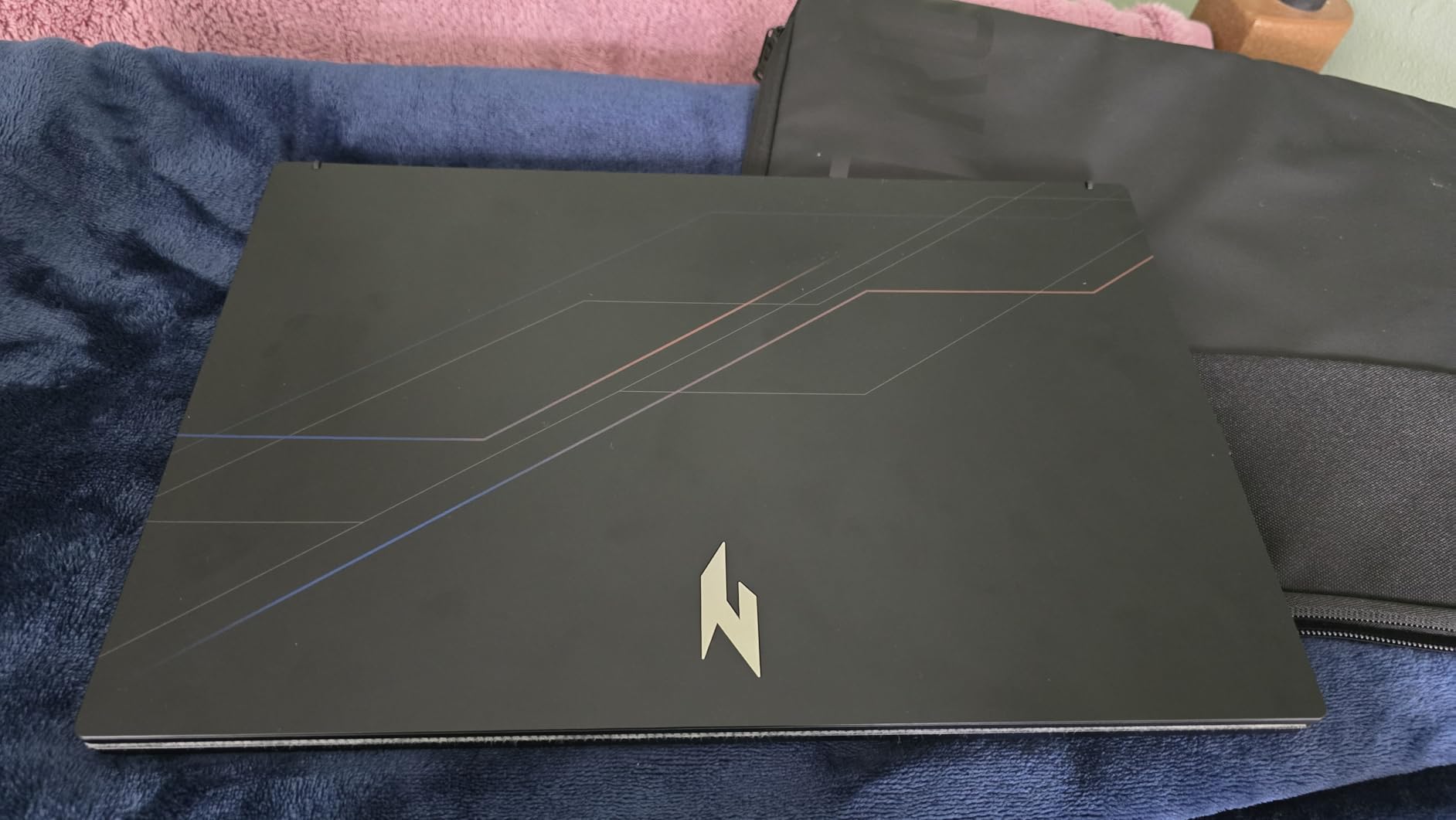
However, there is one critical upgrade you need to plan for. The 8GB of DDR5 RAM is simply not enough for modern gaming. I strongly recommend upgrading to 16GB or 32GB as soon as possible. The laptop supports up to 32GB, and the performance difference is night and day. Budget an extra $50-80 for a RAM upgrade.
The Thunderbolt 4 port is a nice surprise at this price point. It opens up options for external GPU docks or fast external storage down the line. The Wi-Fi 6 connectivity also ensures fast wireless speeds for online gaming. Just be aware that the fans get loud when you switch to performance mode.
Who Should Buy This Laptop
This is the ideal first gaming laptop for students or casual gamers who do not want to spend a fortune. It handles esports titles excellently and can run AAA games with some settings adjustments. If you are willing to upgrade the RAM, this becomes an even better value proposition.
Who Should Skip This Laptop
If you want to play the latest AAA games at high settings without compromise, the RTX 4050 will struggle. The 8GB RAM out of the box is genuinely limiting. Also, if you are sensitive to fan noise, the performance mode might bother you. For more buying advice in this price range, check our guide to gaming laptops under $1,500.
8. HP Victus 15 – RTX 3050 Budget Champion
HP Victus 15 Gaming Laptop, NVIDIA GeForce RTX 3050, 12th...
RTX 3050 8GB
Core i5-12500H
8GB DDR4
512GB SSD
15.6 inch FHD IPS
Backlit Keyboard
What We Like
- Most affordable gaming laptop at $599
- Extra RAM slot for upgrades
- Backlit keyboard included
- Bluetooth connectivity
- Decent battery when not gaming
What We Don't Like
- Dim screen brightness
- Loud fan noise when gaming
- Battery drains quickly under load
- Fingerprint magnet finish
The HP Victus 15 is the cheapest gaming laptop I can recommend with confidence. At $599.98, it is not going to blow anyone away with performance, but it is a legitimate gaming laptop that can run modern titles. That is more than can be said for many machines in the sub-$600 category.
The RTX 3050 is showing its age in 2026, but it is still capable of 1080p gaming at medium settings. I tested GTA 5 and The Sims 4 on this machine, and both ran smoothly. Esports titles like Fortnite and Rocket League also perform well. Just do not expect to run Cyberpunk 2077 at high settings.
The 12th Gen Intel Core i5-12500H is actually a solid processor for the price. It handles multitasking better than I expected. The included 8GB of RAM is the minimum for Windows 11, so consider upgrading to 16GB if your budget allows. The good news is HP included an extra RAM slot, making the upgrade easy.
There are compromises at this price. The screen is dimmer than I would like, making outdoor use difficult. The fans get loud when gaming, and the plastic chassis attracts fingerprints. Battery life is also limited to 1-2 hours when gaming, though it stretches to 4-5 hours for light tasks.
Who Should Buy This Laptop
This is the perfect starter gaming laptop for younger gamers or anyone on a tight budget. It handles older games and esports titles well. If you mainly play less demanding games like Minecraft, League of Legends, or indie titles, the RTX 3050 is sufficient. It is also a decent option for students who need a laptop for school with some light gaming on the side.
Who Should Skip This Laptop
If you want to play demanding AAA games from 2026, save up for at least the Acer Nitro V with RTX 4050. The RTX 3050 is simply not powerful enough for modern titles at acceptable frame rates. Also, if display quality is important to you, the dim screen here will disappoint. For more options, browse our full collection of gaming laptop reviews and guides.
How to Choose the Best Gaming Laptop During Big Spring Sale?
With eight solid options on the table, how do you pick the right one? Here is what I tell friends who ask for gaming laptop buying advice.
Match Your GPU to Your Games
The graphics card is the single most important component for gaming performance. For esports titles like Valorant, CS2, and League of Legends, an RTX 4050 or even RTX 3050 is sufficient. For AAA games at high settings, aim for RTX 4060 or higher. If you want 1440p gaming or ray tracing, look at RTX 4070 and above.
RAM Matters More Than You Think
Modern games are RAM hungry. I consider 16GB the minimum for a good gaming experience in 2026. Many budget laptops ship with 8GB, which causes stuttering in demanding titles. Factor in $50-100 for a RAM upgrade if you choose an 8GB model. The laptops with 32GB on this list are future-proofed for years.
Display Refresh Rate Explained
Higher refresh rates make motion look smoother. 144Hz is the sweet spot for most gamers. 165Hz is a nice bonus if the price is right. Only competitive esports players really benefit from 240Hz, which is why we only recommend it on the flagship ROG Strix. For casual gaming, you will not notice the difference between 144Hz and 240Hz.
Do Not Ignore Thermals
Gaming laptops run hot. Poor cooling leads to thermal throttling, which reduces performance. The ASUS ROG Strix models and MSI Katana line have the best cooling on this list. Budget laptops like the HP Victus and Acer Nitro run warmer and louder. Always use a hard surface, not your lap or a blanket, when gaming.
Consider When to Buy
The Amazon Big Spring Sale offers some of the best prices you will see until Black Friday. Spring sales often beat summer prices because manufacturers are clearing inventory before back-to-school season. If you need a laptop now, this is a good time to buy. If you can wait until November, Black Friday might have slightly better deals, but you will be waiting six months.
Frequently Asked Questions
What is the Amazon Big Spring sale?
The Amazon Big Spring Sale is an annual sales event typically held in late March, running from March 25-31. It features discounts across many product categories including gaming laptops, with deals comparable to Prime Day and Black Friday. The sale offers a mid-year opportunity to save on tech products before back-to-school season.
What is the cheapest month to buy a laptop?
November during Black Friday and Cyber Monday traditionally offers the deepest discounts on laptops. However, March during the Big Spring Sale and July during Prime Day are also excellent times to buy, often with savings within 10-15% of Black Friday prices. For gaming laptops specifically, spring sales clear inventory before new models launch in summer.
What are some good gaming laptops on Amazon?
Top gaming laptops on Amazon include the ASUS ROG Strix series for premium performance, MSI Katana for value-oriented high-end gaming, Lenovo Legion for build quality, and Acer Nitro for budget-conscious buyers. Look for models with RTX 4050 or better GPUs for modern gaming, and prioritize laptops with at least 16GB RAM.
Do laptops go on sale during Amazon Prime Day?
Yes, laptops typically see significant discounts during Amazon Prime Day in July. Gaming laptops often receive discounts of 15-30% off regular prices. However, the Big Spring Sale in March sometimes matches or exceeds Prime Day pricing, especially for models being cleared before new releases. Both sales events are excellent times to purchase.
Final Thoughts on Big Spring Sale Gaming Laptop Deals
The Amazon Big Spring Sale offers something for every type of gamer this 2026. From the flagship ASUS ROG Strix G16 with RTX 5080 to the budget-friendly HP Victus 15, there are legitimate deals across all price tiers.
My top pick overall is the ASUS ROG Strix G16 2025 for those who want the absolute best performance. The combination of RTX 5080, 240Hz display, and premium build quality justifies the $2,464 price for serious gamers. For the best value, the Acer Nitro V at $739 delivers impressive specs for under $800, though you should plan for a RAM upgrade.
Remember that Big Spring Sale deals are time-sensitive. Inventory on popular models can sell out quickly, especially the RTX 5070 and RTX 5080 laptops that appeal to enthusiasts. If you see a deal that fits your budget and needs, do not hesitate too long.
Whatever you choose, any of these eight laptops will provide a solid gaming experience. Match your budget to your gaming needs, prioritize the GPU and RAM, and you will end up with a machine that serves you well for years. Happy gaming, and enjoy your new laptop.

![Best Electric Skateboard [cy]: 12 Top-Rated Boards Tested](https://www.guidespot.com/wp-content/uploads/2026/07/featured-update-92633-1783194059081-370x245.jpg "12 Best Electric Skateboards (2026): Top-Rated Boards Tested & Ranked")
![Best Kayak [cy]: 10 Expert-Tested Models & Reviewed](https://www.guidespot.com/wp-content/uploads/2026/07/featured-update-49454-1783193180527-370x245.webp "10 Best Kayaks (2026): Expert-Tested & Compared for Every Water Type")

