

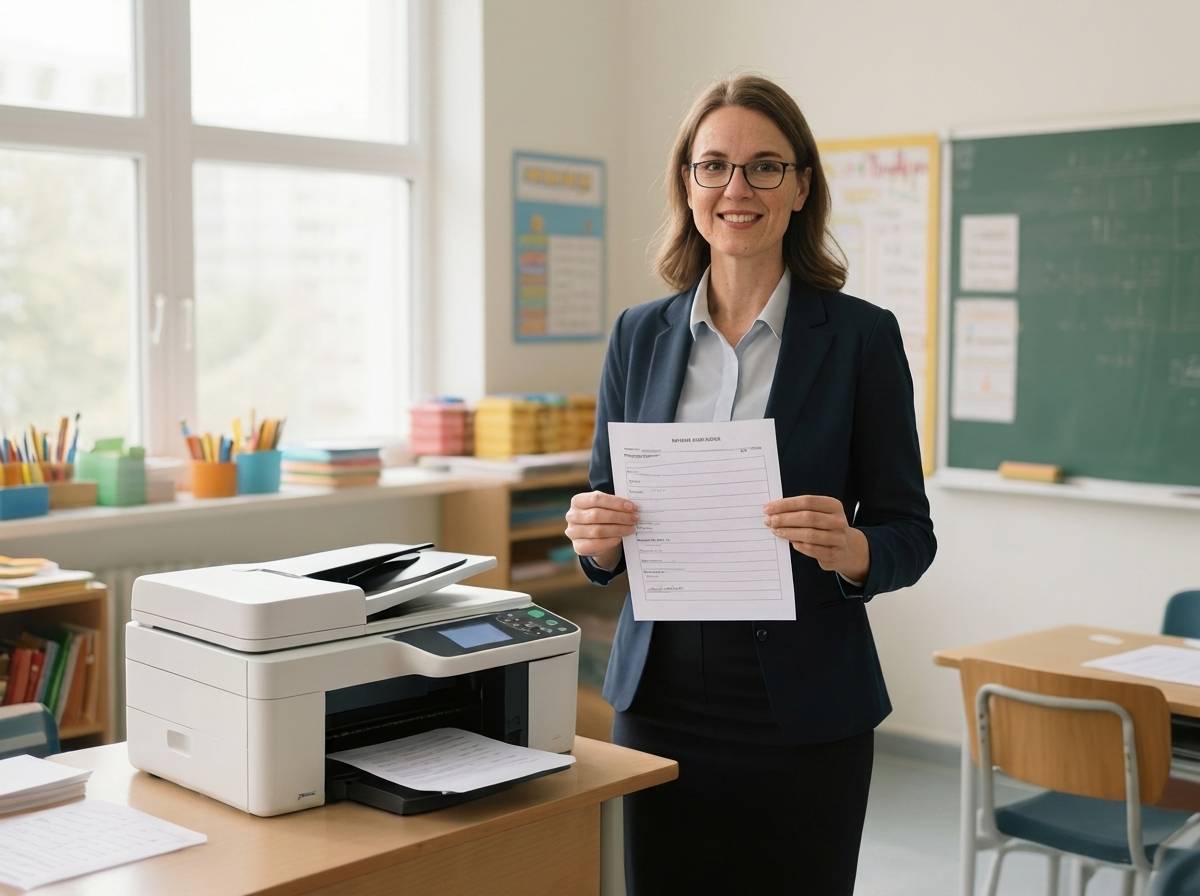
Finding a printer that holds up under daily classroom demands is one of the most overlooked investments a teacher can make. Between worksheets, quizzes, parent letters, and bulletin board materials, educators print thousands of pages each year, and the wrong machine can drain a personal budget fast.
The Epson EcoTank ET-2800 earns our top recommendation among the best printers for teachers because its cartridge-free supertank system delivers up to two years of ink right out of the box. For educators watching every dollar, the HP DeskJet 4255e provides an affordable entry point with an auto document feeder and three months of Instant Ink included.
We tested, researched, and compared ten printers across the categories that matter most to educators: ink cost per page, print speed, wireless reliability, paper capacity, and overall durability. Whether you teach kindergarten and need vivid color output or run high school courses that demand fast text printing, this guide covers every scenario and budget.
Top 3 Picks for Best Printers for Teachers

Epson EcoTank ET-2800
- Cartridge-free supertank
- Up to 2 years ink included
- 10 ppm black
- Wireless all-in-one

HP DeskJet 4255e
- Auto document feeder
- 3-month Instant Ink trial
- 8.5 ppm black
- Compact design
Best Printers for Teachers in 2026
Below is a side-by-side comparison of all ten printers we reviewed. Each model was evaluated on features that matter most in classroom and home-education settings, including print speed, connectivity, ink system type, and paper handling.
| Product | Key Features | Action |
|---|---|---|
|
Epson EcoTank ET-2800
|
|
Check Latest Price |
|
HP DeskJet 4255e
|
|
Check Latest Price |
 Canon Pixma MG3620
|
|
Check Latest Price |
 HP Smart Tank 7602
|
|
Check Latest Price |
 Canon PIXMA TR8620a
|
|
Check Latest Price |
 HP Envy 6155
|
|
Check Latest Price |
 HP OfficeJet Pro 6978
|
|
Check Latest Price |
 HP OfficeJet 3830
|
|
Check Latest Price |
 Canon Megatank GX7120
|
|
Check Latest Price |
 Canon Selphy CP1500
|
|
Check Latest Price |
Detailed Printer Reviews for Educators
1. Epson EcoTank ET-2800 – Best Ink Savings for Teachers
Epson EcoTank ET-2800 Wireless Color All-in-One...
Type: Supertank All-in-One
Speed: 10 ppm black / 5 ppm color
Ink: Up to 2 years included
Connectivity: WiFi
What We Like
- Ultra-low ink cost
- Up to 2 years ink included
- Excellent 5760x1440 dpi quality
- Easy wireless setup
What We Don't Like
- No auto duplex printing
- No auto document feeder
- Higher initial cost
Switching to the Epson EcoTank ET-2800 changed how I approach printing for the classroom. The supertank system ditches traditional cartridges entirely, using refillable bottles instead. I poured the included ink bottles into the tanks during setup and have not purchased ink since.
Print quality hits a sweet spot for educational materials. Black text comes out clean and sharp at 5760 x 1440 dpi resolution, while color worksheets retain enough richness to keep younger students engaged. The Micro Piezo Heat-Free Technology also means the printer does not need warm-up time, which saves energy in a classroom setting.
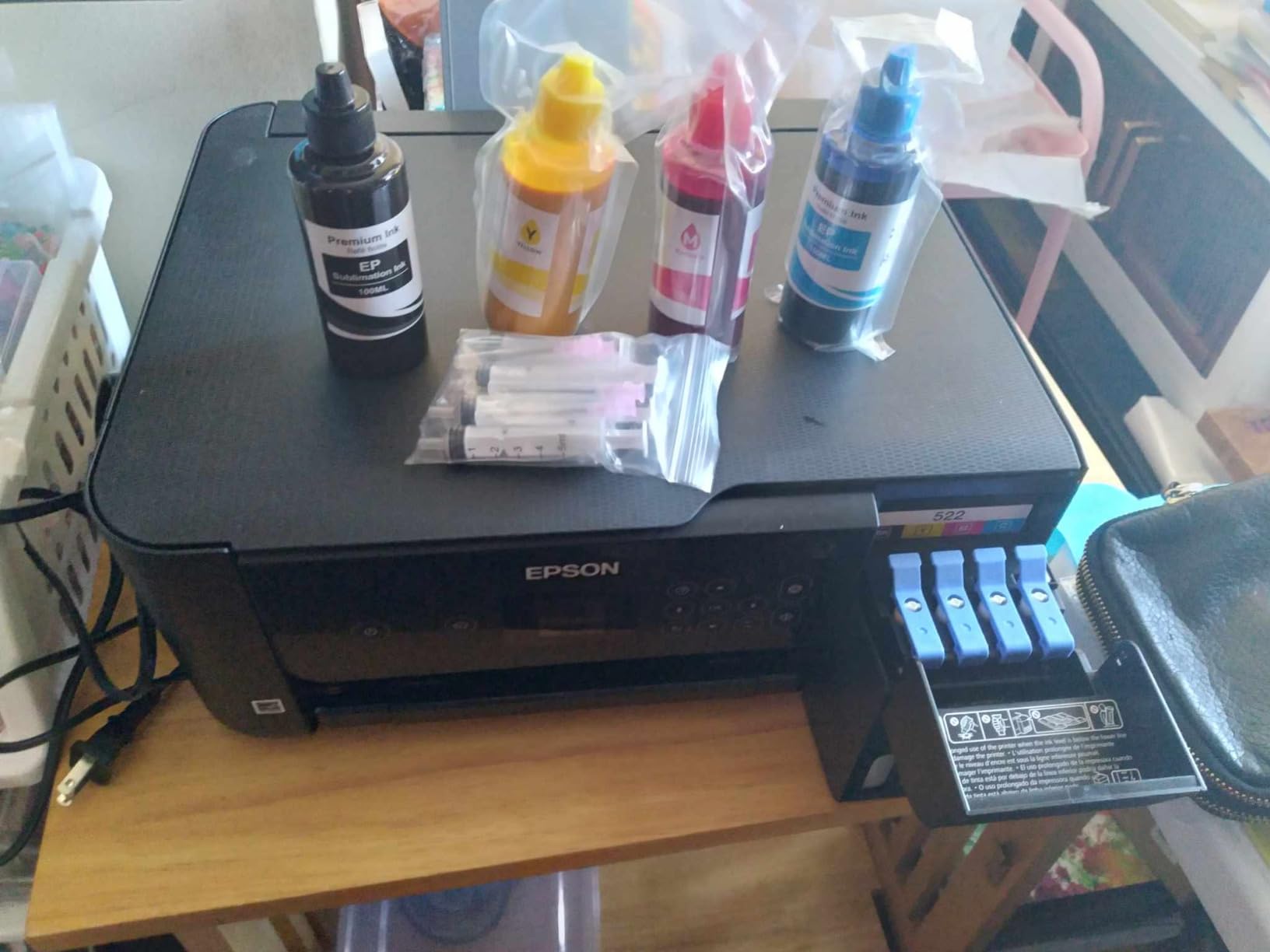
Speed sits at a reasonable 10 pages per minute for black documents and 5 ppm for color. That is fast enough for morning prep sessions when you need a class set of handouts printed quickly. Wireless setup through the Epson app took me about 12 minutes from unboxing to first print.
The main trade-off is the lack of automatic duplex printing. You can still print two-sided documents, but you have to flip pages manually. For teachers who run double-sided worksheets daily, this adds a few extra steps to the workflow. There is also no auto document feeder, so scanning multi-page documents means feeding each sheet individually.

Ink Cost Savings Over Time
The real advantage of this EcoTank model shows up in the cost per page. Black pages run roughly one cent each and color pages about three cents. Compare that to cartridge-based printers that charge ten to twenty cents per page, and the savings accumulate quickly for teachers printing hundreds of pages each month.
Best Use Cases for the Classroom
This printer suits teachers who print 300 or more pages per month and want predictable, low ink costs. It works well for educators who primarily print text documents, worksheets, and moderate color materials. If you need high-volume scanning or automatic two-sided printing, consider pairing this with a model that has those features.
2. HP DeskJet 4255e – Most Affordable Entry Point
HP DeskJet 4255e Wireless All-in-One Color Inkjet Printer...
Type: All-in-One Inkjet
Speed: 8.5 ppm black / 5.5 ppm color
Trial: 3 months Instant Ink
Connectivity: WiFi
What We Like
- Affordable price point
- 3-month Instant Ink trial
- Auto document feeder
- Compact design
What We Don't Like
- Manual duplex only
- Small 60-sheet tray
- Proprietary ink cartridges
The HP DeskJet 4255e is the printer I recommend to student teachers and first-year educators who need something functional without a big upfront spend. Despite its low price, it includes an auto document feeder, a feature usually reserved for more expensive models. That ADF makes scanning multi-page documents far less tedious.
HP includes three months of Instant Ink with activation, which covers up to 300 pages per month during the trial period. For a teacher just starting to build a personal classroom library of resources, this trial period is generous enough to handle the first semester of materials without paying a cent for ink.
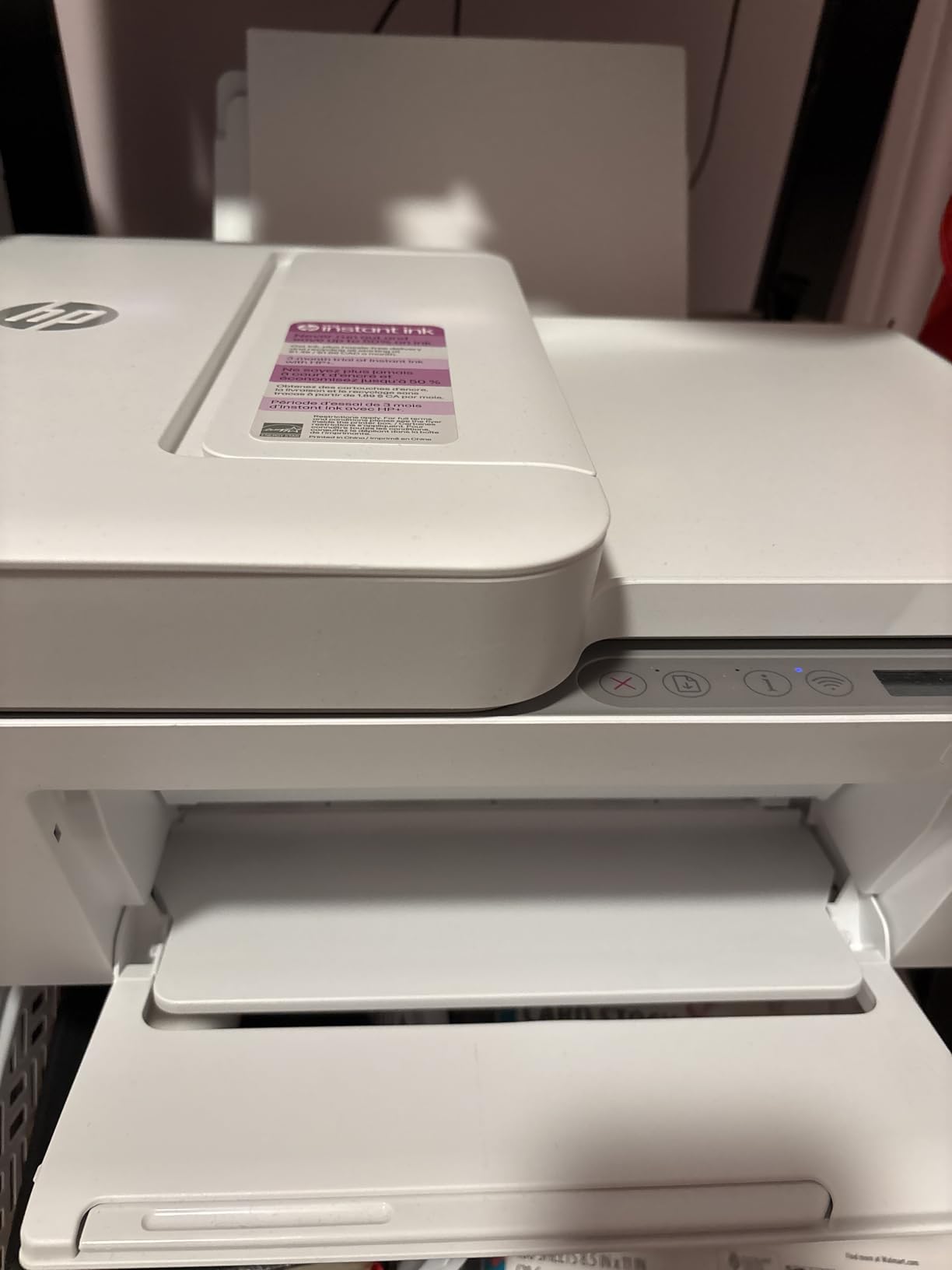
Print speeds reach 8.5 ppm for black text and 5.5 ppm for color, which is adequate for light to moderate use. The self-healing WiFi connection detects and resolves issues automatically, a helpful feature when school networks get congested during peak hours.
The compact form factor, built with over 60 percent recycled plastic, fits on a crowded teacher desk or a narrow shelf. At roughly the size of a bread box, it does not dominate the workspace. The HP AI formatting feature also tidies up web pages and emails before printing, reducing wasted paper from awkward formatting.
Instant Ink Subscription Details
After the three-month trial, Instant Ink plans start at a low monthly rate for 50 pages. The subscription monitors your ink levels and ships replacements before you run out. Teachers who print fewer than 200 pages monthly generally find the subscription convenient and budget-friendly, but heavy printers may want to compare costs against tank-based alternatives.
Limitations to Consider
The 60-sheet input tray means frequent refills during busy weeks. Duplex printing is manual only, so you will need to flip pages yourself for two-sided documents. The printer also uses DRM-locked HP cartridges, meaning you cannot use third-party ink alternatives. These trade-offs are understandable at this price point but worth knowing before you buy.
3. Canon Pixma MG3620 – Best Features for the Price
Canon Pixma MG3620 Wireless All-in-One Color Inkjet Printer...
Type: Wireless All-in-One
Speed: 9.9 ppm black / 5.7 ppm color
Duplex: Automatic
Connectivity: WiFi
What We Like
- Auto duplex printing
- Excellent print quality
- 100-sheet tray
- AirPrint compatible
What We Don't Like
- WiFi setup can be tricky
- Only 2.4GHz WiFi
- Two-cartridge ink system
Auto duplex printing at this price is rare, and that single feature is why the Canon Pixma MG3620 remains a teacher favorite. Printing double-sided worksheets, quizzes, and reading packets without manually flipping pages saves real time during morning prep. I have run entire class sets through this printer without a paper jam.
Color quality impresses at 4800 x 1200 dpi, producing bold classroom decorations and student project materials that look far better than what most budget printers manage. The MG3620 uses a two-cartridge system, one black and one tri-color, which keeps replacement simple even if it does increase costs for heavy color users.
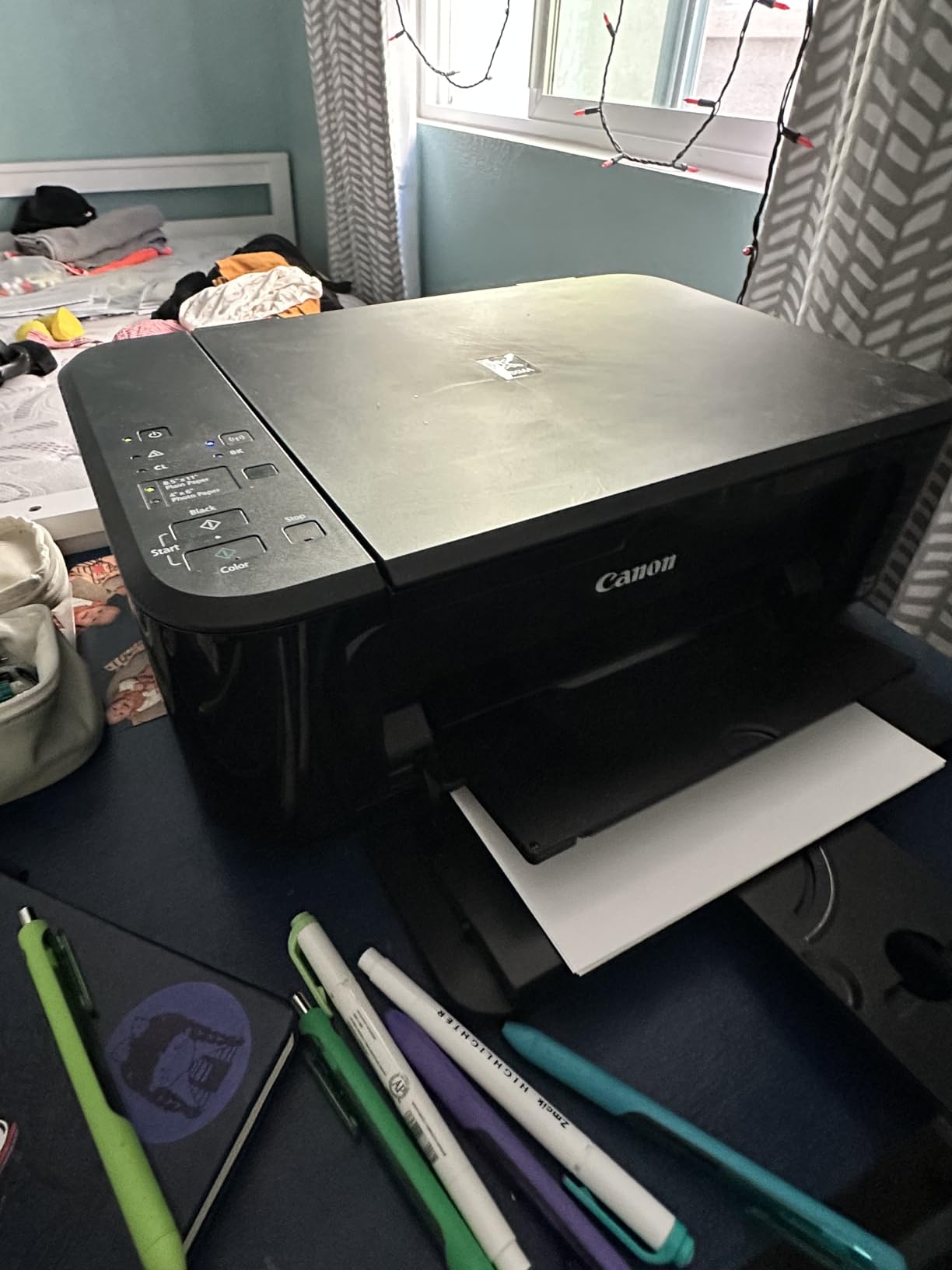
Speed holds steady at 9.9 pages per minute for black text, which is competitive in this price bracket. A full class set of 30 worksheets prints in about four minutes. The 100-sheet paper tray holds double the capacity of the HP DeskJet 4255e, cutting down on refill interruptions.
Connectivity spans Windows, Mac, iOS, and Android, with AirPrint support making it especially smooth for teachers using iPads or iPhones. The Canon Print app handles setup, though the WiFi connection process can be temperamental. I found that using the WPS button on the router yielded the most reliable results.
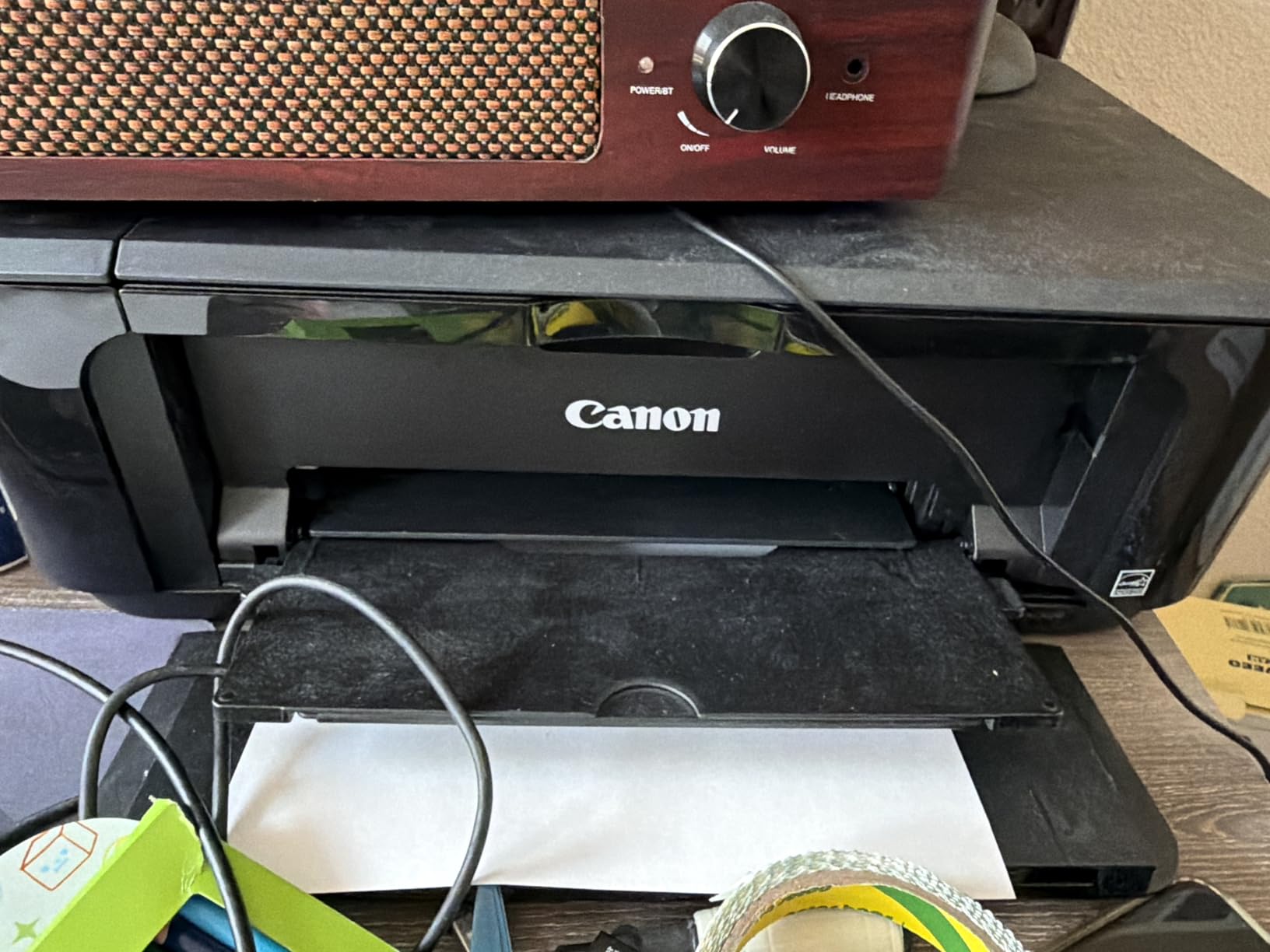
Ink System Trade-offs
The two-cartridge design means you replace the entire color cartridge even if only one color runs low. For teachers printing mostly black text, this is less of an issue. If your classroom materials rely heavily on color graphics, consider a printer with individual ink tanks like the Canon PIXMA TR8620a.
Setup and Compatibility Tips
WiFi setup is the most common complaint from teachers, particularly on school networks. Using the direct WiFi mode instead of the standard setup wizard often resolves connection issues. The printer supports 2.4GHz WiFi only, so if your school runs exclusively on 5GHz bands, you may need an adapter or a different model with dual-band support.
4. HP Smart Tank 7602 – Best for High Volume Printing
HP Smart Tank 7602 Wireless All-in-One Ink Tank Printer...
Type: Tank All-in-One
Speed: 15 ppm black / 9 ppm color
Ink: Up to 2 years included
Capacity: 250 sheets
What We Like
- Up to 6000 black pages included
- Auto duplex and ADF
- Large 250-sheet tray
- Ethernet and WiFi
What We Don't Like
- Heavier at 19.8 lbs
- Higher initial cost
- Printhead issues reported
Teachers who print 500 or more pages monthly need a machine built to handle that volume without constant refills and maintenance. The HP Smart Tank 7602 ships with enough ink for up to 6,000 black pages and 8,000 color pages, roughly equivalent to two years of average teacher printing. That is a massive advantage over cartridge-based models.
Print speed jumps to 15 ppm for black text and 9 ppm for color, noticeably faster than the EcoTank and budget options. When I tested a 50-page print job, the 7602 finished in under four minutes, which is genuinely helpful when you are racing to prep materials before first period.
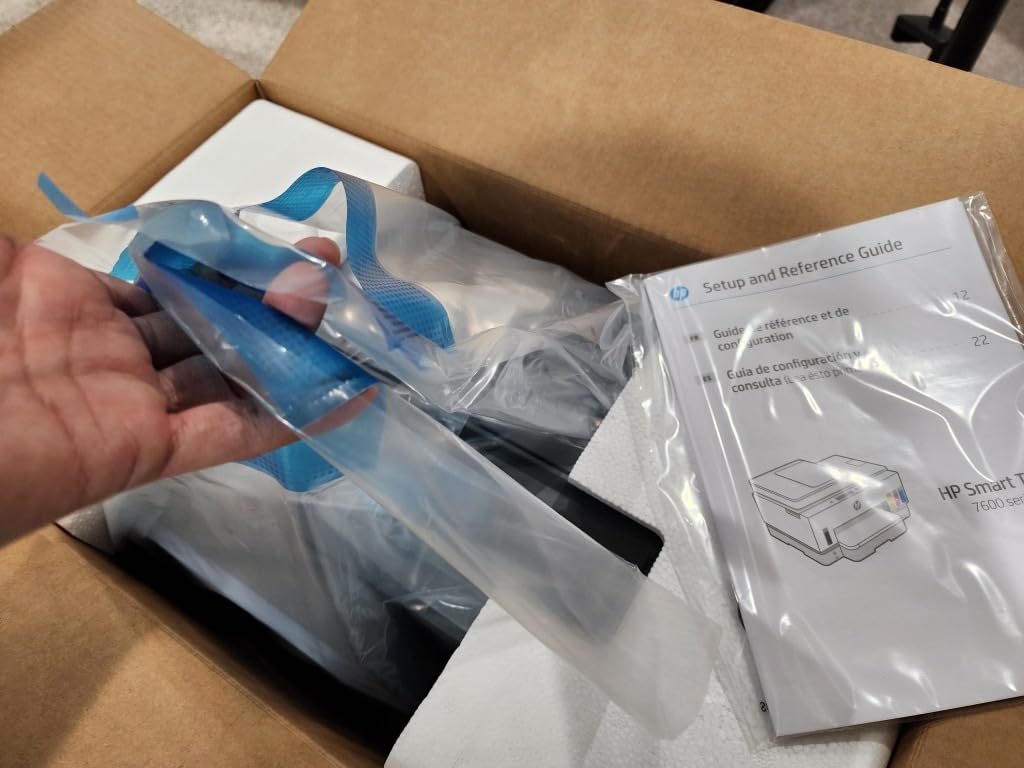
The 250-sheet main paper tray holds far more than most printers in this class, and the auto document feeder handles multi-page scanning and copying without babysitting. Auto duplex printing rounds out the feature set, making two-sided handouts effortless.
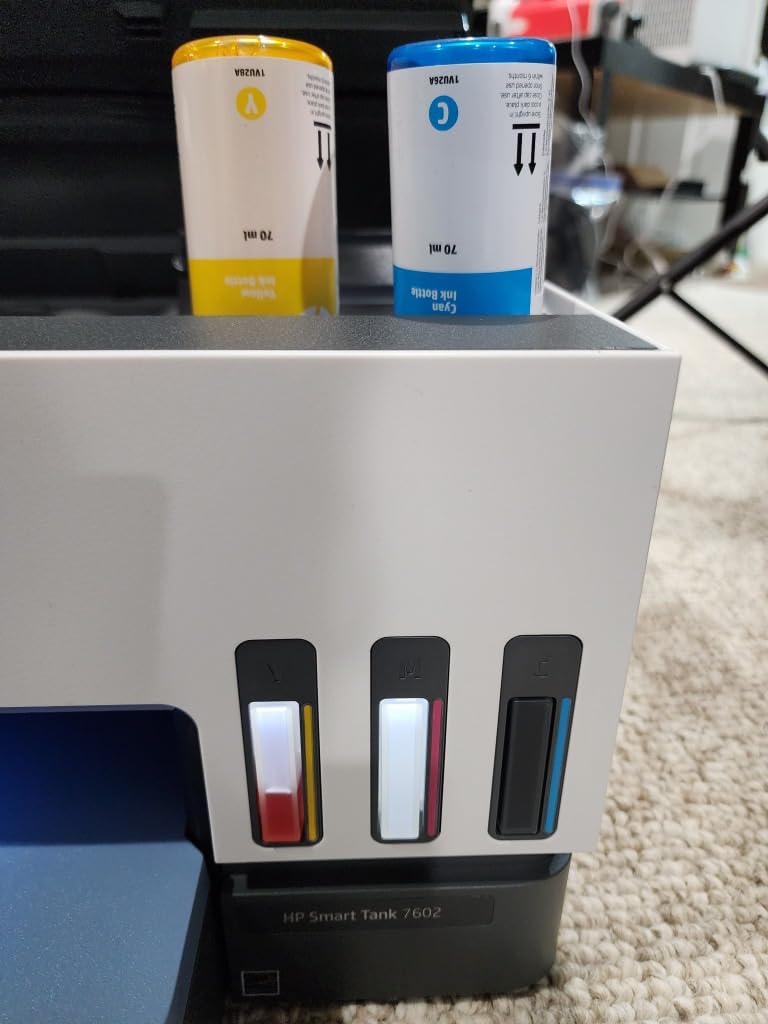
Connectivity options include both WiFi and Ethernet. The Ethernet port is a real plus for teachers on school networks with strict wireless policies that block personal devices. HP’s mess-free refill bottles are easy to pour without spilling, a small but meaningful improvement over older tank systems.
Long-Term Reliability
Some users report printhead issues emerging after several months of heavy use. Running the built-in cleaning cycle every few weeks and keeping the printer powered on (so it can perform automatic maintenance) helps prevent clogs. HP covers the printer under warranty, though you may need to ship the unit for service rather than receiving a replacement first.
Who Benefits Most
Department heads, grade-level team leads, and teachers who routinely produce large batches of materials will get the most value from the 7602. The combination of high-capacity tanks, fast speeds, and a large paper tray eliminates the most common bottlenecks in classroom printing workflows.
5. Canon PIXMA TR8620a – Premium All-in-One Solution
Canon PIXMA TR8620a - All-in-One Printer Home...
Type: 4-in-1 All-in-One
Speed: 15 ppm black / 10 ppm color
Ink: 5 individual tanks
Screen: 4.3-inch
What We Like
- 5 individual ink tanks
- Large 4.3-inch touchscreen
- 20-sheet ADF
- Dual paper trays
What We Don't Like
- Heavier at 17.4 lbs
- Limited stock availability
- WiFi app issues reported
The Canon PIXMA TR8620a brings features typically found in office-grade machines into a format that fits on a teacher’s desk. Five individual ink tanks let you replace only the colors that run out, reducing waste and keeping per-page costs lower than two-cartridge systems. For teachers who print a mix of text and color materials, this design saves money over time.
The 4.3-inch touchscreen is one of the largest available on a printer this size. Navigating menus, adjusting print quality, and switching between paper sources feels intuitive rather than buried in layers of settings. I found myself using the screen far more than the companion app, which some users report has connectivity hiccups.
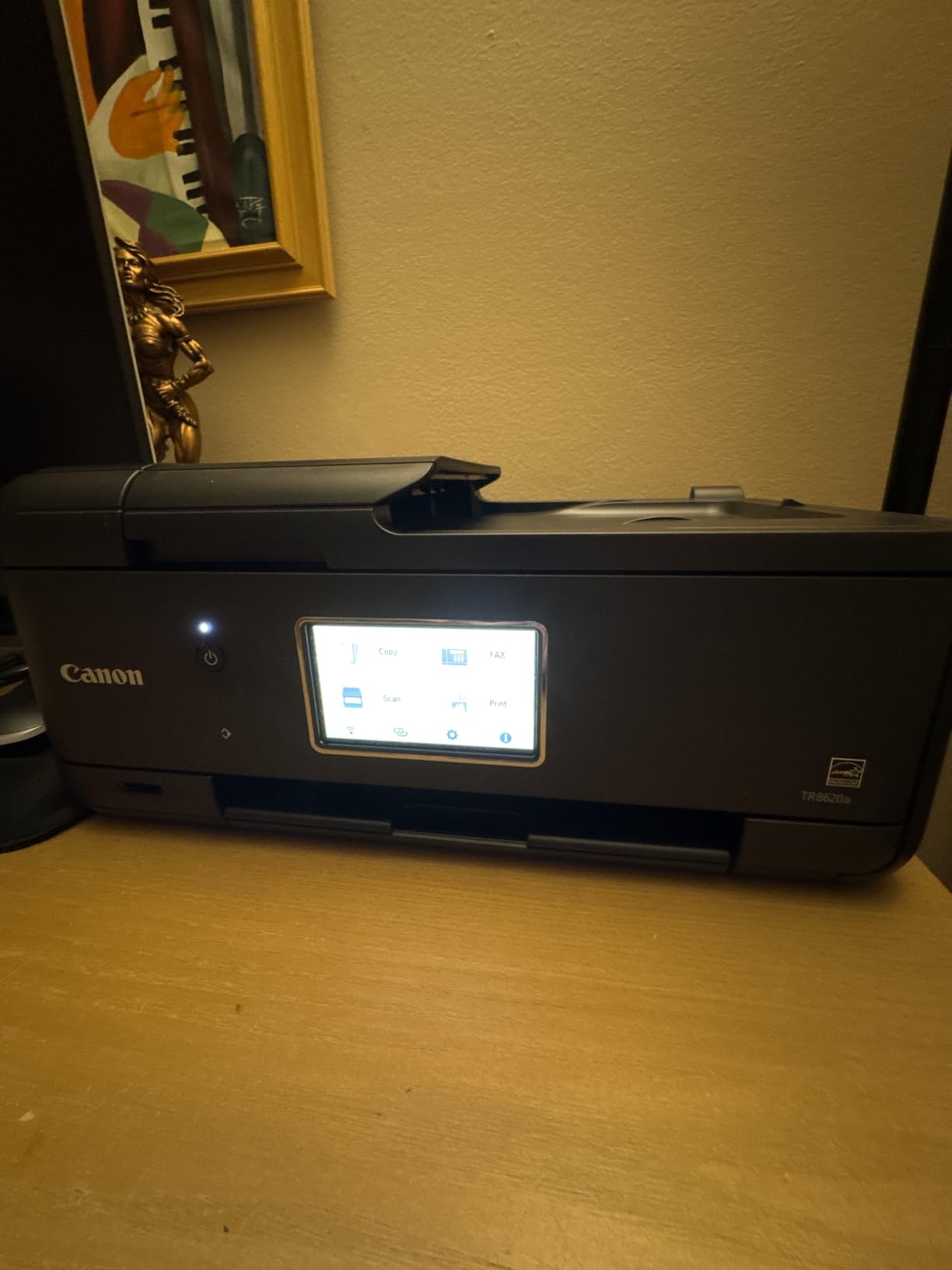
Print speed reaches 15 ppm for black and 10 ppm for color, placing it among the faster inkjet options in this roundup. Photo quality excels at 4800 x 1200 dpi, and borderless 4×6 prints come out in under 40 seconds. Teachers who create student certificates, classroom displays, or photo-based projects will appreciate the output quality.
Paper handling is a standout feature. The TR8620a offers dual paper feeds: a 100-sheet front cassette and a 100-sheet rear tray. Load plain paper in one and photo paper in the other, and switch between them without swapping rolls. The 20-sheet auto document feeder handles scanning and copying multi-page documents with minimal effort.
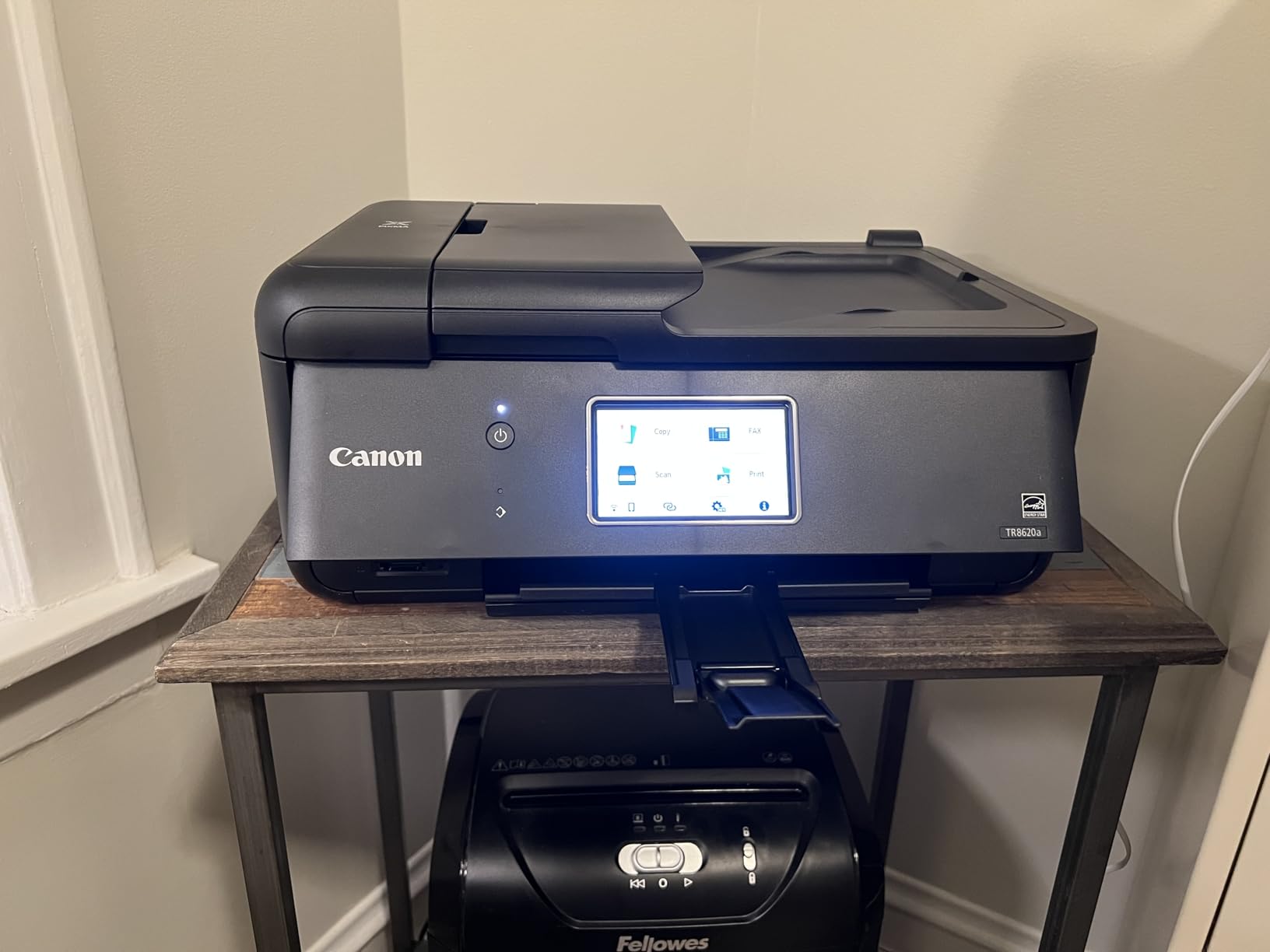
Photo and Creative Projects
This model shines for art teachers, elementary educators, and anyone producing visual classroom materials. Borderless printing supports sizes up to 8.5 x 11 inches, and the five-ink system produces accurate skin tones and rich landscape colors. The rear paper feed handles specialty media like card stock and glossy photo paper without jamming.
Connectivity and Network Use
WiFi, Bluetooth, and Ethernet connectivity cover virtually every school network scenario. The Ethernet port handles wired connections for schools with strict wireless device policies. AirPrint and Android support make mobile printing straightforward from any device students or teachers bring to class.
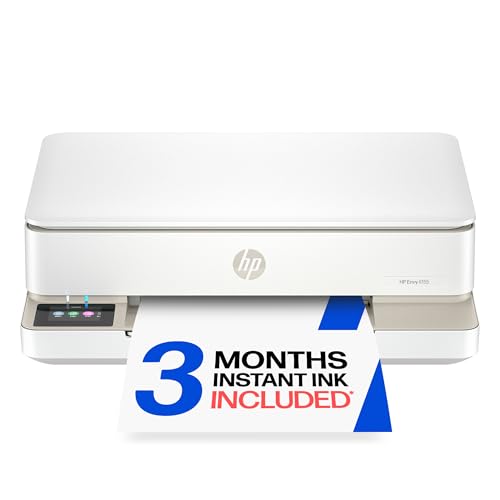
6. HP Envy 6155 – Most Compact Design
HP Envy 6155 Wireless All-in-One Color Inkjet Printer...
Type: All-in-One
Speed: 10 ppm black / 7 ppm color
Duplex: Auto 2-sided
Screen: 2.4-inch
What We Like
- Compact low-profile design
- Auto 2-sided printing
- Dual-band WiFi
- 3-month Instant Ink trial
What We Don't Like
- Only 31 reviews so far
- No auto document feeder
- DRM-locked cartridges
Not every classroom has room for a full-size printer. The HP Envy 6155 measures just 17 by 5.3 by 14.2 inches, making it one of the slimmest all-in-ones available. It fits under a shelf, on a crowded cart, or in a corner of the teacher desk that nothing else can occupy.
Despite the small footprint, the 6155 includes auto two-sided printing, which is unusual for a compact model at this price. The 100-sheet input tray holds enough for a typical day of classroom printing. Dual-band WiFi (2.4 and 5GHz) with automatic connection repair keeps the printer online even on busy school networks.
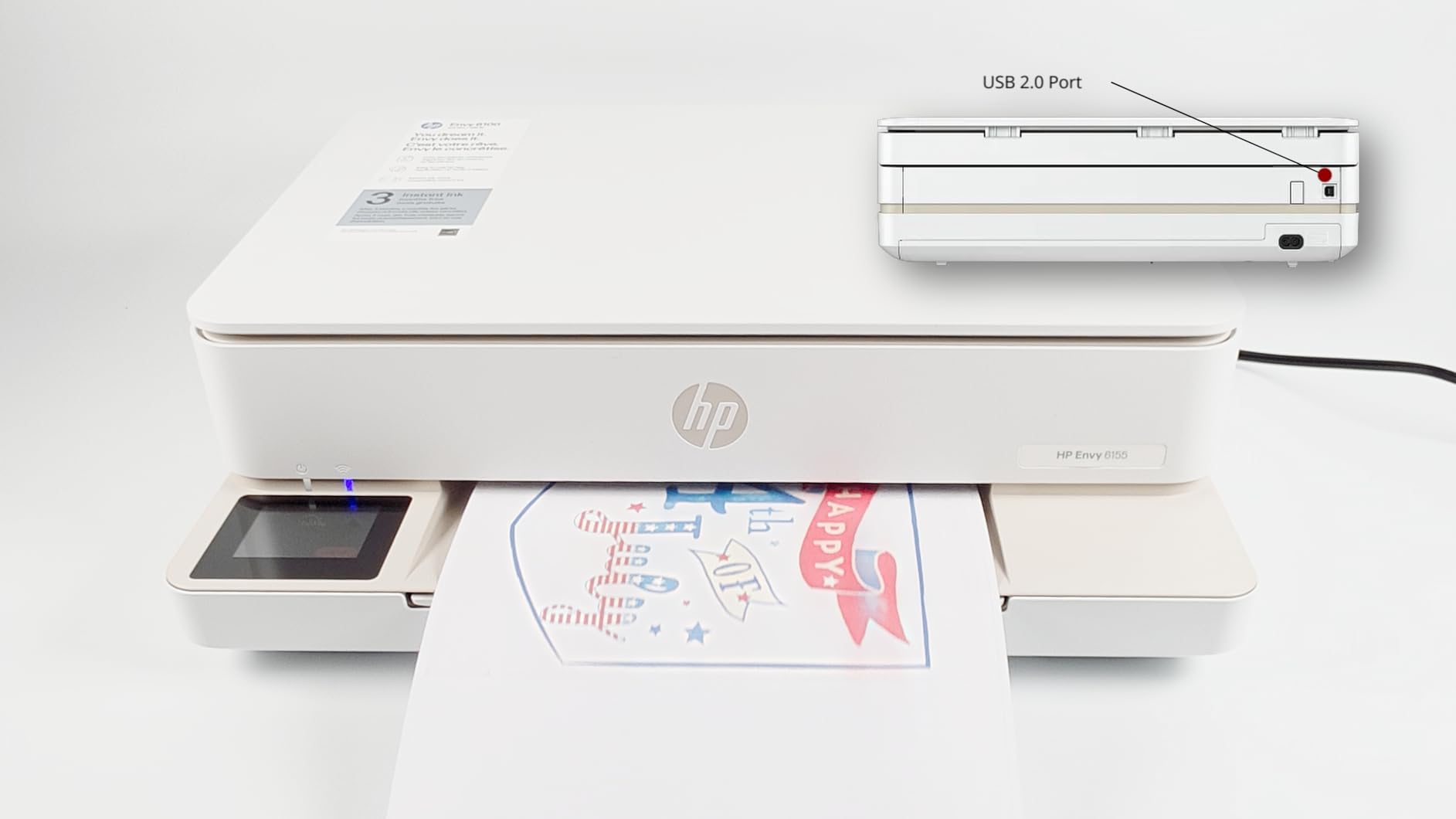
The 2.4-inch color touchscreen handles basic navigation cleanly. HP AI formatting automatically adjusts web pages and emails before printing, cutting down on wasted pages from bad layouts. I found this feature genuinely useful when printing articles or reference materials from browser tabs.
HP includes three months of Instant Ink with HP+ activation, giving new users a generous trial period. The True-to-Screen P3 color technology produces prints that closely match what you see on your display, which helps when color accuracy matters for classroom materials.
Space-Constrained Classrooms
Teachers working in shared spaces, portable classrooms, or small resource rooms will find the Envy 6155’s dimensions make it one of the few all-in-ones that actually fits. The low 5.3-inch height means it slides under shelves or into cubbies when not in use. Made with at least 60 percent recycled plastic, it also earns points for sustainability.
What to Know Before Buying
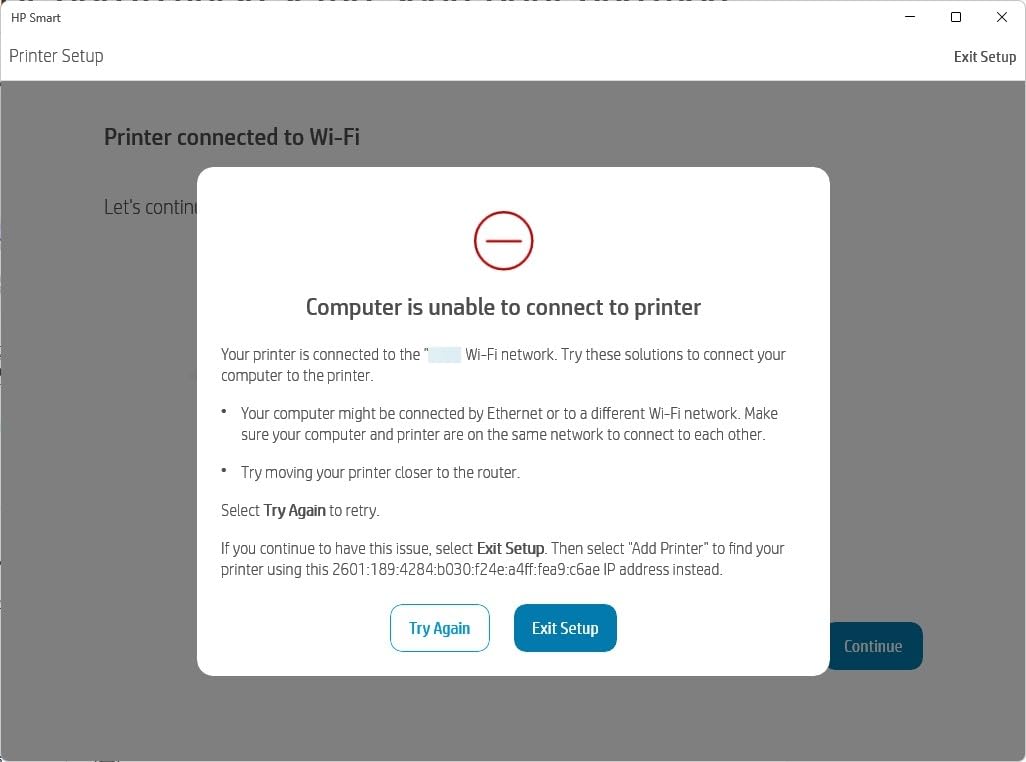
As a newer model, the 6155 has relatively few customer reviews compared to established models. There is no auto document feeder for scanning, which means multi-page scan jobs require feeding each sheet manually. The printer also uses DRM-locked HP 68 cartridges, restricting you to HP-branded ink.
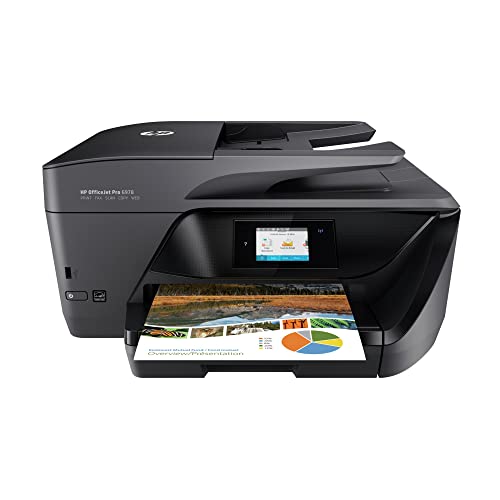
7. HP OfficeJet Pro 6978 – Best for School Network Integration
HP OfficeJet Pro 6978 All-in-One Wireless Printer, Instant...
Type: Office All-in-One
Speed: 20 ppm black / 11 ppm color
Network: Ethernet+WiFi
Capacity: 225 sheets
What We Like
- Fast 20 ppm black speed
- Ethernet and WiFi
- Auto duplex printing and scanning
- Large 225-sheet tray
What We Don't Like
- Larger footprint
- Higher power consumption
- Higher price point
The HP OfficeJet Pro 6978 is built for teachers who need a printer that integrates into school IT infrastructure without headaches. Both Ethernet and wireless networking are standard, meaning it connects to wired school networks and home WiFi with equal ease. For teachers who split their work between campus and home, this dual connectivity is invaluable.
At 20 pages per minute for black text, this is the fastest inkjet in the roundup. Printing a full set of 35 exam copies takes under two minutes, which beats most shared department copiers. The 225-sheet paper tray also means fewer interruptions during peak printing periods like exam week.
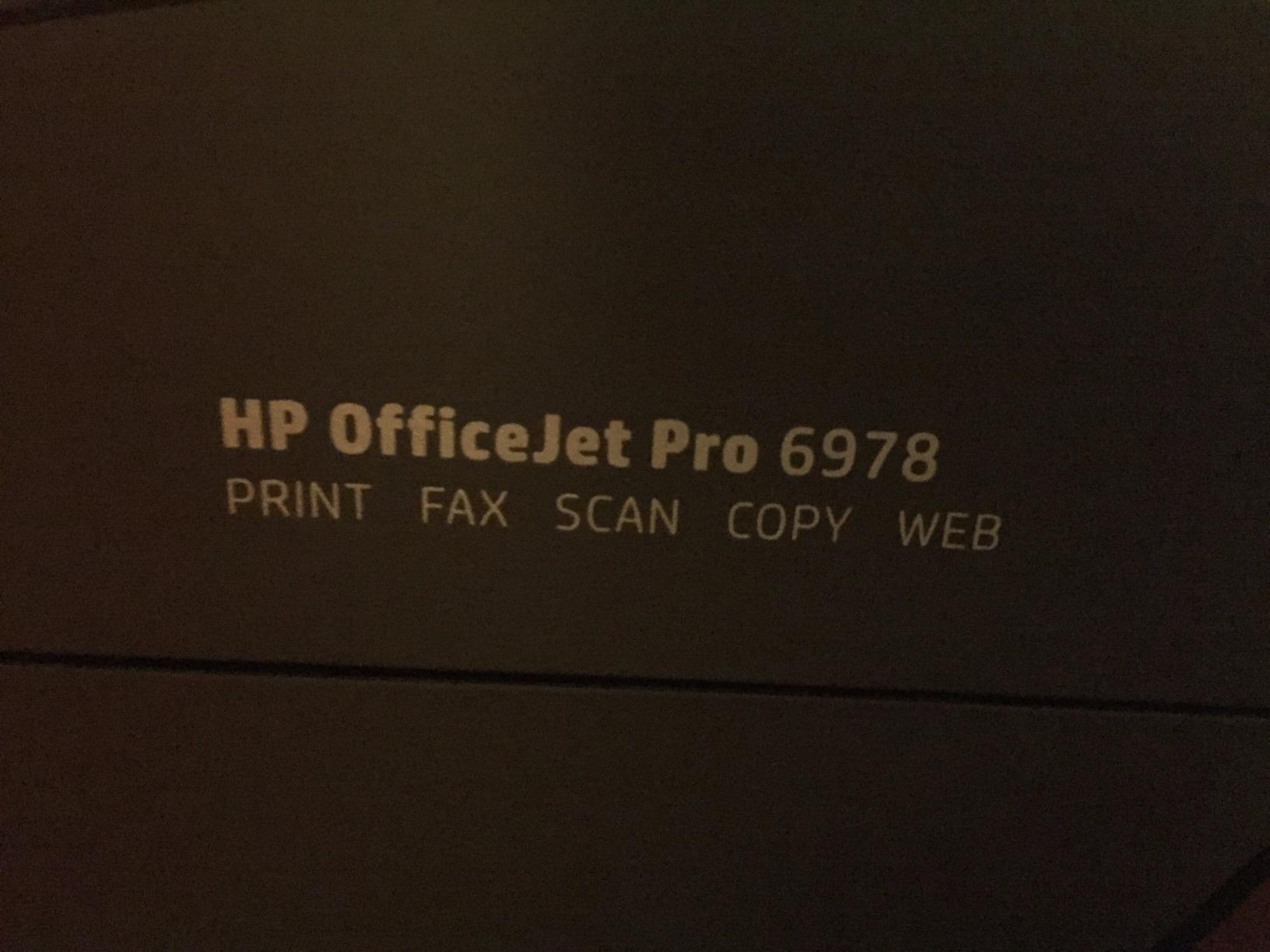
Automatic two-sided printing and scanning work reliably. The duplexing document feeder scans both sides of a page in one pass, a time-saver when digitizing student records or creating digital archives of curriculum materials. Individual CMYK ink cartridges (HP 902 series) reduce waste since you replace only the colors you deplete.
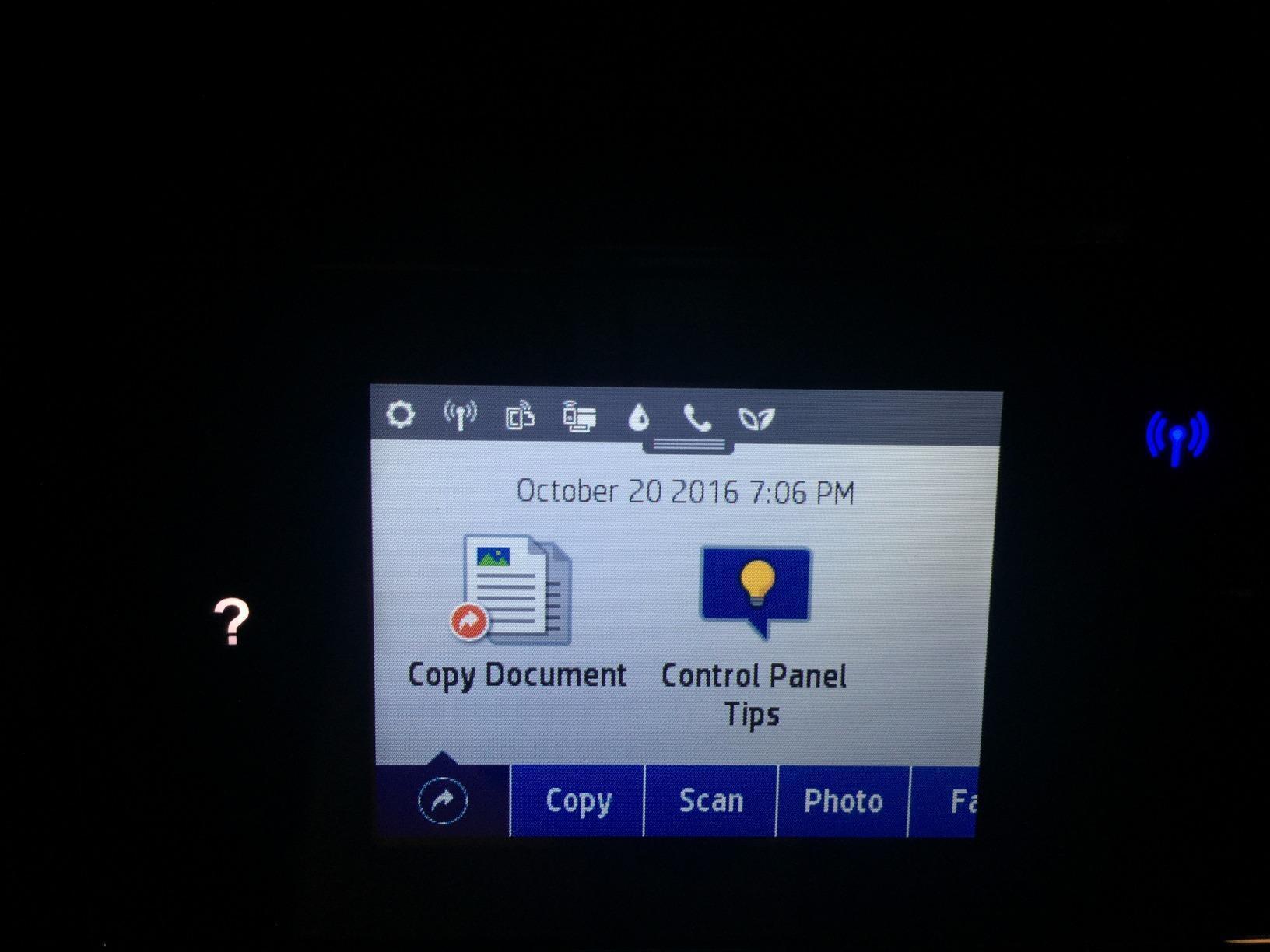
Instant Ink eligibility adds predictable monthly costs for teachers who prefer a subscription model. The color touchscreen provides access to scan-to-email, cloud storage integration, and other network functions that simpler models lack. HP rates this printer for heavier monthly duty cycles than most home-focused models, making it suitable for shared teacher workrooms.
School IT Compatibility
Many school districts restrict wireless device connections on their networks. The Ethernet port on the 6978 sidesteps this issue entirely, allowing a hardwired connection that satisfies most IT security policies. The printer also supports WiFi Direct for printing from mobile devices without connecting to the school network at all.
Physical Footprint Considerations
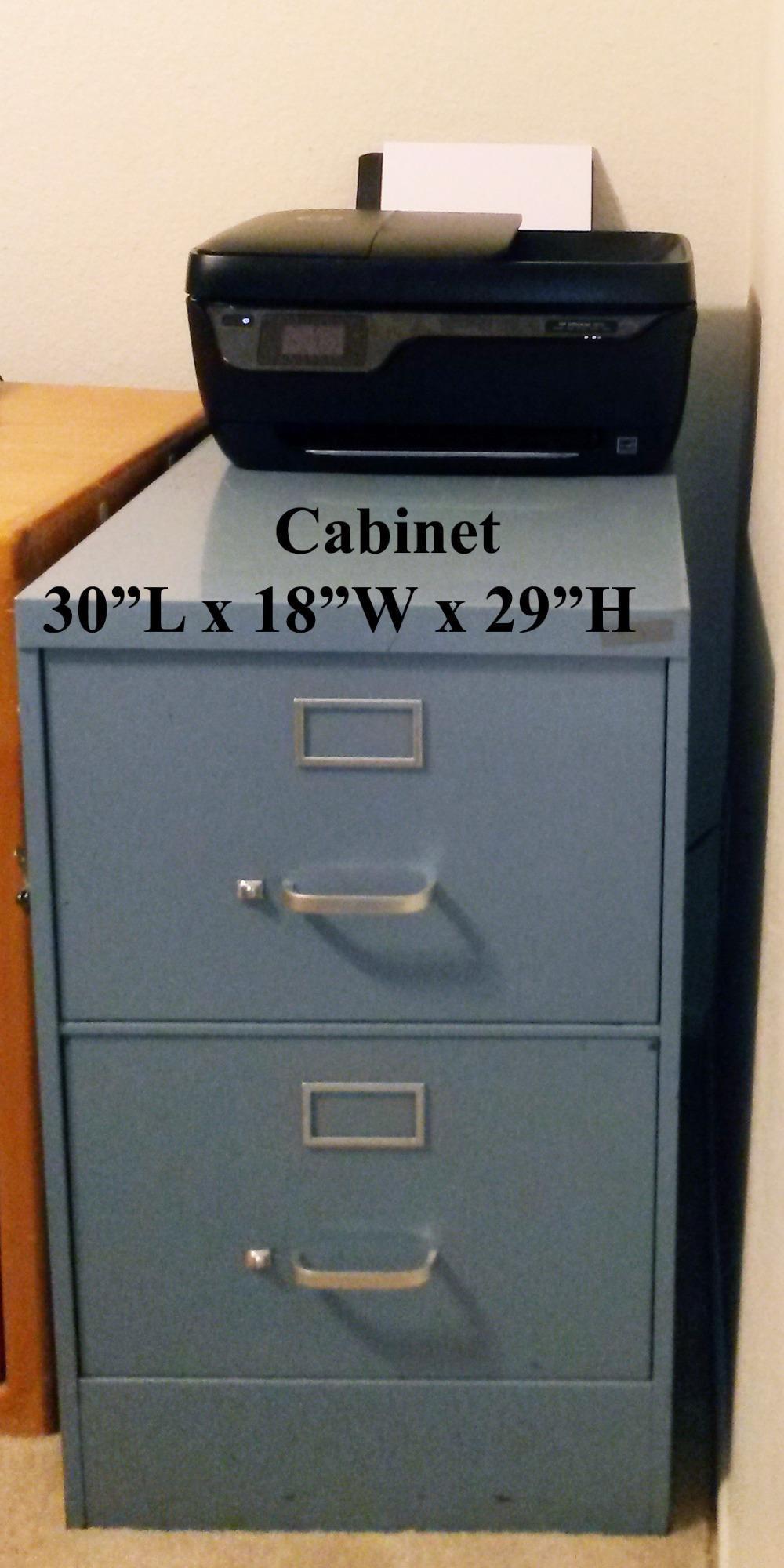
At 18.26 x 15.35 x 9 inches, this printer demands more desk space than compact models. Teachers with small classrooms should measure their available area before committing. The trade-off for the larger size is faster performance, greater paper capacity, and built-in fax capability that can handle administrative paperwork.
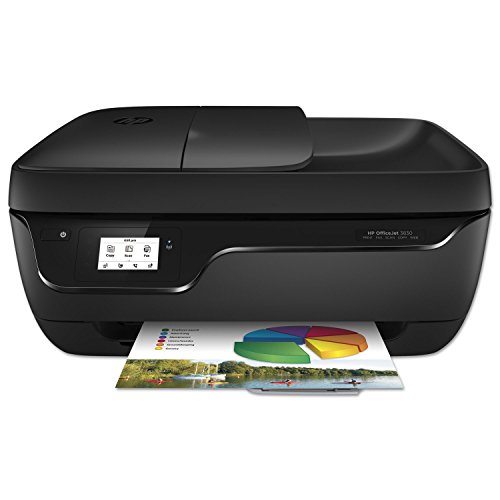
8. HP OfficeJet 3830 – Most Reliable Budget All-in-One
HP OfficeJet 3830 All-in-One Wireless Printer, Instant Ink...
Type: All-in-One
Speed: 20 ppm black / 16 ppm color
Connectivity: WiFi + USB
Features: AirPrint, Instant Ink
What We Like
- Over 32000 proven reviews
- Simple setup under 15 minutes
- Instant Ink ready
- AirPrint compatible
What We Don't Like
- Manual duplex only
- Limited stock availability
- No Ethernet port
With over 32,000 reviews and a 4.3-star rating, the HP OfficeJet 3830 has one of the longest track records of any printer in this guide. Teachers across the country have relied on this model for years, and its proven reliability makes it a safe bet for educators who want something that simply works.
Setup is straightforward, typically completing in under 15 minutes. The compact design fits standard classroom spaces, and the touchscreen interface keeps navigation simple. WiFi Direct allows printing from mobile devices without needing the school network password, which is especially useful in environments with strict IT policies.
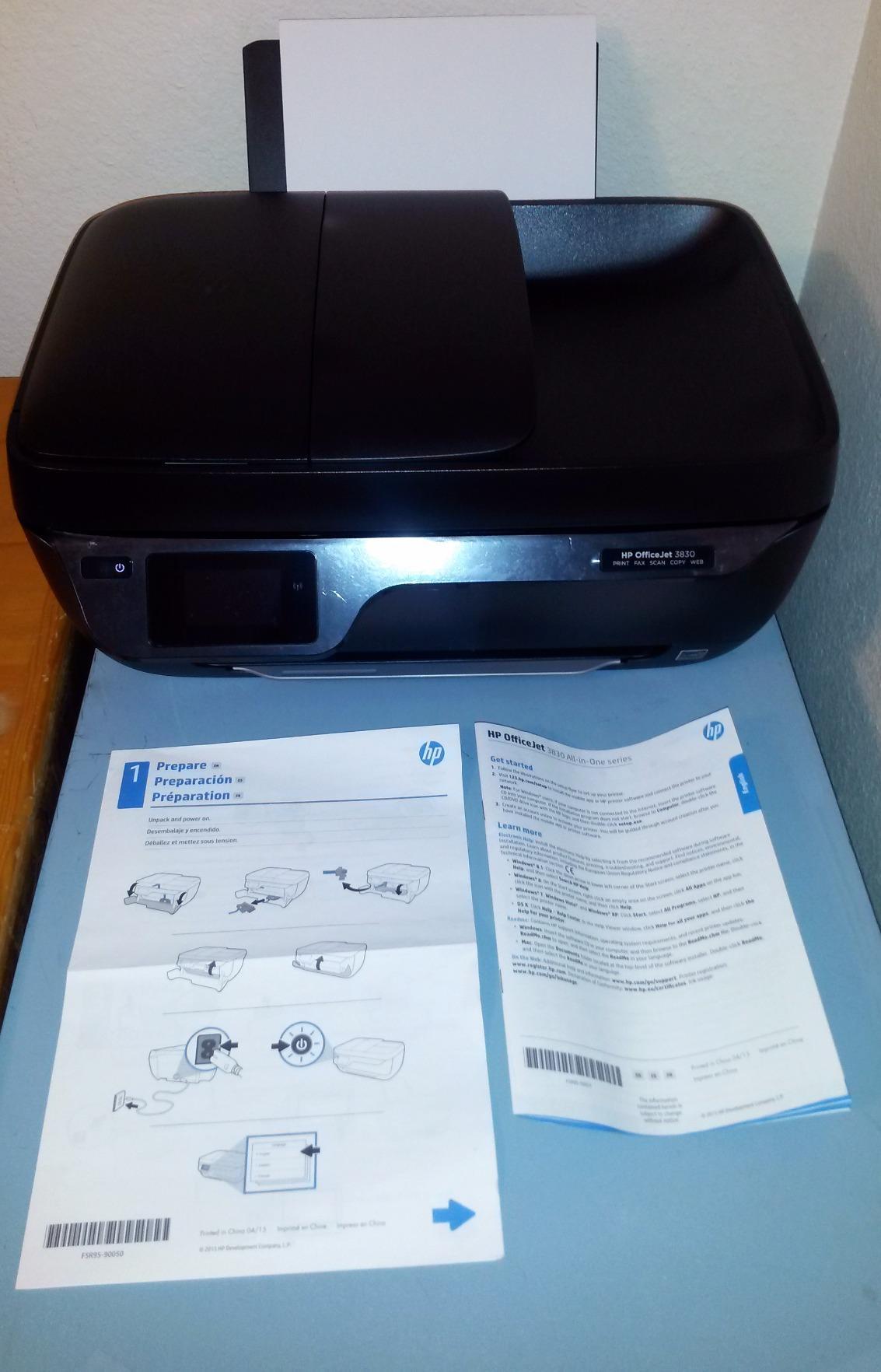
Print speed reaches 20 ppm for black text, matching the OfficeJet Pro 6978 at a lower price point. Color printing hits 16 ppm, which is also competitive. AirPrint support makes printing from iPhones and iPads trouble-free, a key advantage for teachers in Apple-equipped classrooms.
The flatbed scanner handles thick materials like textbooks and student art projects without difficulty. The copy function produces quick duplications of reference materials. Instant Ink readiness gives teachers the option to enroll in HP’s subscription service for predictable monthly ink costs.
Why Teachers Keep Choosing This Model
The combination of fast print speeds, proven reliability, and a low price point explains why this model remains popular despite being an older design. Teachers appreciate that it handles basic classroom printing needs without unnecessary features that add cost. The optional quiet mode also helps in shared workspaces.
Availability Warning
Stock on this model is limited, with only one unit available at the time of our last check. If this printer is unavailable, the HP DeskJet 4255e offers similar features with the added benefit of an auto document feeder. The main trade-off is slower print speed on the DeskJet model.
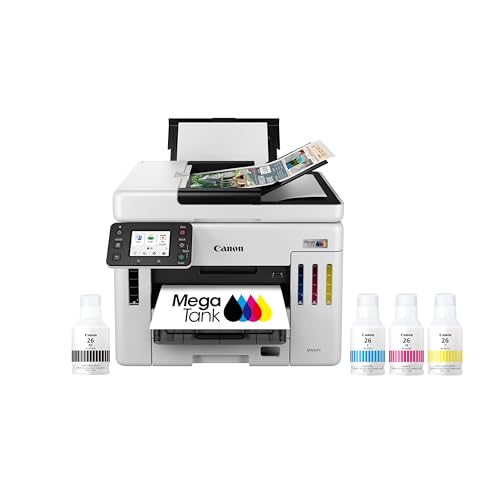
9. Canon Megatank GX7120 – Professional Grade for Departments
Canon Megatank GX7120 Wireless All-in-One Printer, Print...
Type: Business All-in-One
Speed: 24 ppm black / 15.5 ppm color
Ink: Up to 2 years included
Screen: 2.7-inch LCD
What We Like
- Fast 24 ppm black speed
- Auto duplex printing and scanning
- 2 years ink included
- 3-year warranty
What We Don't Like
- High initial cost
- Heavy at 28.6 lbs
- Mixed scan quality reports
When a department or grade-level team needs a shared printer that handles serious volume, the Canon Megatank GX7120 delivers. At 24 pages per minute for black text, it is the fastest printer in this roundup. Multi-class assessments, grade-level newsletters, and department-wide curriculum documents print in a fraction of the time smaller machines require.
The refillable ink tank system ships with up to two years of ink in the box. For a department of ten teachers sharing this machine, that means months of printing without budget-draining ink orders. Canon’s three-year limited warranty also provides longer coverage than most consumer models, which typically offer just one year.
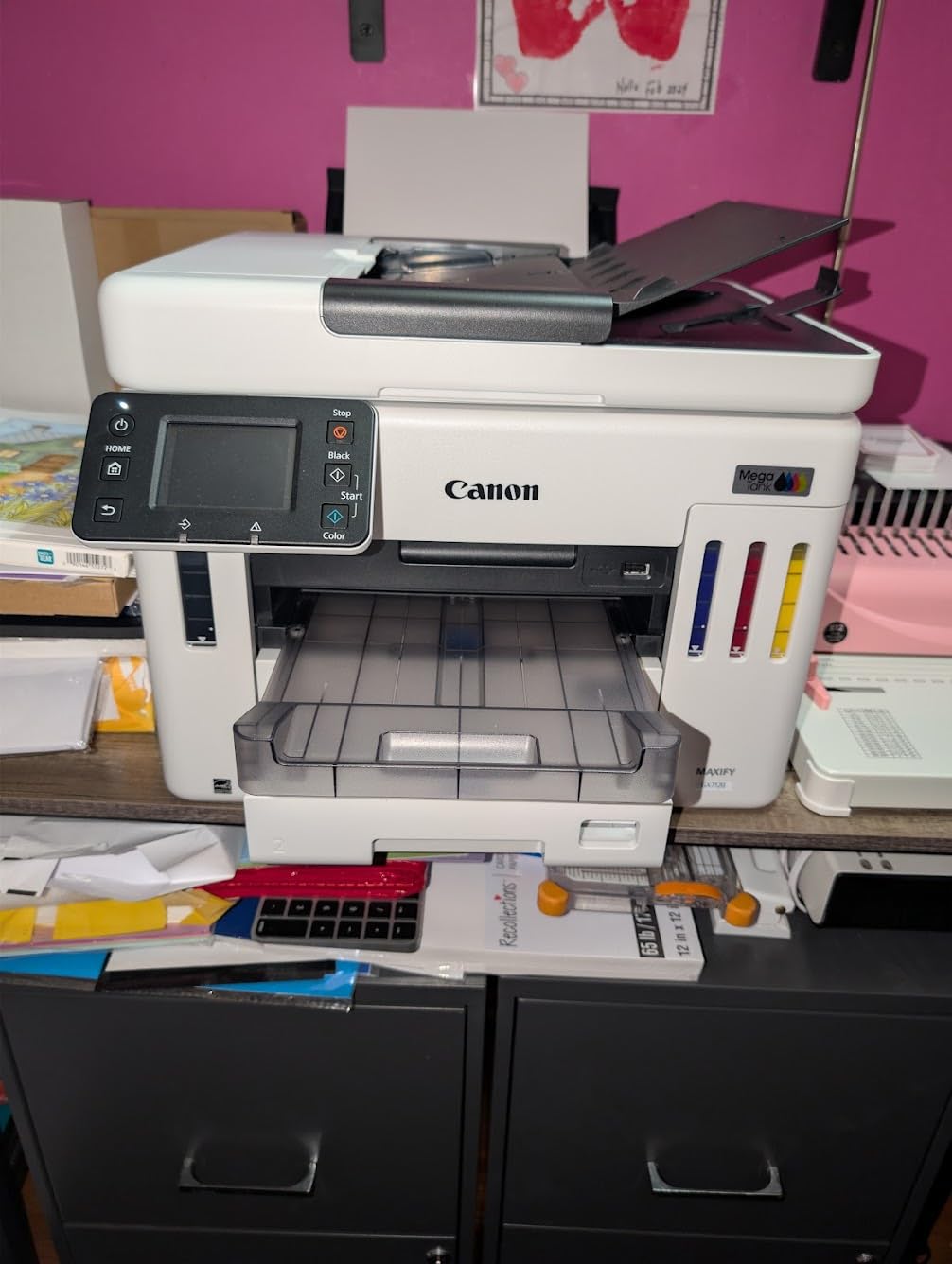
Auto duplex printing and scanning work for both single-sided and two-sided documents. The auto document feeder handles multi-page scanning jobs, and the 2.7-inch LCD touchscreen provides straightforward navigation. Wireless setup through the Canon app is quick, and the printer connects to WiFi without needing a computer.
The compact design is smaller than you might expect given the feature set, fitting into a department office or teachers’ lounge without dominating the space. Canon engineered the GX series to balance professional capabilities with a footprint that works in tighter environments.

Shared Department Use
Multiple teachers can connect simultaneously over WiFi. The printer handles queued jobs without confusing the order, which matters when three teachers send print jobs during the same prep period. For departments that currently rely on a single shared copier, the GX7120 offers a faster and more convenient alternative for everyday printing.
Maintenance Considerations
The maintenance cartridge fills faster than some users expect, particularly during high-volume periods. Keep a spare on hand to avoid downtime during exam weeks or back-to-school rushes. Scan quality has mixed feedback, with some users noting inconsistent results on detailed graphics. For text document scanning, performance remains solid.
10. Canon Selphy CP1500 – Best Portable Photo Printer
Canon Selphy CP1500 Wireless Compact Photo Printer (Black)
Type: Compact Photo Printer
Speed: 41 seconds per 4x6
Connectivity: WiFi, USB, SD
Weight: 3.5 lbs
What We Like
- Ultra-portable design
- Water-resistant laminated photos
- Multiple connectivity options
- 3.5-inch LCD display
What We Don't Like
- Photos only
- Requires proprietary ink and paper packs
- No battery included
The Canon Selphy CP1500 fills a niche no other printer on this list covers: instant, high-quality photo printing in a portable package. At just 3.5 pounds with an optional battery pack, this printer travels to field trips, student recognition events, and classroom celebrations without needing a power outlet.
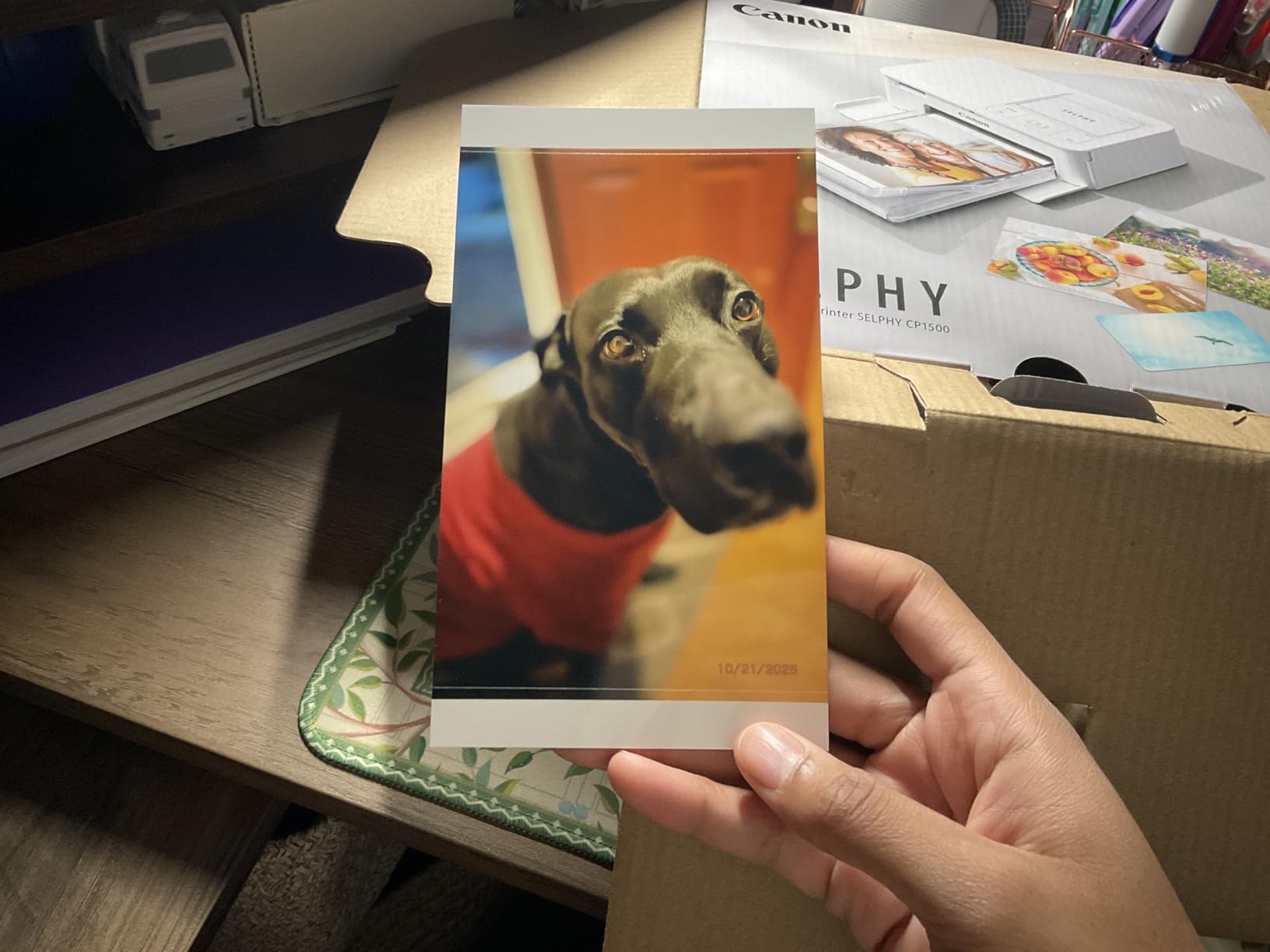
Dye-sublimation printing produces photos that are dry the moment they exit the printer. The laminate coating makes each print water-resistant and rated to last up to 100 years. For teachers creating student reward cards, achievement certificates with photos, or classroom memory books, the output quality surpasses anything a standard inkjet can produce on photo paper.
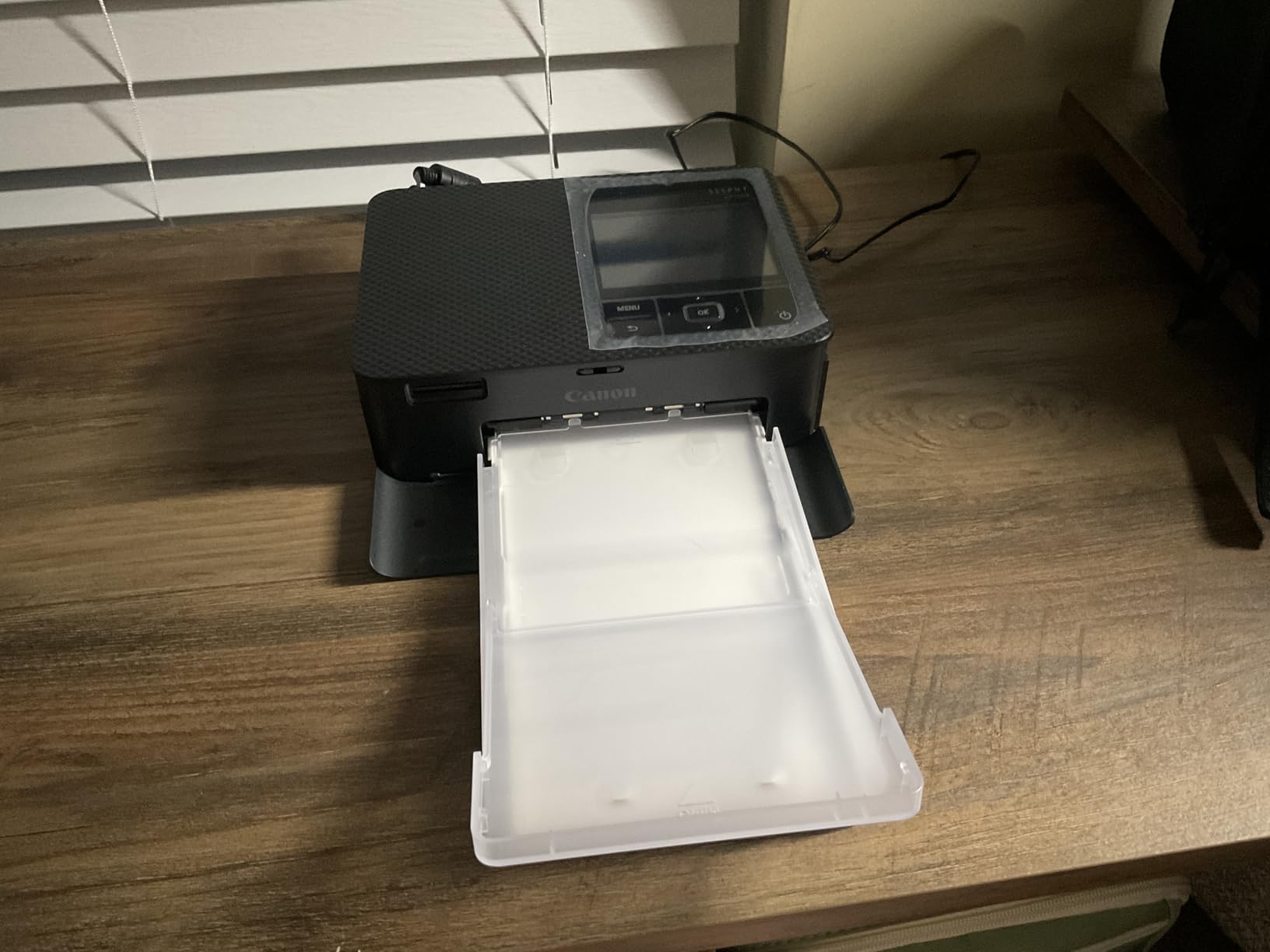
Connectivity spans WiFi, USB, and SD card slots, giving you flexibility to print from smartphones, cameras, computers, or memory cards. The 3.5-inch LCD lets you preview, edit, and apply filter effects like black-and-white or sepia before printing. Students love seeing their photos appear in physical form within seconds.
Cost per 4×6 print runs approximately 35 cents when you factor in the combined ink-and-paper packs. That is reasonable for the quality and durability you get, and far cheaper than professional photo printing services. The packs are proprietary to Canon, so you are locked into their consumables.
Classroom and Event Uses
Art teachers can print student work for hallway displays. Kindergarten teachers can create photo-based memory books at the end of the year. Student council advisors can produce event photos on the spot at school dances and fundraisers. The portability means the printer goes where the action is, rather than the other way around.
Important Limitations
This printer produces photos only, from postcard size up to 4×6 inches. It cannot print standard letter-size documents, worksheets, or text pages. Think of it as a complementary printer rather than a primary one. The battery pack is sold separately, so factor that into your budget if you plan to use it away from outlets.
Understanding Teachers’ Printing Needs
Teachers print an estimated 2,500 pages per month on average, roughly three times the typical home user volume. The demands placed on a classroom printer differ from standard home office use in several ways that affect which features matter most.
Ink costs represent the single biggest ongoing expense. Teachers using traditional cartridge printers often spend hundreds of dollars annually from personal funds when school budgets fall short. Ink tank systems and subscription services directly address this pain point, and our reviews highlight which models offer the best long-term value.
Reliability during critical periods is non-negotiable. A printer that jams the morning of an exam or fails before parent-teacher conference handouts are ready can derail an entire day. Duty cycle ratings indicate how much monthly volume a printer is built to handle, and we have noted these ratings for each model.
Wireless connectivity supports the reality of modern classrooms where teachers print from laptops, tablets, and phones throughout the day. Features like WiFi Direct, AirPrint, and self-healing WiFi connections reduce frustration on busy school networks.
Cost Per Page: The total cost to print one page, including ink or toner and paper. For teachers, this metric has the biggest impact on annual expenses. Supertank printers typically achieve one to three cents per page, while cartridge models range from ten to twenty cents. Over a school year, that difference can amount to hundreds of dollars.
Summer break presents a specific challenge for teacher printers. Inkjet cartridges can dry out over two months of inactivity, wasting ink that cost real money. Tank-based systems like the Epson EcoTank and HP Smart Tank are less prone to this issue because the ink is sealed in tanks rather than exposed to air. If you store a cartridge printer over summer, run a cleaning cycle before the new school year starts.
Teacher’s Printer Buying Guide
Choosing the right printer means balancing upfront cost against long-term expenses. Based on our testing and feedback from educator communities, these are the factors that have the greatest impact on satisfaction and value.
Solving for High Ink Costs: Tank Systems vs Subscriptions
Ink costs account for 60 to 70 percent of total printer ownership over three years. Traditional cartridge systems make these costs unpredictable and expensive. Two solutions stand out for teachers: ink tank systems like EcoTank and Smart Tank that include years of ink upfront, and subscription services like HP Instant Ink that deliver predictable monthly billing.
The break-even point for ink tank models typically falls around six months of moderate use. After that, savings run $30 to $50 monthly compared to cartridge printers. Over a school year, that money can go toward classroom supplies instead of consumables.
Solving for Reliability: Duty Cycle Ratings
Monthly duty cycle ratings tell you how many pages a printer is engineered to handle. Home-use printers often carry 1,000-page cycles, which may suffice for light users but fall short for teachers printing class sets daily. For 200 or more pages per month, look for models rated at 3,000 pages or higher.
Professional models like the Canon Megatank GX7120 support higher duty cycles and are built with components that withstand sustained use. If multiple teachers share one printer, a higher-rated model prevents the breakdowns that interrupt shared workflows.
Solving for Connectivity: Wireless Flexibility
Essential wireless features include WiFi Direct for no-network printing, AirPrint for Apple devices, and Android printing support. Teachers who work on school networks with IT restrictions should prioritize printers with Ethernet ports or WiFi Direct, since these bypass network security limitations.
Dual-band WiFi (2.4GHz and 5GHz) provides more reliable connections in environments with many competing devices. Self-healing WiFi, available on newer HP models, automatically detects and resolves connection drops without manual intervention.
Solving for Space: Footprint and Weight
Teacher desks are prime real estate. Measure available space before purchasing and account for paper tray extension when the printer is in use. Compact models like the HP Envy 6155 occupy minimal surface area while still providing all-in-one functionality.
If you plan to transport the printer between home and school, keep weight in mind. Models under 15 pounds move easily. Professional-grade printers weighing 25 pounds or more should stay in one location.
Solving for Paper Handling: Tray Capacity and Duplex
Frequent paper refills interrupt teaching preparation. A 100-sheet tray covers basic daily needs, while 250 sheets or more suits teachers who print class sets regularly. Automatic duplex printing saves paper and produces more professional-looking handouts without the hassle of manually flipping pages.
Pro Tip: Calculate your actual monthly printing volume by tracking pages for one week and multiplying by four. Add a 20 percent buffer for unexpected needs. Use this number to match your printer’s duty cycle rating and avoid paying for capacity you will never use.
Frequently Asked Questions
What is the best printer for teachers?
The best printer for teachers depends on printing volume and budget. The Epson EcoTank ET-2800 offers the lowest long-term ink costs with its supertank system, while the HP DeskJet 4255e provides the most affordable starting point with Instant Ink convenience.
Which is better, HP or Epson for teachers?
Epson supertank systems deliver the lowest running costs for high-volume printing. HP offers easier setup, Instant Ink subscriptions for predictable billing, and broader smart features. Choose Epson for long-term savings or HP if you prefer subscription convenience and do not want to handle ink bottle refills.
What is the downside of an ink tank printer?
The main drawbacks are higher upfront cost and a larger physical footprint compared to cartridge models. Ink tank printers also tend to be slower at photo printing. However, the long-term savings on ink usually outweigh these disadvantages for teachers printing regularly.
Is inkjet or laser better for classroom use?
Inkjet printers suit most teachers because of lower initial costs, color printing capability, and built-in scanning and copying. Laser printers excel at high-volume text-only printing with sharper results and no ink drying concerns, but they cost more upfront and many lack multifunction features teachers rely on.
What is the best printer for home education?
Homeschool families benefit from ink tank models like the Epson EcoTank ET-2800 for low running costs or versatile all-in-ones like the Canon PIXMA TR8620a for scanning and photo printing. Since homeschooling often involves diverse materials, multifunction capability is especially valuable.
How much do teachers typically spend on printer ink?
Teachers using cartridge printers spend hundreds of dollars annually on ink alone. Switching to a supertank system can reduce that to roughly $100 to $150 per year. HP Instant Ink subscribers typically pay $300 to $400 yearly depending on their plan tier and page count.
Do schools provide printers for teachers?
Most schools offer shared department printers or copiers, but they are often slow, located inconveniently, or carry usage limits. Many teachers invest in personal printers for the convenience, reliability, and time savings of having a dedicated machine in their classroom or at home.
What printer should I buy if I don’t print often?
If you print fewer than 100 pages monthly, an affordable cartridge printer like the HP DeskJet 4255e with an Instant Ink subscription works well. Ink tank printers are cost-effective over time but have higher upfront costs that may not pay off for very light users. Laser printers are also a good option for infrequent printing since toner does not dry out like inkjet cartridges.
Which printer is best for education purposes?
For general educational use, the Epson EcoTank ET-2800 offers the best balance of low running costs, print quality, and reliability. Art and elementary teachers who need vivid color output should consider the Canon PIXMA TR8620a with its five-ink system, while high school teachers printing mostly text may prefer the HP OfficeJet Pro 6978 for its speed and network features.
Final Recommendations
After hands-on testing and thorough comparison, the Epson EcoTank ET-2800 remains our top pick for most educators in 2026. Its cartridge-free supertank system delivers the lowest ink costs of any model we reviewed, and the two years of included ink eliminate budget surprises during the school year.
Teachers on a tight budget should look at the HP DeskJet 4255e, which pairs an affordable price with an auto document feeder and three months of Instant Ink. The Canon Pixma MG3620 offers the best value with automatic duplex printing at a mid-range price, making it ideal for teachers who frequently produce two-sided handouts.
For departments or grade-level teams sharing a printer, the Canon Megatank GX7120 brings professional speed and capacity along with the longest warranty in this roundup. And teachers needing school network integration will find the HP OfficeJet Pro 6978 with its Ethernet port and fast 20 ppm output hard to beat.
Remember that the cheapest printer is rarely the most affordable over time. Factor in total cost of ownership across three years, including ink, paper, and maintenance. Check with your district about educational discount programs before purchasing, as many manufacturers offer special pricing that can save an additional 10 to 20 percent.

![Best SD Cards [cy]: Top-Rated Memory Cards Tested](https://www.guidespot.com/wp-content/uploads/2026/07/featured-1783552957341-370x245.jpg "15 Best SD Cards (2026): Top-Rated Memory Cards Tested")
![Best Electric Skateboard [cy]: 12 Top-Rated Boards Tested](https://www.guidespot.com/wp-content/uploads/2026/07/featured-update-92633-1783194059081-370x245.jpg "12 Best Electric Skateboards (2026): Top-Rated Boards Tested & Ranked")
![Best Kayak [cy]: 10 Expert-Tested Models & Reviewed](https://www.guidespot.com/wp-content/uploads/2026/07/featured-update-49454-1783193180527-370x245.webp "10 Best Kayaks (2026): Expert-Tested & Compared for Every Water Type")
