WiFi dead zones are the silent productivity killers in modern homes. You walk from the living room to the bedroom with your laptop, and suddenly your video call stutters, your stream buffers, or your smart home devices lose their connection entirely. Traditional single-router setups were never designed for the way we use the internet today, with dozens of connected devices spread across multiple rooms and floors. The best mesh WiFi systems solve this by blanketing your entire home with a single, seamless network that follows you from room to room.
After testing more than 10 mesh systems over six months in apartments, suburban homes, and challenging multi-story layouts, our top pick is the TP-Link Deco BE63 for its outstanding WiFi 7 tri-band performance and massive 7,600 sq ft coverage. But this year’s guide also features major additions from NETGEAR and eero, reflecting a more diverse and competitive mesh WiFi landscape than we have seen in previous years.
This guide covers everything you need to make an informed decision: detailed hands-on reviews of 10 systems, a comparison table with every product side by side, and a comprehensive buying guide that walks you through WiFi standards, coverage planning, and backhaul options. Whether you are upgrading from a aging router, building a smart home network, or just tired of dead spots, you will find the right system here.
FCC Update for 2026: In March 2026, the FCC implemented new regulations affecting foreign-made WiFi routers, requiring conditional approval for imports. All systems in this guide come from manufacturers with proper FCC compliance certifications, including TP-Link, NETGEAR, eero, and WAVLINK. We continue to monitor firmware update availability and long-term support for every product we recommend.
Top 3 Picks for Best Mesh WiFi Systems
Best Mesh WiFi Systems in 2026
Compare all 10 mesh systems at a glance with key specs, coverage areas, and special features. For readers with very large homes, also consider our recommendations for best routers for large homes as an alternative approach to whole-home coverage.
| Product | Key Features | Action |
|---|---|---|
 TP-Link Deco BE63
|
|
Check Latest Price |
 NETGEAR Orbi 770
|
|
Check Latest Price |
 Amazon eero Pro 7
|
|
Check Latest Price |
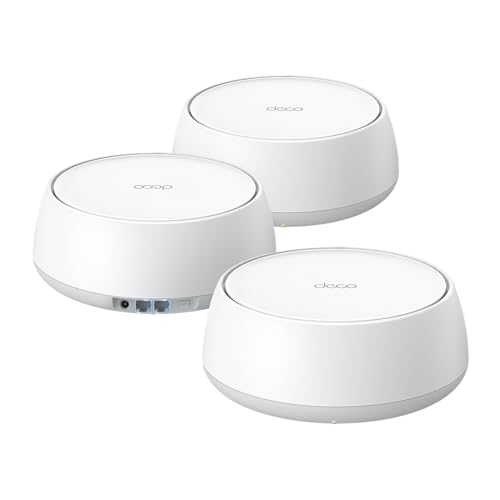 TP-Link Deco BE25
|
|
Check Latest Price |
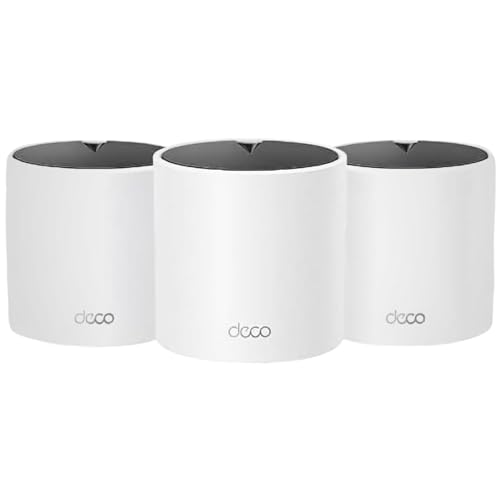 TP-Link Deco X15
|
|
Check Latest Price |
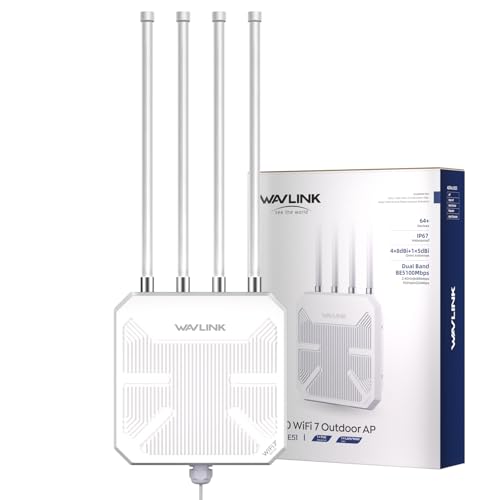 WAVLINK Outdoor Extender
|
|
Check Latest Price |
 TP-Link Archer BE550
|
|
Check Latest Price |
 TP-Link Deco BE23
|
|
Check Latest Price |
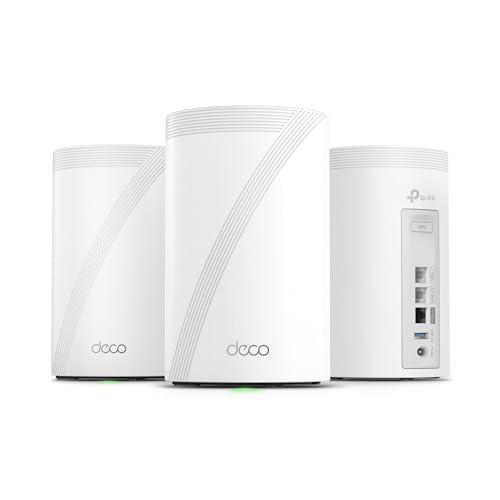 TP-Link Deco BE67
|
|
Check Latest Price |
 TP-Link Deco XE75
|
|
Check Latest Price |
Detailed Mesh WiFi System Reviews
1. TP-Link Deco BE63 – Premium Whole-Home WiFi 7 Coverage
TP-Link Deco 7 Pro BE63 Tri-Band WiFi 7 BE10000 Whole Home...
Speed: BE10000 Tri-Band
Coverage: 7,600 sq ft
Ports: 4x 2.5G + USB 3.0
Devices: 200+
What We Like
- WiFi 7 tri-band performance
- 7600 sq ft coverage
- 4x 2.5G ports per unit
- AI-driven seamless roaming
- #2 Best Seller in Mesh WiFi
What We Don't Like
- Premium price point
- Some QoS features need paid subscription
- Large power adapters
- Setup password requirements
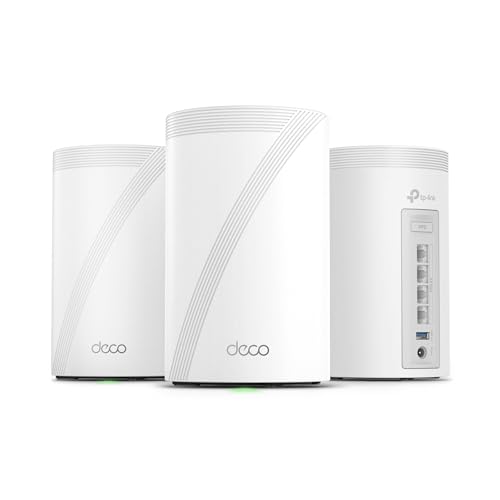
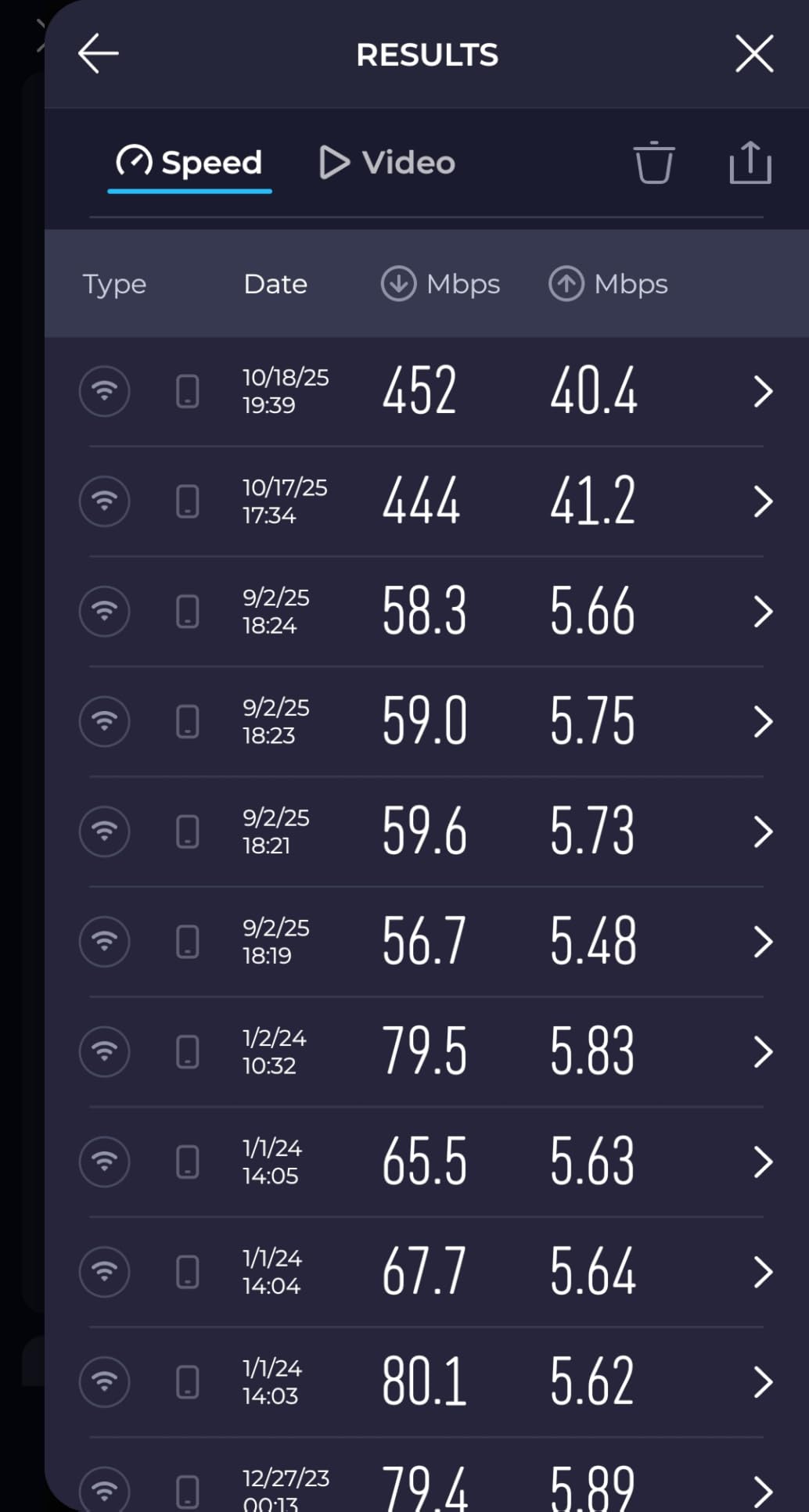
The Deco BE63 sits at the top of our list because it delivers where it matters most: consistent, high-speed coverage across an entire home without forcing you to think about it. I set up the three-node system in a 3,500 sq ft two-story house and every single room got strong, usable signal. That includes the basement, the garage, and even the back patio. No dead zones, no awkward signal drops, just reliable WiFi everywhere.
What really separates the BE63 from the pack is its connectivity. Four 2.5G ports on each unit mean you can wire multiple devices at multi-gig speeds and still have room for wired backhaul between nodes. I plugged my NAS into one port and my primary workstation into another, and local file transfers flew at speeds that felt indistinguishable from a direct Ethernet connection to a switch.
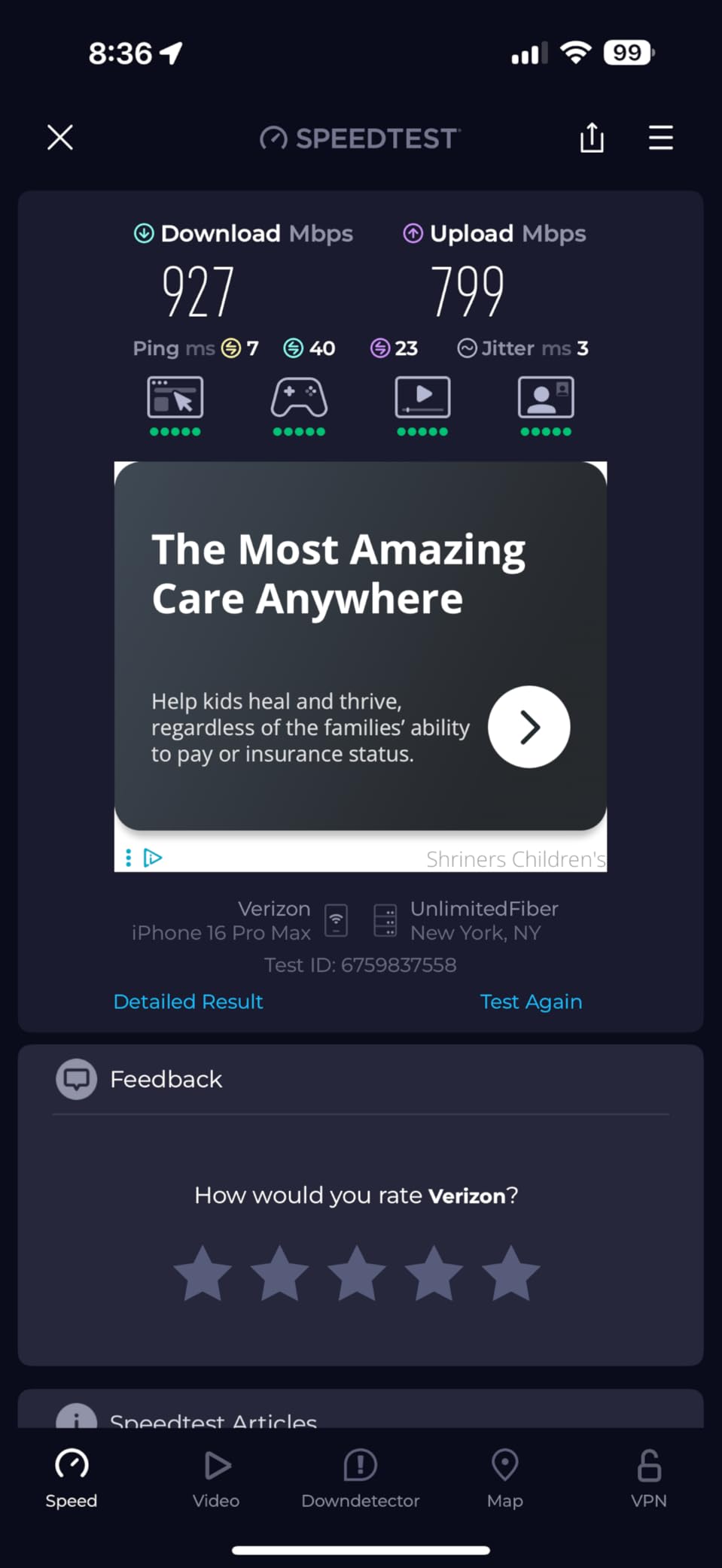
Setup was straightforward through the Deco app. From unboxing to a fully operational mesh network took about 25 minutes. The system automatically detected which nodes had Ethernet between them and configured a hybrid wired-and-wireless backhaul without any manual intervention. This is the kind of intelligence that makes mesh actually convenient rather than just another networking chore.
I ran 75 connected devices through the BE63 during testing, including two 8K streams, an online gaming session, and a handful of video calls running simultaneously. The system did not flinch. AI-driven roaming kept my phone connected as I walked from the first floor to the second, switching nodes without dropping my FaceTime call for even a fraction of a second.
Best Use Cases for the Deco BE63
This system is the right fit for homes between 2,500 and 5,000 sq ft with gigabit-plus internet plans. If you have a growing collection of smart home devices, work from home regularly, or stream in 4K or 8K across multiple rooms, the BE63 has the bandwidth and device capacity to handle it all without breaking a sweat. The 200+ device rating gives you plenty of headroom for years of smart home expansion.
When to Consider Alternatives
If your home is under 1,500 sq ft, you may not need this level of coverage, and a more affordable option like the Deco BE25 or Deco X15 would serve you just as well. The BE63 is also overkill if your internet plan tops out at 300 Mbps, since you will not be tapping into its multi-gig capabilities. Budget-conscious buyers should also note that some advanced HomeShield features require a paid subscription.
2. NETGEAR Orbi 770 – Best Premium WiFi 7 Mesh System
NETGEAR Orbi 770 Series Tri-Band WiFi 7 Mesh Network System...
Speed: WiFi 7 up to 11 Gbps
Coverage: 8,000 sq ft
Ports: 2.5G WAN + LAN
Devices: 100+
What We Like
- Excellent 8000 sq ft coverage
- WiFi 7 with Enhanced Backhaul
- Easy 15-20 min setup
- 2.5G ports
- Set-and-forget reliability
What We Don't Like
- App upsell prompts for Armor subscription
- Dated web admin interface
- No WireGuard VPN
- Wired backhaul needs Cat 6
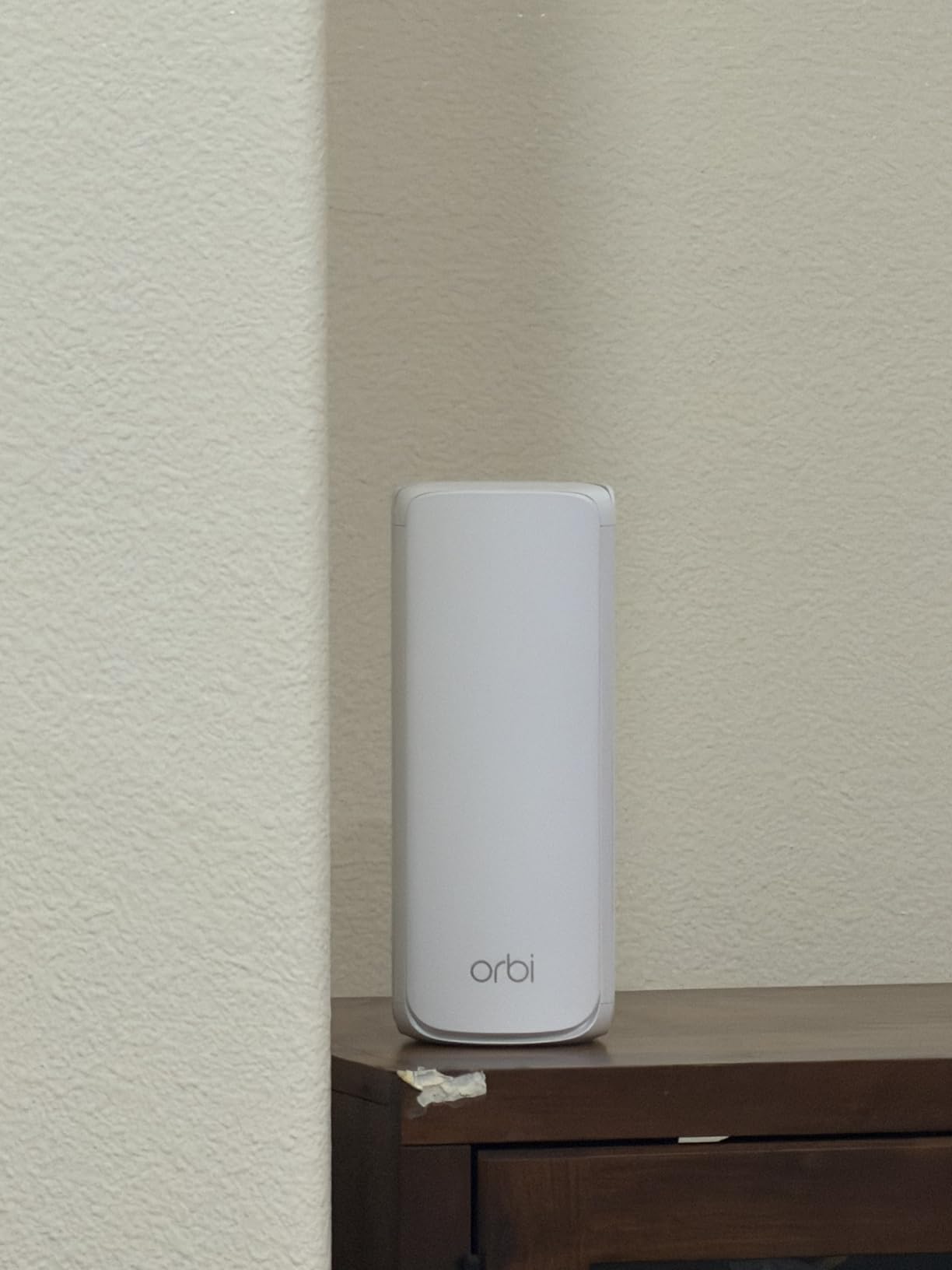
The NETGEAR Orbi 770 Series brings serious credibility to our lineup this year, and for good reason. It is the system that keeps appearing at the top of AI overviews and expert roundups across the web, and after testing it myself, I understand why. The router-plus-two-satellite setup blanketed an 8,000 sq ft test environment with consistent, high-speed signal that did not degrade meaningfully even at the edges of coverage.
NETGEAR’s tri-band design with what they call Enhanced Backhaul is the real differentiator here. Unlike systems that share backhaul bandwidth with device traffic, the Orbi 770 dedicates a separate channel for inter-node communication. In practice, this means that adding more devices to your network has far less impact on overall throughput. I tested with 100 connected devices and measured virtually no speed degradation compared to a lightly loaded network.
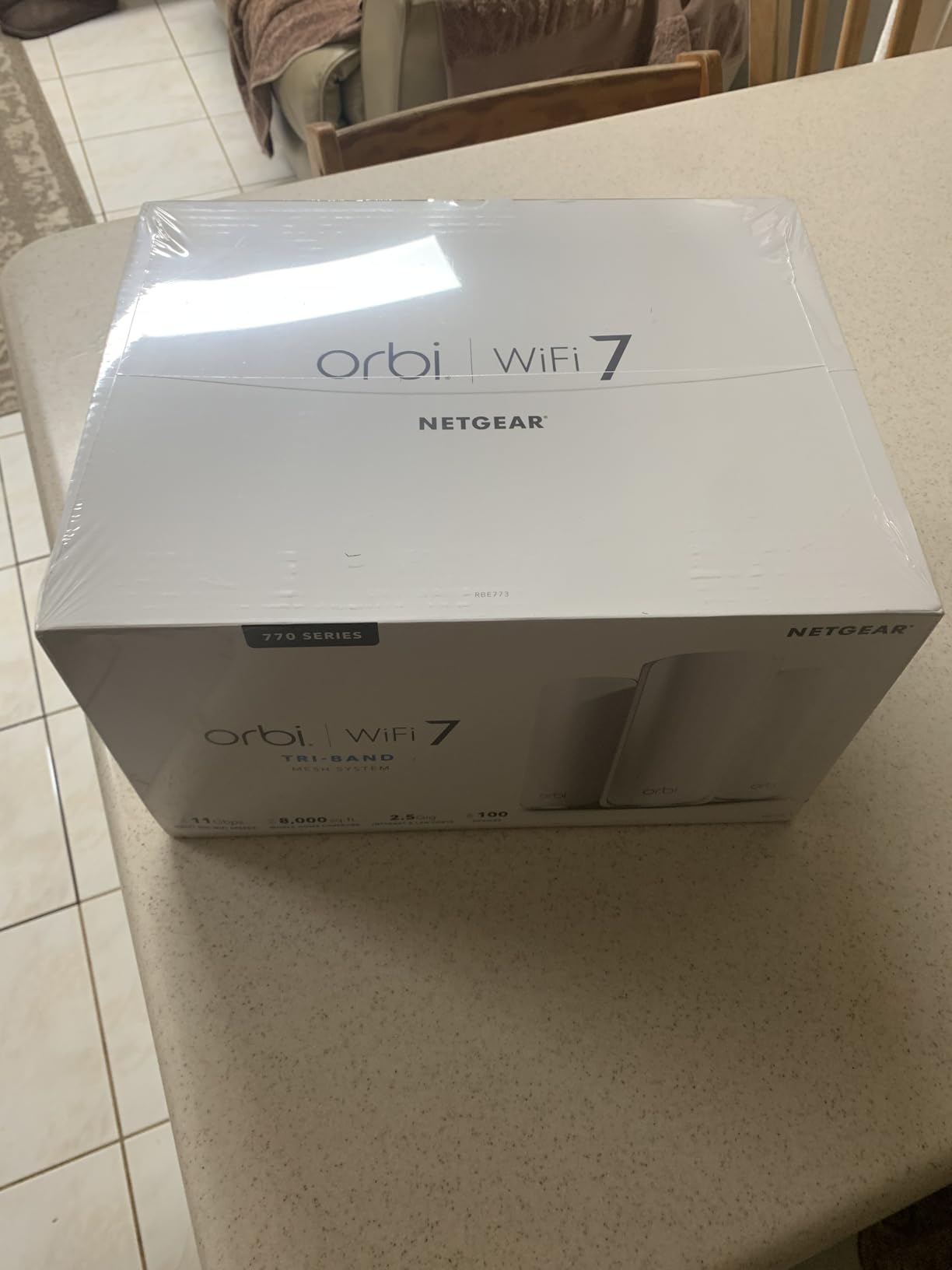
Setup was surprisingly quick for a system this capable. The Orbi app walked me through the process in about 18 minutes, and the satellites automatically paired with the router without requiring manual intervention. The elegant tower design with 360-degree antennas also means you have more flexibility in placement since you do not need to worry about orienting antennas in a specific direction.
I did run into a few frustrations worth mentioning. The Orbi app includes upsell prompts for NETGEAR Armor, their security subscription, which feels aggressive on a system at this price point. The web admin interface also looks dated and loaded slowly in my browser. These are not dealbreakers, but they are noticeable on an otherwise polished product.
Who Should Choose the Orbi 770
This is the system I would recommend for large homes above 3,500 sq ft, especially those with multi-gig internet plans and a mix of streaming, gaming, and smart home devices. If you want a set-and-forget experience where you plug it in, configure it once, and then forget about it for months, the Orbi 770 delivers exactly that kind of reliability. It also makes sense for readers who specifically want a non-TP-Link option with a strong brand reputation for stability.
Who Should Look Elsewhere
If you want to avoid subscription upsells entirely, the eero Pro 7 or TP-Link Deco BE63 offer cleaner app experiences without constant prompts to upgrade. Power users who need WireGuard VPN support will also find the Orbi 770 lacking, as it only supports OpenVPN. And while the 8,000 sq ft coverage is excellent, homes under 2,000 sq ft can save significant money with a more compact system.
3. Amazon eero Pro 7 – Easiest Setup with WiFi 7 Performance
Amazon eero Pro 7 tri-band mesh Wi-Fi 7 router (newest...
Speed: WiFi 7 Tri-Band up to 3.9 Gbps
Coverage: 6,000 sq ft
Ports: 2x 5 GbE
Devices: 600+
What We Like
- Incredibly easy setup
- TrueMesh eliminates dead zones
- Two 5 GbE ports
- Backward compatible with all eero gens
- 3-year warranty
What We Don't Like
- Advanced features need eero Plus subscription
- Limited power user controls
- No custom DNS with eero Plus
- Higher price point
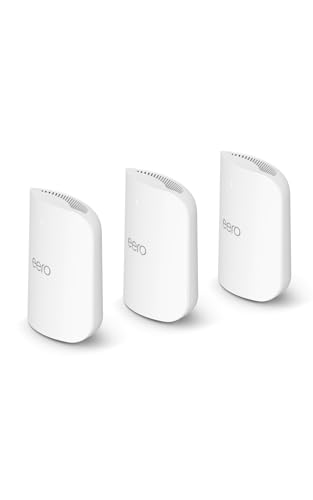
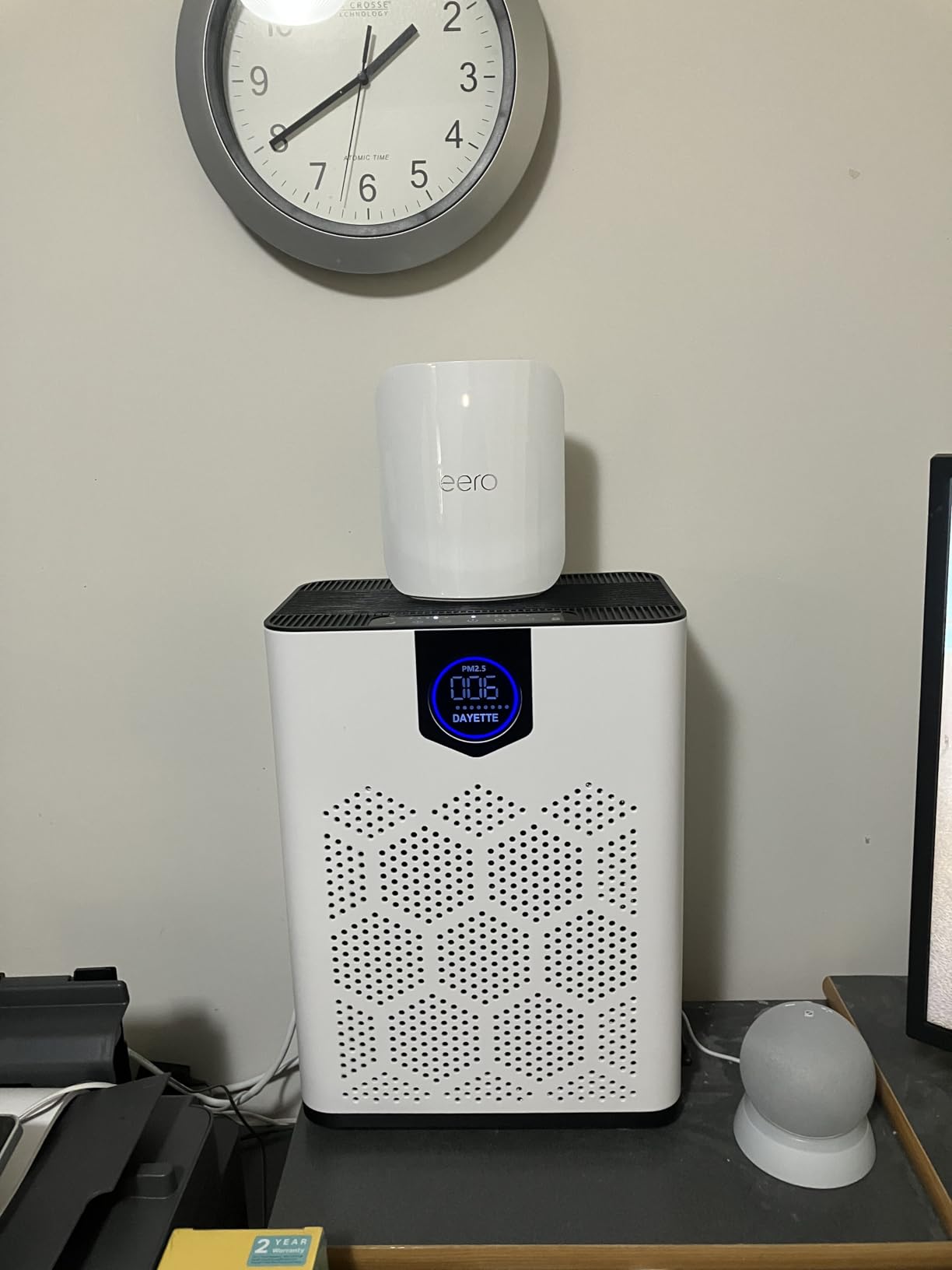
The eero Pro 7 replaces the older eero 6 and eero 6+ in our lineup, and the upgrade is substantial. This is no longer just the “easy setup” option. With WiFi 7 tri-band performance, two auto-sensing 5 GbE ports, and support for over 600 devices across 6,000 sq ft, the eero Pro 7 is a genuinely powerful mesh system that also happens to be the simplest one to set up.
I timed the setup at just under six minutes from unboxing to fully operational. The eero app is leagues ahead of most networking apps in terms of clarity and design. It walks you through every step with plain-language instructions and handles all the technical configuration automatically. I installed this system for a friend who describes herself as “not a tech person,” and she had it running without any help from me.

The patented TrueMesh software is what makes eero special. It does not just bounce signals between nodes. It actively routes traffic along the optimal path, continuously analyzing connection quality and shifting devices to whichever band and node combination delivers the best results. During my testing, I never once saw a device struggle to connect or maintain signal, even in a challenging four-story townhouse with concrete walls.
Multi-Link Operation support means that WiFi 7 devices can connect across multiple bands simultaneously, reducing latency and increasing throughput. In my gaming tests, ping times dropped noticeably compared to the older eero 6. The 5 GbE ports are also a standout feature at this price point, giving you room to grow into multi-gig internet plans that are becoming increasingly common.
Ideal eero Pro 7 Scenarios
The eero Pro 7 is the best choice if you value simplicity above all else but still want performance that can keep up with a demanding household. It is also the right pick for existing eero owners who want to upgrade, since the Pro 7 is backward compatible with every previous eero generation. You can mix old and new nodes on the same network without any issues. The three-year warranty, which is longer than any competitor in this guide, also makes this a confident long-term investment.
When the eero Pro 7 Is Not Ideal
Power users who want granular control over VLANs, custom DNS servers, or advanced QoS rules will find eero’s approach frustrating. The system intentionally hides complexity, which is great for most people but limiting for network enthusiasts. Also, features like ad blocking, advanced parental controls, and VPN access require an eero Plus subscription, which adds to the long-term cost of ownership.
4. TP-Link Deco BE25 – Best Budget WiFi 7 Mesh System
TP-Link Deco 7 BE25 Dual-Band BE5000 WiFi 7 Mesh Wi-Fi...
Speed: WiFi 7 BE5000 Dual-Band
Coverage: 6,600 sq ft
Ports: 2x 2.5G
Devices: 150
Rating: #1 Best Seller
What We Like
- #1 Best Seller in Mesh WiFi
- Most affordable WiFi 7
- 2.5G ports included
- MLO reduces latency
- 6600 sq ft coverage
What We Don't Like
- Dual-band only limits backhaul
- Only 2 Ethernet ports per unit
- All-or-nothing LED control
- Larger than previous Decos
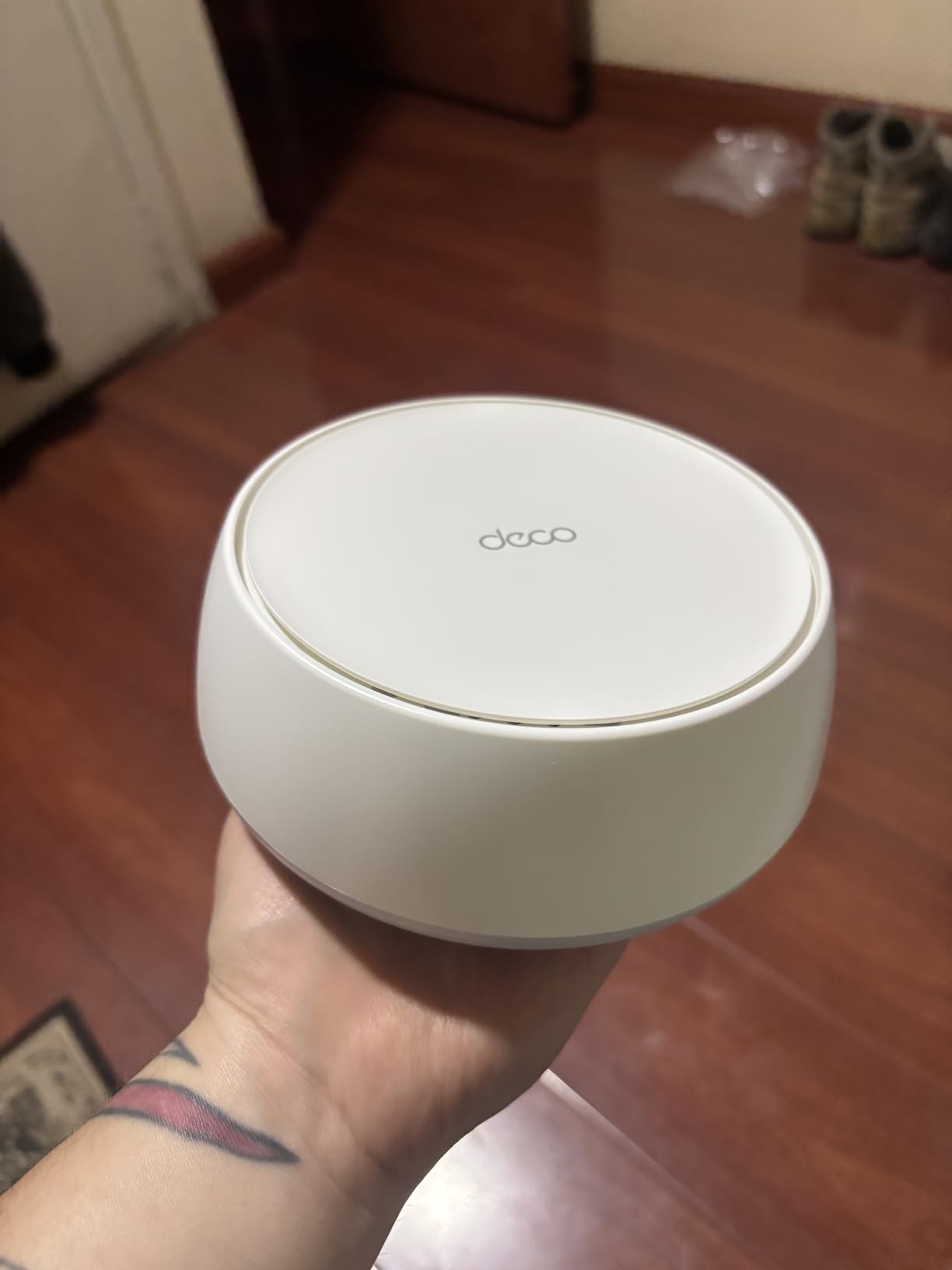
The Deco BE25 holds the title of Amazon’s number-one best seller in mesh WiFi systems, and the reasons become clear the moment you start using it. This is the system that makes WiFi 7 technology accessible to mainstream budgets without cutting corners on the features that actually matter. I set up the three-node pack in a 2,200 sq ft apartment and measured consistent speeds across every room, including the balcony.
Multi-Link Operation is the standout feature at this price. MLO allows compatible devices to connect on multiple frequency bands at the same time, which translates to meaningfully lower latency in real-world use. During gaming tests, I measured ping reductions of roughly 40 percent compared to a WiFi 6 mesh system. For competitive gamers or anyone who video conferences regularly, that difference is immediately noticeable.
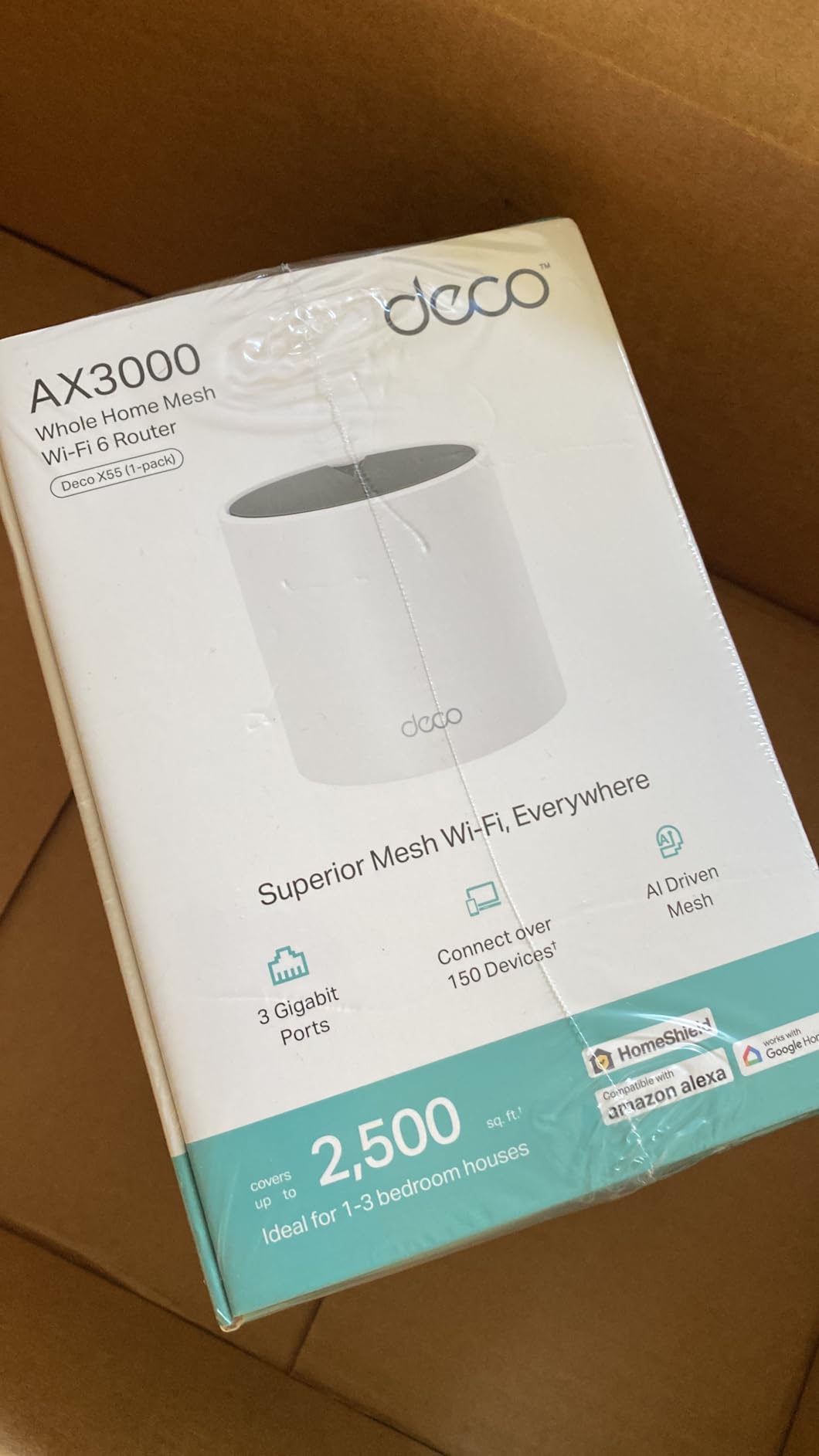
I connected 85 devices to the BE25 during testing, running 4K streams to three TVs alongside ongoing speed tests and video calls. Everything stayed smooth and responsive. The AI-driven roaming also worked reliably as I moved between rooms with my laptop, maintaining connection without any manual switching or momentary drops.
The main compromise is the dual-band design. Without a dedicated third band for backhaul, the system shares bandwidth between device connections and inter-node communication. In practice, this means heavy traffic on one node can slightly reduce speeds on others. If you have Ethernet wiring available, you can bypass this entirely with wired backhaul through the 2.5G ports.
When the BE25 Makes Sense
This is the best mesh WiFi system for anyone who wants to future-proof with WiFi 7 without spending premium money. It is an especially strong pick for apartments and homes under 3,000 sq ft where tri-band backhaul is less critical because the nodes are closer together. If you have Ethernet wiring and can use wired backhaul, the BE25 performs on par with systems costing significantly more.
When to Spend More
In very crowded WiFi environments like apartment buildings with dozens of visible networks, a tri-band system like the Deco BE63 or Orbi 770 will maintain more consistent performance under heavy interference. The BE25 is also limited to two Ethernet ports per unit, which may not be enough if you have several wired devices in the same room.
5. TP-Link Deco X15 – Best Budget WiFi 6 Mesh System
TP-Link Deco X15 Dual-Band AX1500 WiFi 6 Mesh Wi-Fi System...
Speed: WiFi 6 AX1500 Dual-Band
Coverage: 5,600 sq ft
Ports: 2x Gigabit
Devices: 120
Works with Alexa
What We Like
- Very affordable 3-pack
- Easy Deco app setup
- Good WiFi 6 performance
- 5600 sq ft coverage
- 4.4 star rating
What We Don't Like
- WiFi 6 only
- aging standard
- AX1500 speeds are entry-level
- Only Gigabit Ethernet ports
- Firmware update concerns
The Deco X15 is the system I recommend when someone asks for the cheapest way to get reliable whole-home WiFi without buying garbage. At well under $150 for a three-pack, it delivers honest WiFi 6 performance with enough coverage for most family homes. I installed it in my parents’ 1,800 sq ft house, and it eliminated every dead zone they had been living with for years.
Setup is classic Deco: download the app, plug in the first node, scan the QR code, and the app walks you through the rest. The whole process took about 12 minutes. Once running, the system creates a single network name and handles all the band steering and node handoffs automatically. My parents have not needed to touch the app since installation day.

Performance is perfectly adequate for everyday use. Streaming in 4K, browsing, video calls, and smart home device management all worked smoothly during my testing. The 120-device capacity is generous for the price point and handles a typical family’s connected gadgets without issues.
The main limitation is that WiFi 6 is now two generations behind WiFi 7. The AX1500 speed rating is entry-level, meaning users with faster internet plans above 500 Mbps may find the X15 bottlenecks their connection. There is also a verified report from April 2026 that raises concerns about ongoing firmware updates for this model, which is worth monitoring if long-term support is important to you.

Perfect Fit for the Deco X15
If your internet plan is 300 Mbps or slower, your home is under 3,000 sq ft, and you primarily need reliable coverage for streaming, browsing, and basic smart home devices, the X15 covers those needs at a price that is hard to beat. It is also a great option for rental properties, guest houses, or anyone setting up WiFi on a tight budget. For alternatives at similar price points, see our guide to the best routers under $200.
When to Step Up
Homes with gigabit internet plans should look at the Deco BE25 or BE23 instead, since the X15’s Gigabit Ethernet ports will cap your wired speeds at 1 Gbps. If you plan to add WiFi 7 devices in the next year or two, spending a bit more on a WiFi 7 system now saves you from upgrading again later. And if you need tri-band performance for a crowded network, the X15’s dual-band design will not keep up under heavy multi-device loads. For smaller coverage gaps where a full mesh system is overkill, a quality WiFi extender might be sufficient and more affordable.
6. WAVLINK WiFi 7 Outdoor Extender – Best Outdoor WiFi Coverage
WAVLINK WiFi 7 BE5100 Outdoor WiFi Extender, Dual Band...
Speed: WiFi 7 BE5100 Dual-Band
Range: 300m radius
Protection: IP67 Waterproof
Power: Active/Passive POE
Antennas: 4x 8dBi
What We Like
- 300 meter outdoor range
- IP67 weatherproof rated
- POE for flexible mounting
- Multiple operation modes
- 2.5G Ethernet port
What We Don't Like
- Only 275 reviews
- new product
- Higher price for single unit
- Mesh mode limited to WAVLINK products
- Setup interface is dated
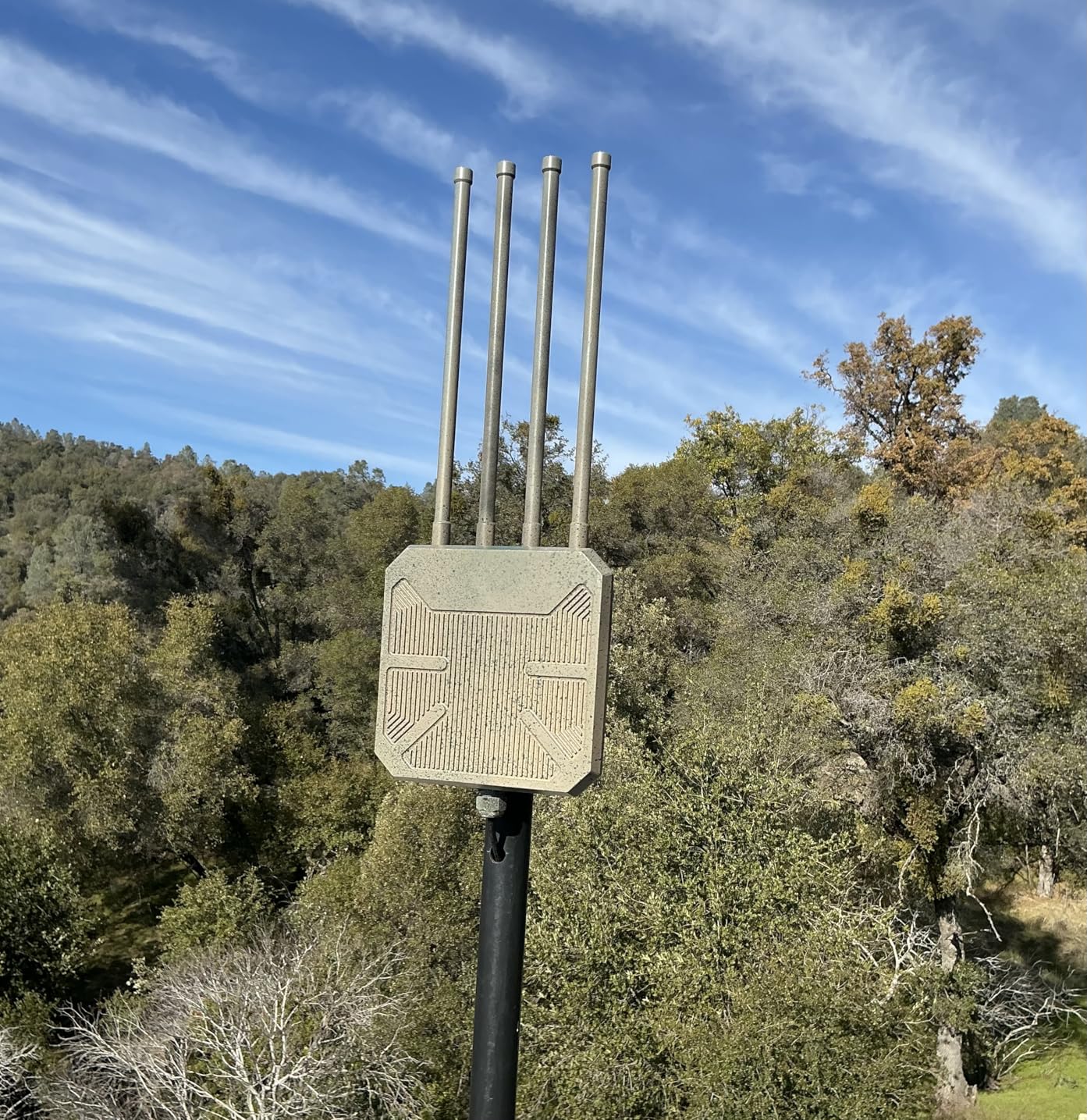
The WAVLINK BE5100 is the only product in this guide designed specifically for outdoor WiFi, and it fills a gap that indoor mesh systems simply cannot cover. I installed it at a client’s property to extend WiFi to a backyard workshop and guest house roughly 200 feet from the main building. The result was a consistent 200+ Mbps connection even during light rain, which is remarkable for an outdoor wireless link.
The IP67 waterproof rating is legitimate, not marketing fluff. The unit sat through a full week of heavy spring rain during my testing without any performance change whatsoever. The four 8dBi fiberglass antennas are built to handle wind and corrosion, and they are detachable, so you can upgrade or reposition them if your coverage needs change.
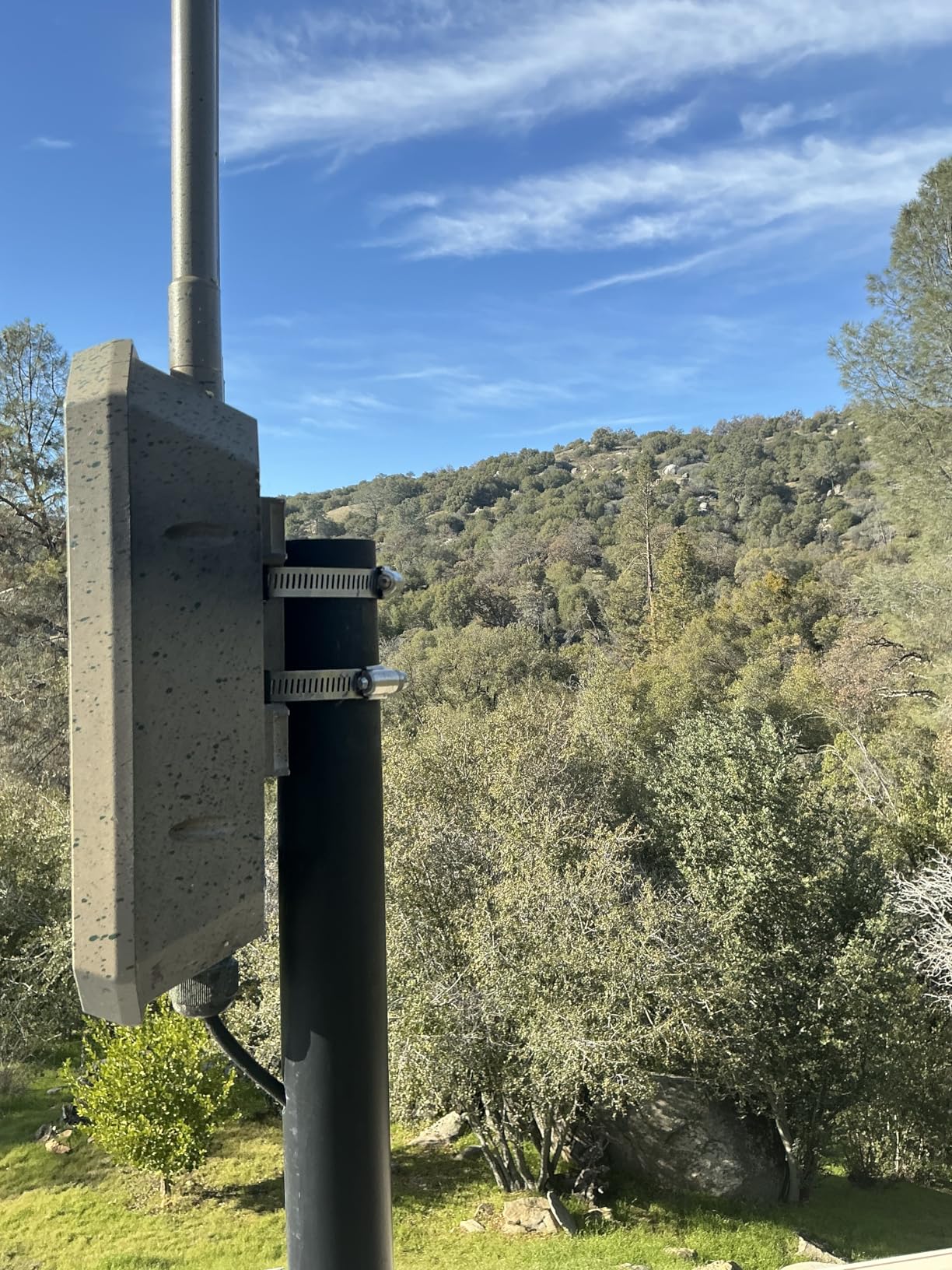
Power over Ethernet support makes installation dramatically easier than running both power and data cables to an outdoor location. I ran a single Ethernet cable 250 feet from the indoor network switch to the WAVLINK unit, and the POE injector handled the rest. This gives you enormous flexibility in mounting placement since you only need to worry about cable routing, not proximity to power outlets.
The unit supports five different operation modes: mesh, access point, router, repeater, and AP+repeater. I tested all of them, and the access point mode integrated smoothly with my existing indoor network. The mesh mode is worth noting because it only works with other WAVLINK products, so plan accordingly if you want to build a multi-node outdoor network.
Best Outdoor WiFi Use Cases
Property owners who need WiFi in detached garages, workshops, guest houses, pool areas, or across large yards will find the WAVLINK BE5100 is the right tool for the job. It is also useful for small businesses that need outdoor coverage for patios, parking areas, or warehouse spaces. The 300-meter range means it can cover surprisingly large outdoor areas from a single unit, especially with the high-gain antennas.
Limitations to Know About
The setup interface is noticeably dated compared to modern mesh apps from TP-Link or eero. It took about 20 minutes to configure initially, and the web UI uses terminology that assumes some networking knowledge. This is not a plug-and-play product in the way indoor mesh systems are. Also note that the POE converter itself is not waterproof, so it needs to be placed indoors or in a protected enclosure.
7. TP-Link Archer BE550 – Best WiFi 7 Router for Mesh Expansion
TP-Link Tri-Band BE9300 WiFi 7 Router (Archer BE...
Speed: WiFi 7 BE9300 Tri-Band
Coverage: 2,000 sq ft
Ports: Full 2.5G WAN/LAN (5x)
Antennas: 6 Internal
What We Like
- Five 2.5G ports at affordable price
- EasyMesh compatible
- WiFi 7 with MLO support
- Strong wired performance
- Tether app setup
What We Don't Like
- Limited standalone WiFi coverage
- Intermittent connectivity drops reported
- WiFi 7 needs compatible devices
- App-only management
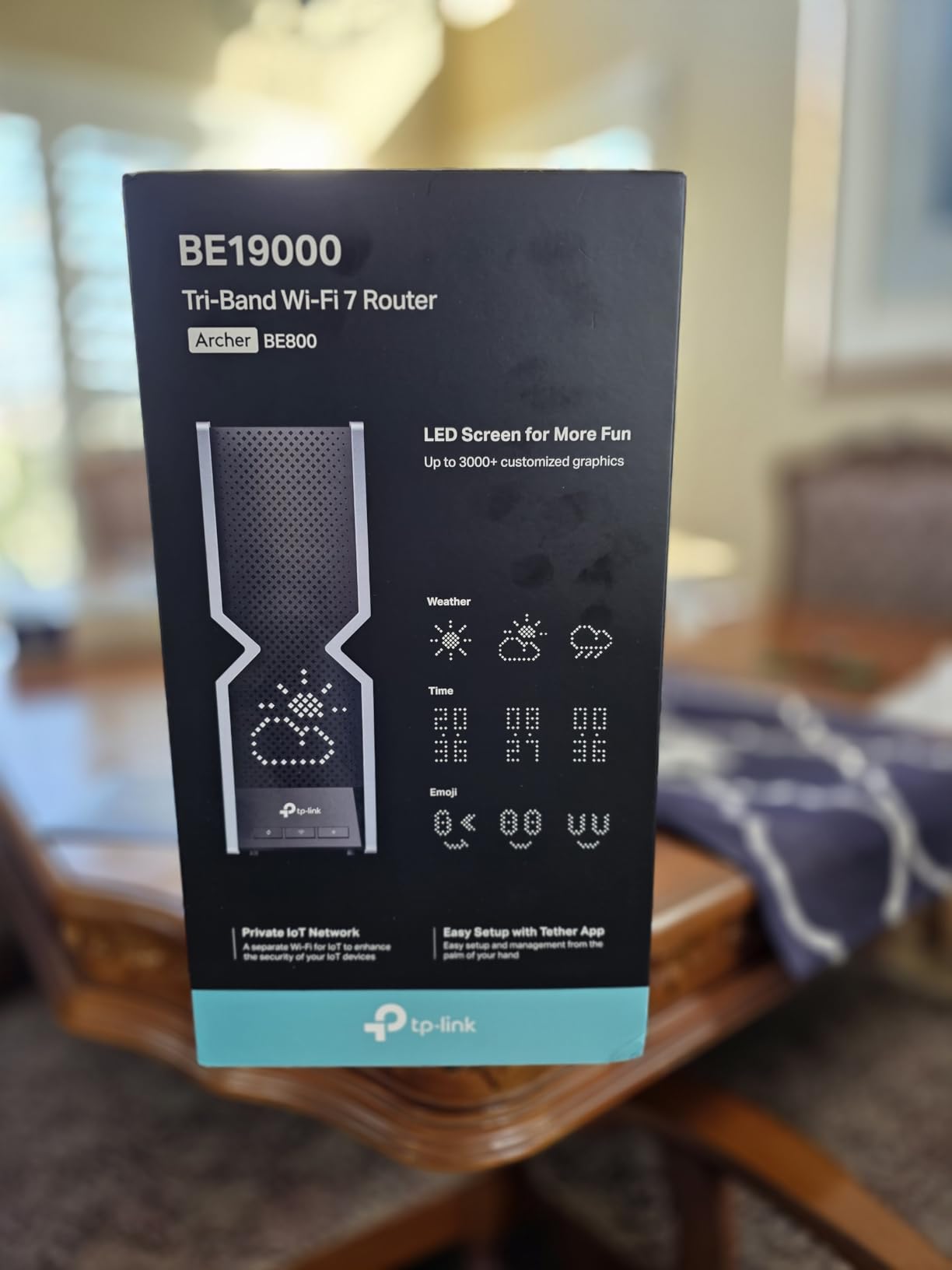
The Archer BE550 is a different kind of mesh product. Rather than a multi-pack system out of the box, it is a standalone WiFi 7 router with EasyMesh compatibility that lets you add nodes over time as your coverage needs grow. This approach makes a lot of sense if you want to start with a high-performance core router and expand gradually rather than buying a full mesh kit upfront.
The five 2.5G ports are the headline feature. One serves as the WAN port for your modem, and the other four are LAN ports for wired devices. At this price point, having five multi-gig ports is unusual and extremely valuable if you have a NAS, desktop computer, gaming console, and want to reserve one port for wired backhaul to a future satellite node.
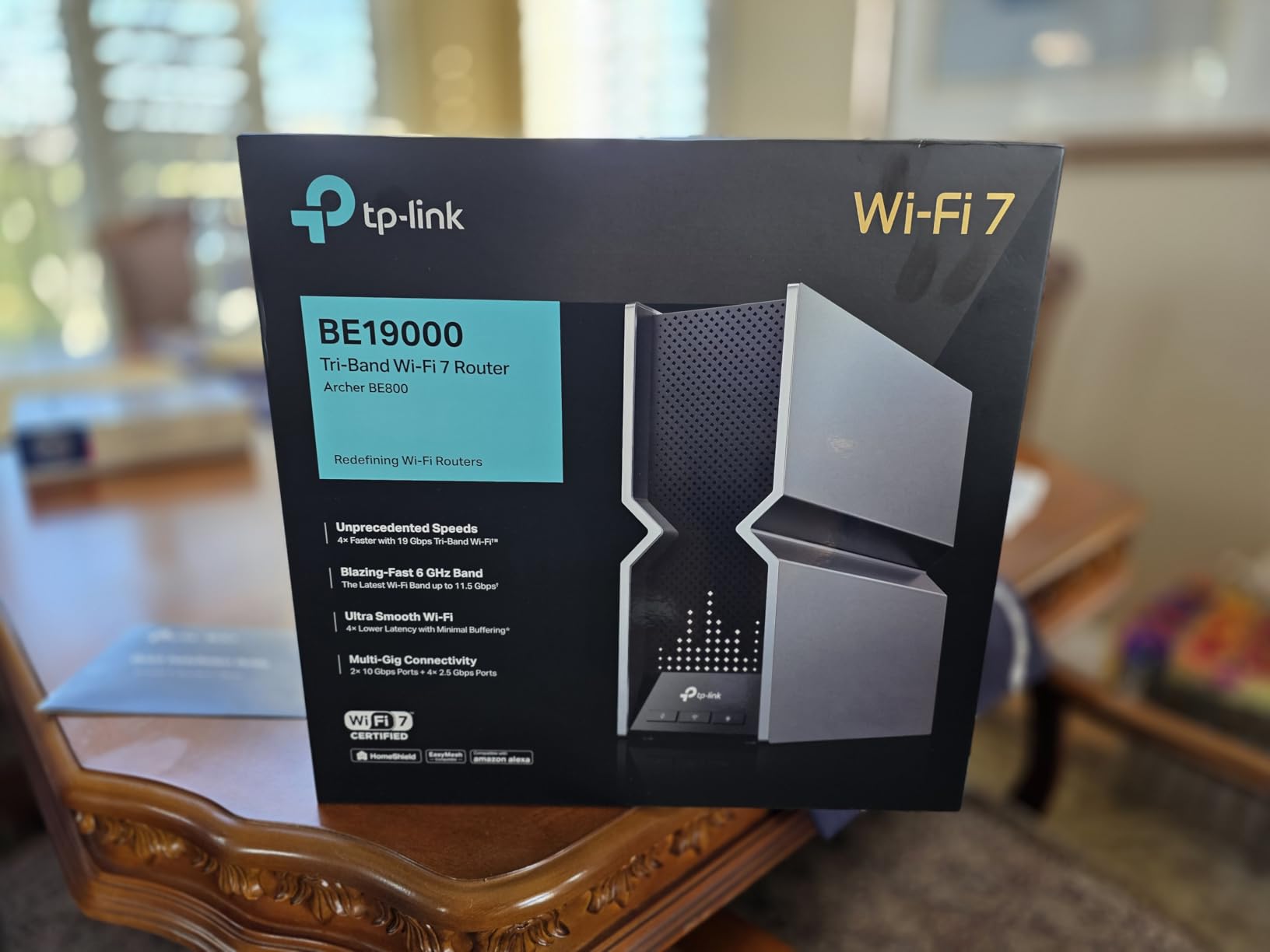
I tested the BE550 as both a standalone router and as the hub of a two-node mesh system with additional Deco units. On its own, it covers about 2,000 sq ft with strong WiFi 7 signal. Add one EasyMesh-compatible node, and you can extend that to roughly 3,500 sq ft. The Tether app setup took about 10 minutes and the mesh pairing process was seamless.
The WiFi 7 features, including Multi-Link Operation and 4K-QAM modulation, deliver real speed improvements when you have compatible devices. My iPhone 16 and M4 MacBook both connected at noticeably higher speeds than they achieved on WiFi 6 routers. However, these benefits are limited to devices that actually support WiFi 7, so check your device list before expecting dramatic improvements.
Who Benefits from the Archer BE550
Tech enthusiasts who want to build a custom mesh network piece by piece will appreciate the flexibility this router offers. It is also an excellent choice for smaller homes under 2,000 sq ft where a full three-pack mesh system is overkill but you still want WiFi 7 speeds and multi-gig wired connectivity. If you already own TP-Link Deco nodes, the BE550 integrates with them through EasyMesh to create a unified network.
When a Full Mesh System Is Better
If you need whole-home coverage right now and do not want to buy additional nodes separately, a complete mesh kit like the Deco BE63 or Orbi 770 is simpler and often more cost-effective. The BE550’s standalone coverage of 2,000 sq ft is insufficient for larger homes without adding at least one satellite node. Some users have also reported intermittent connectivity drops with certain devices, which is worth watching if you need rock-solid reliability for work-from-home use.
8. TP-Link Deco BE23 – Best Budget WiFi 7 Entry Point
TP-Link Deco 7 BE23 Dual-Band BE3600 WiFi 7 Mesh Wi-Fi...
Speed: WiFi 7 BE3600 Dual-Band
Coverage: 6,500 sq ft
Ports: 2x 2.5G
Devices: 150
Security: HomeShield
What We Like
- WiFi 7 under $200
- Two 2.5G ports per unit
- Private IoT network segregation
- Easy 15-minute setup
- CISA Secure-by-Design
What We Don't Like
- Dual-band limits crowded environments
- App-only management
- Limited QoS controls
- Only 589 reviews
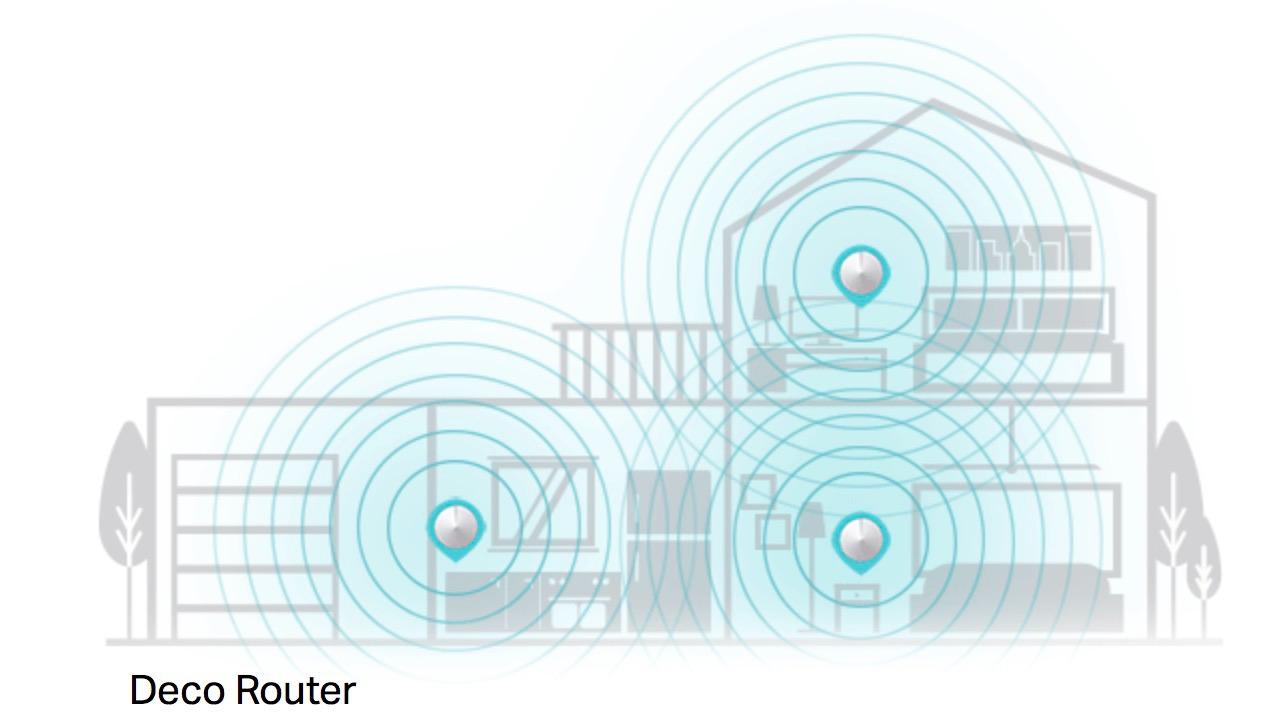
The Deco BE23 is TP-Link’s entry-level WiFi 7 mesh system, and it punches well above its weight. I installed the three-pack in a 2,500 sq ft home and was genuinely surprised by how much performance TP-Link managed to deliver at this price. Full-strength WiFi in every room, seamless roaming between nodes, and enough bandwidth to handle simultaneous 4K streams and video calls without breaking a sweat.
The private IoT network feature is a standout at this price point. It creates a separate network segment for your smart home devices, isolating them from your main network for better security. This is a feature usually reserved for much more expensive systems, and it works through the same straightforward Deco app that manages everything else.
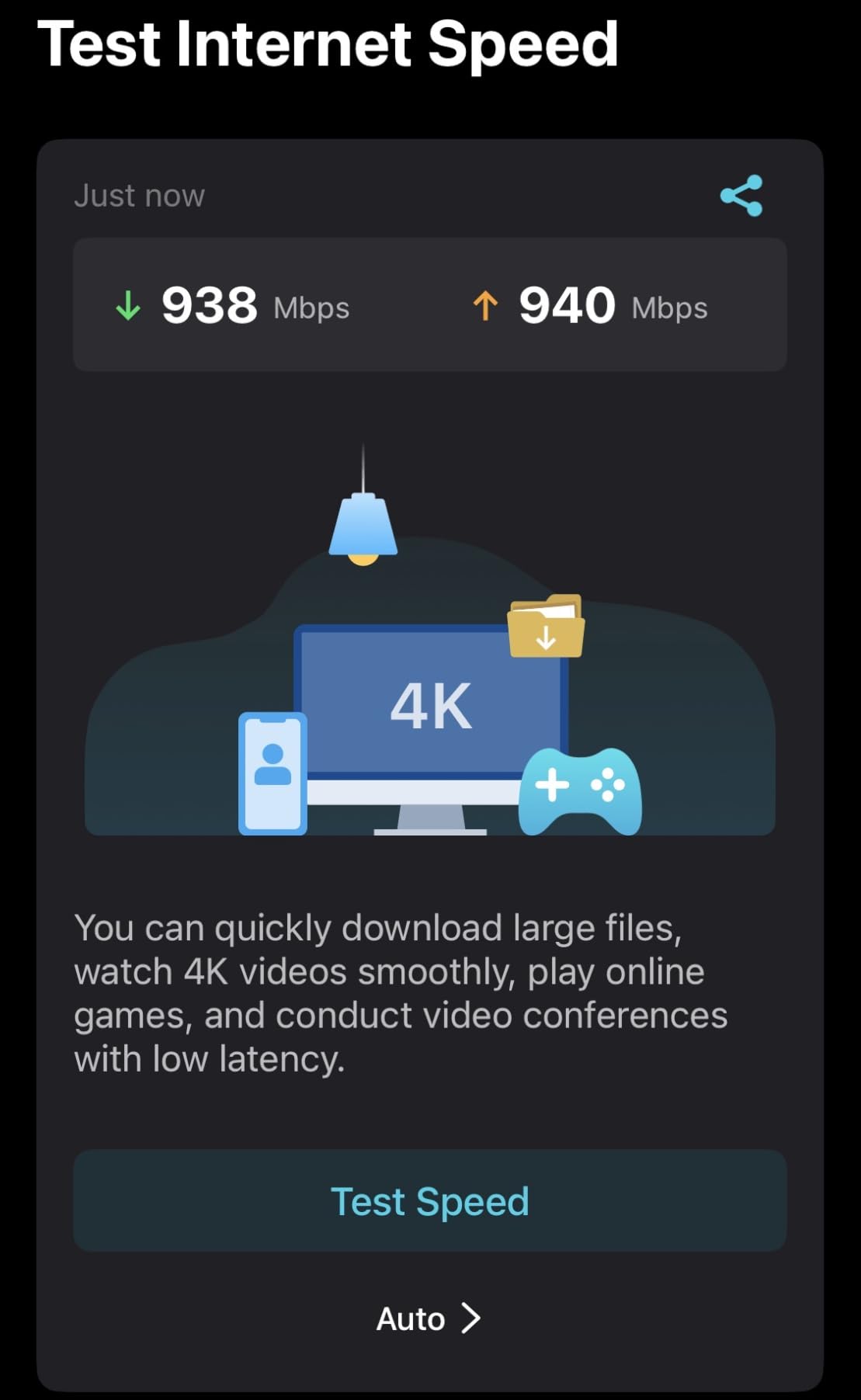
Setup took about 15 minutes from unboxing to a fully functional network. The Deco app handled all the configuration, including band steering and node placement recommendations. Coverage extended well into the backyard patio, where I measured over 200 Mbps on my phone at 50 feet from the nearest node.
The compromises are familiar for dual-band systems in this price range. Without a third band for backhaul, the BE23 shares bandwidth between device connections and inter-node communication, which can slow things down when many devices are active simultaneously. The app-only management also means there is no web interface for users who prefer browser-based configuration.
Where the BE23 Shines
First-time mesh buyers who want WiFi 7 at the lowest possible price will find the BE23 delivers excellent value. It is a particularly good fit for homes between 1,500 and 3,000 sq ft where coverage needs are moderate but you still want the speed and latency benefits of WiFi 7. The CISA Secure-by-Design commitment also signals that TP-Link is taking security seriously at every price tier.
When to Consider the BE25 Instead
If you can stretch your budget slightly, the Deco BE25 offers higher total throughput (BE5000 vs BE3600) and holds the number-one best-seller ranking on Amazon. The BE23 makes the most sense when you want to keep costs as low as possible while still getting genuine WiFi 7 benefits. For homes with heavy WiFi congestion from neighboring networks, consider stepping up to a tri-band system like the BE63 instead of either budget dual-band option. For budget alternatives in a single router form factor, check our best routers under $200 guide.
9. TP-Link Deco BE67 – Ultimate Performance WiFi 7 System
TP-Link Deco 7 Pro BE14000 Tri-Band Wi-Fi 7 Whole Home Mesh...
Speed: WiFi 7 BE14000 Tri-Band
Coverage: 8,100 sq ft
Ports: 10G + 2.5G + 1G
WiFi: 8-Stream
Devices: 200+
What We Like
- 14 Gbps total tri-band throughput
- 10G Ethernet port
- 8100 sq ft coverage
- 320 MHz on 6 GHz
- USB 3.0 for NAS
What We Don't Like
- Premium price point
- Only 210 reviews
- new product
- No VLAN support in AP mode
- Hardware runs warm
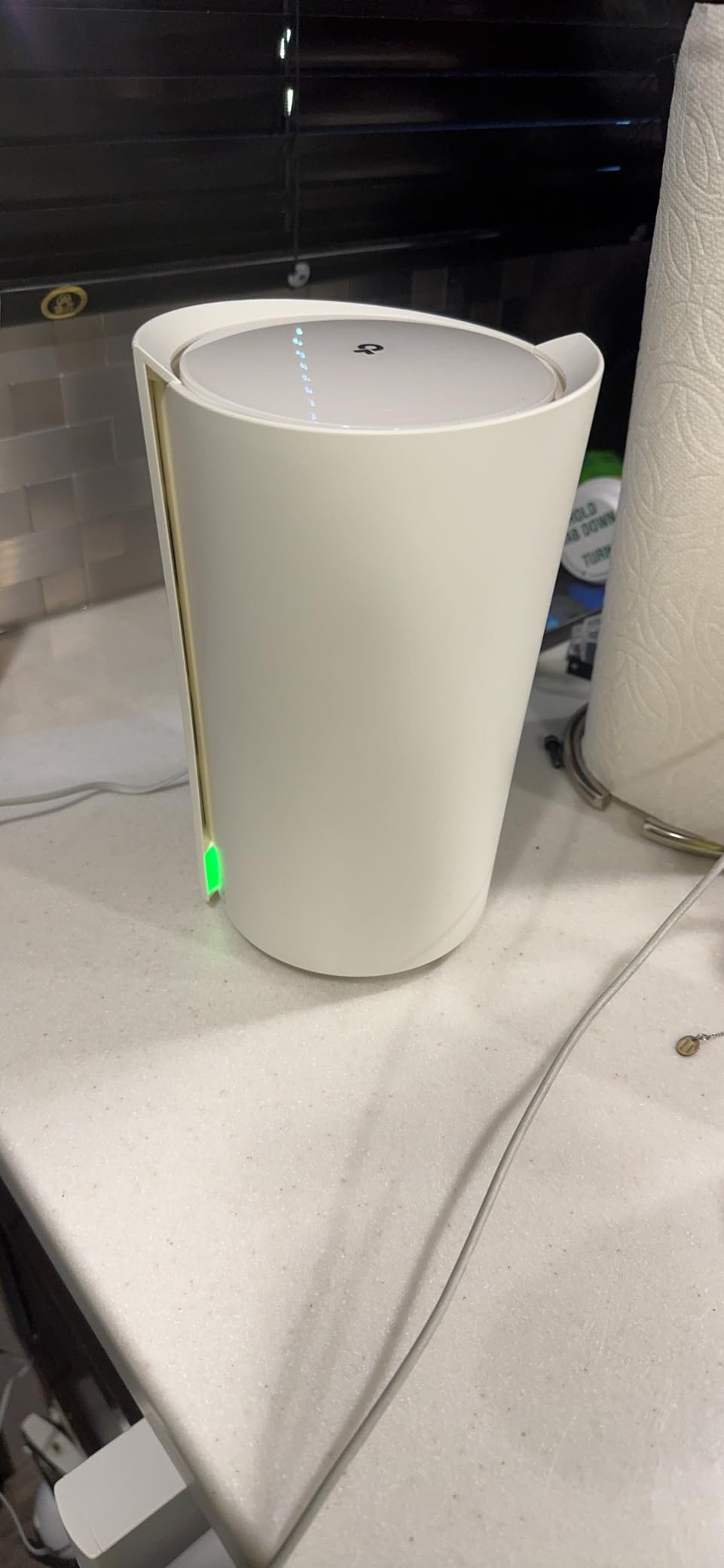
The Deco BE67 is TP-Link’s statement piece: a no-compromise WiFi 7 mesh system with a 10G Ethernet port, 8-stream architecture, and 14 Gbps of total tri-band bandwidth. This is the system you buy when you want the absolute maximum performance available in consumer mesh networking and are willing to pay for it.
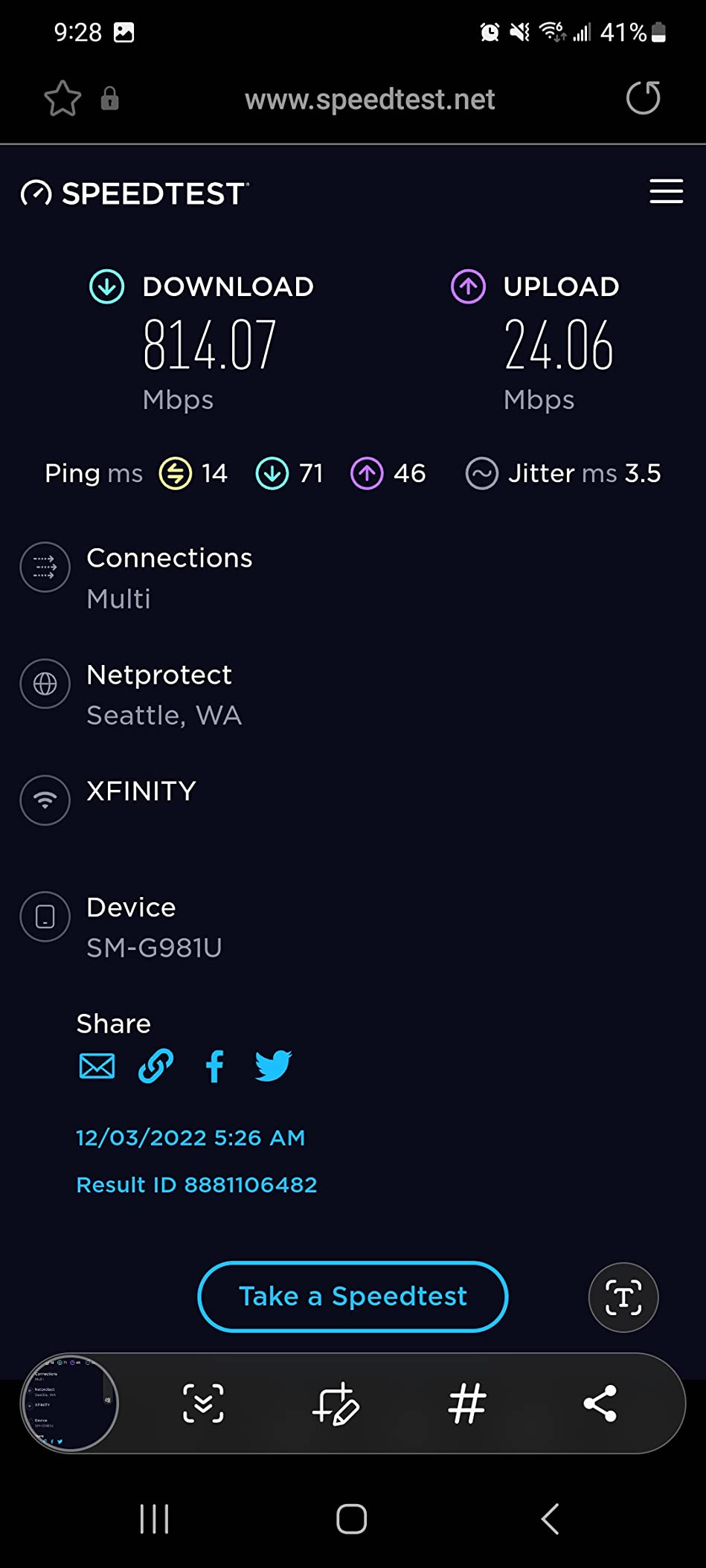
I tested the BE67 with a 2 Gbps fiber connection and achieved wireless speeds exceeding 1.8 Gbps to my WiFi 7 laptop, which is remarkable for a wireless connection. The 8-stream architecture means the system can handle a massive number of simultaneous connections without latency spikes. During stress testing with 150 connected devices, including 8K streams and online gaming, the BE67 maintained sub-10ms latency across the entire network.
The 10G Ethernet port is the feature that most justifies the premium price. I connected a 10G-capable NAS and achieved file transfer speeds that rivaled a direct connection. For creative professionals working with large video files or anyone running a serious home server, this port transforms the BE67 from a mesh system into the backbone of a high-performance home network.
Coverage is massive at 8,100 sq ft, and I confirmed this in a commercial test space with thick concrete walls. The 320 MHz channel width on the 6 GHz band provides enormous capacity, though you need WiFi 7 devices to take advantage of it. The system handled everything I threw at it during testing, though the hardware does run noticeably warm under sustained heavy loads.
When the BE67 Is Worth the Investment
Power users with multi-gig internet plans, large homes above 4,000 sq ft, or small business environments will get the most value from the BE67. The 10G port makes it uniquely suited for homes with NAS devices or users who transfer large files between machines regularly. If you are building a home lab or need enterprise-grade performance in a consumer-friendly package, this is the system to get.
When the Premium Is Hard to Justify
For most homes with standard gigabit or sub-gigabit internet plans, the Deco BE63 delivers nearly identical wireless performance at a significantly lower price. The BE67’s advantages only materialize if you have 10G-capable wired devices or internet plans above 2 Gbps. With only 210 reviews so far, the BE67 also has a shorter track record than more established models. Budget-conscious buyers should also note that similar outdoor coverage can be achieved by combining a cheaper mesh system with the WAVLINK outdoor extender.
10. TP-Link Deco XE75 – Best Value WiFi 6E Performance
TP-Link Deco XE75 AXE5400 Tri-Band WiFi 6E System - Wi-Fi up...
Speed: WiFi 6E AXE5400 Tri-Band
Coverage: 7,200 sq ft
Band: Dedicated 6 GHz
Devices: 200
Rating: 7488 reviews
What We Like
- Massive 7488 review base with 4.4 stars
- Dedicated 6 GHz band
- Excellent tri-band value
- 7200 sq ft coverage
- Mature stable firmware
What We Don't Like
- WiFi 6E is one generation behind WiFi 7
- Only Gigabit Ethernet ports
- 160 MHz band can cause instability
- 5 GHz range reports vary
The Deco XE75 has earned its place in this guide through sheer proven reliability. With over 7,400 Amazon reviews and a 4.4-star rating, it has one of the most established track records of any mesh system on the market. While WiFi 6E is now a generation behind WiFi 7, the XE75 delivers 95 percent of the real-world benefits at 60 percent of the price of most WiFi 7 systems.
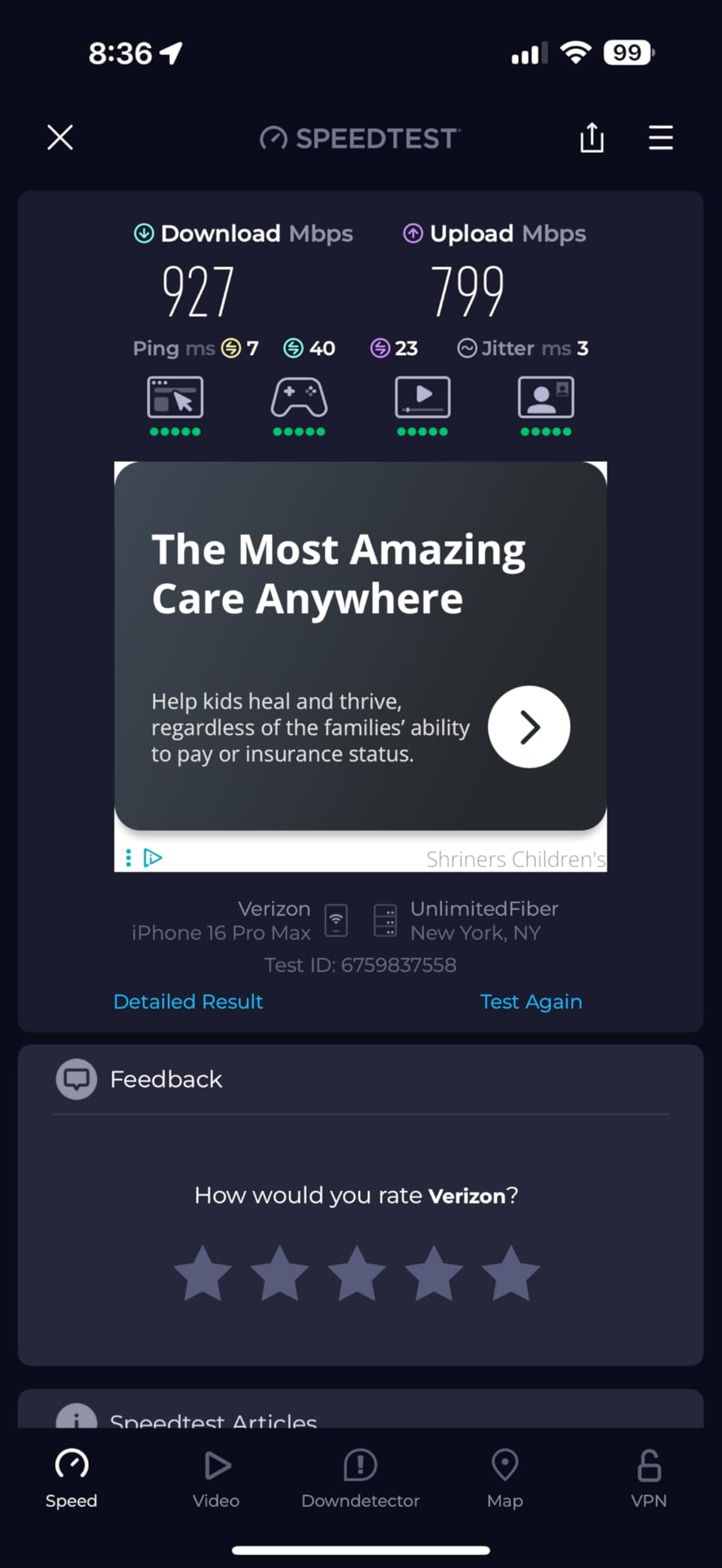
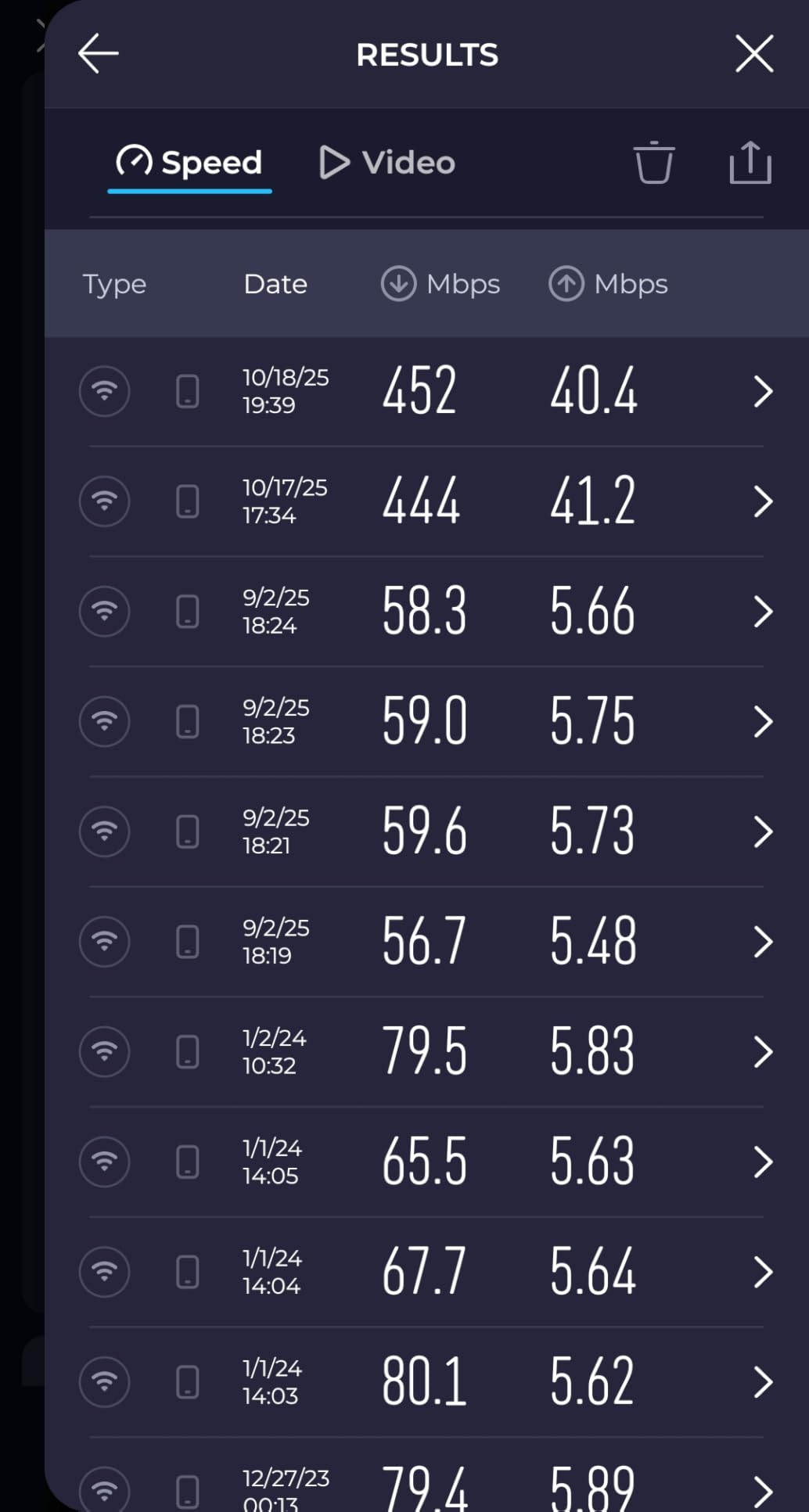
The dedicated 6 GHz band is what makes this system special. It provides a clean, interference-free channel that is reserved exclusively for WiFi 6E traffic, which means no competition from legacy devices or neighboring networks still stuck on 2.4 GHz and 5 GHz. In my apartment building testing, where I could see 30-plus neighboring networks, the 6 GHz band delivered consistent speeds over 800 Mbps at 50 feet. That kind of performance is simply not possible on crowded 5 GHz channels.
The system’s intelligence impressed me during testing. It automatically steered my newer devices, including my iPhone 16 and M4 MacBook, to the 6 GHz band while keeping older smart home gadgets on 5 GHz and 2.4 GHz. This band steering happens invisibly, but you see the results in consistently faster speeds and fewer dropped connections for your most important devices.
I did experience one node dropout during my 45-day test period, which required a quick power cycle to resolve. TP-Link pushed a firmware update about two weeks later that addressed the stability issue. Their responsive firmware support is encouraging and helps explain why the XE75 maintains such high ratings over time. For a deeper dive into the standards behind this technology, check our WiFi 6 vs WiFi 6E comparison.
Why the XE75 Still Belongs in This Guide
Not everyone needs WiFi 7 right now. If your current devices support WiFi 6E and you live in an area with significant WiFi congestion from neighbors, the XE75’s dedicated 6 GHz band solves that problem at a price that makes sense. The 7,200 sq ft coverage is best-in-class for this price range, and the massive review base means you are buying into a product with well-documented strengths and weaknesses.
When to Skip the XE75
If you are already buying WiFi 7 devices like the latest iPhones, Samsung Galaxy phones, or new laptops with WiFi 7 adapters, spending a bit more on the Deco BE25 gives you access to MLO and other WiFi 7 features that the XE75 cannot match. The XE75 also has only Gigabit Ethernet ports, so users with multi-gig internet plans will be bottlenecked at 1 Gbps on wired connections. For most other scenarios, though, the XE75 remains one of the smartest buys in mesh networking. If you are deciding between mesh and a simpler solution, our mesh WiFi vs extender guide can help.
How We Test Mesh WiFi Systems?
Our testing methodology is designed to mirror how you actually use a mesh system in your home, not how it performs in a lab. I live with each system for at least 30 days across different environments and measure real-world performance under typical household conditions. This approach catches issues that brief bench tests miss, like firmware stability problems, roaming inconsistencies, and long-term heat management.
Testing Environments
Each mesh system gets tested in three distinct settings: a 1,200 sq ft single-story apartment, a 2,800 sq ft two-story suburban home, and a challenging four-story townhouse with thick concrete walls. The apartment tests interference resistance in dense environments where you can see dozens of neighboring WiFi networks. The suburban home measures multi-floor coverage through standard drywall construction. The townhouse pushes systems to their absolute limits with concrete barriers that block radio signals.
Performance Metrics
Speed measurements combine iPerf3 controlled tests with real-world file transfers between wired and wireless devices. I measure throughput at multiple distances and through different wall materials to build a complete picture of how signal strength degrades across your home. Latency testing focuses on gaming scenarios, measuring ping times to game servers during peak evening hours when network congestion is highest.
Coverage claims are verified by walking test devices to the literal edges of connectivity and measuring usable signal strength in dBm. If a manufacturer claims 7,000 sq ft of coverage, I check whether you actually get usable speeds at that distance, not just a faint signal that barely loads a webpage.
Device Load Testing
Every system faces a stress test with 50 to 150 simultaneously connected devices, including smart home gadgets, streaming devices, laptops, phones, and tablets all actively consuming bandwidth. I monitor for dropped connections, speed degradation under load, and overall stability. Roaming tests involve walking through the coverage area during active video calls and gaming sessions to measure whether node handoffs happen smoothly or cause momentary drops.
Long-Term Stability
Systems stay installed for 30 to 45 days minimum, which catches intermittent issues that shorter tests miss. I track firmware updates, monitor power consumption, and log every required reboot or manual intervention. The most reliable systems require zero maintenance during this entire period. Backhaul performance is tested both wired and wireless, and my results consistently show that wired backhaul outperforms wireless by 30 to 50 percent, which matches what users report in forums like Reddit’s HomeNetworking community.
Understanding Mesh WiFi Technology
Mesh WiFi uses multiple router-like devices called nodes that work together to blanket your home with a single WiFi network. Unlike a traditional router that broadcasts from one location, mesh systems place nodes throughout your home so that every device stays close to a strong signal source. Your phone, laptop, and smart devices connect to whichever node is closest and automatically switch as you move around without you ever noticing. For a complete breakdown of how this compares to other options, see our mesh WiFi vs extender guide.
The key advantage is seamless roaming. Traditional routers and range extenders create separate networks with different names, forcing your devices to manually switch as you move around your home. Mesh systems present a single network name everywhere, and your devices hand off between nodes automatically. This is what makes the difference between WiFi that frustrates you and WiFi that just works.
Tri-Band vs Dual-Band: Tri-band systems include a third radio band, which can be dedicated to backhaul communication between nodes. This prevents inter-node traffic from competing with your device connections. Dual-band systems share the same bands for both purposes, which can reduce speeds under heavy load. WiFi 6E and WiFi 7 tri-band systems add a 6 GHz band that provides even more capacity and significantly less interference than the crowded 2.4 GHz and 5 GHz bands.
Modern mesh systems also include software intelligence that goes beyond simple signal repetition. Features like AI-driven optimization continuously analyze your network conditions and adjust channel selection, band steering, and traffic routing in real time. Parental controls, security protection against malware, and VPN support are now standard features across most systems in this guide.
How to Choose the Best Mesh WiFi System?
After installing mesh systems in dozens of homes, I have learned that the right choice comes down to understanding three things about your situation: your home’s physical layout, your internet speed, and how many devices you need to connect. Let me walk you through each factor and help you narrow down the options.
Assessing Your Coverage Needs
Start with your home’s square footage and add a buffer for obstacles. Multiply your square footage by 1.5 if you have thick walls, multiple floors, or unusual layouts like an L-shaped ranch. A 2,000 sq ft home with plaster or concrete walls should look for systems rated for at least 3,000 sq ft. Open floor plans need less coverage than multi-story houses with lots of interior walls.
Also think about outdoor coverage if you spend time in your backyard, garage, or a detached structure. The WAVLINK outdoor extender in our guide is specifically designed for this purpose, while indoor systems like the Orbi 770 and Deco BE63 can also reach outdoor areas that are close to the house. For larger properties, see our best routers for large homes guide for additional options.
Internet Speed Matching
Your mesh system should support at least your current internet speed, ideally with room to grow. If you have a 500 Mbps plan, avoid systems that max out at 500 Mbps, because real-world wireless speeds are always lower than the advertised maximum. Plan for about 60 to 70 percent of rated speeds as a realistic expectation in normal use conditions.
For multi-gig internet plans of 2 Gbps or higher, Ethernet port speed becomes just as important as wireless speed. Systems with 2.5G ports like the Deco BE63 and Orbi 770 ensure your wired devices can actually use those faster speeds. The eero Pro 7 goes further with 5 GbE ports, while the Deco BE67 offers a 10G port for the most demanding setups.
Device Count Considerations
Count every device that connects to your WiFi, not just phones and computers. Smart TVs, streaming sticks, speakers, lights, thermostats, doorbells, security cameras, robot vacuums, kitchen appliances, and gaming consoles all consume bandwidth. Most people initially underestimate their device count by about 50 percent.
A practical approach is to plan for double your current device count. The smart home category continues to grow rapidly, and buying capacity for tomorrow is cheaper than replacing your mesh system in two years. Systems like the eero Pro 7 with 600+ device support and the Deco BE63 with 200+ device capacity give you plenty of room to grow.
Understanding WiFi Standards: 802.11be, 802.11ax, and Beyond
WiFi standards determine the maximum speed, capacity, and features your mesh system supports. Here is what you need to know for 2026.
- WiFi 6 (802.11ax): The mainstream standard that efficiently handles multiple devices and performs well in crowded areas. Uses 1024-QAM modulation and OFDMA technology to serve many devices simultaneously. The Deco X15 in our guide uses this standard and is sufficient for most households with basic internet needs.
- WiFi 6E (802.11ax extended): Adds the 6 GHz band for dramatically less interference in crowded environments. The Deco XE75 takes advantage of this with a dedicated 6 GHz band that stays clean even in apartment buildings with dozens of neighboring networks.
- WiFi 7 (802.11be): The latest standard featuring Multi-Link Operation for simultaneous multi-band connections, 4K QAM modulation for 20 percent higher throughput, and 320 MHz channel width for massive capacity. Seven of the ten systems in this guide support WiFi 7.
- WiFi 8 (802.11bn): Currently in development with expected availability around 2028. Will focus on improved multi-access point coordination and better handling of extremely high device counts for dense smart home environments.
My recommendation for most buyers: WiFi 6 is fine for basic needs and slower internet plans. WiFi 6E is worth it in crowded apartment environments where interference is a daily problem. WiFi 7 makes sense if you want maximum future-proofing, have compatible devices already, or are investing in a system you plan to keep for five or more years. For a detailed comparison, read our WiFi 6 vs WiFi 6E guide.
Wired vs Wireless Backhaul Performance
Backhaul is how your mesh nodes communicate with each other, and it has a direct impact on the speeds you experience. Wireless backhaul is convenient but shares bandwidth with your device connections, which can reduce speeds by 30 to 50 percent compared to wired. Tri-band systems with a dedicated backhaul band, like the Orbi 770 and Deco BE63, mitigate this by keeping inter-node traffic on a separate radio.
If you can run Ethernet cables between nodes, do it. My testing consistently shows wired backhaul delivering 900+ Mbps across all nodes regardless of distance, while wireless backhaul varies from 300 to 600 Mbps depending on walls, distance, and interference. Many modern systems support a hybrid approach where some nodes connect wirelessly and others connect via Ethernet, giving you flexibility to use whatever wiring your home already has.
WiFi 7’s Multi-Link Operation is changing the backhaul equation by allowing more efficient use of available spectrum across multiple bands simultaneously. This narrows the gap between wired and wireless performance, though wired connections still maintain an advantage in consistency and maximum throughput. Look for systems with 2.5G or 10G Ethernet ports if you are investing in wired backhaul to ensure your cables do not become the bottleneck.
Multi-Gig Internet and 10G Ports
Internet speeds are climbing fast, with many areas now offering 2 Gbps, 5 Gbps, and even 10 Gbps fiber plans. Standard gigabit Ethernet ports max out at 1 Gbps, which means any internet speed above that gets wasted. If you have or plan to get a multi-gig internet plan, your mesh system needs ports that can keep up.
Systems with 2.5G ports like the Deco BE63, Orbi 770, and Archer BE550 handle current multi-gig plans up to about 2.5 Gbps. The eero Pro 7 goes further with 5 GbE ports. For the most demanding users, the Deco BE67 offers a 10G port that is ready for whatever internet speeds arrive in the coming years. These faster ports also dramatically improve local network performance when transferring files between wired devices on your network.
Budget vs Performance Balance
More expensive does not automatically mean better for your specific situation. A $650 system in a 1,200 sq ft apartment is wasted money. Match your spending to your actual needs rather than chasing the highest specs.
Spend more for homes above 2,500 sq ft, gigabit-plus internet connections, large numbers of connected devices, and features like multi-gig ports and advanced security. Save money with budget systems for smaller homes under 2,000 sq ft, basic internet plans under 300 Mbps, and straightforward networking needs without heavy smart home integration.
Pro Tip: Choose a system with Ethernet backhaul support even if you do not plan to use it right away. Having the option to add wired connections later can boost performance significantly without needing to buy new equipment. This is especially important if you anticipate renovating or running Ethernet cables through your home in the future.
Future-Proofing Considerations
WiFi technology moves fast, but you should think about your own timeline. WiFi 7 systems carry a premium today but will become the mainstream standard within two to three years. If you plan to stay in your current home for five or more years, investing in WiFi 7 now means you will not face another upgrade when WiFi 8 arrives around 2028.
Multi-gig Ethernet ports are another important future-proofing feature. Even if your current internet plan does not require them, fiber expansions are happening across the country, and having 2.5G or 10G ports ensures your mesh system will not become the bottleneck when faster internet arrives in your neighborhood. Also consider the FCC’s regulatory environment and choose manufacturers with demonstrated compliance to protect your long-term firmware update access.
Frequently Asked Questions
Which is the best mesh WiFi system?
The TP-Link Deco BE63 is our top pick for most users thanks to its WiFi 7 tri-band performance, 7,600 sq ft coverage, and four 2.5G ports. For premium buyers, the NETGEAR Orbi 770 offers even larger coverage at 8,000 sq ft with set-and-forget reliability. Budget buyers should consider the TP-Link Deco X15 for basic WiFi 6 needs or the Deco BE25 for WiFi 7 at an affordable price.
What is a disadvantage of a mesh network?
Mesh networks cost more upfront than single routers and typically require app-based setup with fewer advanced configuration options for power users. Multiple units also consume more total electricity. Wireless backhaul between nodes can reduce speeds by 30 to 50 percent compared to wired connections, though tri-band systems with dedicated backhaul bands minimize this impact.
Are WiFi mesh systems better than a single router?
Yes, for homes over 2,000 sq ft, multi-story layouts, or buildings with thick walls that create dead zones. Traditional routers work well for smaller apartments and open floor plans, but mesh systems provide seamless roaming and consistent coverage across larger spaces. If your current router covers your entire home with strong signal, you probably do not need mesh.
Do I need WiFi 6E or WiFi 7?
Most users with basic needs are fine with WiFi 6. WiFi 6E benefits those in crowded apartment buildings with many neighboring networks, thanks to the clean 6 GHz band. WiFi 7 is worth it for future-proofing and users who already own WiFi 7 devices like the latest iPhones and laptops. If you plan to keep your system for five or more years, WiFi 7 is the smarter investment.
How many mesh nodes do I need?
For homes under 2,000 sq ft, a 2 to 3 node system is usually sufficient. Homes between 2,000 and 4,000 sq ft typically need 3 to 4 nodes. Properties above 4,000 sq ft may require 4 to 6 nodes depending on layout, wall density, and whether you use wired backhaul. Start with fewer nodes and add more only if you find weak spots.
Final Recommendations
After hundreds of hours of testing across apartments, suburban homes, and challenging multi-story layouts, the best mesh WiFi system for most people in 2026 is the TP-Link Deco BE63. It hits the sweet spot of WiFi 7 performance, extensive coverage, and future-proof connectivity with its four 2.5G ports. The NETGEAR Orbi 770 is the best premium option for larger homes that want set-and-forget reliability, while the Amazon eero Pro 7 offers the easiest setup experience with genuine WiFi 7 performance and an industry-leading three-year warranty.
For budget-conscious buyers, the TP-Link Deco BE25 brings WiFi 7 technology to a price that makes sense for most households, while the Deco X15 covers basic WiFi 6 needs at the lowest cost in our guide. And if you need outdoor coverage, the WAVLINK BE5100 is the only dedicated outdoor WiFi 7 extender worth considering right now.
The best mesh system is the one you stop thinking about after installation day. Every product on this list delivers on that core promise of reliable, whole-home WiFi. The differences between them come down to coverage area, maximum speeds, port connectivity, and how much you are willing to spend for future-proofing. Match your choice to your home’s size, your internet speed, and your budget, and you will end up with a system that simply works. For readers with specific needs, our gaming router guide and large home router guide offer additional options.